

Mono Designer Portfoliov1.0.2
Use this Skill to build website page.
Popular
5.0154 downloads3 likes4 saves
Free
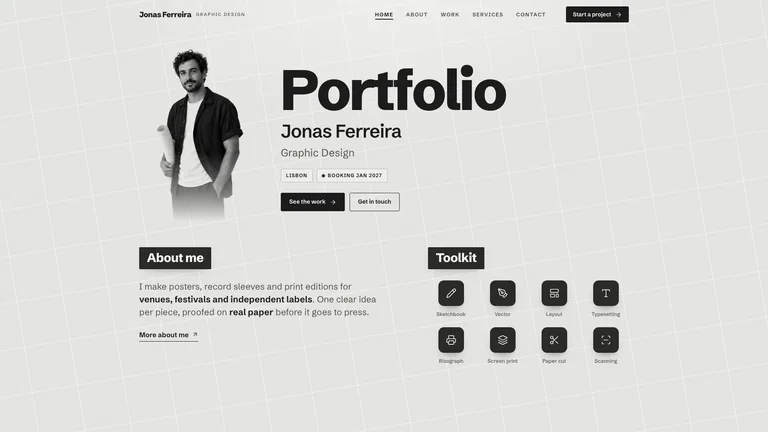
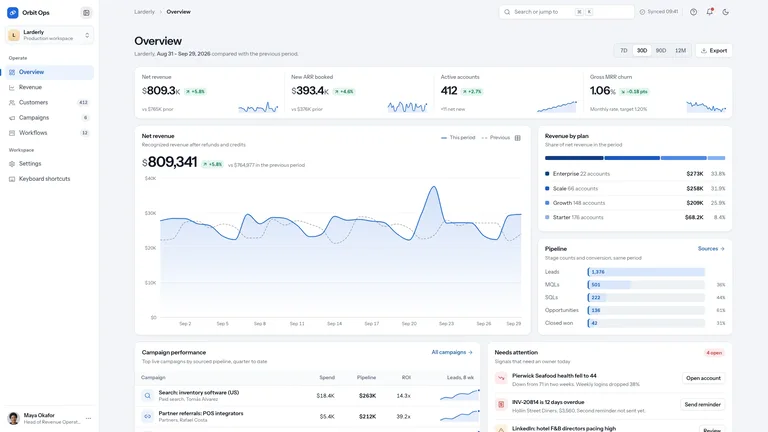
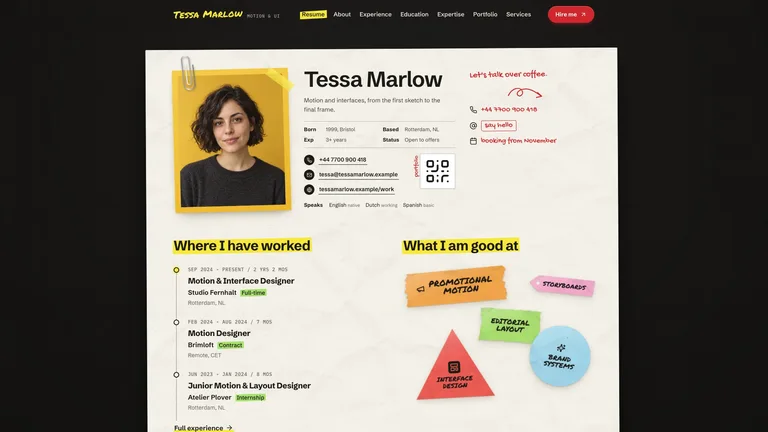
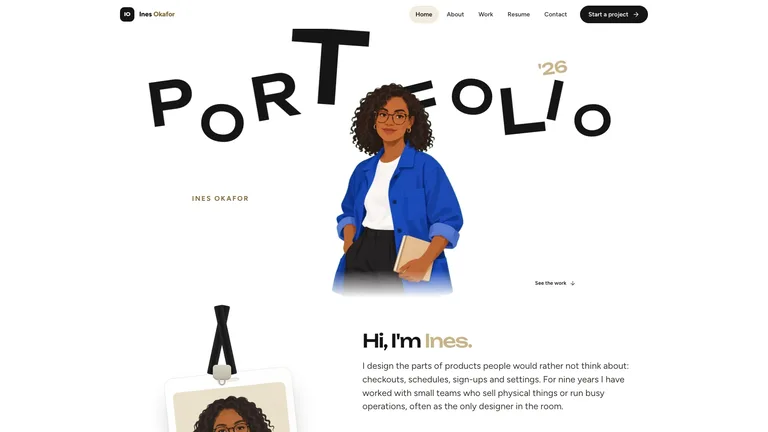
Build a monochrome graphic-design portfolio on faint, tilted grid paper: a huge black display title beside a greyscale cut-out portrait, white-on-black label chips, a two-by-four poster grid and craft tool tiles. It includes Home, About, Work with eight poster pages, Services and Contact, with work filters and search, a plus accordion and a brief form. Colour lives only in the work. By default it is one self-contained file that opens offline, made for poster, print and illustration designers.
Picked most often by
Updated Oct 20, 2026
Preview gallery
Similar Skills
View all skills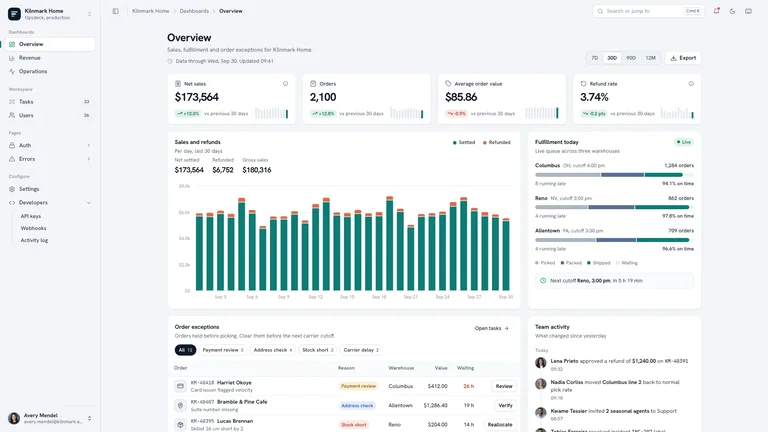
What you get
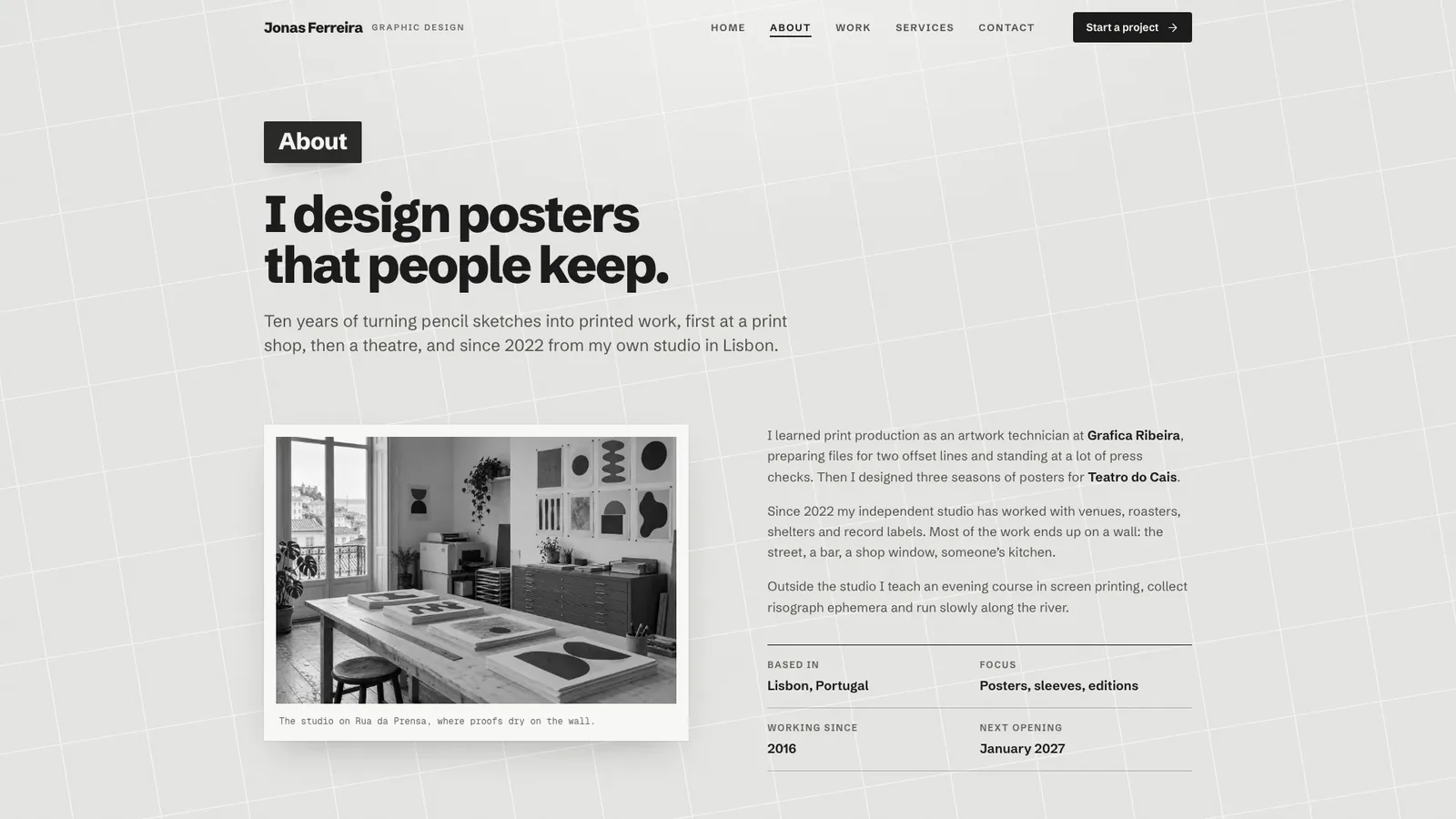
- A 14-route example for the fictional Jonas Ferreira: home, about, a work index with eight poster pages, services, contact with a brief form and a designed 404.
- Poster cards with live type over the artwork, filters, search, grid and index views, copyable palettes, a services accordion and a validated brief form.
- One self-contained file with Schibsted Grotesk and Geist Mono embedded, an image plan, a script that places posters into wall and frame photos, and built-in checks.
Good fit
- Poster, print and illustration designers who want a quiet, print-like site where the work carries the colour.
- Designers with packaged services and starting prices who want clients to send a structured brief.
- Small studios or photographers who can map series or projects onto the same poster grid.
Not for
- Colourful interface styles; the interface stays greyscale and only the work shows colour.
- Large archives with hundreds of pieces; the work index is built for four to sixteen projects.
- Receiving briefs out of the box: the form shows the brief back and sends nothing until you connect a backend.
Brand Identity & Visual SystemsWeb Design & Digital ExperiencesBuild Website PageBuild Portfolio SiteStyle-lockedEditable OutputDisplay GroteskGrid PaperLabel ChipsMonochrome GreyscalePoster Grid
Good forPortfolio sites
About this Skill
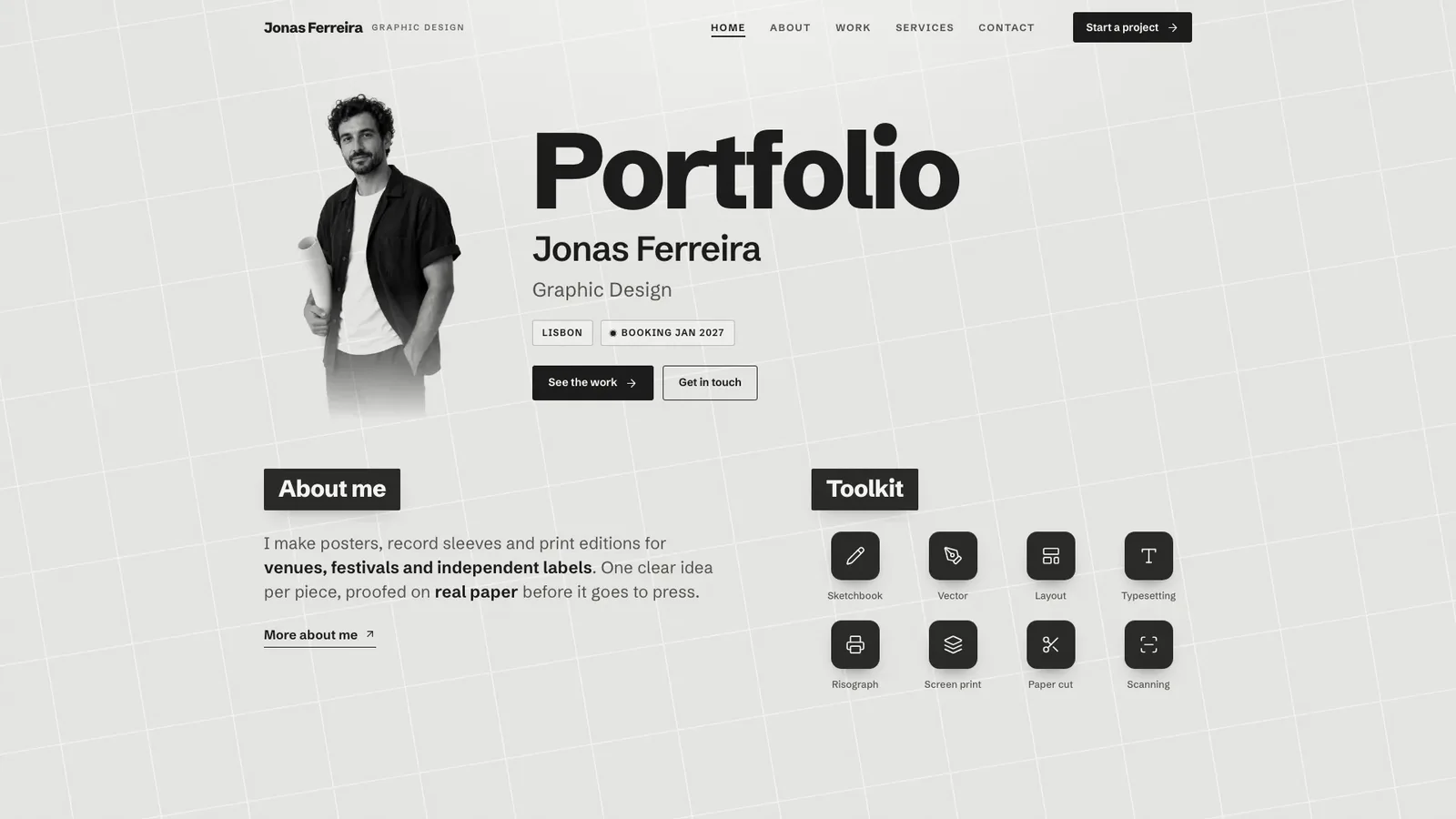
Give the Skill your name, discipline and projects, and it builds a portfolio that reads like a printed sheet: pale grey paper with a faint tilted grid, one heavy grotesk, white-on-black label chips and a greyscale cut-out portrait, with colour only in the work. The worked example is the fictional Jonas Ferreira, a graphic designer in Lisbon, with 14 connected routes and 14 images. The default result is one self-contained file that opens offline in any browser.
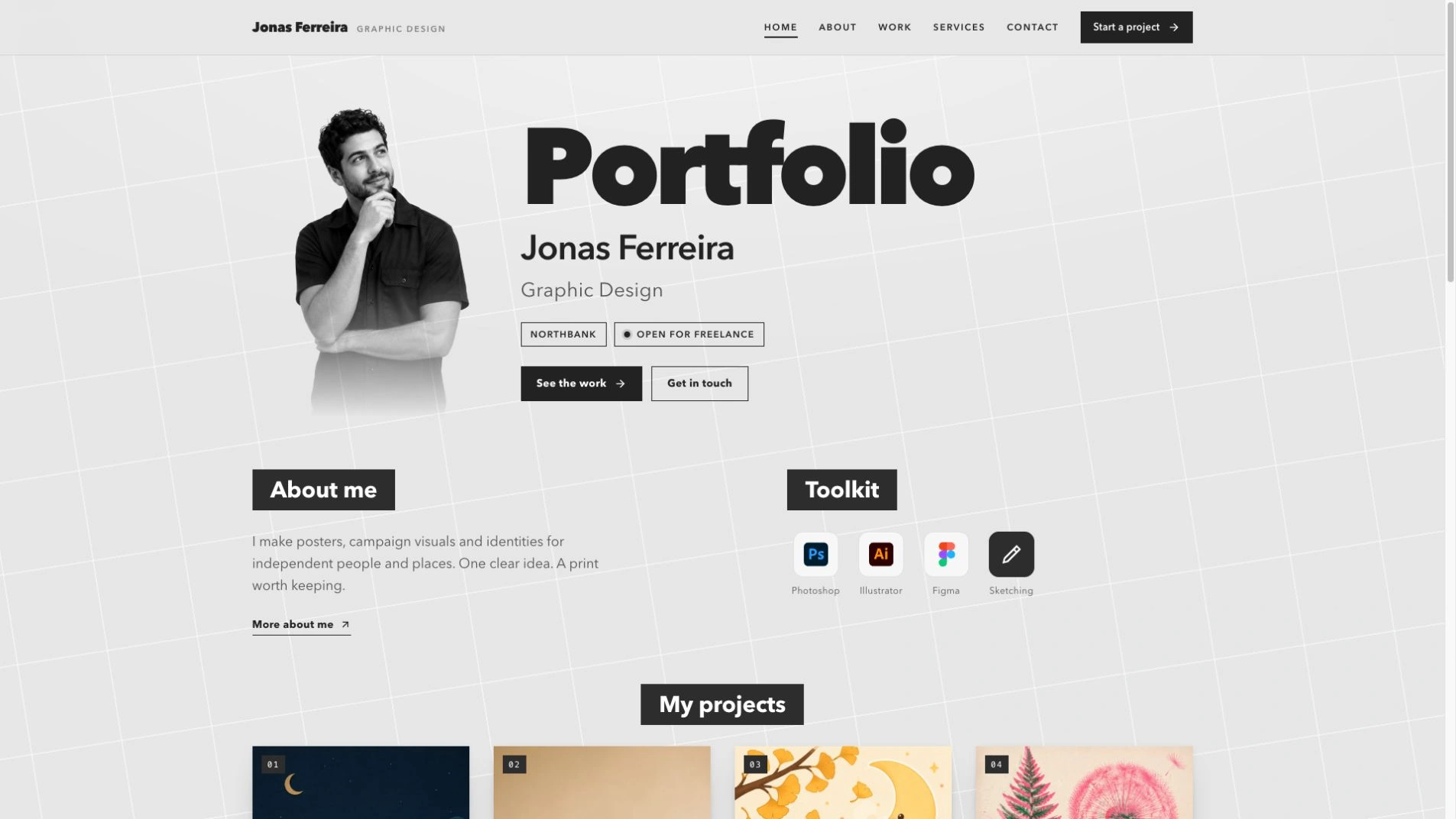
What you get
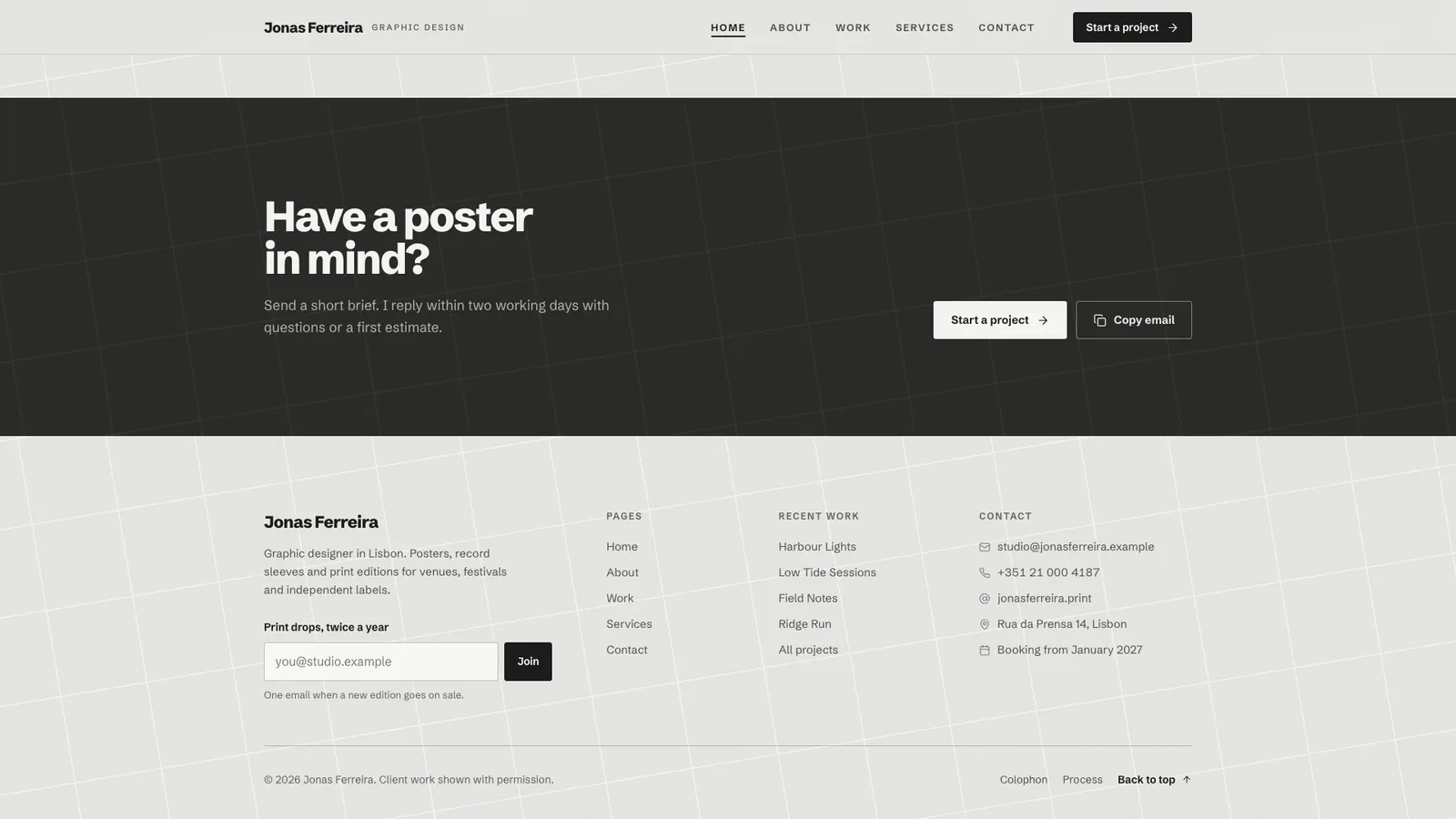
- Home with the display hero, about teaser, toolkit tiles, poster grid, an in-place feature, service rows, a client quote and a dark call-to-action band
- Project pages with brief, approach, outcome, deliverables, print specs, a copyable palette and previous and next links
- Work filters, search, grid and index views, a services accordion and a brief form with errors, loading and success
- Schibsted Grotesk and Geist Mono embedded in the file, so nothing loads from the network
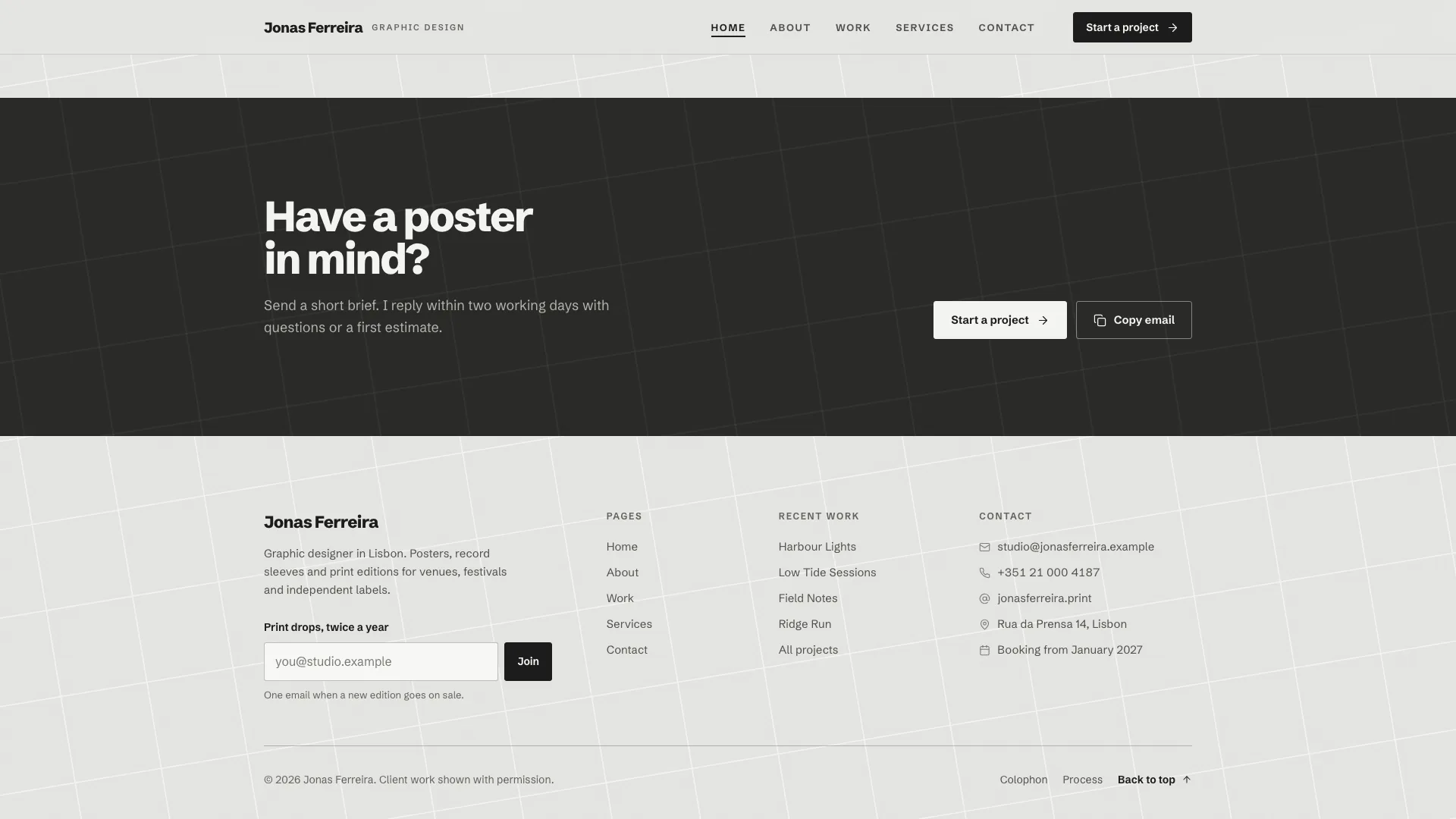
How to use it
- Share your name, city, availability, bio, projects with print specs, services with prices and contact details.
- Your agent fills the collections, sets your work into the poster cards and places finished posters into wall and frame photos.
- Check every page on desktop and phone, filter down to an empty result, send a test brief and ask for changes.
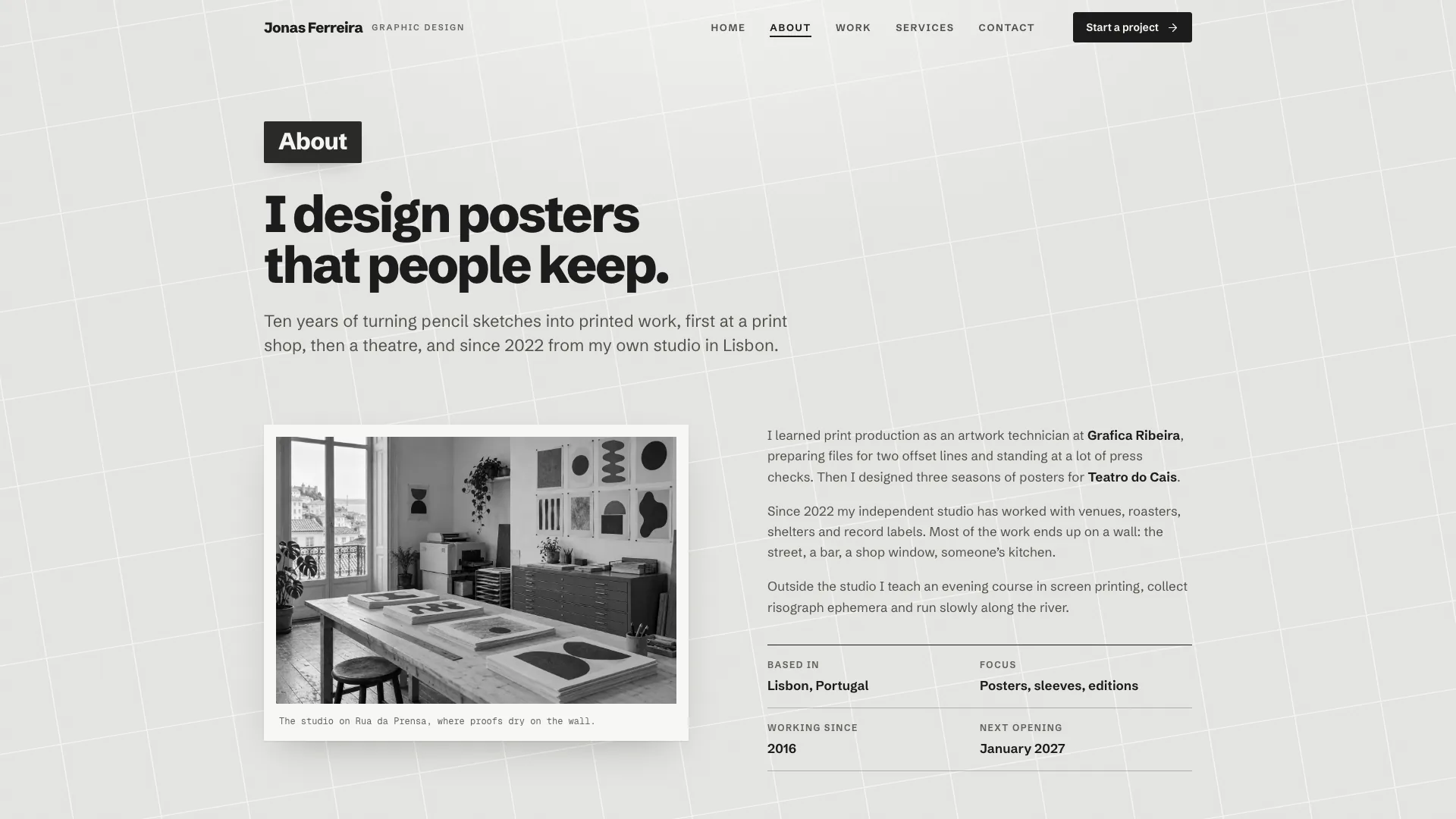
Using your own work and photos costs nothing extra; generated stand-ins may incur your image tool's usage charges.
What you need before you start
- You bring
- Name, discipline, city, availability and a short first-person bio · Four to sixteen projects with client, year, brief, outcome and print specs, ideally with your own files · Services with starting prices, a portrait photo and contact details
- Dependencies
- Node.js 18 or newer on your agent's machine, to run the bundled script that builds the single offline file · Internet access while the file is built, so the fonts can be downloaded once and embedded · Python with Pillow and NumPy, for placing posters into wall and frame photos · Optional: an image generation tool in your agent for stand-in artwork and blank scene photos
- Outside costs
- Generating stand-in artwork, the portrait or blank scene photos with your agent's image tool may incur that tool's usage charges. Your own work and photos cost nothing extra.
- Last tested
- v1.0.2 — Claude Code / Claude Desktop / Cowork / Codex / ChatGPT
User reviews
Loading reviews…