

Skillry Pick
Anthropic Report Style Herov1.0.0
Use this Skill to build website page.
5.013 downloads0 likes0 saves
$4.99
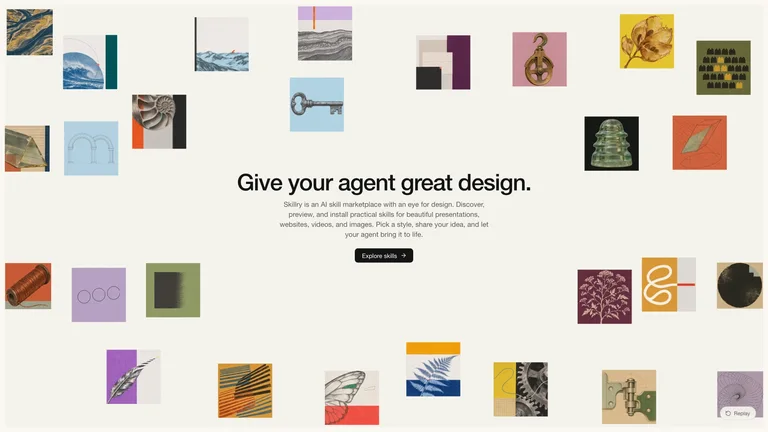
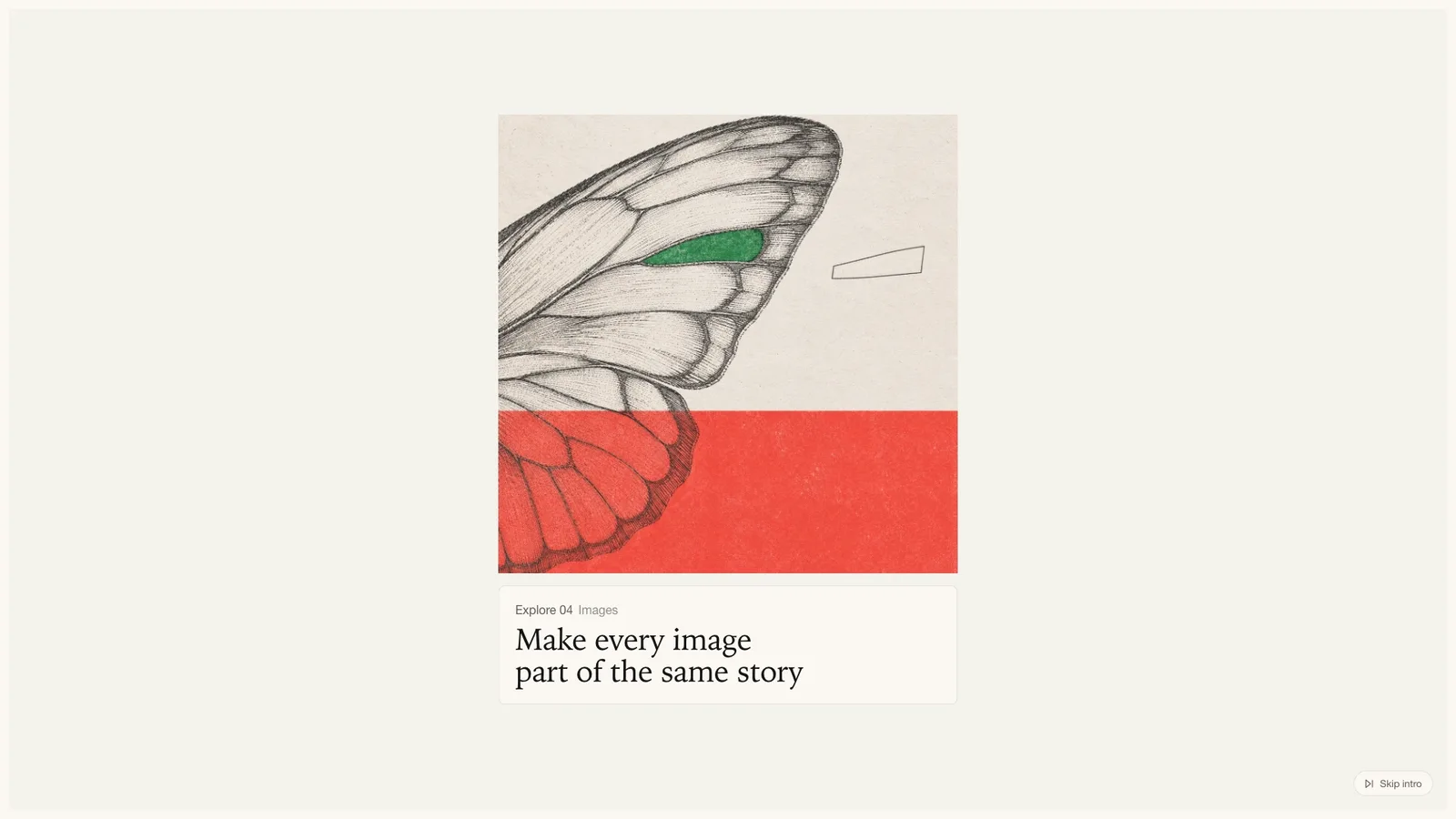
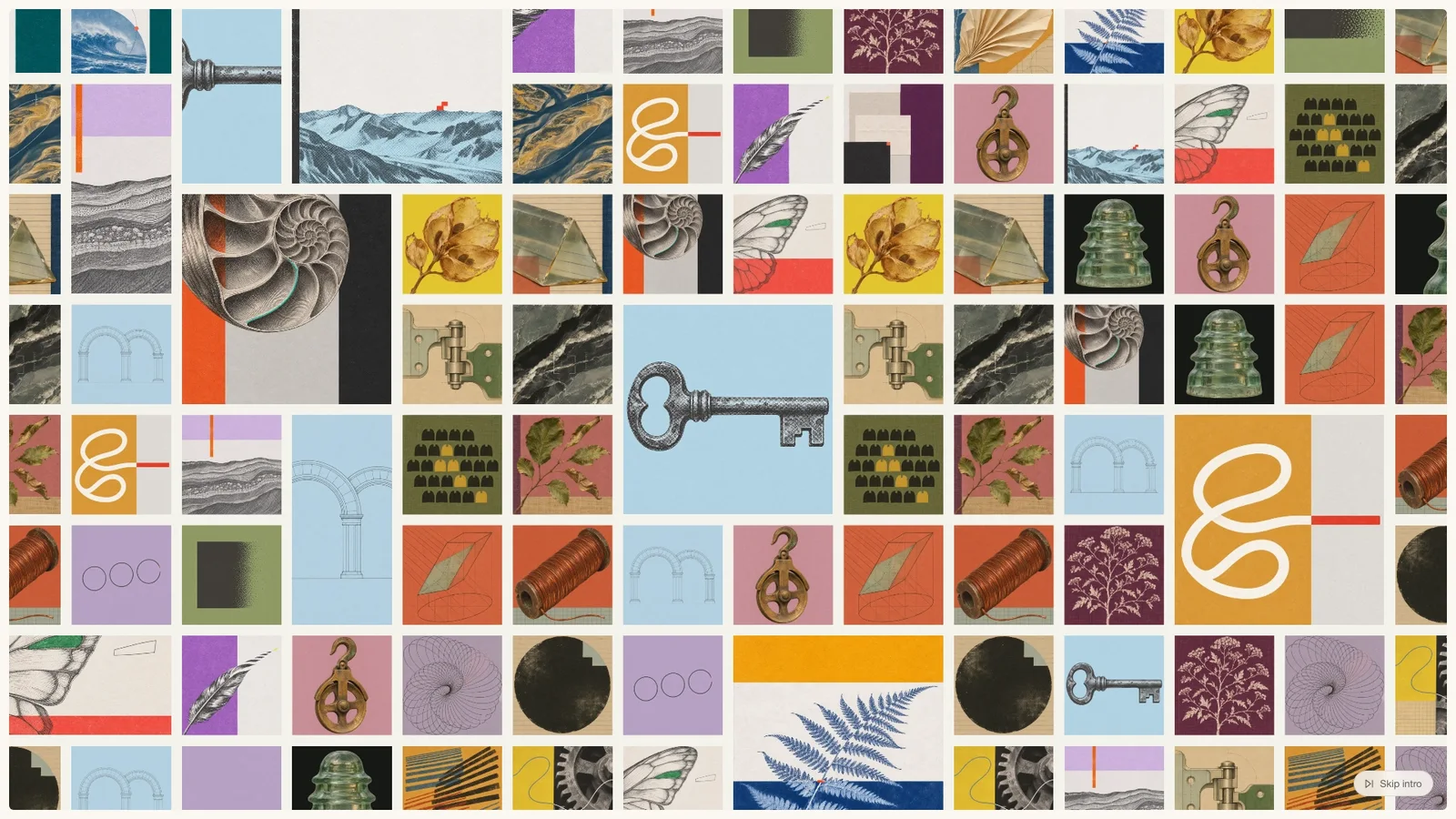
What do I get when I buy this Skill?A full-screen report hero that opens on a fast slideshow of captioned artwork, settles on one feature image, grows it into a dense mosaic, then scatters the mosaic into a floating collage around your headline and call to action. Built for annual reports, impact reports, research reviews and mission pages that want a calm off-white editorial first screen with real motion. It ships with a ready demo, so you only swap in your own chapters, copy and artwork.
Picked most often by
Updated Nov 5, 2026
Preview gallery
Similar Skills
View all skills
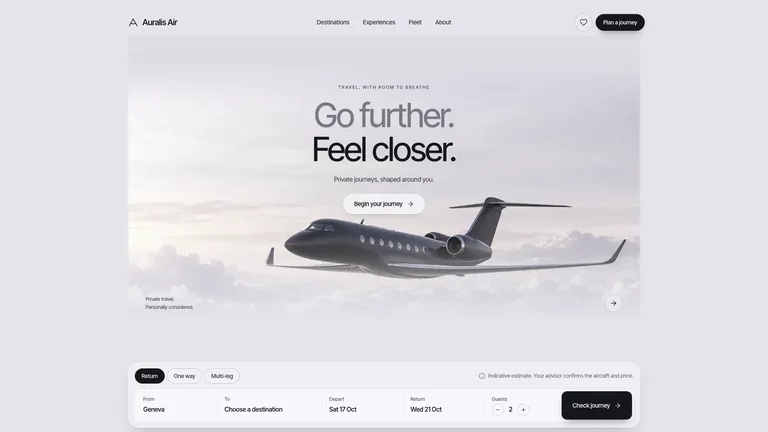
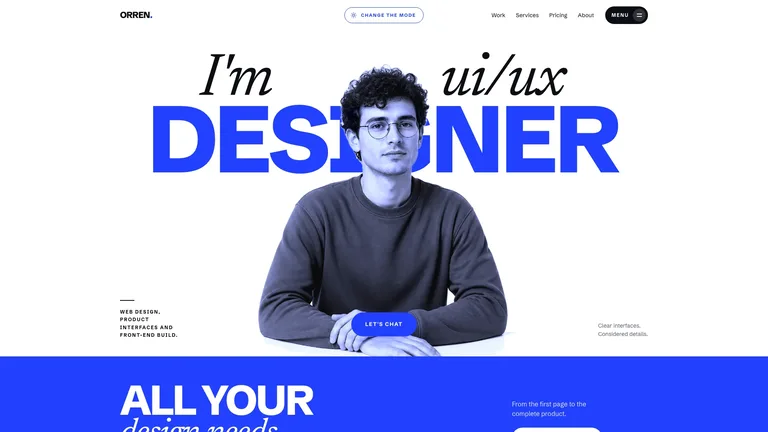
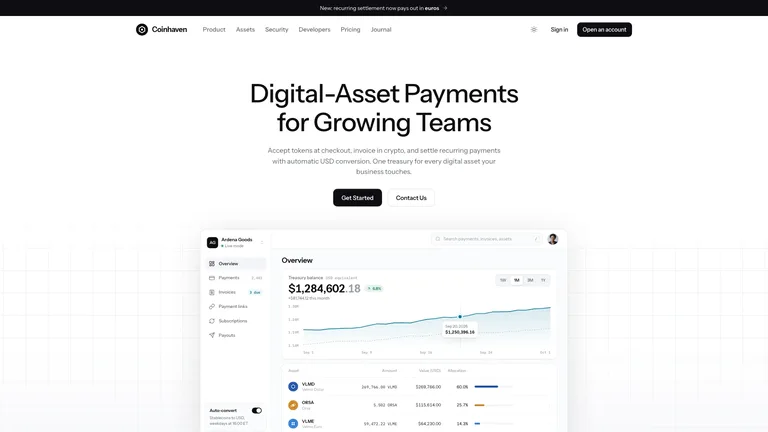
What you get
- A working full-screen report hero with the complete intro: a captioned slideshow, the mosaic build-up, a camera pull-back and a scatter into a floating collage around your headline.
- A template where one content block holds your title, intro, button and 6 to 12 chapters, with random-color placeholders standing in until your artwork is ready.
- A style guide, an exact motion timeline, a guide for rebuilding the hero in your site's framework and a local checker for the finished file.
Good fit
- Organizations publishing an annual, impact or research report that deserves a memorable cover screen.
- Teams with a set of chapter illustrations or a collage series they want to show at once.
- Designers who want a precise, replayable intro animation they can tune instead of building from scratch.
Not for
- A full report website: this is the opening hero only, with no navigation bar or inner pages.
- Brands that want dark, neon or loud visuals; the look is deliberately quiet off-white and black.
- Copying another organization's name, logo or artwork; you bring your own content and images.
Content Creation & PublishingWeb Design & Digital ExperiencesBuild Website PageBuild Landing PageBuild Report HeroStyle-lockedEditable OutputEditorial CollageOff White MinimalKinetic IntroMosaic Grid
Good forLanding pages
About this Skill
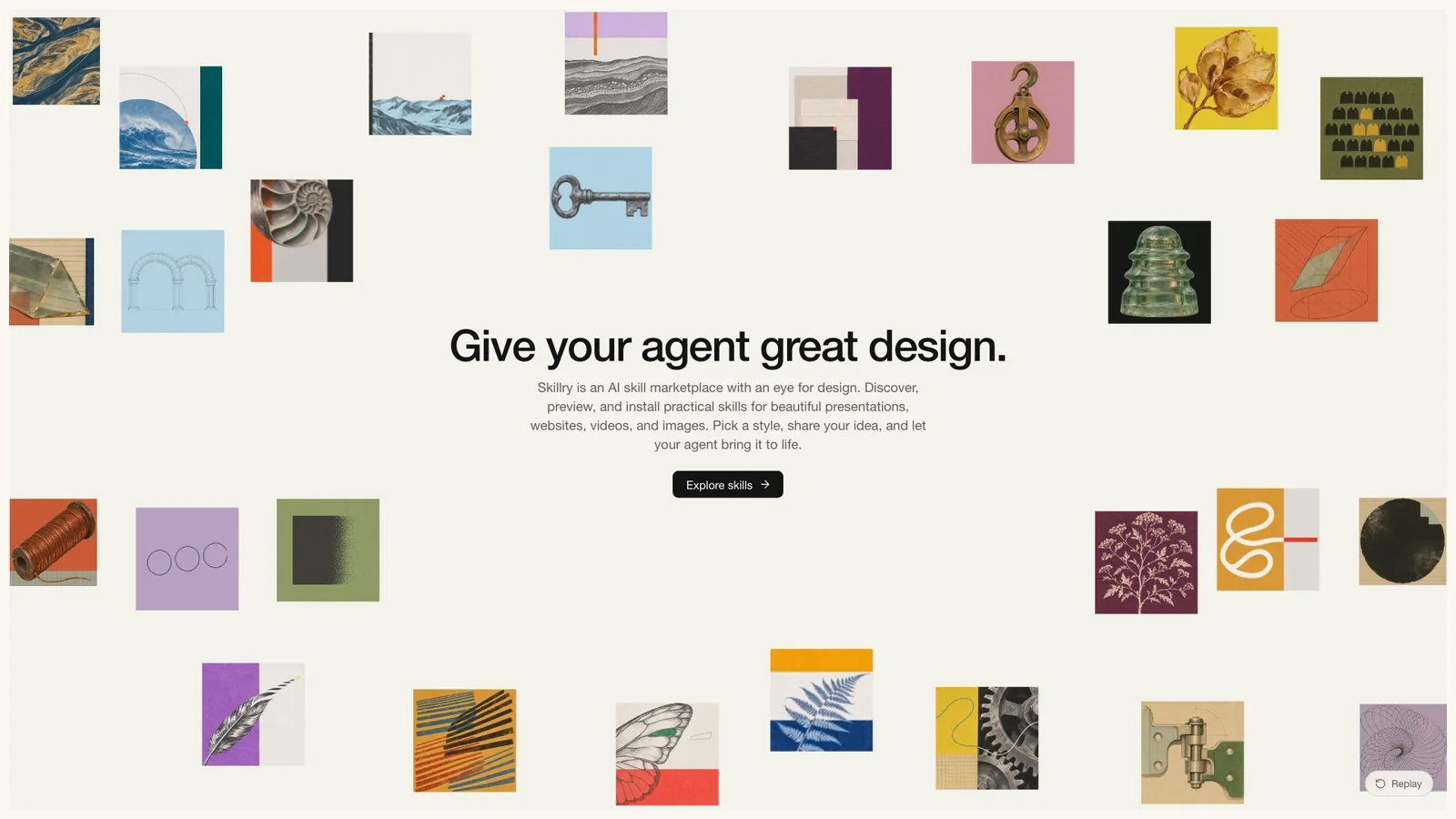
Your report opens like a short film. Chapter artworks flash past under a caption card, the last one settles into a dense mosaic, and the mosaic scatters into a floating collage that frames your headline.
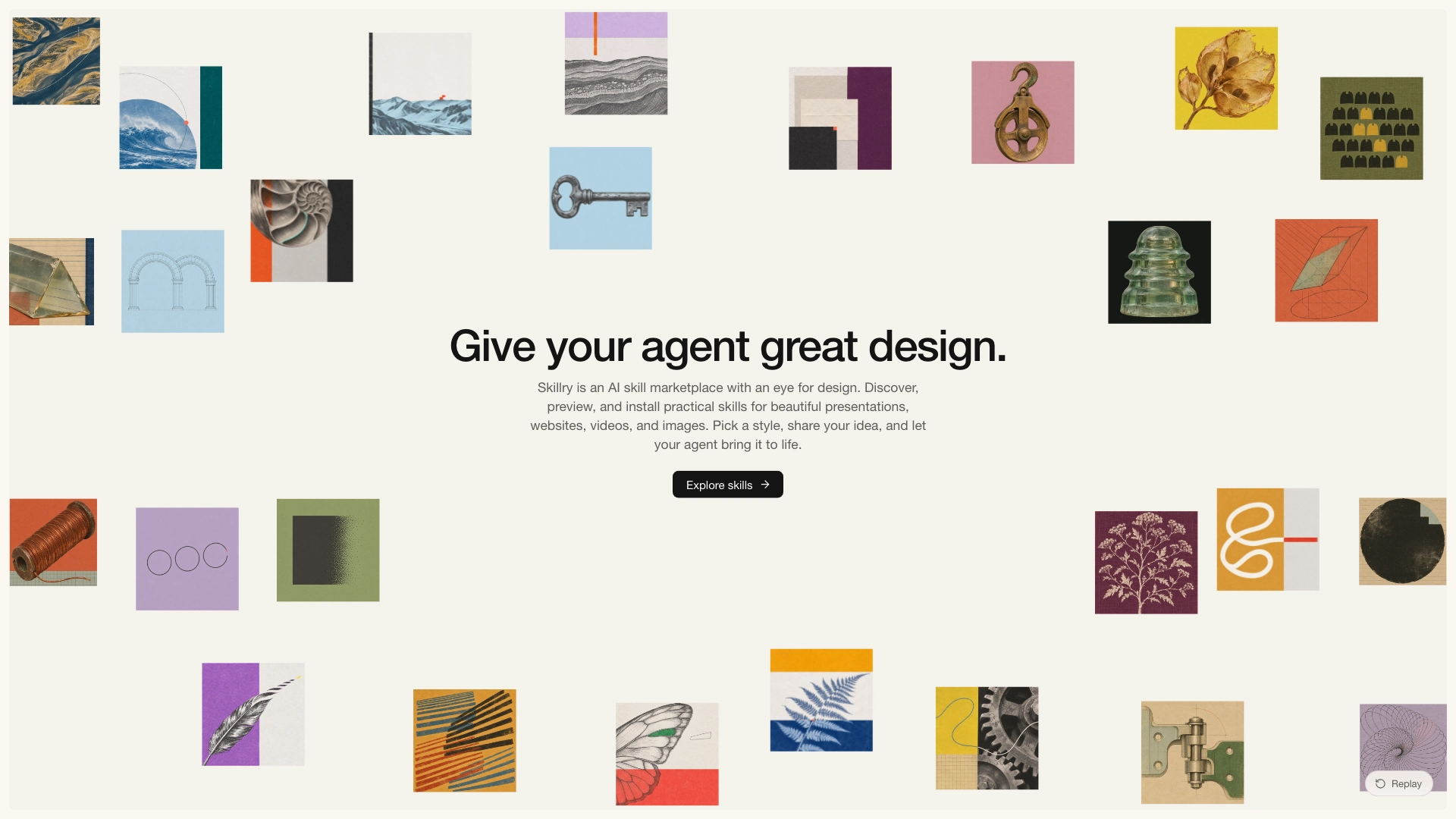
What you get
- A full-screen hero that plays the whole intro once, then rests with tiles drifting gently as the pointer moves
- One place to edit your title, intro, button and up to twelve chapters, with colorful placeholders until your artwork is ready
- A matching version for your own site, whatever framework it uses, with the same timing and look
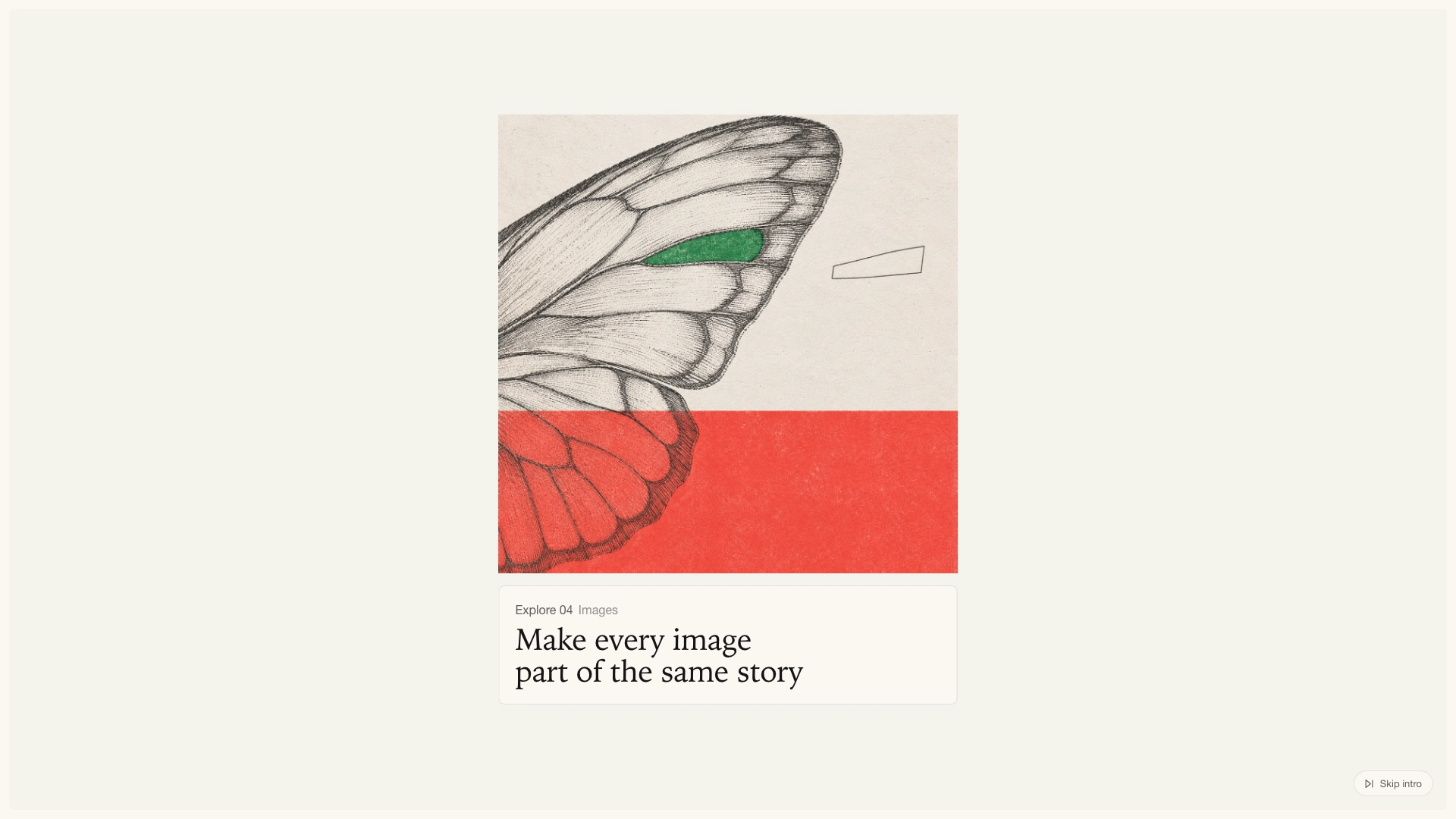
How to use
- Tell it the report's title, a two-sentence intro and your chapter titles
- Add your chapter illustrations if you have them, or keep the placeholders for now
- Open the result, watch the intro, and ask for any change you want: shorter timing, another button label or a different chapter order
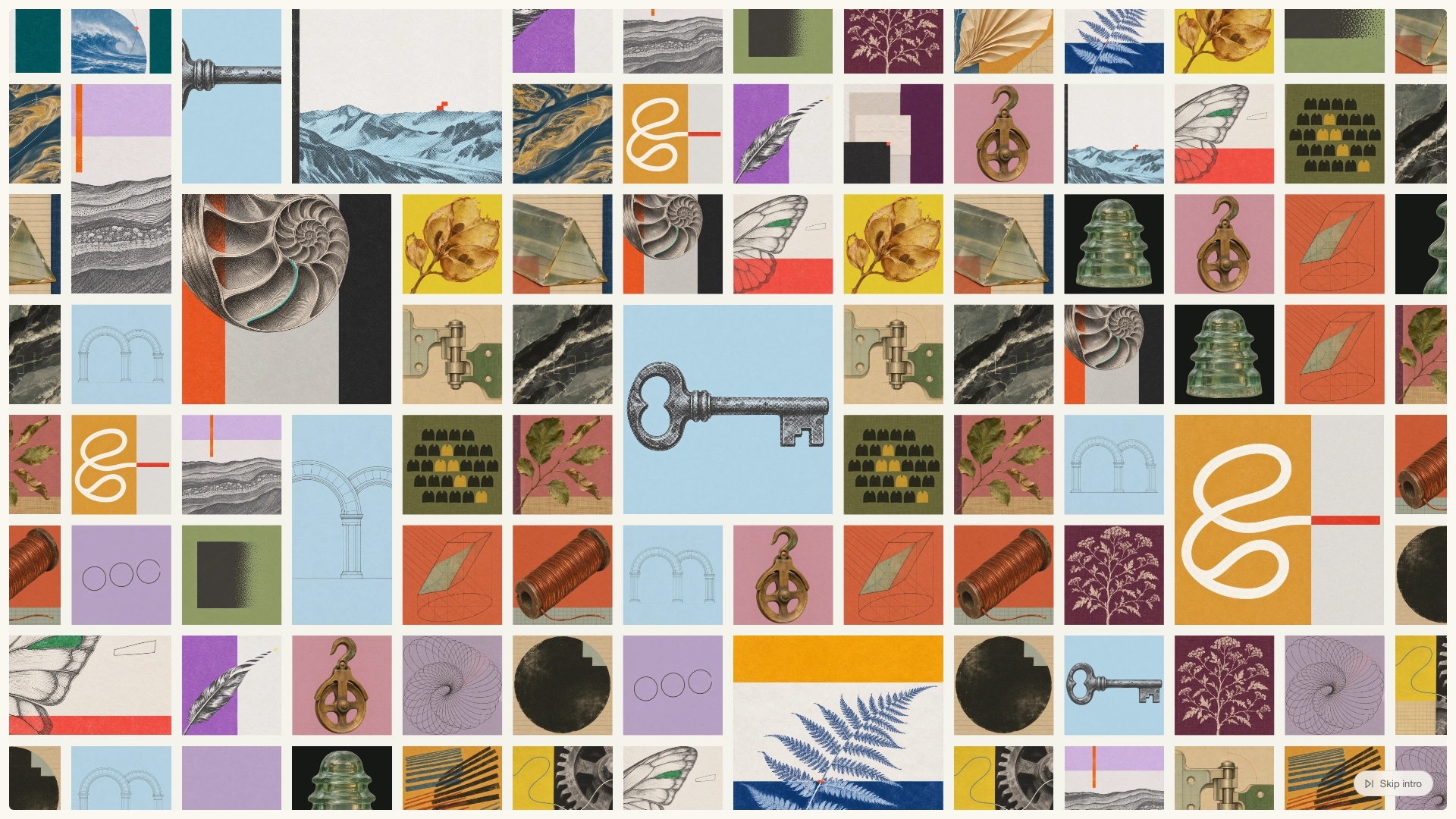
What you need before you start
- You bring
- The report title, a short intro paragraph and a button label · 6 to 12 chapter titles, each with a short label and theme; artwork is optional
- Last tested
- v1.0.0 — Claude Code / Claude Desktop / Cowork / Codex / ChatGPT
User reviews
Loading reviews…