CreatorMotion · Title Scene Takeover


 +7

Turn headlines into 60fps kinetic text videos or CSS & JS animations. Free, no watermark.
Want a full multi-scene kinetic video? Ask Claude Code, Codex, or Cursor to render it with a Skill.
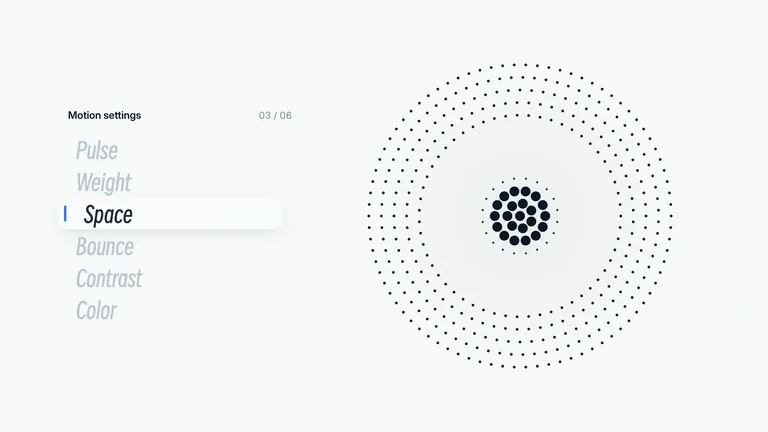
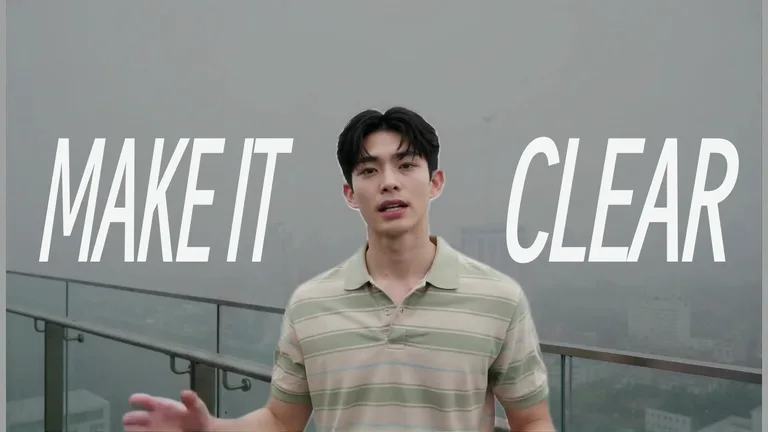
Pop, Stack, Slam, Bounce, Decode, Type, Rise, Blur, Flip, and Tracking.
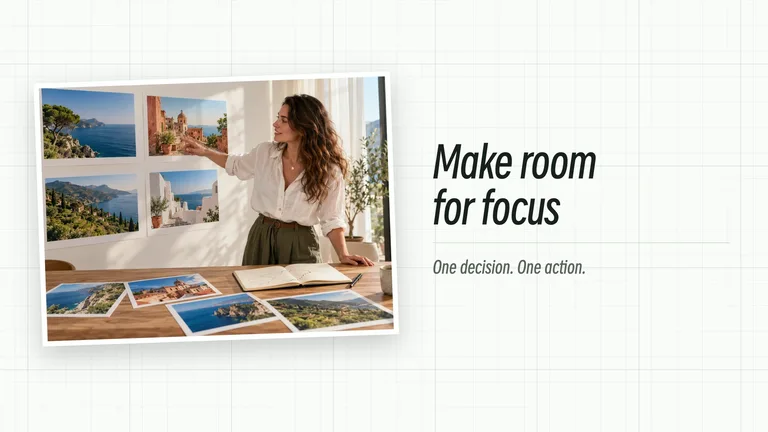
Style kinetic text with gradients, custom colors, or your own image.
Export 60fps video, transparent overlays, or copy CSS & JS animation.
One browser workspace for YouTube intros, TikTok hooks, 3D-feel titles, and live web headlines.
Render crisp 60fps 16:9, 9:16, 4:5, or 1:1 videos for YouTube, Reels, TikTok, and X with zero watermark.

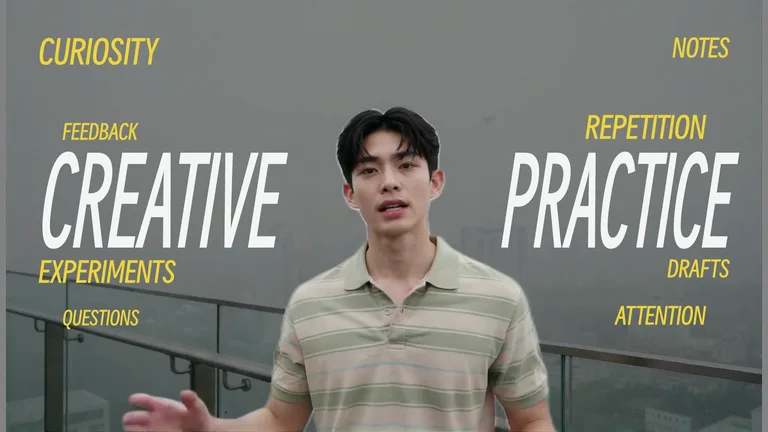
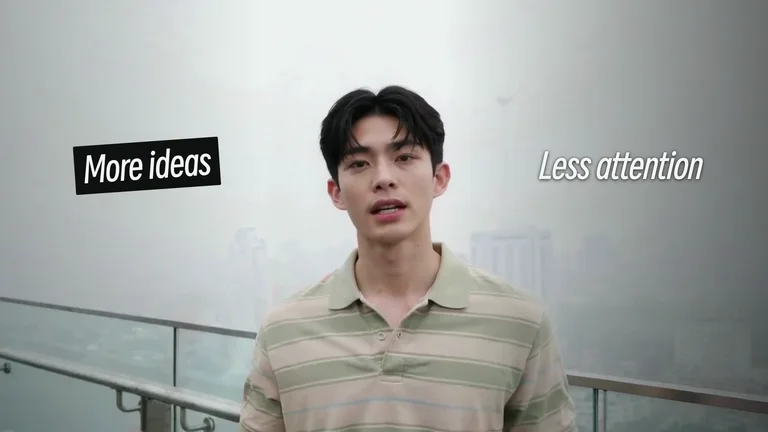
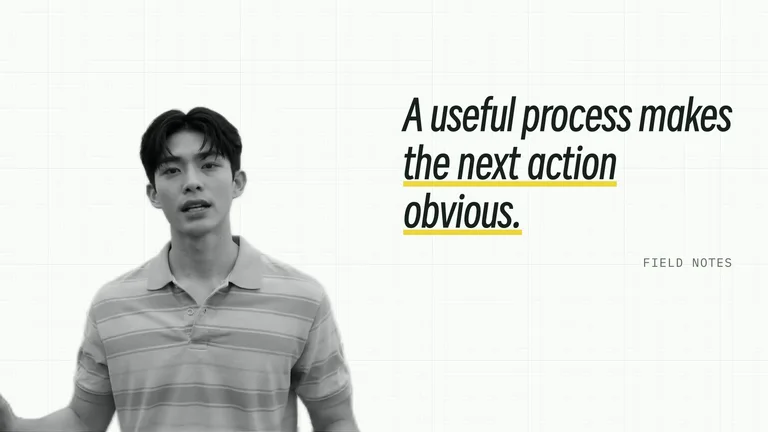
Create punchy kinetic typography sequences with highlight accents, impact shake, and dimensional flip.
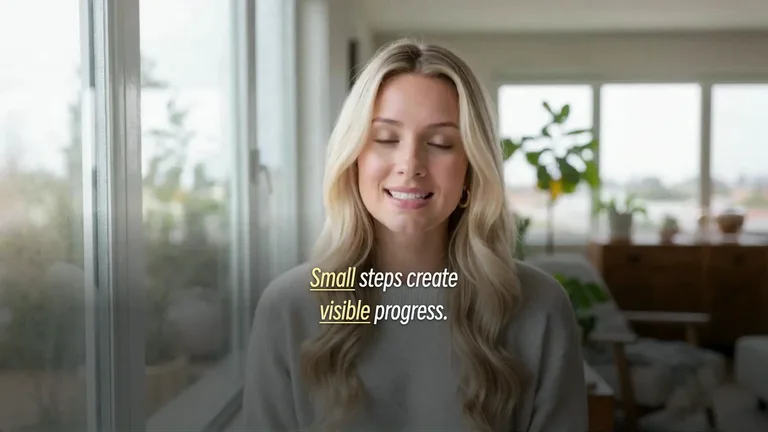
Switch Background to None and export transparent animated text to drop straight over Premiere or CapCut.
Switch Stage to Code view to copy dependency-free HTML, CSS @keyframes, and JS stagger animations.
 1
Each line is a screen. Wrap *words* in stars to highlight key hooks.
 2
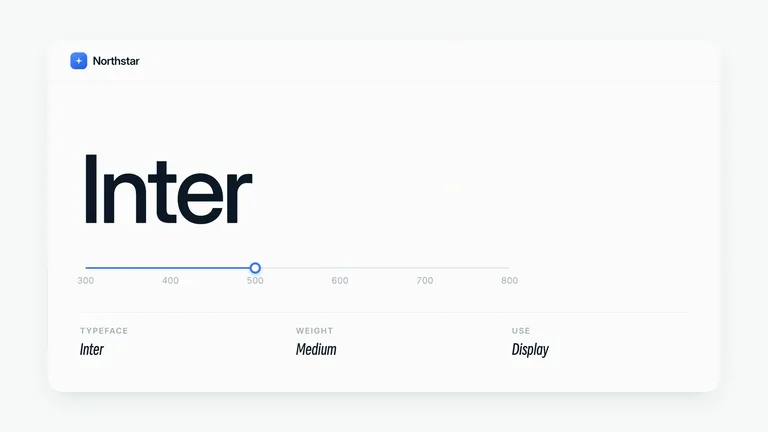
Preview 10 text animation styles, 6 fonts, 24 gradients, or photos.
 3
Download MP4, transparent WebM α, PNG, or copy clean code locally.
| Capability | Skillry Free Studio | Jitter Free | Kapwing Free |
|---|---|---|---|
| Watermark-free animated text MP4 | Free · No login | 720p watermarked | Watermarked |
| Transparent background (WebM α) | Included free | Paid plan only | Not supported |
| Copy CSS & JavaScript text animation | One-click Code view | No code export | No code export |
| Privacy & local browser rendering | 100% on-device | Cloud account | Cloud upload |
Yes. You can generate and export 60fps kinetic typography MP4, transparent WebM α, PNG stills, and HTML/CSS/JS code completely free with zero watermark and no sign-up.
Kinetic typography is moving text timed to rhythm and emphasis, while an animated text generator is the browser tool that renders those motions into video or code in seconds without After Effects.
Yes. Toggle Stage to Code in the top bar to inspect and copy clean, dependency-free HTML, CSS @keyframes, and JavaScript stagger code synced to your script.
Yes. Try Flip, Slam, and Bounce presets for dimensional motion, and switch between 16:9, 9:16, 4:5, and 1:1 aspect ratios with one click.
Click WebM α in the export dock (or set Background to None) to export a VP9 alpha video ready for Premiere Pro, Final Cut, DaVinci Resolve, or CapCut.
Yes. Open Background → Image to upload or paste (⌘V) any photo, and adjust the Darken slider so your typography stays crisp and readable.
Never. Rendering and video encoding execute 100% locally inside your browser tab.
Free animated text generator — export MP4, transparent WebM, or CSS/JS right in your browser.