



Mint Marker Deckv1.0.0
Use this Skill to create presentation.
5.00 downloads0 likes0 saves
$4.99
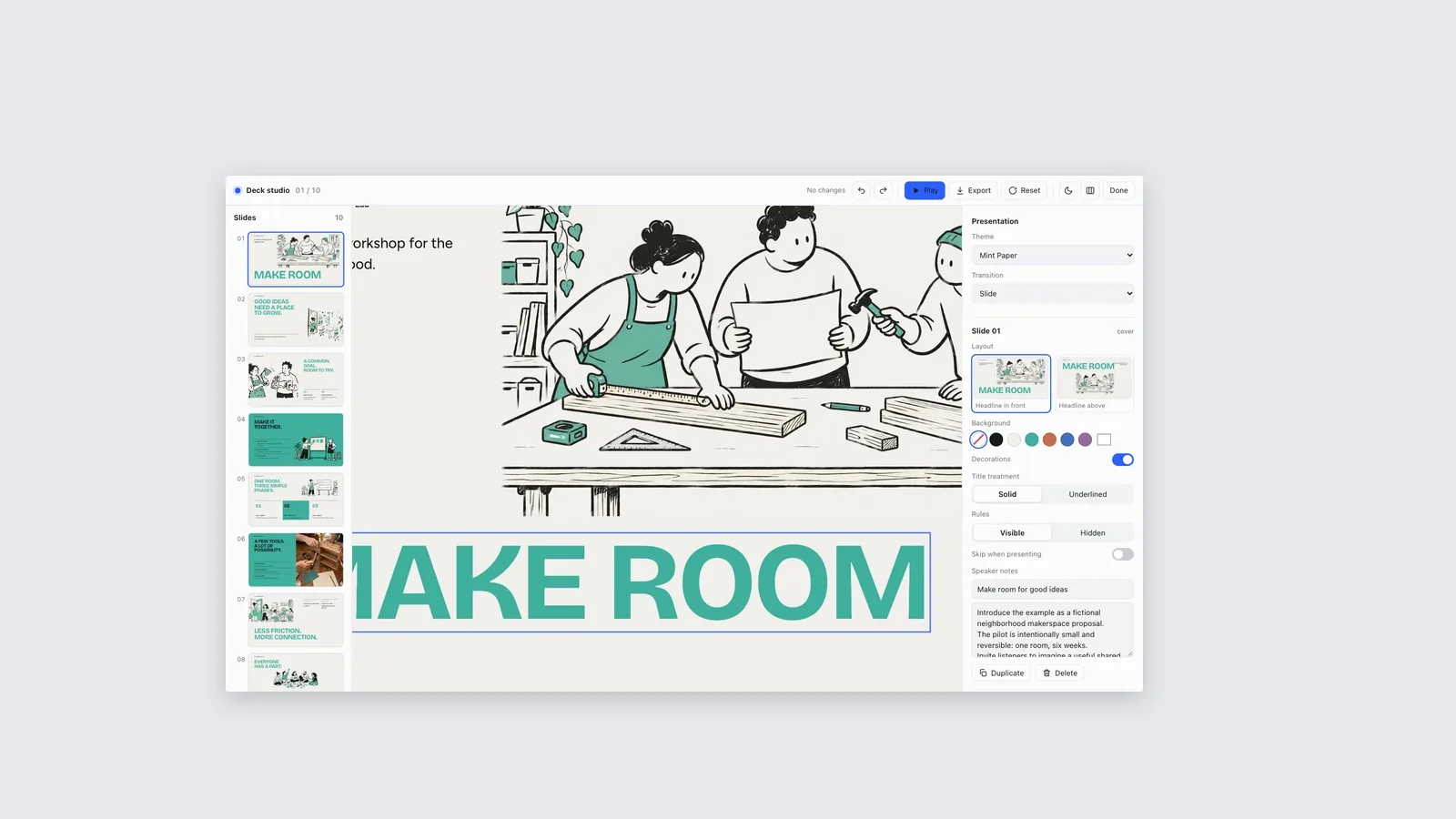
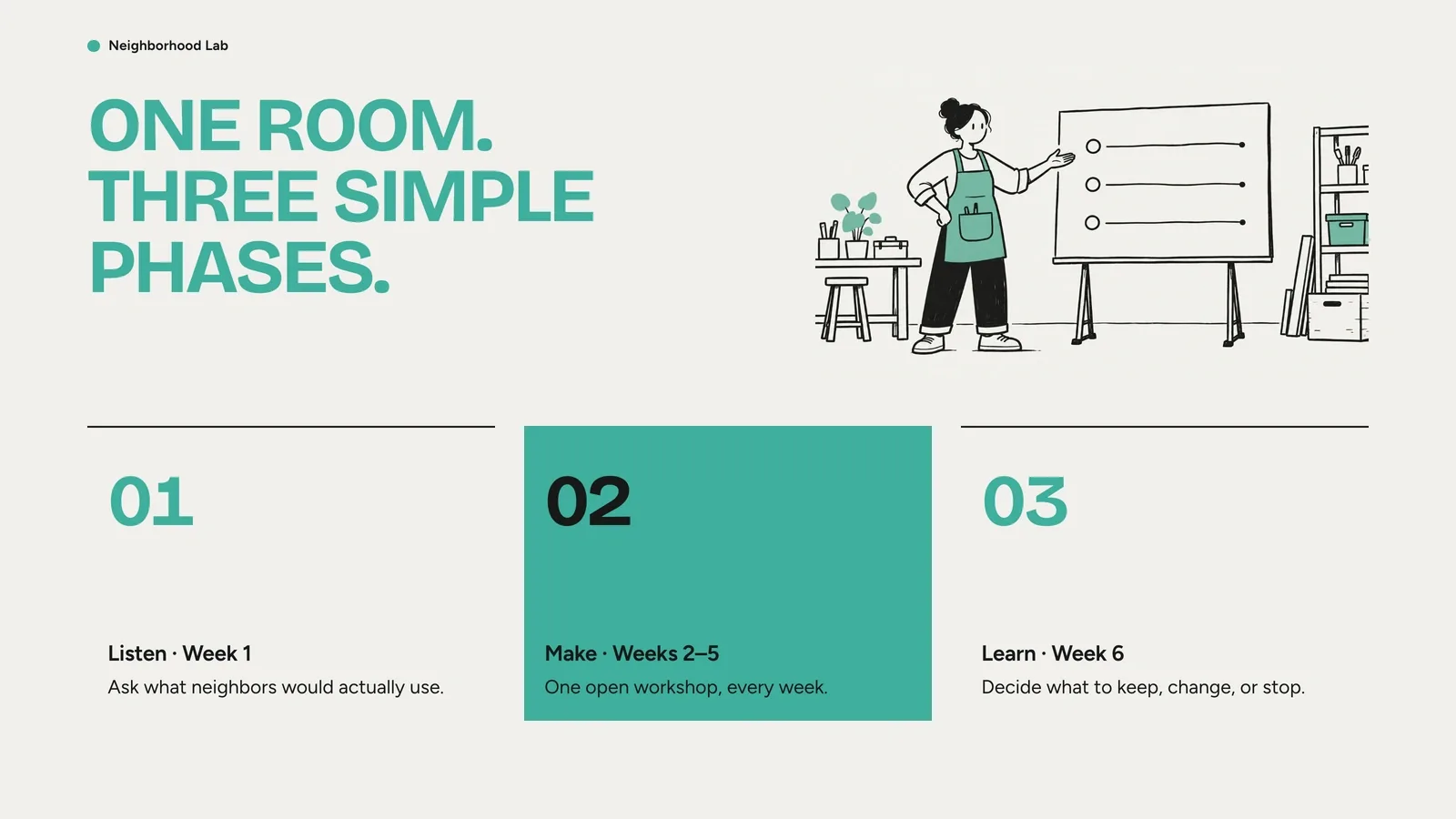
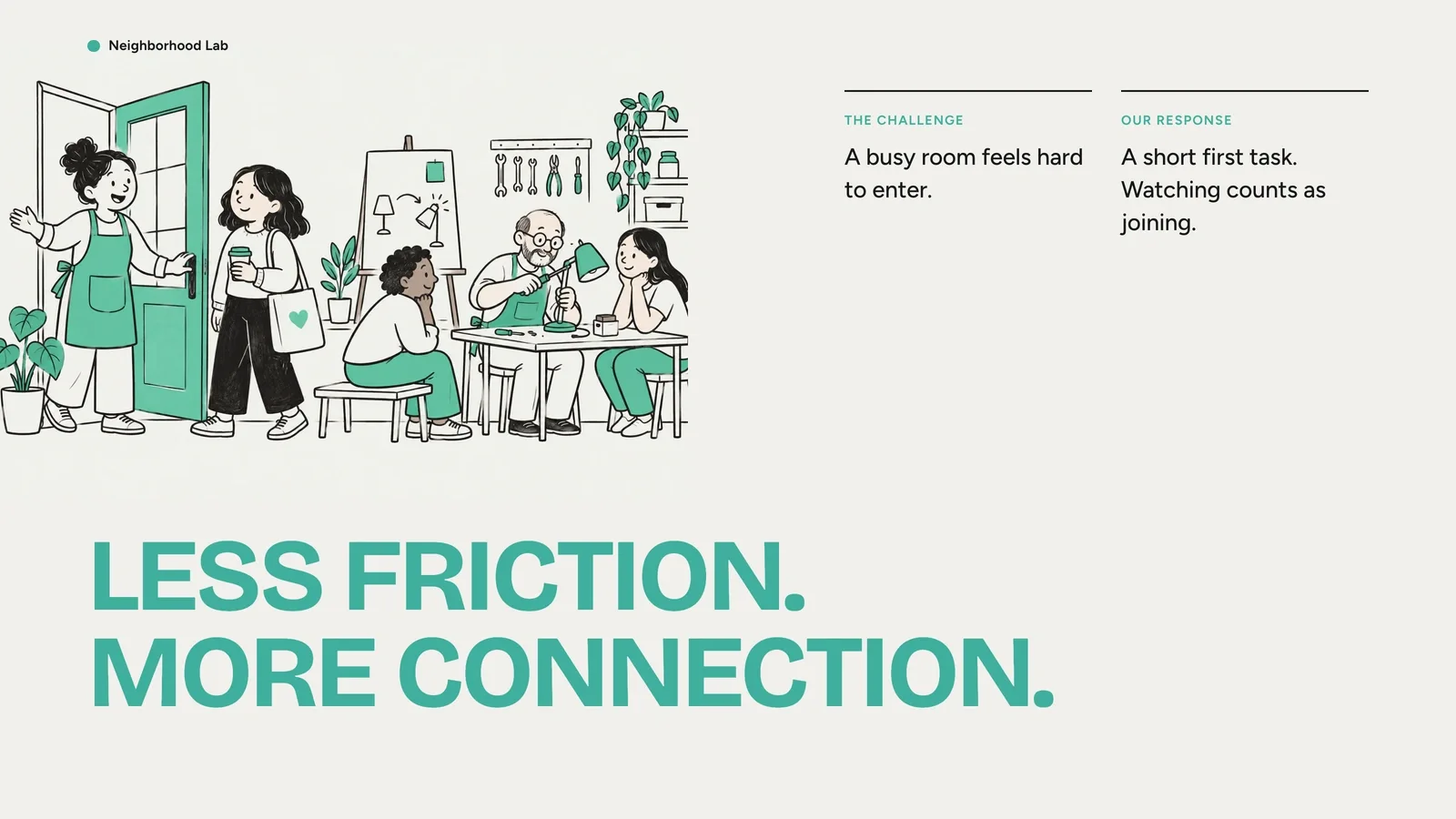
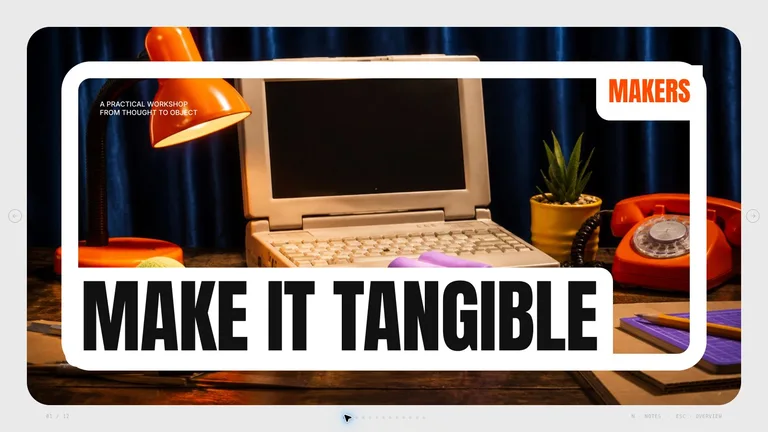
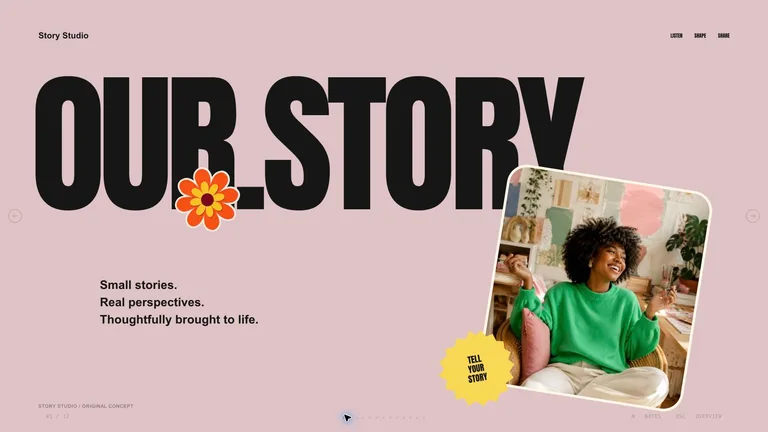
What do I get when I buy this Skill?Create a slide deck with oversized mint headlines, loose black marker characters, and warm paper backgrounds. Turn project plans, workshops, and team updates into a presentation you can edit in your browser and export to PowerPoint.
Picked most often by
Updated Oct 9, 2026
Preview gallery
Similar Skills
View all skills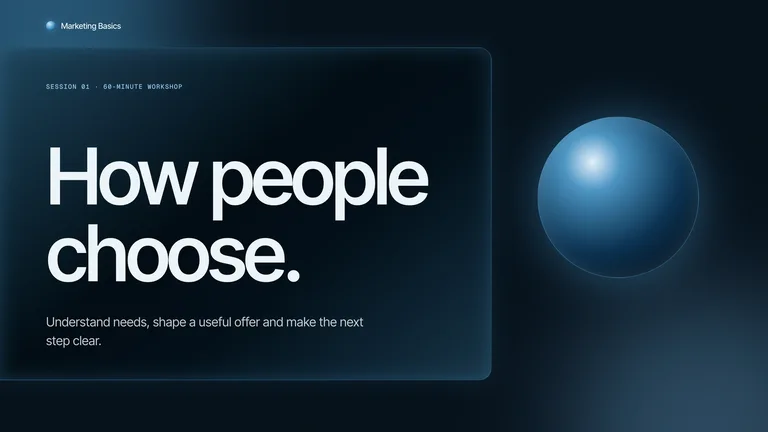




What you get
- A complete presentation with oversized headlines, original marker drawings, photo bands, and speaker notes.
- Browser editing plus editable PowerPoint export: text and notes remain editable; backgrounds, drawings, and charts are images.
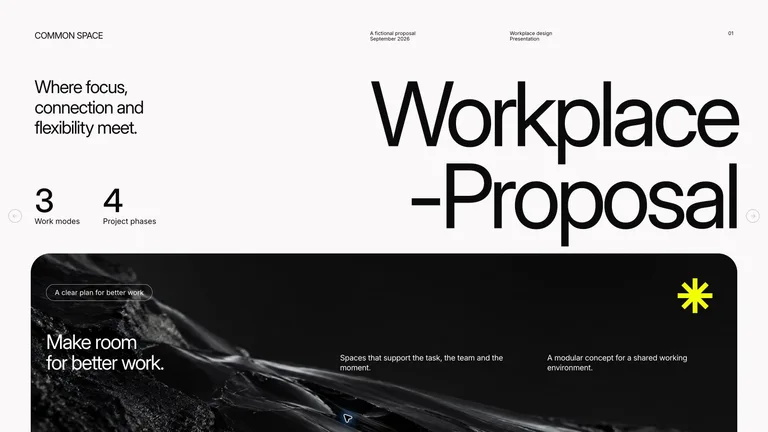
- Four coordinated color presets and reusable layouts for covers, goals, timelines, comparisons, and closing slides.
Good fit
- Workshop hosts introducing a shared project or a hands-on activity.
- Teams explaining goals, responsibilities, milestones, and next steps.
- Community organizers or course creators who want a friendly illustrated presentation.
Not for
- Dense financial tables or long technical reports that need small text on every slide.
- Fully native PowerPoint drawings, charts, or shape-by-shape editing.
- Reproducing a reference artist, organization, logo, or existing slide design exactly.
Education & ExplainersClient & Executive ReportingCreative Development & PrevisualizationCreate PresentationStyle-lockedSeries-consistentEditable OutputHand DrawnMinimalistAsymmetric EditorialOversized Typography
About this Skill

Turn your outline into a presentation with mint headlines, black marker drawings, and warm paper backgrounds. The large type and open spaces give each idea room, whether you are introducing a workshop, sharing a project plan, or asking a team to act.

What you get
- A complete presentation with original drawings, photo bands where useful, and speaker notes that support your talk.
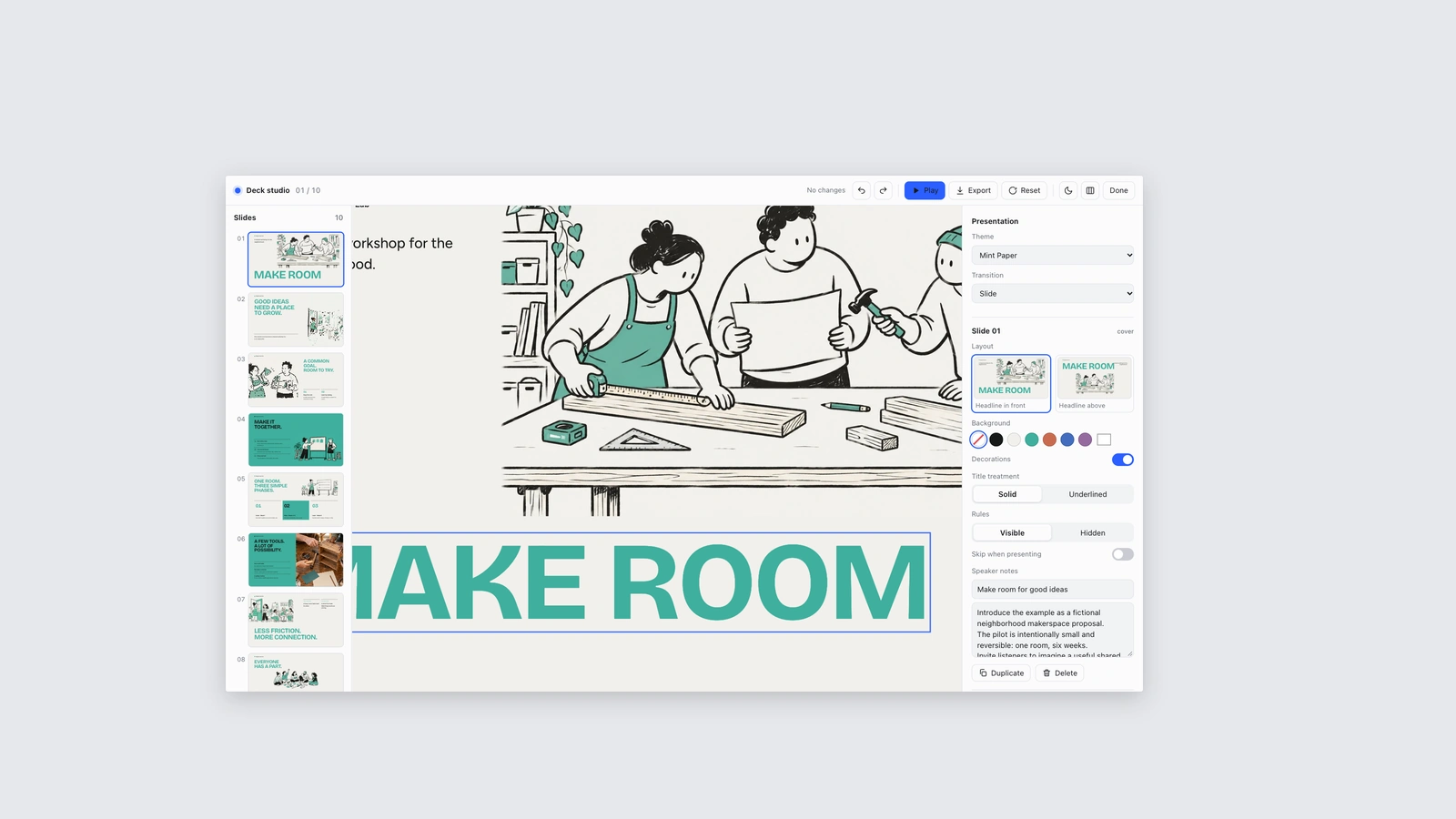
- A browser editor and PowerPoint export: text and notes stay editable, while backgrounds, drawings, and charts become images.
- Four coordinated color choices and layouts for goals, milestones, comparisons, and closing slides.
How to use it
- Share your topic or outline, who will watch, and roughly how many slides you need.
- Supply the figures, dates, or photographs that must appear; ask explicitly if you want slide copy in another language.
- Review the deck in your browser, then change the text, pictures, order, or colors in the editing studio.
- Present it directly or export a copy for PowerPoint or PDF, and check the exported pages before sharing.

New pictures are generated with your agent's built-in image tool (GPT Image class). No external API key or paid-provider account is required.
What you need before you start
- You bring
- A topic or source outline and the audience. · The approximate slide count and the decision or action the presentation should support. · Any figures, dates, and supplied photographs that must be used accurately.
- Dependencies
- Modern browser — required for presentation and browser editing · Built-in image generation in your agent (GPT Image class) — only needed to create new pictures; no separate API key · Chrome, Chromium or Edge plus Node.js 20 or newer — required only for PowerPoint export · Internet access — optional, to download this Skill's picture library while building a deck
- Outside costs
- Decks can reuse this Skill's own picture library at no image cost: you choose up front whether to reuse it or generate every picture new. New pictures use your agent's built-in image generation tool (GPT Image class) with no separate API key, and availability follows your agent account.
- Last tested
- v1.0.0 — Claude Code / Claude Desktop / Cowork / Codex / ChatGPT
User reviews
Loading reviews…