

Apricot Ink Marketing Deckv1.0.0
Use this Skill to create presentation.
5.00 downloads0 likes0 saves
$4.99
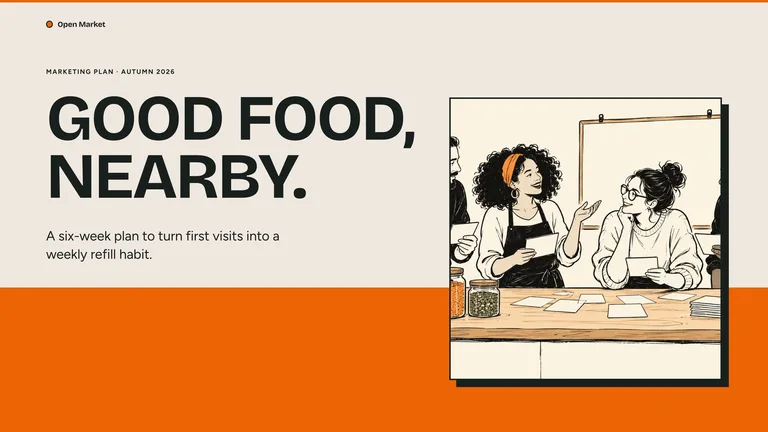
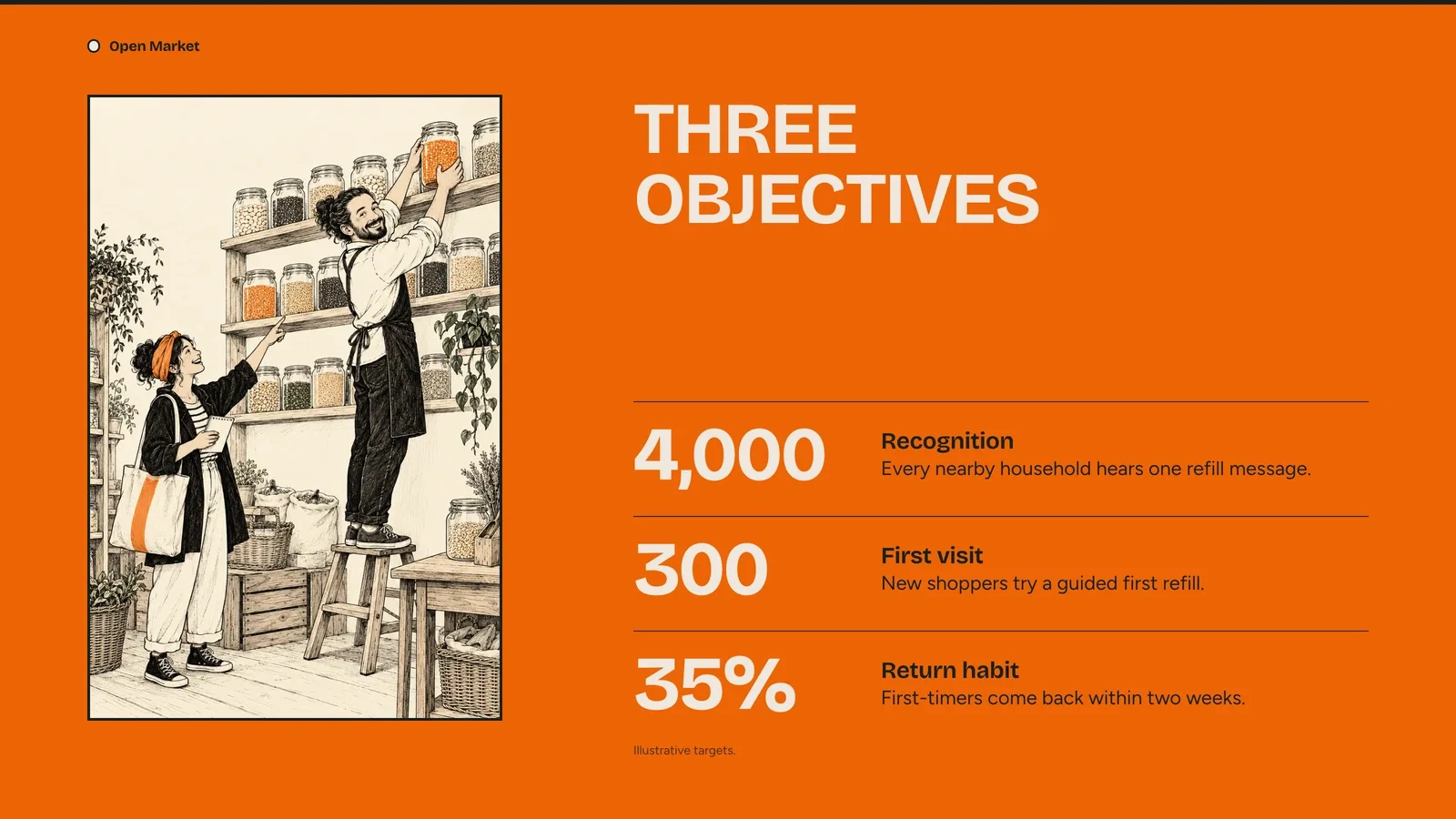
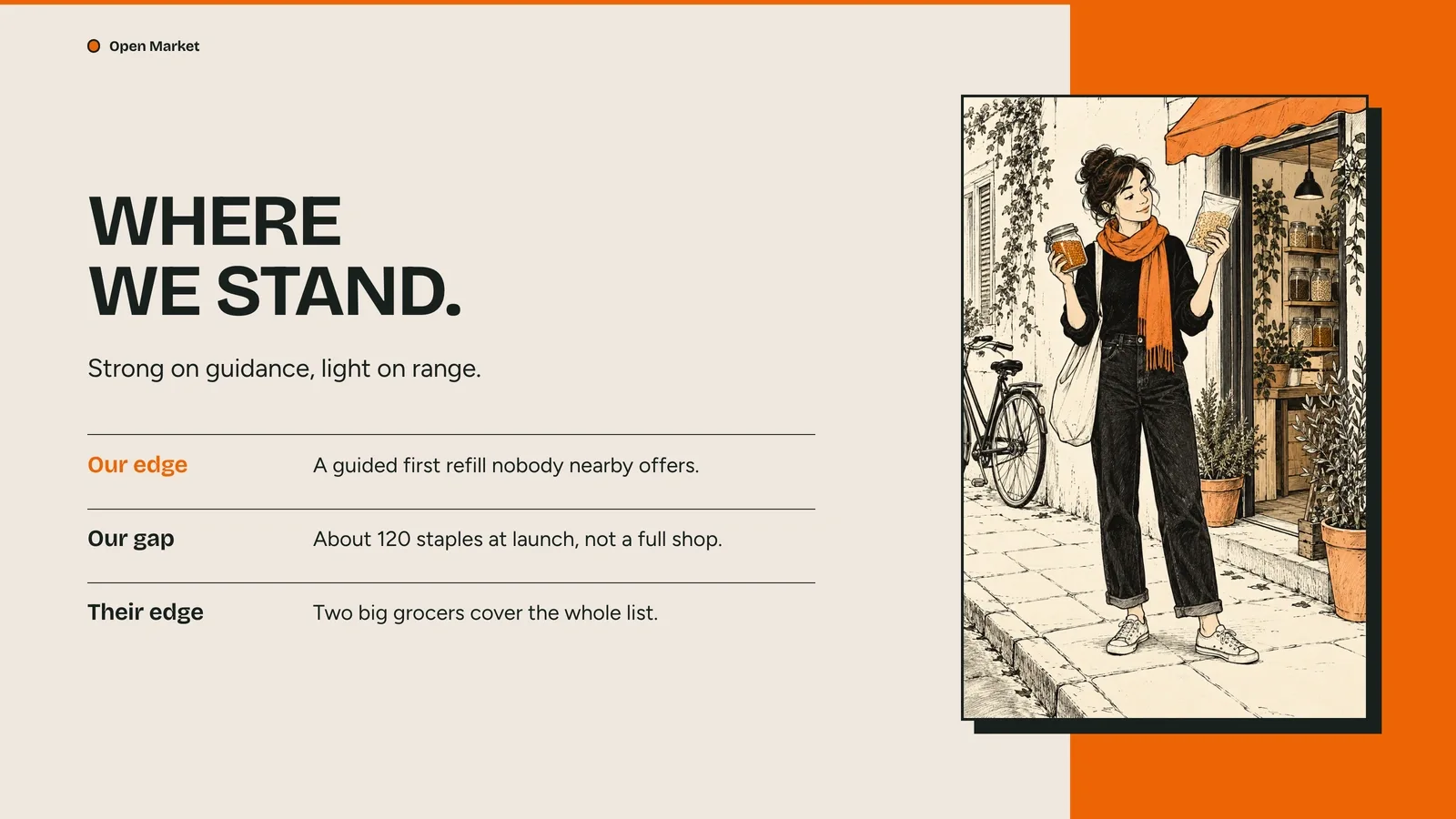
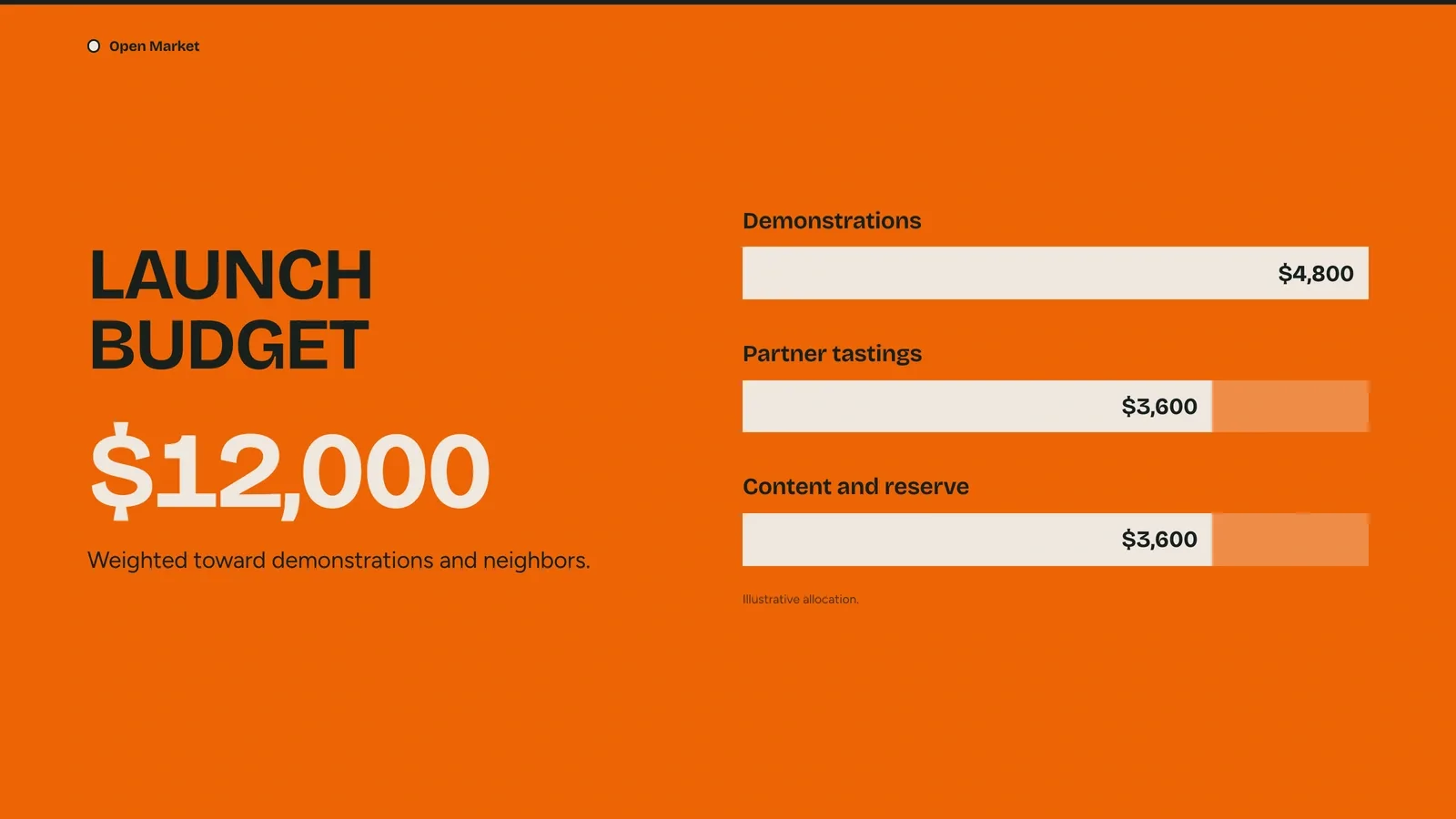
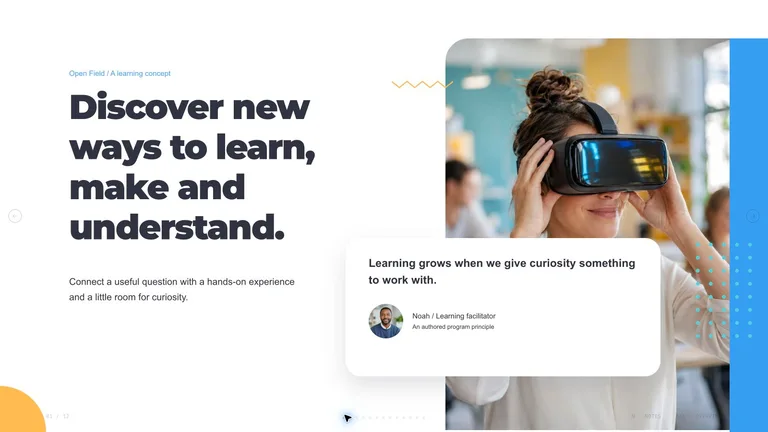
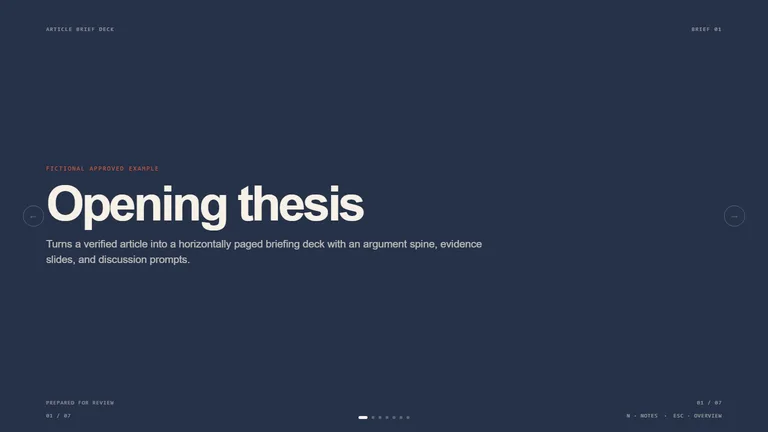
What do I get when I buy this Skill?Create a marketing plan with orange bands, cream paper, and original ink-line characters. Turn your audience, objectives, budget, and launch sequence into a presentation you can edit in your browser and export to PowerPoint.
Picked most often by
Updated Oct 9, 2026
Preview gallery
Similar Skills
View all skills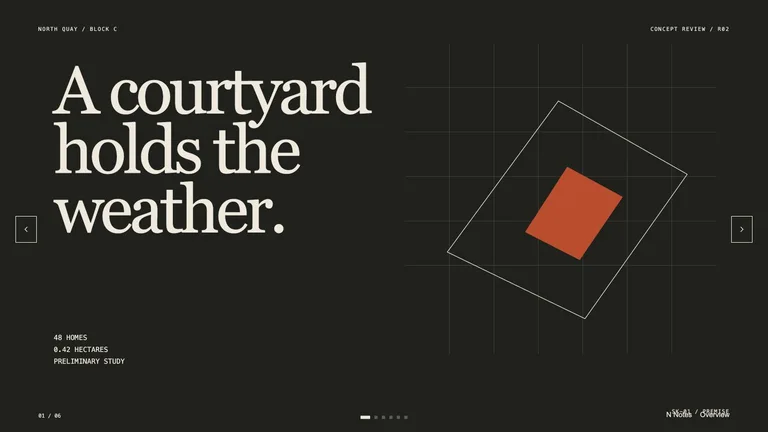
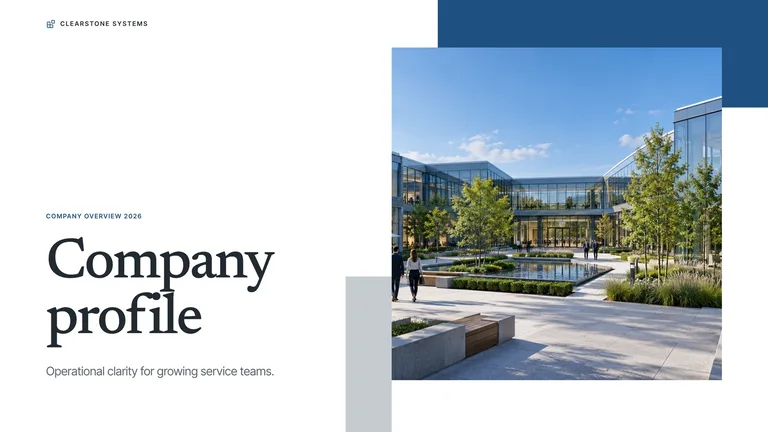
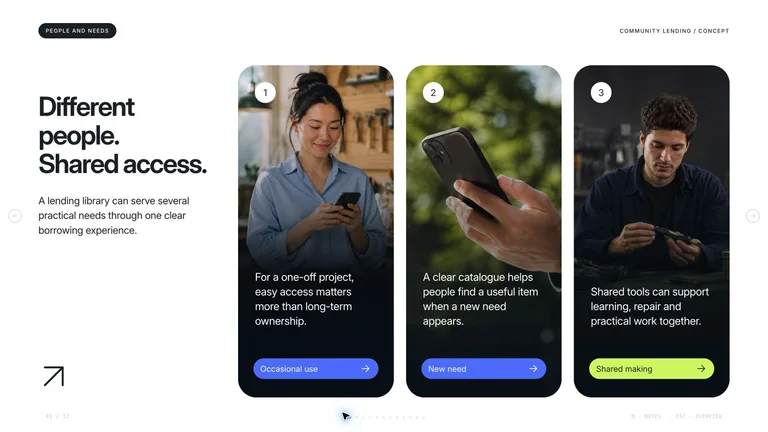

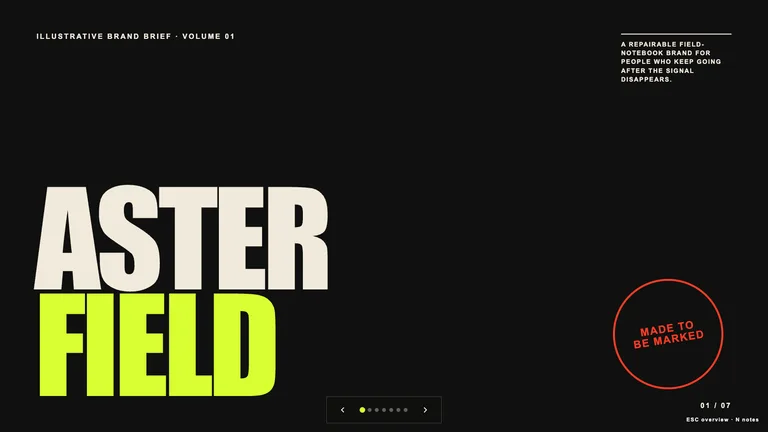

What you get
- A nine-page apricot ink marketing example with original case content and concise speaker notes.
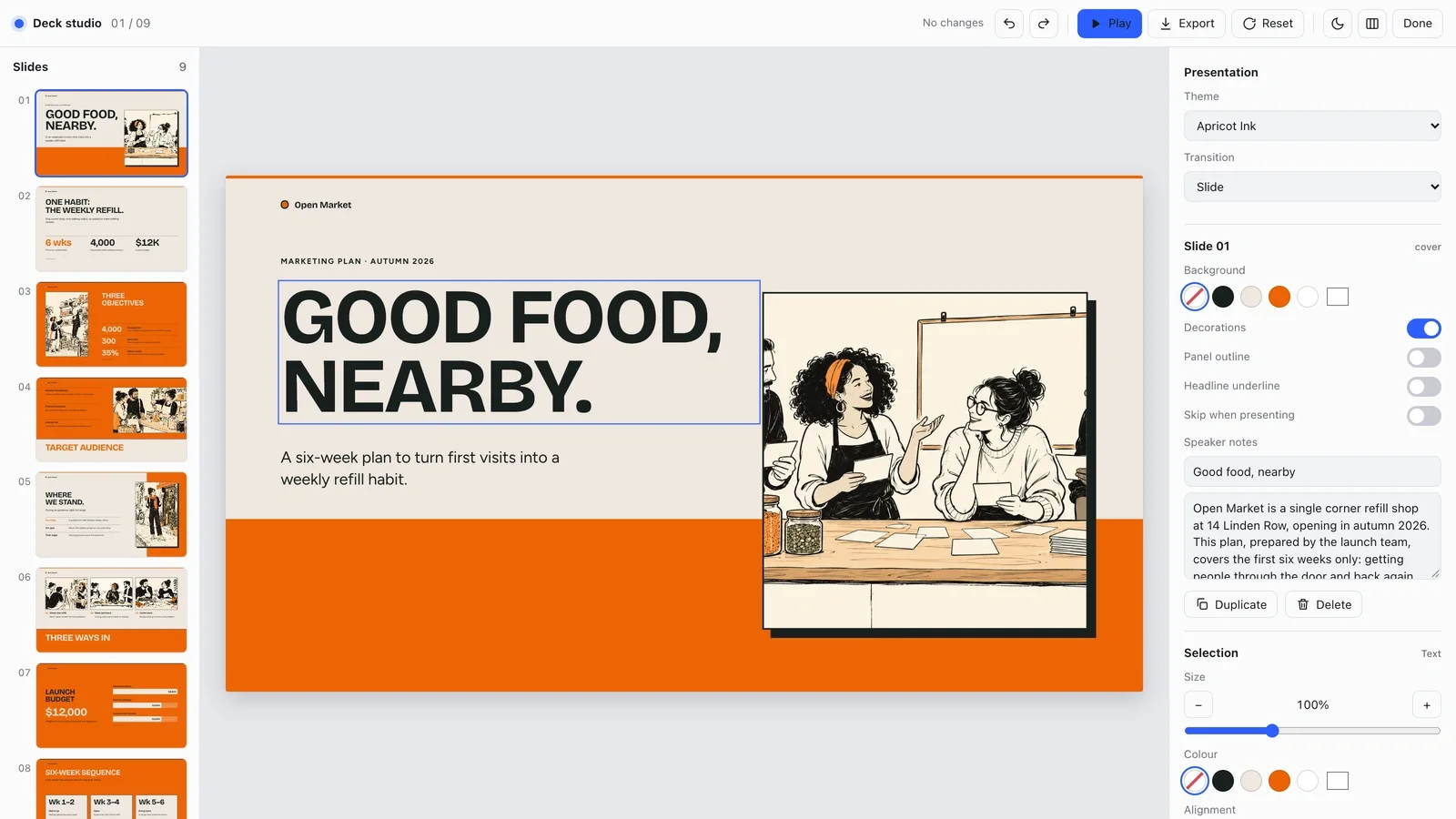
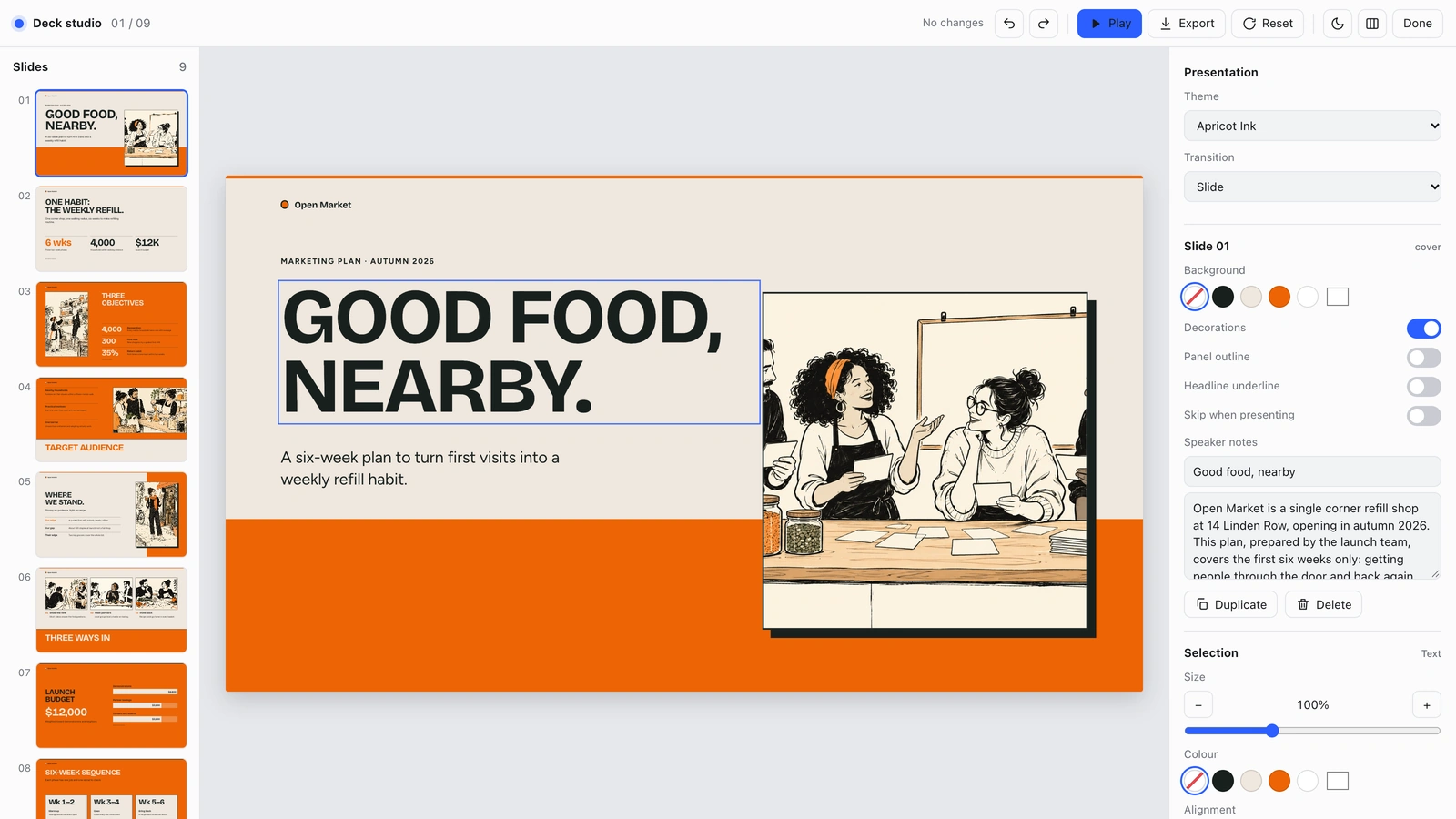
- A browser editor and PowerPoint export: text and notes remain editable; backgrounds, drawings, and charts become images.
- Four coordinated accent presets and nine varied layouts for a coherent presentation.
Good fit
- Neighborhood and small-business launch plans.
- Marketing budgets and campaign timelines.
- Workshop-led audience and strategy presentations.
Not for
- Luxury photographic fashion editorials.
- Long legal or compliance documents.
- Unlabeled fictional campaign results.
Client & Executive ReportingCreative Development & PrevisualizationCreate PresentationStyle-lockedSeries-consistentEditable OutputHand DrawnBold TypographyOrange EditorialPaper Background
About this Skill
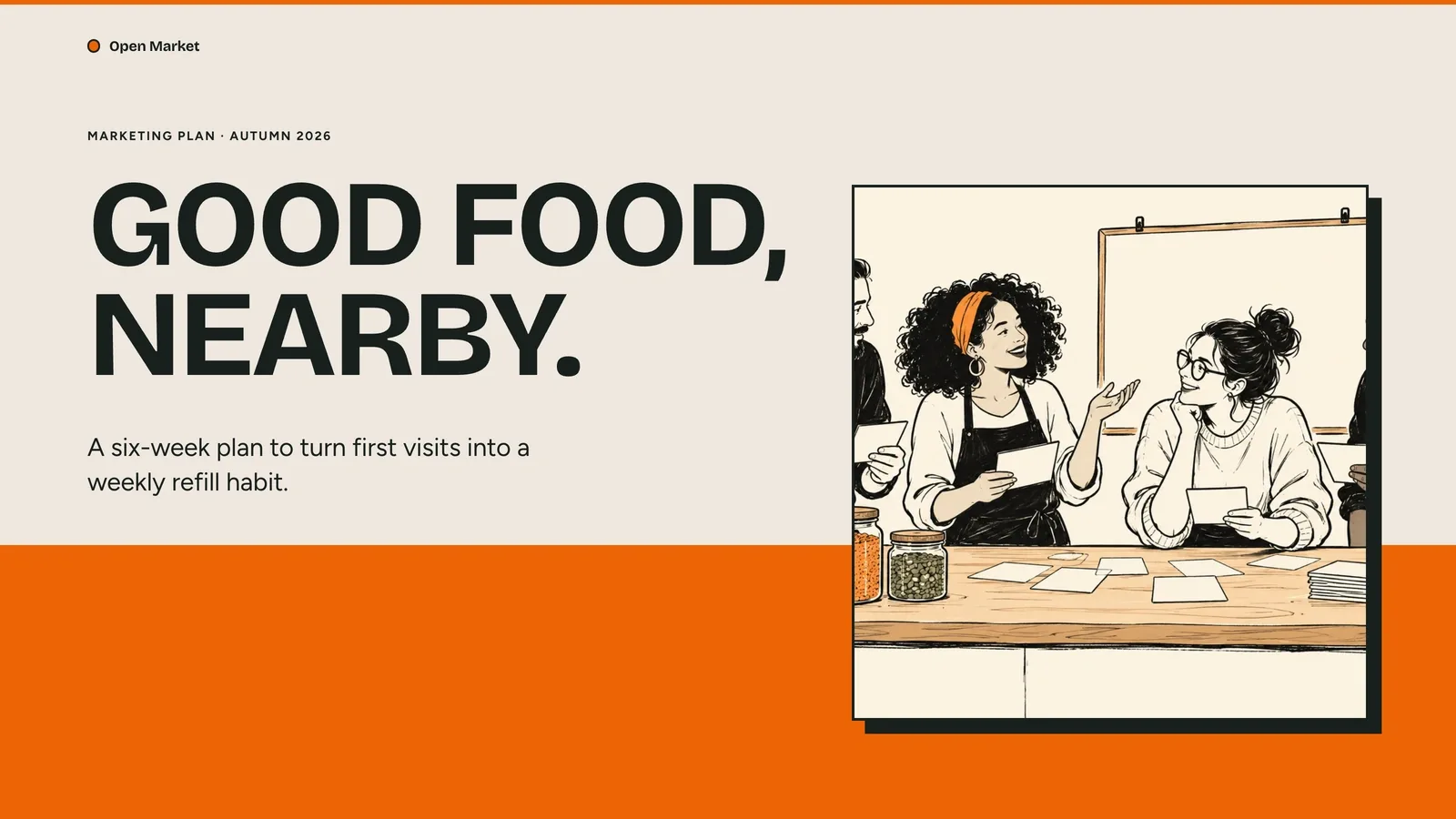
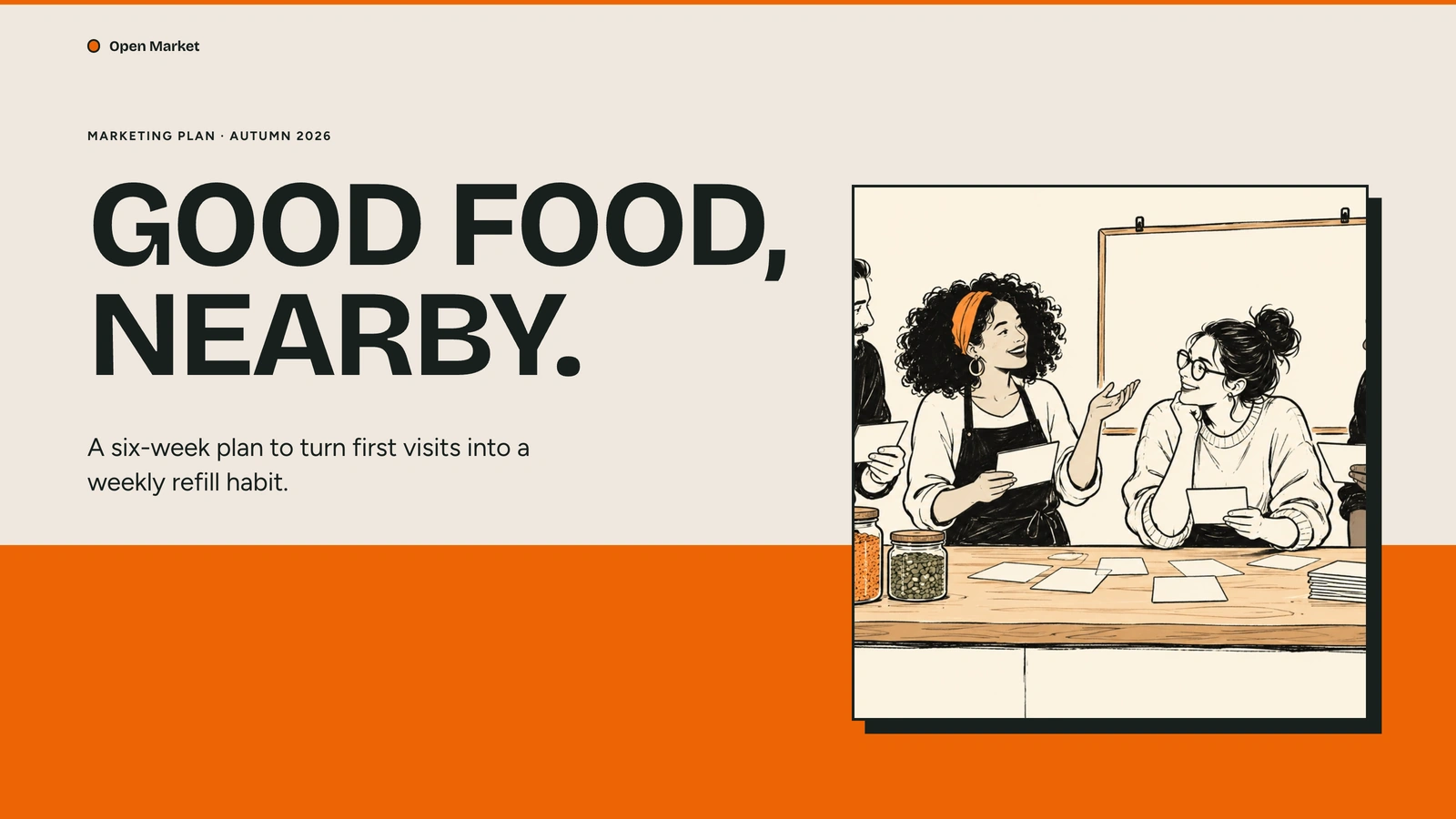
Turn your outline into a presentation with saturated orange bands, cream paper, black ink workshop characters, and blunt editorial headline strips. Each page gives the audience one useful idea to follow, from the opening question to a clear final invitation.
What you get
- A nine-page apricot ink marketing example with original case content and concise speaker notes.
- A browser editor and PowerPoint export: text and notes remain editable; backgrounds, drawings, and charts become images.
- Four coordinated accent presets and nine varied layouts for a coherent presentation.
How to use it
- Share your topic, the audience, and the decision or action you want the presentation to support.
- Supply the figures, dates, and permitted pictures that need to be accurate; ask explicitly for another slide language.
- Review the story in your browser, then adjust the text, pictures, page order, or one of the coordinated colors in the studio.
- Present directly or export for PowerPoint or PDF, and inspect the exported pages before sharing them.
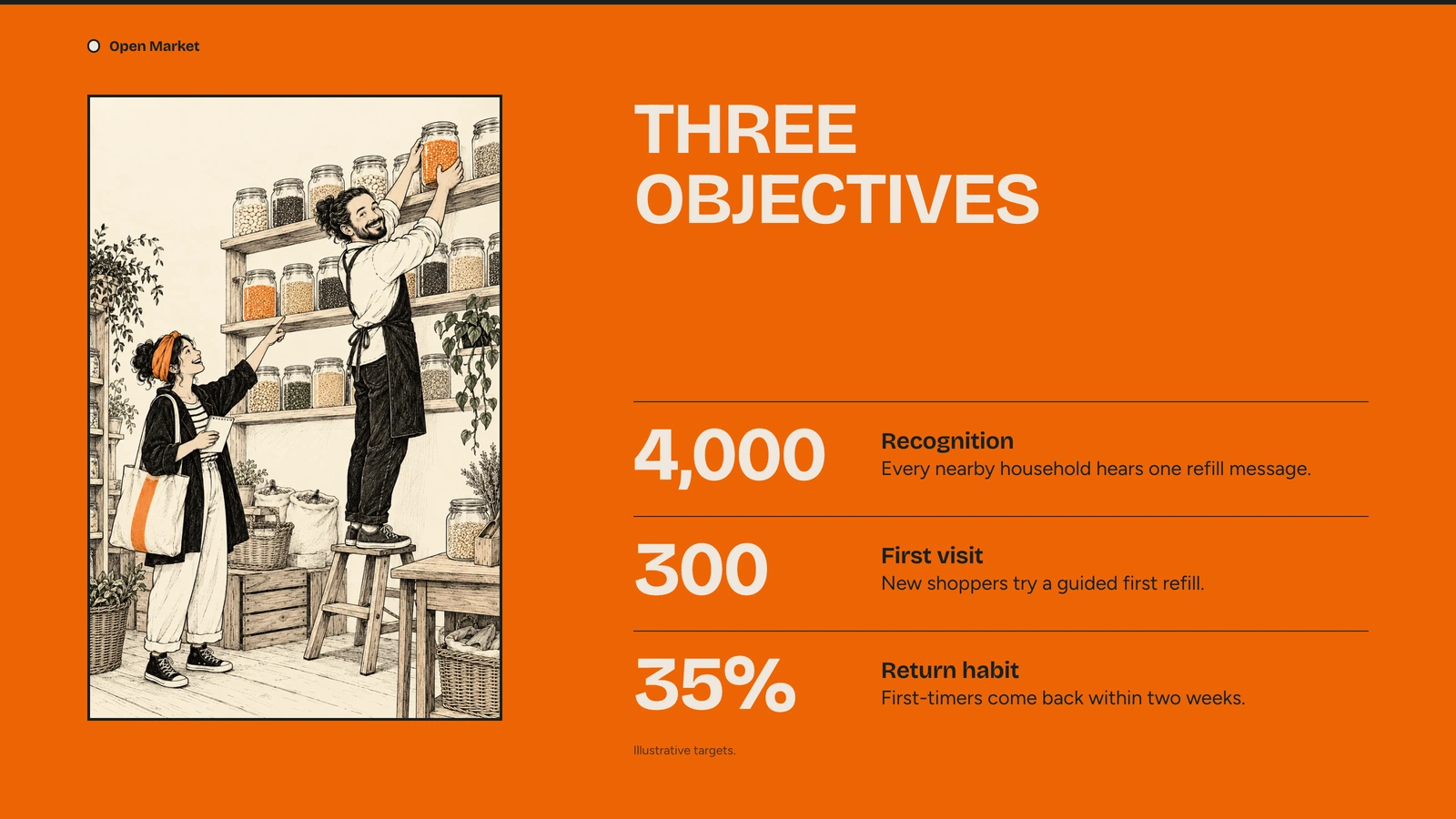
The example pictures are already embedded, so opening, editing and exporting the deck needs no image generation. New pictures use your agent's built-in image generation tool (GPT Image class); no separate API key is required, and availability follows your agent account.
Every picture in the example is an original ink scene, and each page shows a different one.
What you need before you start
- You bring
- Your topic or outline, audience, and intended decision. · The approximate page count and source figures that must be accurate. · Any permitted photographs or artwork you want included.
- Dependencies
- Modern browser — required for presentation and browser editing · Built-in image generation in your agent (GPT Image class) — only needed to create new pictures; no separate API key · Chrome, Chromium or Edge plus Node.js 20 or newer — required only for PowerPoint export · Internet access — optional, to download this Skill's picture library while building a deck
- Outside costs
- Decks can reuse this Skill's own picture library at no image cost: you choose up front whether to reuse it or generate every picture new. New pictures use your agent's built-in image generation tool (GPT Image class) with no separate API key, and availability follows your agent account.
- Last tested
- v1.0.0 — Claude Code / Claude Desktop / Cowork / Codex / ChatGPT
User reviews
Loading reviews…