



Blue Block Company Deckv1.0.0
Use this Skill to create presentation.
5.00 downloads0 likes0 saves
$4.99
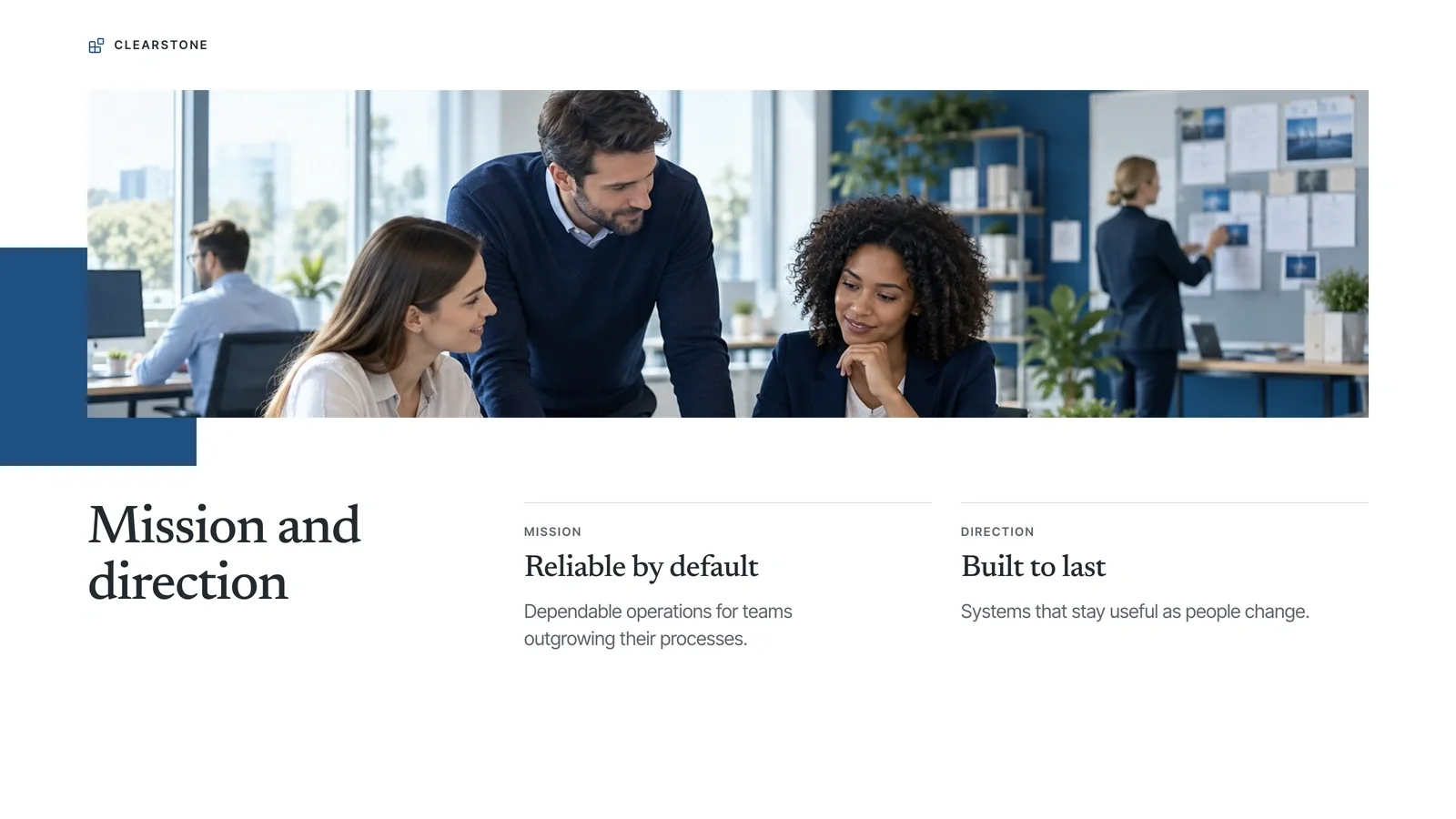
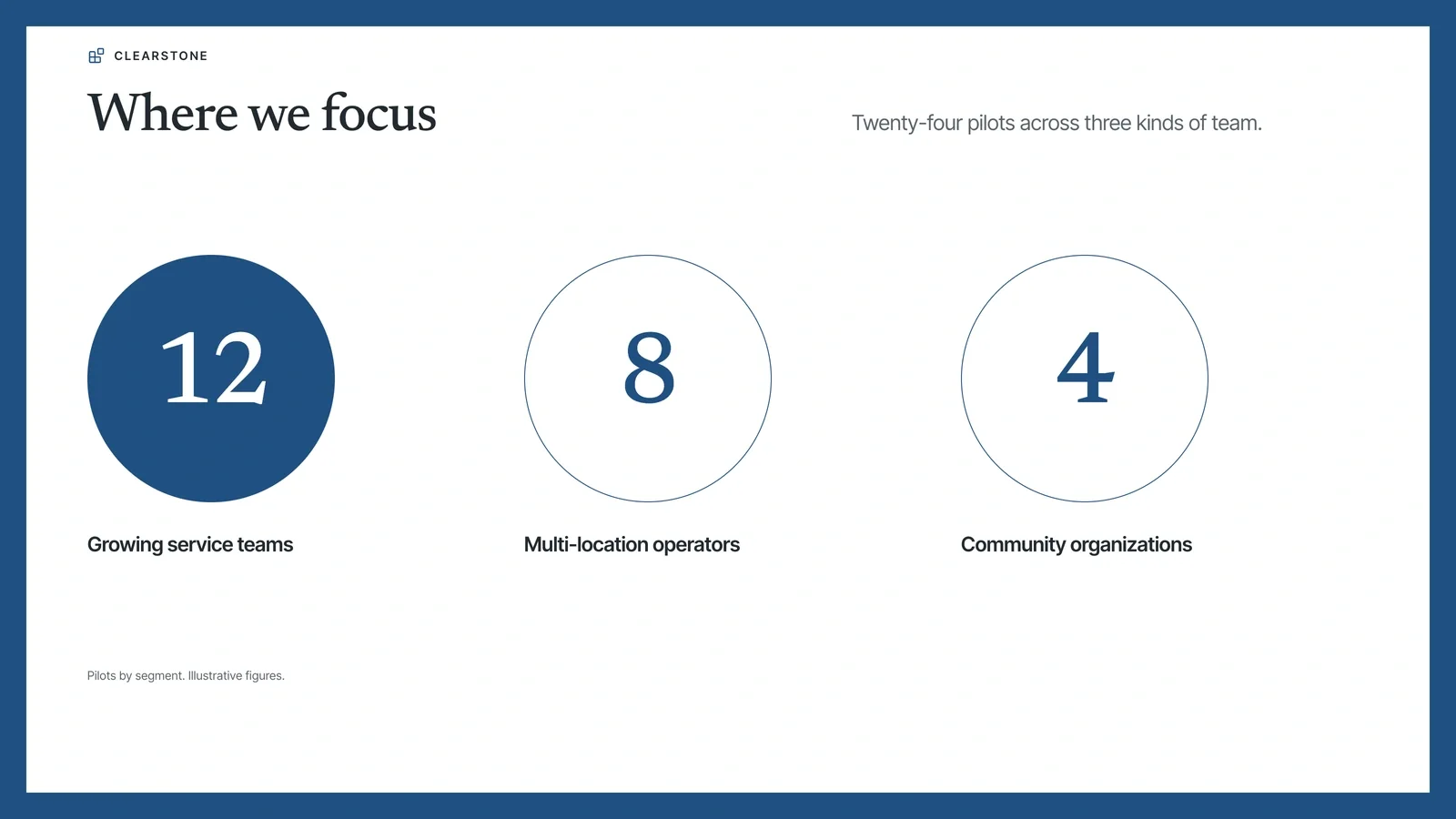
What do I get when I buy this Skill?Create a company presentation with deep blue framing, architectural imagery, and clear metric pages. Give partners and clients a concise overview they can edit in their browser and export to PowerPoint.
Picked most often by
Updated Oct 9, 2026
Preview gallery
Similar Skills
View all skills




What you get
- A coordinated deck with rectangular blue framing, wide architectural art, double-outlined metrics, and clear all-caps headings.
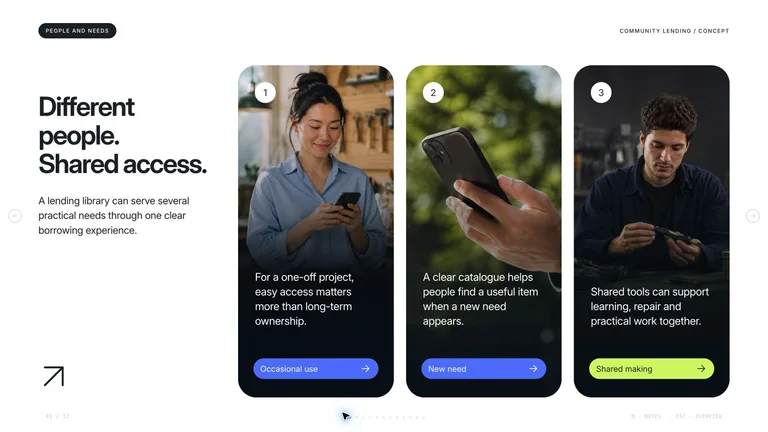
- Browser editing and PowerPoint export with editable text and notes; backgrounds, charts, and complex shapes may remain images.
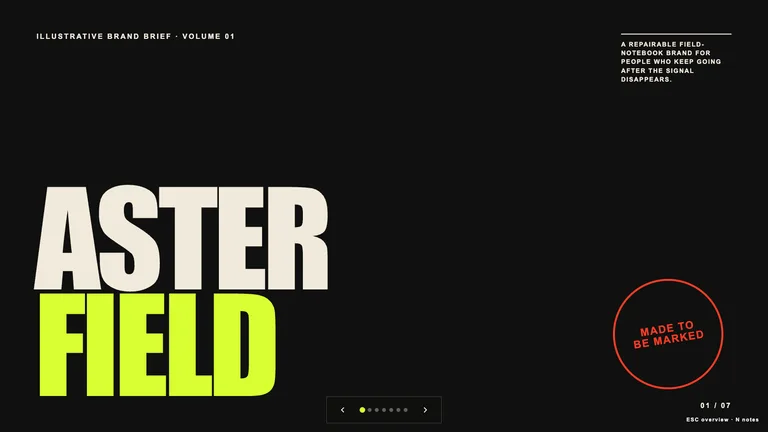
- Ten page archetypes, speaker notes, and four coordinated themes for future presentations.
Good fit
- Company introductions and partner updates
- Teams explaining their services and operating model
- Training and shared operational standards
Not for
- Arbitrary styling unrelated to the locked visual system
- Automatic verification of business figures or policies
- PowerPoint files in which every visual is a native shape
Client & Executive ReportingCreate PresentationStyle-lockedSeries-consistentEditable OutputMinimalistBlue WhiteCorporate GeometricRectangular Framing
About this Skill

Turn your outline into a deck with rectangular blue framing, wide architectural art, double-outlined metrics, and clear all-caps headings. You can present it immediately, or open the editor to adjust the wording and shape the story for your audience.

What you get
- A coherent presentation that keeps the same visual language from the opening page to the final action.
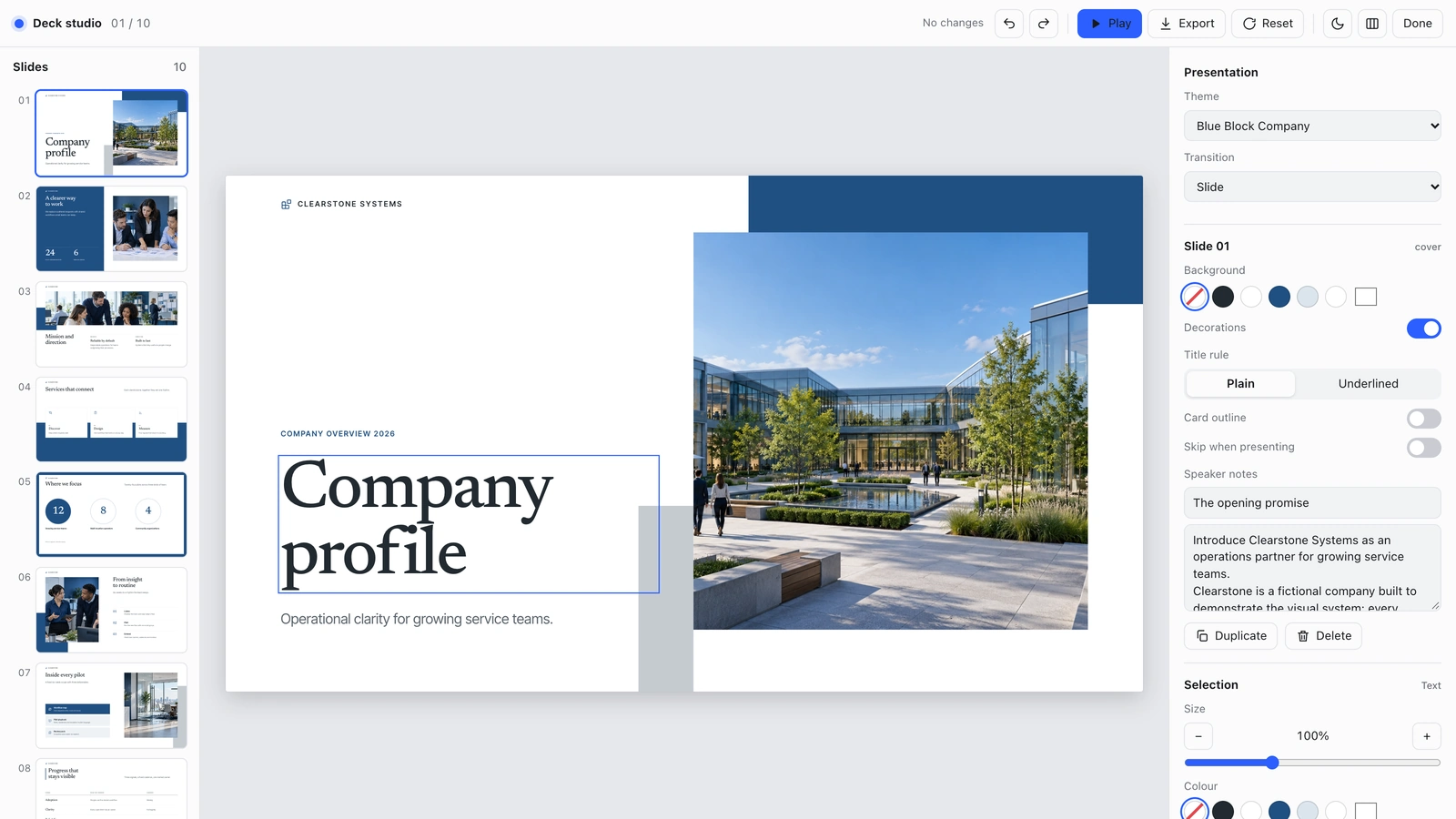
- An editor for text, pictures, slide order, themes, and notes, plus PowerPoint export with editable text and notes. Complex background artwork and diagrams may remain images.
- Ten page archetypes (including team and closing contact pages) and four coordinated themes you can reuse for introductions, plans, and training.
How to use it
- Share your topic, audience, desired length, and the action you want the presentation to support.
- Add your approved outline and any verified figures or standards.
- Review the pages in the editor, adjust the details, and present or export the deck.
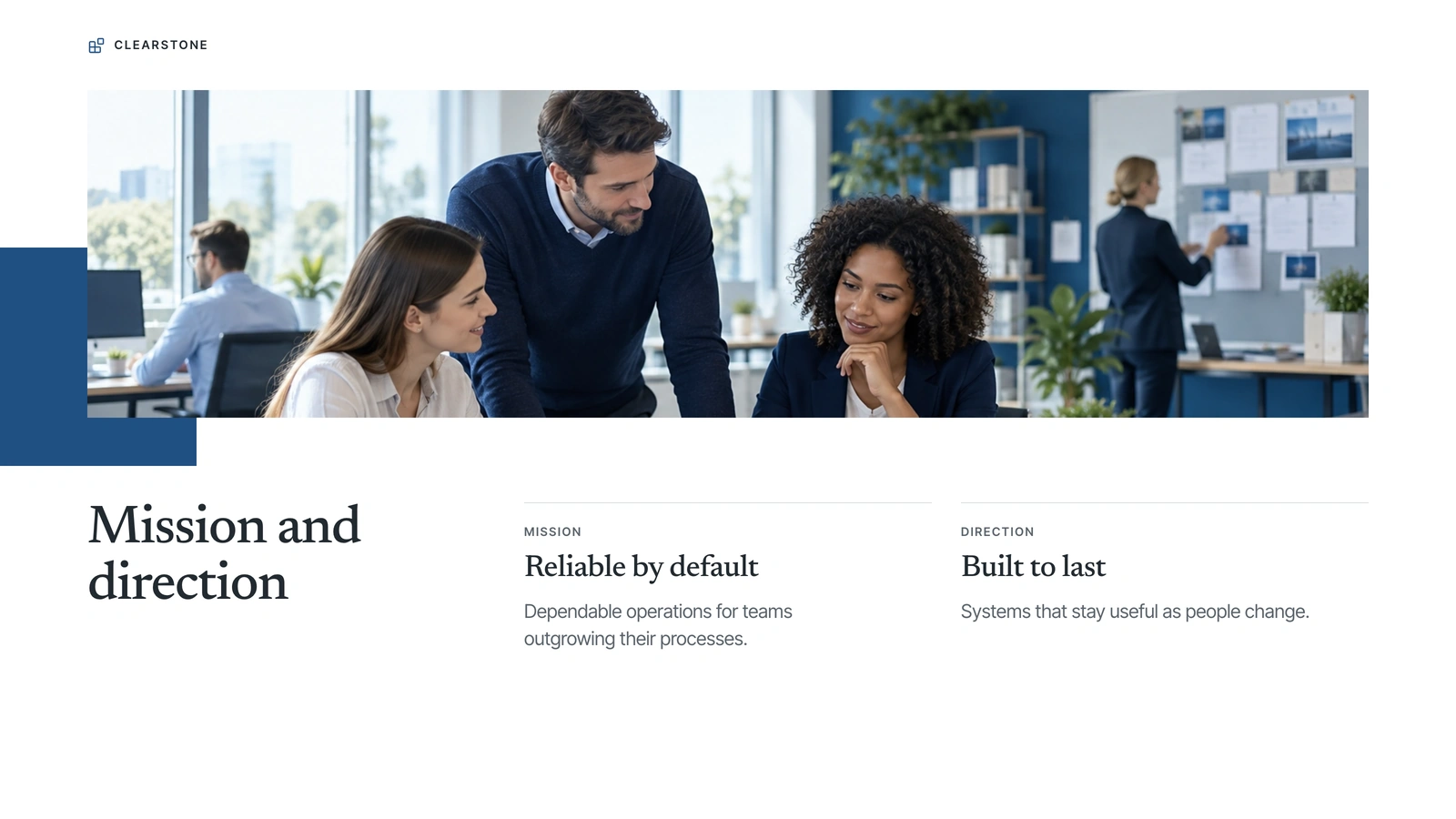
The example pictures are already embedded, so opening, editing and exporting the deck needs no image generation. New pictures use your agent's built-in image generation tool (GPT Image class); no separate API key is required, and availability follows your agent account.
What you need before you start
- You bring
- A topic or approved outline and the audience. · The desired slide count and the action the presentation should support. · Verified figures, standards, dates, and any supplied imagery.
- Dependencies
- Modern browser — required for presentation and browser editing · Built-in image generation in your agent (GPT Image class) — only needed to create new pictures; no separate API key · Chrome, Chromium or Edge plus Node.js 20 or newer — required only for PowerPoint export · Internet access — optional, to download this Skill's picture library while building a deck
- Outside costs
- Decks can reuse this Skill's own picture library at no image cost: you choose up front whether to reuse it or generate every picture new. New pictures use your agent's built-in image generation tool (GPT Image class) with no separate API key, and availability follows your agent account.
- Last tested
- v1.0.0 — Claude Code / Claude Desktop / Cowork / Codex / ChatGPT
User reviews
Loading reviews…