

 HeyGen
 ElevenLabs
Skillry Pick
Narrated Report Deckv1.0.0
Use this Skill to create presentation.
5.00 downloads1 likes1 saves
$12.99
What do I get when I buy this Skill?Turn any document, report, link or idea into a narrated presentation you can listen to. Pick a look from every Skillry PPT style, get an editable deck with a spoken script for each page, then add voiceover from ElevenLabs or HeyGen. The finished deck plays page by page with speed control and auto-advance, and your last style choice is remembered.
Picked most often by
Updated Oct 16, 2026
Preview gallery
Similar Skills
View all skills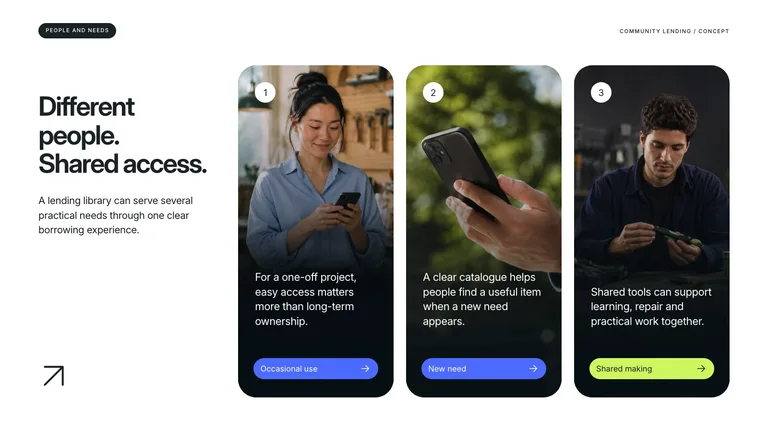




What you get
- An editable presentation in the PPT style you pick from the full Skillry catalog, with your last choice listed first.
- A spoken script for every page, stored as speaker notes you can edit and export with the deck.
- Voiceover from ElevenLabs or HeyGen and a built-in player with play, seek, 0.75–2× speed and auto-advance.
Good fit
- Turning a long report or research document into something you can listen to.
- Teams that share updates and reviews as self-paced narrated decks.
- Creators who want the same material in several languages and voices.
Not for
- Animated explainer videos or motion graphics.
- Live presenting where you speak over the slides yourself.
- Content you cannot share with a voice provider, since narration is sent to ElevenLabs or HeyGen.
Education & ExplainersClient & Executive ReportingResearch & Technical CommunicationCreate PresentationCreate Executive Report DeckCreate Research PresentationCreate Narrated PresentationEditable OutputSource-faithfulGuided WorkflowGlass Player BarMulti Style DecksNarrated Presentation
About this Skill
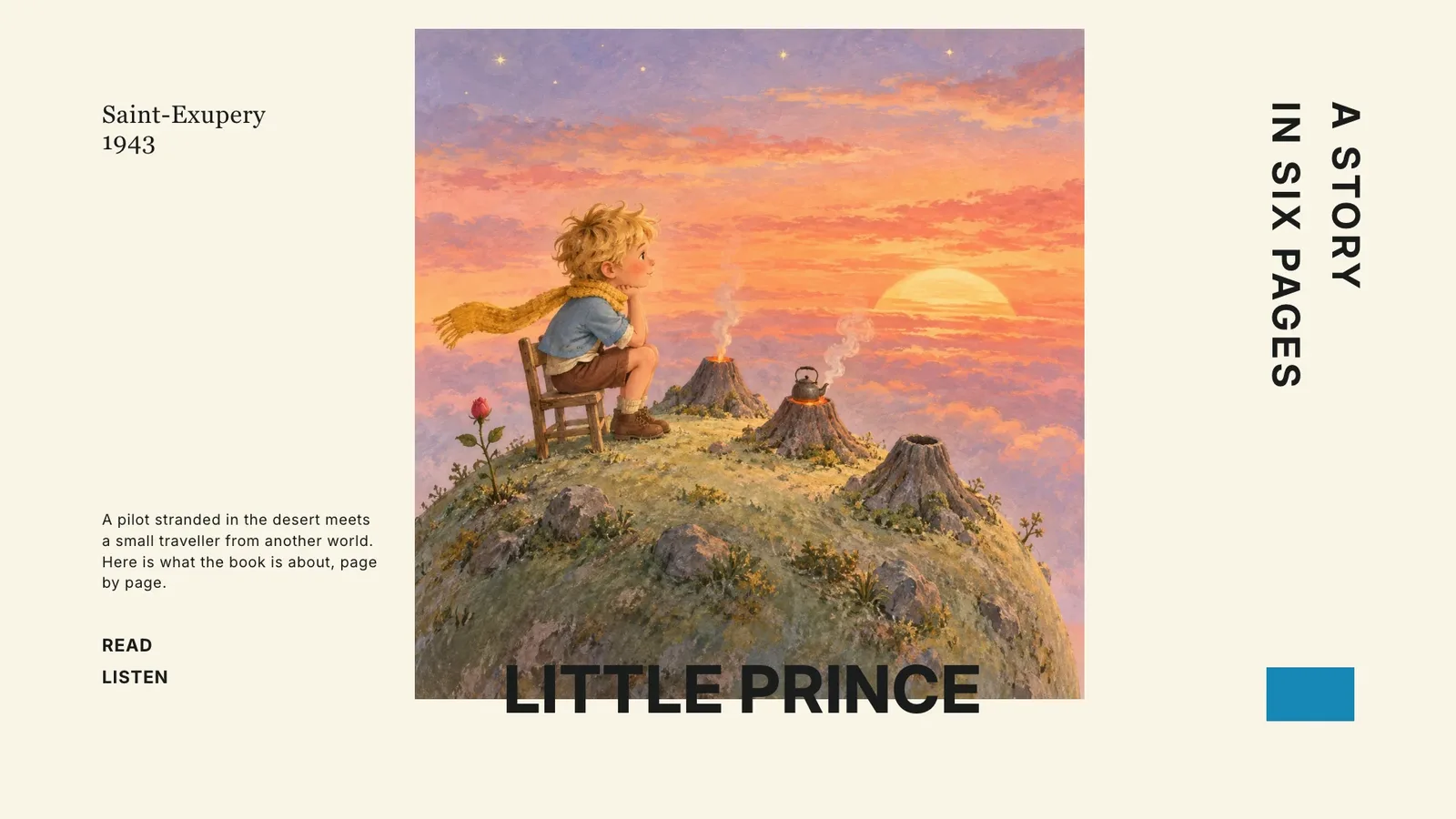
Narrated Report Deck
Turn any material into a presentation you can listen to: an editable deck, a spoken script for every page, and voiceover that plays page by page.
How it works
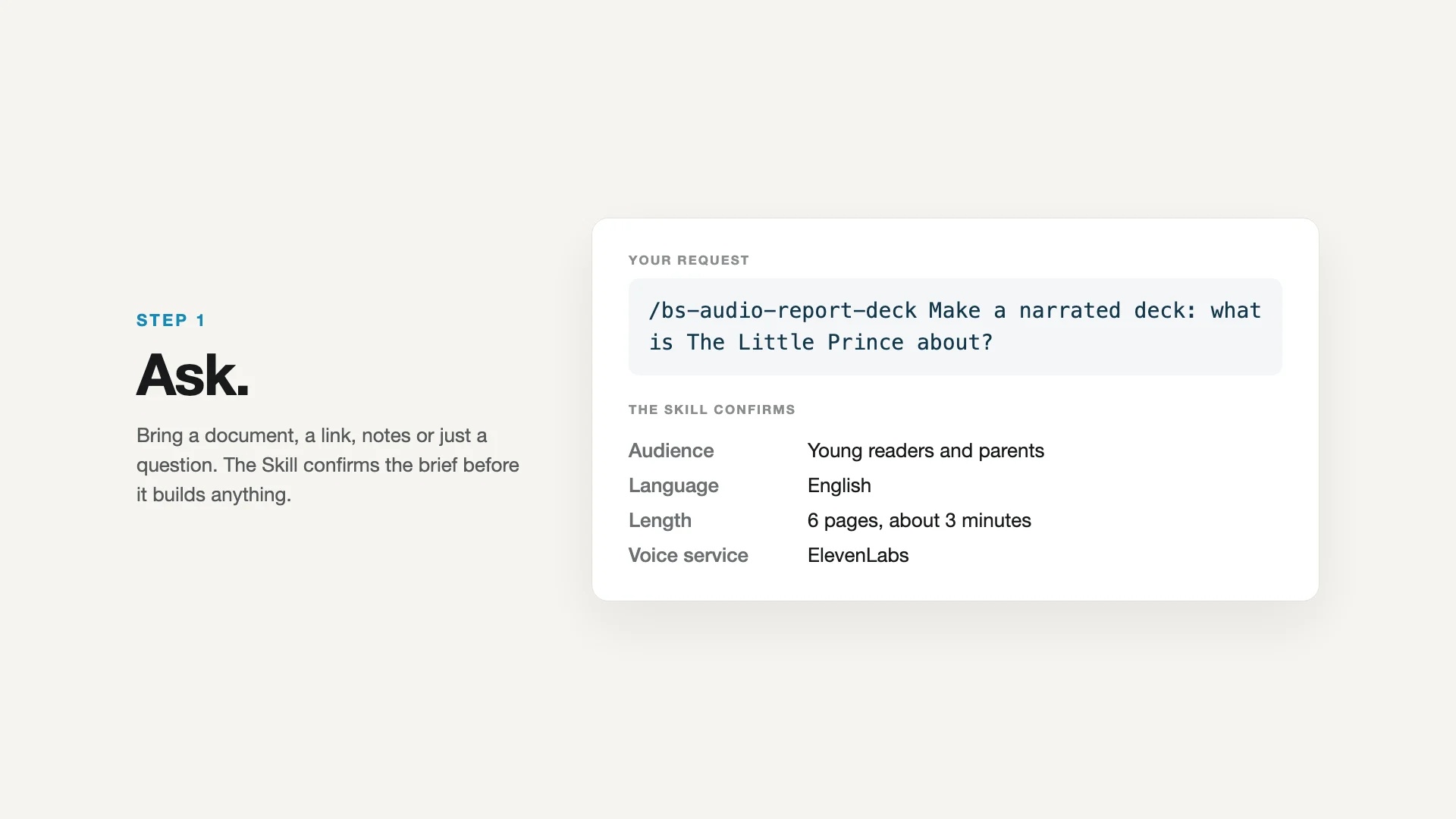
1. Ask
Share a document, report, web link, notes or just a question. The Skill confirms the audience, the language, the page count and which voice service to use: ElevenLabs or HeyGen.
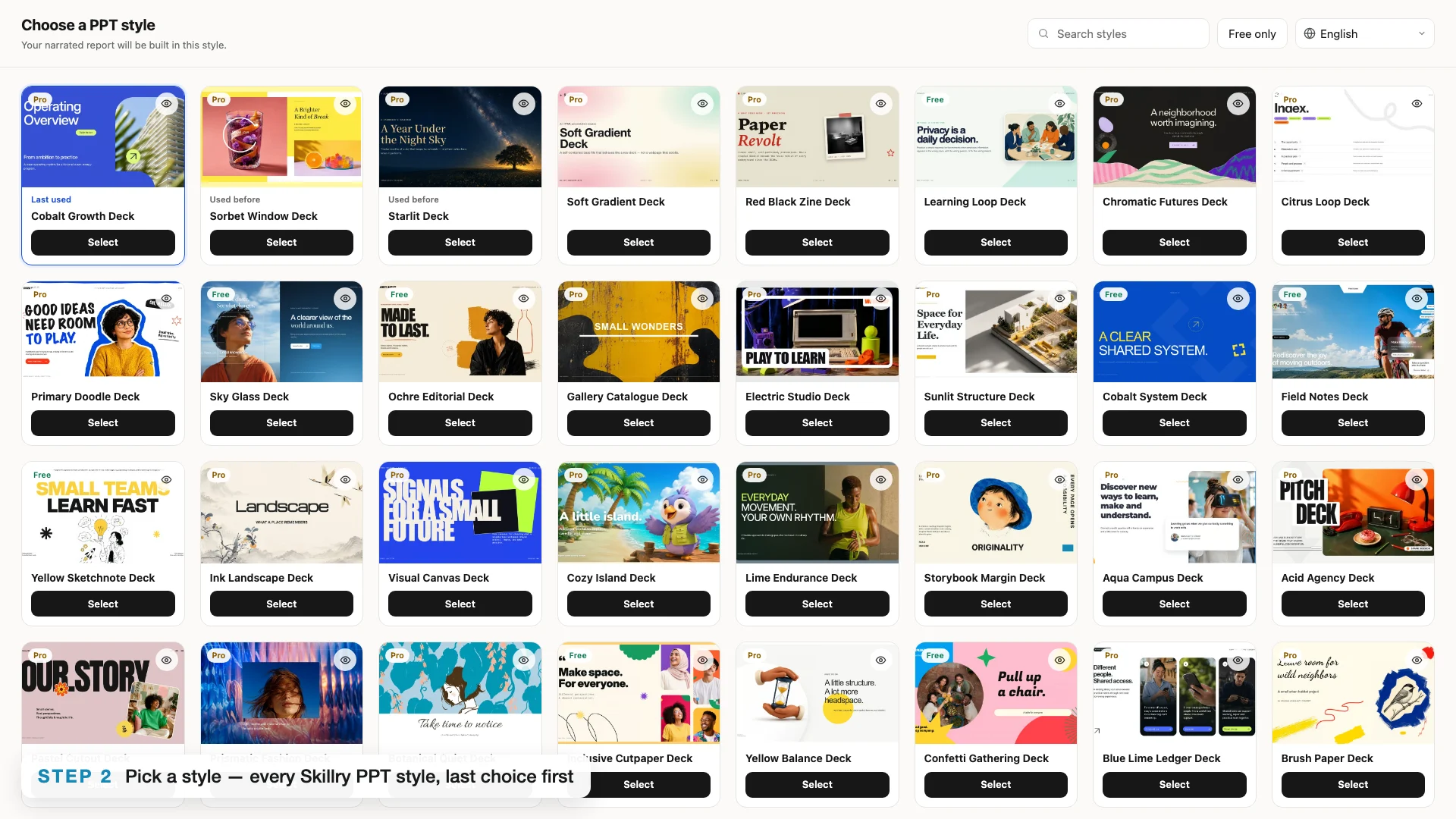
2. Pick a style
A picker opens with every Skillry PPT style as cover cards, in nine interface languages. The style you used last time is first. Preview any style before you choose.
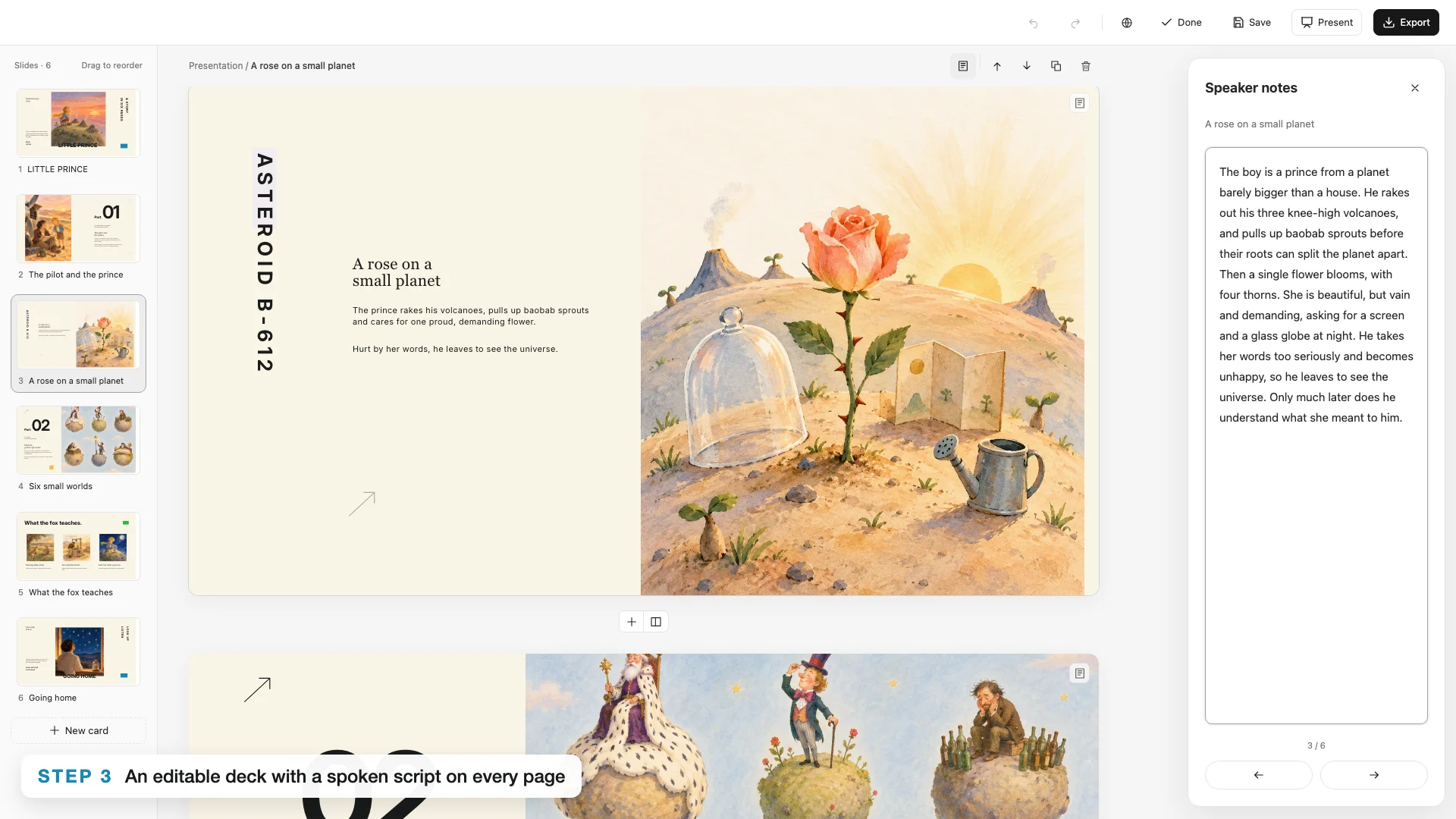
3. Deck and scripts
The deck follows the chosen style's own rules, and every page gets a spoken script: a presenter explaining the page, not reading it, with every number taken from your source. Scripts live in the speaker notes, so you can edit them in the deck.
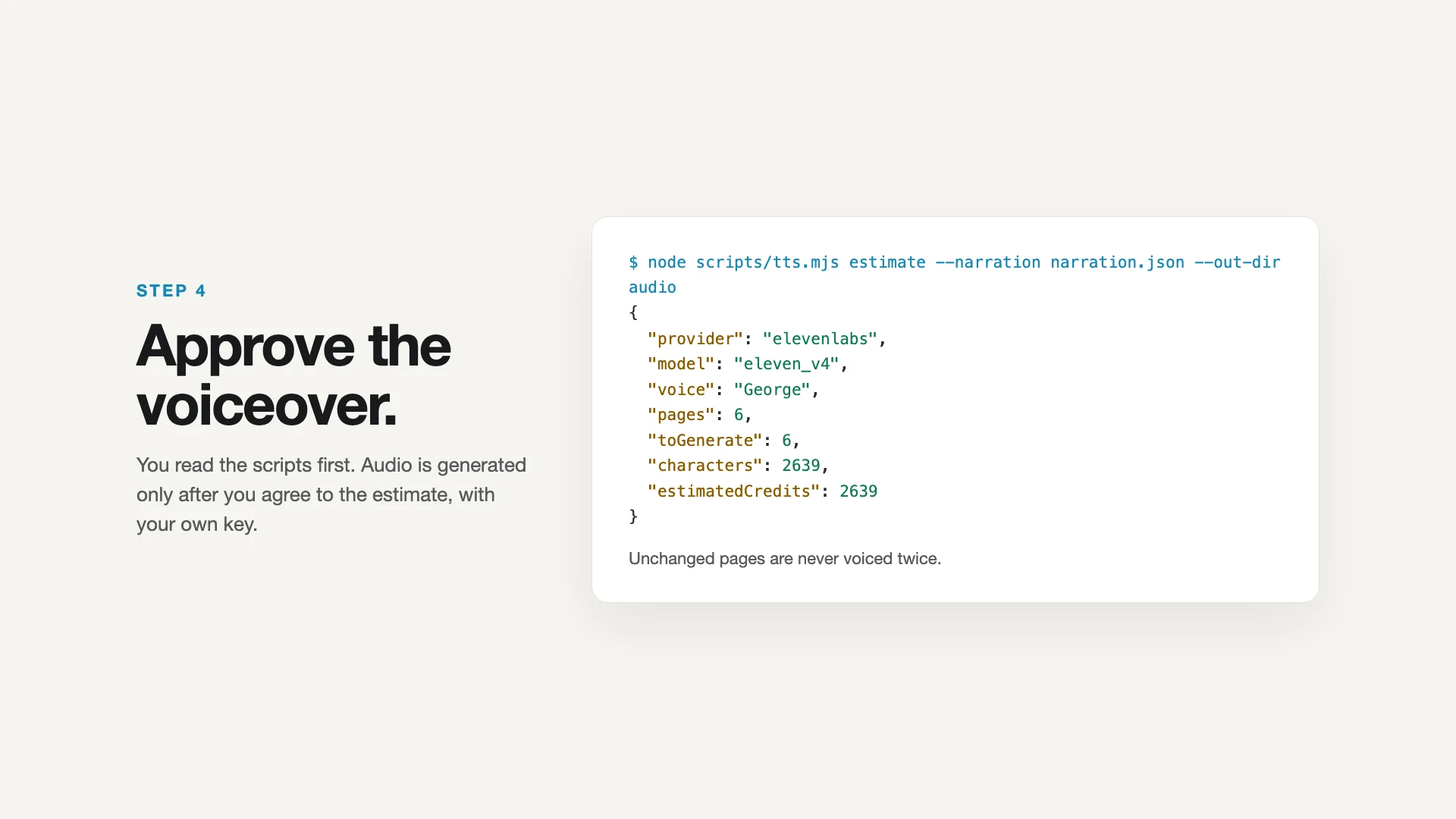
4. Approve the voiceover
You read the deck and the scripts first. After an estimate and your approval, every page is voiced with your own ElevenLabs or HeyGen key. Edit a script later and only that page is voiced again.
5. Listen
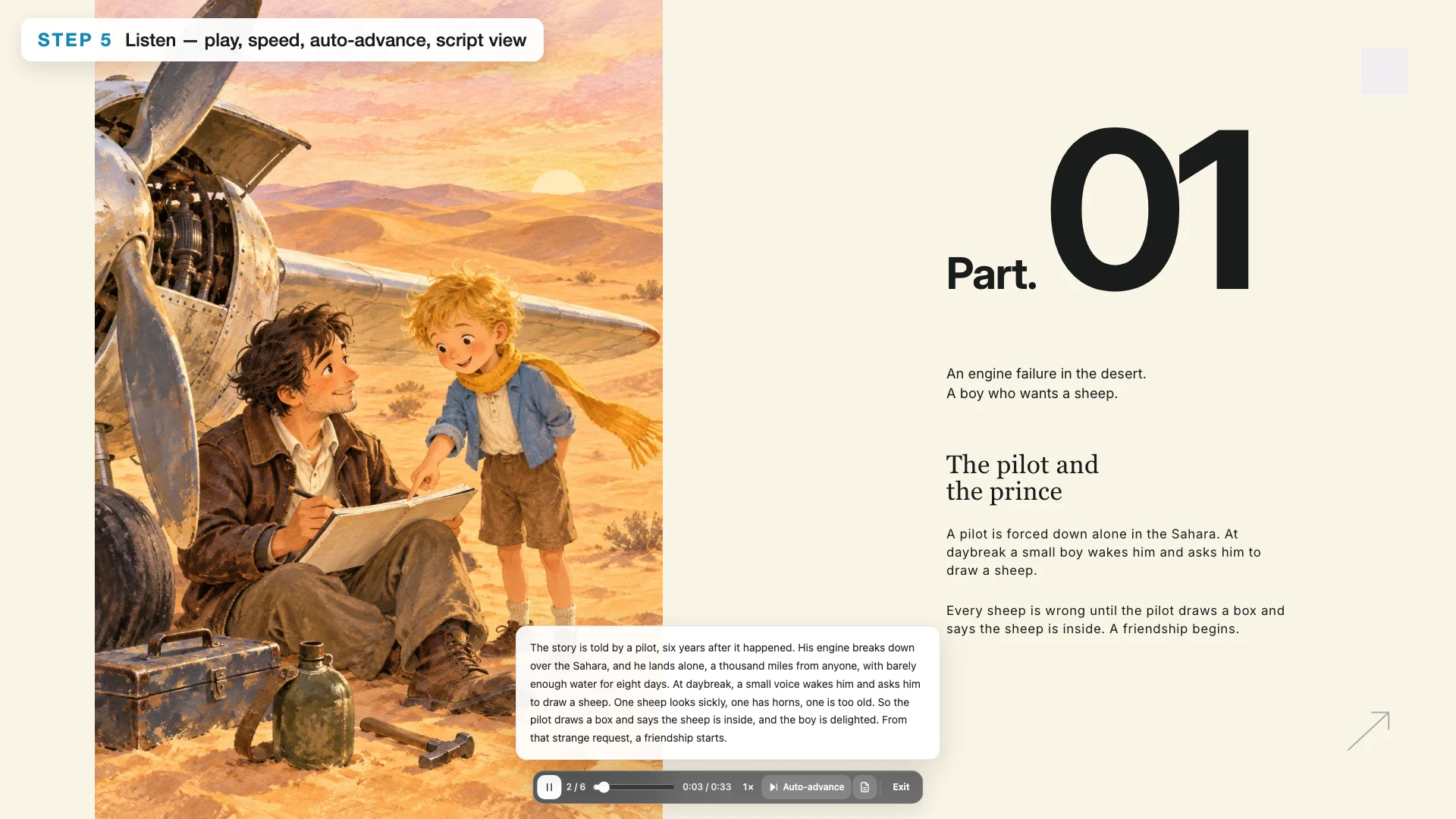
The finished deck plays in page view or full-screen Present mode with one centered player: play and pause (button or Space), seek, 0.75–2× speed, auto-advance to the next page, and a script view to read along. You get a single offline HTML file with the audio inside, and the deck still exports to PowerPoint with the scripts as speaker notes.
The examples
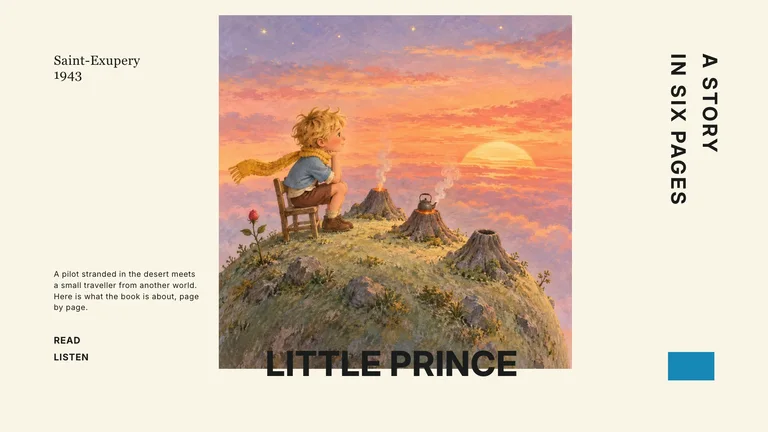
- HTML 1: What is The Little Prince about? Storybook Margin style, ElevenLabs v4 voice.
- HTML 2: Why wash your hands? Playful Primary Classroom style, HeyGen voice.
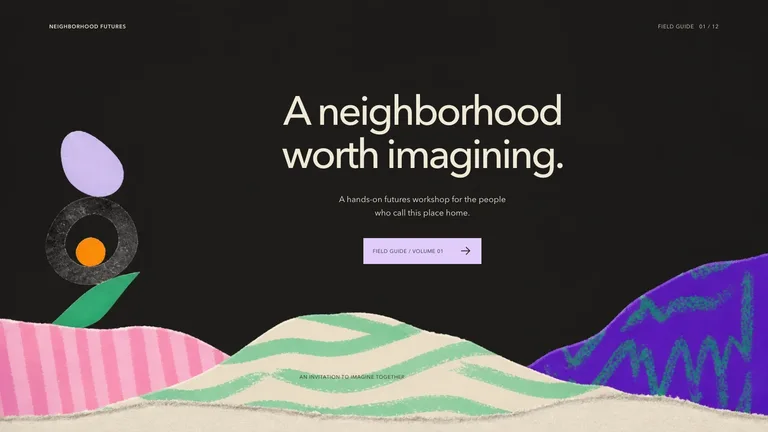
- HTML 3: HeyGen, a history. Aqua Campus style, HeyGen Voice.
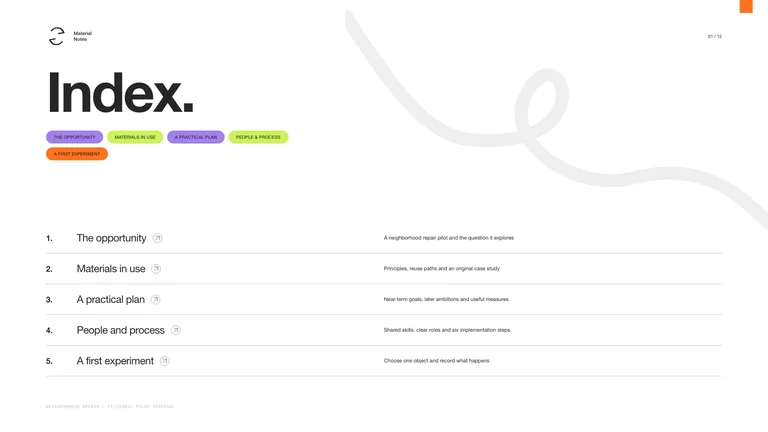
- HTML 4: Northwind Cycles, 2026 in review. Cobalt Growth style, HeyGen voice. Fictional company with illustrative figures.
Languages and voices
Slides and narration can be in English, Chinese, Japanese, Korean, Spanish, Portuguese, German, French and more. ElevenLabs offers native voices per language; HeyGen uses your cloned voice when you have one, otherwise its public voices.
Costs
Voiceover is billed by ElevenLabs or HeyGen to your own account. Pro PPT styles need Skillry access. New artwork is optional and follows the chosen style's picture rules.
What you need before you start
- You bring
- Source material: a document, report, web link, notes or a topic · Audience, content language and page count · Your choice of PPT style and voice service
- Dependencies
- ElevenLabs API key (ELEVENLABS_API_KEY) or HeyGen API key (HEYGEN_API_KEY) — required for voiceover · Skillry CLI sign-in — required to install the PPT style you choose · Node.js 20 or newer and Python 3 — required · A browser — required to choose a style and play the deck · ffmpeg — optional, makes HeyGen audio files smaller
- Outside costs
- Voiceover is billed to your own ElevenLabs account (credits per character) or HeyGen workspace. Pro PPT styles need Skillry access; new artwork, if you ask for it, is billed by the style's image provider.
- Last tested
- v1.0.0 — Claude Code / Claude Desktop / Cowork / Codex / ChatGPT
User reviews
Loading reviews…