




Article Brief Deckv1.0.3
Use this Skill to create presentation.
Popular
5.01 ratings130 downloads0 likes2 saves
Free
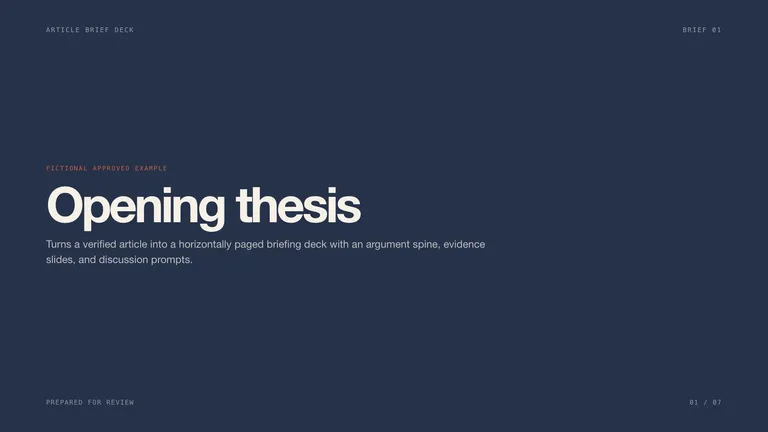
Turns a verified article into a horizontally paged briefing deck with an argument spine, evidence slides, and discussion prompts. It delivers a complete horizontally paged example deck with speaker notes and three finished 16:9 previews. Every deck can be edited in the browser and exported as an editable PowerPoint file.
Picked most often by
Updated Oct 13, 2026
Preview gallery
Similar Skills
View all skills





What you get
- A briefing deck that turns one verified article into an opening thesis, a clear argument spine, evidence slides and a discussion close, with three to five talking points per slide.
- Facts, quotes and labels that match the material you approved, with anything unconfirmed left visibly marked as pending.
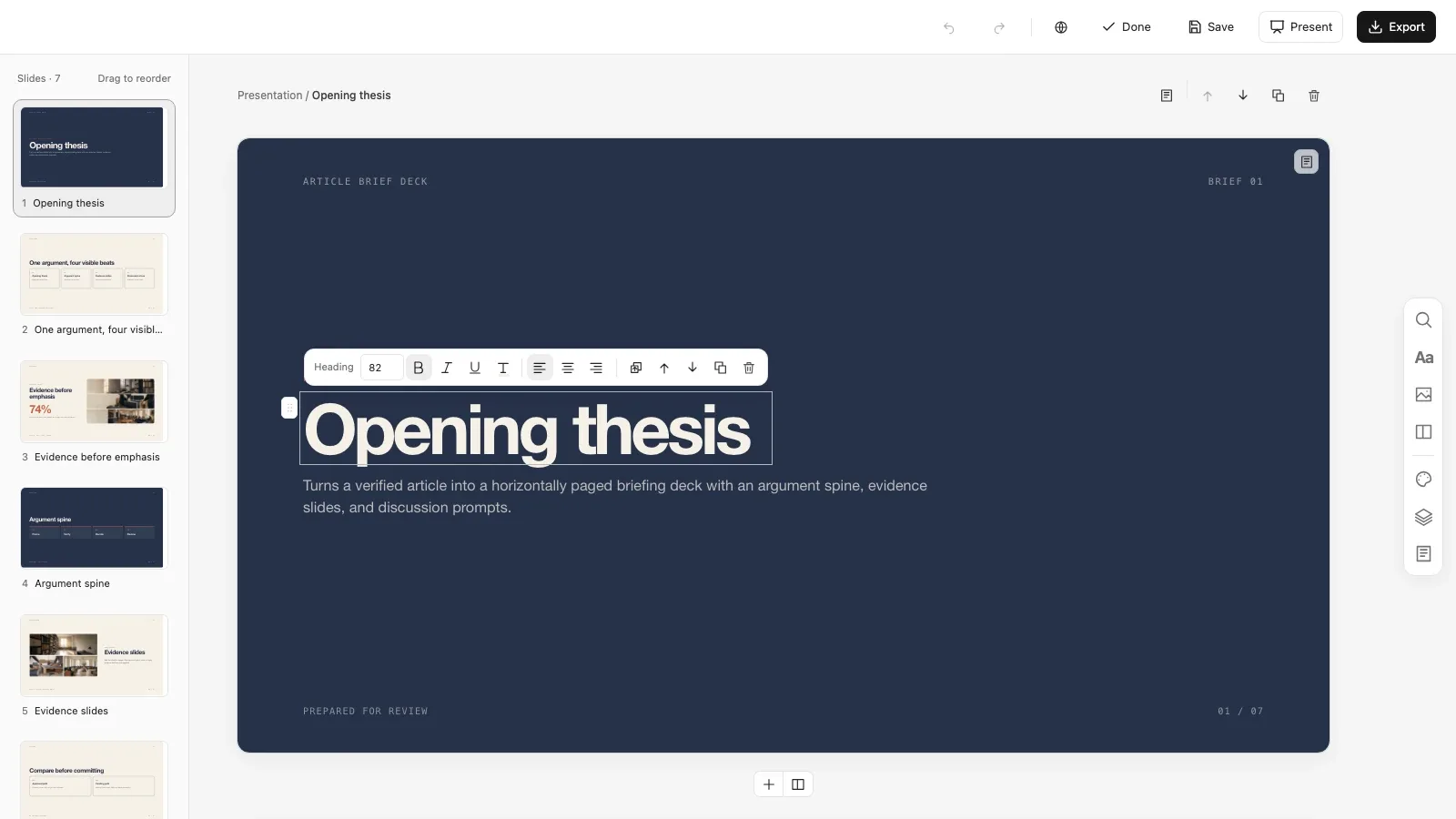
- A deck you can edit in the browser, from wording and pictures to slide order and theme, that exports to an editable PowerPoint file with speaker notes, or to PDF.
Good fit
- Teachers and course creators walking a class through one article and closing on discussion.
- Teams briefing colleagues on an article or report before a decision or review.
- Presenters who need every claim on screen to trace back to approved material.
Not for
- Articles you have not verified or are not cleared to use.
- Adding claims, statistics or quotes that are not in your material; gaps stay marked as pending.
- Final sign-off; subject-matter, rights and accessibility approval stays with a named human reviewer.
Content Creation & PublishingEducation & ExplainersCreate PresentationPrepare Client DeckBuild Content Brief DeckEvidence-firstEditable OutputVisually PolishedModular GridArticle BriefEditorial Deck
About this Skill
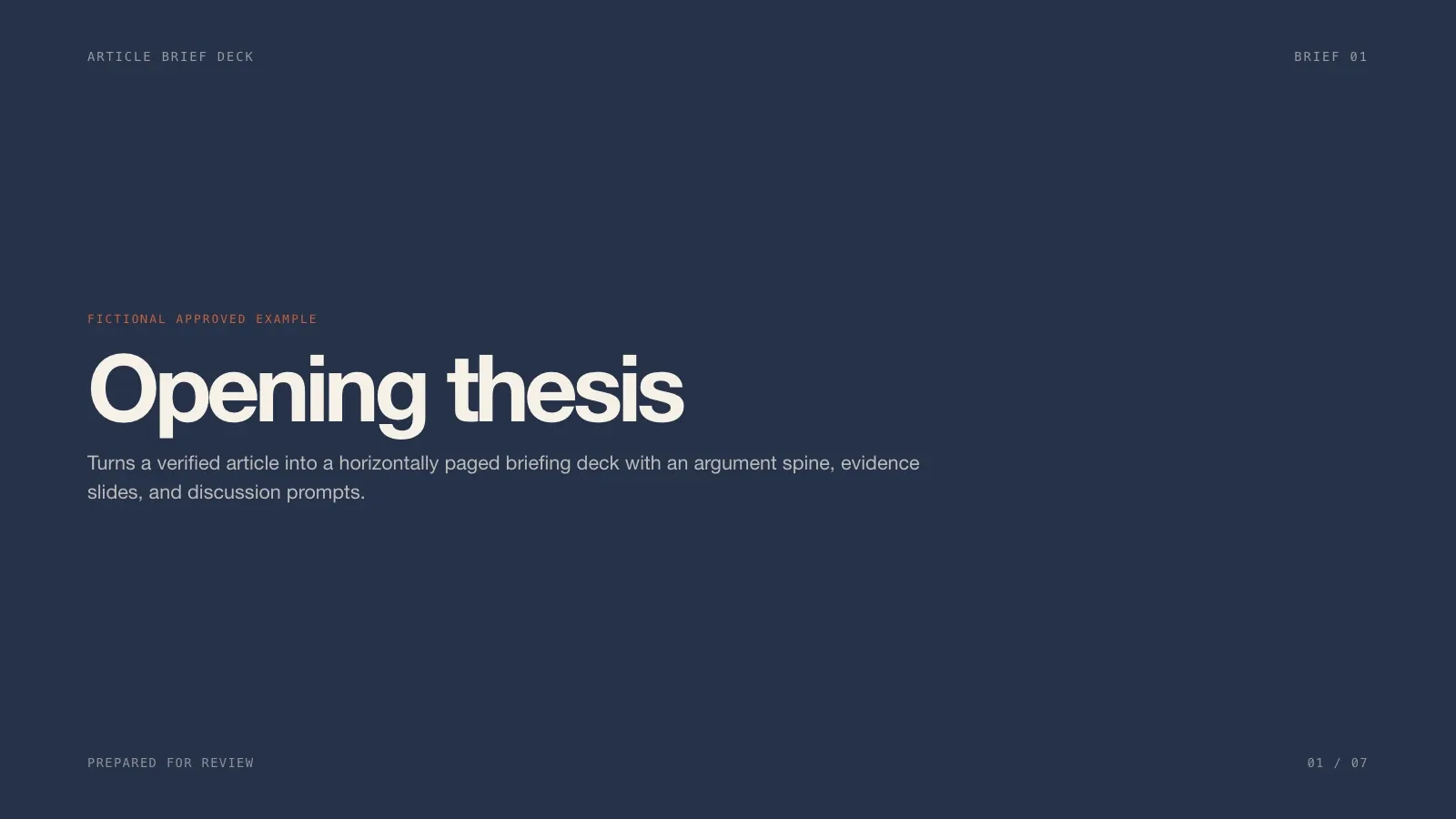
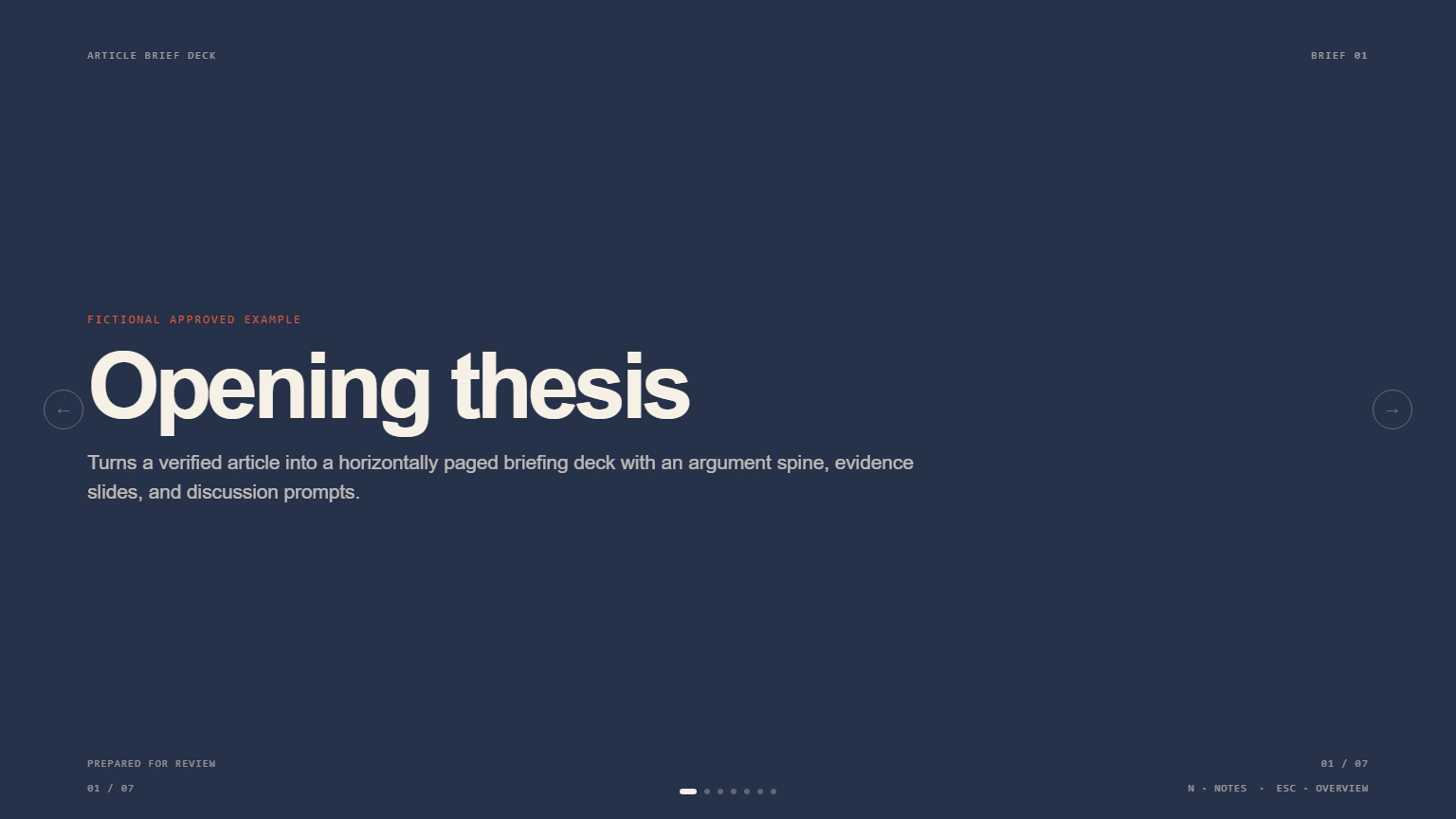
Hand it an article you have verified and it builds a briefing deck that walks your audience through the piece: an opening thesis, the argument in a few clear beats, evidence slides and a closing slide that opens the discussion. Every figure and quote on screen traces back to material you approved.
What you get
- A paged deck with an argument spine, evidence slides and a discussion close, plus three to five talking points per slide in the speaker notes
- Facts, quotes and labels that match what you approved, with anything unconfirmed left visibly marked as pending
- A deck you can edit in the browser and export to an editable PowerPoint file or a PDF

How to use
- Share the article, its reference links, your audience and goal, and how many slides you want.
- Say which claims, quotes, figures and images are cleared for use.
- Press E to change wording, swap a picture, reorder slides or switch between the Field Note, Night Review and High Contrast themes.
- Export a PowerPoint file or PDF when it reads right.

What you need before you start
- You bring
- Approved article and source links · Audience, objective, duration, and target slide count · Claims, data, quotes, and images approved for use · Theme preset, disclosure rules, and required speaker notes
- Dependencies
- FAL account — optional for generated imagery · Node.js 20 or newer — required · Chrome, Chromium or Edge plus Node.js 20 or newer — required only for PowerPoint export
- Outside costs
- The deck works with built-in treatments. Optional image generation uses one paid FAL task; its request ID is saved and a failure is never retried automatically.
- Last tested
- v1.0.3 — Claude Code / Claude Desktop / Cowork / Codex / ChatGPT
User reviews
Loading reviews…