

Skillry Pick
Cut-Paper Collective Sitev1.0.2
Use this Skill to build website page.
Popular
5.079 downloads3 likes4 saves
$4.99
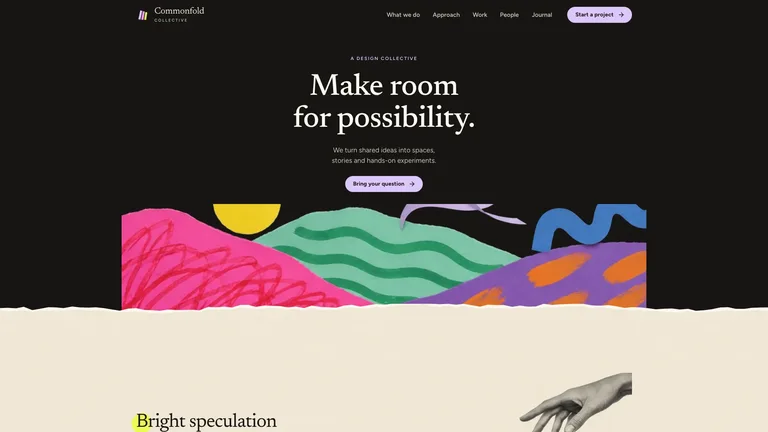
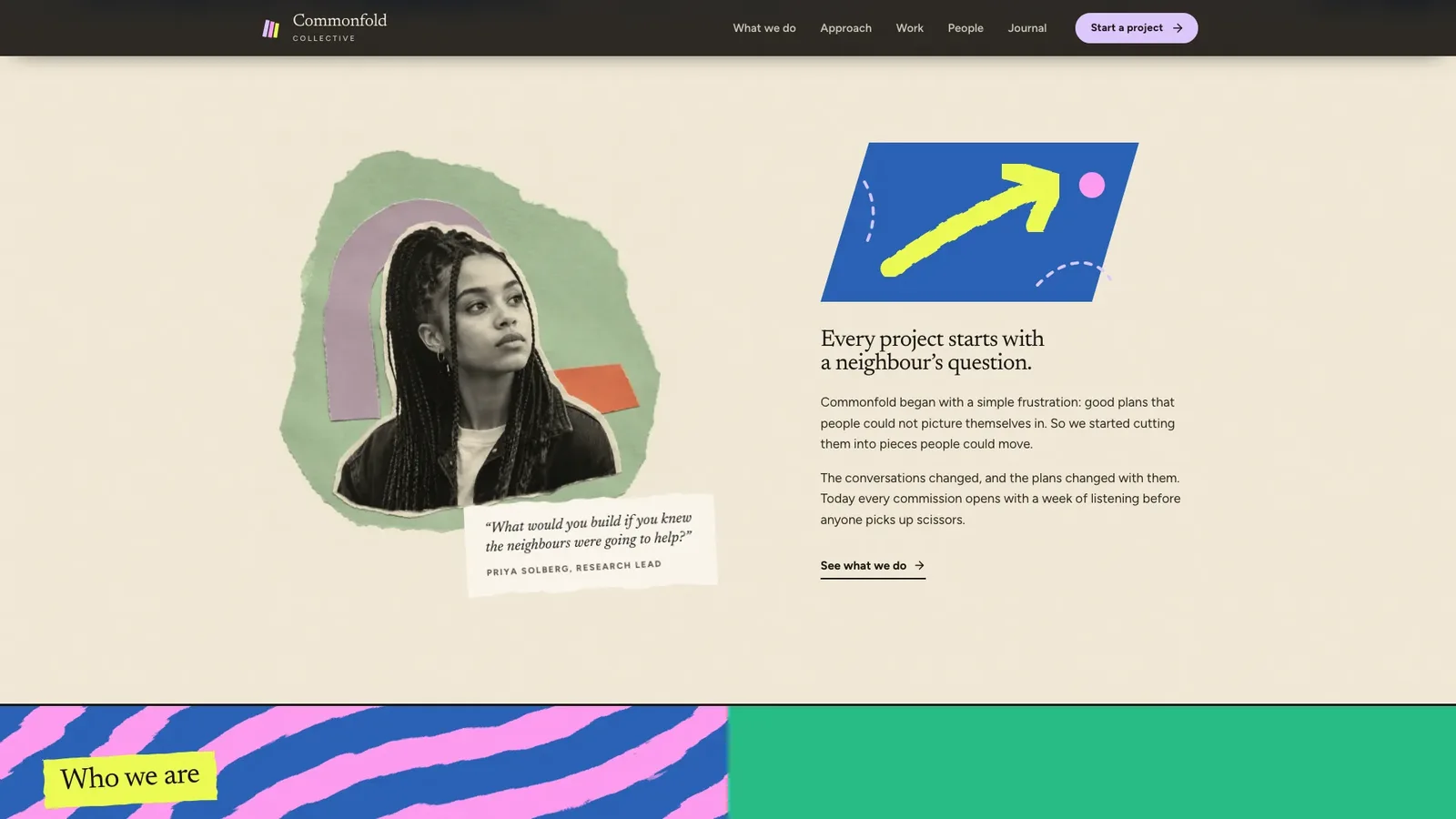
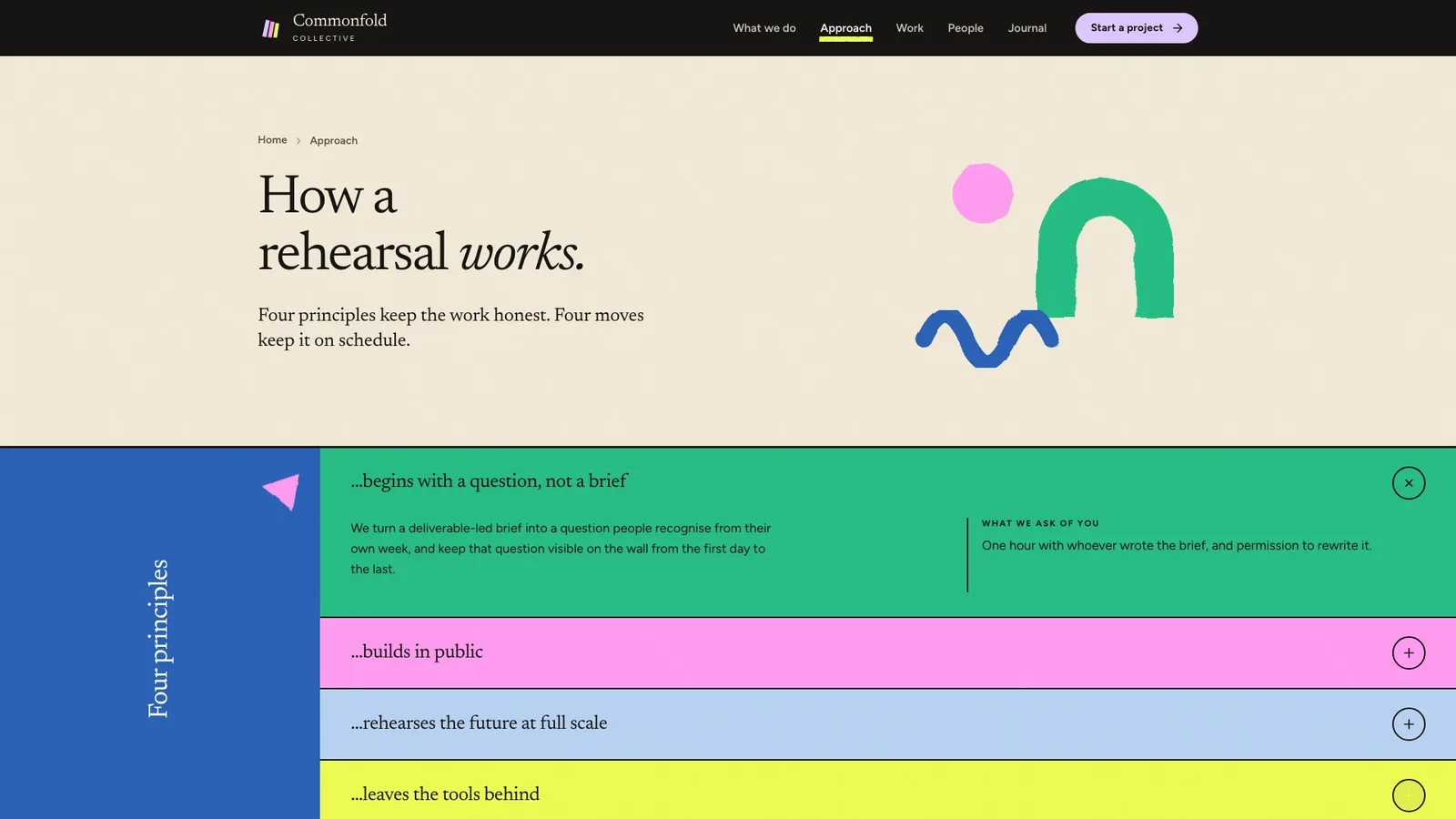
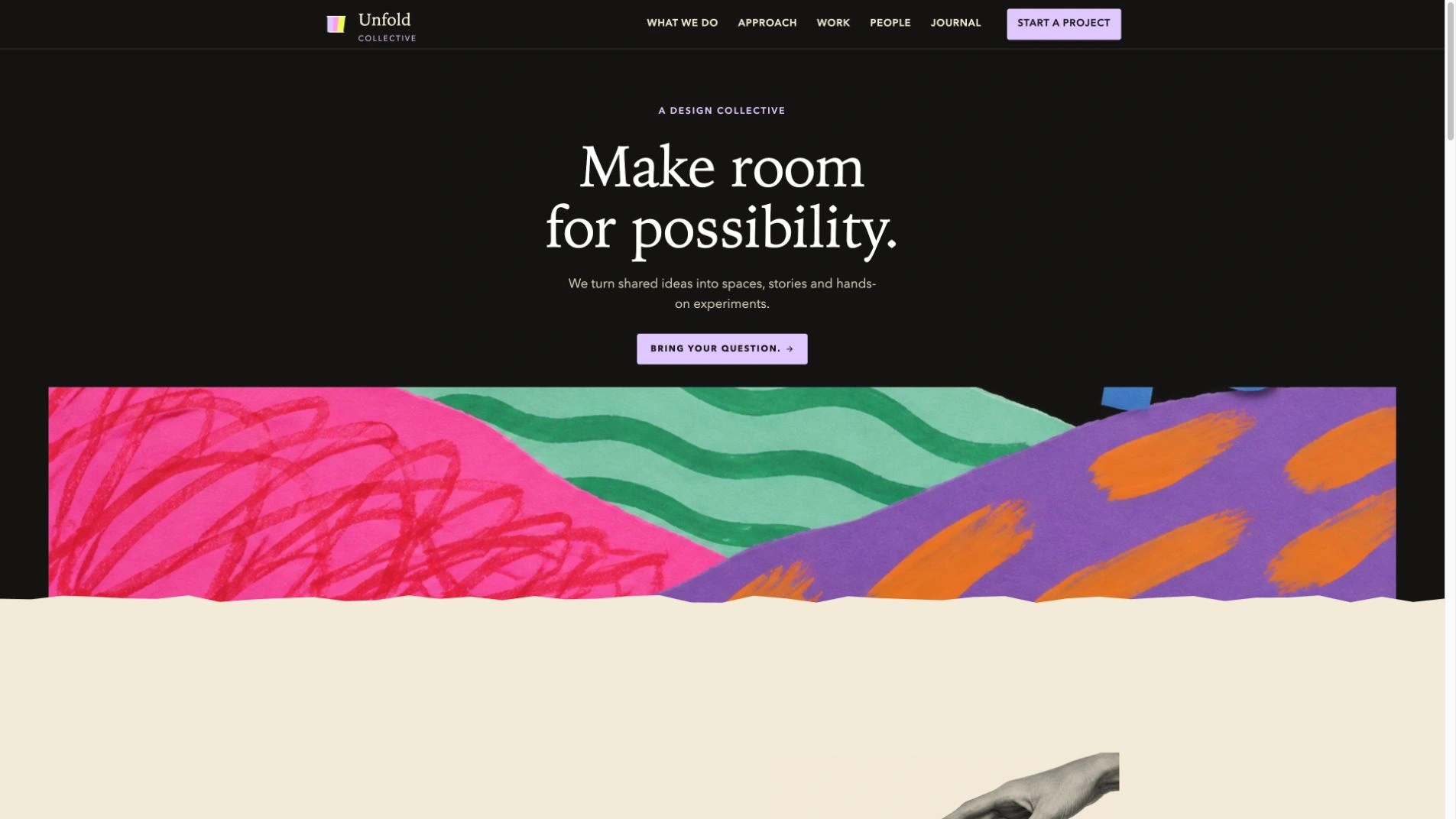
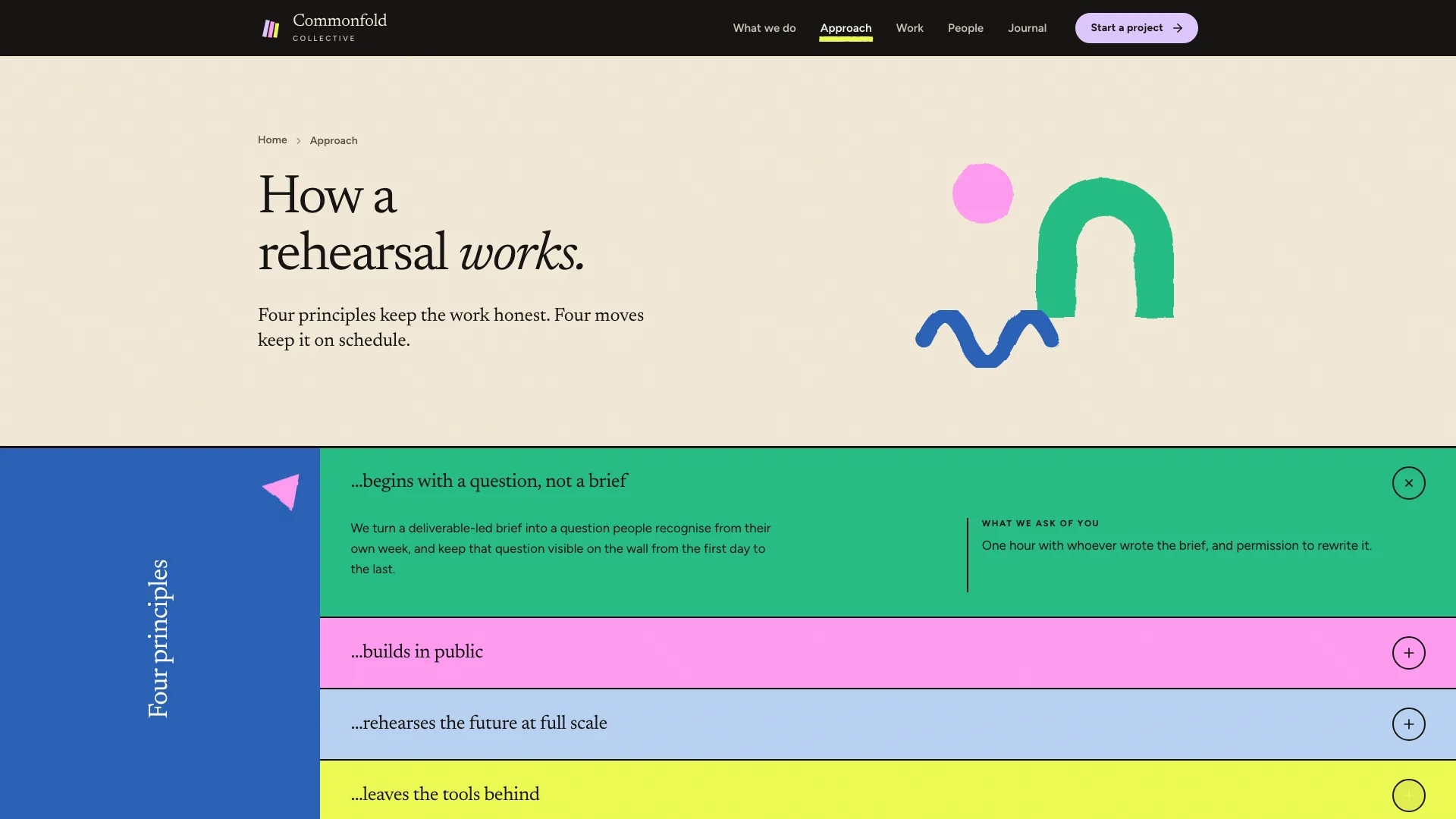
What do I get when I buy this Skill?A multi-page design-collective site in a torn-paper collage style: a small centred hero on black above painted paper-cut hills and a torn cream edge, a warm cream body, and flat yellow, pink, green and paper-blue colour blocks carrying a principles accordion, a torn blue quote band and black-and-white cut-out portraits. It ships Home, What we do, Approach, Work with four project pages, People with three member pages, Journal with three posts, Contact, Privacy and Accessibility, as one self-contained file that opens offline.
Picked most often by
Updated Oct 3, 2026
Preview gallery
Similar Skills
View all skills
What you get
- A 20-route example for the fictional Commonfold Collective: four project pages, three member pages, three journal posts, contact, privacy, accessibility and a designed 404.
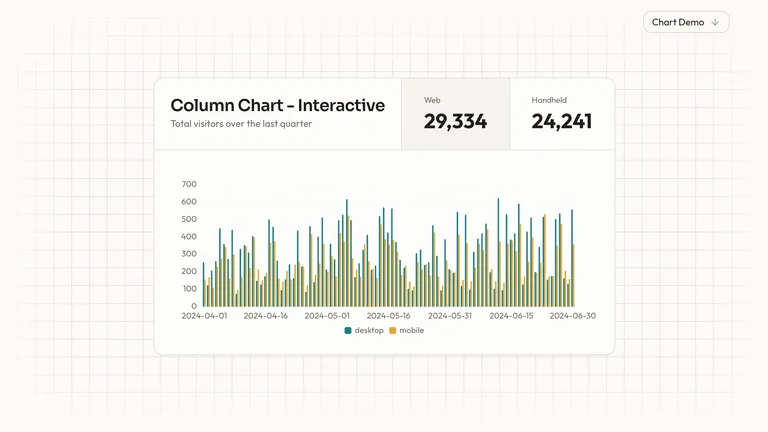
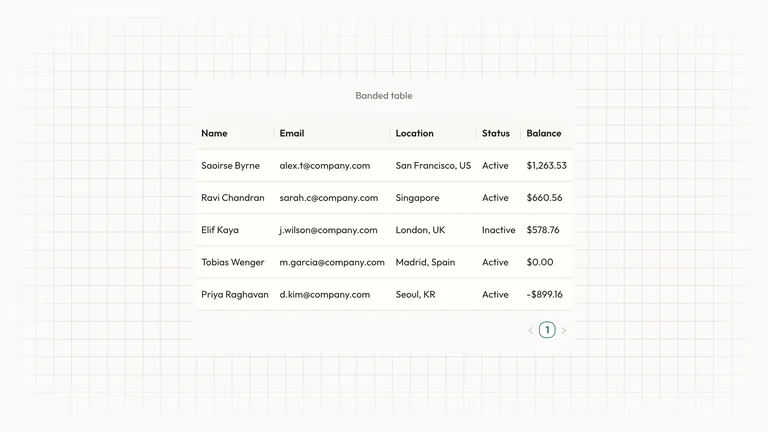
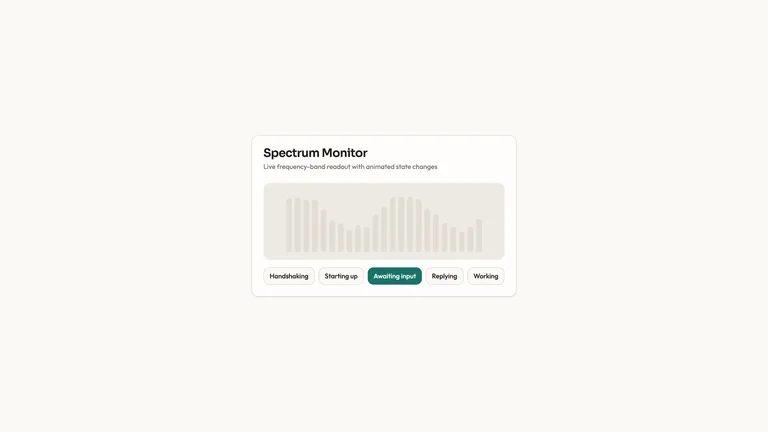
- Working pieces: a one-open principles accordion, work filters with search, sort and empty state, a standard and community rate toggle, FAQ, validated forms and a copy-link toast.
- One self-contained file with Newsreader and Figtree embedded, plus a style guide, an image plan and built-in checks that flag leftover sample names.
Good fit
- Design studios, collectives and civic or participatory design teams that want a handmade, playful presence backed by real case studies.
- Printmaking studios, schools and small practices that can map classes, tutors or projects onto the same page family.
- Teams who want collage imagery, torn edges and tape instead of rounded cards and stock photos.
Not for
- Corporate brands that need a sober, minimal look; this design leans on bright colour blocks and paper textures.
- Live bookings or payments: forms confirm in the page and send nothing until you connect a backend.
- Brands built on purple or violet surfaces; lilac appears only as a small accent.
Brand Identity & Visual SystemsWeb Design & Digital ExperiencesBuild Website PageBuild Agency SiteStyle-lockedEditable OutputEditorial SerifColour Block AccordionCut Out PortraitsPainted Paper LandscapeTorn Paper Collage
About this Skill
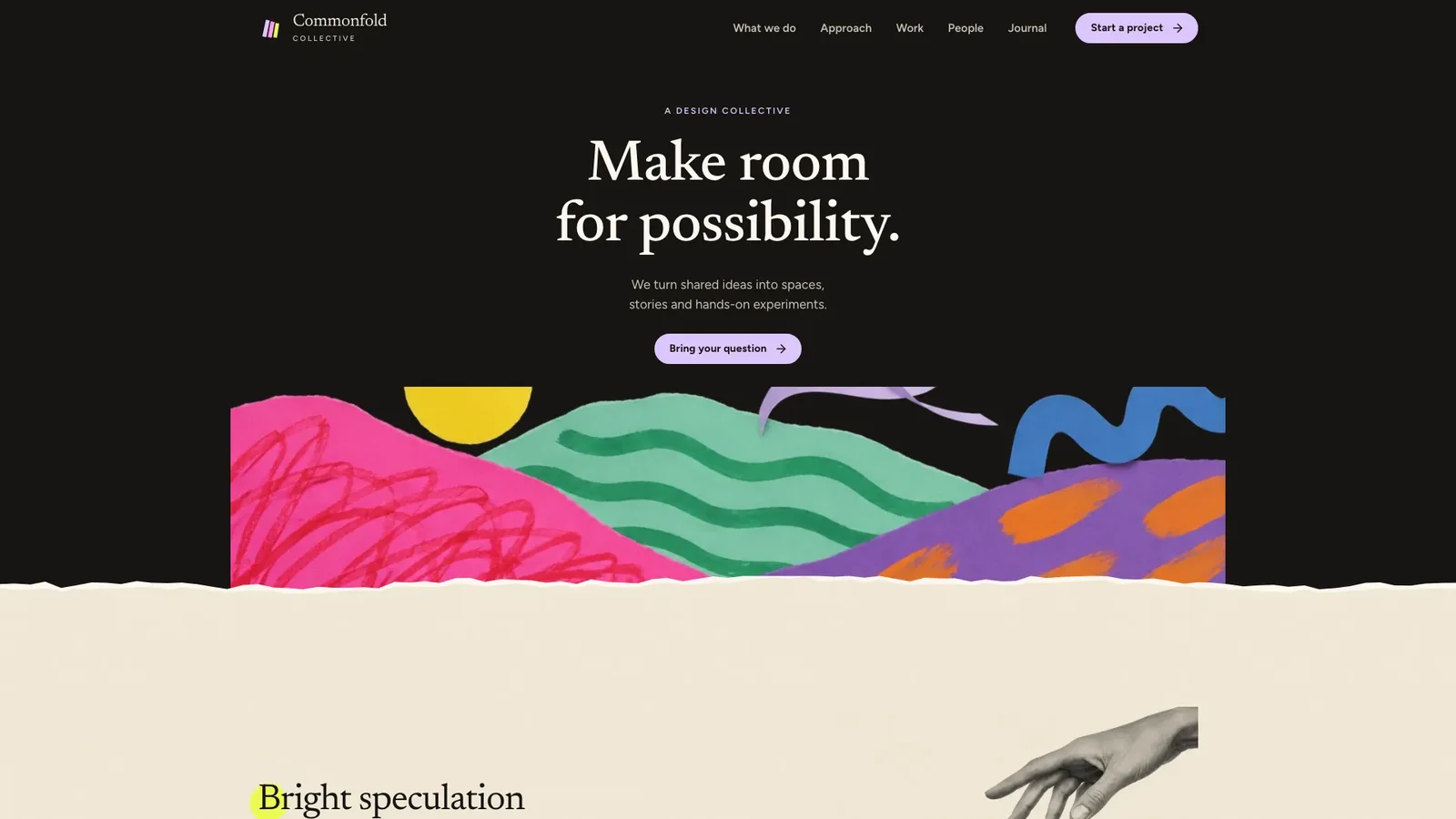
Tell the Skill about your studio, its principles, projects and people, and it builds a full collage-style website: a small centred hero on black above painted paper-cut hills, warm cream pages, flat colour blocks and black-and-white cut-out portraits. The worked example is the fictional Commonfold Collective, a civic design studio, with 20 connected routes. The default result is one self-contained file that opens offline in any browser.
What you get
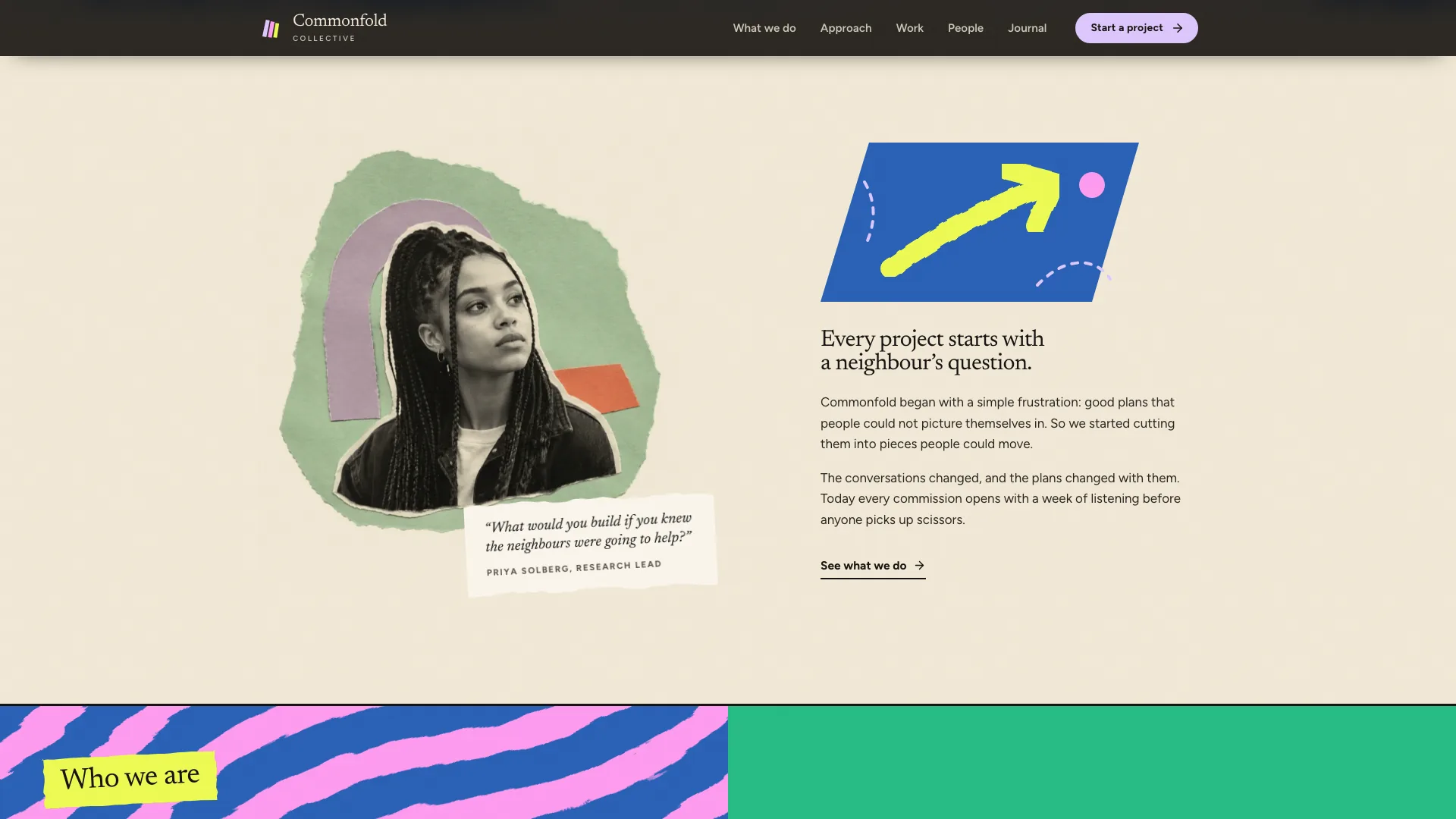
- Home with the hero, principles accordion, quote band, team story, figures, project collage, partner notes and journal
- Inner pages with real depth: case studies with detail images and figures, member pages, long-form posts, services with fixed formats, contact and FAQ
- Torn edges, tape and slight rotations that straighten on hover, with calm reveals that switch off for reduced motion
- Newsreader and Figtree embedded in the file, so nothing loads from the network
How to use it
- Share your name, a one-line description, three to five principles, your projects, team, posts and contact details.
- Your agent fills every content slot, generates new collage images in the same style and runs the built-in checks.
- Click through every page on desktop and phone, then ask for changes in plain words.
Generating new collage images may incur your image tool's usage charges. Anything the brief does not give is drafted as placeholder copy and listed for you to confirm.
What you need before you start
- You bring
- Studio name, a one-line description and three to five principles with an example each · Projects with what each page needs, plus team members with roles and short bios · Posts or news items, offers and prices, address, email and hours
- Dependencies
- Node.js 18 or newer on your agent's machine, to run the bundled script that builds the single offline file · Internet access while the file is built, so the fonts can be downloaded once and embedded · An image generation tool in your agent for new collage images
- Outside costs
- Generating the collage images with your agent's image tool may incur that tool's usage charges. Some neutral shipped art (the hero hills, the hands and two journal images) can be reused at no cost.
- Last tested
- v1.0.2 — Claude Code / Claude Desktop / Cowork / Codex / ChatGPT
User reviews
Loading reviews…