



For practice, reflection, and guided work

AI worksheet generator for practice with a purpose

A worksheet earns its space when doing it helps someone understand, practice, decide, or notice something. Use a Skill to create the first printable structure from your source, then check the task, level, answer key, and page as the person who has to use it.

Include the learner, goal, source material, difficulty, time, page limit, accessibility needs, and whether you need a separate key.

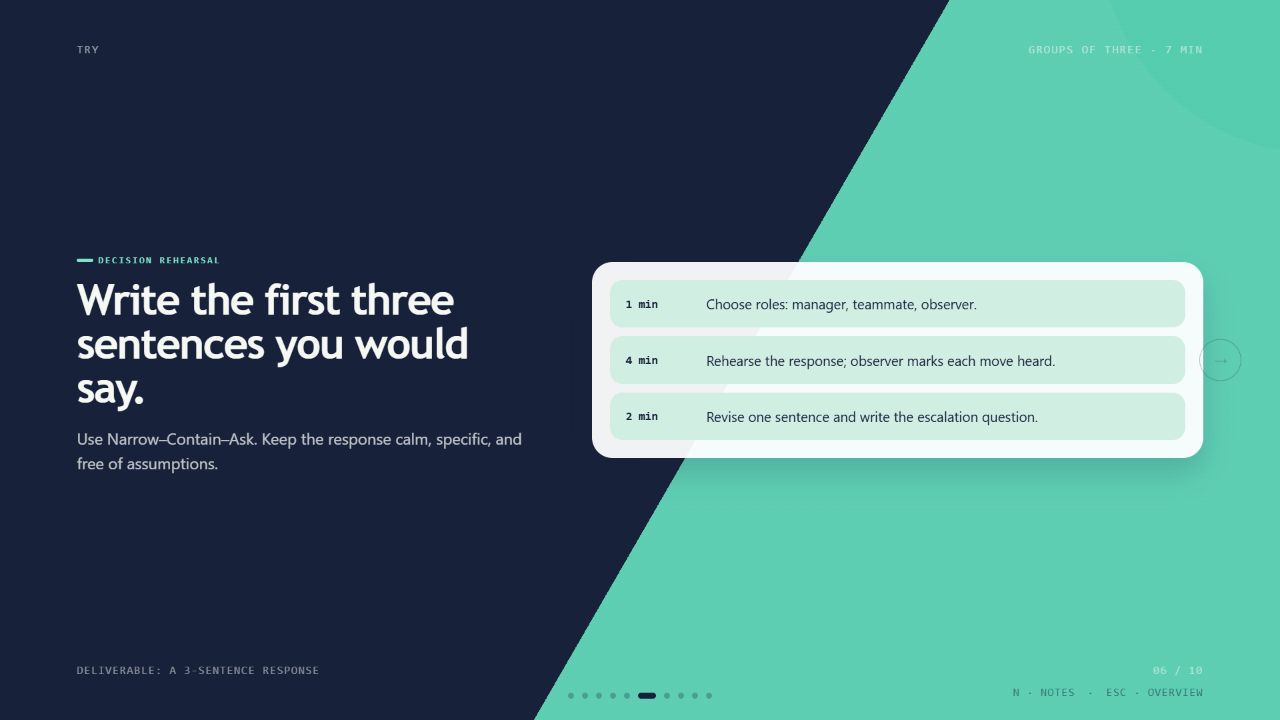
Learning Loop Deck result preview

Choose what the worksheet should help someone do

The format follows the learning or working purpose. Start with the action, then decide what belongs on the page.

Worksheet Skills with a real learner-ready output

Compare sample pages, source support, answer-key handling, export formats, dependencies, and the review expected before use.

Real output from matching Skills

Every example comes from a Skill shown on this page. The media is here to make the choice easier, not to decorate an empty promise.

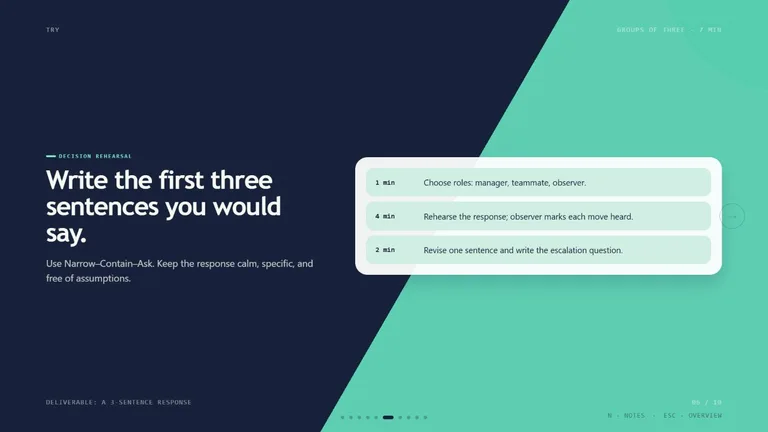
Learning Loop Deck result preview
Learning Loop Deck
Learning Loop Deck result preview
Learning Loop Deck
Learning Loop Deck result preview
Learning Loop Deck

Worksheet check

Choose a workflow that respects the learner’s attention

The page should make the task understandable and leave enough room for the thinking it asks for.

1

Write the purpose in one sentence

Name what the learner should know, practice, decide, or produce after completing the page. Cut anything that does not support it.

2

Make the instructions usable alone

Test whether the learner can understand the sequence, examples, response format, and amount of work without a teacher translating the page.

3

Separate and verify the key

Keep answers and scoring notes off the learner copy. Check calculations, references, explanations, and acceptable alternatives yourself.

Use it inside the agent you already work with

A Skill becomes a repeatable way for your agent to do this job. Your brief and output stay in the project where the rest of the work already lives.

1

Pick the Skill

Check the output examples, required inputs, dependencies, and price before you install.

2

Install it once

Ask your agent to install the Skill. The trusted guide handles the setup and authorization.

3

Write the brief

Describe the worksheets job in plain language, review the result, and keep the final file.

Works with the agents you already use

  • Claude Code
  • Codex
  • Cursor
  • Gemini CLI
  • Cline

Questions about worksheet generators

Can I make a worksheet from my own document or lesson?

Yes when the Skill supports that source format. Grounding the questions in your material improves accuracy and keeps the practice connected to the lesson.

Can I set the age, grade, or reading level?

Yes. Give a concrete learner profile, sample language, time limit, and expected response. Review both vocabulary and cognitive demand.

Will it create a separate answer key?

Some Skills do. Check the sample output and require a distinct teacher copy, then verify every answer before use.

Can the result be printed?

Look for PDF, document, or print-ready HTML output. Check margins, contrast, page breaks, writing space, and grayscale readability.

Keep going from here

Make one page of practice that has a clear job.

Bring the source and learner context, generate a first version, and test the page before handing it over.