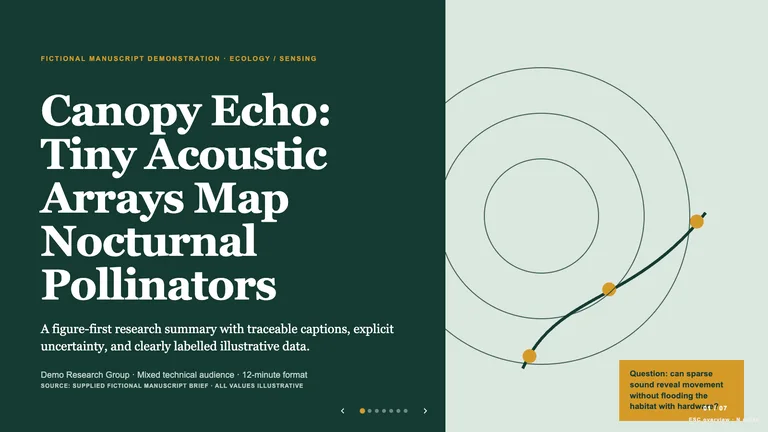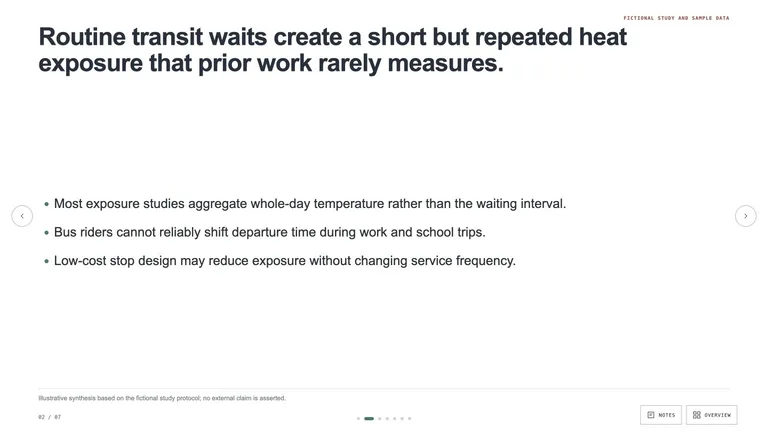
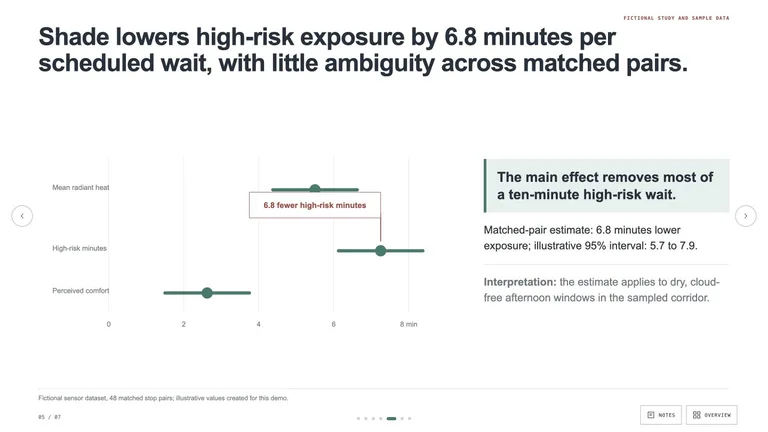
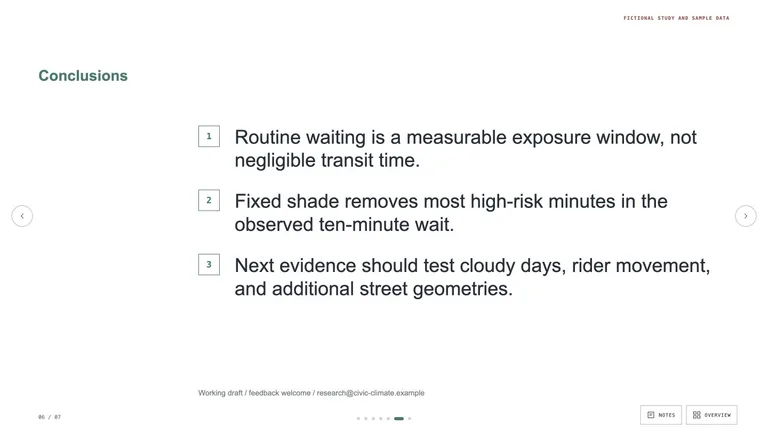
Academic Argument Deck
Create an academic presentation whose action titles carry a defensible argument from question to conclusion. It keeps evidence, citations, limitations, and speaker notes visible without turning slides into a paper.


 +55.0
+55.0For teachers and knowledge sharers
Use a Skill to build the first useful structure, then keep the decisions that belong to a teacher: the learning goal, the level of challenge, the examples, and the final check. Start with the lesson job in front of you, not a long list of generic AI apps.
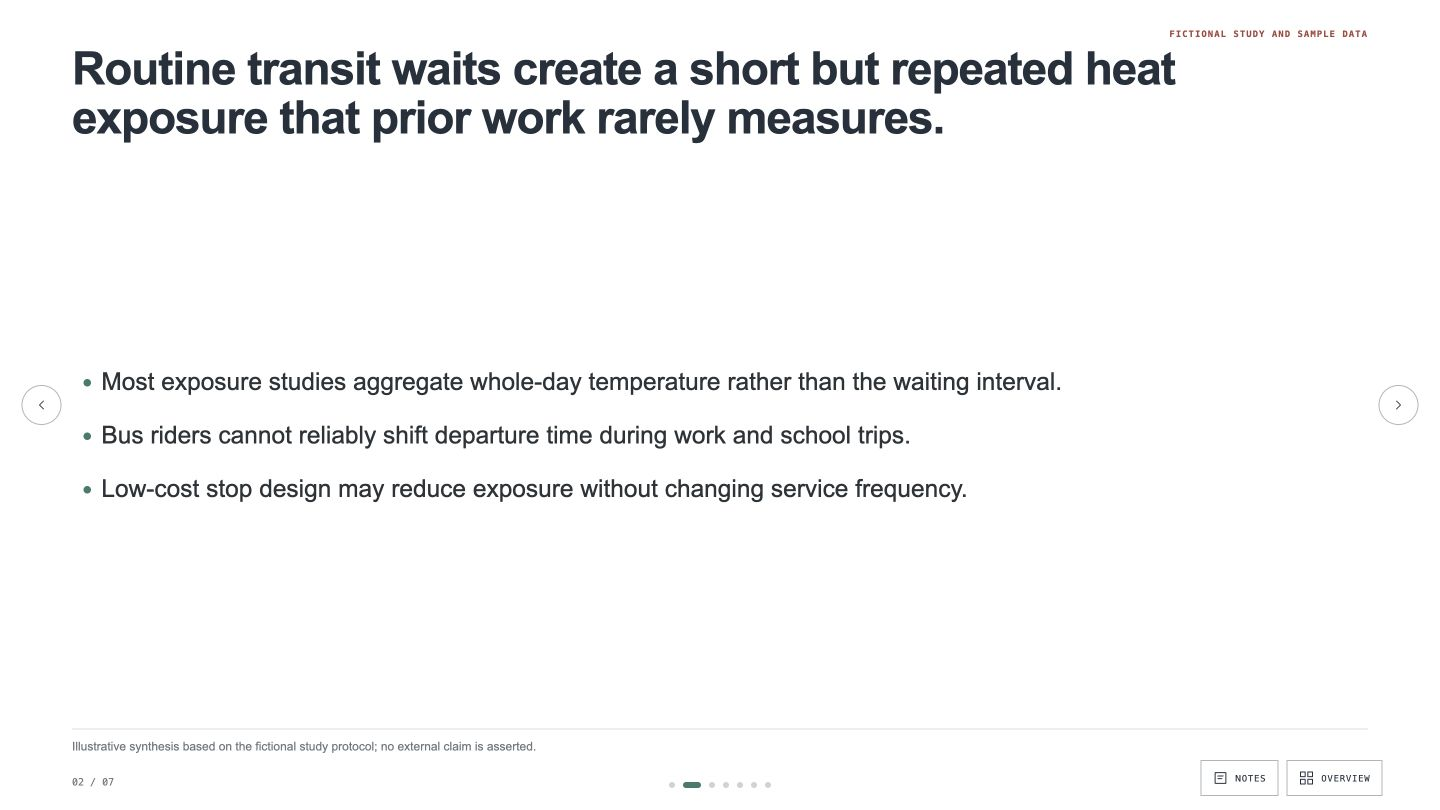
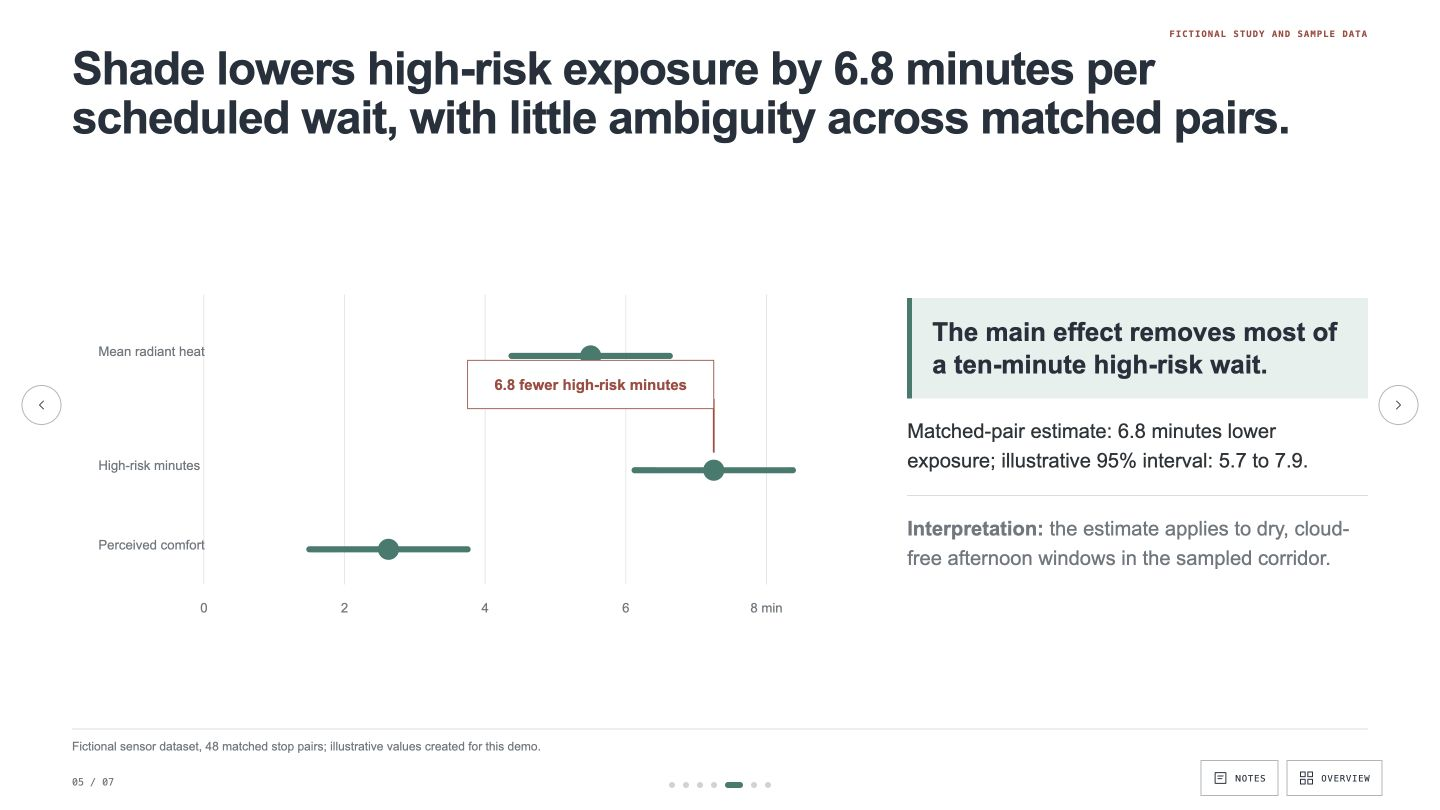
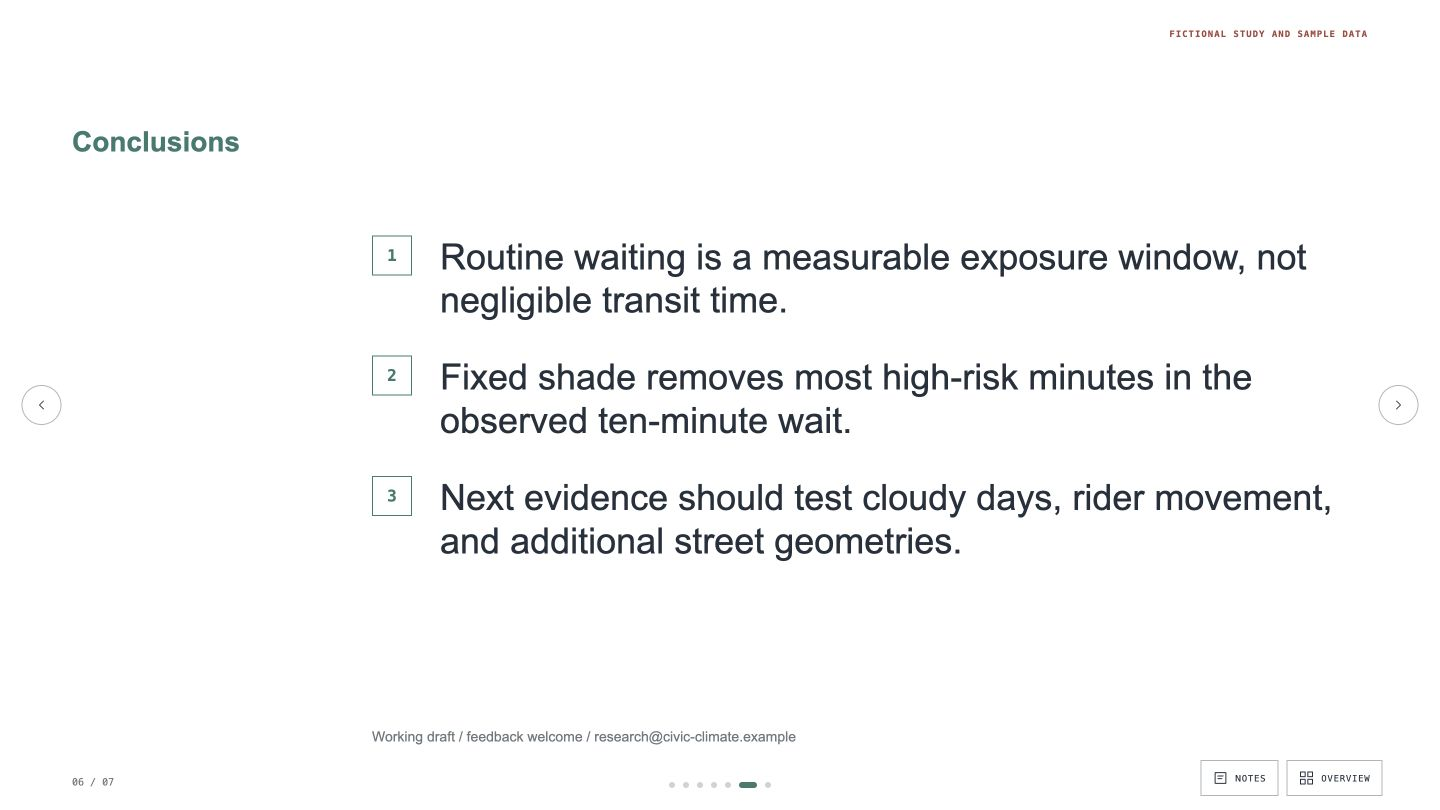
Each route below ends in a concrete file you can inspect, edit, and use. The Skill helps with the first pass; you decide what is ready for students.
Relevant examples matter more than a long feature list. These matches show their output, required inputs, dependencies, and what still needs a human review.
Every example comes from a Skill shown on this page. The media is here to make the choice easier, not to decorate an empty promise.



Teacher check
Good teaching material is specific to learners and goals. Use these three checks before a generated first pass reaches a classroom.
Tell the Skill what students should understand or do. A topic alone produces busy work; a goal gives the material a reason to exist.
Answers, scoring notes, and likely misconceptions belong in a teacher copy, not beside the questions students receive.
Check every claim, example, and reading demand against the source and the students in the room before you use it.
A Skill becomes a repeatable way for your agent to do this job. Your brief and output stay in the project where the rest of the work already lives.
Check the output examples, required inputs, dependencies, and price before you install.
Ask your agent to install the Skill. The trusted guide handles the setup and authorization.
Describe the educators job in plain language, review the result, and keep the final file.
Works with the agents you already use
Claude CodeCodexCursor Gemini CLI
 Cline
ClineNo. It can organize source material and create a first draft, but the teacher remains responsible for goals, accuracy, accessibility, level, and classroom fit.
Yes when the Skill lists those as inputs. Give a concrete learner profile and sample material, then review the language and cognitive demand yourself.
Use your own source text where possible, require the output to trace back to it, and check every answer and explanation before sharing.
Some deliver PDF, document, slide, or browser-ready files. The individual Skill page states the exact format before you install.
Teaching roles
Make teaching material
Browse outputs
Start with one repeatable teaching task, inspect the output, and adapt it for the students you actually teach.