Academic Argument Deck
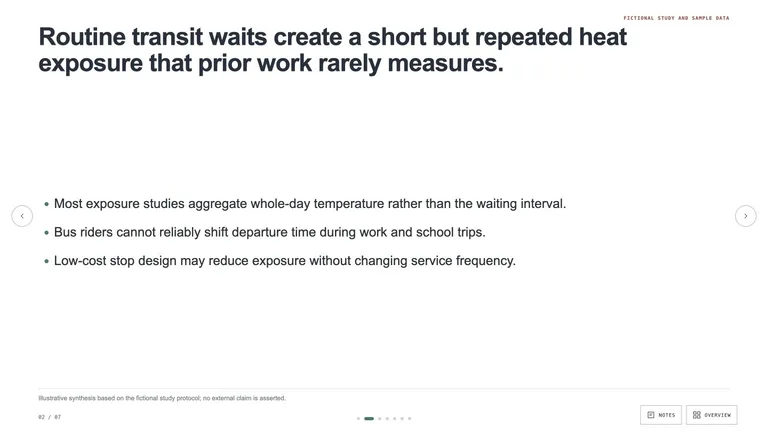
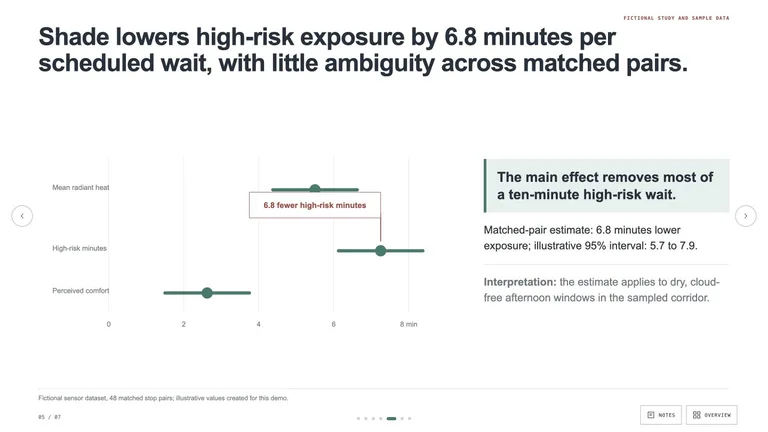
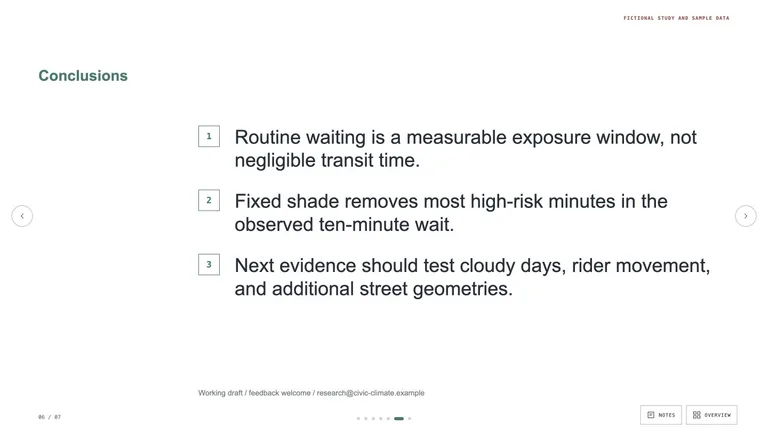
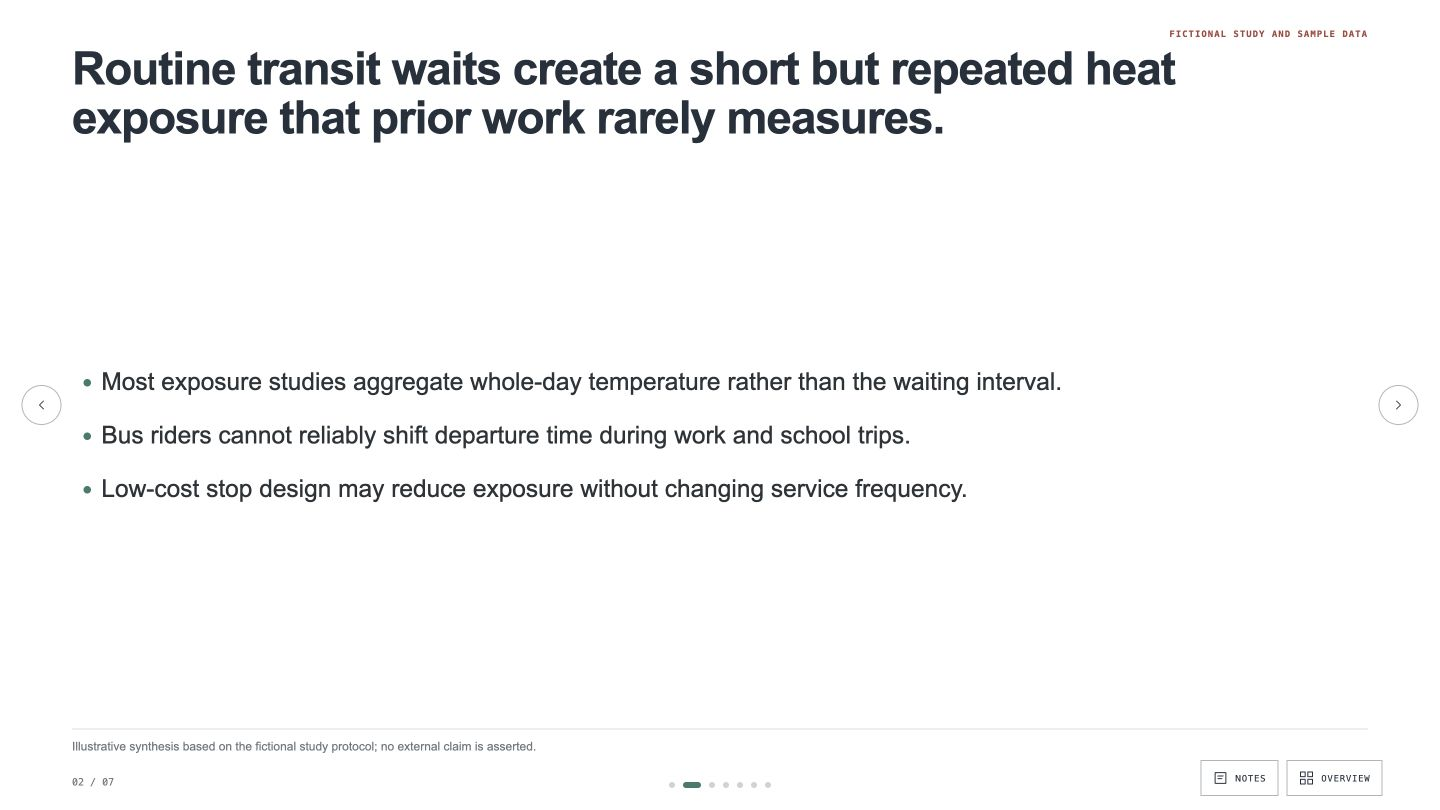
Create an academic presentation whose action titles carry a defensible argument from question to conclusion. It keeps evidence, citations, limitations, and speaker notes visible without turning slides into a paper.


 +55.0
+55.0For researchers and technologists
These Skills do not replace research. They help organize and present work you have already done: a poster, figure, visual summary, research talk, or technical explainer. The researcher remains responsible for the evidence, citations, interpretation, and final review.
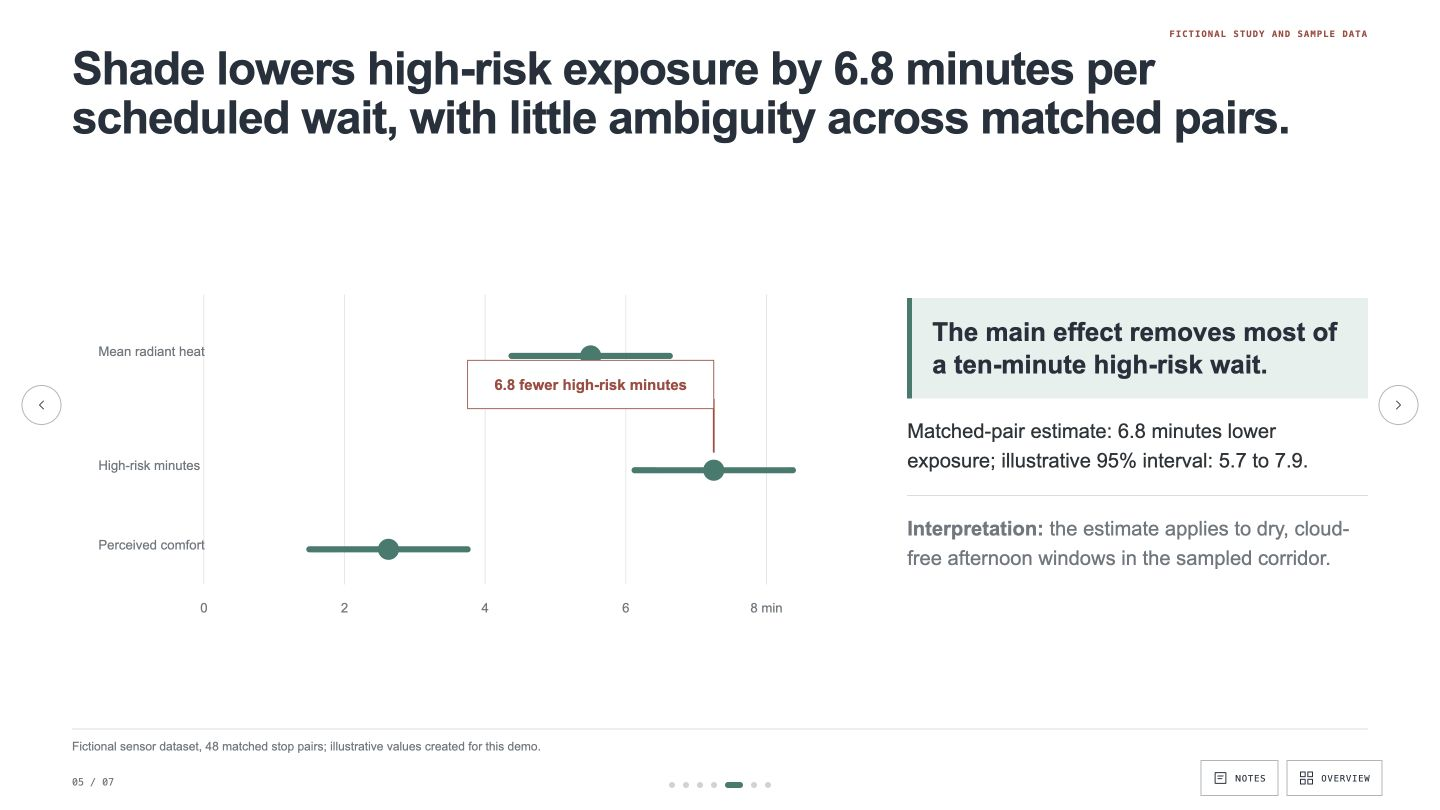
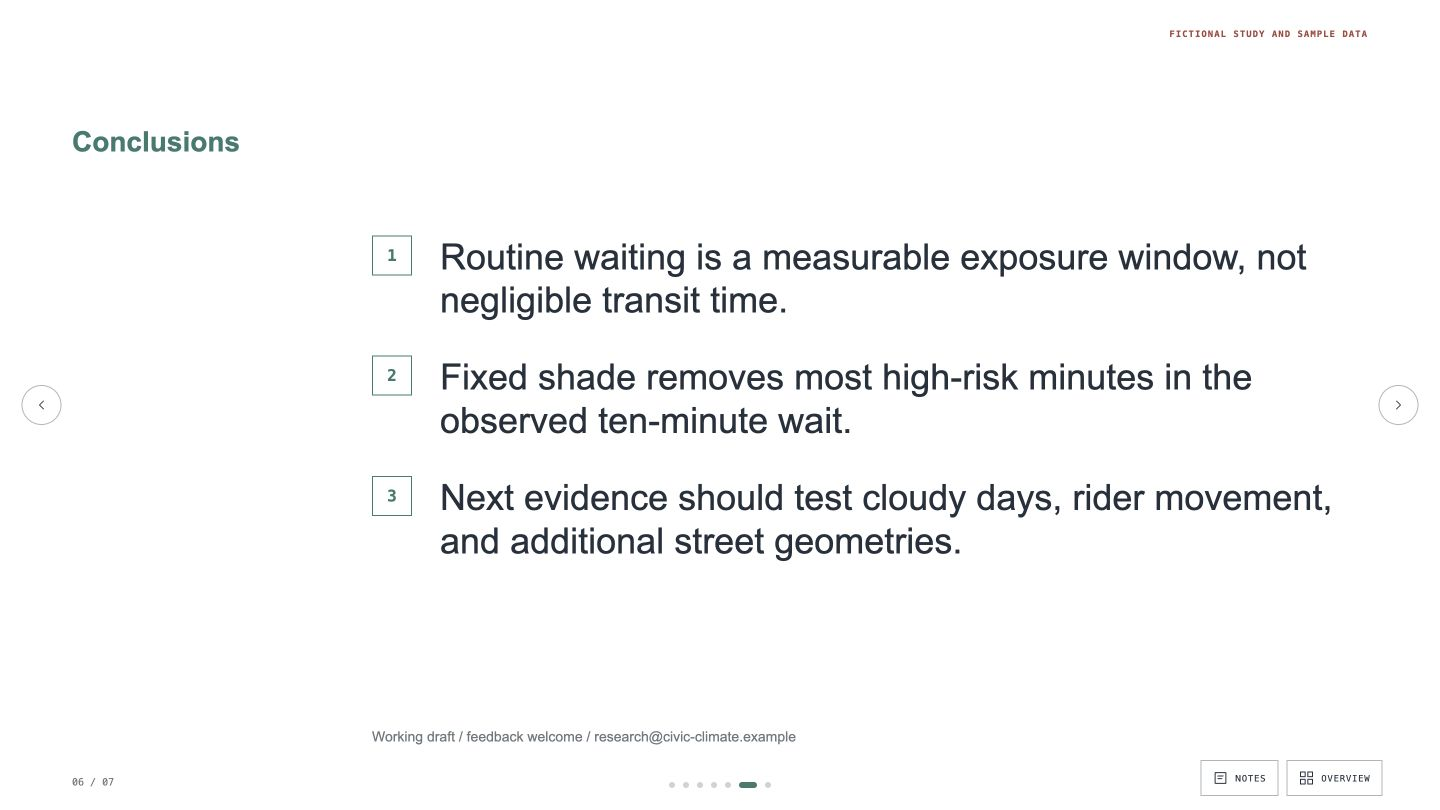
Choose the communication job first. The right Skill should preserve the line between source evidence, interpretation, and presentation.
Relevant output and traceability come first. A match should make the research easier to inspect and understand without inventing confidence the source does not contain.
Every example comes from a Skill shown on this page. The media is here to make the choice easier, not to decorate an empty promise.
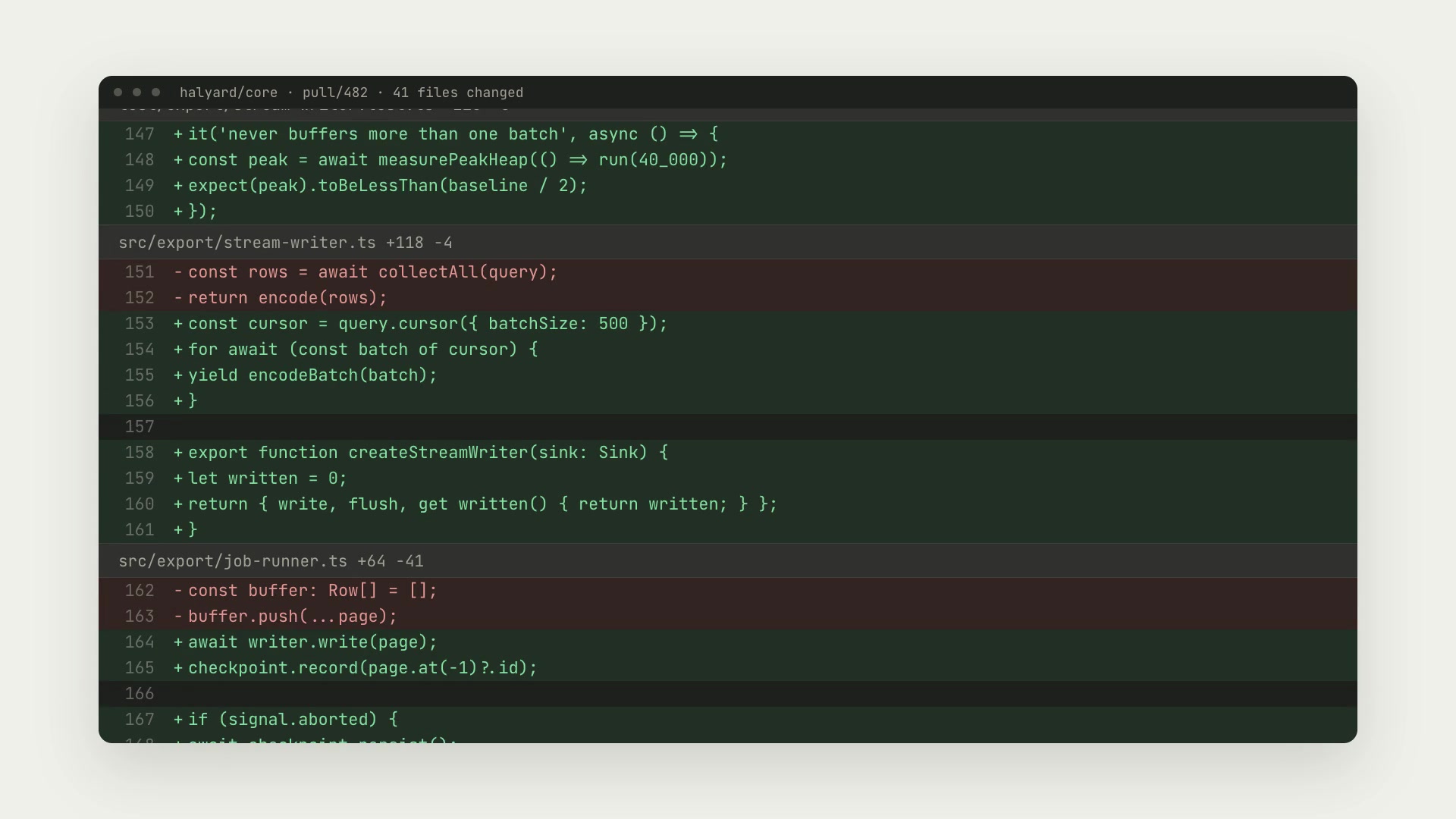
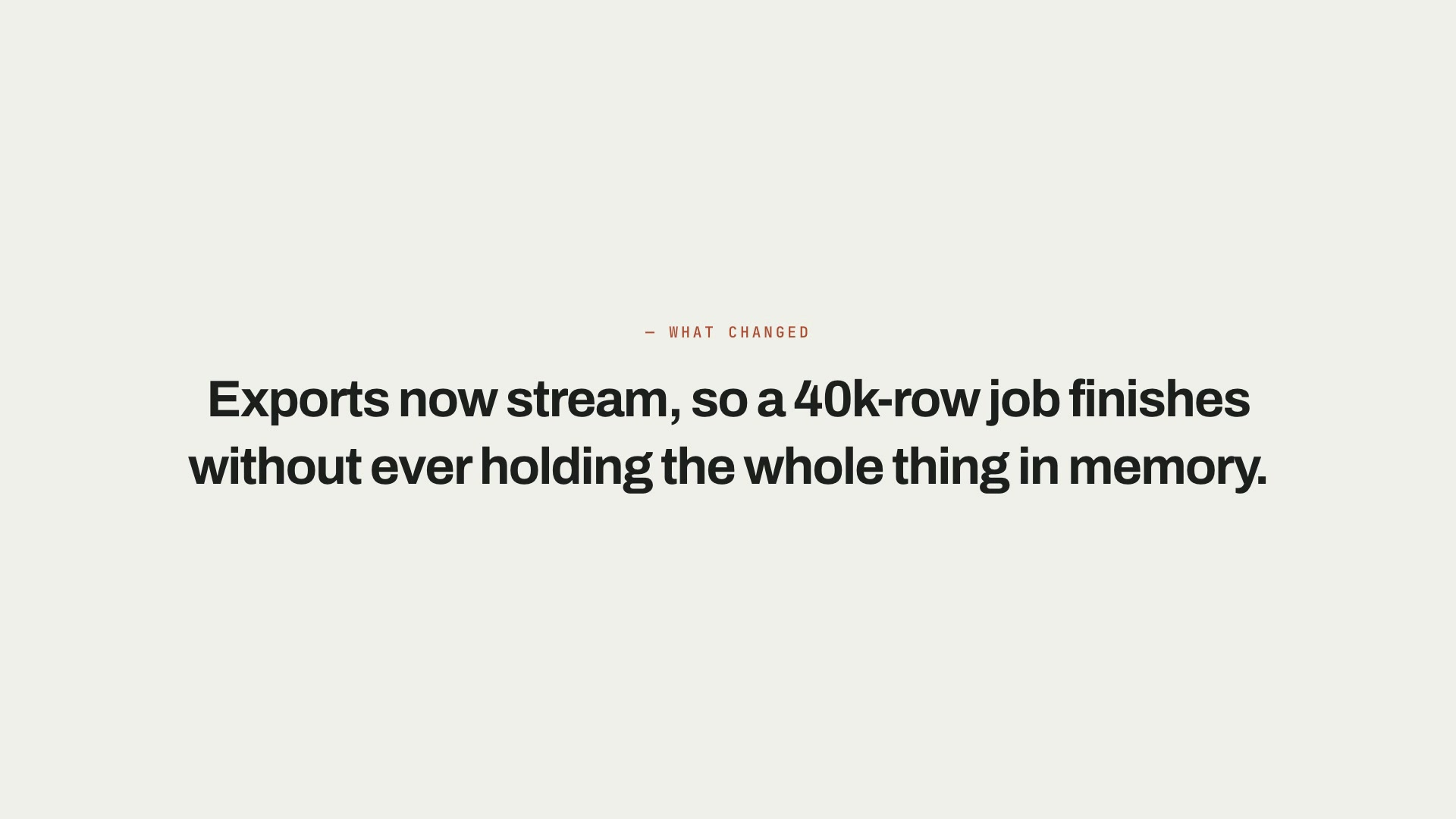
Research check
A useful research Skill gives you more control over the last mile. It should make verification easier, not move the source farther away.
Use the abstract, verified notes, figures, captions, and references. Do not ask a generic model to reconstruct the study from memory.
The summary should preserve sample size, uncertainty, limitations, and the difference between association and causation.
Use readable labels, alt text, sufficient contrast, and a layout that still works when printed or viewed on a smaller screen.
A Skill becomes a repeatable way for your agent to do this job. Your brief and output stay in the project where the rest of the work already lives.
Check the output examples, required inputs, dependencies, and price before you install.
Ask your agent to install the Skill. The trusted guide handles the setup and authorization.
Describe the researchers job in plain language, review the result, and keep the final file.
Works with the agents you already use
Claude CodeCodexCursor Gemini CLI
 Cline
ClineAny language model can make a citation error. Use your own verified references, require traceable source notes, and check every citation before sharing.
Only if the model, provider, and institutional rules allow it. Remove sensitive material, follow your data policy, and use the minimum content the job needs.
Some can produce captions and alt-text drafts. A researcher should confirm the scientific meaning and ensure the text describes the important relationship.
Yes when you provide the required size, sections, logo rules, and export format. Check the individual Skill output before relying on it for a deadline.
Nearby roles
Communication work
Browse outputs
Start with one verified source set and one communication job. Keep the evidence attached all the way to the final file.