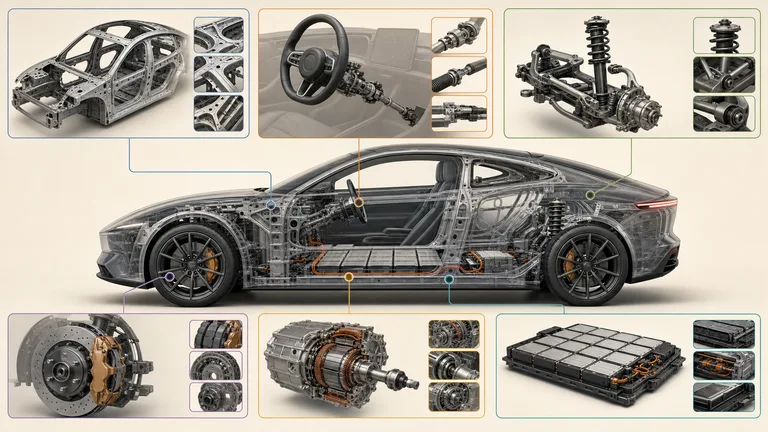


Vehicle Anatomy Poster
Creates a classroom-ready vehicle anatomy poster with a fictional hero cutaway and organized system detail windows. It helps educators explain major functions without presenting the image as a repair or safety manual.


 +55.0
+55.0For experts turning knowledge into a course
Course production moves faster when the learning path, lesson, practice, assessment, and teaching visuals share one purpose. These Skills help create those files. You keep the expertise, examples, standard of evidence, and final teaching decisions.
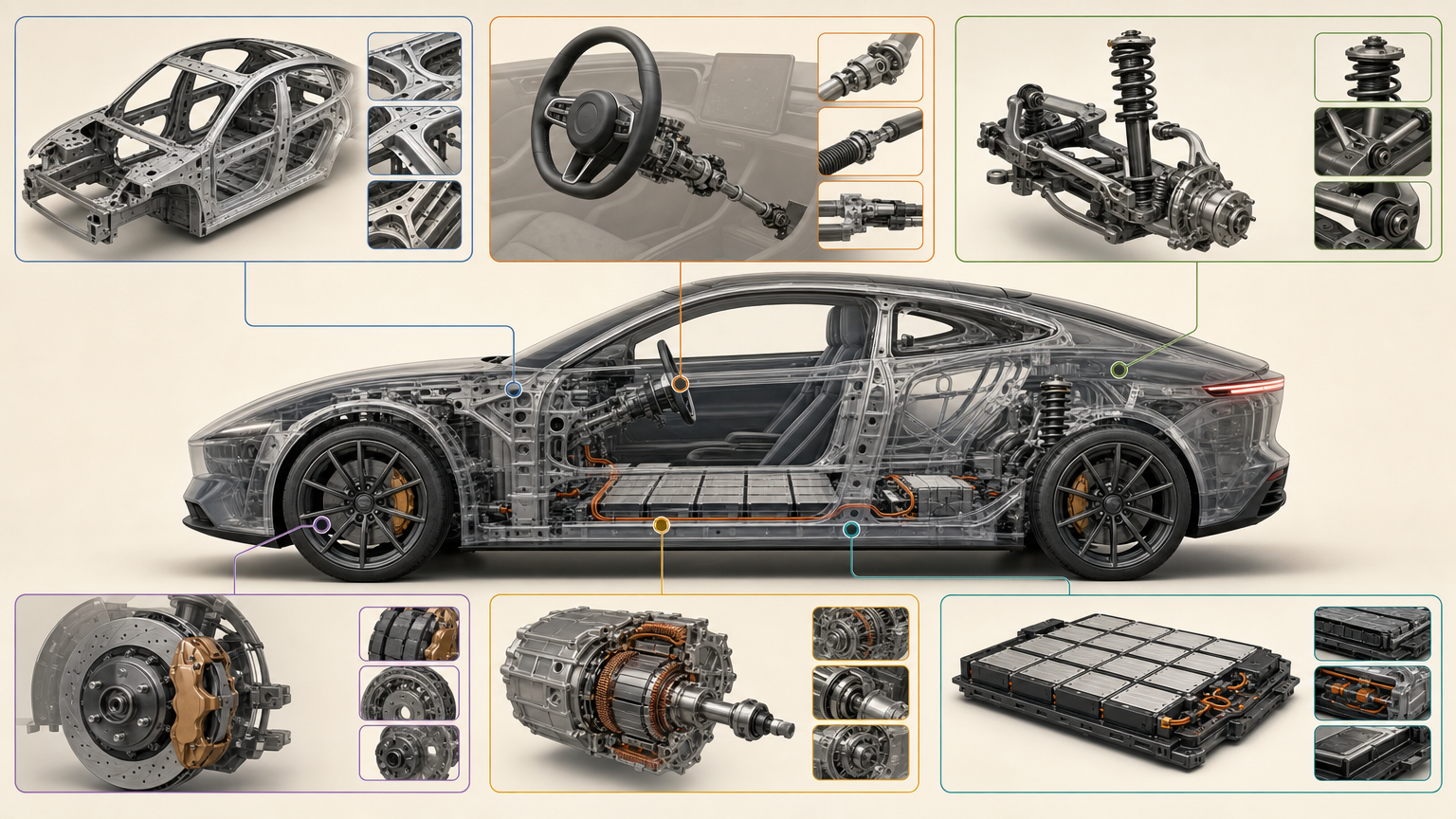
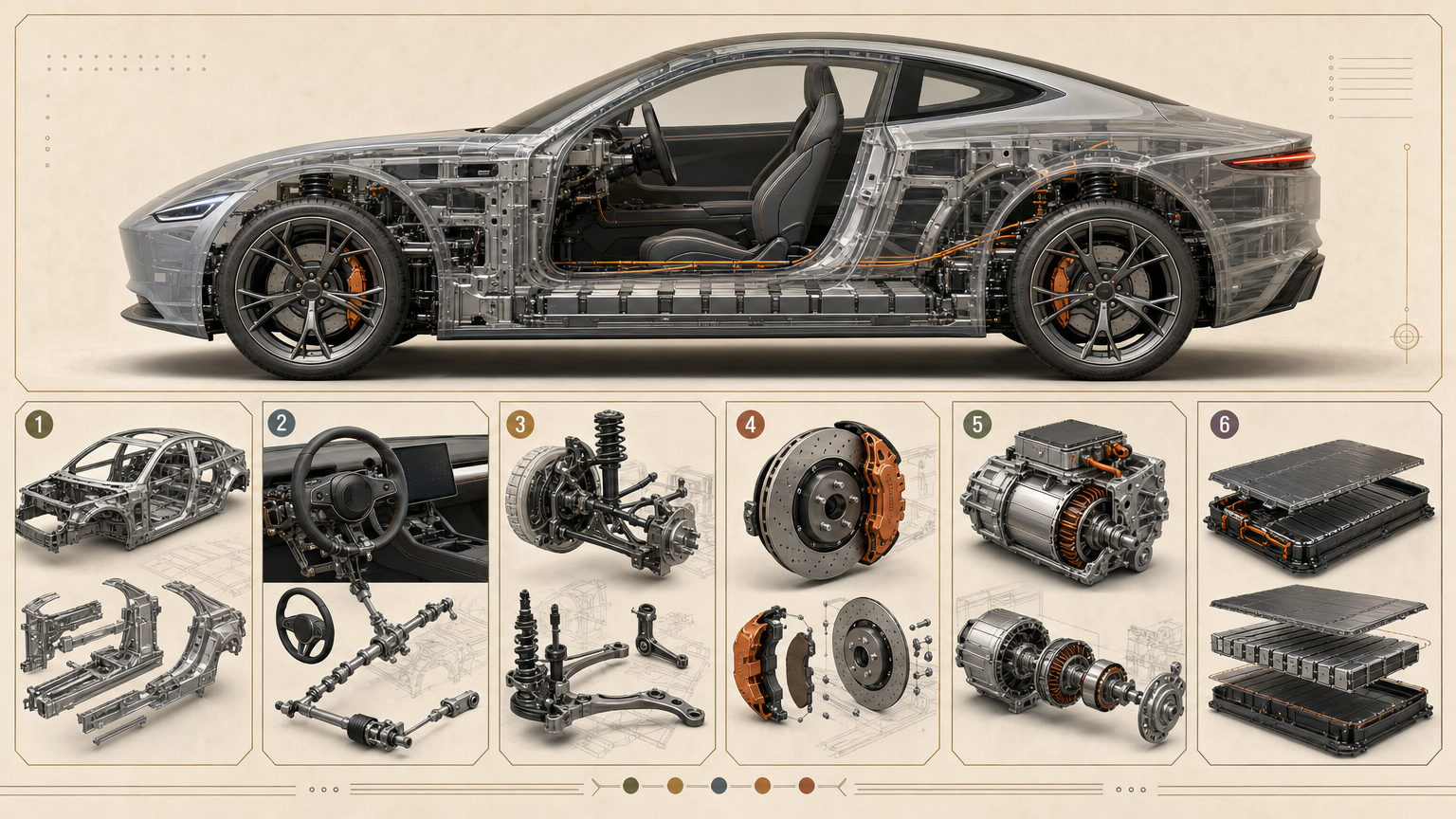
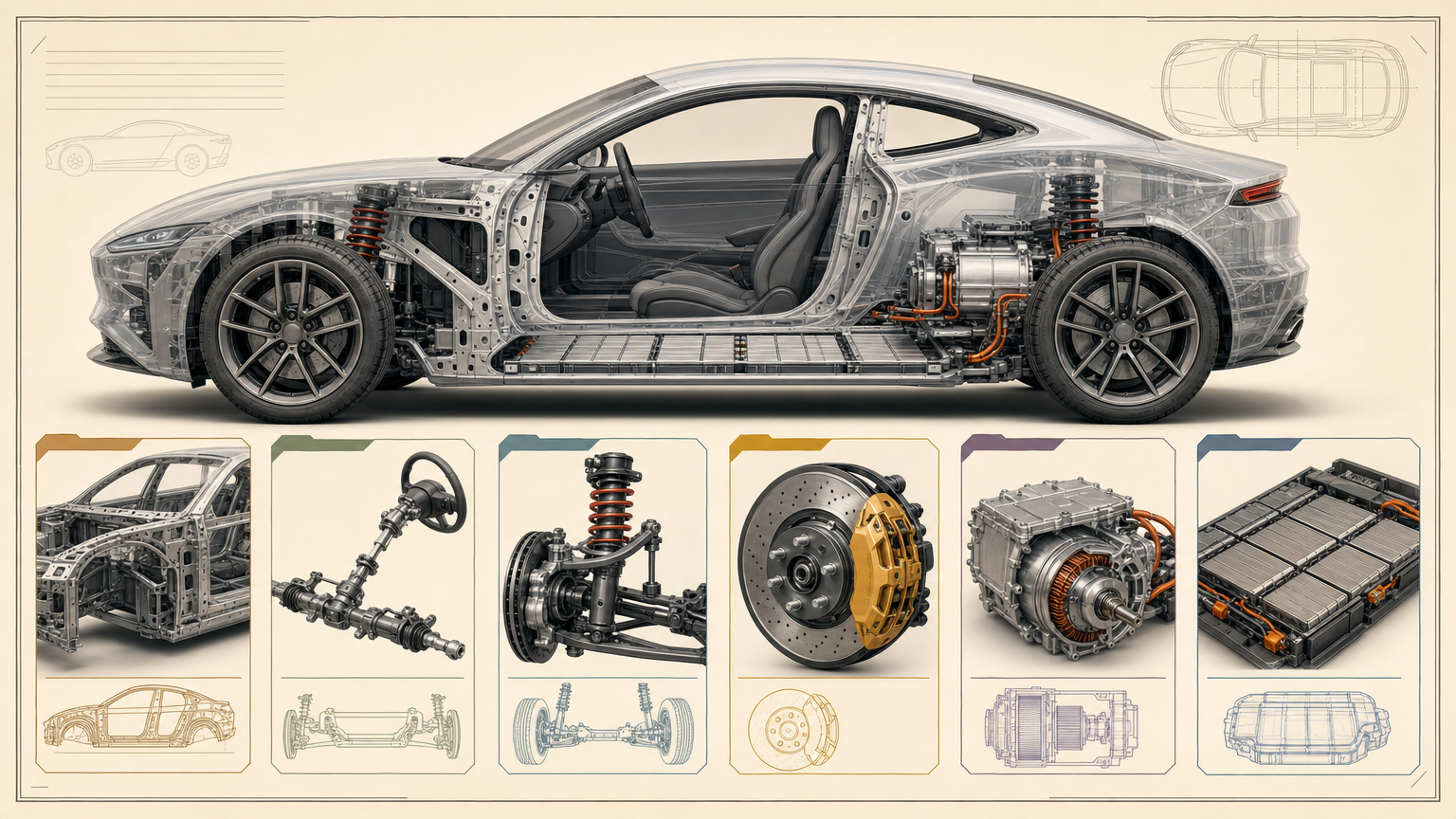
Each route produces part of the learning experience. Review the material as a teacher and as the learner who has to use it.
Compare sample artifacts, required source material, output formats, dependencies, and the review the workflow expects from you.
Every example comes from a Skill shown on this page. The media is here to make the choice easier, not to decorate an empty promise.
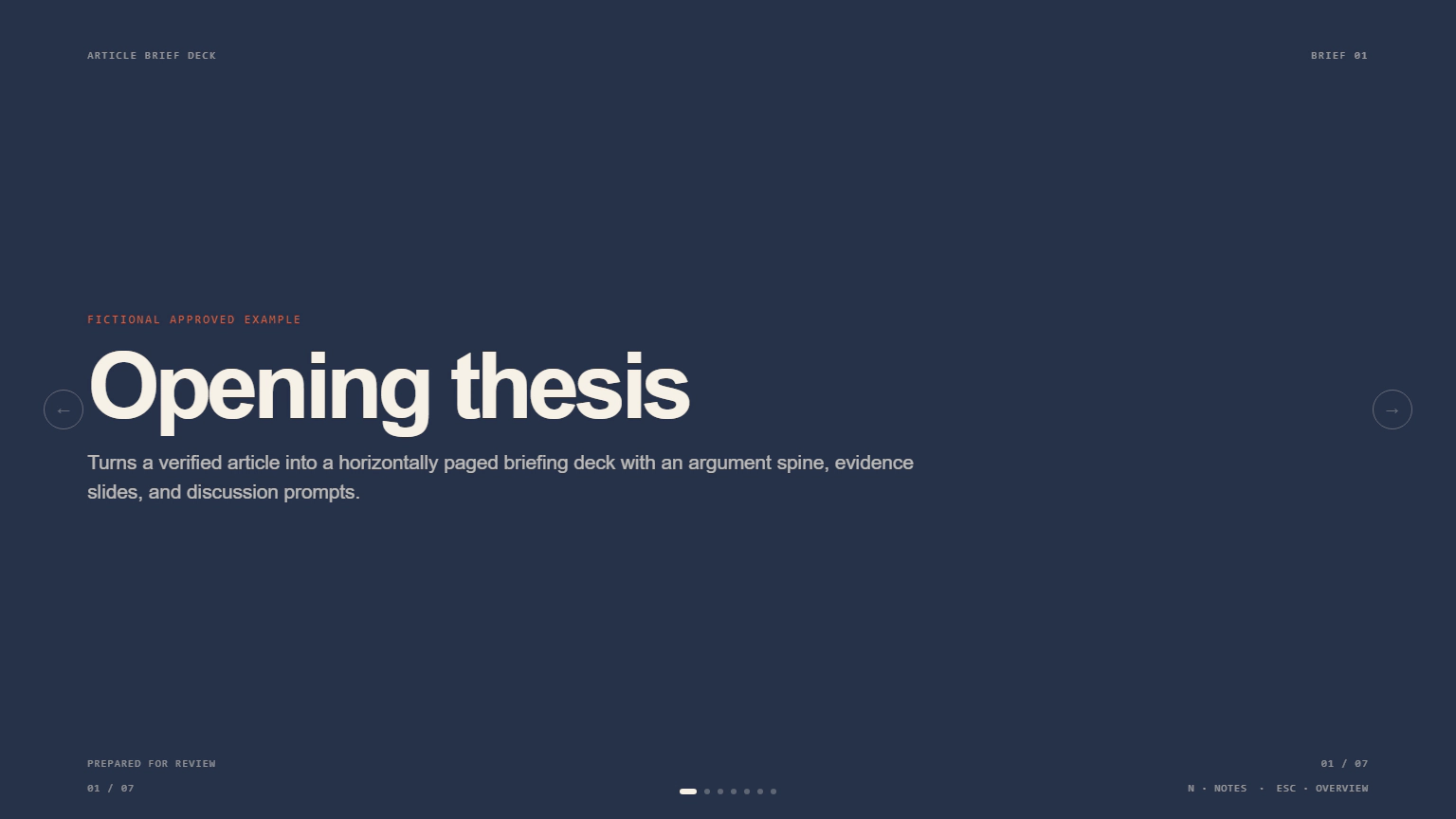
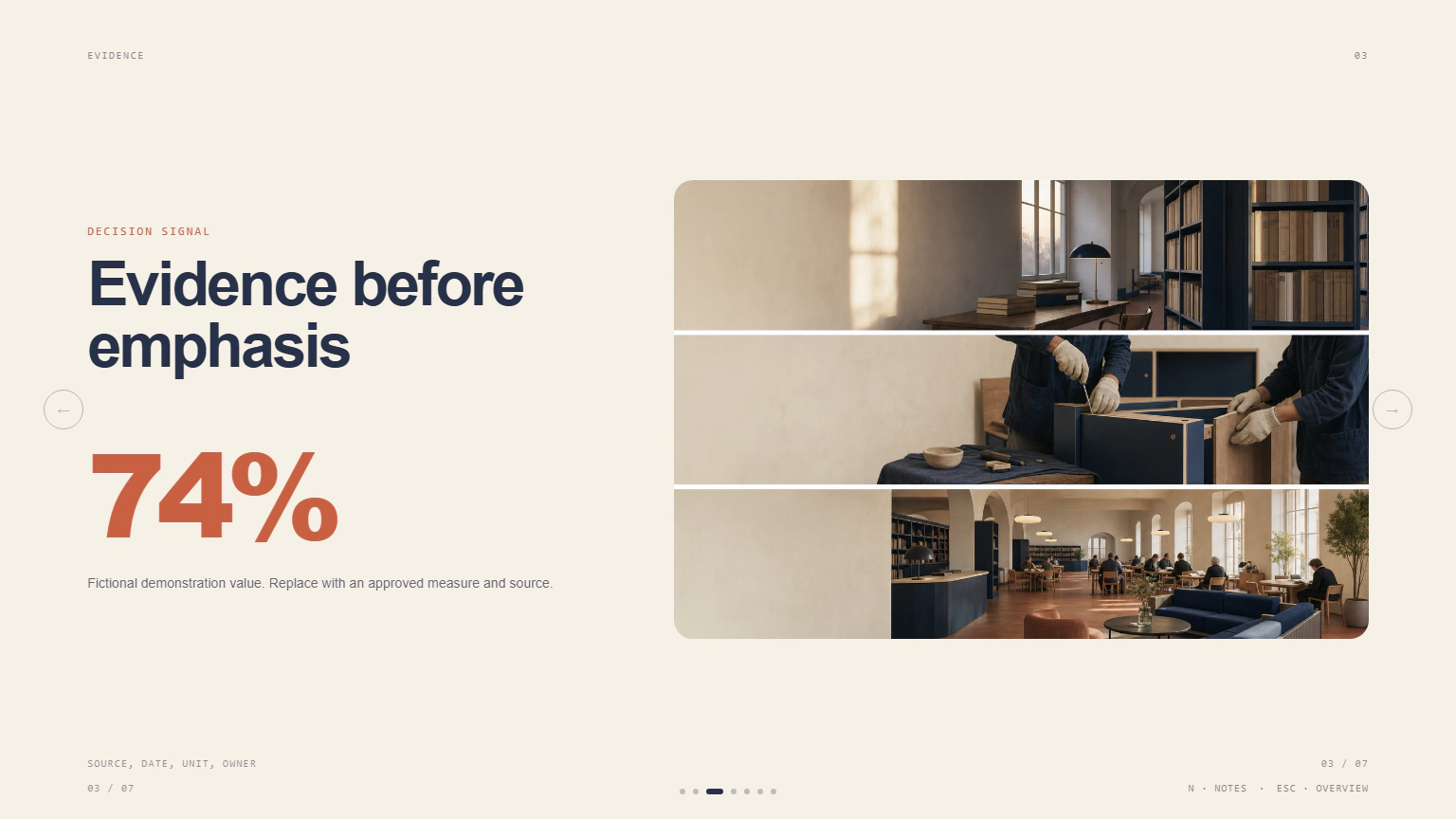
Course check
A course feels coherent when every artifact helps the learner move toward the same capability.
Define what learners will do, what acceptable work looks like, and what they already know before writing lesson titles.
Ground the course in approved sources, real cases, and the judgment your audience came to learn from you.
Check prerequisites, cognitive load, instructions, answer access, accessibility, and whether the practice actually prepares someone for the assessment.
A Skill becomes a repeatable way for your agent to do this job. Your brief and output stay in the project where the rest of the work already lives.
Check the output examples, required inputs, dependencies, and price before you install.
Ask your agent to install the Skill. The trusted guide handles the setup and authorization.
Describe the course creators job in plain language, review the result, and keep the final file.
Works with the agents you already use
Claude CodeCodexCursor Gemini CLI
 Cline
ClineNo. They help produce course artifacts. Use a learning or commerce platform for hosting, enrollment, progress, certificates, and payment.
Yes. Approved source material, examples, vocabulary, and constraints make the output more accurate and more recognizably yours.
It can follow clear examples and rules for tone, explanation, practice, and feedback. Review several artifacts together to catch drift.
Start from a specific learner transformation, evidence standard, real cases, and constraints. A broad topic alone usually produces a broad table of contents.
Teaching roles
Build course material
Browse outputs
Bring your source material and learner context, then keep the result connected to practice and evidence.