




For coaches building a clearer client practice

AI coaching tools for a clearer client practice

A good coaching workflow creates enough structure for the client to think and act without pretending the tool understands the person better than the coach does. These Skills help prepare sessions, worksheets, progress summaries, proposals, and teaching visuals.

Describe the coaching context, client goal, boundaries, source notes, and what the client should be able to do next.

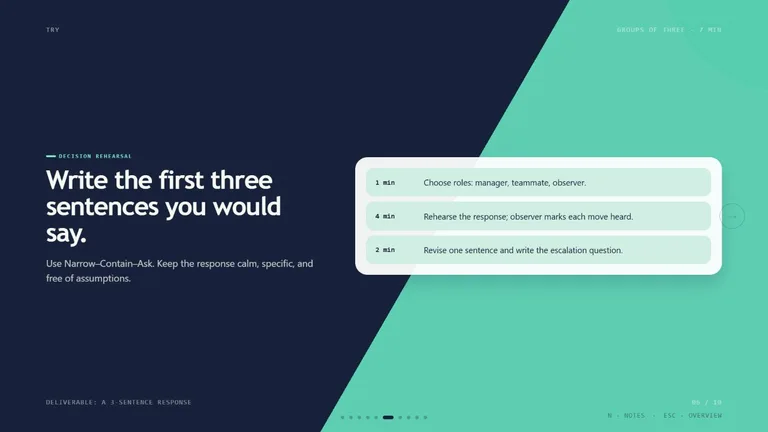
Starlit Deck result preview

Start with the client artifact you need next

Use a Skill for repeatable structure and production. Keep interpretation, consent, boundaries, and the live coaching decision with the practitioner.

Skills that support the practice without impersonating it

Compare the output, privacy path, dependencies, and level of human review before bringing a workflow into client work.

Real output from matching Skills

Every example comes from a Skill shown on this page. The media is here to make the choice easier, not to decorate an empty promise.

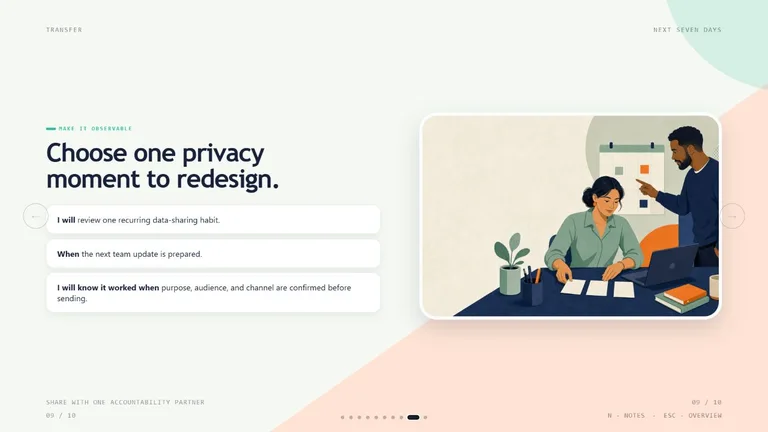
Starlit Deck result preview
Starlit Deck
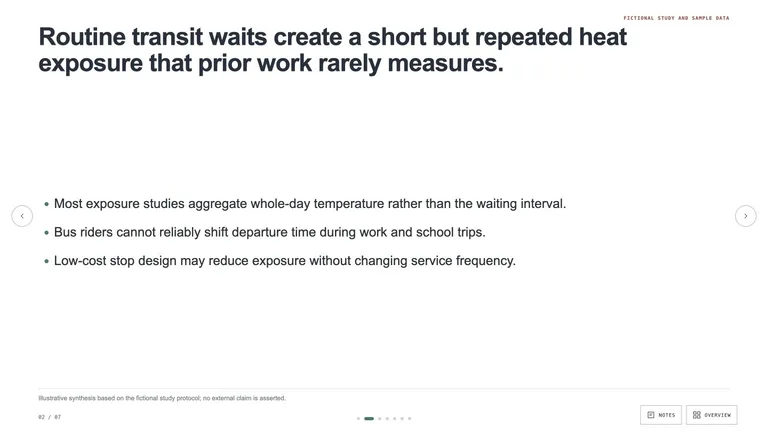
Starlit Deck result preview
Starlit Deck
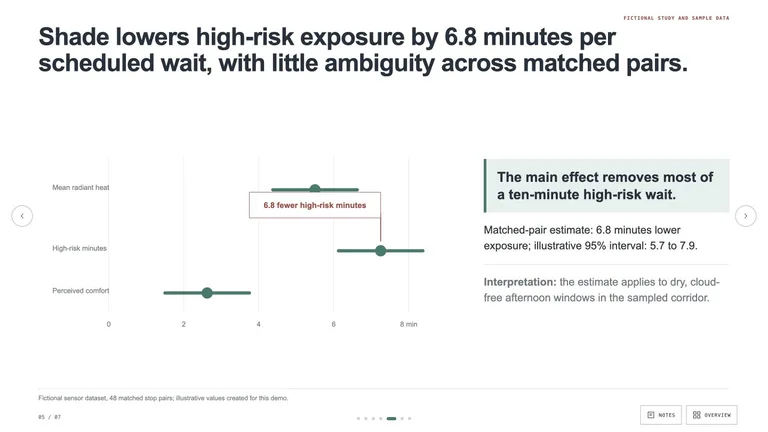
Starlit Deck result preview
Starlit Deck
Starlit Deck result preview
Starlit Deck
Starlit Deck result preview
Starlit Deck
Starlit Deck result preview
Starlit Deck

Practice check

Choose structure that leaves room for the client

The useful artifact supports a real conversation and a clear next step without turning the person into a template.

1

Set the boundary before the prompt

Define the coaching scope, excluded clinical or legal areas, confidentiality rules, and what requires referral or human judgment.

2

Use the client’s words carefully

Separate direct statements from your interpretation. Ask permission before processing sensitive notes and remove details the task does not need.

3

Tie every artifact to action

A worksheet or summary should help the client notice, decide, practice, or prepare. Decorative insight adds little value.

Use it inside the agent you already work with

A Skill becomes a repeatable way for your agent to do this job. Your brief and output stay in the project where the rest of the work already lives.

1

Pick the Skill

Check the output examples, required inputs, dependencies, and price before you install.

2

Install it once

Ask your agent to install the Skill. The trusted guide handles the setup and authorization.

3

Write the brief

Describe the coaches job in plain language, review the result, and keep the final file.

Works with the agents you already use

  • Claude Code
  • Codex
  • Cursor
  • Gemini CLI
  • Cline

Questions coaches ask

Can a Skill replace the coach in a client session?

No. It can prepare or format material, but presence, judgment, consent, interpretation, boundaries, and accountability remain human work.

Can I upload client session notes?

Only when your consent, privacy policy, contract, and tool provider allow it. Remove unnecessary identifying details and check where the data is processed.

Are these tools suitable for mental-health treatment?

This page covers coaching workflows, not diagnosis or treatment. Use qualified clinical care and approved systems for mental-health needs.

Can a worksheet match my coaching method?

Yes when you provide the method, purpose, audience, tone, and boundaries. Review each prompt for fit before sharing it with a client.

Keep going from here

Make the next client step easier to see and use.

Choose one repeatable practice artifact, protect the client context, and keep the final judgment in the relationship.