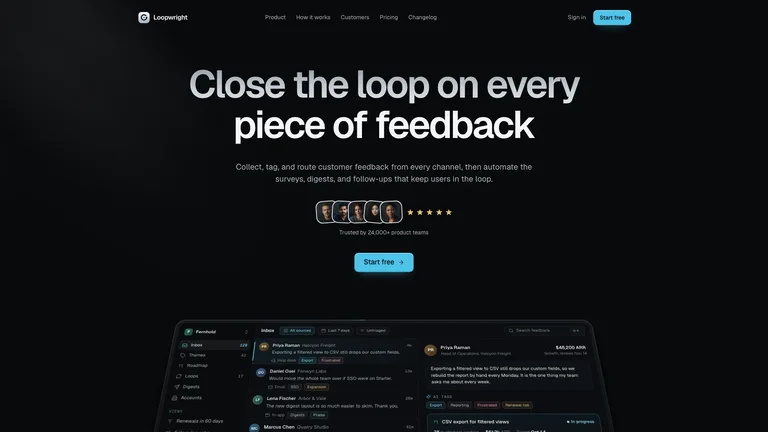
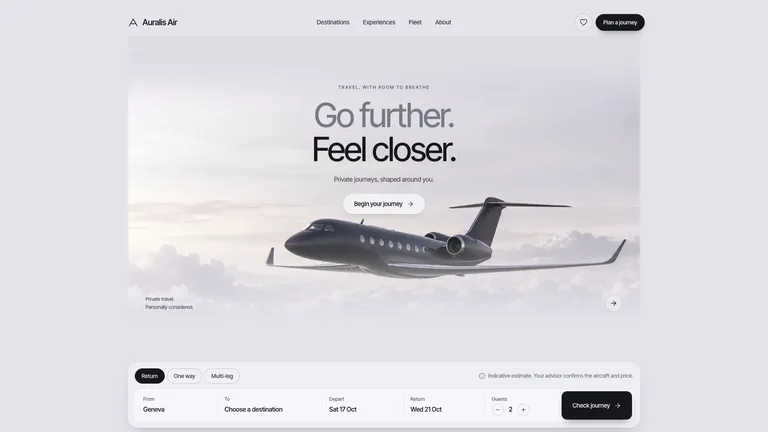
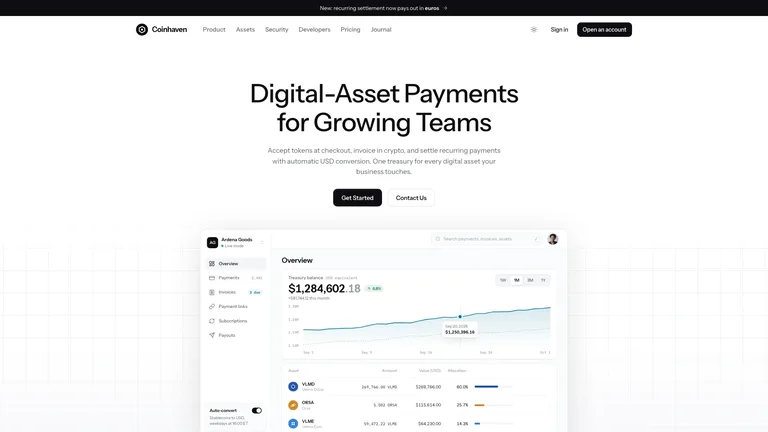
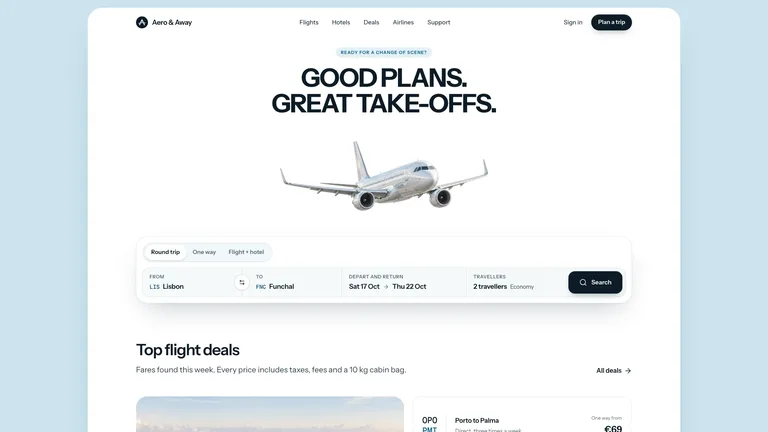
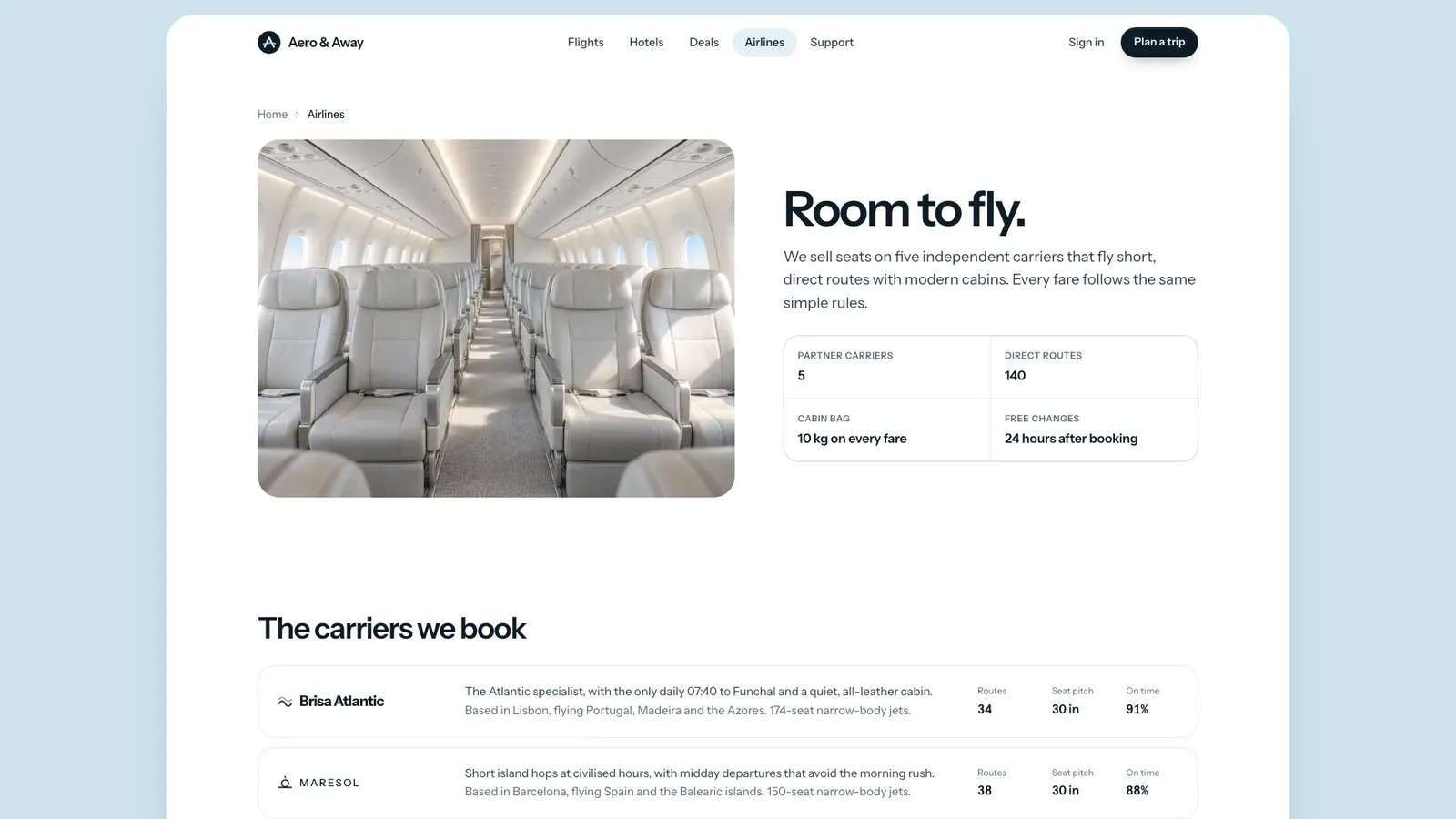
Airy Flight Booking Landing builds a complete flight and hotel booking site in a calm, premium travel style: a pale blue ground, a white rounded shell, a silver airplane under a two-line uppercase headline and a search card with trip-type tabs. The example is the fictional travel agency Aero & Away, with 20 connected pages where search, results, seat selection and booking all respond.
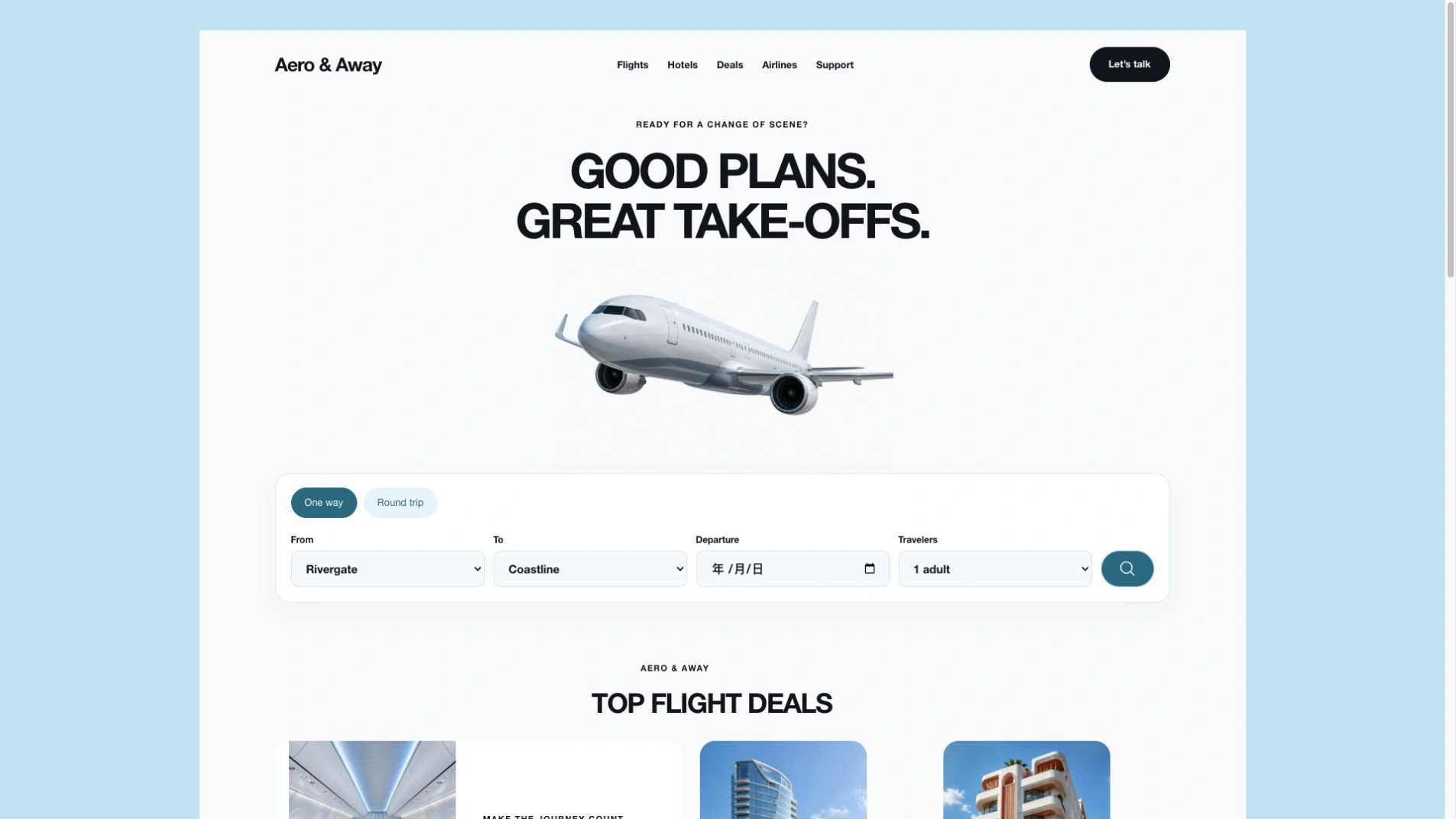
- One self-contained website file that opens in any browser and works offline, with fonts and images built in. If you already have a framework project, the design is ported into it instead.
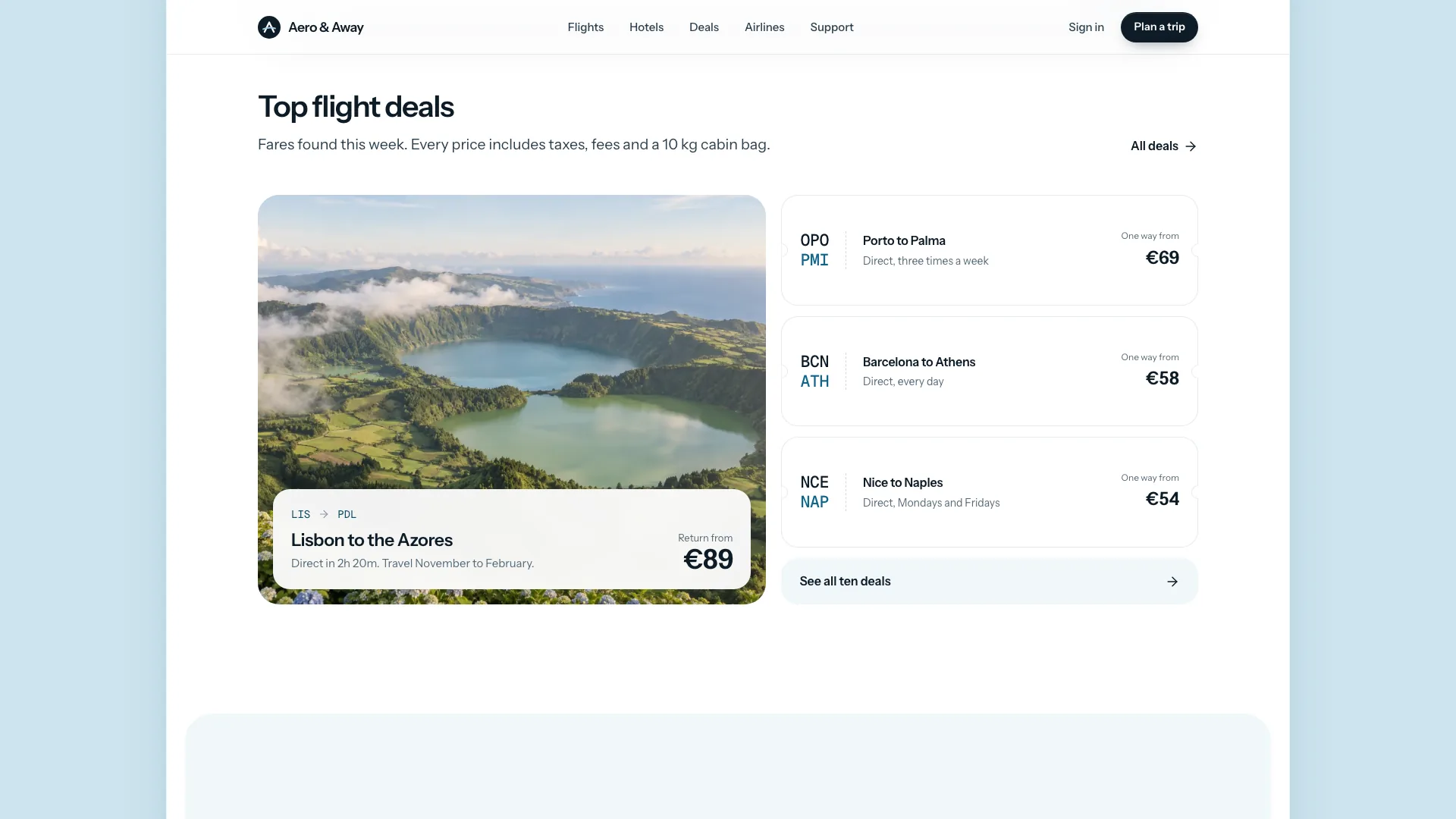
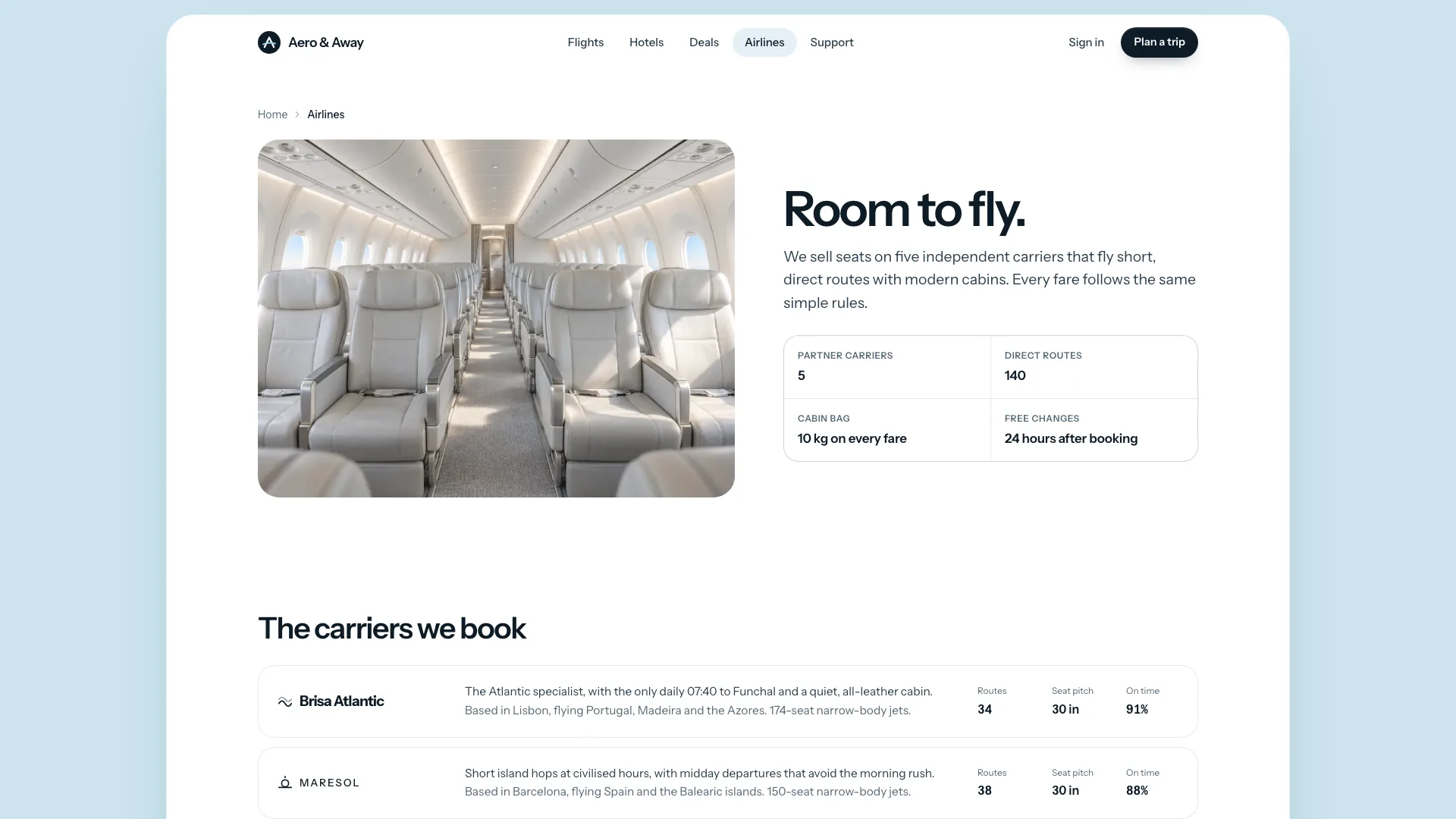
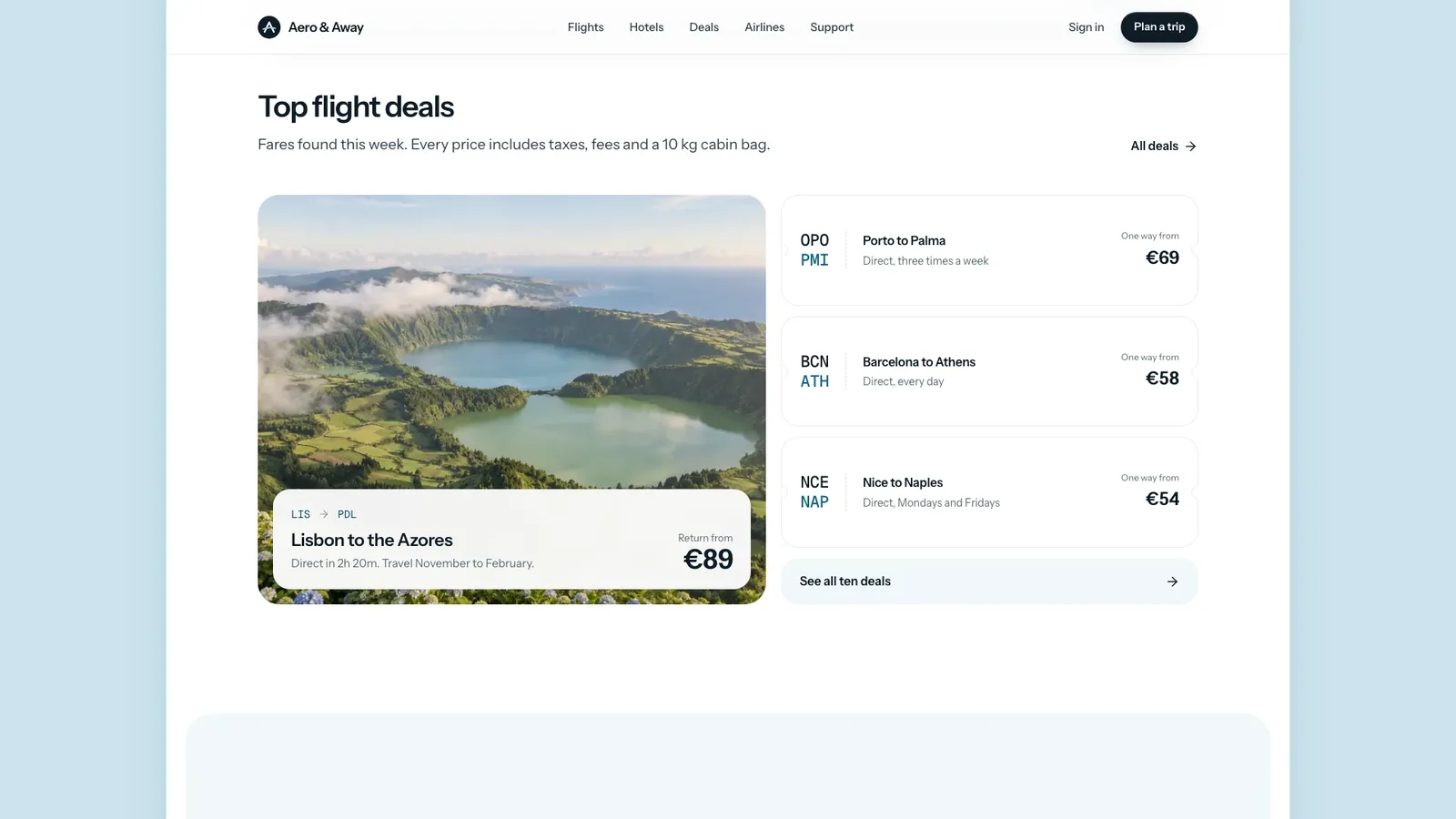
- A full page family: flight search and results, featured departures with seat maps, hotels with detail pages, deals, airlines, support, a three-step booking, contact, sign-in and a helpful not-found page.
- Working controls with visible feedback: airport type-ahead, a two-month range calendar, travellers and cabin limits, filters, sort, empty states and a booking review.
- One art direction for every image: soft daylight in pale sky blue, chalk white and sand, with each hotel shown whole in a portrait card.
- Calm entrances and page fades that never hide content and respect reduced-motion settings.
- Share your brand name, audience, routes or destinations, hotels, fares and support details. Anything you leave out is drafted as a plausible placeholder and listed for you to confirm.
- Send your own photos, or let the agent generate new hotel, destination and team images in the same soft daylight style. The airplane, cabin and two flight images are neutral and can stay.
- Open every page on desktop and phone, try the search, filters and booking steps, and ask for changes.
Type is set in Instrument Sans and Geist Mono, embedded in the file. New images come from your agent's own image tool and may carry its usage charges; the example never books or charges anything.
What you need before you start
- You bring
- Brand name, audience and the routes or destinations you sell · Hotels, fares and support details, or permission to draft placeholders for you to confirm · Your own photos, or approval to generate new hotel, destination and team images
- Dependencies
- Node.js 18 or newer on your agent's machine, to run the bundled script that builds the single offline file · Internet access while the file is built, so the fonts can be downloaded once and embedded · An image tool in your agent, or your own photos, for brand-specific hotel, destination and team images · A modern browser for previewing and reviewing every page
- Outside costs
- New hotel, destination and team images are generated with your agent's own image tool, which may charge for usage. Without one, supply your own photos; the neutral airplane, cabin and flight images can stay as placeholders. Viewing the example costs nothing.
- Last tested
- v1.0.2 — Claude Code / Claude Desktop / Cowork / Codex / ChatGPT




 +6
+6