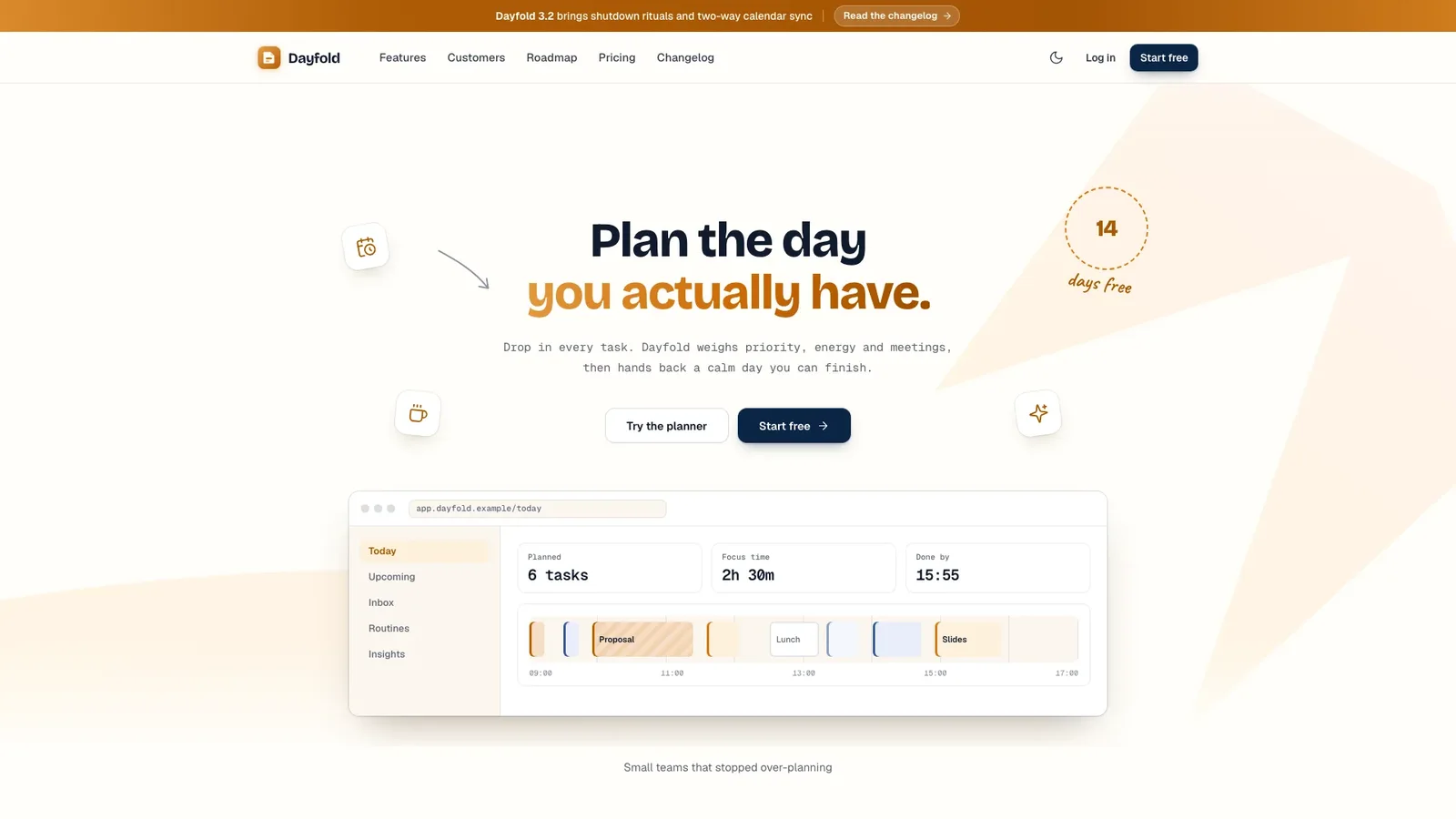
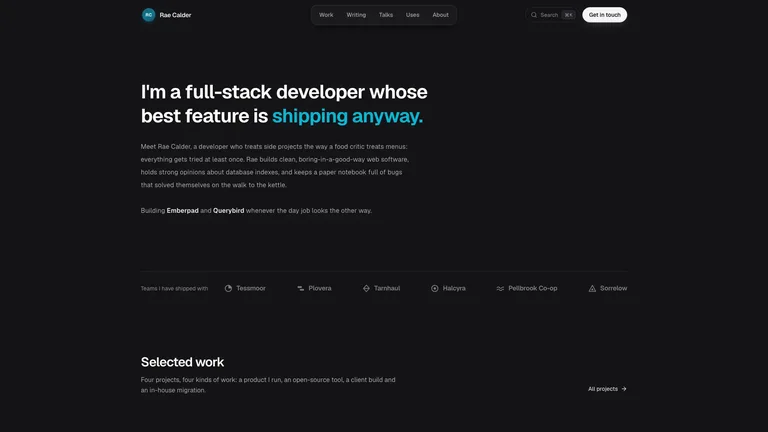
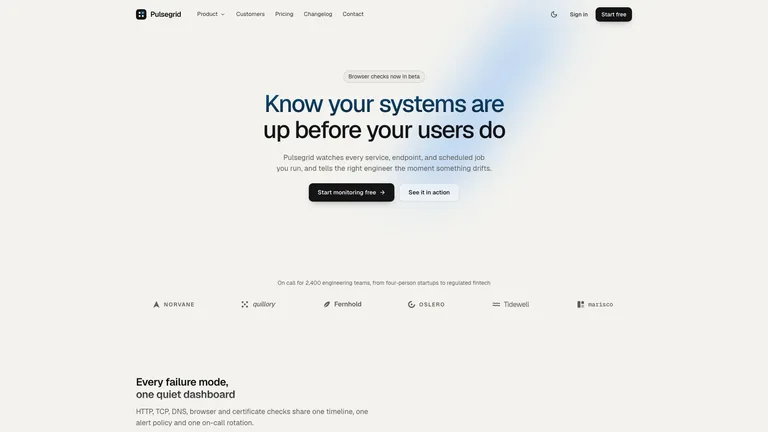
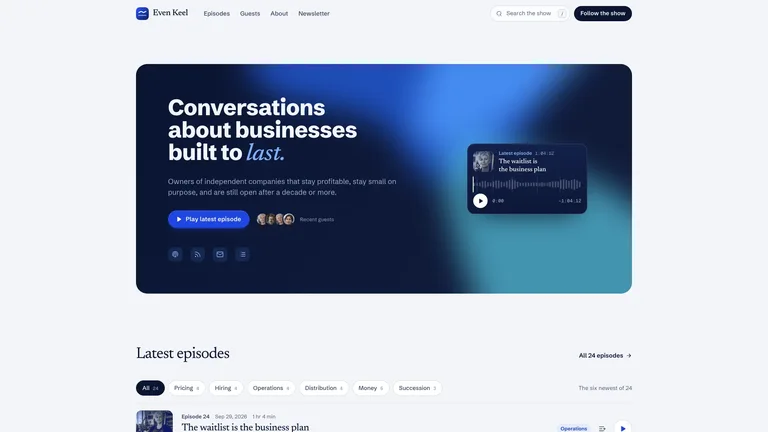
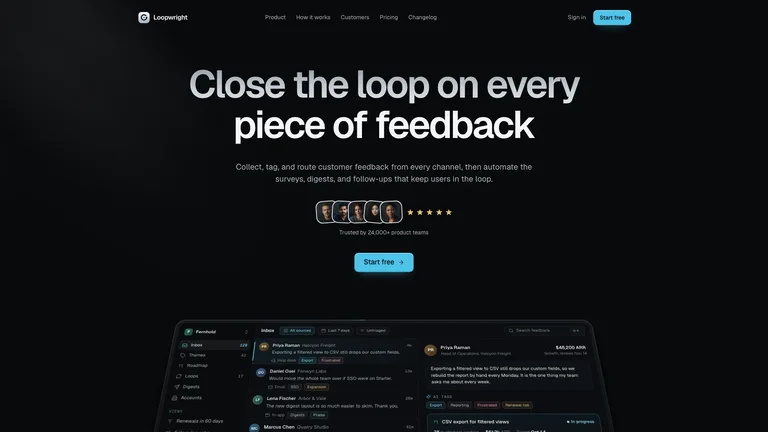
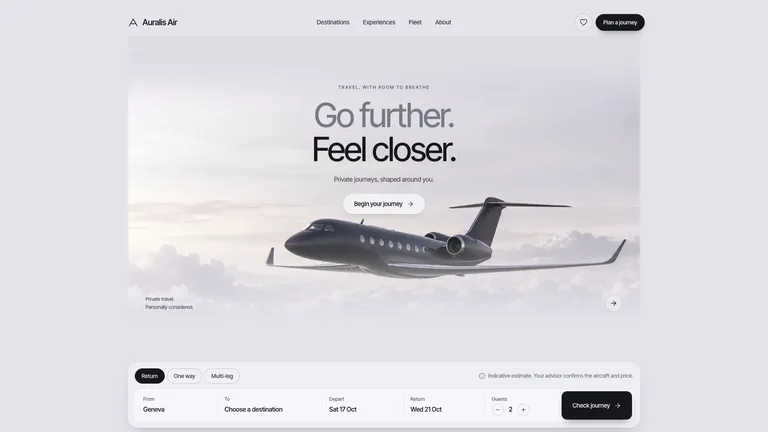
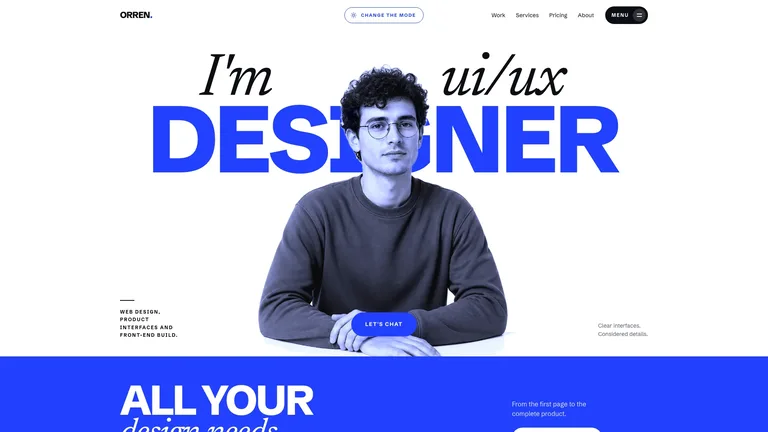
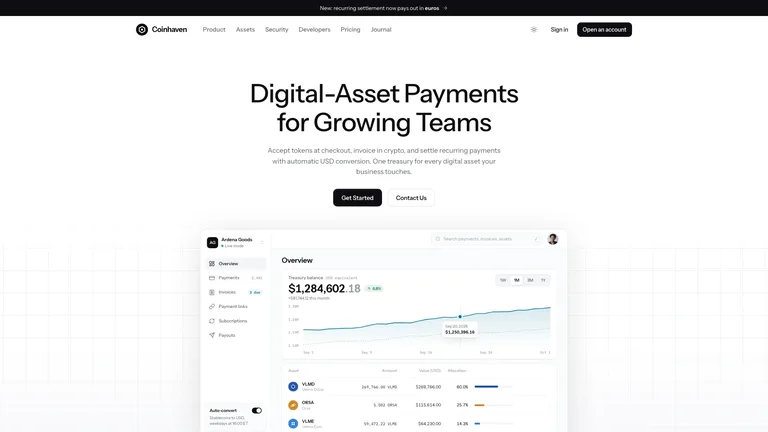
Amber Scrapbook Suite builds every surface of a SaaS product as one connected set of views: marketing home, pricing, sign-in, the working product, admin and the supporting pages. The marketing side looks hand-assembled with cream paper, washi tape, polaroids and handwritten notes, while the product and admin views stay calm and precise. The example is Dayfold, a fictional AI day planner.

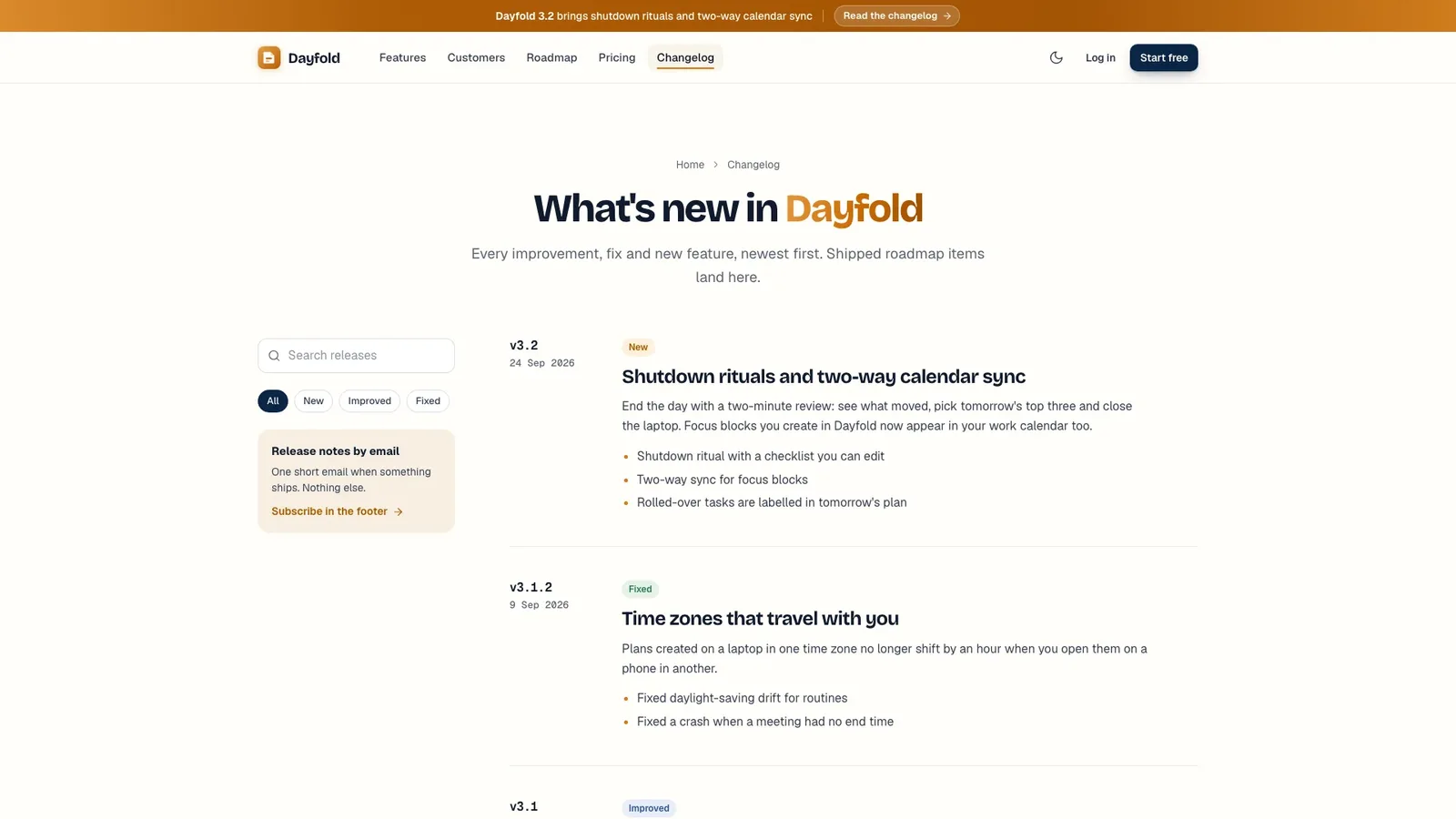
- A complete suite: home, pricing with a checkout drawer, sign-in and sign-up, the product, admin, changelog, contact, privacy, terms and a not-found page
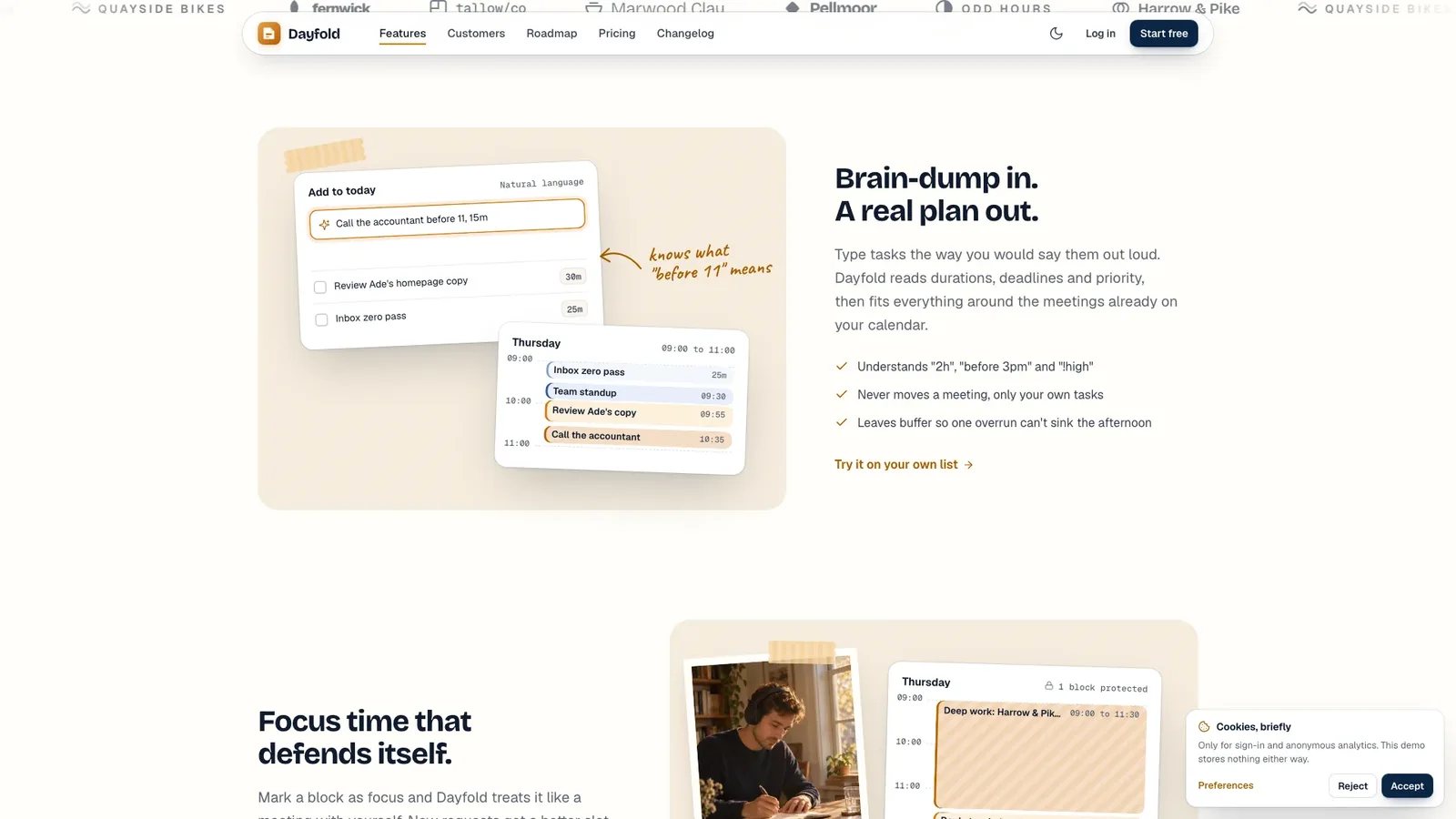
- A home page that runs from the minimal hero through a wordmark marquee, feature splits with tilted cards and taped photos, a cream bento grid, a customer story, a roadmap board, masonry testimonials, an FAQ and a notepaper sign-off
- A product view with natural-language task capture and a plan action that costs credits, plus an admin dashboard with stats, a chart and a searchable users table
- Shared state: signing up or buying a plan updates the account menu, credits, the pricing badge and the admin table
- Light and dark themes, a command menu, and one self-contained file that opens in any browser and works offline
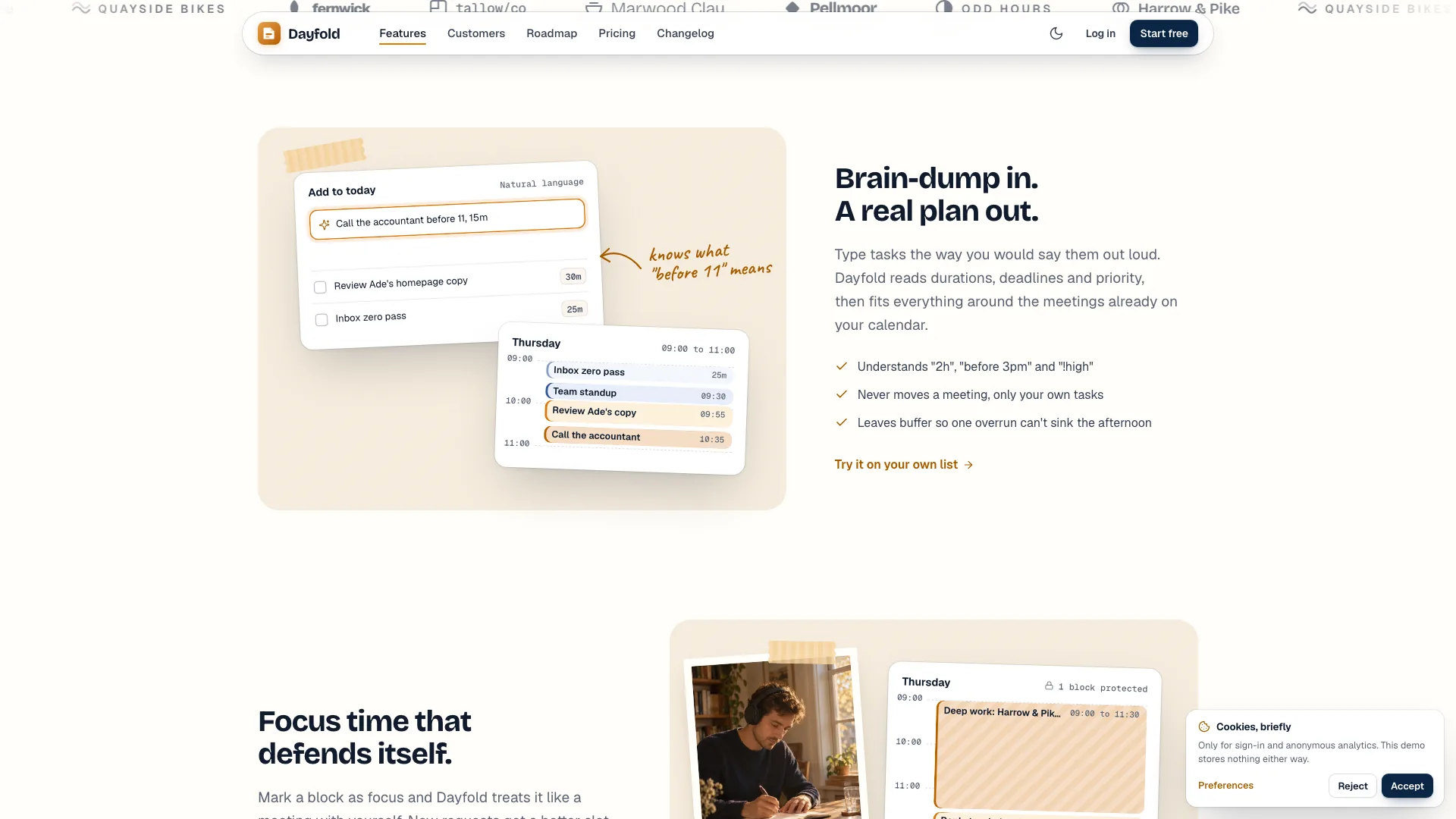
- Share your product name, a one-line promise, 8 to 10 features with the 3 flagship ones marked, your pricing shape and a few roadmap items.
- Your agent maps the product loop to your domain, plans and generates the photos, and builds every view with your copy.
- Open the file, click through each page in light and dark, then ask for changes to copy, plans or sections.
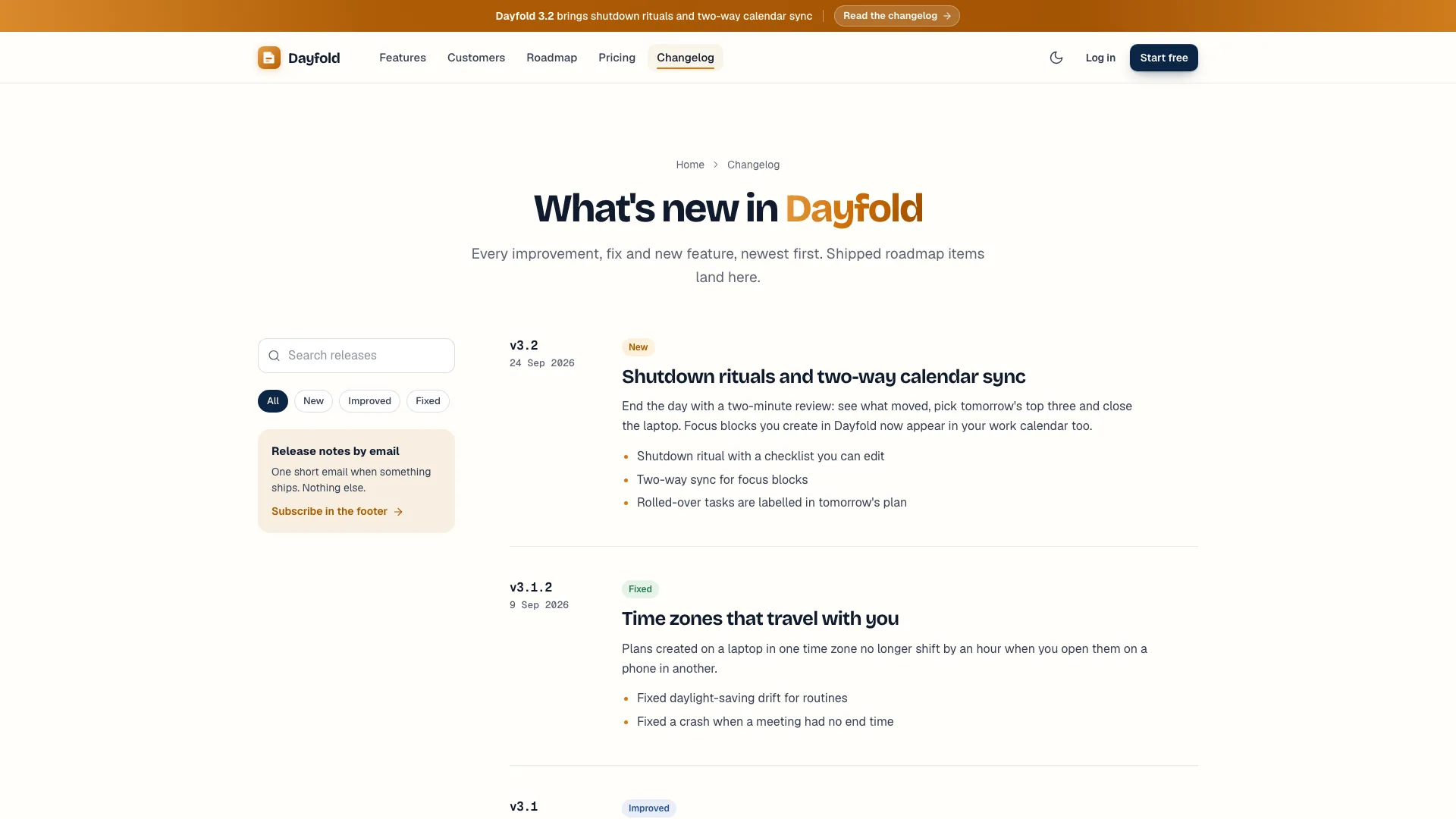
Photos come from your agent's image tool when one is available, which may carry that tool's usage charges. Anything your brief leaves out becomes placeholder copy that the agent lists for you to confirm.
What you need before you start
- You bring
- Product name, a one-line promise and the audience · 8 to 10 features with the 3 flagship ones marked, plus your pricing shape · Roadmap items, a customer story and any real quotes or photos (optional)
- Dependencies
- Node.js 18 or newer on your agent's machine, to run the bundled script that builds the single offline file · Internet access while the file is built, so the fonts can be downloaded once and embedded · An image tool in your agent for the photos (optional; without it you supply photos or get labelled placeholders)
- Outside costs
- Photos are generated with your agent's own image tool when one is available, which may incur that tool's usage charges. Without one, the agent asks for your photos or ships clearly labelled placeholders. Nothing else uses a paid service.
- Last tested
- v1.0.9 — Claude Code / Claude Desktop / Cowork / Codex / ChatGPT





 +6
+6