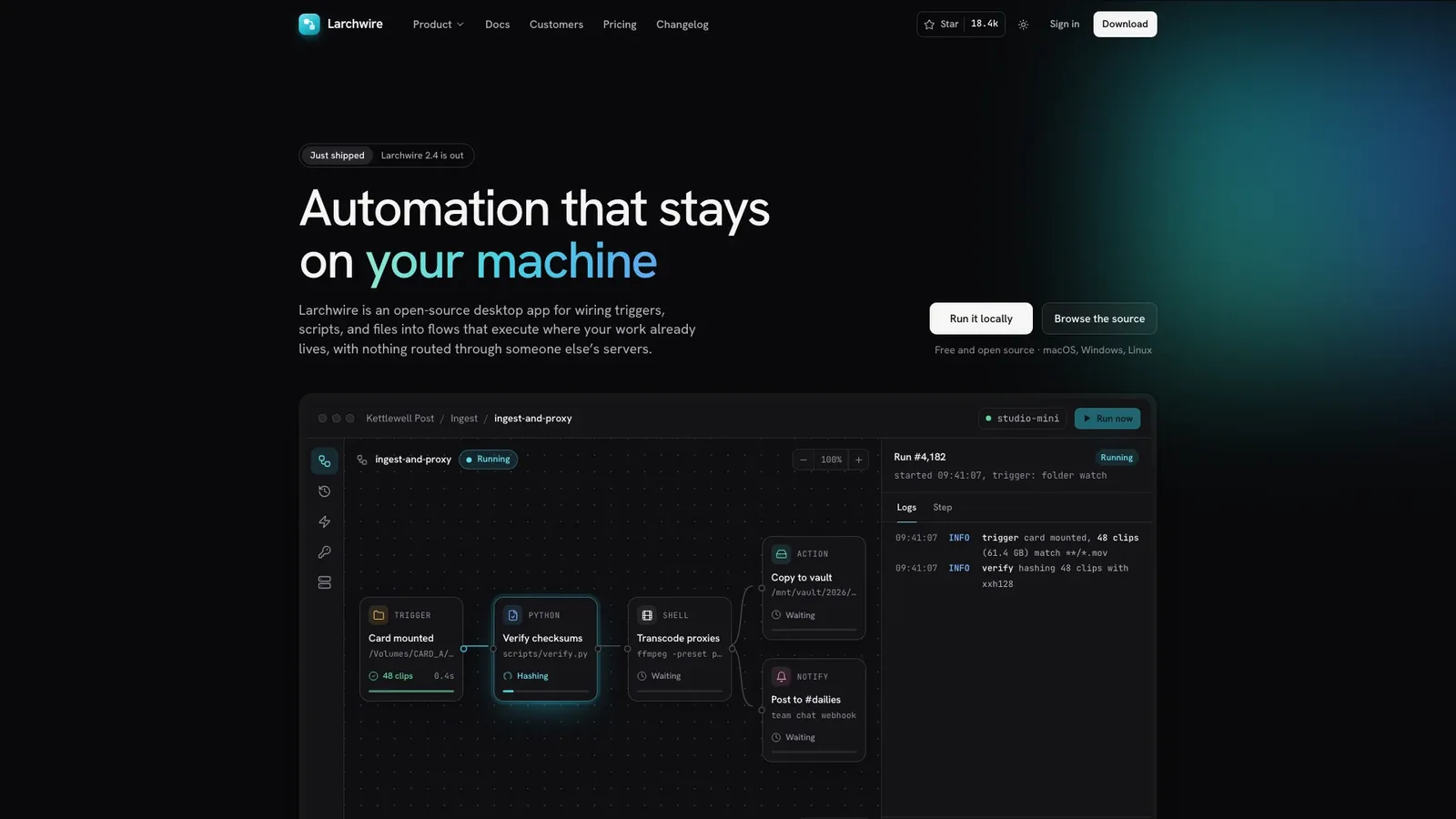
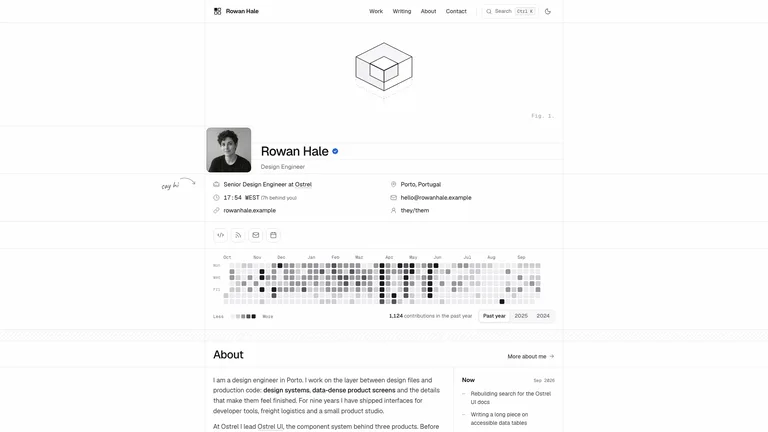
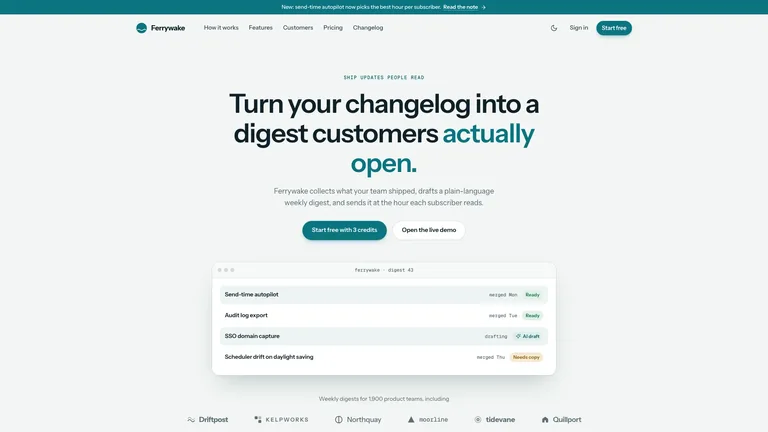
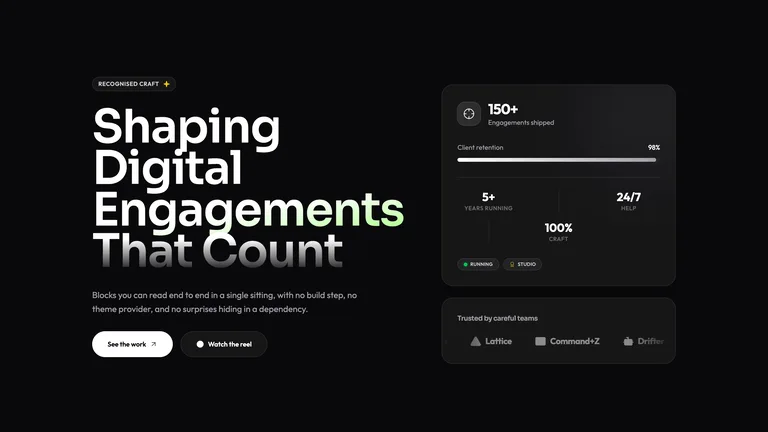
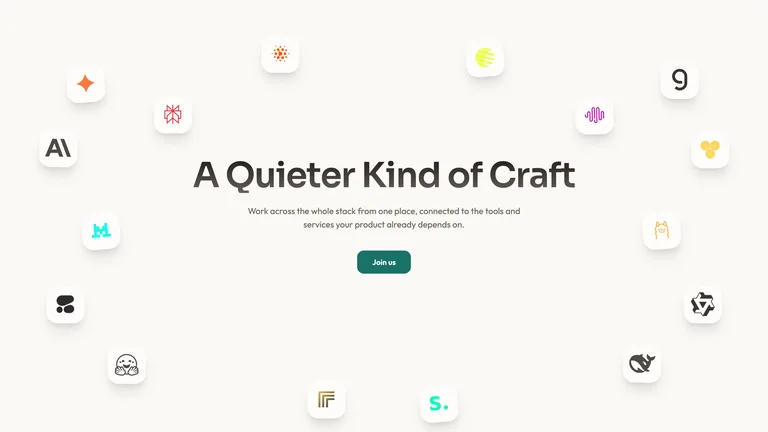
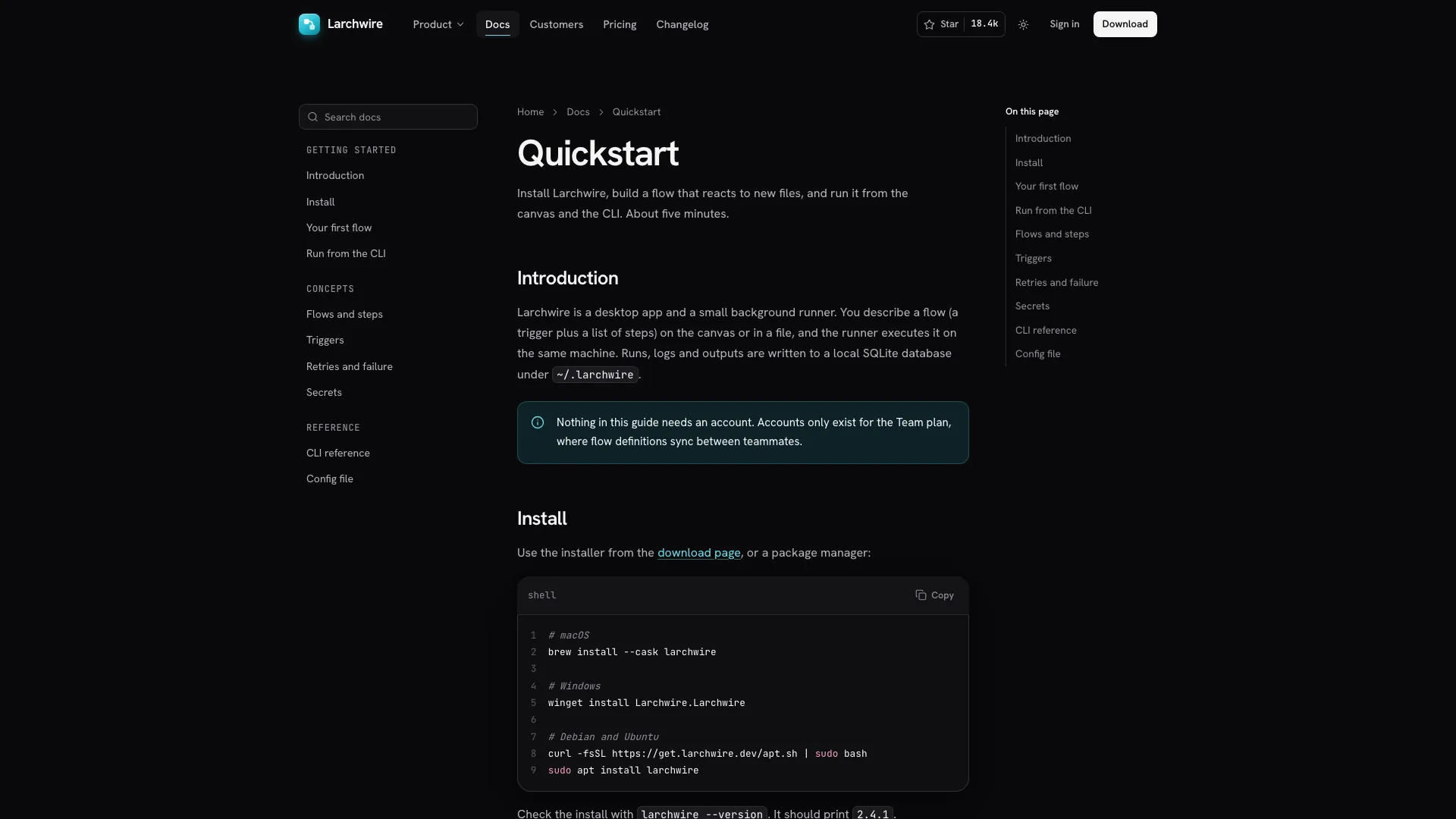
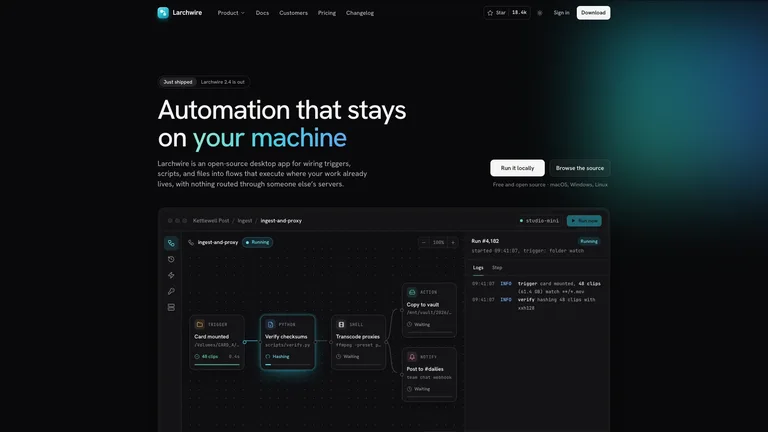
Describe your developer tool and get back a calm, dark-first product site where the product explains itself: a quiet two-line headline above a flow canvas that runs, retries a failed step and streams its logs. It arrives as one self-contained file that opens in any browser and works offline.
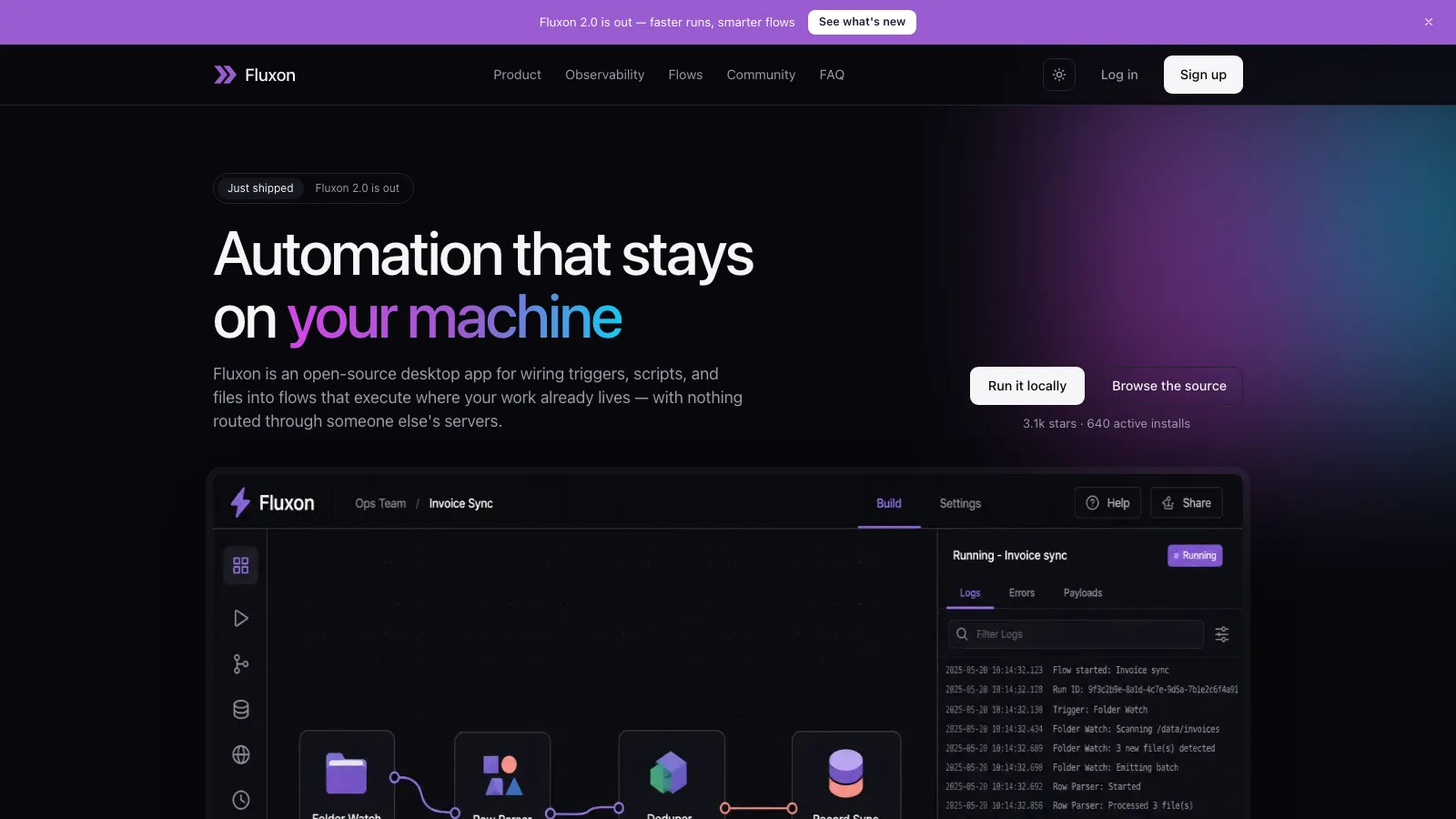
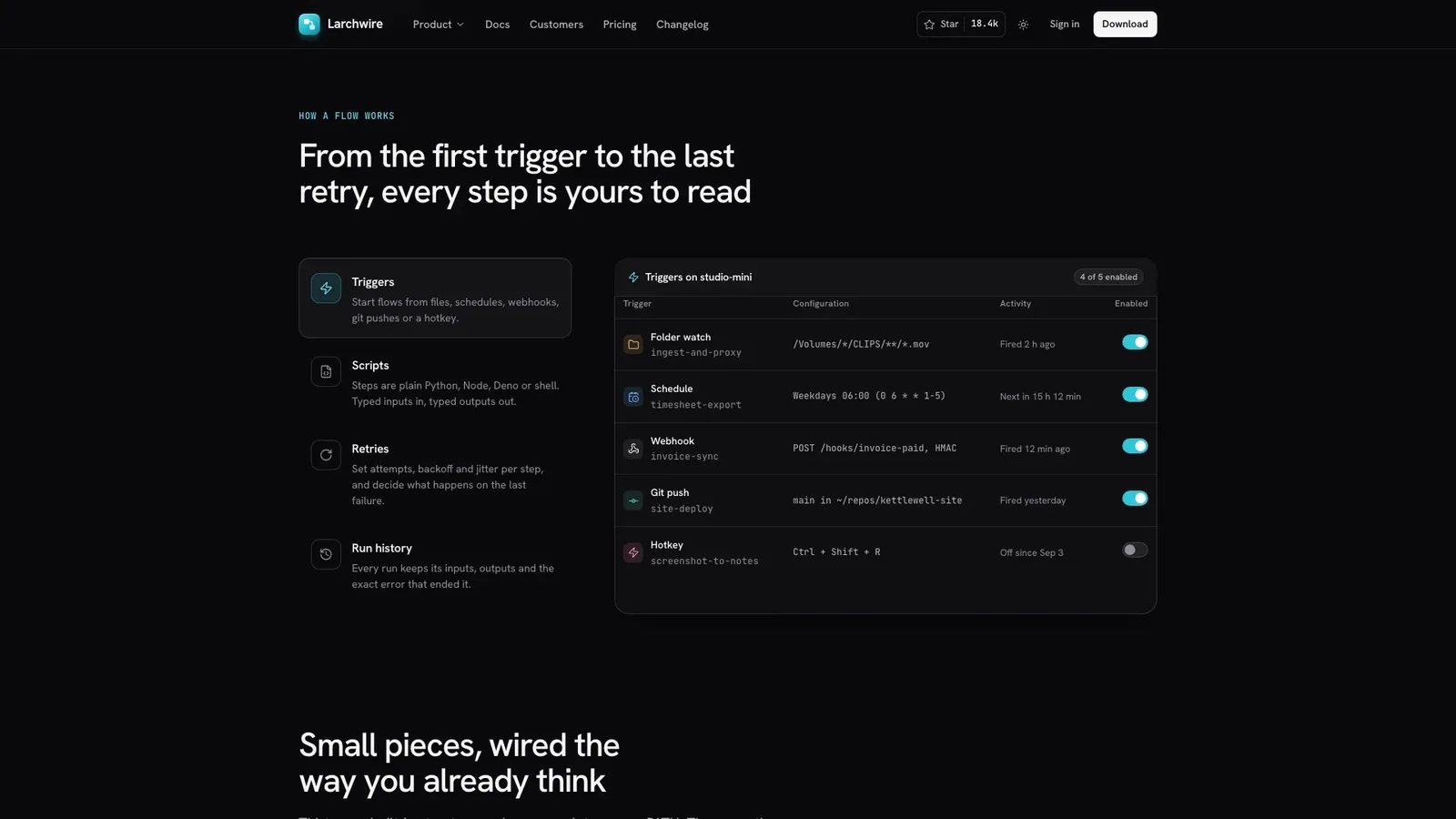
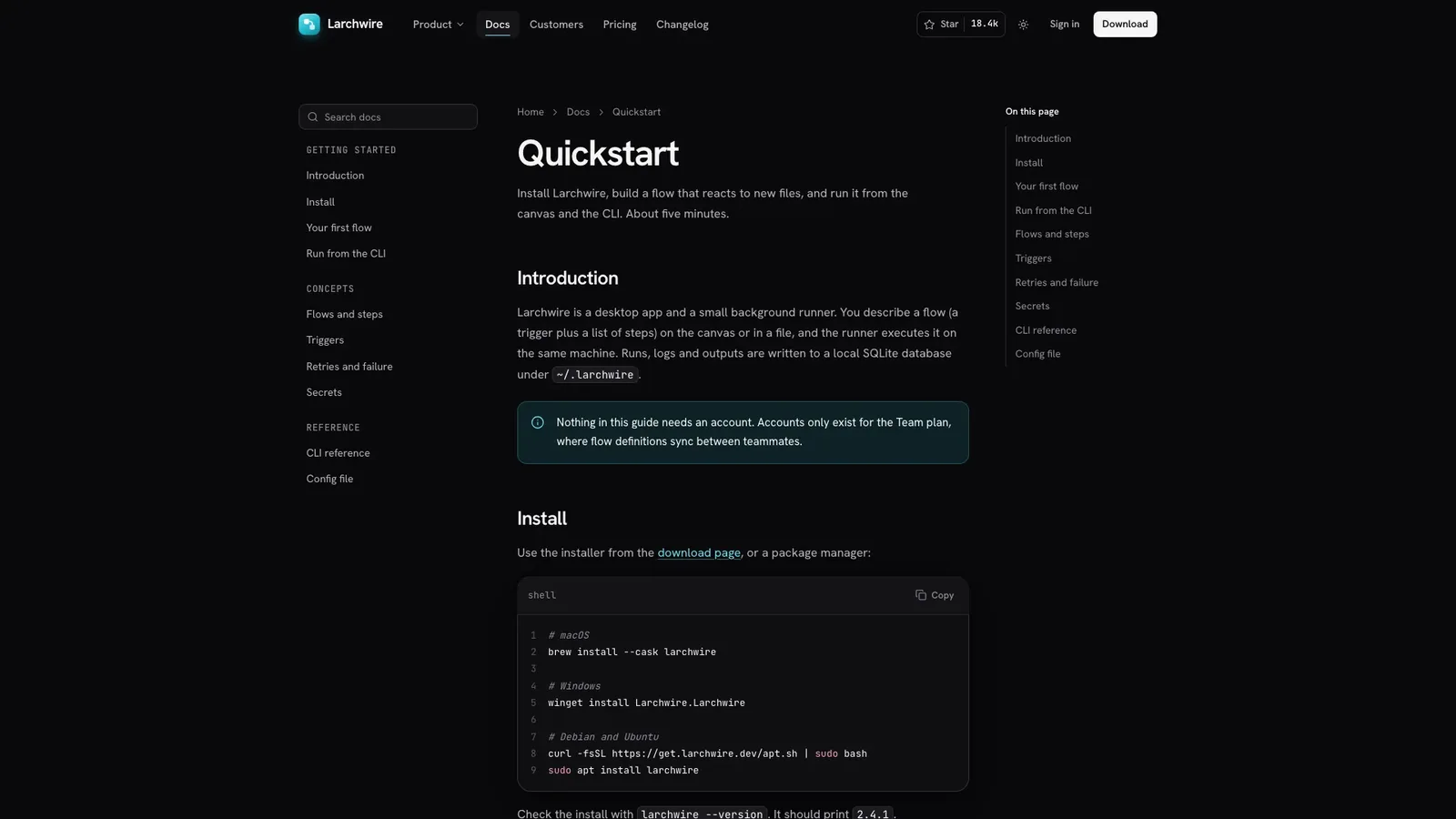
- A landing page with a tabbed flow explorer, step-library rail, observability charts, a local-first diagram, a flows-as-code section, customer story, pricing with a comparison table, FAQ and a per-OS install section
- Docs, changelog, download, security, customer story, sign-up, sign-in, contact, privacy, terms and 404 pages
- Interactive product panels: trigger switches, a retry policy you can tune and simulate, run history with filters and search, and a live log tail
- Near-black greys with one cyan accent, a soft glow and fine grain, plus a complete light theme
- Inside your own project, the same design built as components and routes in your stack
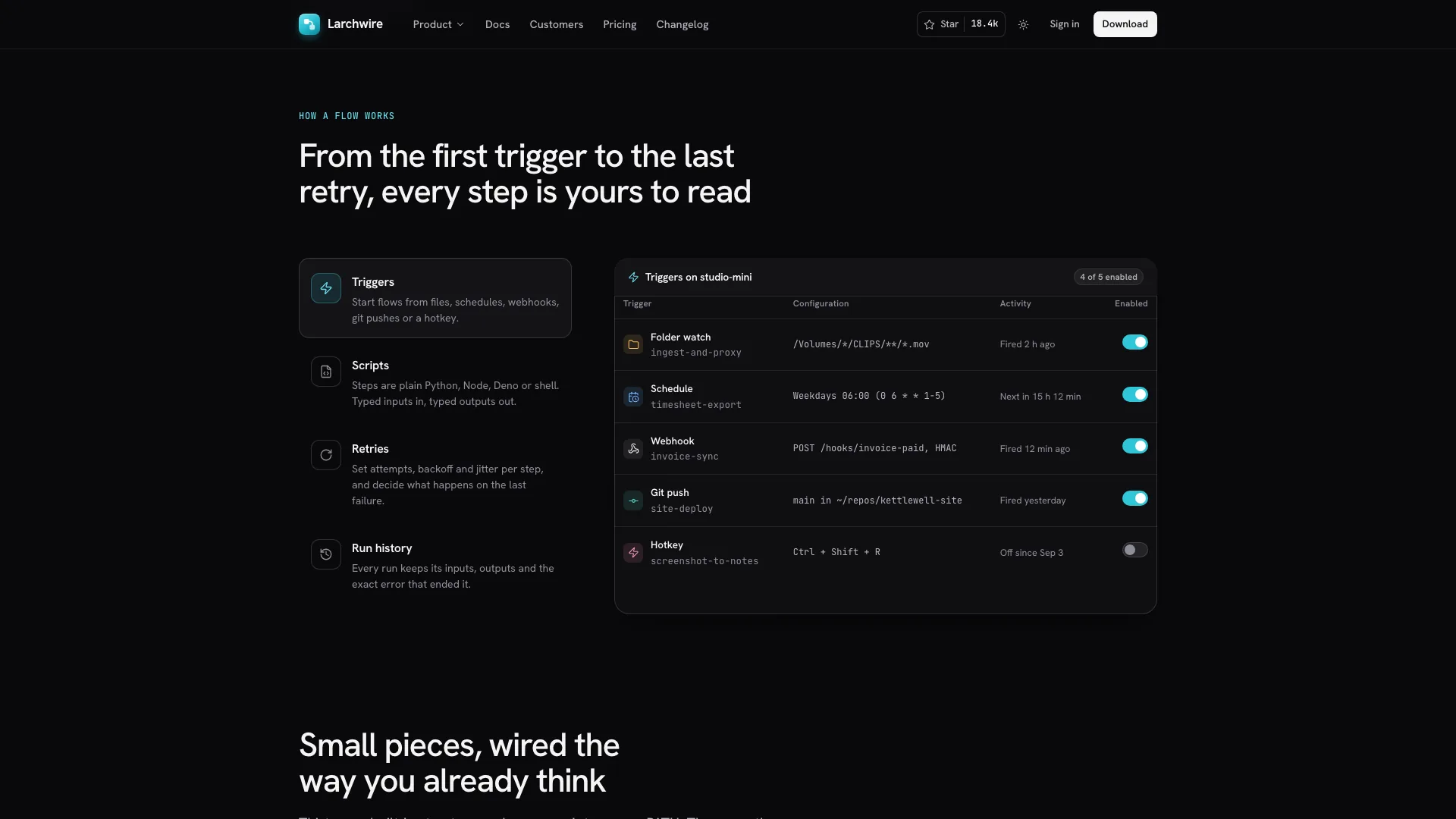
- Share your product name, what a flow means in your product, trigger types, where it runs, how people install it, your plans and the call to action
- It rebuilds the canvas, explorer and docs around your own steps and commands, and lists any customer, price or security detail it had to draft
- Open the finished file in your browser and ask for changes in plain words, like three pricing tiers or different explorer tabs
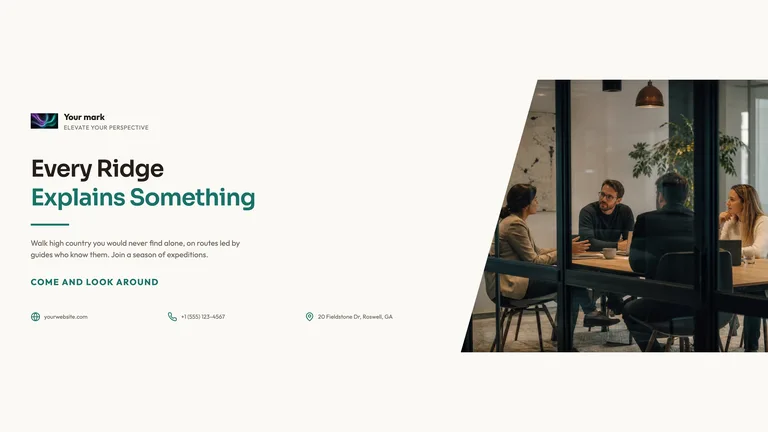
Customer and avatar photos are generated with your agent's image tool, which may carry that tool's usage charges. Fonts and images are embedded in the finished file.
What you need before you start
- You bring
- Product name, one-line promise, what a flow is in your product and where it runs · Trigger types, runtimes or integrations, the install path, plans and prices, and the CTA (download, sign-up, trial or star)
- Dependencies
- Node.js 18 or newer on your agent's machine, to run the bundled script that builds the single offline file · Internet access while the file is built, so the fonts can be downloaded once and embedded · Optional: an image generation tool in your agent for the customer story, runner and avatar photos
- Outside costs
- Photos for the customer story, the runner shot and avatars are generated with your agent's own image tool, which may incur that tool's usage charges. Without one, your own photos or clearly labelled image slots are used.
- Last tested
- v1.0.6 — Claude Code / Claude Desktop / Cowork / Codex / ChatGPT




 +6
+6