Hairline Grid Portfoliov1.0.4
Use this Skill to build website page.
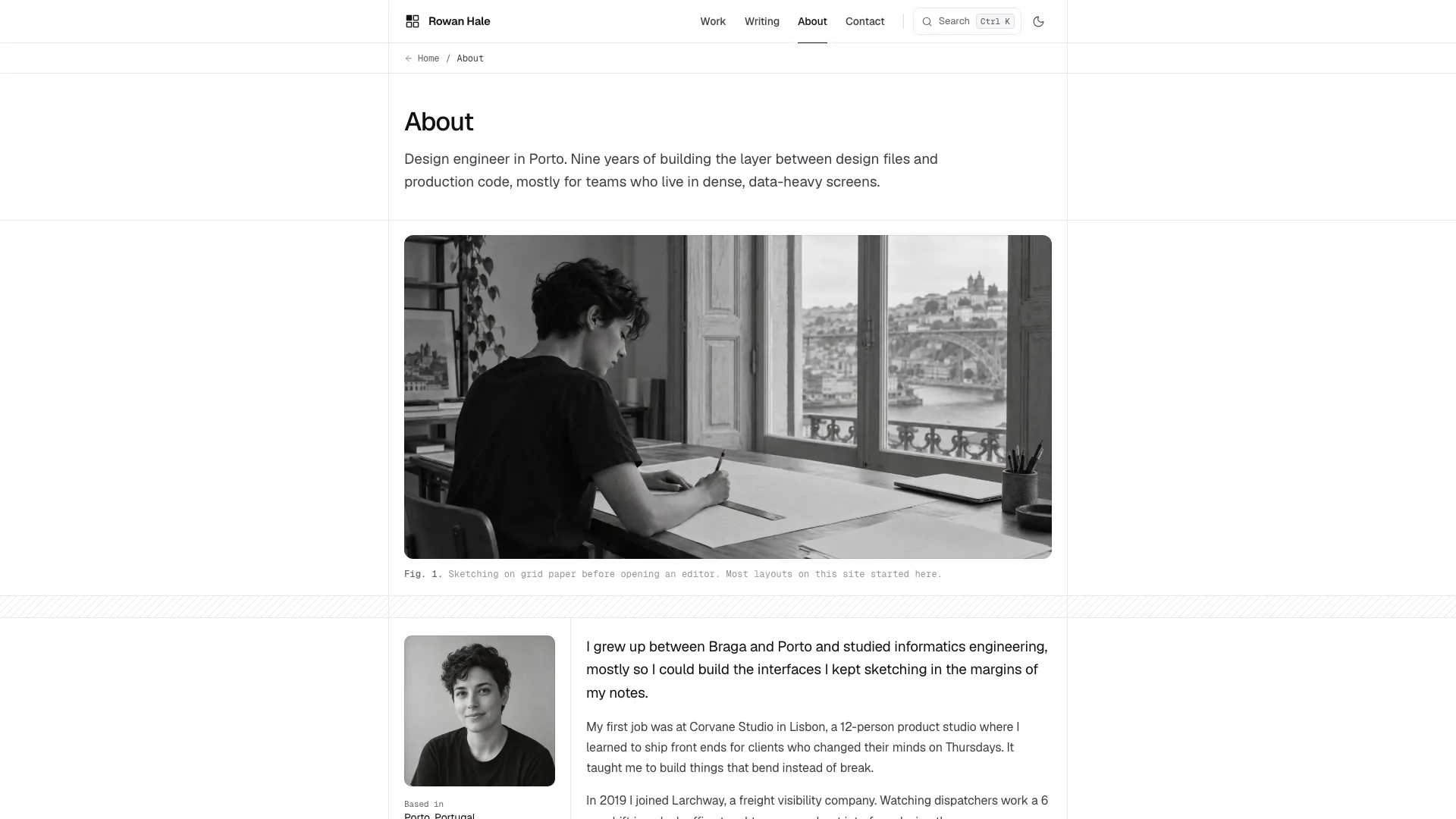
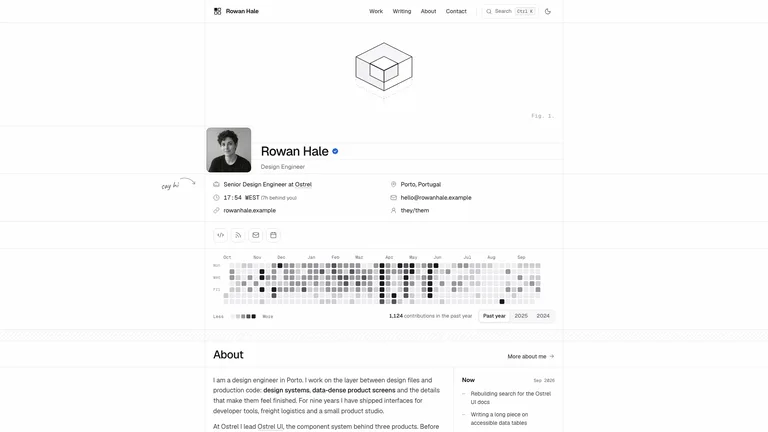
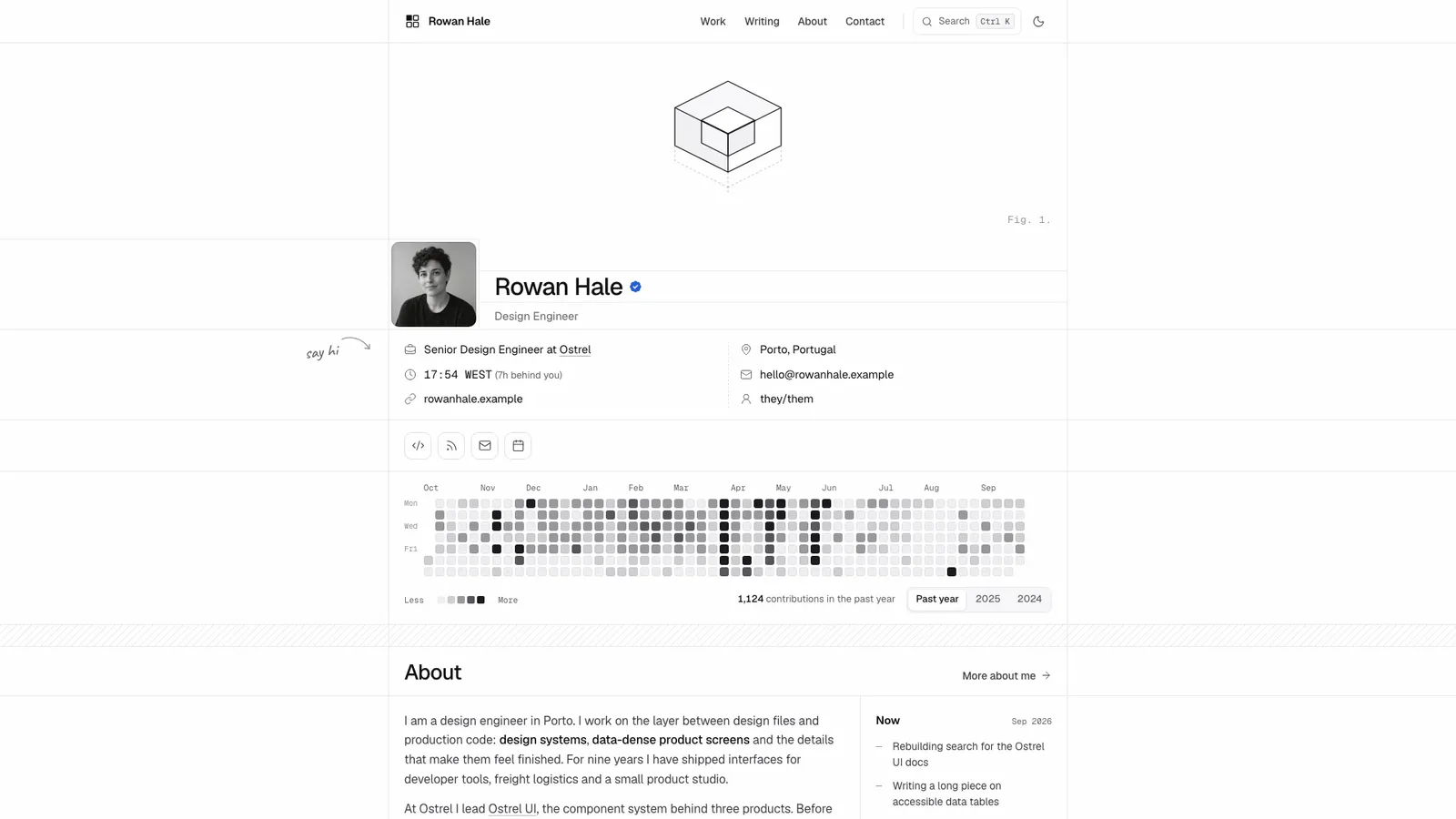
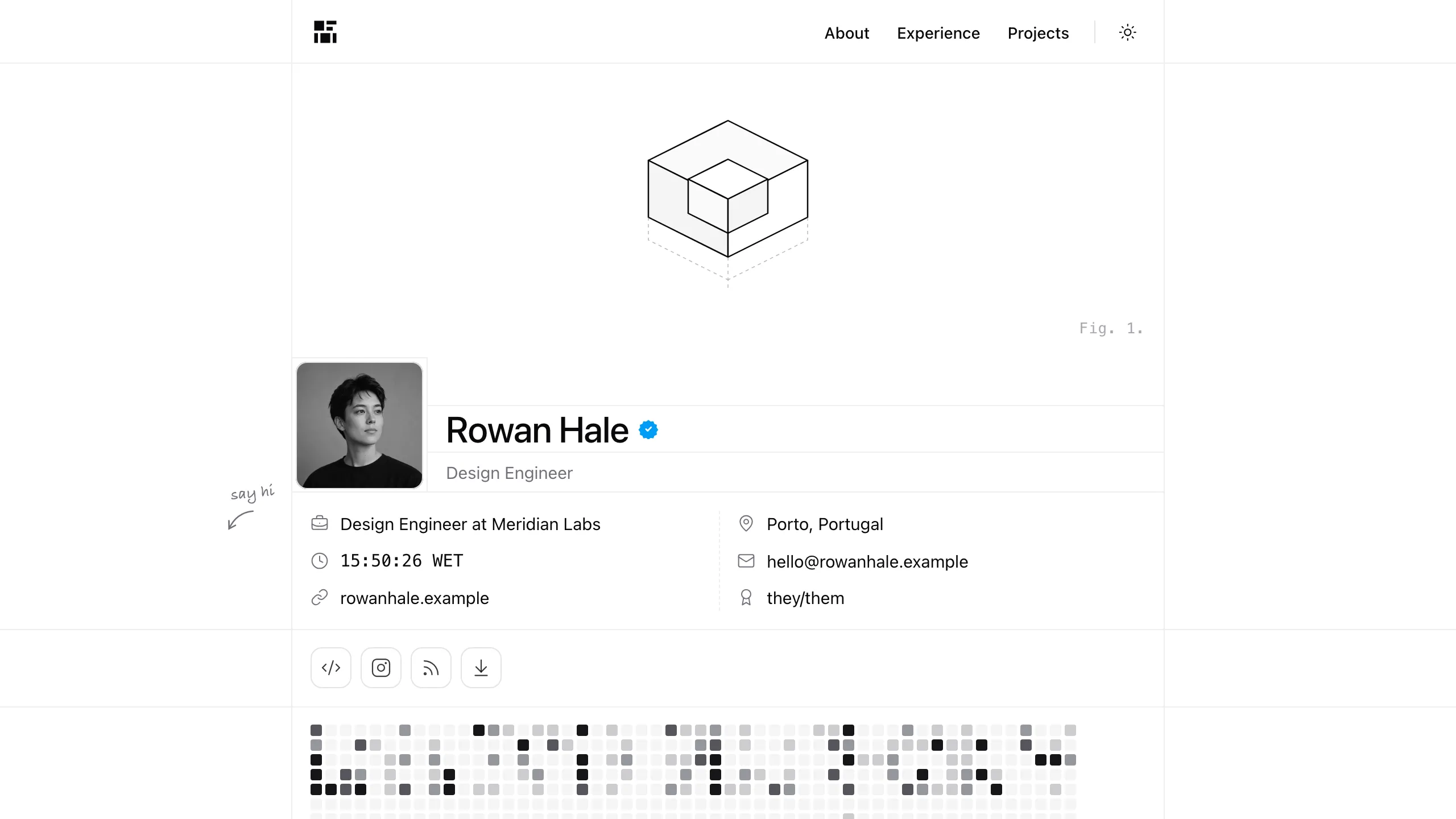
Build a personal site drawn like an engineering sheet: a centred content rail on full-width hairlines, monochrome zinc tones with complete light and dark themes, stripe bands between sections, an isometric Fig. 1 drawing and a role line that flips. It covers profile, activity heatmap, selected work with full case-study pages, experience, stack, writing with real essays, about and a validated contact form. By default it is one self-contained file that opens offline, made for designers, design engineers and developers.
Picked most often by
Updated Oct 3, 2026
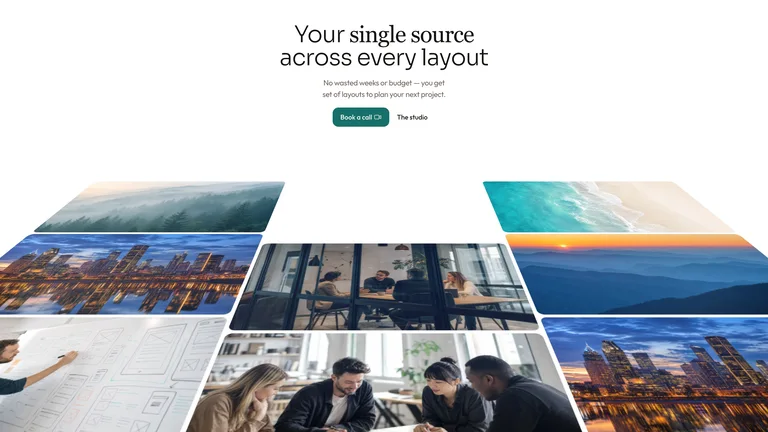
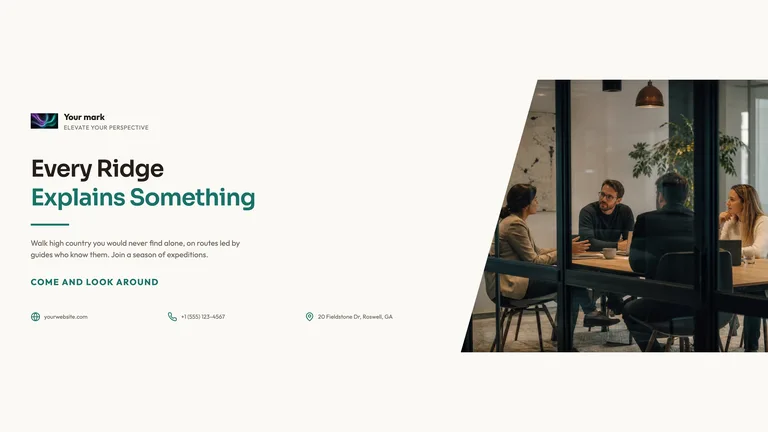
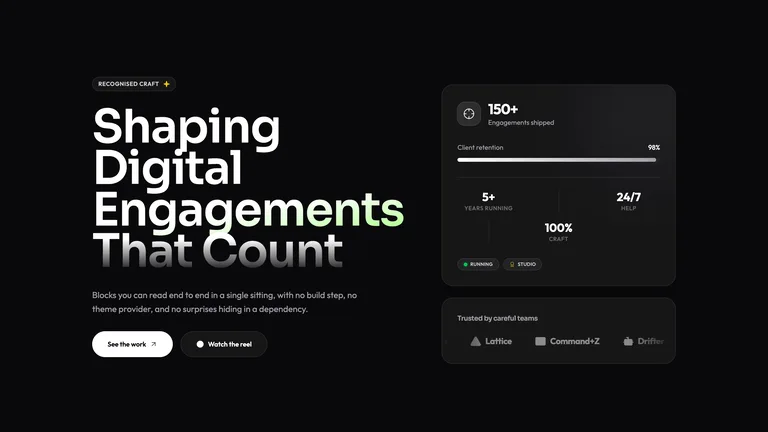
Preview gallery
Runs in
Generates with
Similar Skills
View all skillsWhat you get
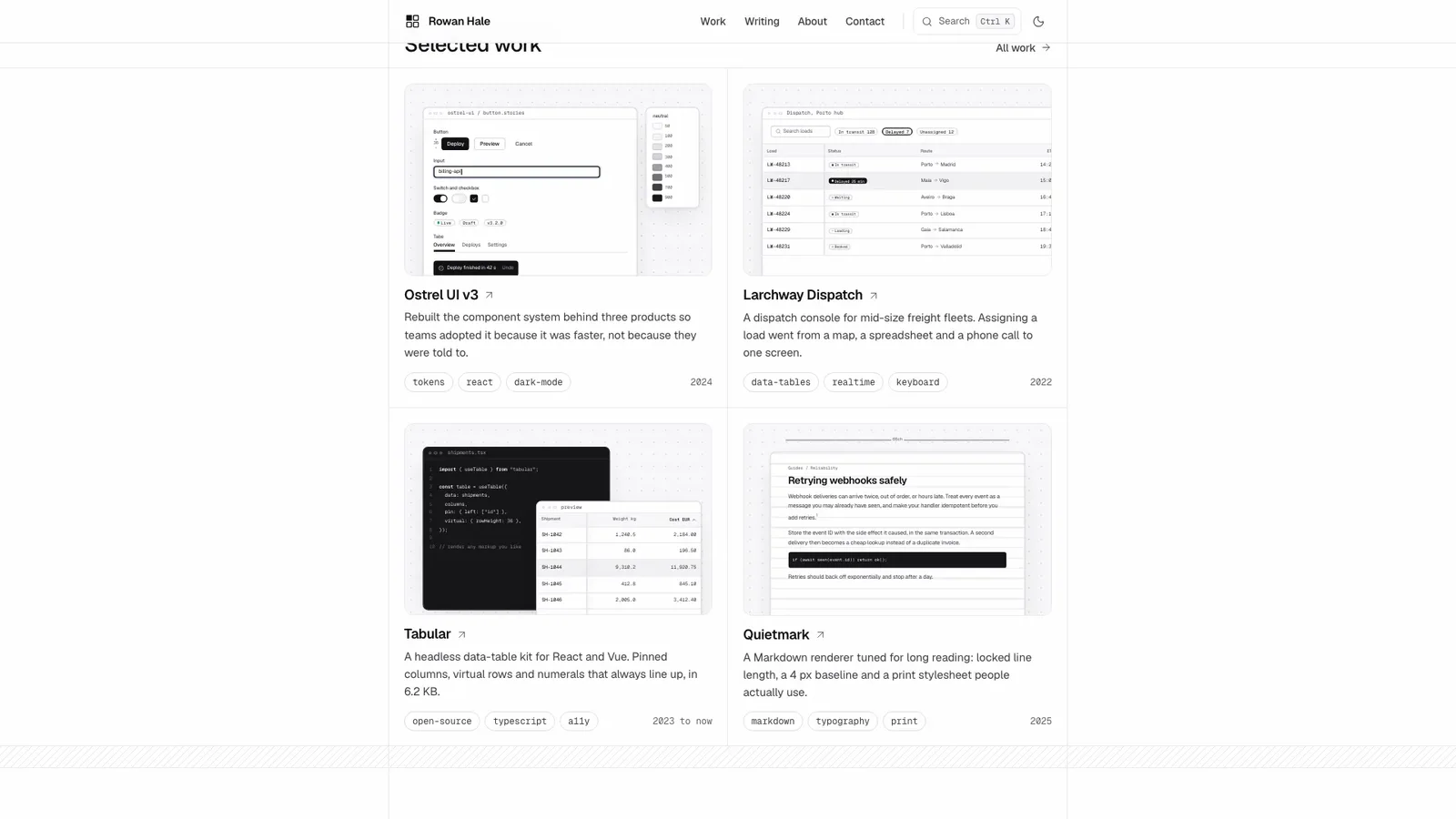
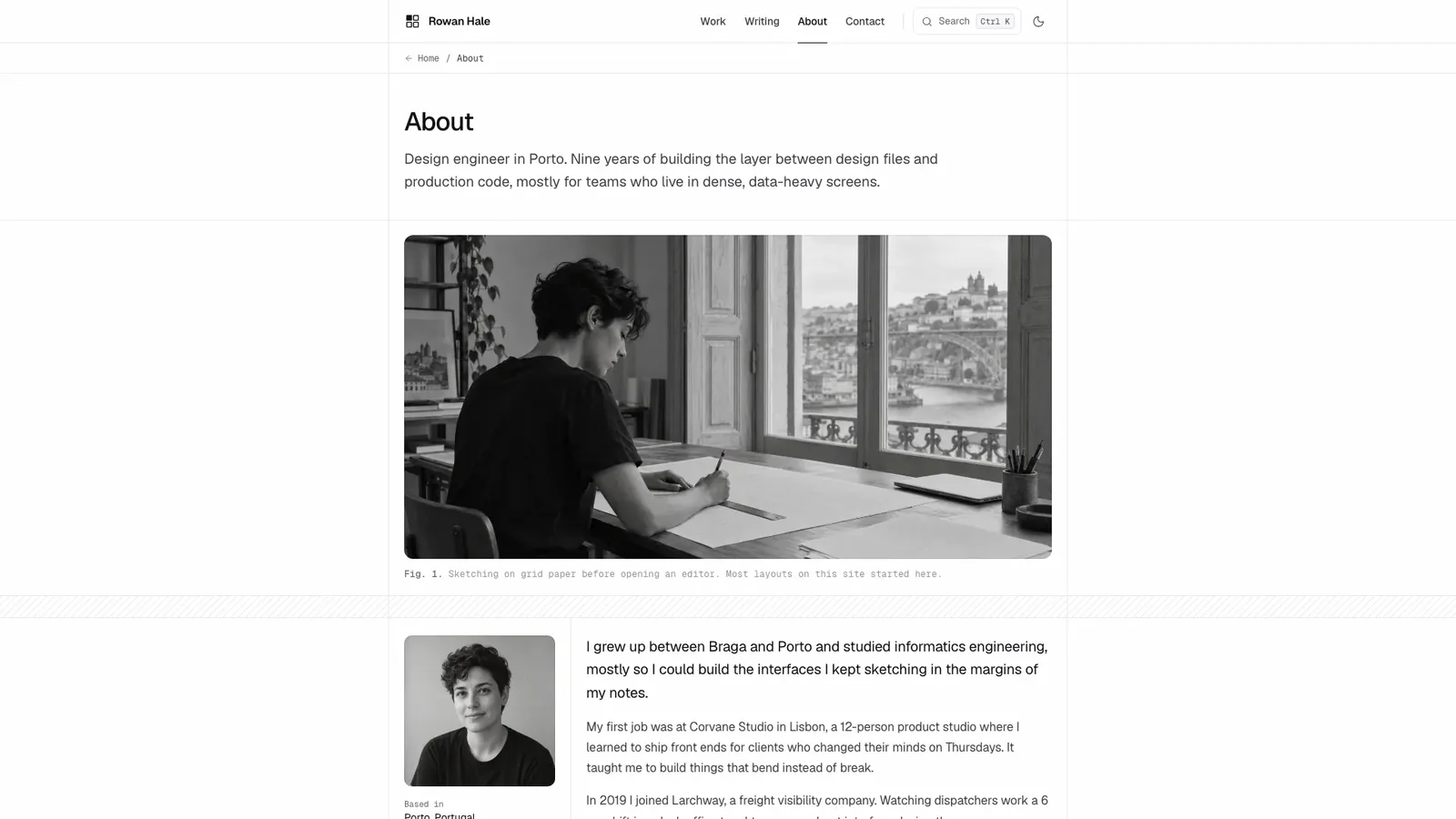
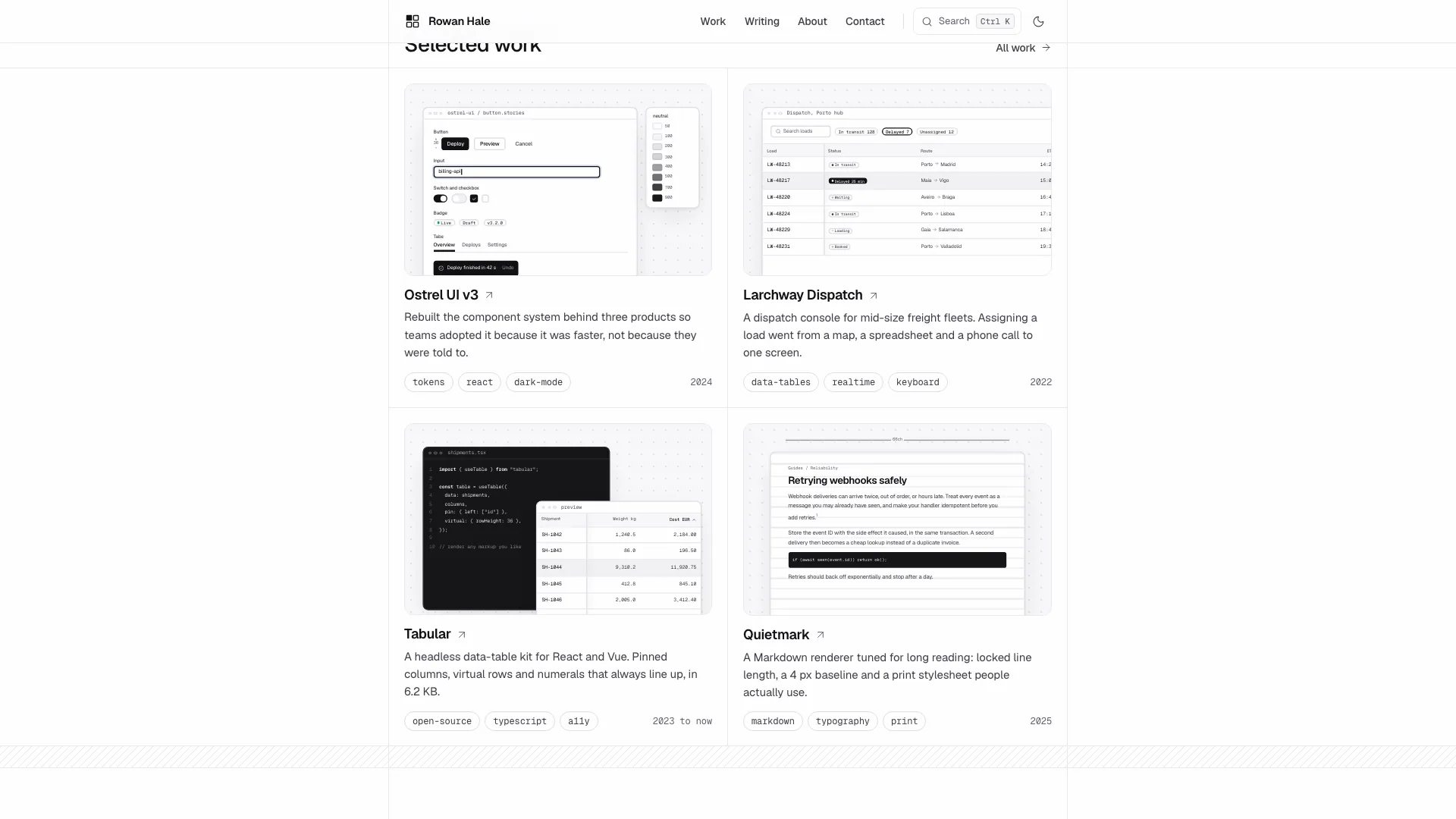
- A 15-route example for the fictional Rowan Hale: home, a work index with four case studies and an archive, writing with full essays, about, contact and a designed 404.
- Working details: command menu, theme toggle, work and writing filters with search, heatmap range tabs, copy buttons and a contact form with inline errors, loading and success.
- Project covers drawn as live product screens, black-and-white photos from one art direction, Geist fonts embedded, plus a style guide and built-in checks.
Good fit
- Design engineers and developers who want a precise, understated site rather than a flashy template.
- Job seekers who need case studies, essays and a contact form that read well in both themes and on phones.
- Anyone who likes hairline rules, monospace captions and monochrome restraint.
Not for
- Colourful, image-heavy personal brands; the system is monochrome zinc with one blue accent.
- Blogs that need a content management system; essays and case studies live in the page's own data.
- Sending real messages out of the box: the contact form confirms in the page until you connect a backend.
About this Skill

Turn your name, work history, projects and essays into a personal site that looks drafted on an engineer's sheet: hairline rules across the screen, monochrome zinc tones, stripe bands and a small isometric Fig. 1. The worked example is the fictional Rowan Hale, a design engineer in Porto, with 15 connected routes. The default result is one self-contained file that opens offline in any browser.
What you get
- Home with Fig. 1, profile, overview facts, heatmap, about, selected work, experience, stack, writing and speaking
- Case-study pages with problem, process, gallery, results and credits, and essays with a reading progress bar and table of contents
- A command menu, light and dark themes, filters with search, a mobile menu and a validated contact form
- Geist, Geist Mono and a handwritten Caveat note embedded in the file, so nothing loads from the network

How to use it
- Share your name, roles, city, projects with outcomes, experience, essays and contact details; missing facts are drafted and listed.
- Your agent fills the data, draws a cover for each project and converts your portrait to black and white.
- Open the site in both themes, try the command menu and contact form, then ask for changes.

Your own portrait and photos cost nothing extra; generated photos may incur your image tool's usage charges.
What you need before you start
- You bring
- Name, three to five short role phrases, city, email and availability · Two to six projects with role, process steps and measurable results, plus experience and essays · A portrait photo, or permission to generate a stand-in
- Dependencies
- Node.js 18 or newer on your agent's machine, to run the bundled script that builds the single offline file · Internet access while the file is built, so the fonts can be downloaded once and embedded · Optional: an image generation tool in your agent for workspace or place photos
- Outside costs
- Photos generated with your agent's image tool may incur that tool's usage charges. Your own photos and the drawn project covers cost nothing extra.
- Last tested
- v1.0.4 — Claude Code / Claude Desktop / Cowork / Codex / ChatGPT
User reviews
Loading reviews…