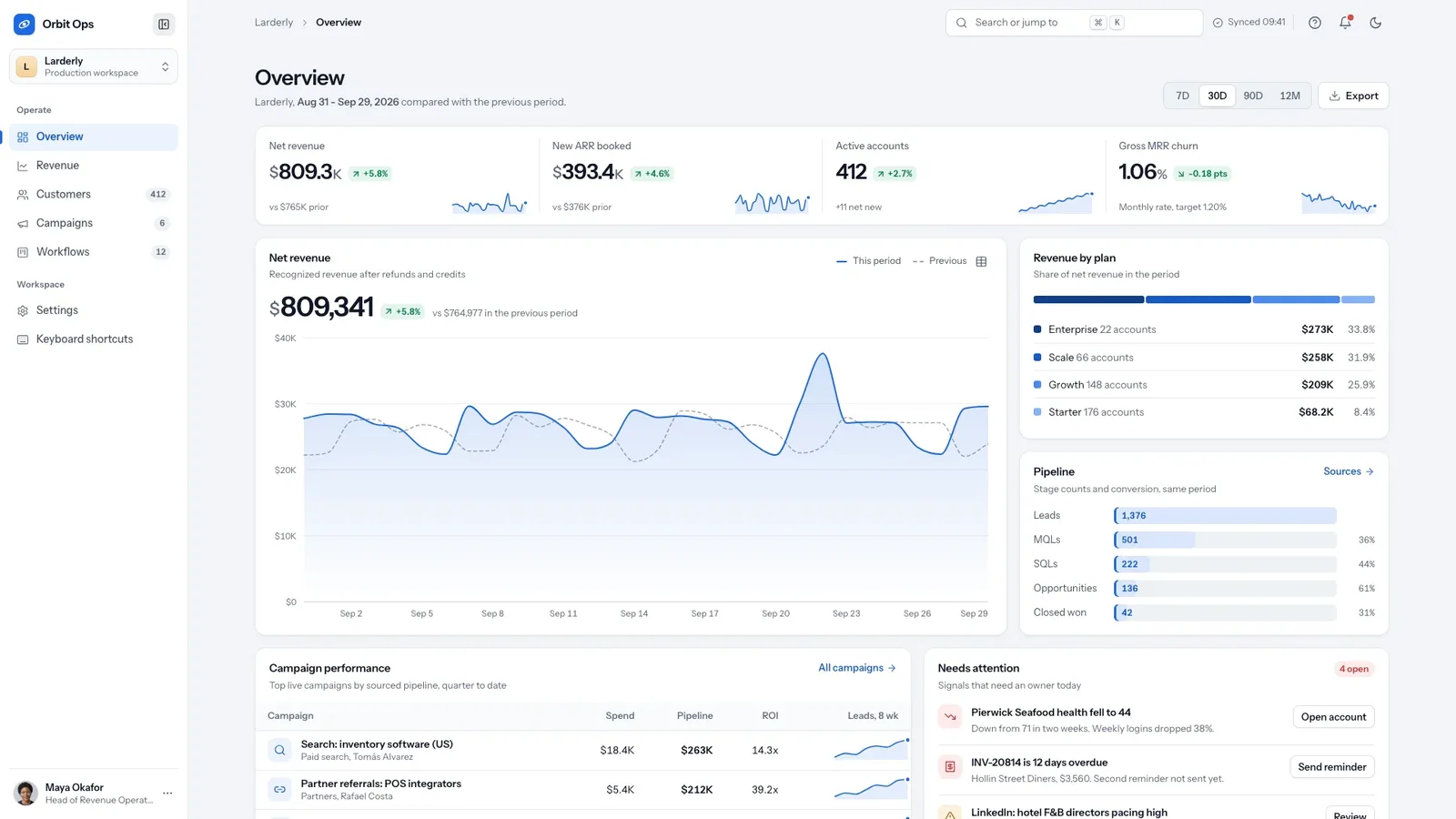
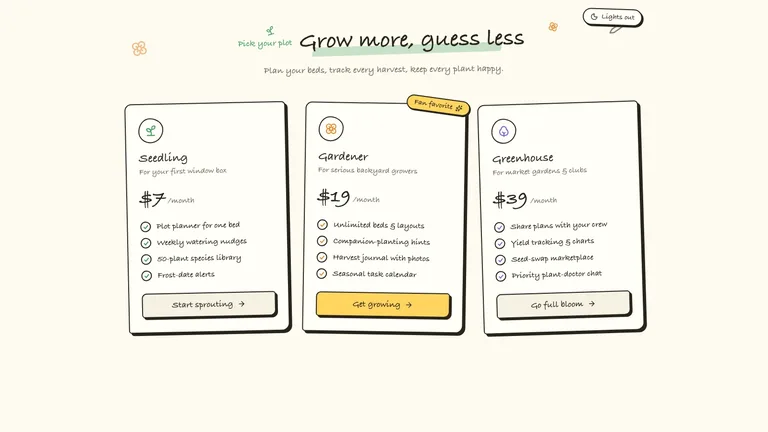
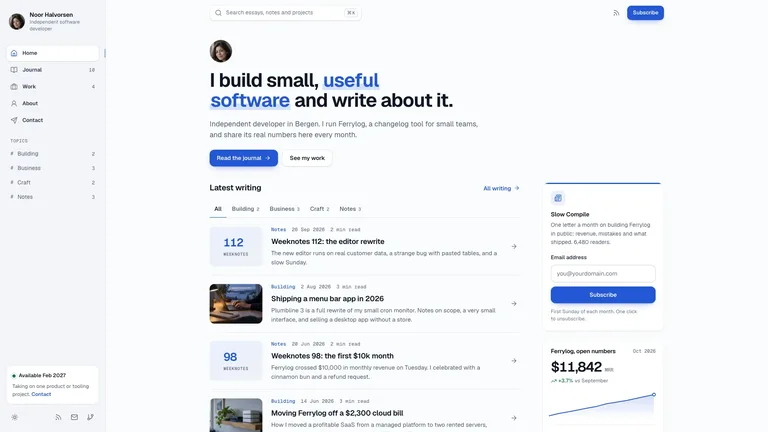
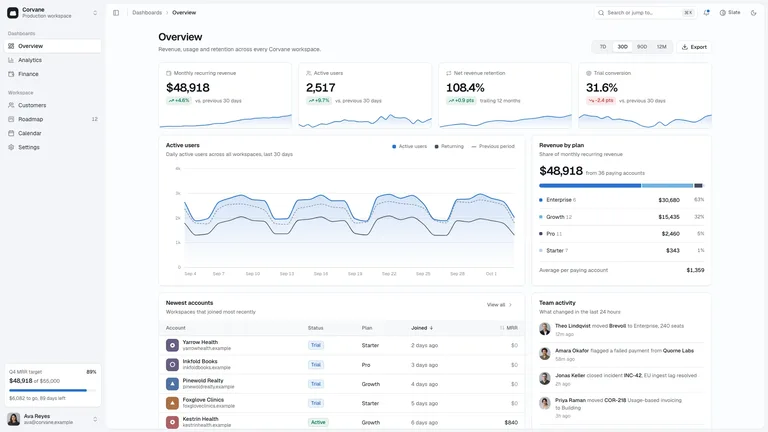
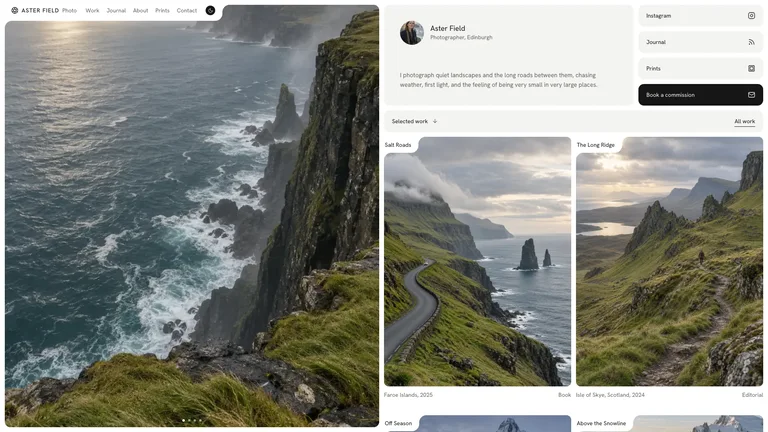
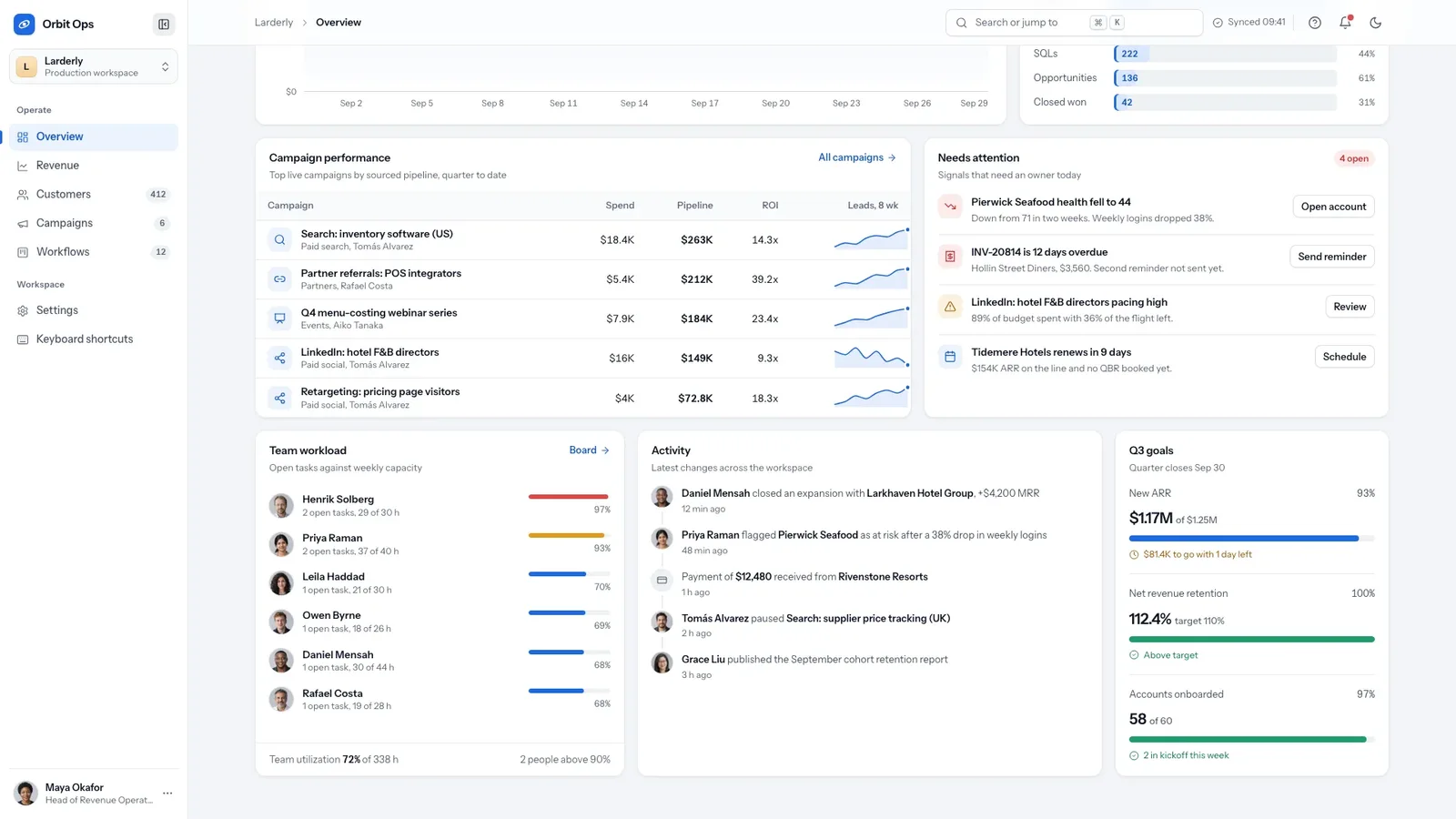
Orbit Admin Dashboard builds a working operations console for revenue, customers, campaigns and team workflows: dense modular panels on a calm, cool slate theme with one operations-blue accent and a complete dark theme. The example is the fictional product Orbit Ops showing the workspace of Larderly, a purchasing-software company for restaurant and hotel groups.
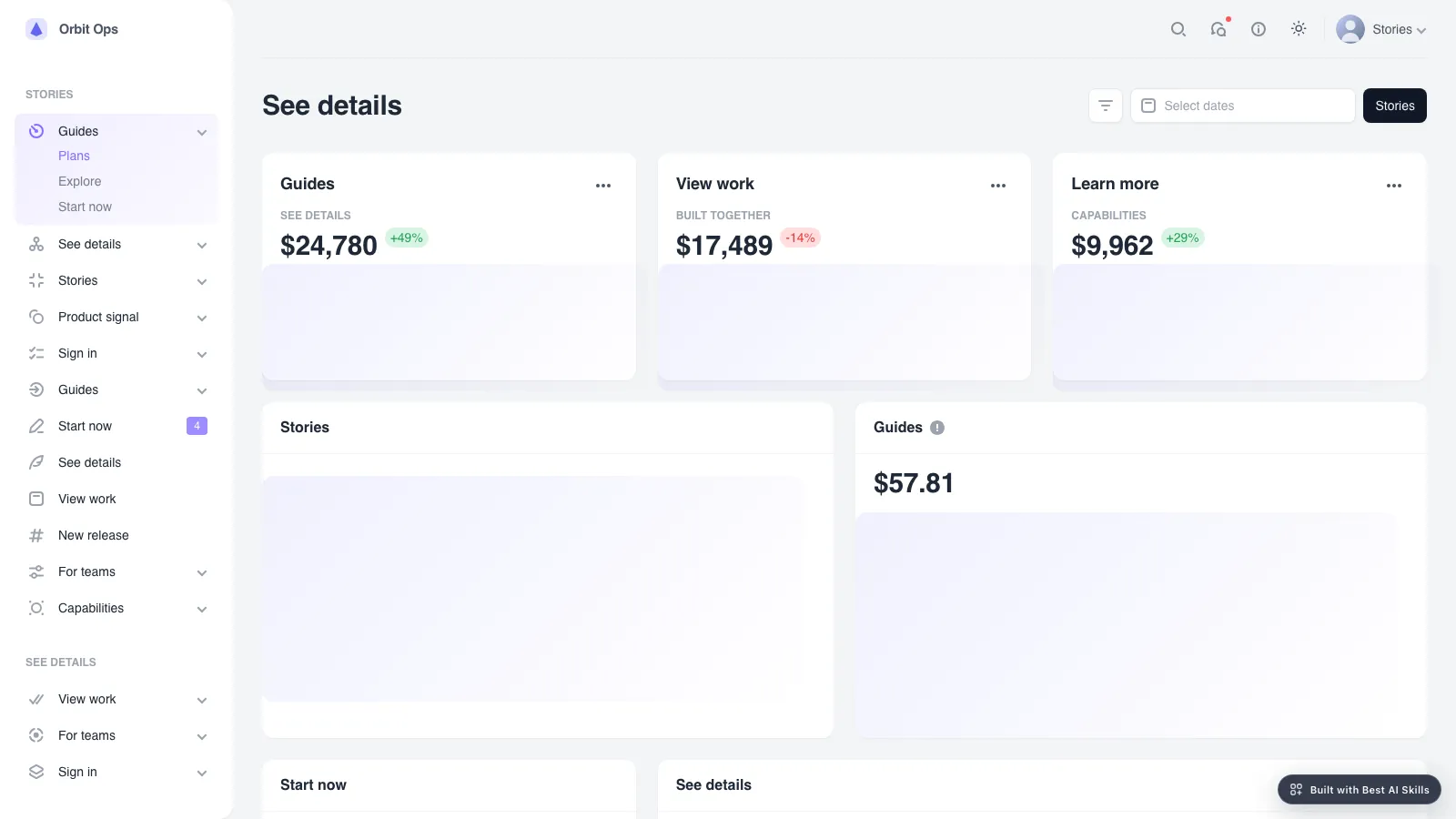
- One self-contained console file that opens in any browser and works offline, with fonts and portraits built in. If you already have a project, the same console is built in your own stack instead.
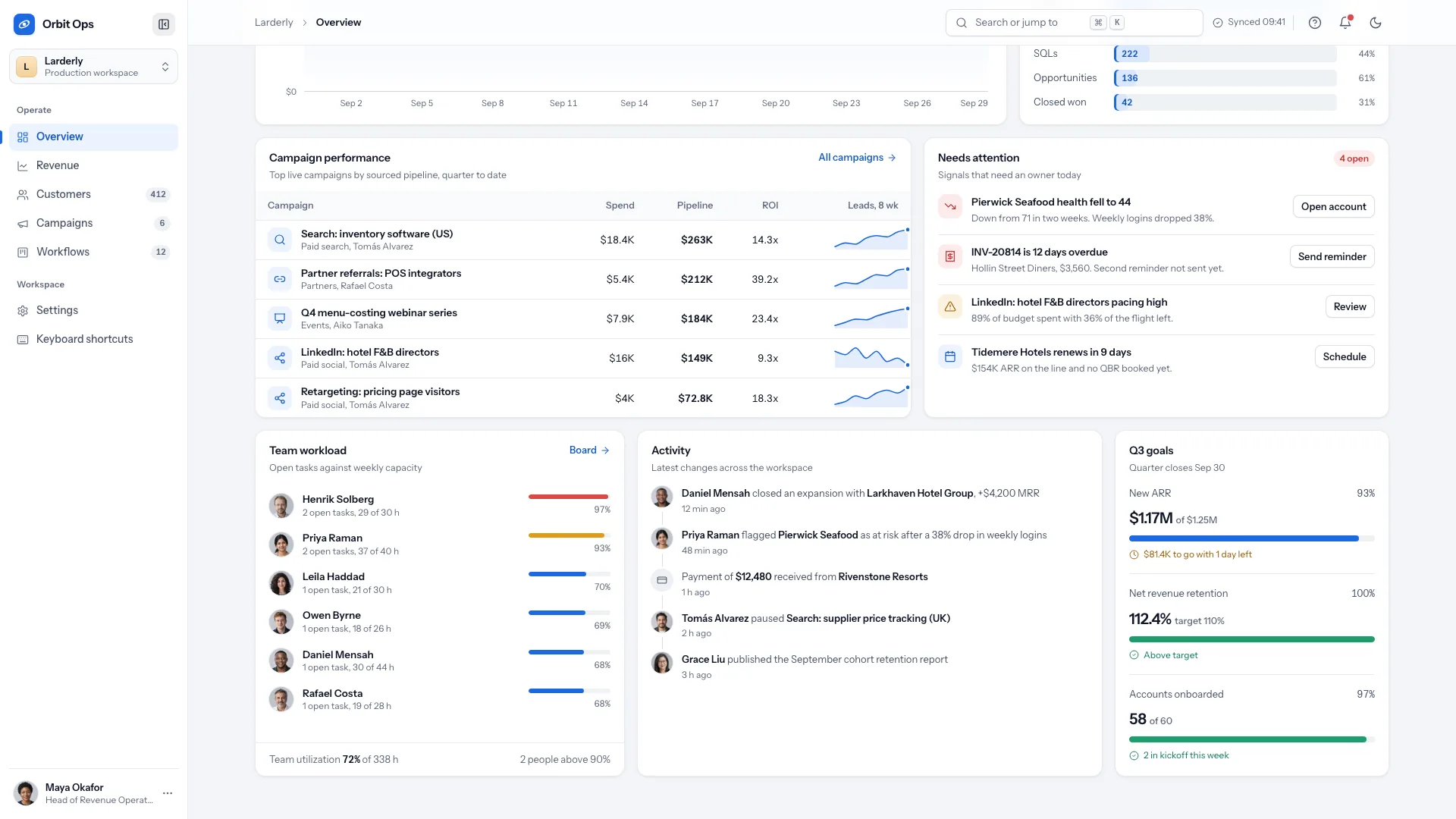
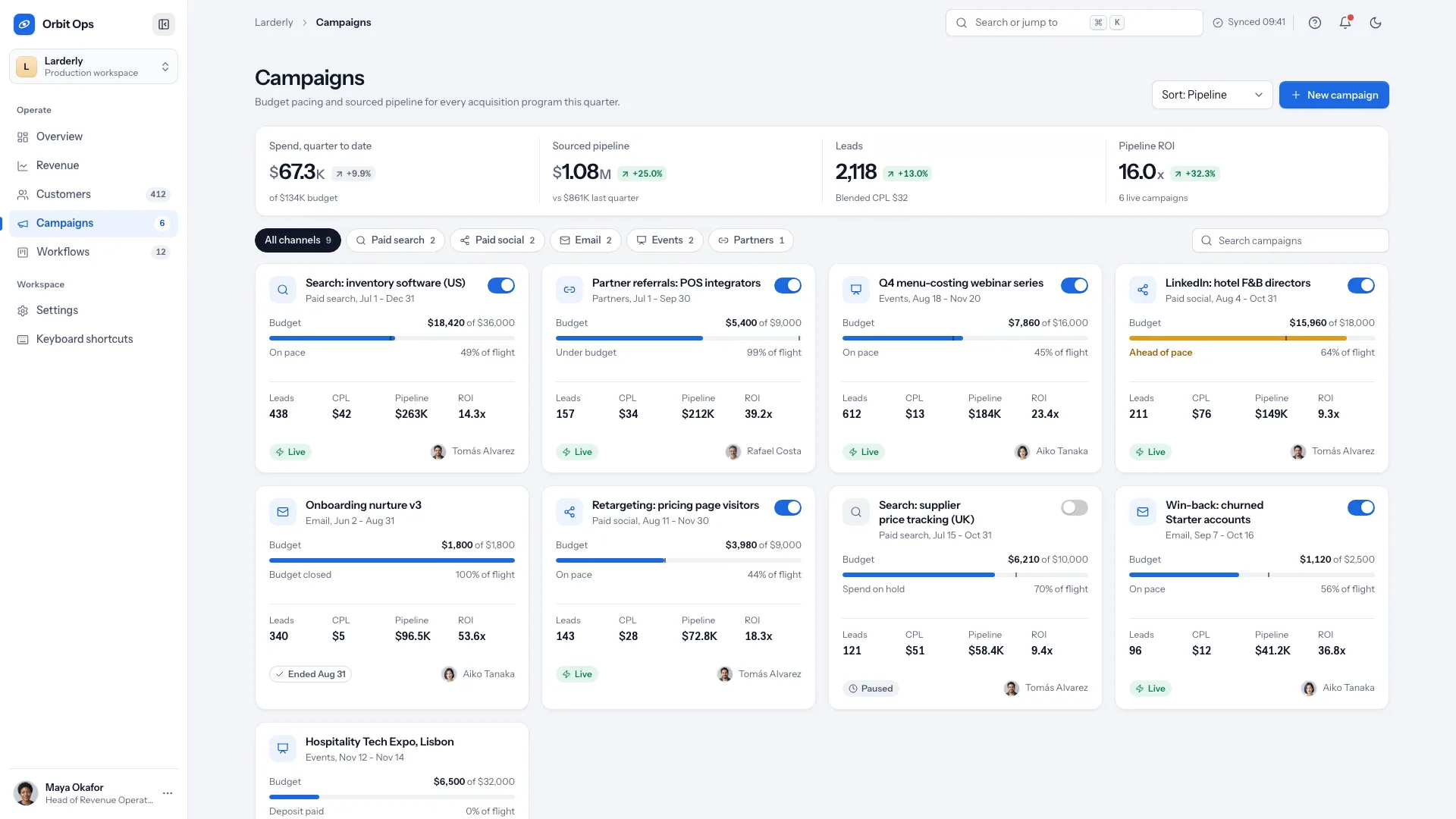
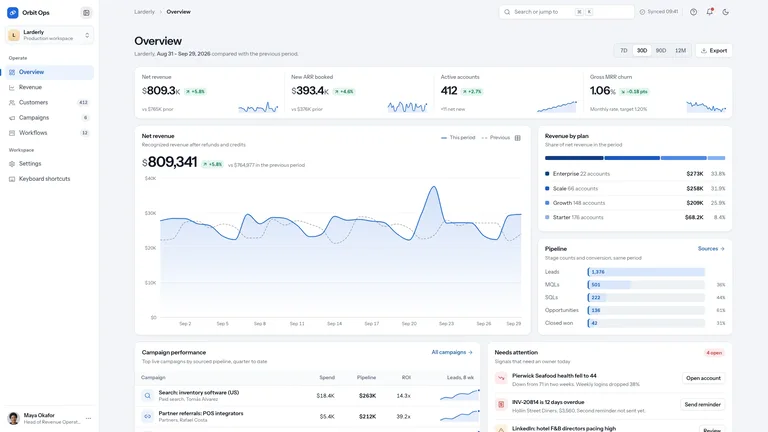
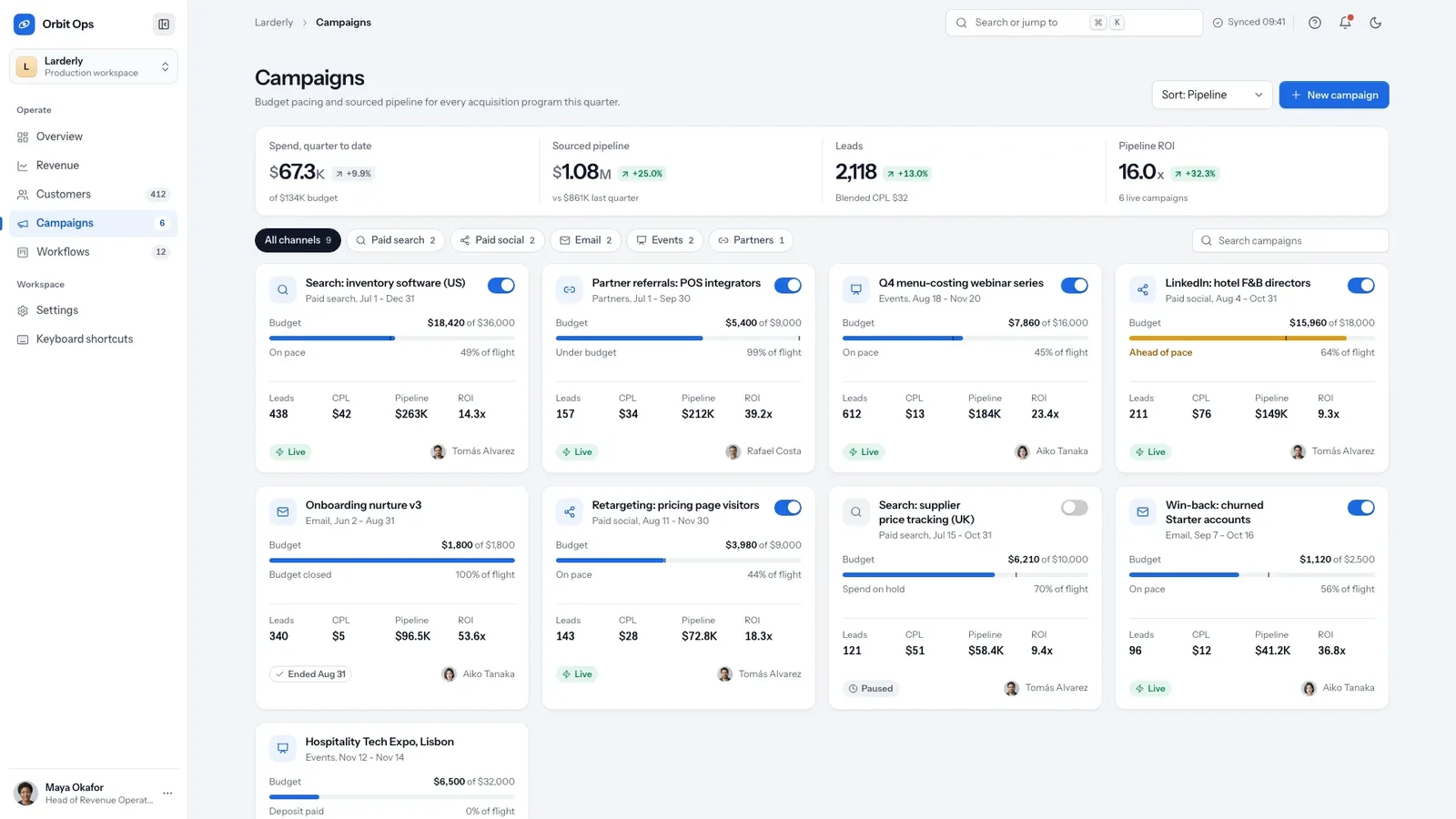
- Six views that all work: Overview, Revenue, Customers, Campaigns, Workflows and Settings, plus a not-found view.
- Hand-built charts that redraw when you switch between 7 days, 30 days, 90 days and 12 months, with tooltips and a table view.
- A customer table with sort, search, filters, pagination, bulk actions with undo and a detail drawer, plus a command menu, a drag-and-drop task board, campaign switches and settings that track unsaved changes.
- A complete dark theme, a bottom tab bar and card-style tables on phones, and motion that respects reduced-motion settings.
- Describe your business model, your four headline metrics, the records that need tables, your team and your workflow stages, or share your data. Missing figures are drafted as clearly fictional sample data and listed for you to confirm.
- Tell the agent which views to rename, merge or drop, for example Campaigns as Promotions or Revenue as Tickets.
- Open every view in light and dark on desktop and phone, try the drawer, command menu, board and forms, and ask for changes.
Type is set in Instrument Sans and IBM Plex Mono, embedded in the file. The only images are team portraits, and ten generic headshots ship with the package.
What you need before you start
- You bring
- Your business model and the four headline metrics you track · The records that need tables, your team and your workflow stages · Your data, or permission to use clearly fictional sample data for you to confirm
- Dependencies
- Node.js 18 or newer on your agent's machine, to run the bundled script that builds the single offline file · Internet access while the file is built, so the fonts can be downloaded once and embedded · Optional: an image tool in your agent, only if your team needs more than ten portraits
- Outside costs
- Usually none: ten generic headshots ship with the package and the console needs no other images. Extra portraits for a team larger than ten would come from your agent's own image tool, which may charge for usage.
- Last tested
- v1.0.6 — Claude Code / Claude Desktop / Cowork / Codex / ChatGPT




 +6
+6