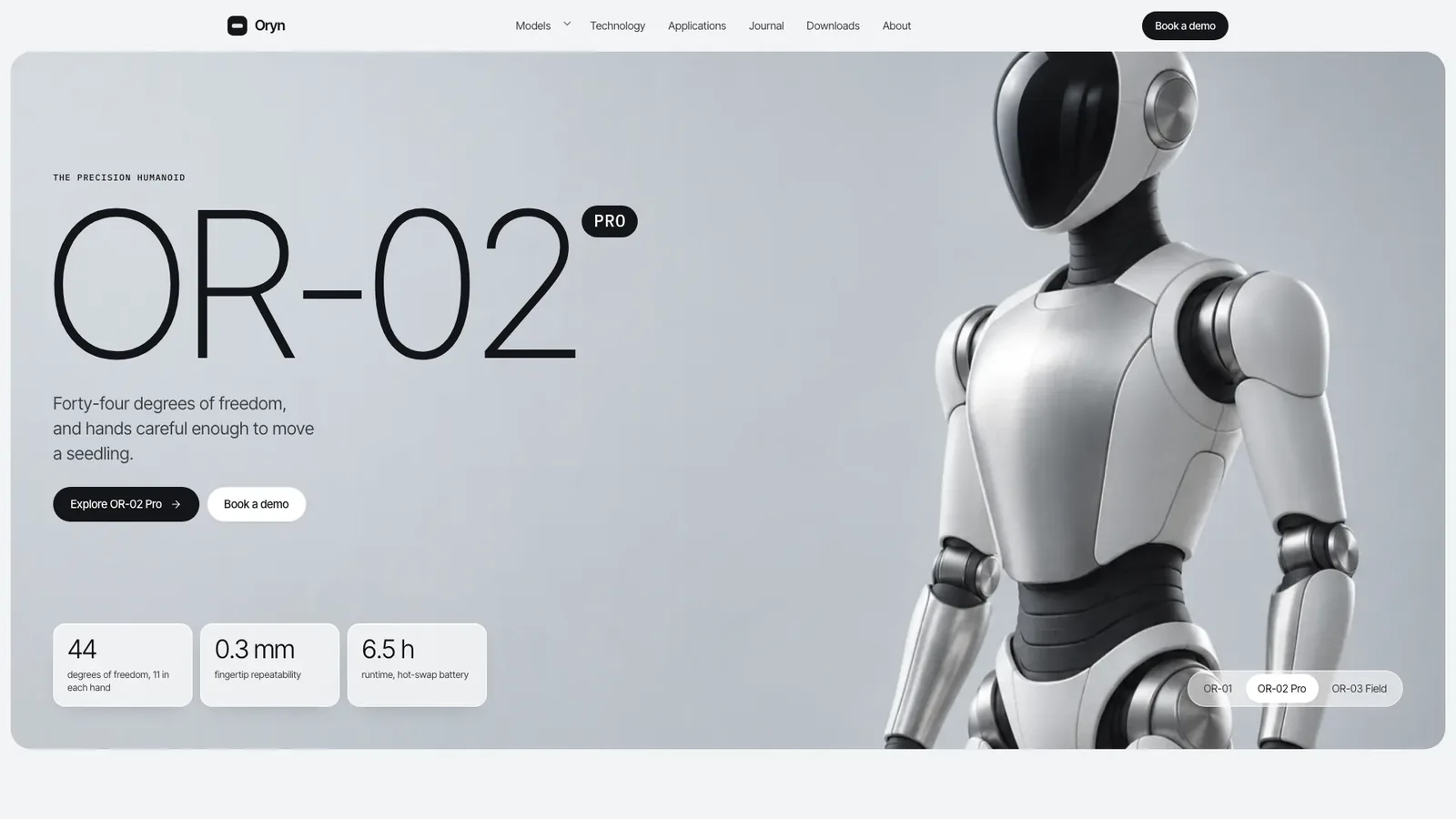
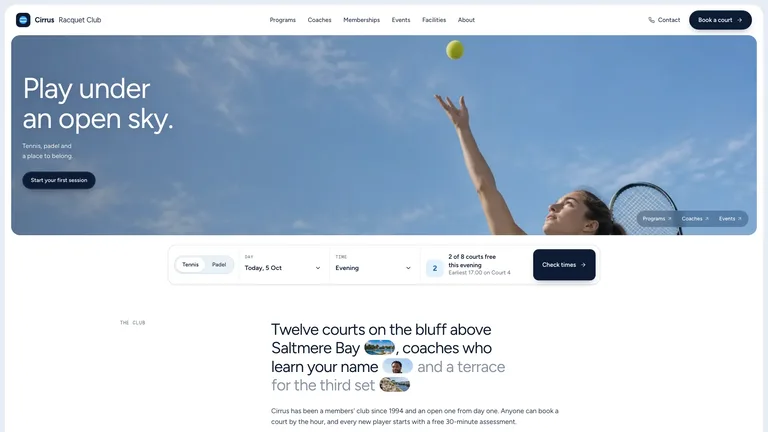
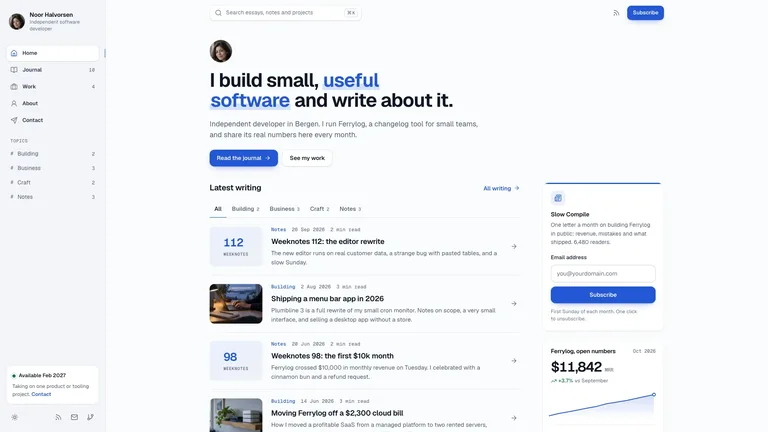
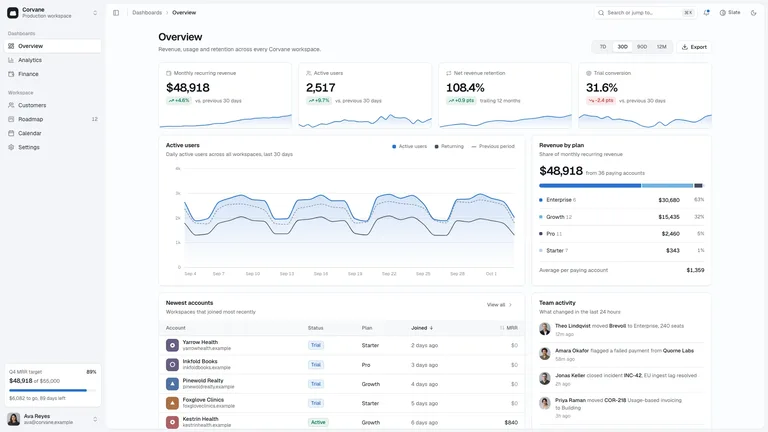
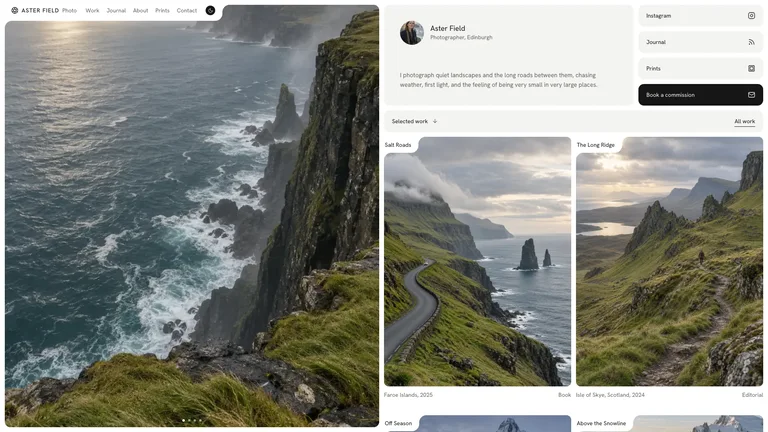
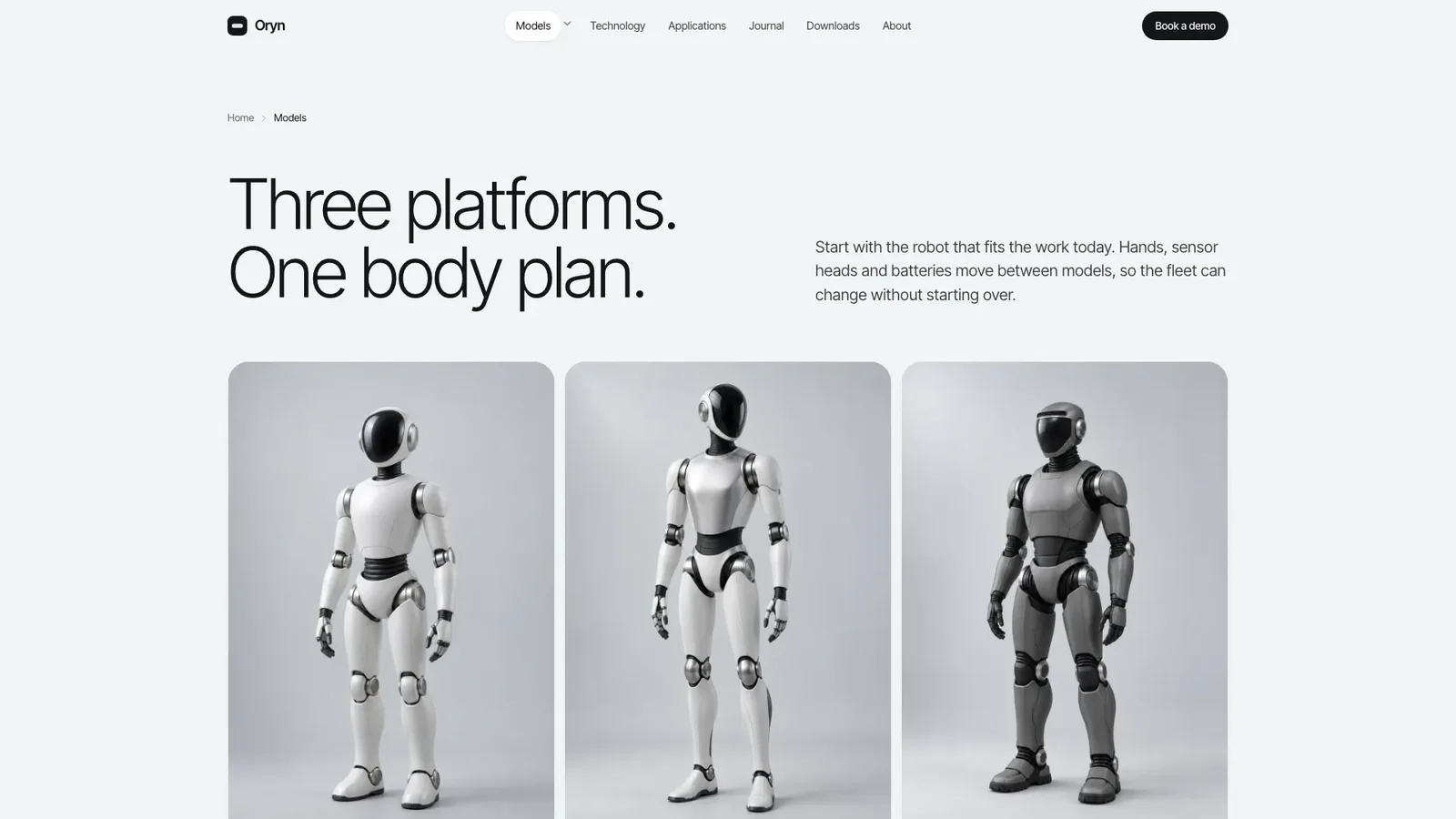
Turn your product line into a calm, technical brand site: a giant thin model name over silver studio photography, quiet white spec cards and a lineup drawn to true relative height. The example covers three robots across 23 connected routes, and the site arrives as one file that opens offline in any browser.
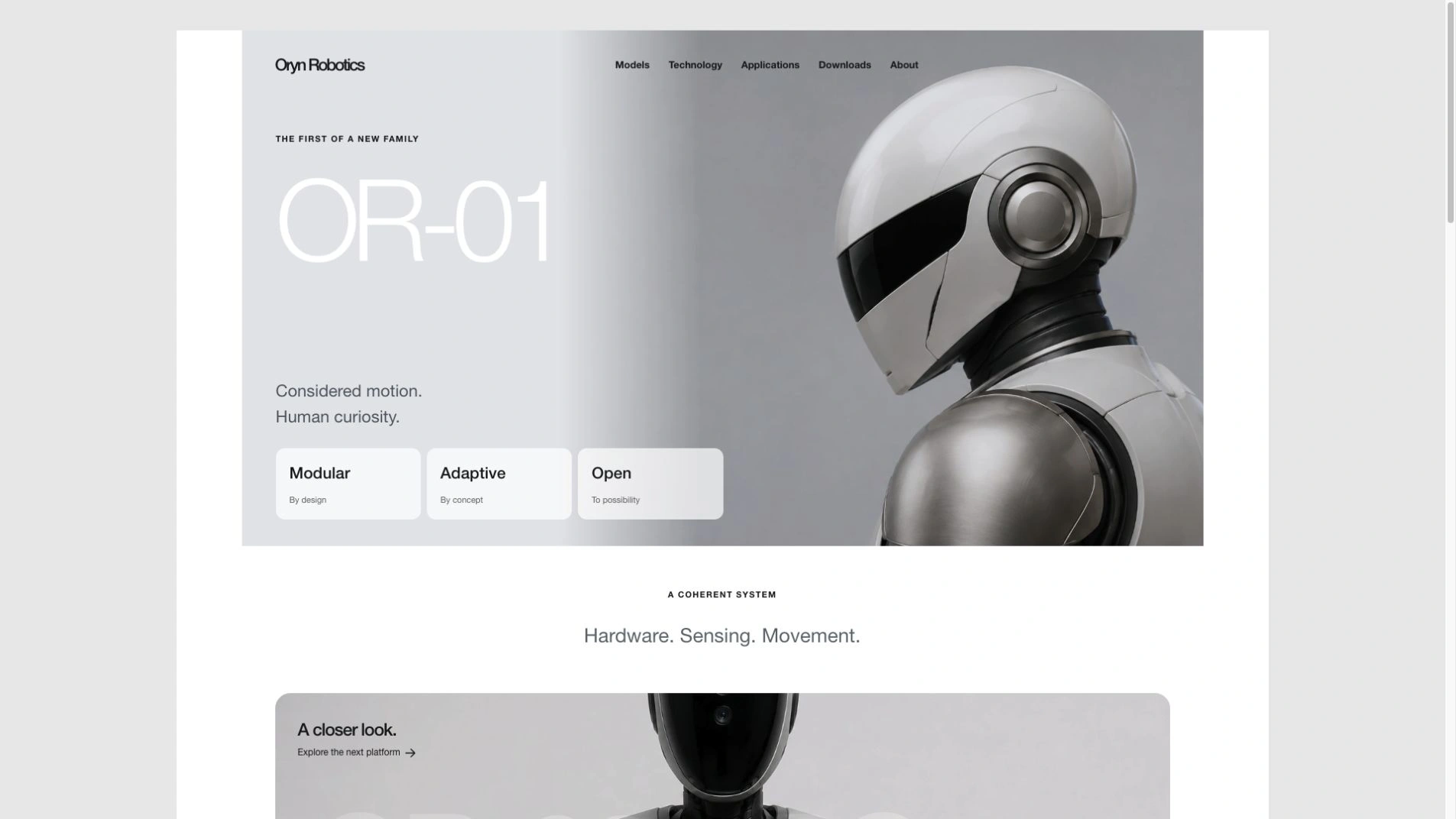
- A hero model switcher that swaps image, name, lead and specs, a family lineup to scale and an asymmetric hardware bento with a code cell
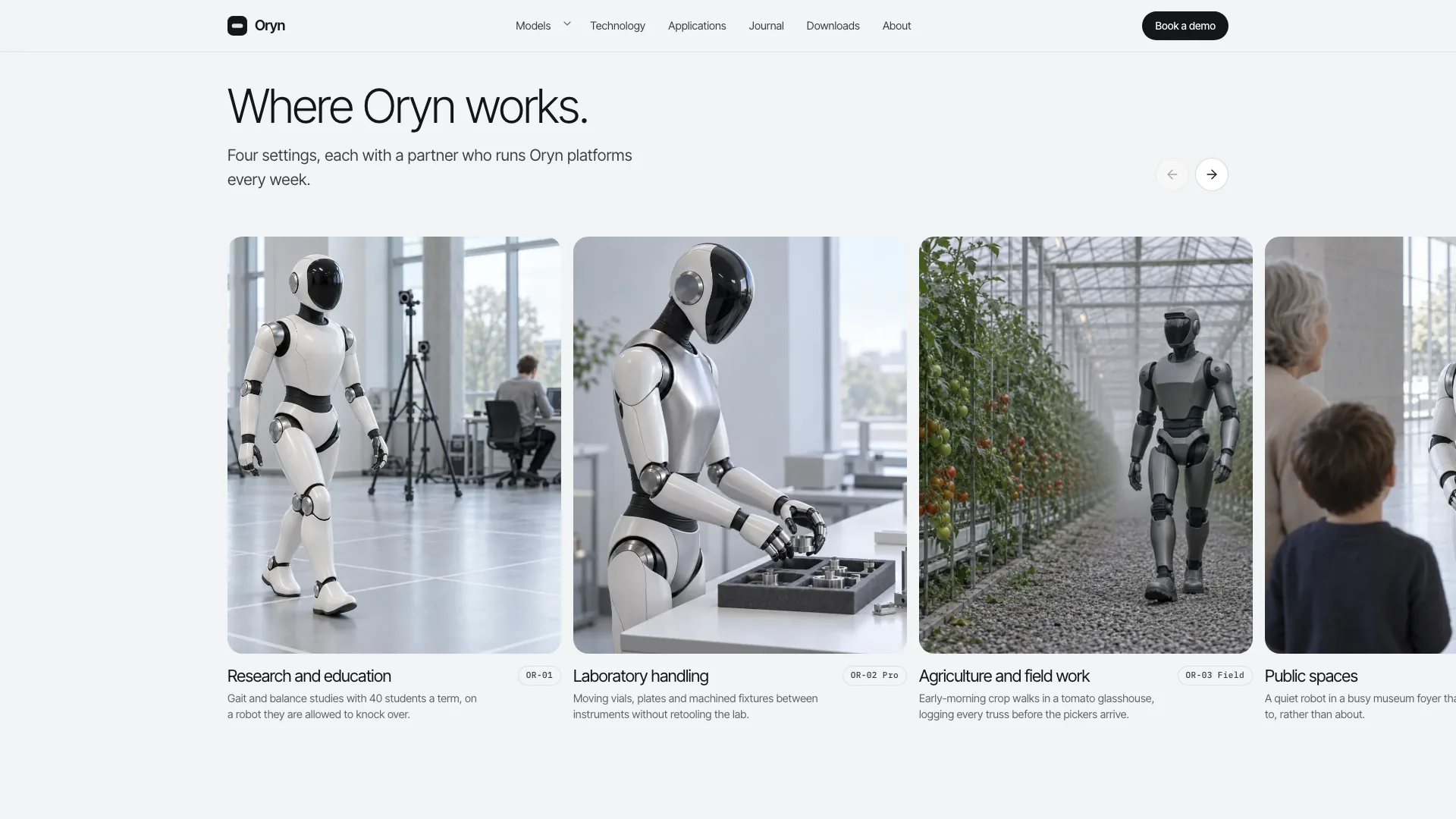
- Model pages with gallery and configurator, a side-by-side comparison with an only-differences toggle and a filterable modules catalog
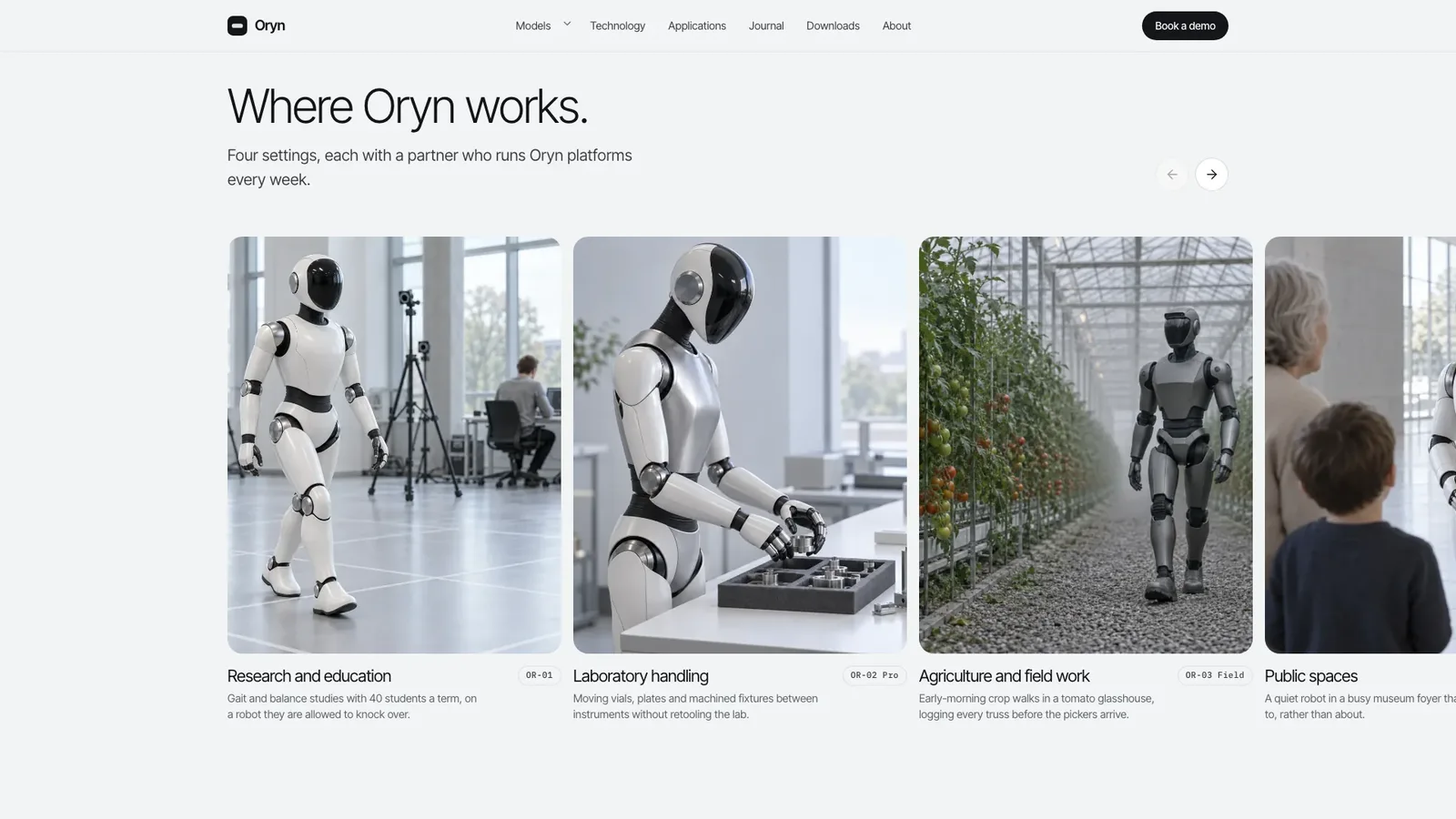
- Technology tabs, application case pages, a journal, downloads with filters, an about page with timeline, FAQ with search and demo booking
- Validated forms that carry your configuration into the demo request and confirm on the page
- Inter Tight and IBM Plex Mono embedded with every image, so the page makes no network requests
- Give the Skill your brand, products with codes, specs and prices, your audience and the pages you need. Add product photos if you have them.
- It fills every page, generates any missing images in one consistent studio style and lists drafted facts for you to confirm.
- Open the file, try the switcher, configurator and filters, and ask for changes in plain words.
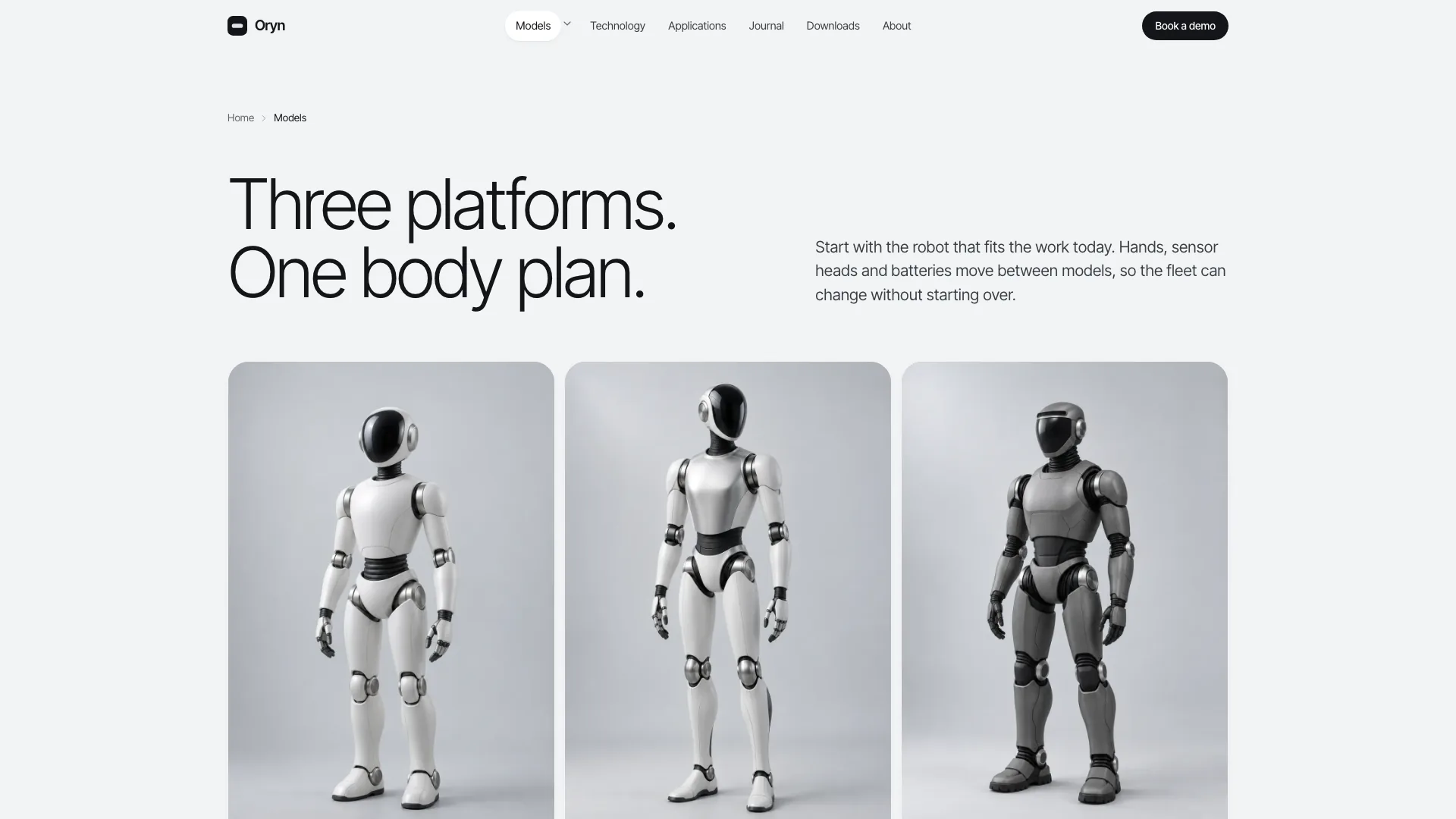
Images you do not supply come from your agent's image tool, which may have its own usage charges.
What you need before you start
- You bring
- Brand name, audience and the pages you need · Two to four products with codes, key specs, prices and what each one is for · Optional: product photos, partners, quotes and company facts you can confirm
- Dependencies
- Node.js 18 or newer on your agent's machine, to run the bundled script that builds the single offline file · Internet access while the file is built, so the fonts can be downloaded once and embedded · An image tool in your agent for product heroes, full-body shots, close-ups and scenes; optional if you supply your own photos
- Outside costs
- Images you do not supply are generated with your agent's own image tool, which may incur that tool's usage charges. The finished page makes no network requests. Viewing the example costs nothing.
- Last tested
- v1.0.2 — Claude Code / Claude Desktop / Cowork / Codex / ChatGPT





 +6
+6