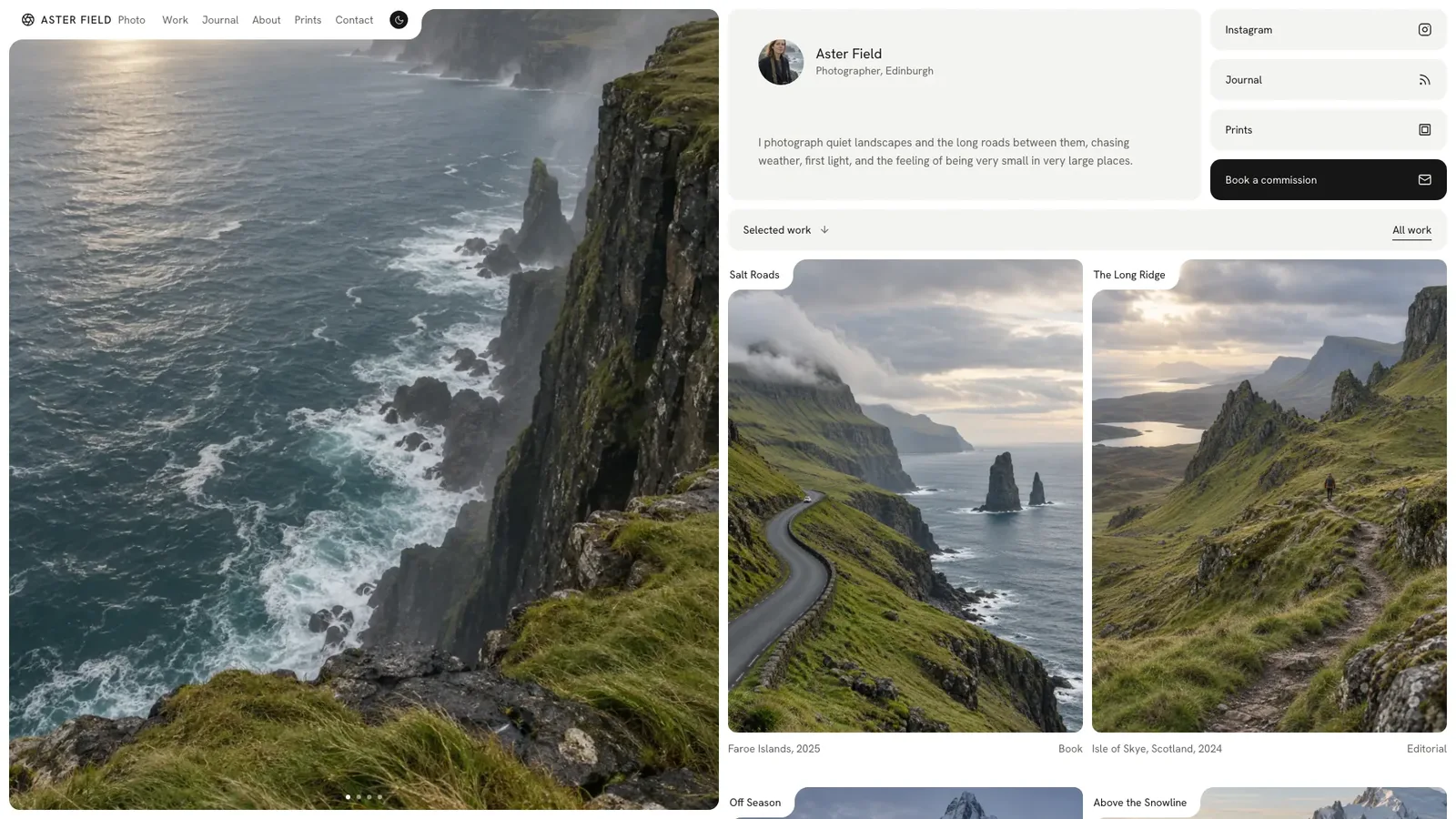
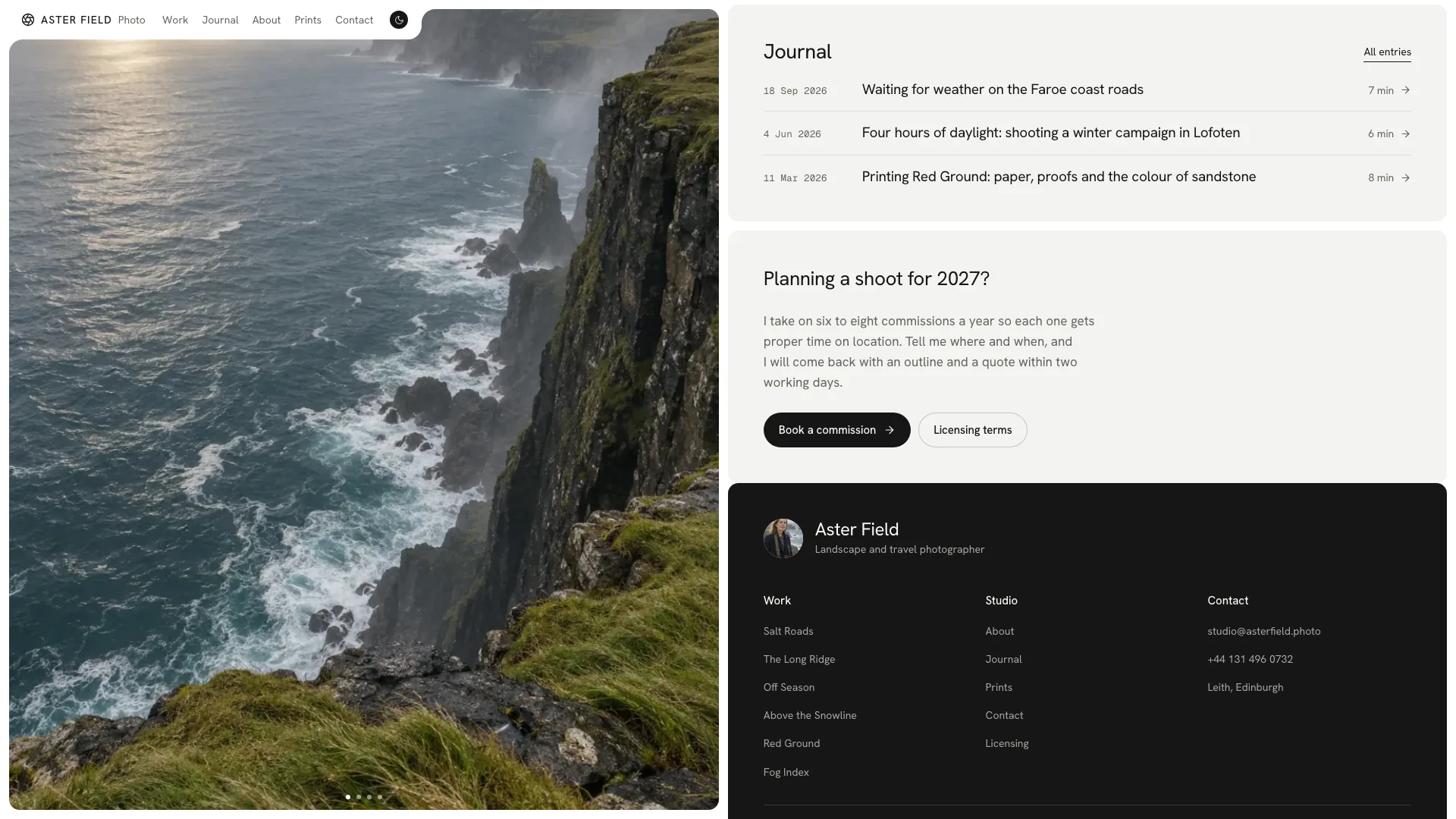
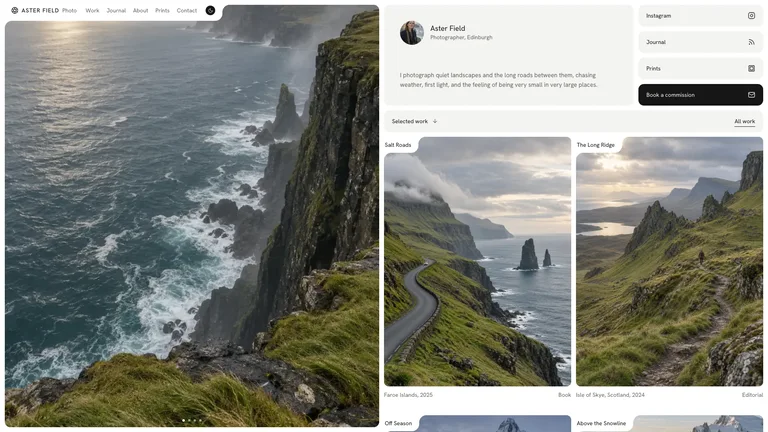
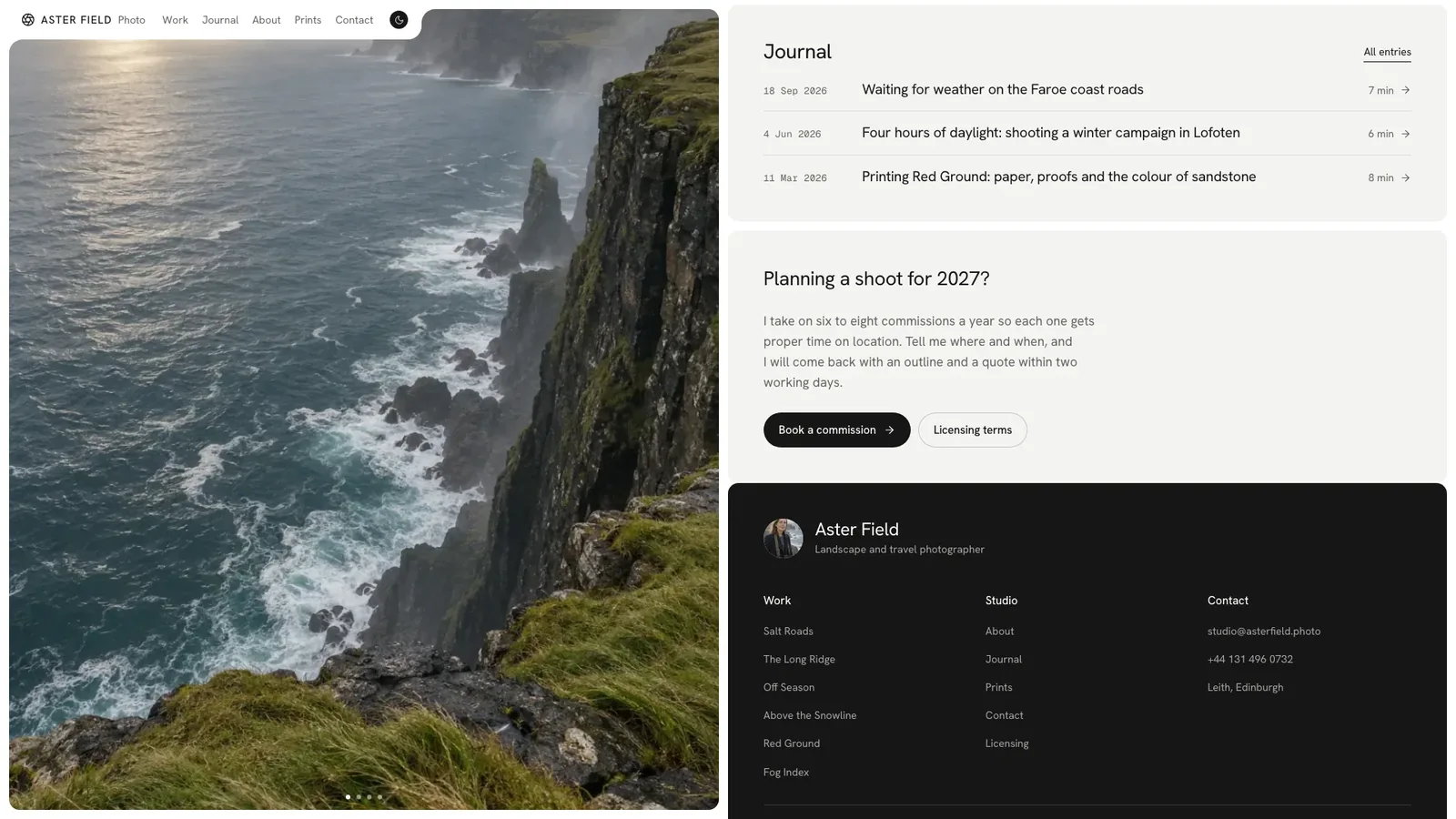
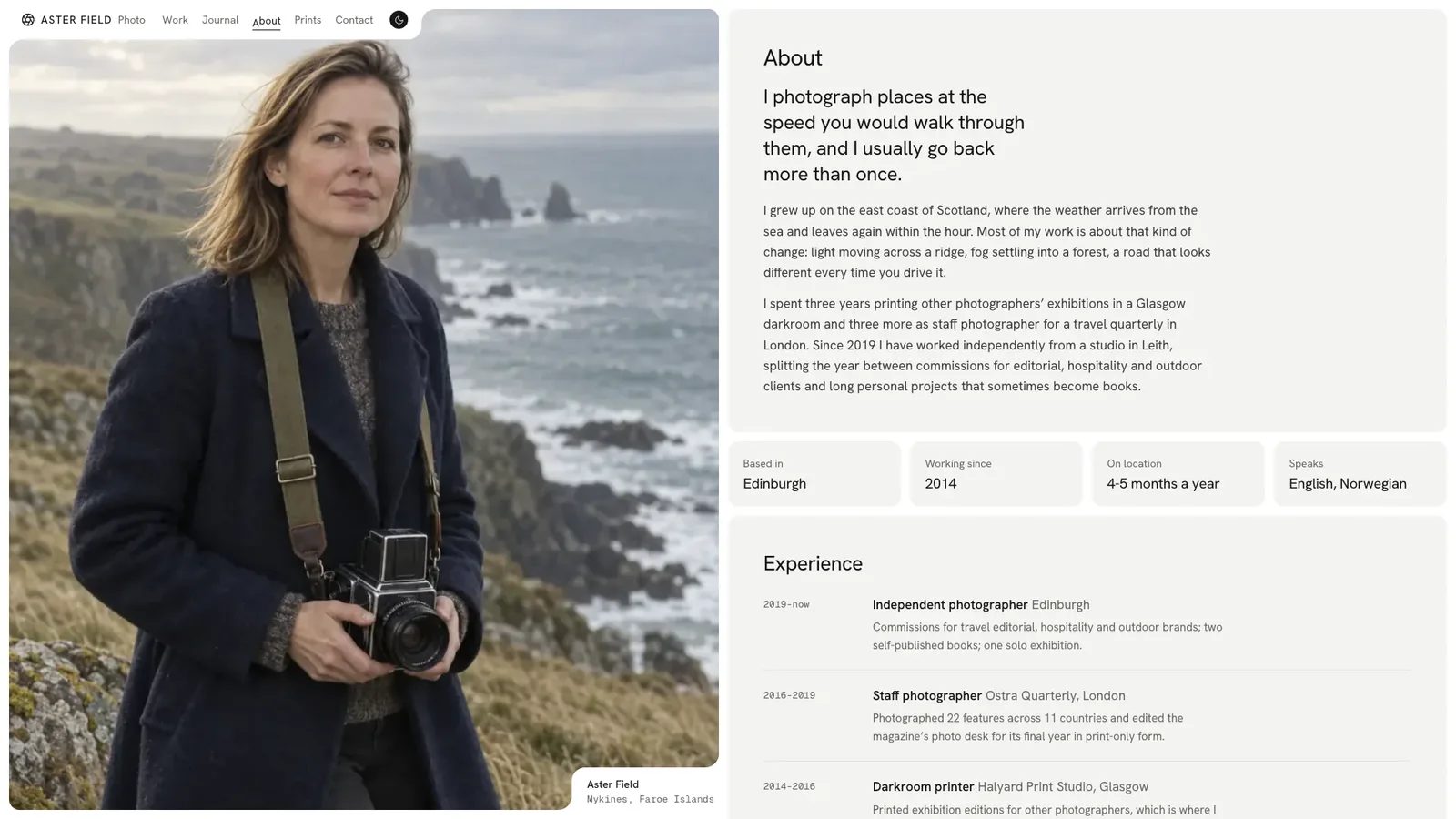
Split Frame Portfolio builds a photography site where your best shot fills the left half of the screen while a rail of quiet rounded cards scrolls beside it. Colour comes only from the photographs, and every label that touches a photo is carved out of the page with two small notches. The example is Aster Field, a fictional landscape and travel photographer, with 18 connected pages.
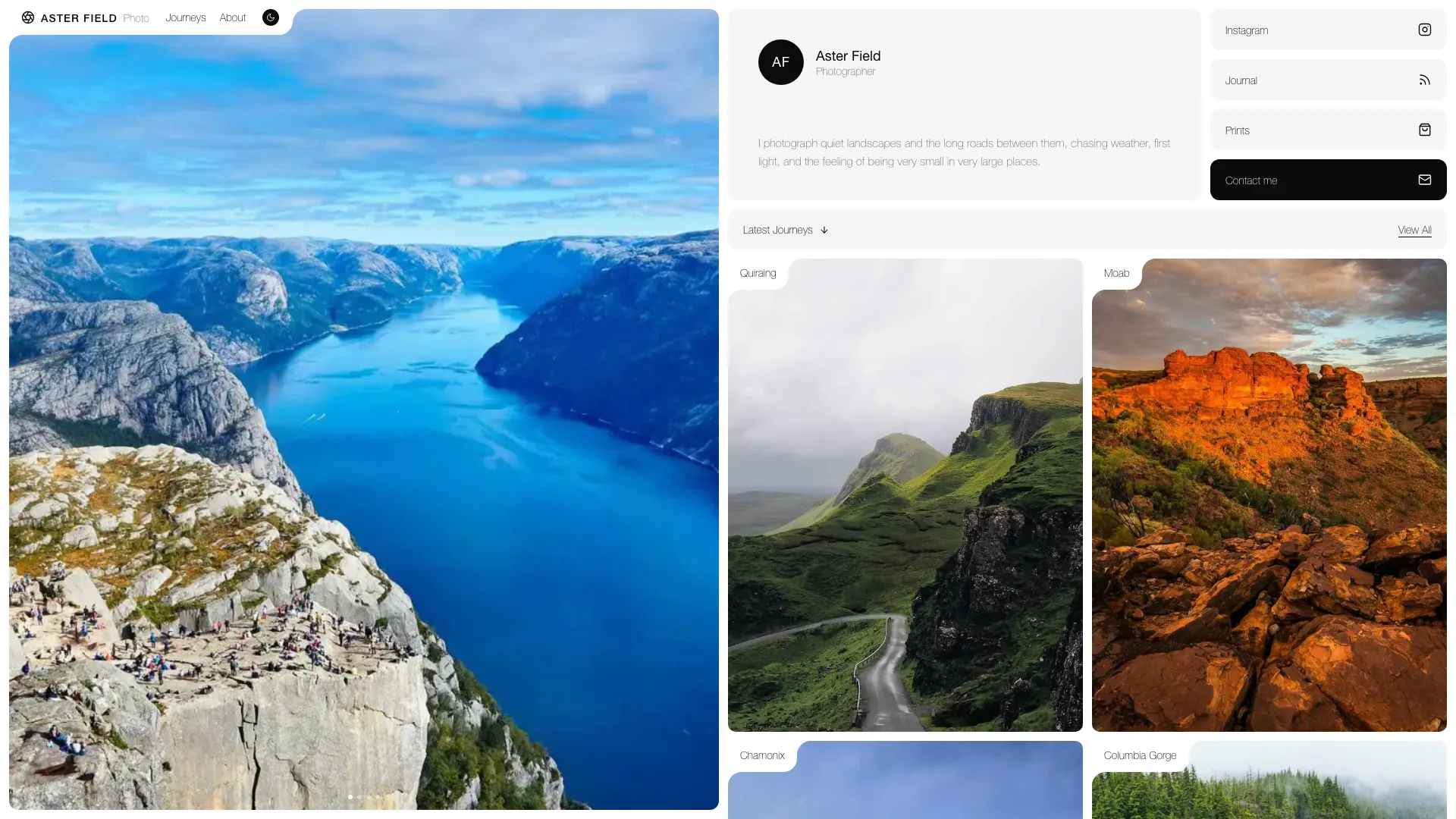
- A home page with a quiet carousel, intro card, channel cards, series tiles, a recent commission, a clients marquee, a journal list and a booking card
- A work index with filter chips, search and a list or grid view, plus a case study per series with a frame lightbox, approach steps and results
- Journal articles, about with facts and an experience timeline, a print shop with a framed wall preview, contact with a validated form, licensing and a not-found page
- Light and dark themes with a diagonal switch, letter-flip nav, and one file that opens in any browser and works offline
- Share your name, role, city, a short bio, contact details and 8 to 12 photographs grouped by series.
- Your agent maps the photos to the pane, tiles and case studies, writes the series pages and generates anything missing.
- Open the file, hover the work list, try both themes and the print picker, and ask for changes in plain words.
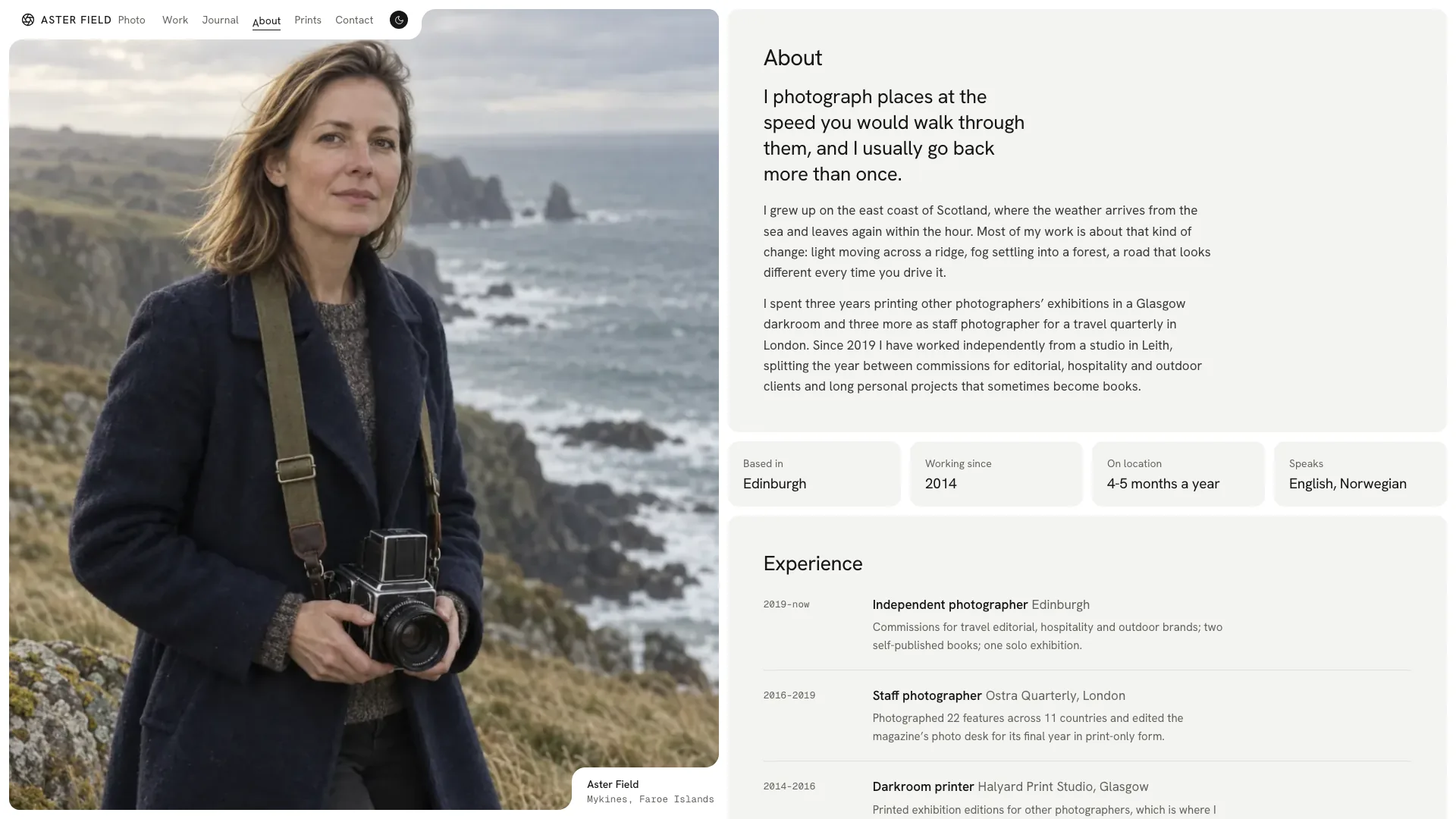
Your own photographs work best. Generated images are stand-ins and may carry your agent's image tool usage charges.
What you need before you start
- You bring
- Name, one-line role, base city, a short bio and contact details · 8 to 12 photographs grouped into series, with places and years · Series briefs and results, print sizes and prices, and licensing terms (optional; gaps become listed placeholders)
- Dependencies
- Node.js 18 or newer on your agent's machine, to run the bundled script that builds the single offline file · Internet access while the file is built, so the fonts can be downloaded once and embedded · An image tool in your agent, only for photos you do not supply (otherwise the template photos serve as temporary placeholders)
- Outside costs
- If you do not supply every photo, the missing ones are generated with your agent's own image tool, which may incur that tool's usage charges; otherwise the template photos stay as temporary placeholders. Nothing else uses a paid service.
- Last tested
- v1.0.3 — Claude Code / Claude Desktop / Cowork / Codex / ChatGPT




 +6
+6