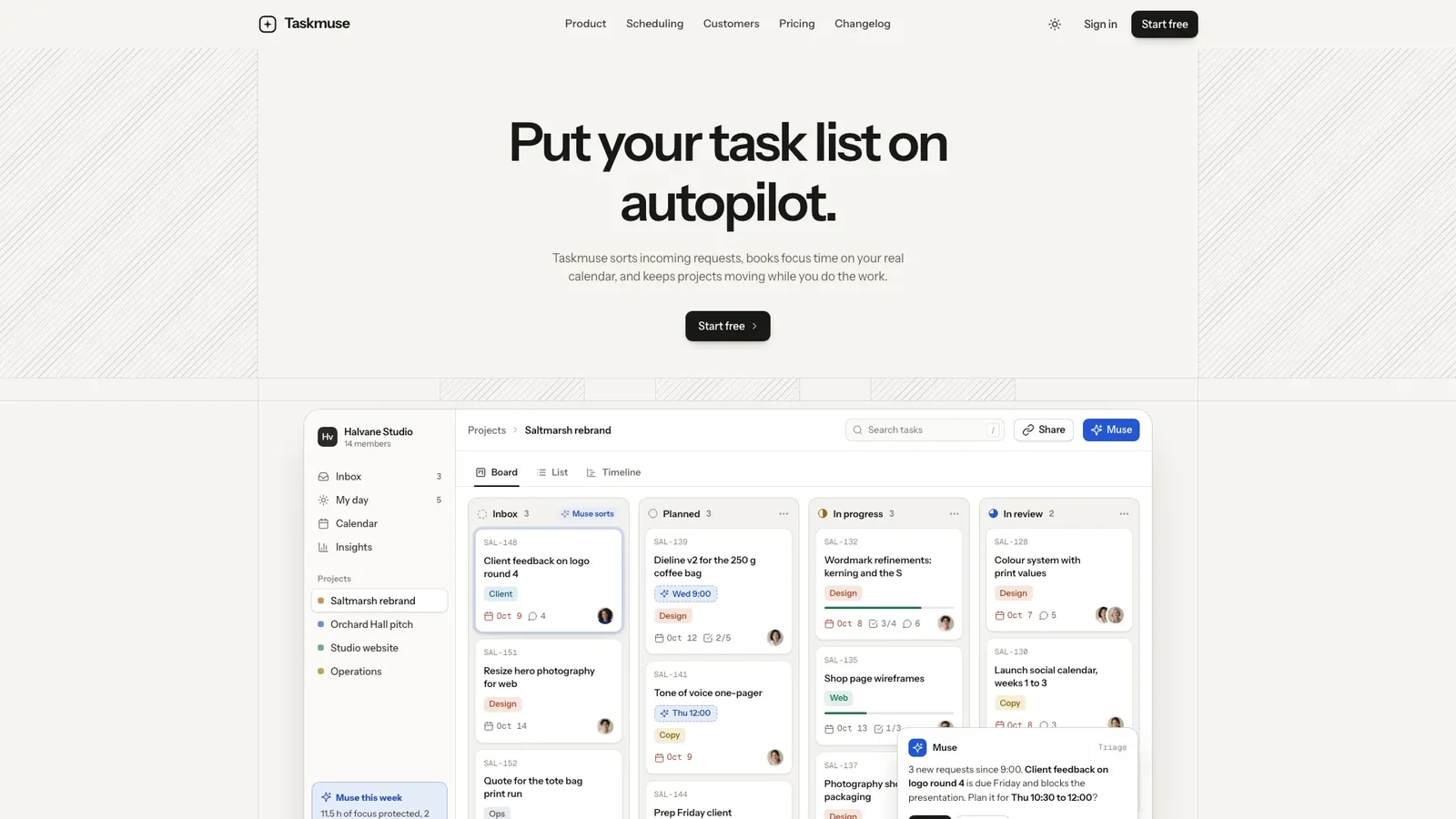
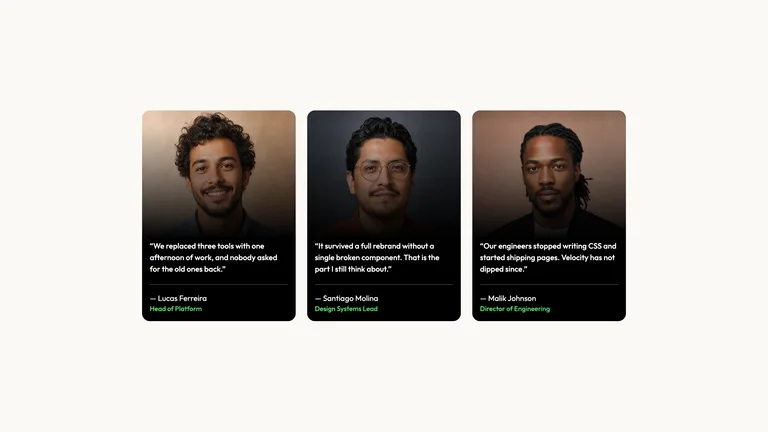
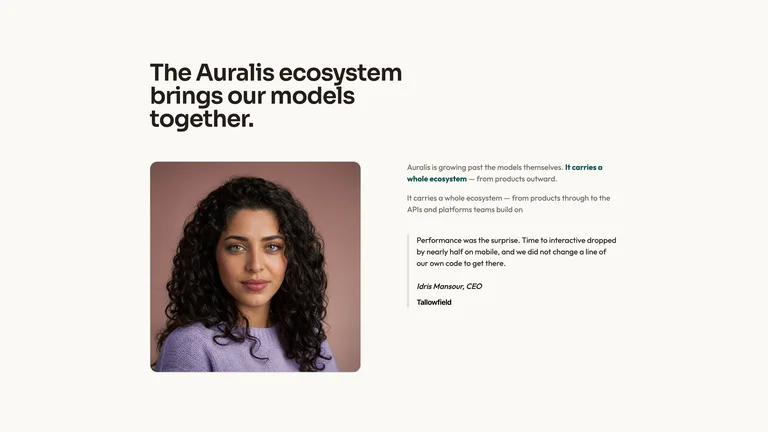
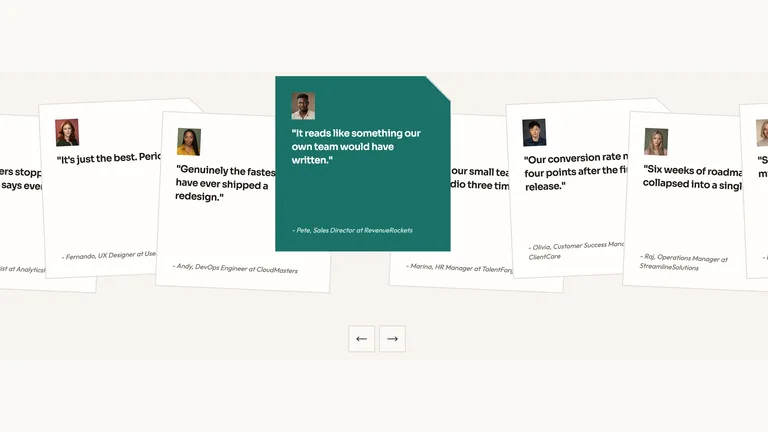
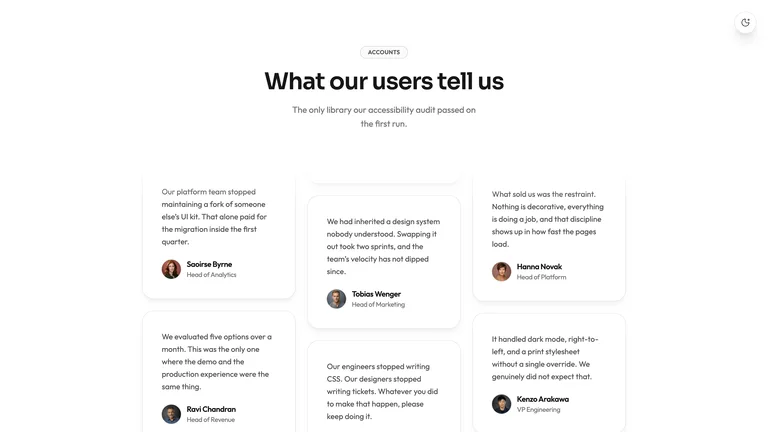
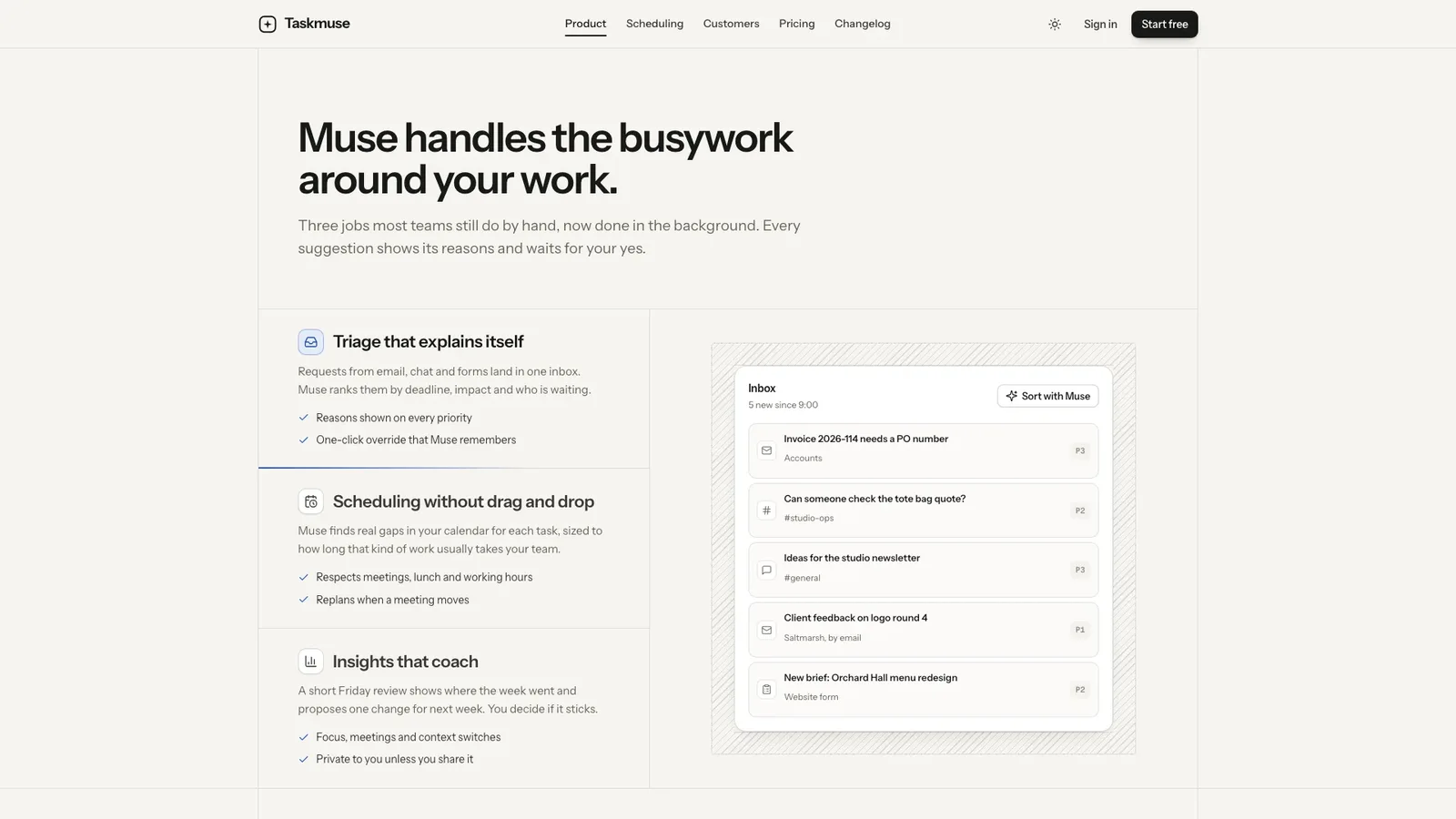
Describe your AI or productivity product and get back a complete marketing site: a sand-neutral page framed by hairlines and diagonal hatching, with your product shown as a live board instead of a screenshot. It arrives as one self-contained file that opens in any browser and works offline.
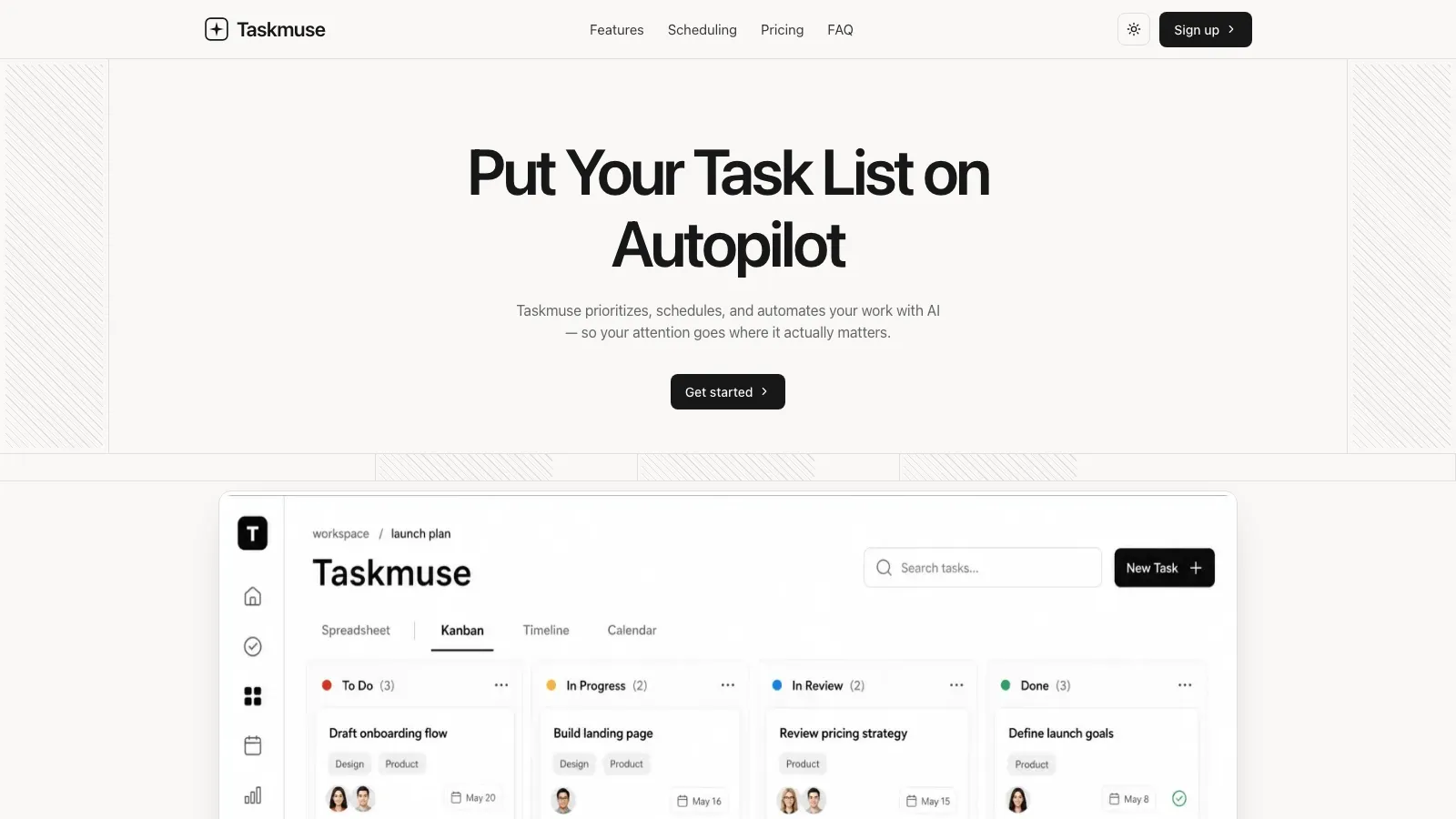
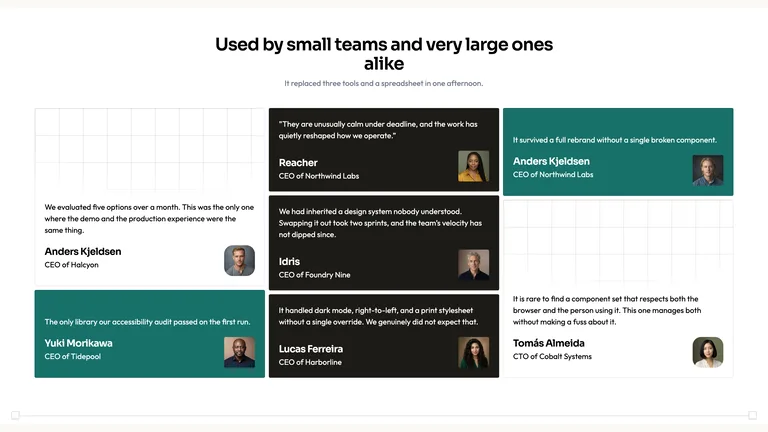
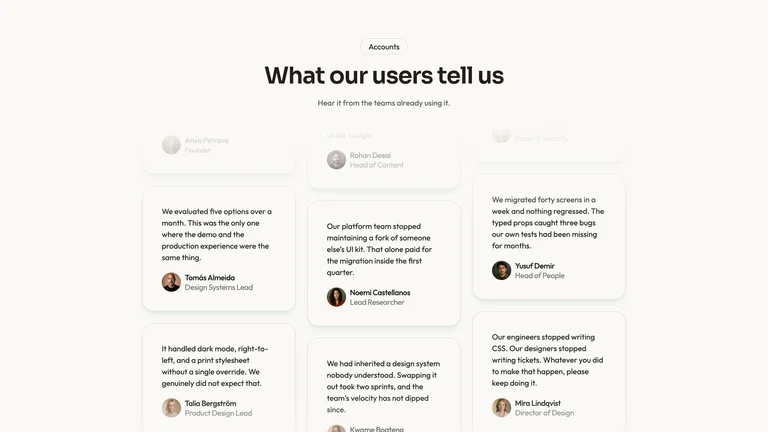
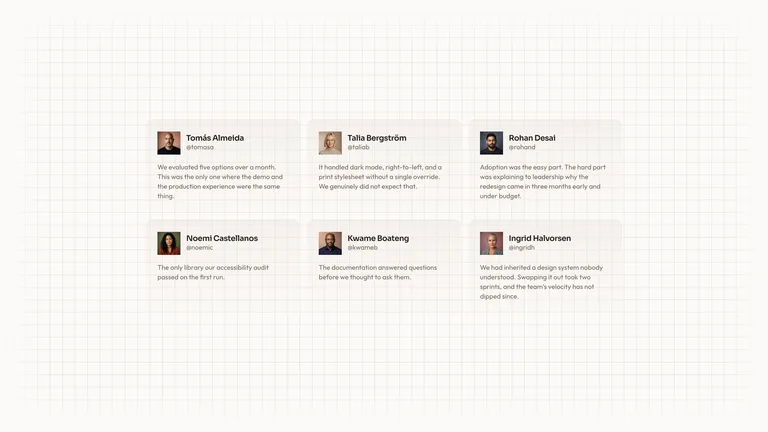
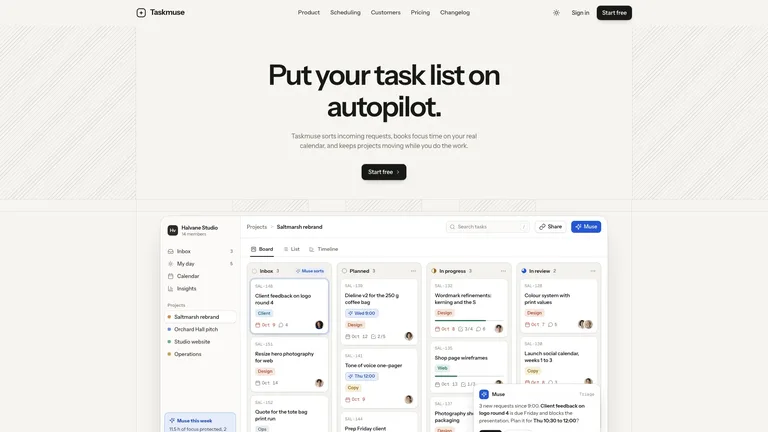
- A home page with feature tabs, a scheduling showcase, planning timeline, customer story, testimonials, security, pricing, FAQ and a sign-up band
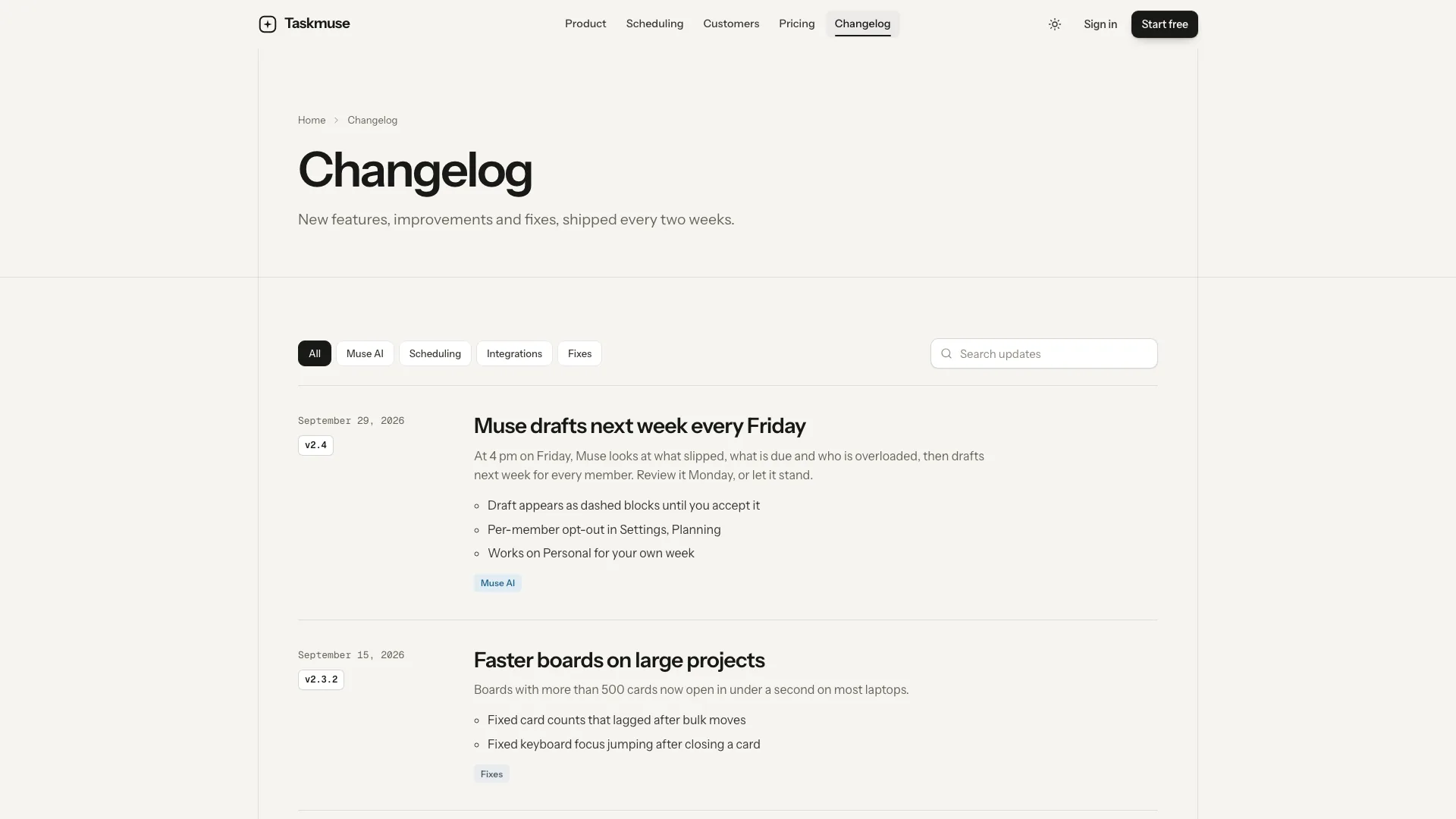
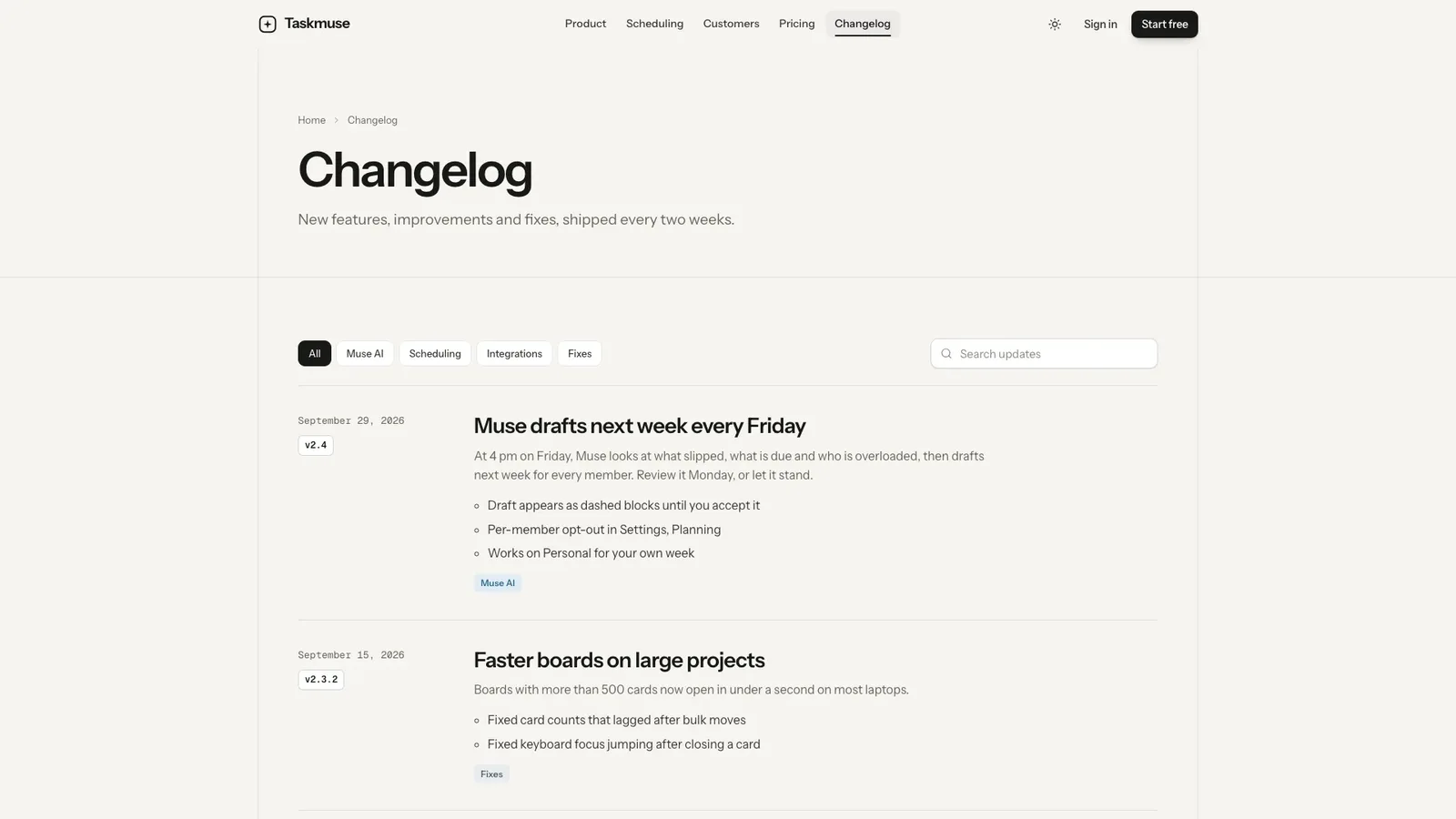
- Pricing with a billing switch, seat calculator and comparison, plus customer story, changelog, about, contact, sign-in, sign-up, privacy, terms and 404 pages
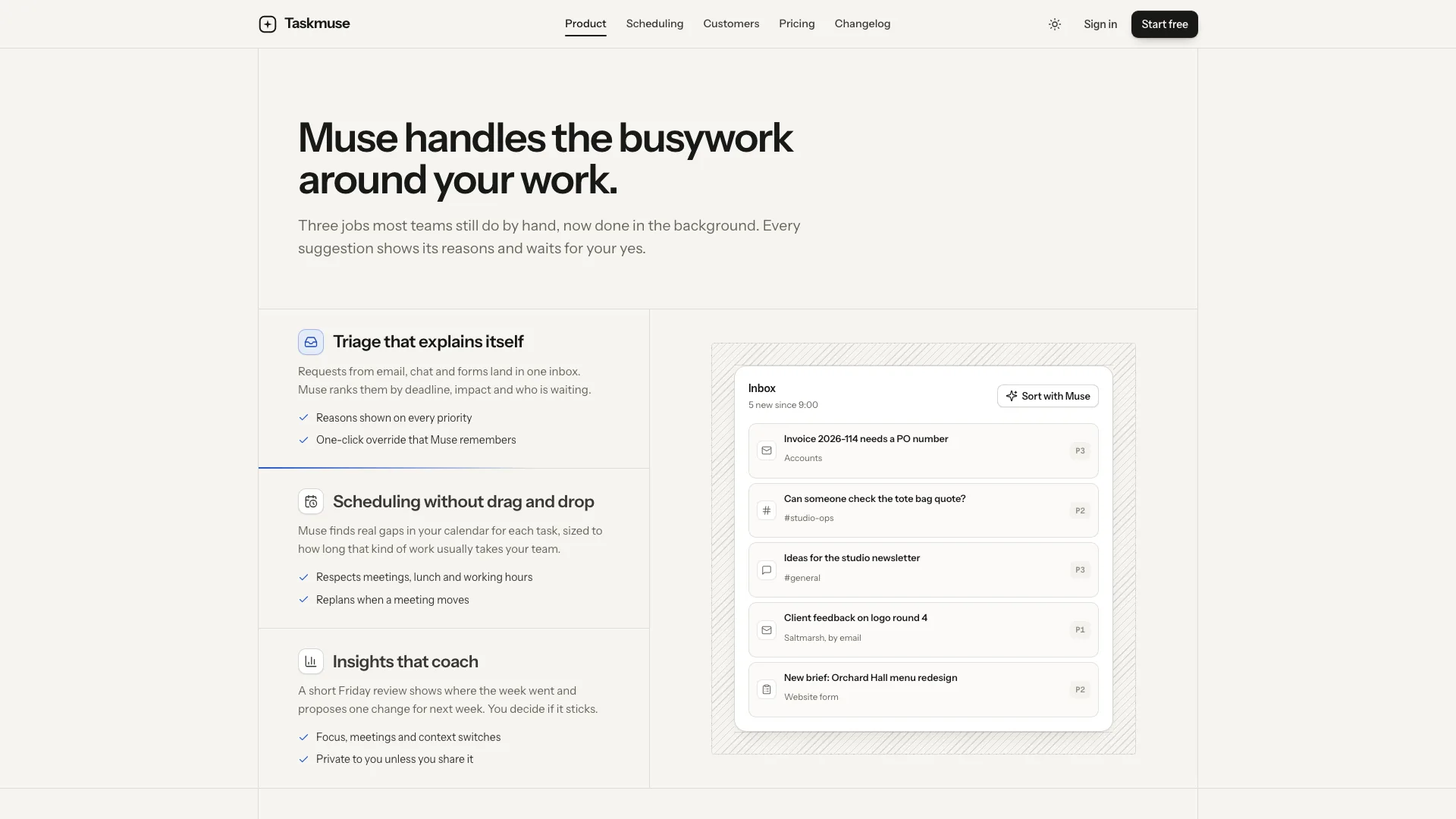
- A product window with board, list and timeline views and an assistant that sorts requests and plans the day, with Undo
- Hairline frames, hatch accents, one cobalt accent for the assistant, and a complete dark theme
- On request, the same design built as components and routes in your own stack
- Share your product name, promise, what the assistant does, the views you offer, your plans and the call to action
- It rebuilds the board, calendar and timeline around one sample workspace in your own terms, and lists any customer, number or security claim it drafted
- Open the finished file in your browser and ask for changes in plain words, like two pricing tiers or a hero that opens on the timeline
Photos are generated with your agent's image tool, which may carry that tool's usage charges. Fonts and images are embedded in the finished file.
What you need before you start
- You bring
- Product name, one-line promise, the assistant's name and the three jobs it does · Plans and limits, the security facts you can confirm, and the CTA (sign-up, waitlist or demo)
- Dependencies
- Node.js 18 or newer on your agent's machine, to run the bundled script that builds the single offline file · Internet access while the file is built, so the fonts can be downloaded once and embedded · Optional: an image generation tool in your agent for the customer story, founder, team and avatar photos
- Outside costs
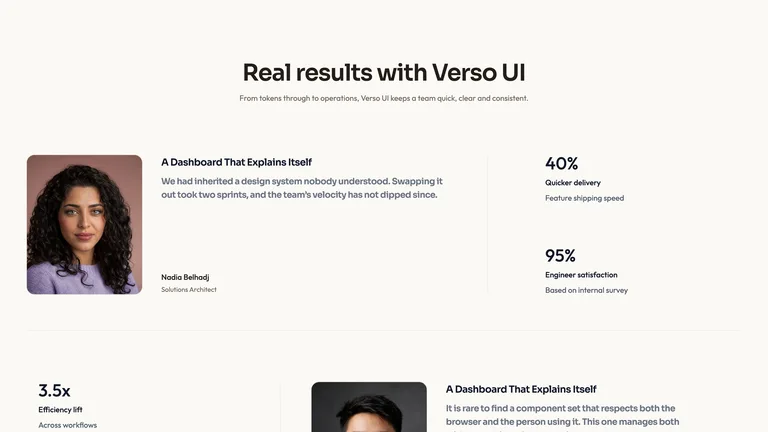
- Photos for the customer story, founders, team and avatars are generated with your agent's own image tool, which may incur that tool's usage charges. The bundled portraits and neutral detail photo can stay as placeholders.
- Last tested
- v1.0.4 — Claude Code / Claude Desktop / Cowork / Codex / ChatGPT




 +6
+6