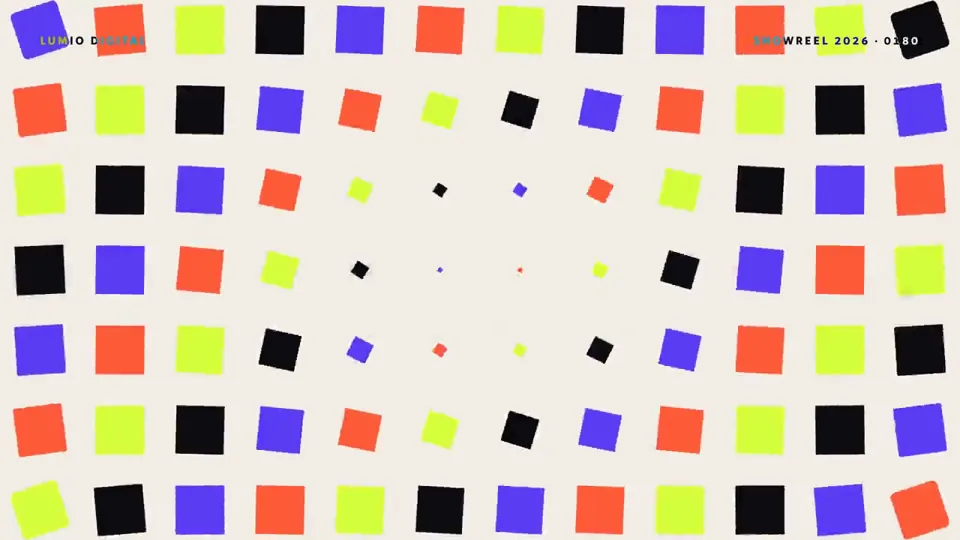
CreatorMotion · 標題接管場景


 +7
+7
安裝下面任一個 Skill,再請你的 Agent 做一部像這樣的影片。
作者只公開了部分提示詞。
エディトリアル風。Opus

【作者补充制作说明】
Opus5.5で、Remotion+ElevenLabs(BGM)+ Gemini TTS(3.8)で作成。スクリーンショットもChromeにヘッドレスでアクセスして取得してくれる。ffmpegでYouTubeの基準への調整と検査して、YouTube Data APIでアップロードまで。至れり尽くせり。
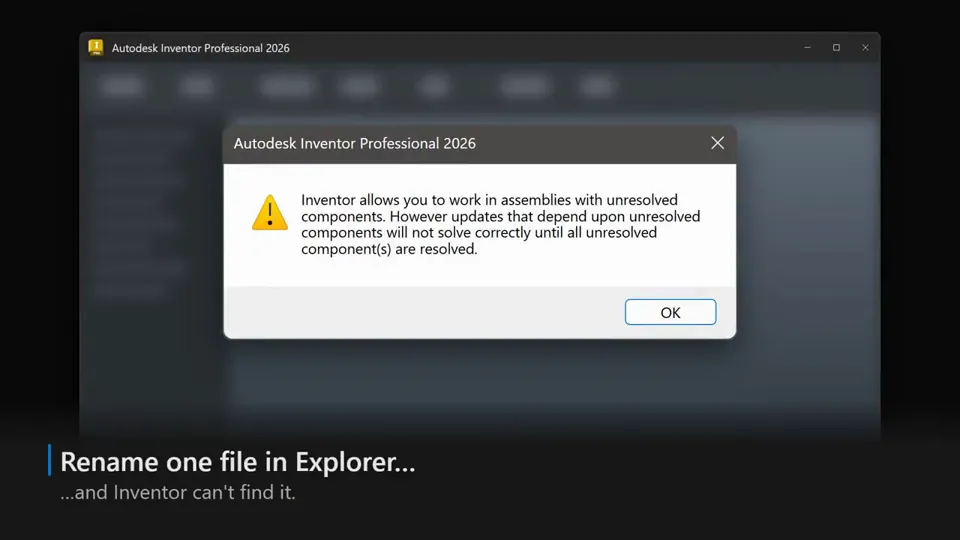 MG 動畫0:35Tried the Remotion skill in Claude Code (Opus 5.5 xhigh) for fun. Mind-blowing: it built this promo on the first try - I spent longer picking four accent sounds and the music. It rebuilt our desktop app's UI in React straight from the XAML and design tokens. Zero screenshots.
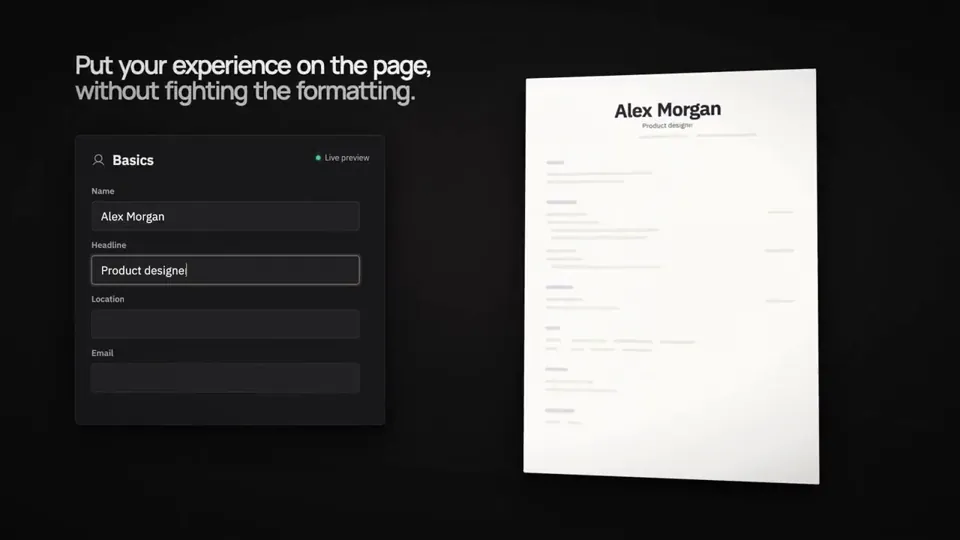 MG 動畫0:48I thought the Opus 5.5 design posts were all jokes.
They're not. It's GOATed at design.
I asked it to make a product showreel for Reactive Resume. It built this entire video in Remotion, in ONE prompt.
The setup:
→ Opus 5.5, max effort
→ Claude desktop app
→ No skills, no templates, no design brief
→ Just my project repo
It read the codebase, figured out what the product does, and decided what was worth showing.
A launch video like this used to mean days in After Effects or paying a motion designer. Now a solo open-source maintainer can do it in an afternoon.
Full prompt in the replies ⬇…
MG 動畫0:48I thought the Opus 5.5 design posts were all jokes.
They're not. It's GOATed at design.
I asked it to make a product showreel for Reactive Resume. It built this entire video in Remotion, in ONE prompt.
The setup:
→ Opus 5.5, max effort
→ Claude desktop app
→ No skills, no templates, no design brief
→ Just my project repo
It read the codebase, figured out what the product does, and decided what was worth showing.
A launch video like this used to mean days in After Effects or paying a motion designer. Now a solo open-source maintainer can do it in an afternoon.
Full prompt in the replies ⬇…