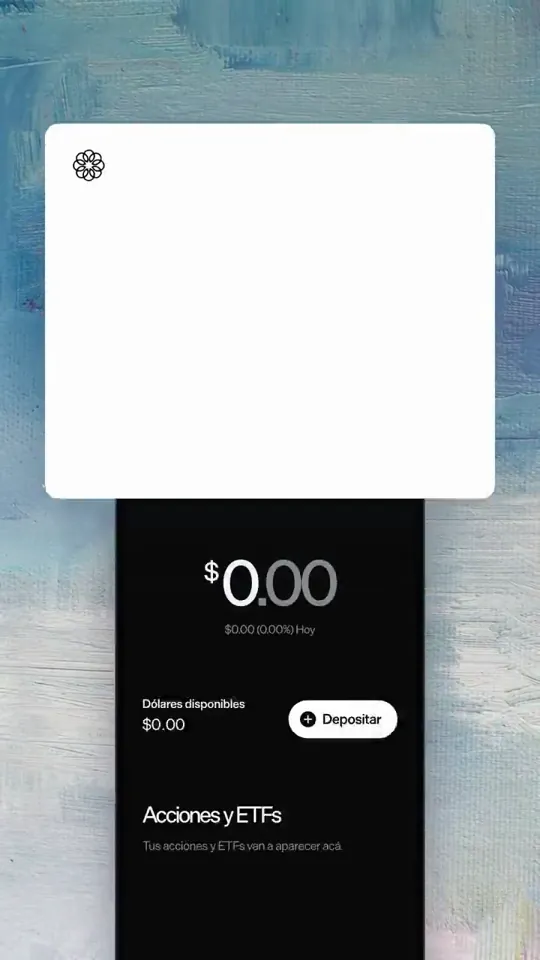
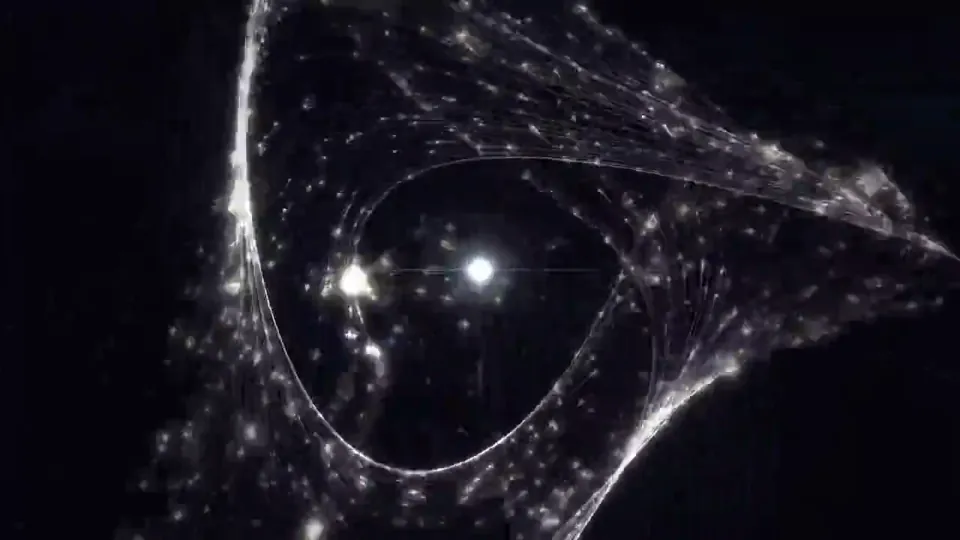
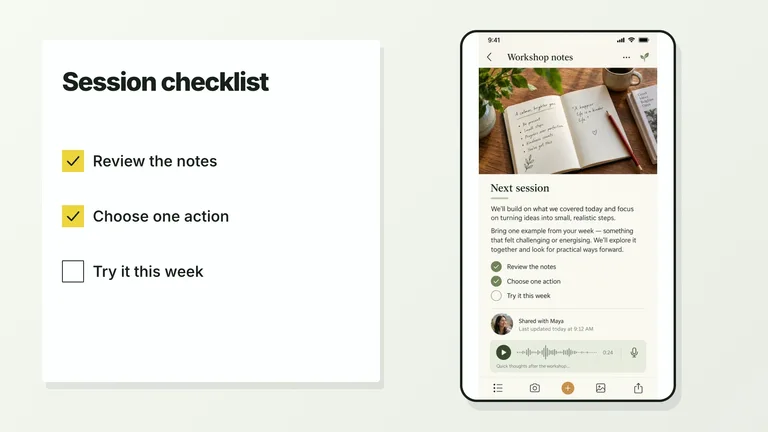
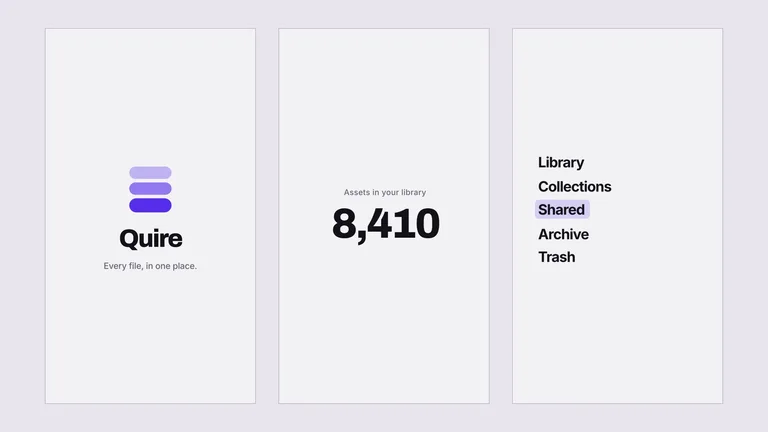
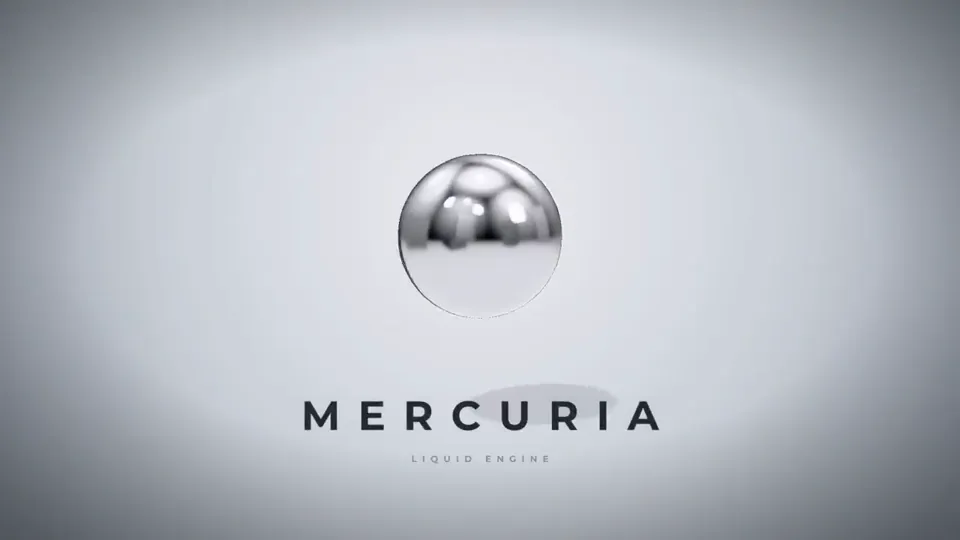
 3D 場景新0:25またもOpus5.5とHyperFramesで『架空のゲームの電源着けた時に出るゲームハードロゴ』も作って見た。
3Dモーショングラフィックがこんなに手軽に触れられるのは新鮮かも👀
3D 場景新0:25またもOpus5.5とHyperFramesで『架空のゲームの電源着けた時に出るゲームハードロゴ』も作って見た。
3Dモーショングラフィックがこんなに手軽に触れられるのは新鮮かも👀@arumii_movieThree.jsGLSL
收錄網友用 Claude Opus 5.5 做出的每一部影片,附上創作者使用的原始提示詞,以及可並排對照的實測重現。
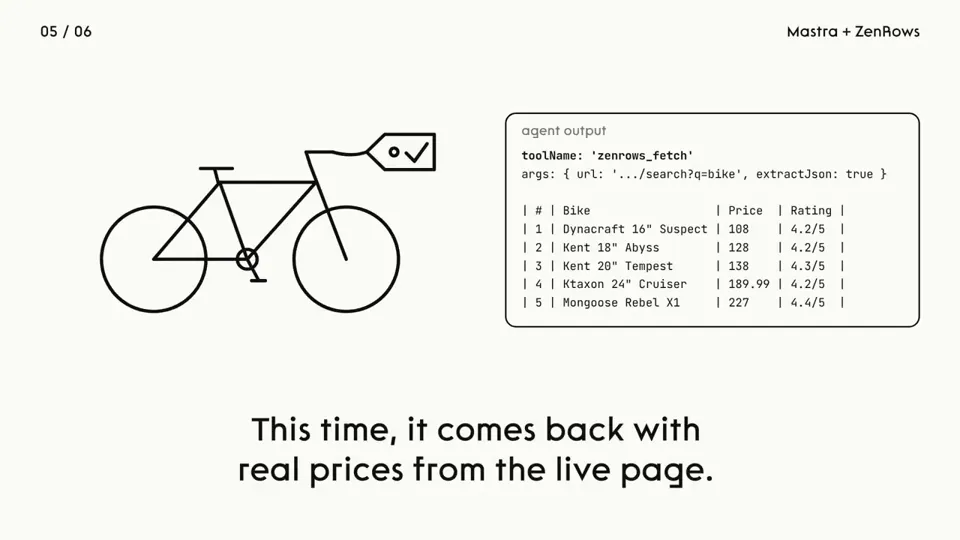
 MG 動畫新0:23i had Opus 5.5 in @HyperFrames_ studio recreate this in one shot. voice from @ElevenLabs - not terrible - not great, but... one shot...
【作者补充制作说明】
@HyperFrames_ @ElevenLabs @liu8in told you i'd share what i cooked up. here's something i tried with hyperframes studio and opus 5.5, one shot. curious what you'd have done differently?
MG 動畫新0:23i had Opus 5.5 in @HyperFrames_ studio recreate this in one shot. voice from @ElevenLabs - not terrible - not great, but... one shot...
【作者补充制作说明】
@HyperFrames_ @ElevenLabs @liu8in told you i'd share what i cooked up. here's something i tried with hyperframes studio and opus 5.5, one shot. curious what you'd have done differently?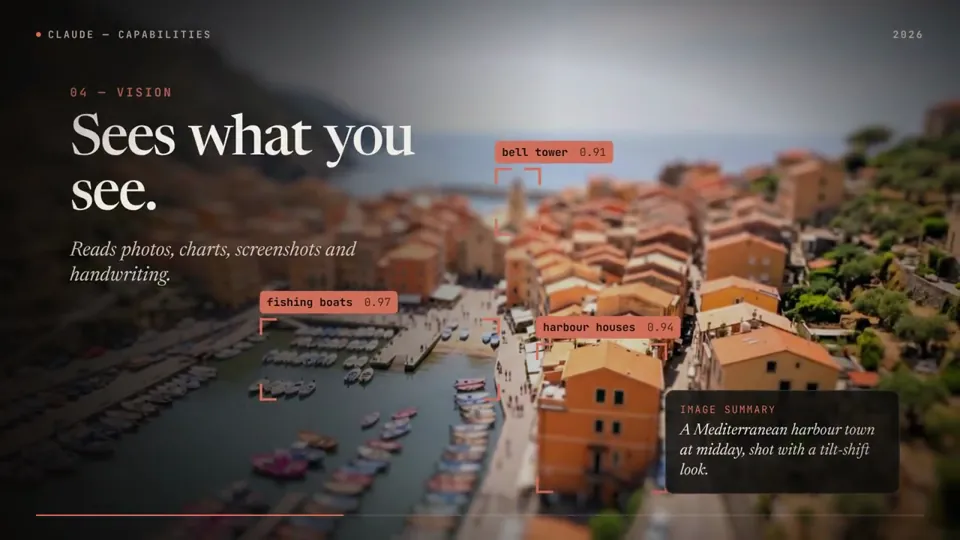 MG 動畫新0:58Claude opus 5.5 made this whole motion graphic, score included
It coded every frame (HyperFrames + GSAP), wrote the music in Python and synced the sound effects itself.
The art in the "Creating" scene is real too:
Claude graded those pieces in DaVinci Resolve earlier the same day.
Details ⤵️
MG 動畫新0:58Claude opus 5.5 made this whole motion graphic, score included
It coded every frame (HyperFrames + GSAP), wrote the music in Python and synced the sound effects itself.
The art in the "Creating" scene is real too:
Claude graded those pieces in DaVinci Resolve earlier the same day.
Details ⤵️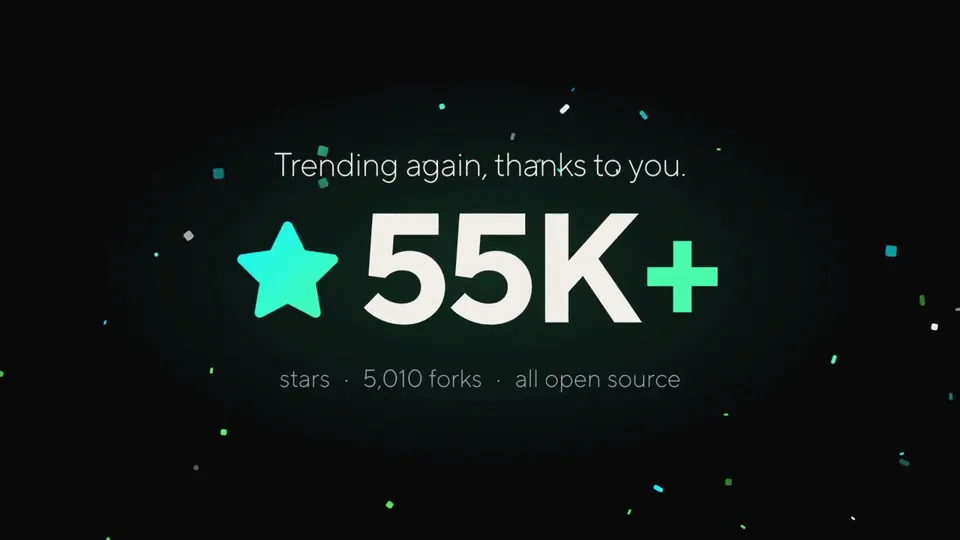 MG 動畫新0:17from may 1st -> oct 1st, trending on github, again
and every time, it's cuz the SOTA LLMs (& agents) getting better and better at Code2Video tasks
opus 5.5 made this celebration video with just one prompt + access to our latest skills: https://github.com/heygen-com/hyperframes
MG 動畫新0:17from may 1st -> oct 1st, trending on github, again
and every time, it's cuz the SOTA LLMs (& agents) getting better and better at Code2Video tasks
opus 5.5 made this celebration video with just one prompt + access to our latest skills: https://github.com/heygen-com/hyperframes MG 動畫新0:56Cardilife 1.3 をリリースしました。
あわせて紹介動画を作りました(56秒)。
動画は Claude Code(Opus 5.5 と Fable 5.1)と作りました。編集ソフトは使っていません。
技術構成
・Remotion 4(React 19 / TypeScript):全体。1920×1080・30fps
・three.js(React Three Fiber / @remotion/three):冒頭の 3D
・Python(標準ライブラリのみ):音楽の合成
日本語版と英語版は、同じコードから props で切り替えて書き出しています。
https://apps.apple.com/jp/app/cardilife/id6802896176
#ClaudeCode #Remotion #threejs
MG 動畫新0:56Cardilife 1.3 をリリースしました。
あわせて紹介動画を作りました(56秒)。
動画は Claude Code(Opus 5.5 と Fable 5.1)と作りました。編集ソフトは使っていません。
技術構成
・Remotion 4(React 19 / TypeScript):全体。1920×1080・30fps
・three.js(React Three Fiber / @remotion/three):冒頭の 3D
・Python(標準ライブラリのみ):音楽の合成
日本語版と英語版は、同じコードから props で切り替えて書き出しています。
https://apps.apple.com/jp/app/cardilife/id6802896176
#ClaudeCode #Remotion #threejs MG 動畫新0:30This whole video is AI-generated. Claude Opus 5.5 wrote the code, the motion and even the music, all in Remotion.
But I'll say it: Opus 5.5 feels a little nerfed. It used to one-shot these videos. This one took multiple prompts, and the first cut was weak until I pushed back.
It's for Link in bio, which we just launched on Synclify.
MG 動畫新0:30This whole video is AI-generated. Claude Opus 5.5 wrote the code, the motion and even the music, all in Remotion.
But I'll say it: Opus 5.5 feels a little nerfed. It used to one-shot these videos. This one took multiple prompts, and the first cut was weak until I pushed back.
It's for Link in bio, which we just launched on Synclify. MG 動畫新0:25Opus 5.5 is INSANE !!🫣
i just made a full product launch film for @Meituan_LongCat 2.5-preview… and i didn't open after effects once. not one keyframe by hand.
just me chatting with opus 5.5 → it wrote the whole thing in remotion (react code → video). the halftone xerox look, the camera moves, the transitions… even the MUSIC. it literally synthesized the beat in python and synced every cut to it 🤯
and my favorite part: the cat's eyes 👀 they're the visual anchor of the whole film. they watch you type, blink on the beat, squint, glance at stuff… then land perfectly on the real longcat logo…
MG 動畫新0:25Opus 5.5 is INSANE !!🫣
i just made a full product launch film for @Meituan_LongCat 2.5-preview… and i didn't open after effects once. not one keyframe by hand.
just me chatting with opus 5.5 → it wrote the whole thing in remotion (react code → video). the halftone xerox look, the camera moves, the transitions… even the MUSIC. it literally synthesized the beat in python and synced every cut to it 🤯
and my favorite part: the cat's eyes 👀 they're the visual anchor of the whole film. they watch you type, blink on the beat, squint, glance at stuff… then land perfectly on the real longcat logo… MG 動畫新0:24Opus 5.5 on Max effort (Sound On):
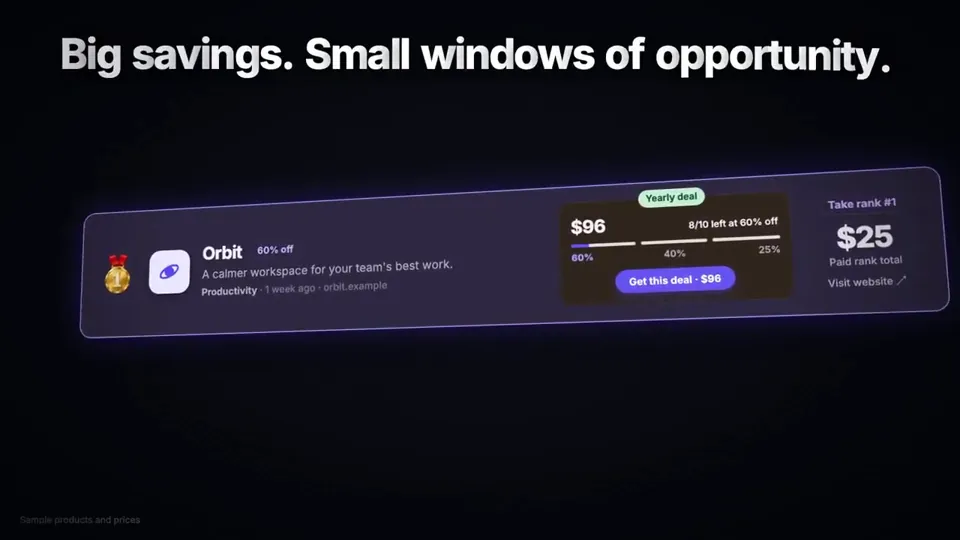
"A 24-second AI In Public motion reel in Remotion at 1920×1080, 60fps. Use our blue # 3D40FE, white, navy, and ice palette with the AI In Public logo and sparkle. Keep it fast, premium, and smooth with motion blur, glow, camera hits, HUD details, seamless transitions, kinetic type, terminal UI, neural visuals, particles, and a cinematic logo finale. Generate all suspenseful music and sound effects in code and sync every hit perfectly. End with “AI IN PUBLIC, learning AI, out loud.” Every frame and sound should be written in code."
full prompt on here: http:…
MG 動畫新0:24Opus 5.5 on Max effort (Sound On):
"A 24-second AI In Public motion reel in Remotion at 1920×1080, 60fps. Use our blue # 3D40FE, white, navy, and ice palette with the AI In Public logo and sparkle. Keep it fast, premium, and smooth with motion blur, glow, camera hits, HUD details, seamless transitions, kinetic type, terminal UI, neural visuals, particles, and a cinematic logo finale. Generate all suspenseful music and sound effects in code and sync every hit perfectly. End with “AI IN PUBLIC, learning AI, out loud.” Every frame and sound should be written in code."
full prompt on here: http:… 知識解說新0:52Opus 5.5×Gemini 3.8 Flash TTSやばい
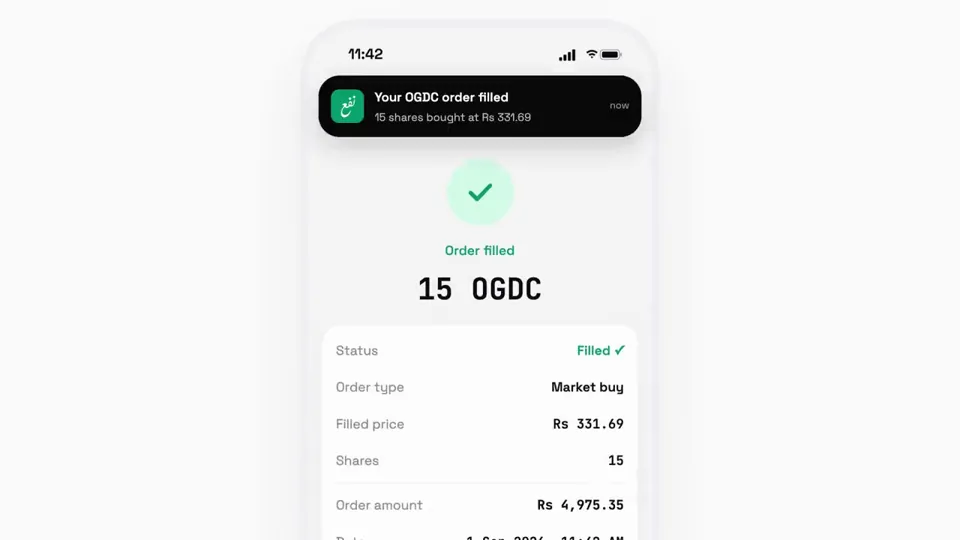
新作SEOツール「コトサーチ」のリリース動画を、ほぼ自動で作ってくれた。
自分がやったのは「ツールへのログイン」と「承認」だけ。
個人的には、画面スクショまで自動で撮ってくれるところが一線を超えた感じ。
(もちろんナレーションも自然すぎてすごい..)
具体的な手順はこんな感じ👇
① Claudeがブラウザでツールにログイン
(ここだけ自分でやった)
② Claudeがアプリを触って、機能仕様書を作成
機能・料金・言っちゃダメな表現まで整理
③ Claudeがツールの画面スクショを撮影
PC・スマホ・パーツ切り出しで38枚
④ Claudeが絵コンテとナレーション原稿を作成
⑤ ClaudeがRemotionで動画を実装
書き出した静止画を自分で見て、文字切れや重なりまで直してくる
⑥ Gemini 3.8 Flash TTSでナレーション音声を生成
声の設定も原稿の入力もClaudeが操作
⑦ Claudeが音声を32フレーズに分解
話した瞬間に画面とテロップが出るよう自動で同期
⑧ BGMはClaudeがコードで作曲
声の下では自動で音量を下げてくれる
⑨ 52秒の動画が完成
ということでSEOツール「コトサーチ」は10月4日に正式リリースです。
キーワードを入れるだけでSEO記事ができて…
知識解說新0:52Opus 5.5×Gemini 3.8 Flash TTSやばい
新作SEOツール「コトサーチ」のリリース動画を、ほぼ自動で作ってくれた。
自分がやったのは「ツールへのログイン」と「承認」だけ。
個人的には、画面スクショまで自動で撮ってくれるところが一線を超えた感じ。
(もちろんナレーションも自然すぎてすごい..)
具体的な手順はこんな感じ👇
① Claudeがブラウザでツールにログイン
(ここだけ自分でやった)
② Claudeがアプリを触って、機能仕様書を作成
機能・料金・言っちゃダメな表現まで整理
③ Claudeがツールの画面スクショを撮影
PC・スマホ・パーツ切り出しで38枚
④ Claudeが絵コンテとナレーション原稿を作成
⑤ ClaudeがRemotionで動画を実装
書き出した静止画を自分で見て、文字切れや重なりまで直してくる
⑥ Gemini 3.8 Flash TTSでナレーション音声を生成
声の設定も原稿の入力もClaudeが操作
⑦ Claudeが音声を32フレーズに分解
話した瞬間に画面とテロップが出るよう自動で同期
⑧ BGMはClaudeがコードで作曲
声の下では自動で音量を下げてくれる
⑨ 52秒の動画が完成
ということでSEOツール「コトサーチ」は10月4日に正式リリースです。
キーワードを入れるだけでSEO記事ができて… MG 動畫新0:45Remotion
Opus 5.5
MG 動畫新0:45Remotion
Opus 5.5 MG 動畫新0:15I made 4 motion videos for @Shillz_Official in 3 days without opening After Effects.
no templates. no stock music. no motion designer.
just Claude writing code.
here's exactly how, step by step (bookmark this)
【作者补充制作说明】
the stack:
Claude (Opus 5.5) writes all of it
Remotion turns React code into video
three.js renders real 3D, so the glass actually refracts light
Python writes the music
I never touched a timeline. I just gave notes.
MG 動畫新0:15I made 4 motion videos for @Shillz_Official in 3 days without opening After Effects.
no templates. no stock music. no motion designer.
just Claude writing code.
here's exactly how, step by step (bookmark this)
【作者补充制作说明】
the stack:
Claude (Opus 5.5) writes all of it
Remotion turns React code into video
three.js renders real 3D, so the glass actually refracts light
Python writes the music
I never touched a timeline. I just gave notes.一個方案涵蓋 Skillry 上所有 Premium Skills:影片、簡報、網頁與圖片。
隨時取消
US$9.99 / 月
完整 Premium 存取權,按月計費。
每年省下 34%
最受歡迎US$79 / 年
以更划算的年費取得完整 Premium 存取權。
一次付清 · 創始價格
創始優惠US$169 一次付清
創始價格——將隨 Skill 庫擴充逐步調漲。
可隨時取消。已付款項 恕不退款.
是的。創作者公開的每一則提示詞都能免費閱讀與複製,不需要帳號。
原始影片由 X 上的創作者用 Claude Opus 5.5 製作。每部影片都標註作者,並附上原始貼文連結。
Skillry 依照創作者公開的提示詞,用 Claude Opus 5.5 重新製作每部影片,方便你並排對照兩者。
月繳或年繳訂閱都可以隨時取消。你的 Premium 存取權會持續到目前計費週期結束。