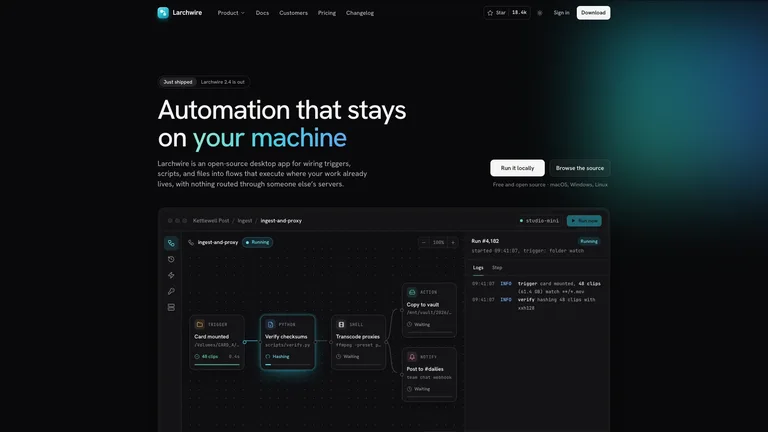
Tessellated Editorial Still Life


 +8
+8 GitHub Copilot·GitHub
Agent Skills für GitHub Copilot in VS Code und JetBrains, Copilot CLI und Copilot cloud agent. Leg einen Skill in .github/skills/, und Copilot lädt ihn, wenn deine Anfrage passt.
GitHub CopilotErstelle eine Landing Page für dieses Repo
Wo der Skill liegt
Committe .github/skills/, damit Copilot cloud agent den Skill nutzen kann, wenn er an einer Aufgabe arbeitet und einen Pull Request öffnet.
Jeder der folgenden Skills funktioniert in Copilot unverändert. Dieselbe SKILL.md, dasselbe Ergebnis wie in Claude Code oder Codex.
Ja. Copilot-Agent-Modus in VS Code und JetBrains, Copilot CLI, Copilot cloud agent und Copilot code review lesen Agent Skills. Leg einen Skill-Ordner in .github/skills/ innerhalb eines Repositorys oder für die persönliche Nutzung in ~/.copilot/skills/ oder ~/.agents/skills/, und Copilot lädt ihn, wenn eine Aufgabe zu seiner Beschreibung passt.
Drei Dinge, die ein Skill mitbringt und Custom Instructions nicht können.
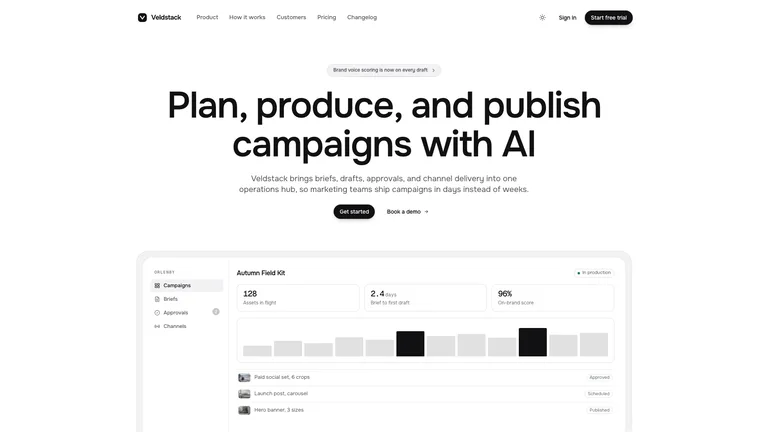
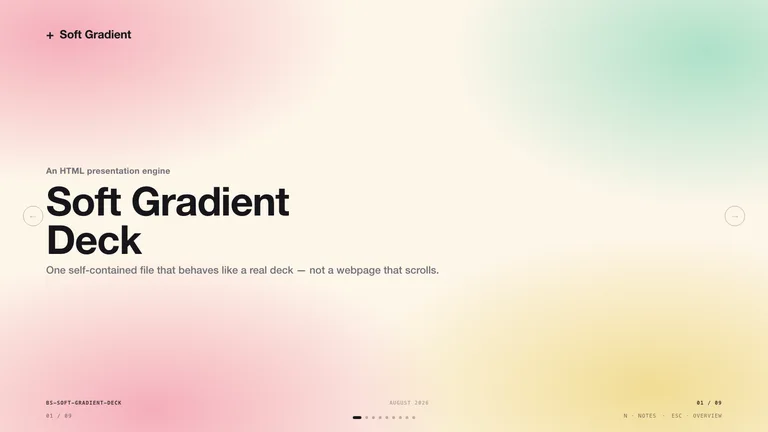
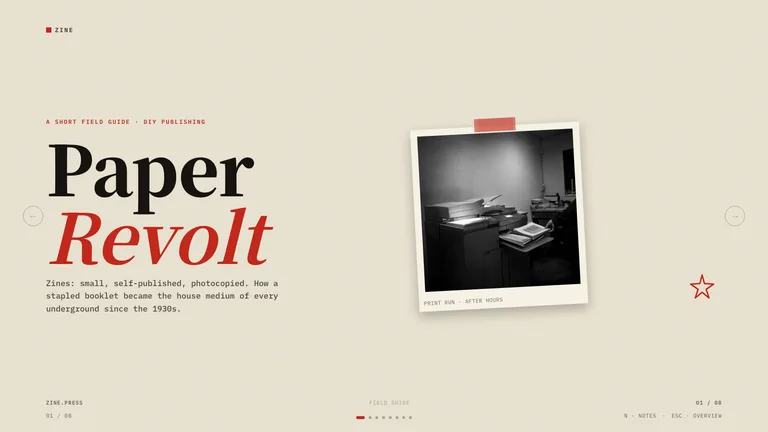
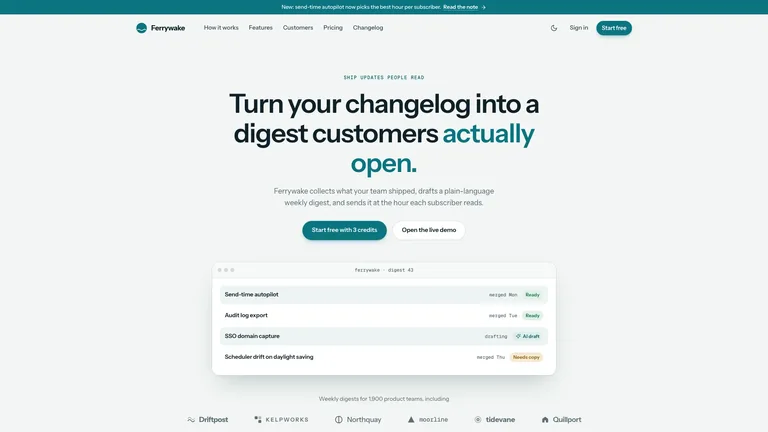
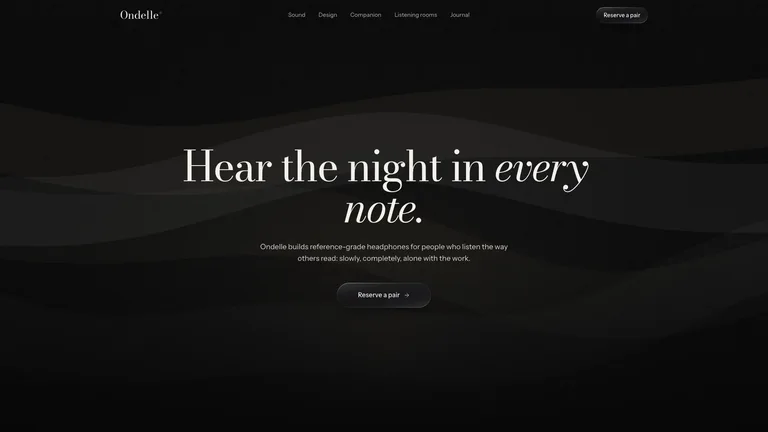
Frag im Agent-Modus und erhalte eine gestaltete Ein-Datei-Website statt einer nackten Vorlage.

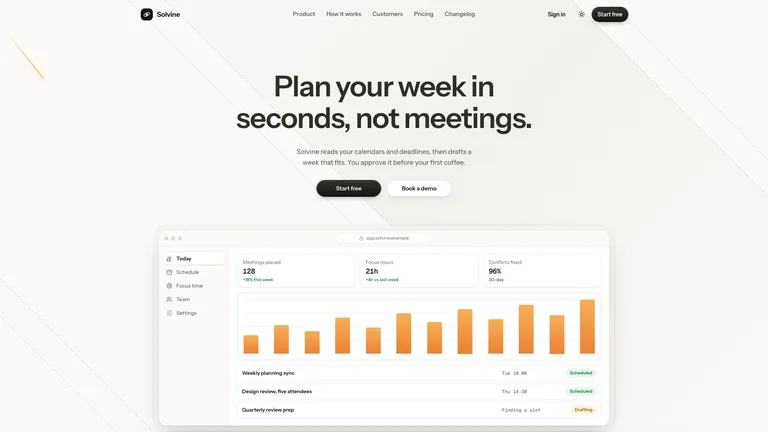
Mach aus einem Changelog ein bearbeitbares HTML-Deck mit PPTX-Export.
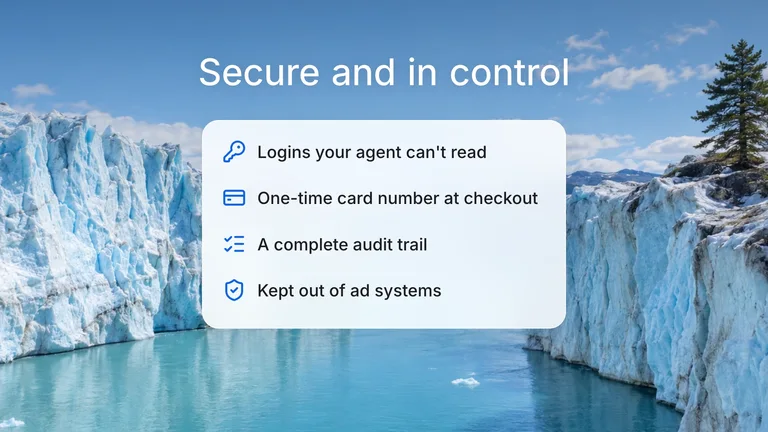
Derselbe Ordner bedient Agent-Modus, Copilot CLI und Copilot cloud agent.
Copilot liest ~/.agents/skills/, daher legt der Installations-Prompt jeden Skill ohne weitere Einrichtung dort ab.
Füge einen Satz in GitHub Copilot ein. Er liest die Installationsanleitung und legt den Skill selbst im richtigen Ordner ab.
Kein Node.js nötig. Entpacke den Skill selbst in den Ordner.
~/.copilot/skills/ liegt.Ein Befehl lädt den Skill herunter und legt ihn dort ab, wo GitHub Copilot sucht.
~/.agents/skills/.Sie erfüllen unterschiedliche Aufgaben, und die meisten nutzen beides.
Ja. Copilot-Agent-Modus in VS Code und JetBrains, Copilot CLI, Copilot cloud agent und Copilot code review lesen Agent Skills aus .github/skills/ (oder .agents/skills/) im Repository und aus ~/.copilot/skills/ oder ~/.agents/skills/ auf deinem Rechner.
Nutze in einem Repository .github/skills/; .claude/skills/ und .agents/skills/ funktionieren ebenfalls. Für persönliche Skills nutze ~/.copilot/skills/ oder ~/.agents/skills/.
.github/copilot-instructions.md enthält Konventionen, die Copilot bei jeder Anfrage anwendet. Ein Skill ist eine verpackte Aufgabe mit eigenen Vorlagen und wird nur geladen, wenn die Aufgabe ihn braucht.
Ja. Ein Claude Code Skill ist ein SKILL.md-Ordner, dasselbe Format, das GitHub Copilot liest. Kopiere den Ordner nach ~/.copilot/skills/, und GitHub Copilot übernimmt ihn.
Jede Kategorie hat kostenlose Skills; die übrigen kosten je $4.99 oder sind in einem Skillry-Plan enthalten. Kostenlose und kostenpflichtige Skills werden auf dieselbe Weise installiert und ausgeführt.
Dieselben Skills lassen sich in mehr als 30 Coding- und Arbeits-Agents installieren. Wähle deinen für Ordner und Installationsschritte.
Coding-Agents
Claude CodeSkills CodexSkills
 CursorSkills
 Gemini CLISkills
 OpenCodeSkills
 AntigravitySkills
 OpenClawSkills
 Hermes AgentSkills
 KiroSkills
 WindsurfSkills
 ClineSkills
 ZedSkills
 AmpSkills
 Kilo CodeSkills
 GooseSkills
 JunieSkills
 OpenHandsSkills
 Grok BuildSkills
 Mistral VibeSkills
 Kimi CodeSkills
 TraeSkills
 QoderSkills
 CodeBuddySkills
 ZCodeSkills
 Qwen CodeSkills
 MiniMax CodeSkills