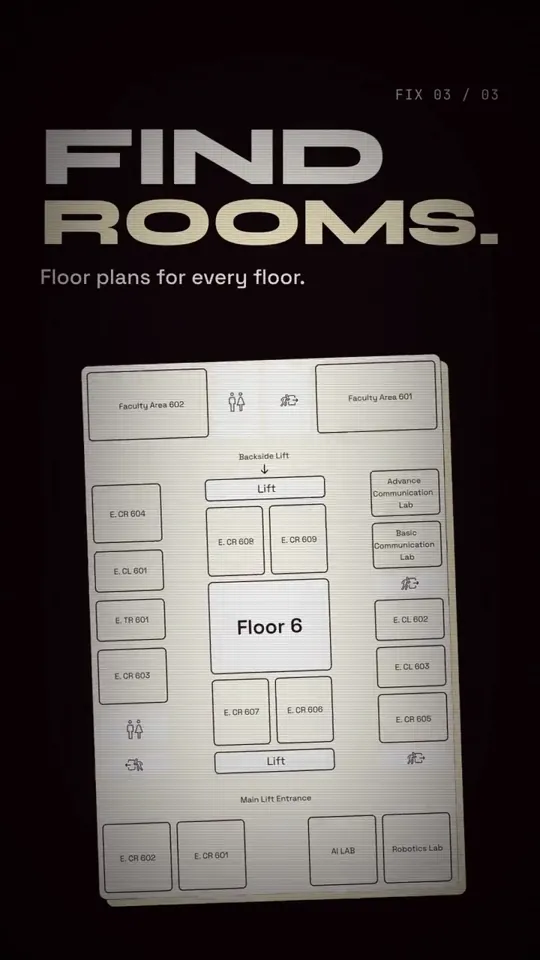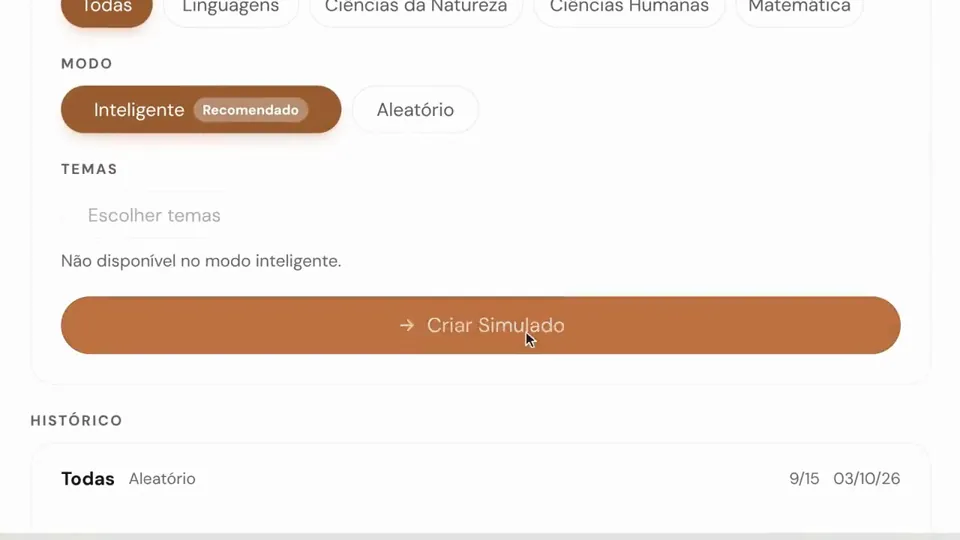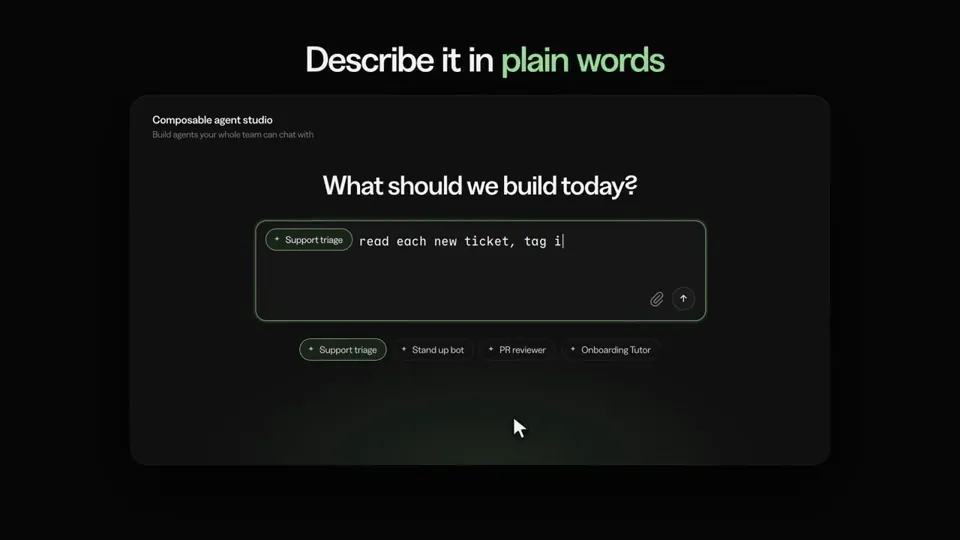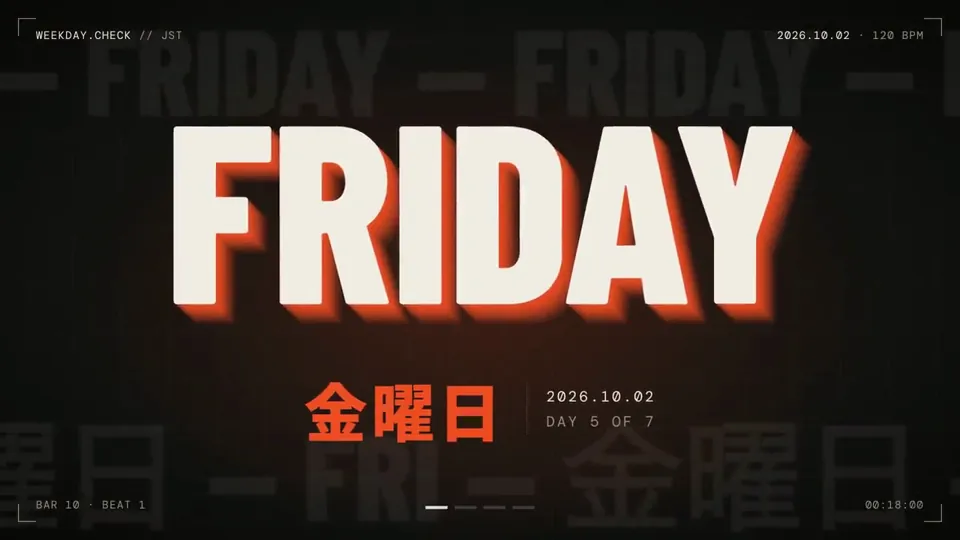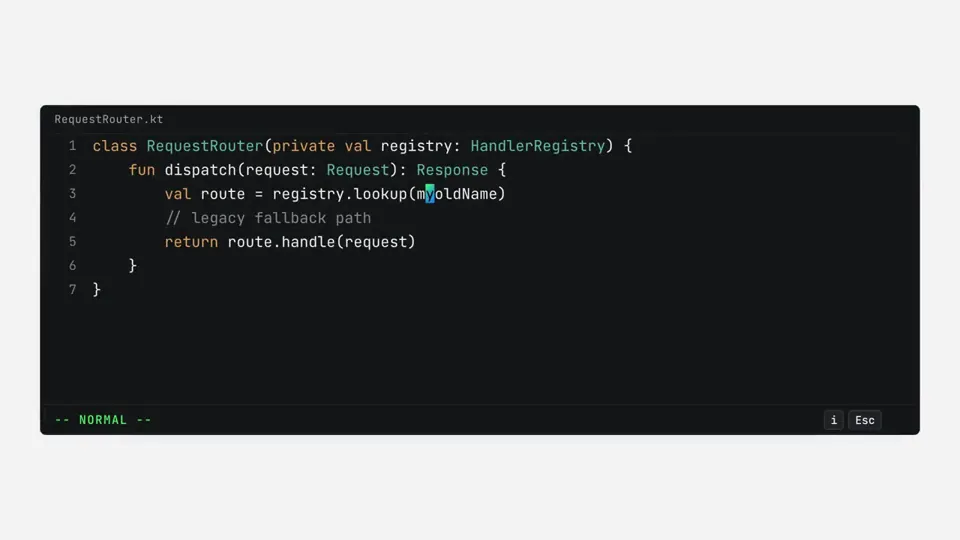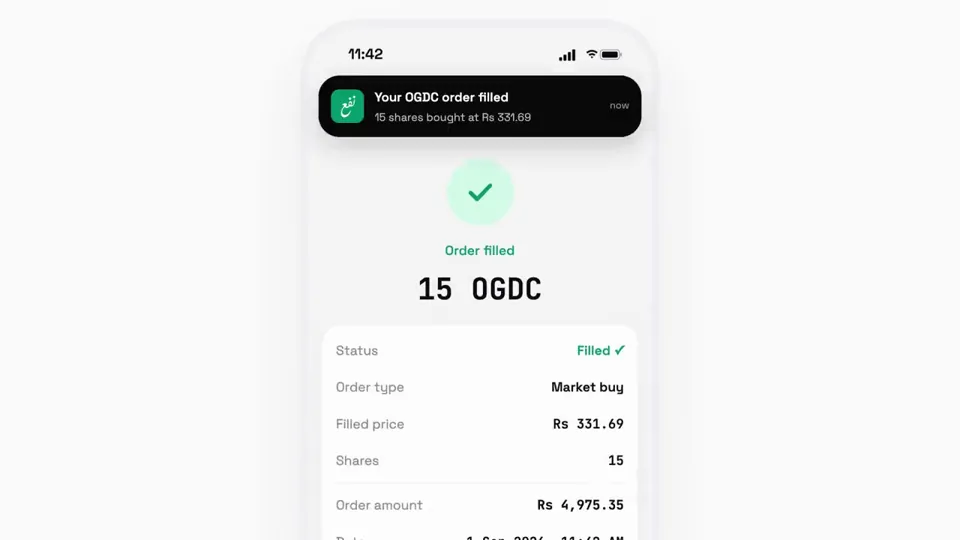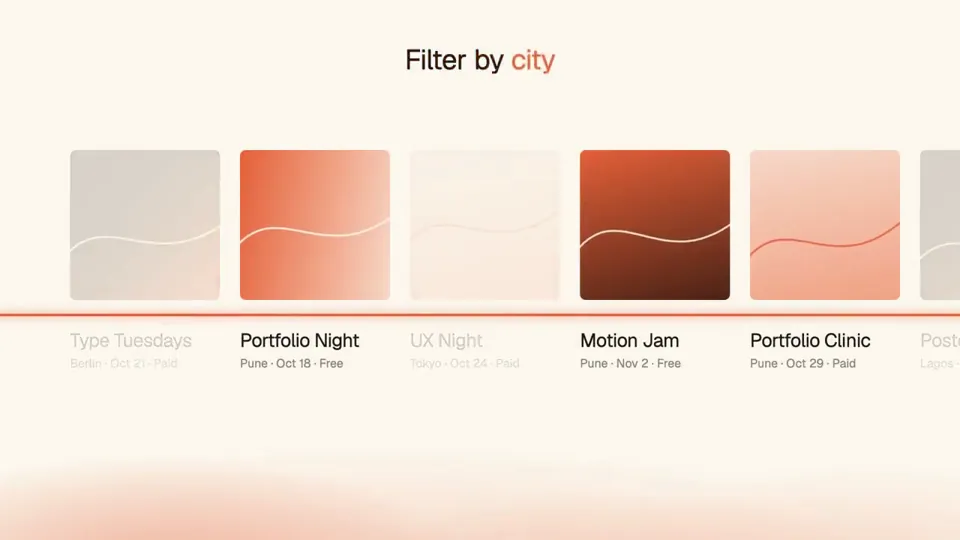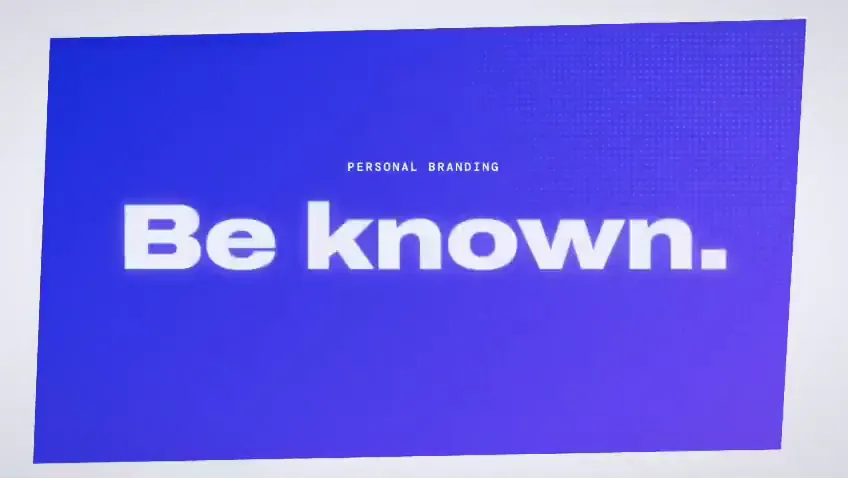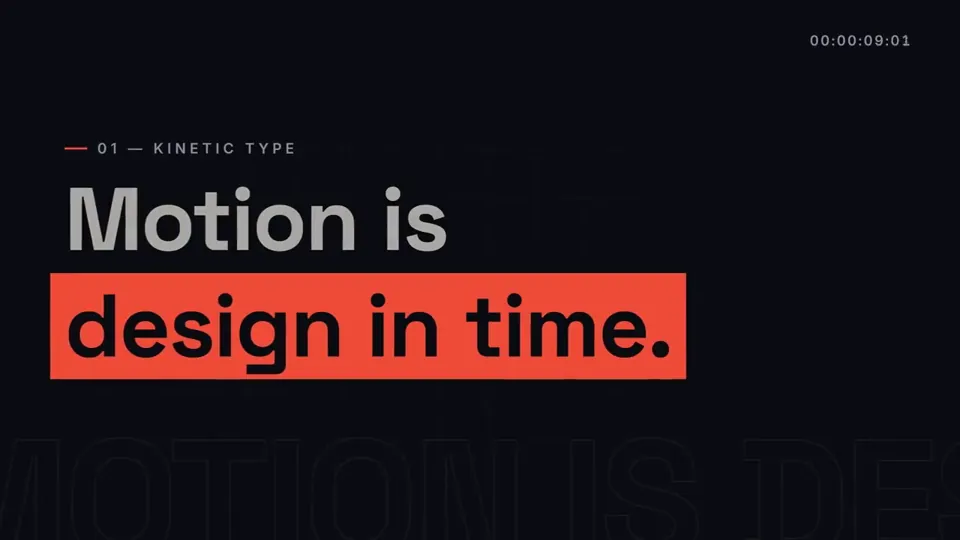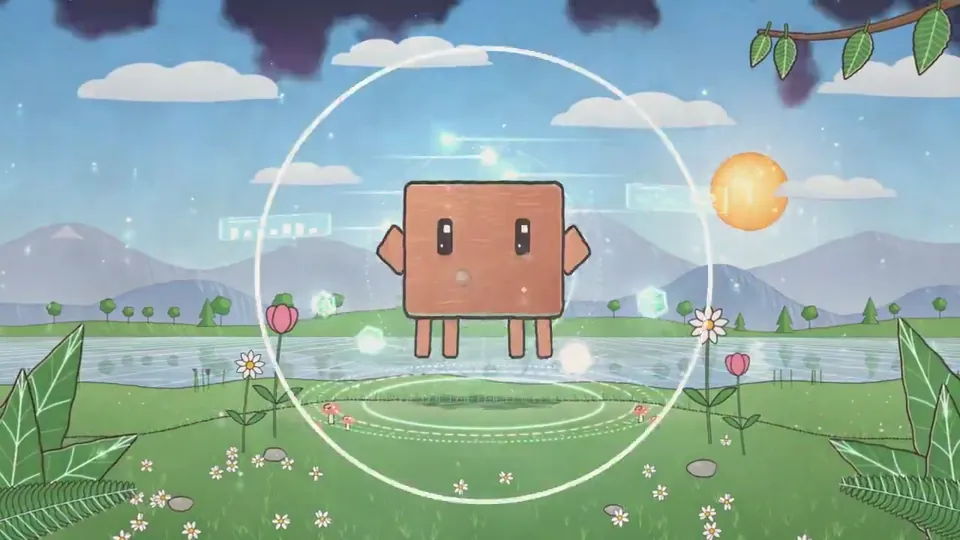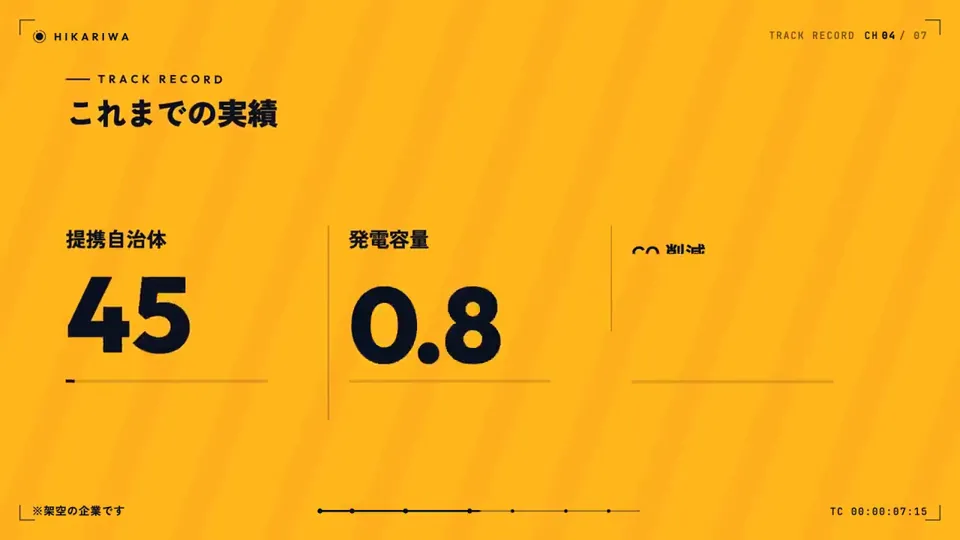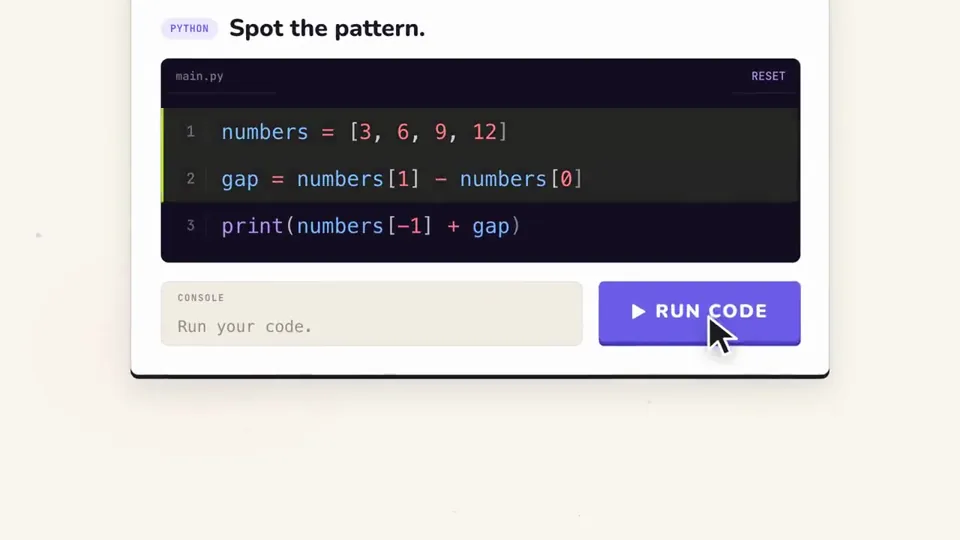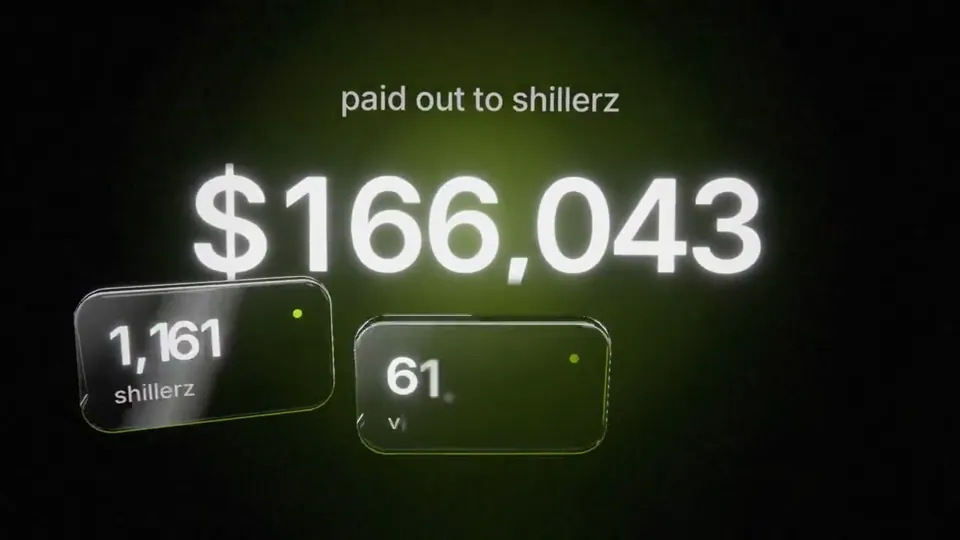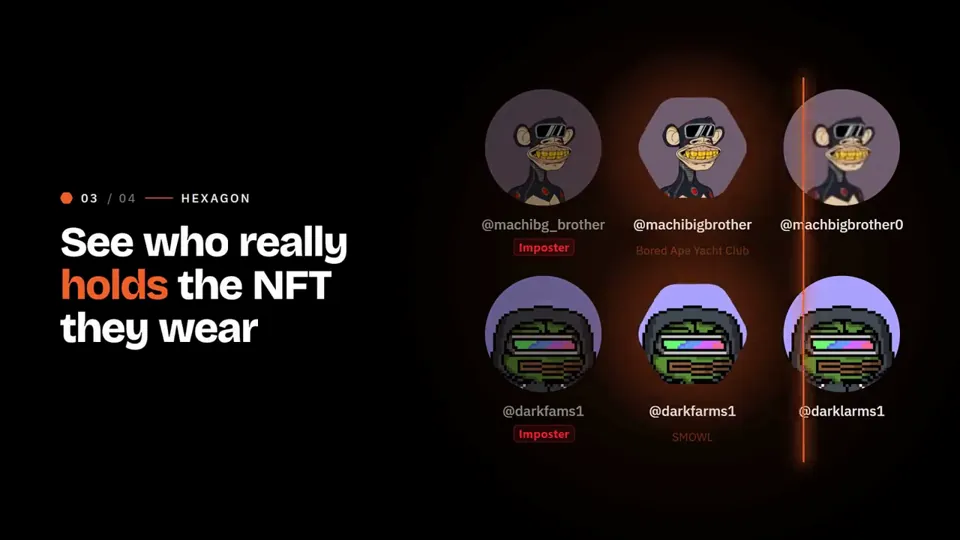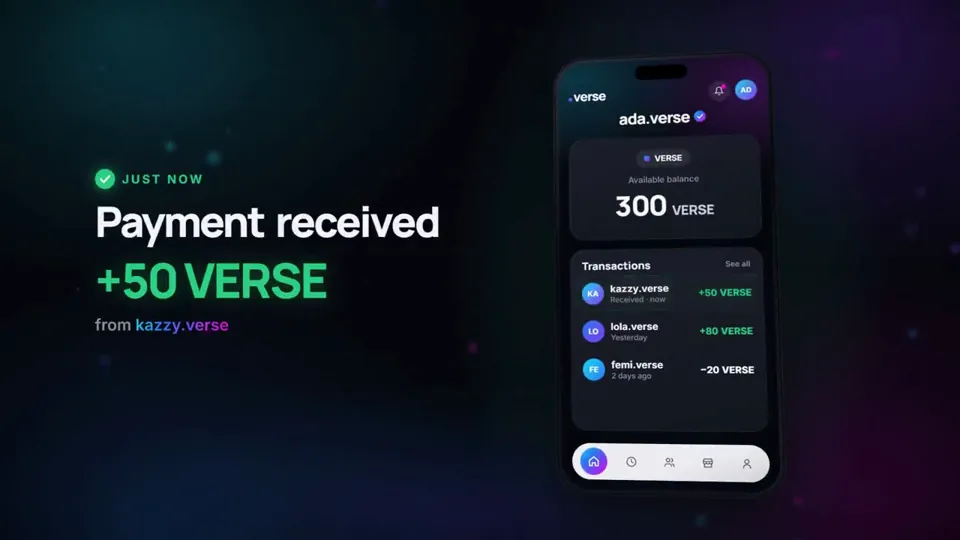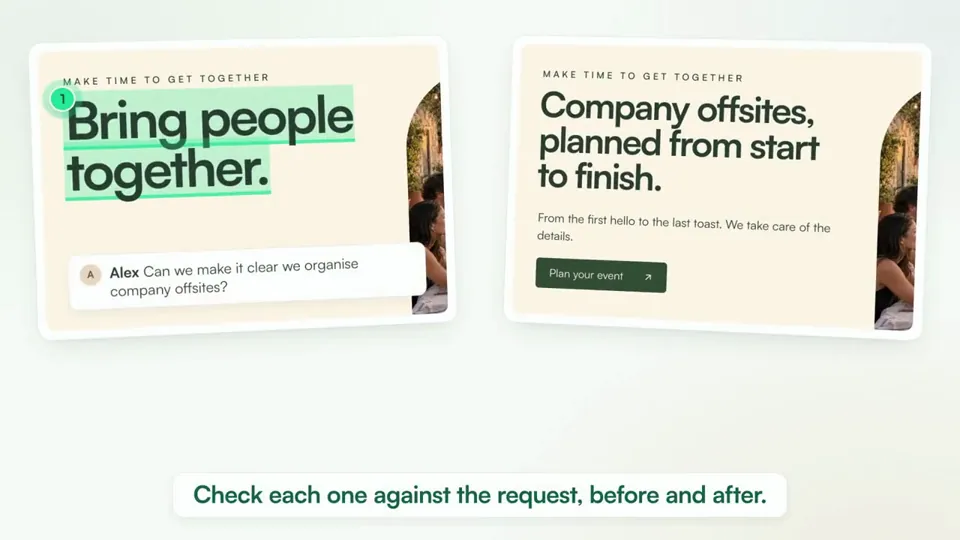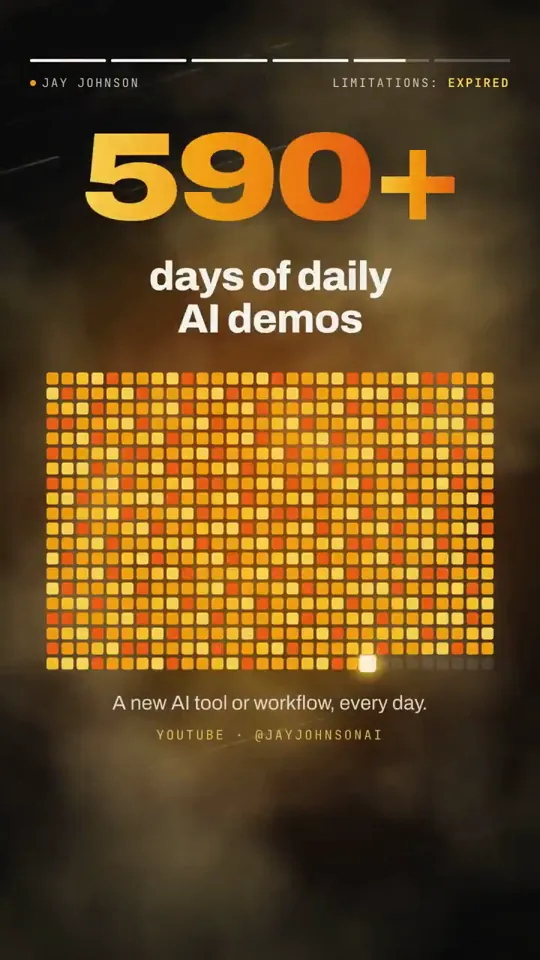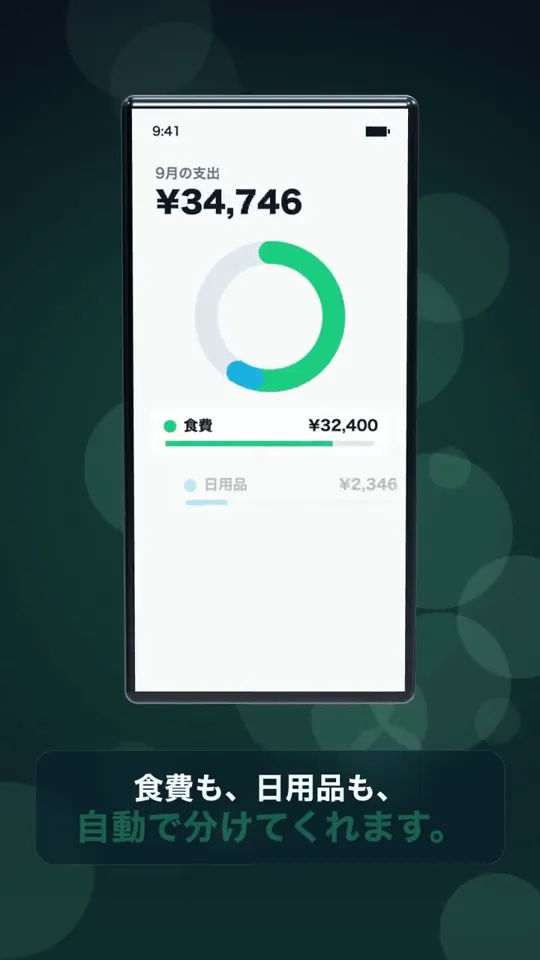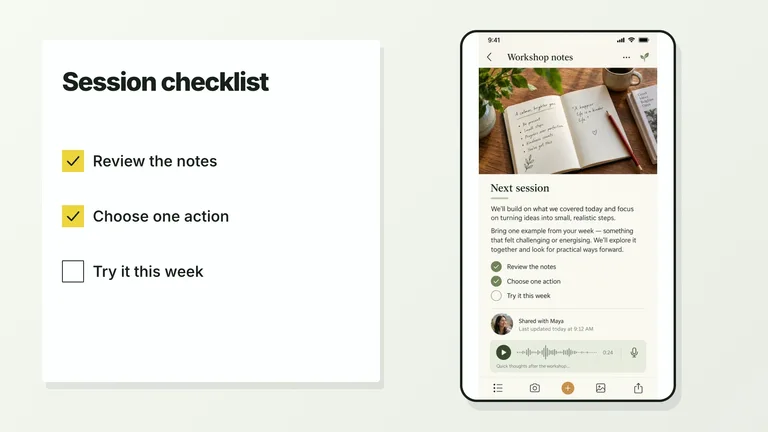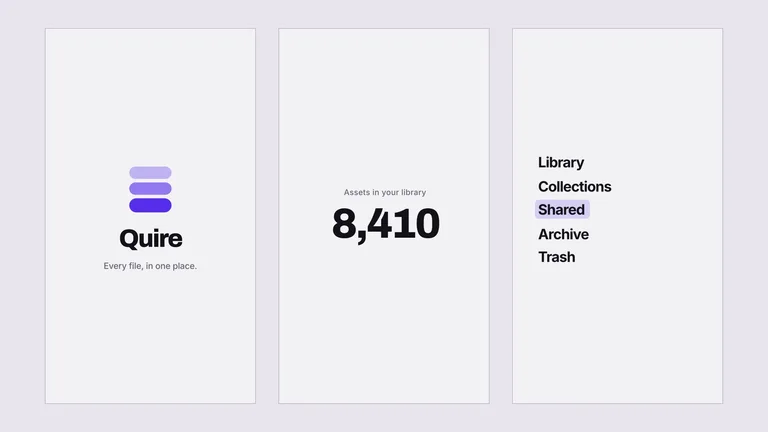
Motion graphicsNuevo0:23i had Opus 5.5 in @HyperFrames_ studio recreate this in one shot. voice from @ElevenLabs - not terrible - not great, but... one shot...
【作者补充制作说明】
@HyperFrames_ @ElevenLabs @liu8in told you i'd share what i cooked up. here's something i tried with hyperframes studio and opus 5.5, one shot. curious what you'd have done differently?Videos virales de Opus 5.5, con sus prompts.
Todos los videos que la gente hizo con Claude Opus 5.5, con el prompt exacto que usó su creador y una recreación en vivo para compararlos lado a lado.
- Prompts para copiar gratis
- Original y recreación lado a lado
Explora 513 videos de Opus 5.5
Motion graphicsNuevo0:23i had Opus 5.5 in @HyperFrames_ studio recreate this in one shot. voice from @ElevenLabs - not terrible - not great, but... one shot...
【作者补充制作说明】
@HyperFrames_ @ElevenLabs @liu8in told you i'd share what i cooked up. here's something i tried with hyperframes studio and opus 5.5, one shot. curious what you'd have done differently?@justinbuildsCanvas
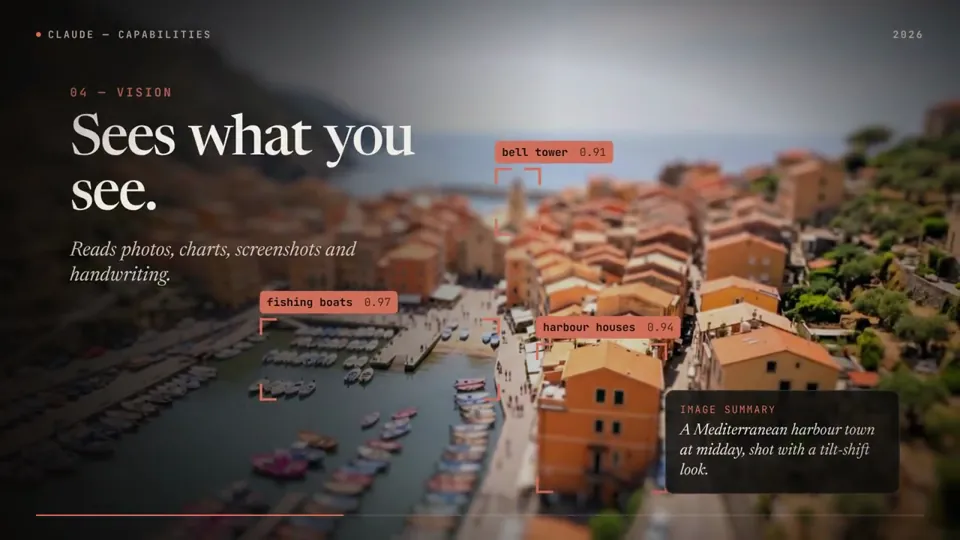
Motion graphicsNuevo0:58Claude opus 5.5 made this whole motion graphic, score included
It coded every frame (HyperFrames + GSAP), wrote the music in Python and synced the sound effects itself.
The art in the "Creating" scene is real too:
Claude graded those pieces in DaVinci Resolve earlier the same day.
Details ⤵️@DheepanratnamSVGGSAP
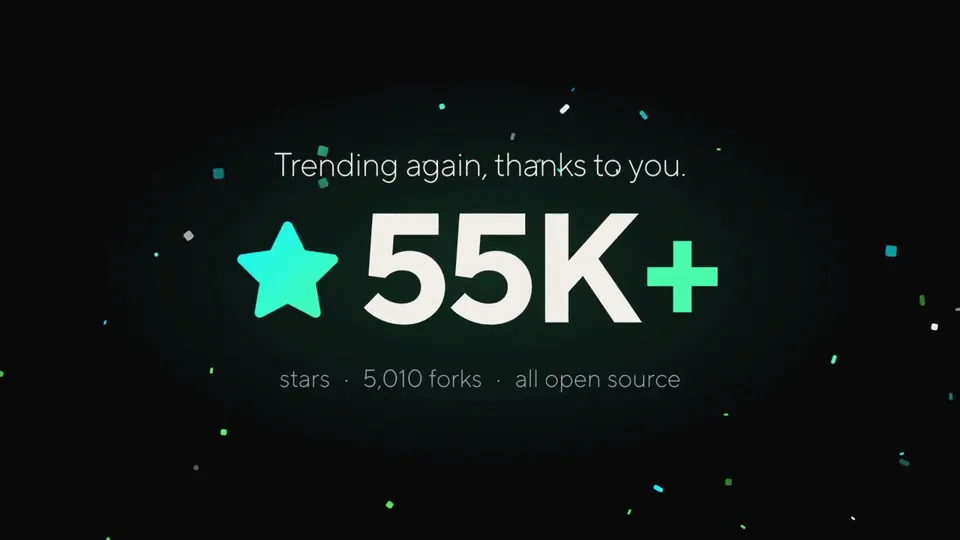
Motion graphicsNuevo0:17from may 1st -> oct 1st, trending on github, again
and every time, it's cuz the SOTA LLMs (& agents) getting better and better at Code2Video tasks
opus 5.5 made this celebration video with just one prompt + access to our latest skills: https://github.com/heygen-com/hyperframes@liu8inCanvasSVG
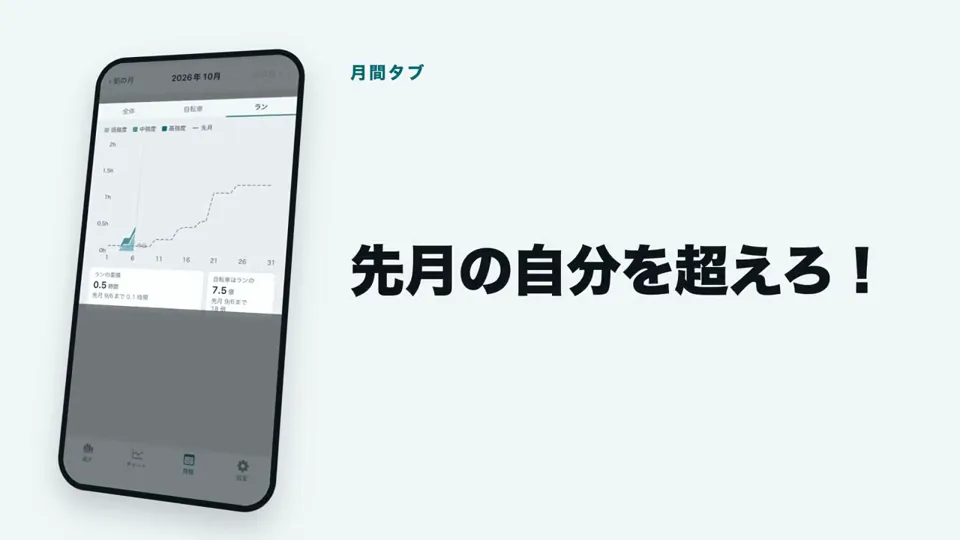
Motion graphicsNuevo0:56Cardilife 1.3 をリリースしました。
あわせて紹介動画を作りました(56秒)。
動画は Claude Code(Opus 5.5 と Fable 5.1)と作りました。編集ソフトは使っていません。
技術構成
・Remotion 4(React 19 / TypeScript):全体。1920×1080・30fps
・three.js(React Three Fiber / @remotion/three):冒頭の 3D
・Python(標準ライブラリのみ):音楽の合成
日本語版と英語版は、同じコードから props で切り替えて書き出しています。
https://apps.apple.com/jp/app/cardilife/id6802896176
#ClaudeCode #Remotion #threejs@DengenTThree.jsSVG
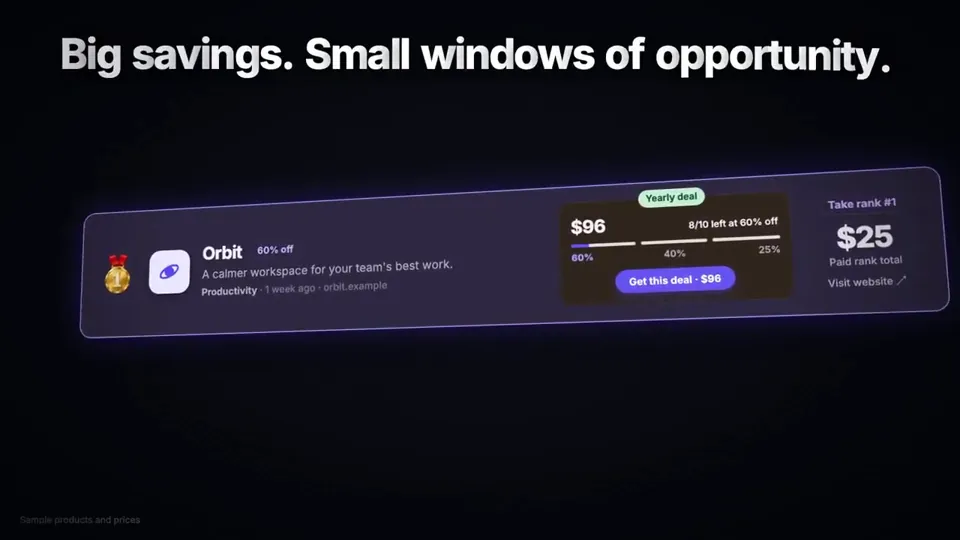
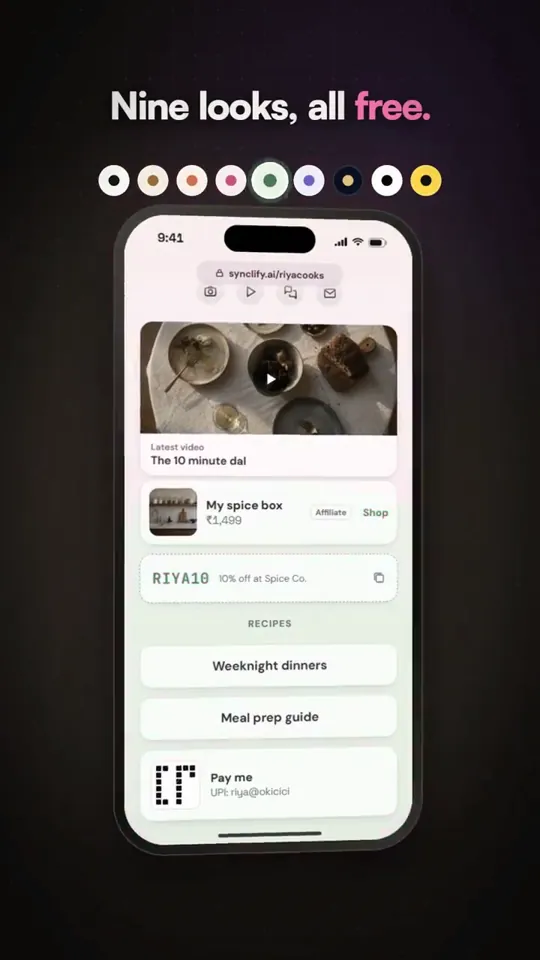
Motion graphicsNuevo0:30This whole video is AI-generated. Claude Opus 5.5 wrote the code, the motion and even the music, all in Remotion.
But I'll say it: Opus 5.5 feels a little nerfed. It used to one-shot these videos. This one took multiple prompts, and the first cut was weak until I pushed back.
It's for Link in bio, which we just launched on Synclify.@apoorvjain25CanvasSVGGSAP
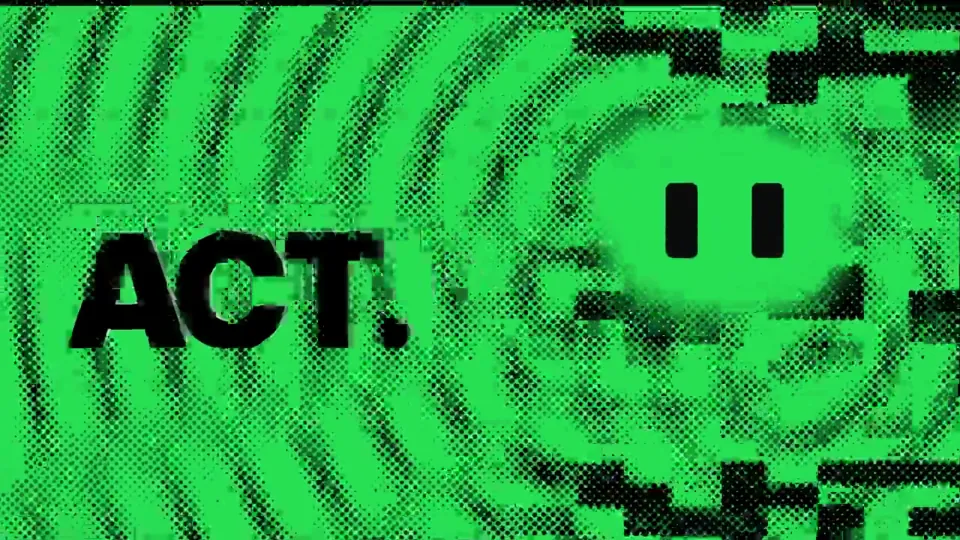
Motion graphicsNuevo0:25Opus 5.5 is INSANE !!🫣
i just made a full product launch film for @Meituan_LongCat 2.5-preview… and i didn't open after effects once. not one keyframe by hand.
just me chatting with opus 5.5 → it wrote the whole thing in remotion (react code → video). the halftone xerox look, the camera moves, the transitions… even the MUSIC. it literally synthesized the beat in python and synced every cut to it 🤯
and my favorite part: the cat's eyes 👀 they're the visual anchor of the whole film. they watch you type, blink on the beat, squint, glance at stuff… then land perfectly on the real longcat logo…@LeowenAIGLSLCanvasSVG
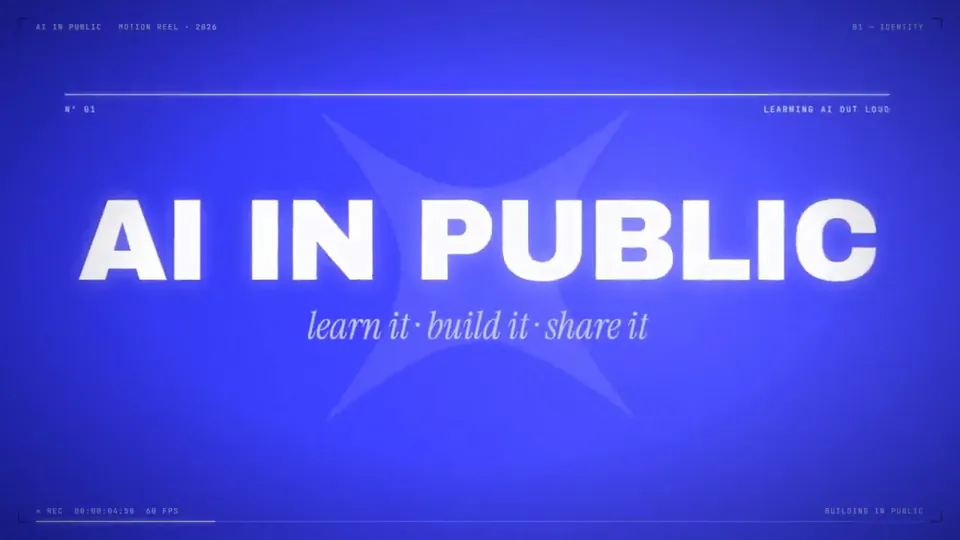
Motion graphicsNuevo0:24Opus 5.5 on Max effort (Sound On):
"A 24-second AI In Public motion reel in Remotion at 1920×1080, 60fps. Use our blue # 3D40FE, white, navy, and ice palette with the AI In Public logo and sparkle. Keep it fast, premium, and smooth with motion blur, glow, camera hits, HUD details, seamless transitions, kinetic type, terminal UI, neural visuals, particles, and a cinematic logo finale. Generate all suspenseful music and sound effects in code and sync every hit perfectly. End with “AI IN PUBLIC, learning AI, out loud.” Every frame and sound should be written in code."
full prompt on here: http:…@humzaakhalidCanvas
Motion graphicsNuevo0:45Remotion
Opus 5.5@0xRapzzCanvasSVGGSAP
Motion graphicsNuevo0:15I made 4 motion videos for @Shillz_Official in 3 days without opening After Effects.
no templates. no stock music. no motion designer.
just Claude writing code.
here's exactly how, step by step (bookmark this)
【作者补充制作说明】
the stack:
Claude (Opus 5.5) writes all of it
Remotion turns React code into video
three.js renders real 3D, so the glass actually refracts light
Python writes the music
I never touched a timeline. I just gave notes.@colecornelllThree.jsCanvas

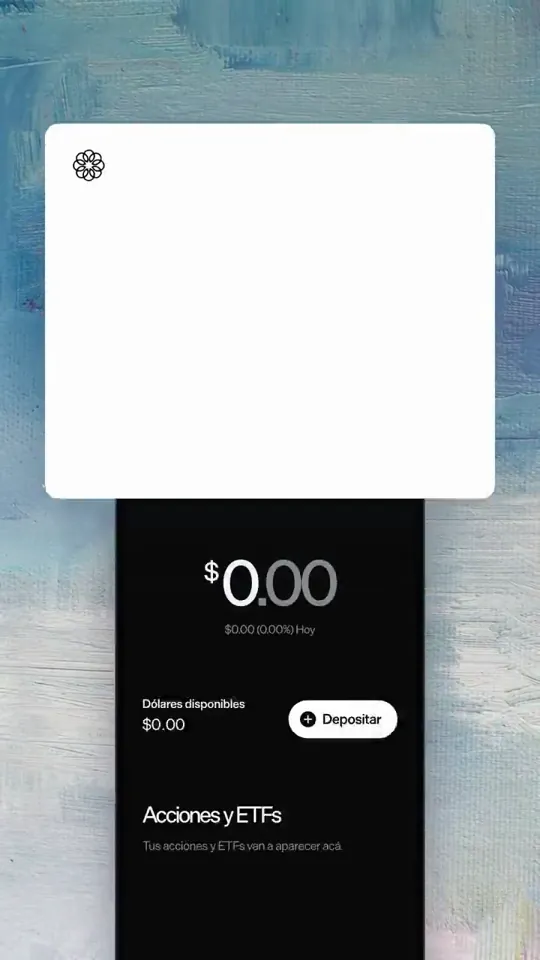
Motion graphics1:00motion reel do http://ondefica.app inspirada no @gabrielbuzziv e @condzxyz, segui o tutorial e prompt deles e fui aparando as arestas
1. skill hyperframes
2. mesmo prompt: "make a dynamic motion graphics video that shows what an incredible motion designer you are, like it's your showreel for a résumé. go all out"
3. referencie a pasta do projeto. o que tinha nela fez a diferença:
> app real: o Claude navegou no simulador do iOS e gravou as telas
> dados reais: ele escreveu as queries, eu rodei no banco.
> 3D: dioramas criados no ChatGPT 6 (Astra), animados pelo claude com Higgsfield
> trilh…@jesscaroline7Three.jsCanvasSVG
Motion graphics0:15TUTORIAL do @gabrielbuzziv
> o mais insano ta, é que isso gastou tipo 5% do limite de 5 horas
1. instale a skill hyperframes
2. prompt:
"make a dynamic 15-second motion graphics video that shows what an incredible motion designer you are, like it's your showreel for a résumé. go all out."
3. no prompt referencia a pasta do seu projeto
4. espera a mágica acontecer
modelo usado: opus 5.5 (effort: max)@thayto_devGSAP
Motion graphics0:15I WAS QUOTED $3000 FOR THIS!!!
So I asked Opus 5.5 (medium) to create a launch video using Motion Graphics for us.
here's the prompt that one-shots it:
"Create a 15s motion-graphics film explaining {{PRODUCT}}. HyperFrames + GSAP, no voiceover, no footage.
Style: paper-light canvas, marker notes that draw on, real physics, huge kinetic type,
hard light/dark switches, a new idea every 1.5–2 s, a sound on every hit.
COPY: read {{POSITIONING_DOCS}} first. {{ONE_LINER}} For {{AUDIENCE}}. {{WHAT_IT_DOES}}
Name what the product learns, never the abstraction.
RULES
- No chrome (scrubber, timecod…@ik_buildsCanvasSVG
Motion graphics0:15Cursor usando o Opus 5.5
instale a skill hyperframes via terminal depois rodei
"/hyperframes make a dynamic 15-second motion graphics video that shows what an incredible motion designer you are, like it's your showreel for a résumé. go all out. use todo o contexto do projeto"@danilowmCanvasSVGCSS
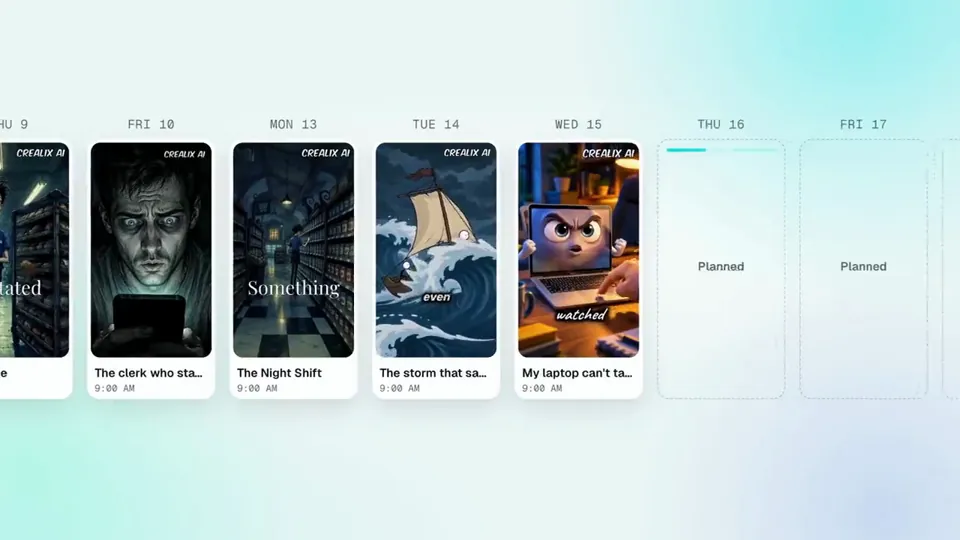
Motion graphics0:30This video was made with Opus 5.5, Hyperframes, ElevenLabs with Music, SFX and Voices Endpoints throught Fal AI.
This way of making videos is making me a little addicted to be honest hahaha. I still have to improve.
Crealix Autopilot is live: set your format, style, schedule and channels once, and it plans, writes, voices and builds every video. Then again. And again.
Try it free → https://crealix.ai/autopilot@georgejimenez98GSAPCSS
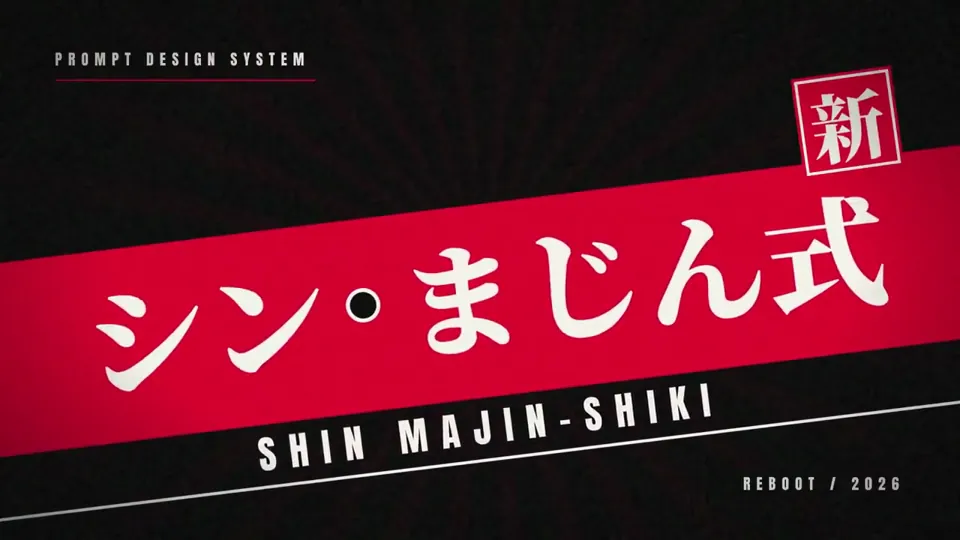
Motion graphics0:10流行ってることは一回試しとくマン。
Claude Code(Opus 5.5)でモーショングラフィックスを作るのが面白いみたいなので、「シンまじん式のPV作って」と頼んだだけで、これが出てきた。
動画生成AIはゼロ。
・映像:HTML+コードで1コマずつ描画(HyperFrames)
・BGM:GeminiのLyriaで生成
・効果音:拍を解析して、着地やハンコの瞬間に音ハメ
自分がやったのは、スキルを入れて「おまかせ」って返事したくらい。
しかもClaude自身は音が聴けないのに、波形を数値で解析して音ハメしてるのがヤバい。
何なのもう…日々革命が起こりすぎて 頭ガンガンするわ@Majin_AppSheetCanvasSVG
Skills de video populares
Desbloquea todas las Skills Premium
Un solo plan cubre todas las Skills Premium de Skillry: video, presentaciones, web e imágenes.
Cancela cuando quieras
Mensual
9,99 US$ / mes
Acceso Premium completo, con facturación mensual.
- Acceso a todas las Skills Premium
- Instala desde la web o la CLI
- Acceso seguro por CLI autorizado en el navegador
- Actualizaciones continuas de Skills
- Nuevas Skills Premium incluidas
- Cancela cuando lo necesites
Ahorra un 34% al año
El más popularAnual
79 US$ / año
Acceso Premium completo a un precio anual más bajo.
- Acceso a todas las Skills Premium
- Instala desde la web o la CLI
- Acceso seguro por CLI autorizado en el navegador
- Actualizaciones continuas de Skills
- Nuevas Skills Premium incluidas
- Cancela cuando lo necesites
Pago único · Precio fundador
Oferta fundadorVitalicio fundador
169 US$ pago único
Precio fundador: sube a medida que crece la biblioteca.
- Acceso a todas las Skills Premium
- Instala desde la web o la CLI
- Acceso seguro por CLI autorizado en el navegador
- Actualizaciones continuas de Skills
- Nuevas Skills Premium incluidas
- Sin suscripción ni cargos de renovación
Cancela cuando quieras. Los pagos son no reembolsables.
Preguntas sobre los videos
¿Los prompts son realmente gratis?
Sí. Todos los prompts que compartieron los creadores se pueden leer y copiar gratis, sin necesidad de cuenta.
¿Quién hizo estos videos?
Creadores en X hicieron los originales con Claude Opus 5.5. Cada video menciona a su autor y enlaza a la publicación original.
¿Cómo se hacen las recreaciones?
Skillry recreó cada video con Claude Opus 5.5 a partir del prompt que compartió su creador, para que puedas comparar ambos lado a lado.
¿Puedo cancelar una suscripción en cualquier momento?
Puedes cancelar una suscripción mensual o anual cuando lo necesites. Tu acceso Premium continúa hasta el final del periodo de facturación actual.
Encuentra una Skill para tu próximo proyecto.
Skills gratuitas para empezar. Premium cuando necesites más.