CreatorMotion · 타이틀 장면 테이크오버


 +7
+7
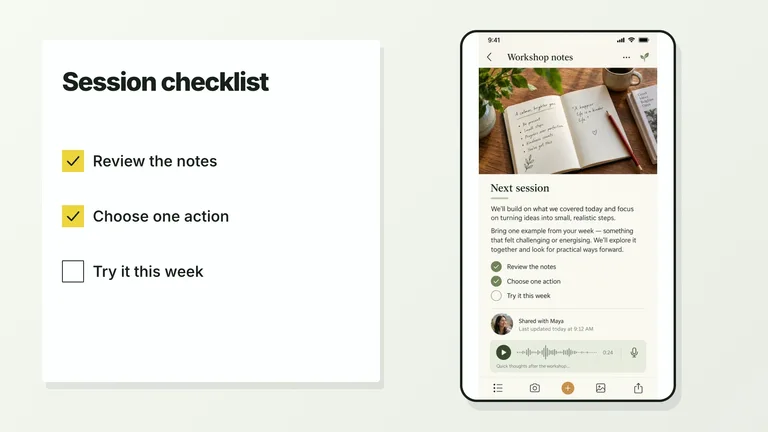
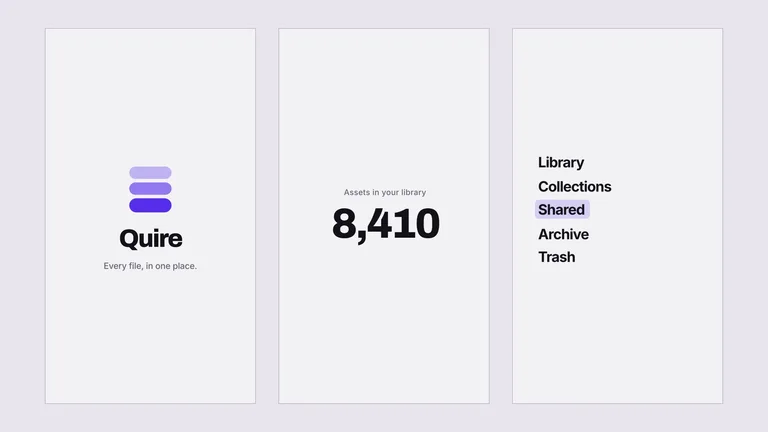
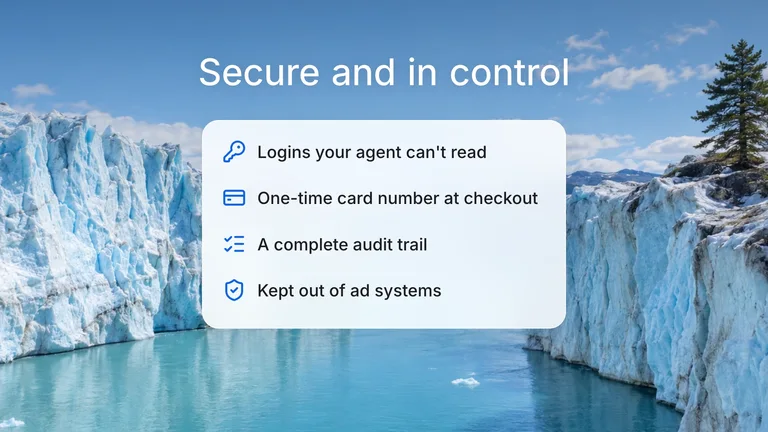
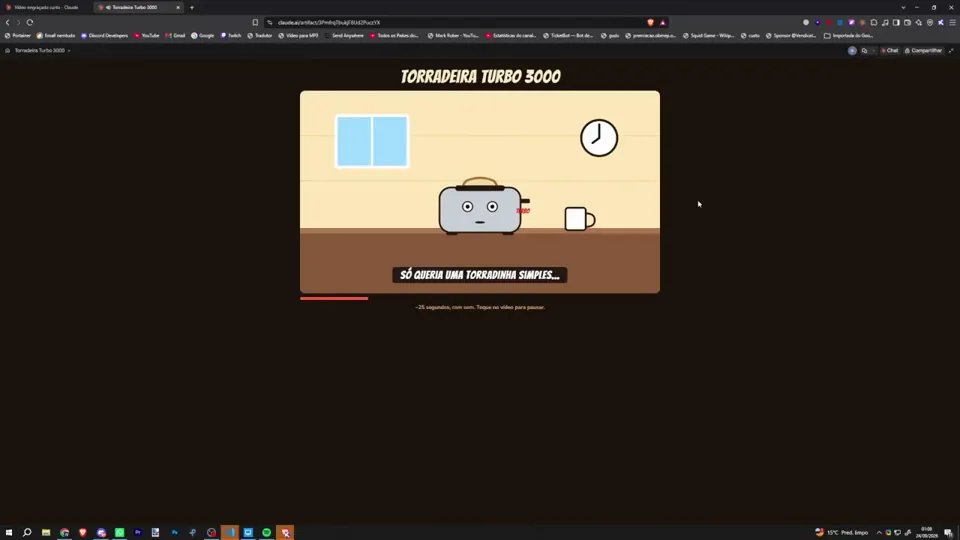
아래 Skill 중 하나를 설치한 다음, Agent에게 이런 동영상을 만들어 달라고 요청하세요.
작성자가 프롬프트의 일부만 공개했습니다.
Add a good fast royalty free music to this video, and make 2 versions - 1 landscape, and another portrait
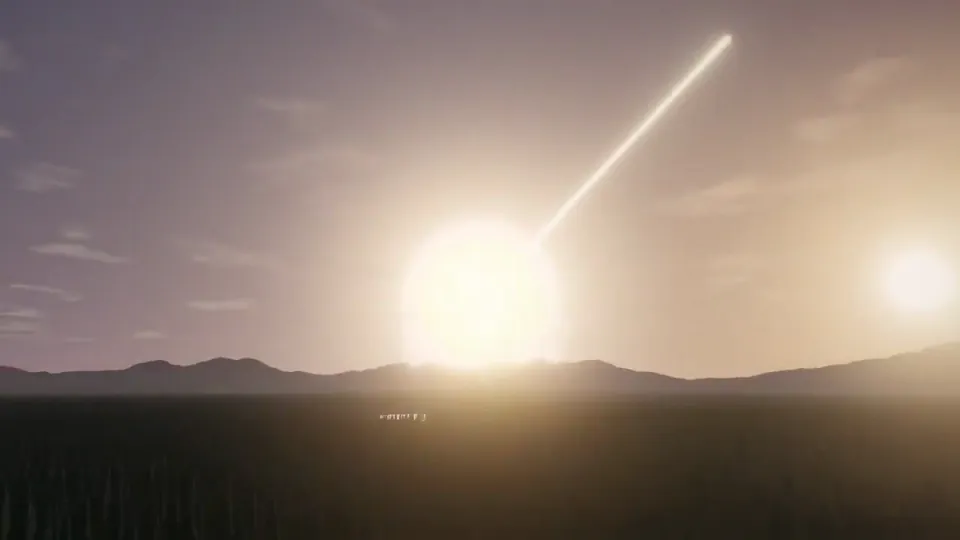 모션 그래픽0:35Yapabileceğin en etkileyici patlama efektini ve onu taşıyacak özgün sahneyi üret. Ölçeği, ortamı ve görsel dili sen seç. Patlamanın başlangıcı, kuvvetin yayılması ve ardında bıraktığı değişim izlenebilir olsun; tek karelik parlama veya rastgele parçacık yağmuru yeterli değil. Kullanıcı bunu tekrar başlatabilsin ve etkisini farklı açıdan görebilsin.
Yaratıcı seçimler senin: sahne, sanat yönü, kamera, mekanik, teknoloji ve etkileşimi önceden belirlenmiş sıradan kalıplara sıkıştırma. İlk akla gelen sıradan web demosuyla yetinme: önce kendi alanında birkaç fikri kısaca tart, videoda en güçlü görü…
모션 그래픽0:35Yapabileceğin en etkileyici patlama efektini ve onu taşıyacak özgün sahneyi üret. Ölçeği, ortamı ve görsel dili sen seç. Patlamanın başlangıcı, kuvvetin yayılması ve ardında bıraktığı değişim izlenebilir olsun; tek karelik parlama veya rastgele parçacık yağmuru yeterli değil. Kullanıcı bunu tekrar başlatabilsin ve etkisini farklı açıdan görebilsin.
Yaratıcı seçimler senin: sahne, sanat yönü, kamera, mekanik, teknoloji ve etkileşimi önceden belirlenmiş sıradan kalıplara sıkıştırma. İlk akla gelen sıradan web demosuyla yetinme: önce kendi alanında birkaç fikri kısaca tart, videoda en güçlü görü…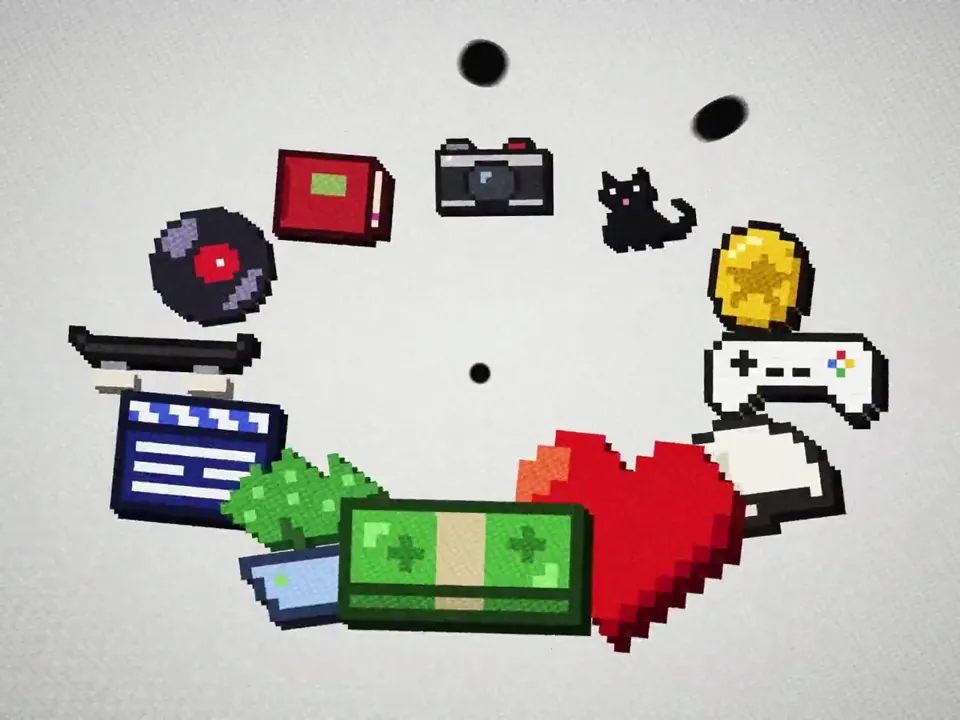 모션 그래픽신규0:23i had Opus 5.5 in @HyperFrames_ studio recreate this in one shot. voice from @ElevenLabs - not terrible - not great, but... one shot...
【作者补充制作说明】
@HyperFrames_ @ElevenLabs @liu8in told you i'd share what i cooked up. here's something i tried with hyperframes studio and opus 5.5, one shot. curious what you'd have done differently?
모션 그래픽신규0:23i had Opus 5.5 in @HyperFrames_ studio recreate this in one shot. voice from @ElevenLabs - not terrible - not great, but... one shot...
【作者补充制作说明】
@HyperFrames_ @ElevenLabs @liu8in told you i'd share what i cooked up. here's something i tried with hyperframes studio and opus 5.5, one shot. curious what you'd have done differently?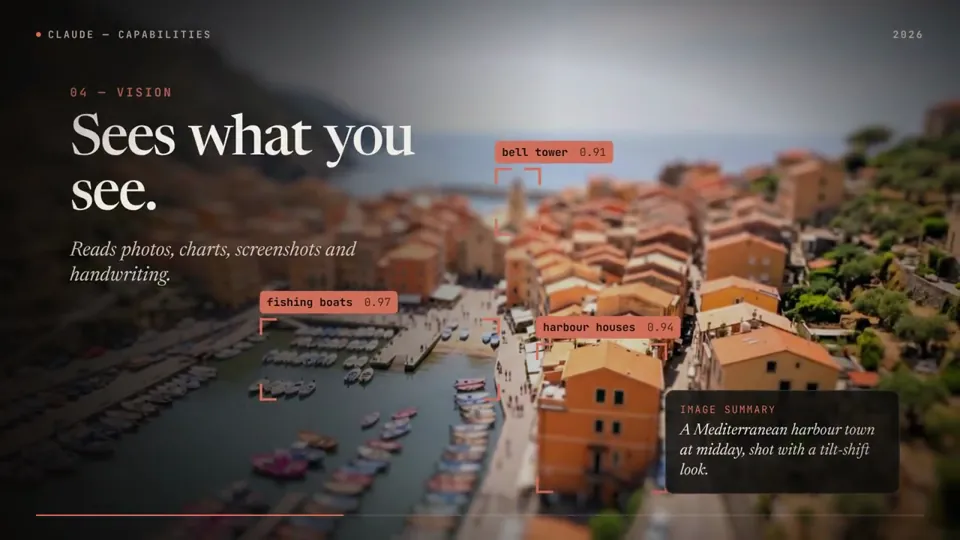 모션 그래픽신규0:58Claude opus 5.5 made this whole motion graphic, score included
It coded every frame (HyperFrames + GSAP), wrote the music in Python and synced the sound effects itself.
The art in the "Creating" scene is real too:
Claude graded those pieces in DaVinci Resolve earlier the same day.
Details ⤵️
모션 그래픽신규0:58Claude opus 5.5 made this whole motion graphic, score included
It coded every frame (HyperFrames + GSAP), wrote the music in Python and synced the sound effects itself.
The art in the "Creating" scene is real too:
Claude graded those pieces in DaVinci Resolve earlier the same day.
Details ⤵️