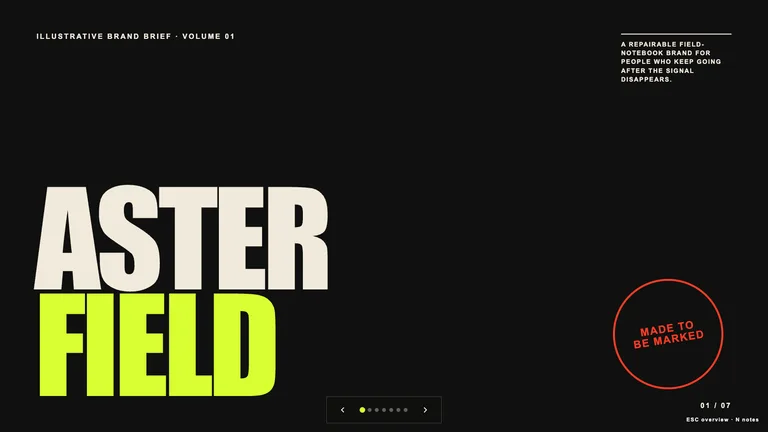
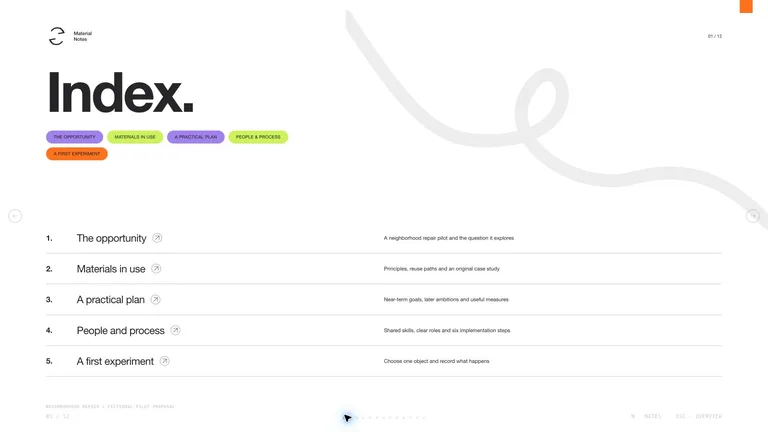
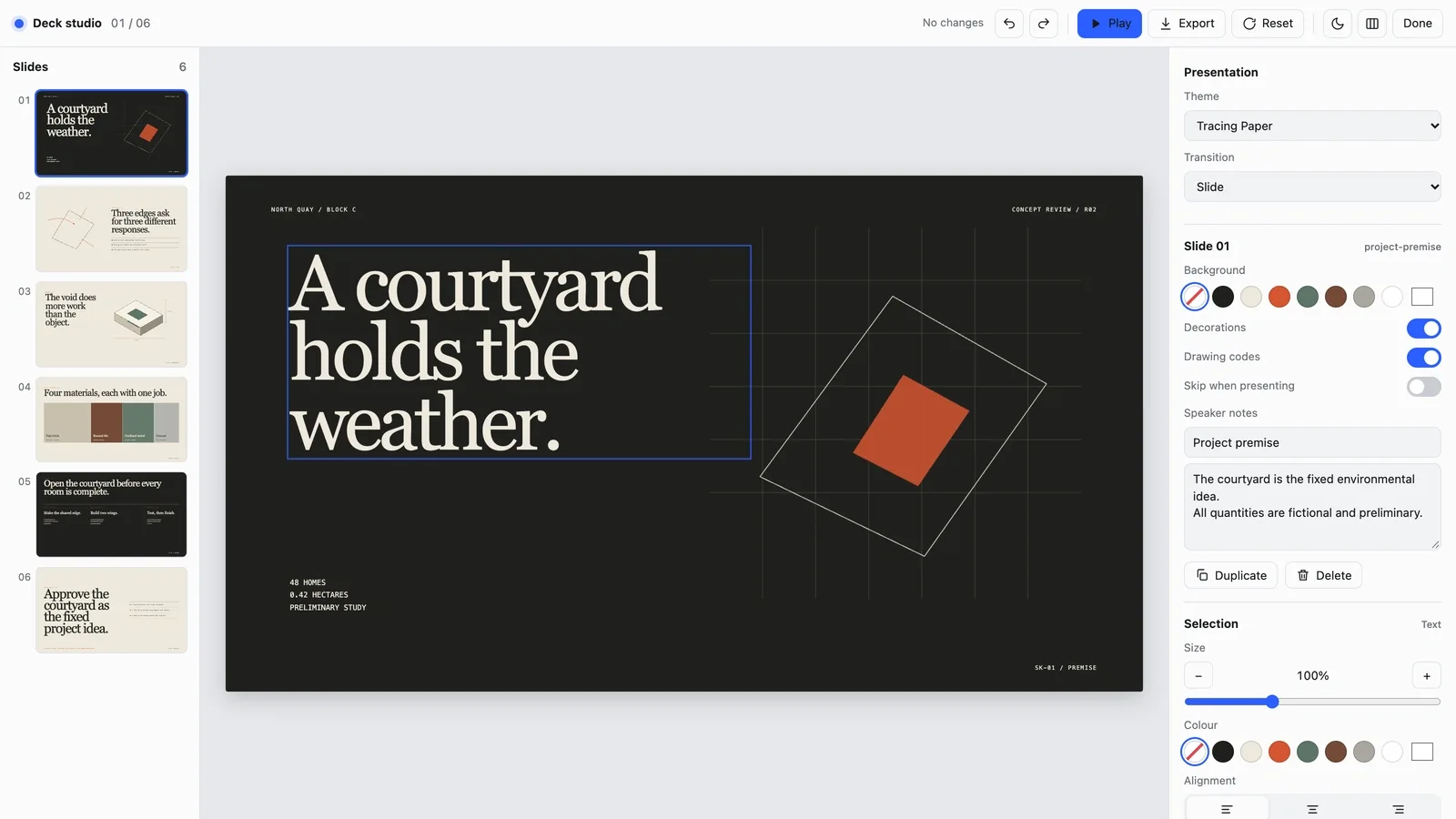
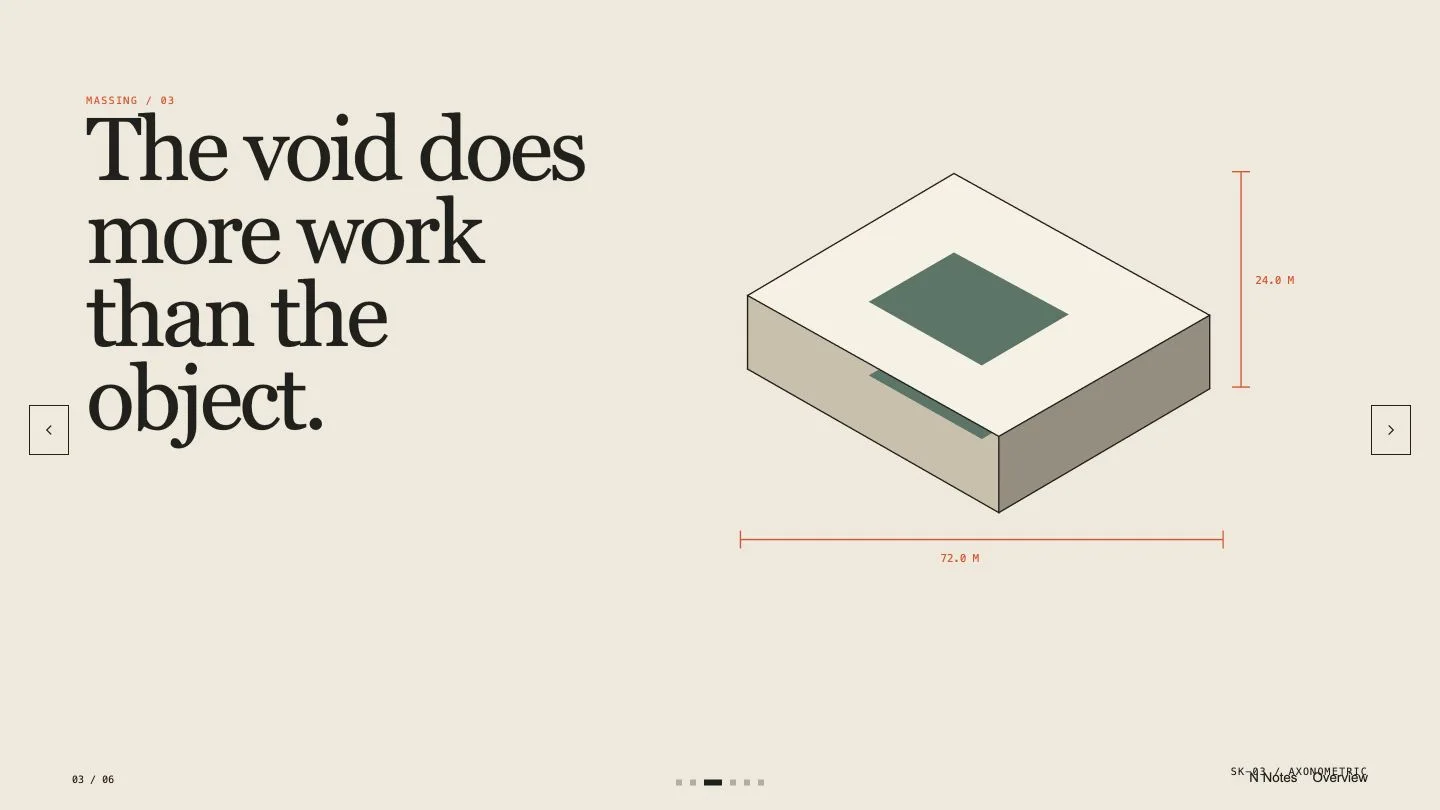
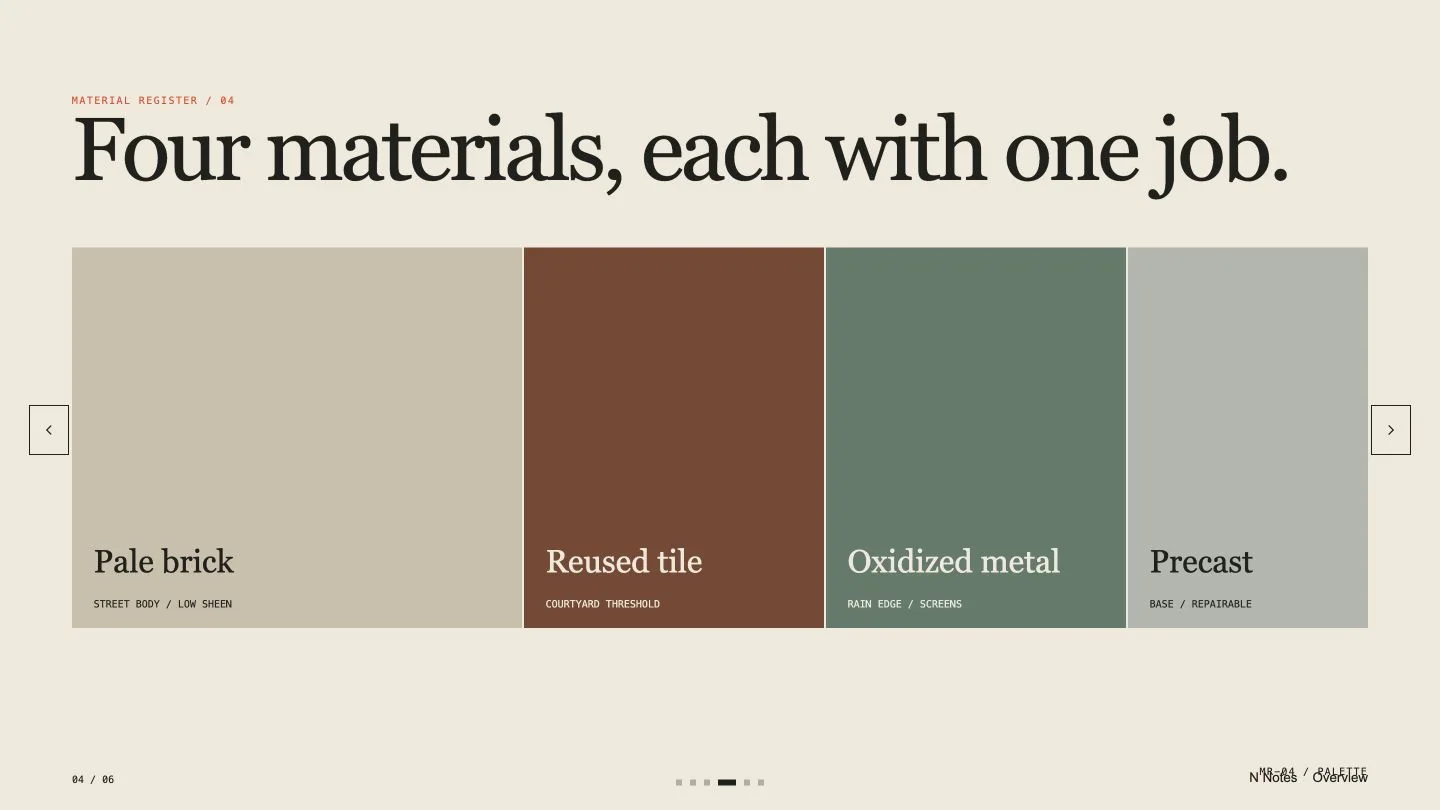
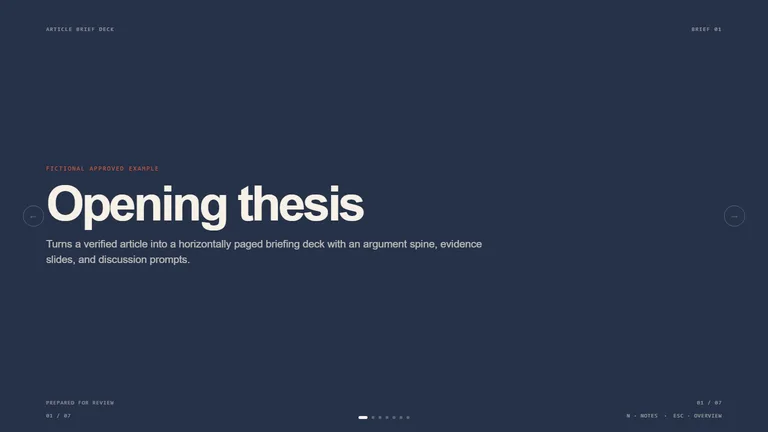
Turn your project brief and drawings into a review deck where every slide makes one spatial point around one strong drawing: the site, the massing, a plan and section, the materials. It reads like a tidy drawing set, with sheet codes in the corner and key dimensions marked on the drawings.

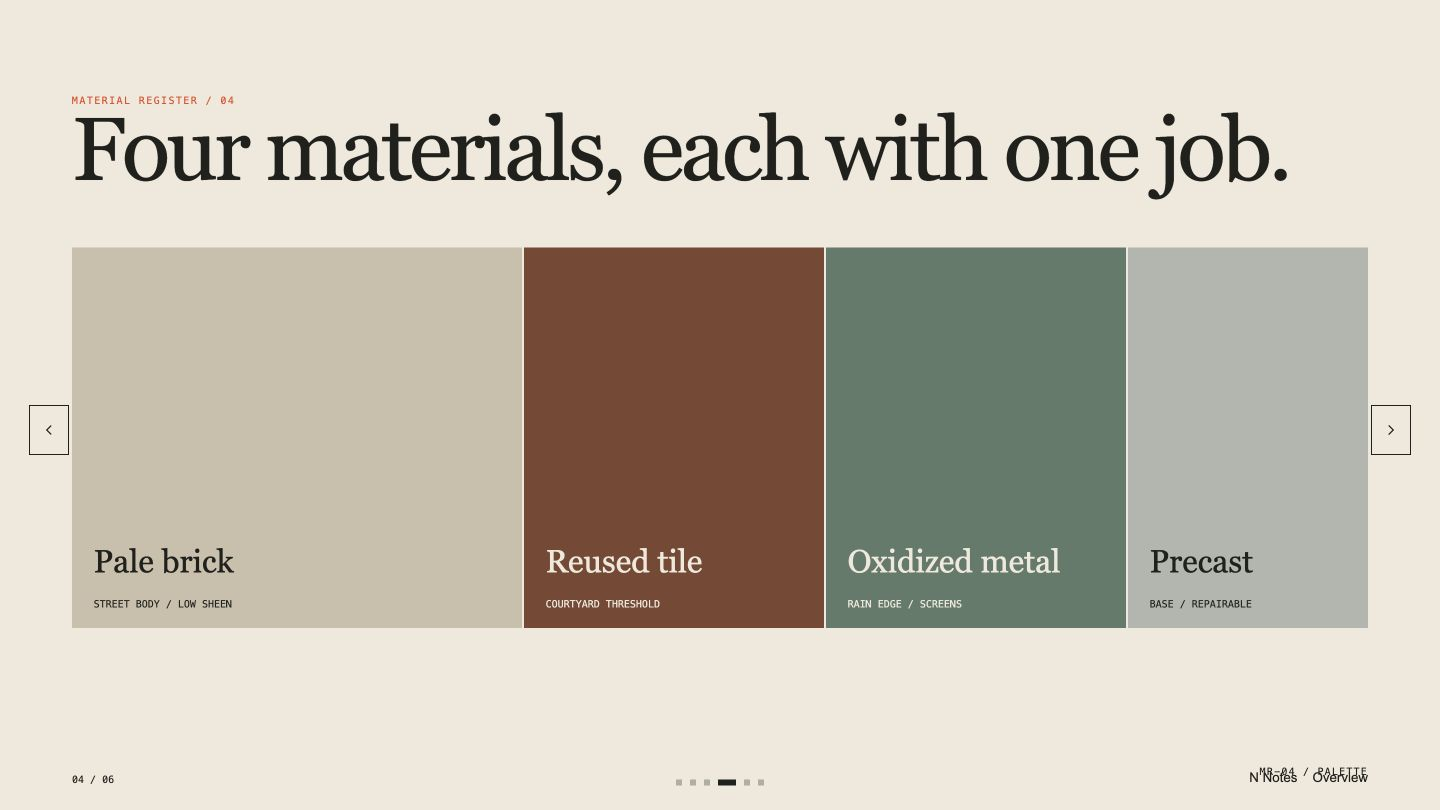
- One main drawing or piece of evidence per slide: site forces, massing, plan and section, materials, program, phasing or an option comparison
- Units, references, revisions and a preliminary-use note in plain view, closing on the decision you need and the open questions
- A deck you can edit in your browser and export as an editable PowerPoint file with speaker notes, or as a PDF
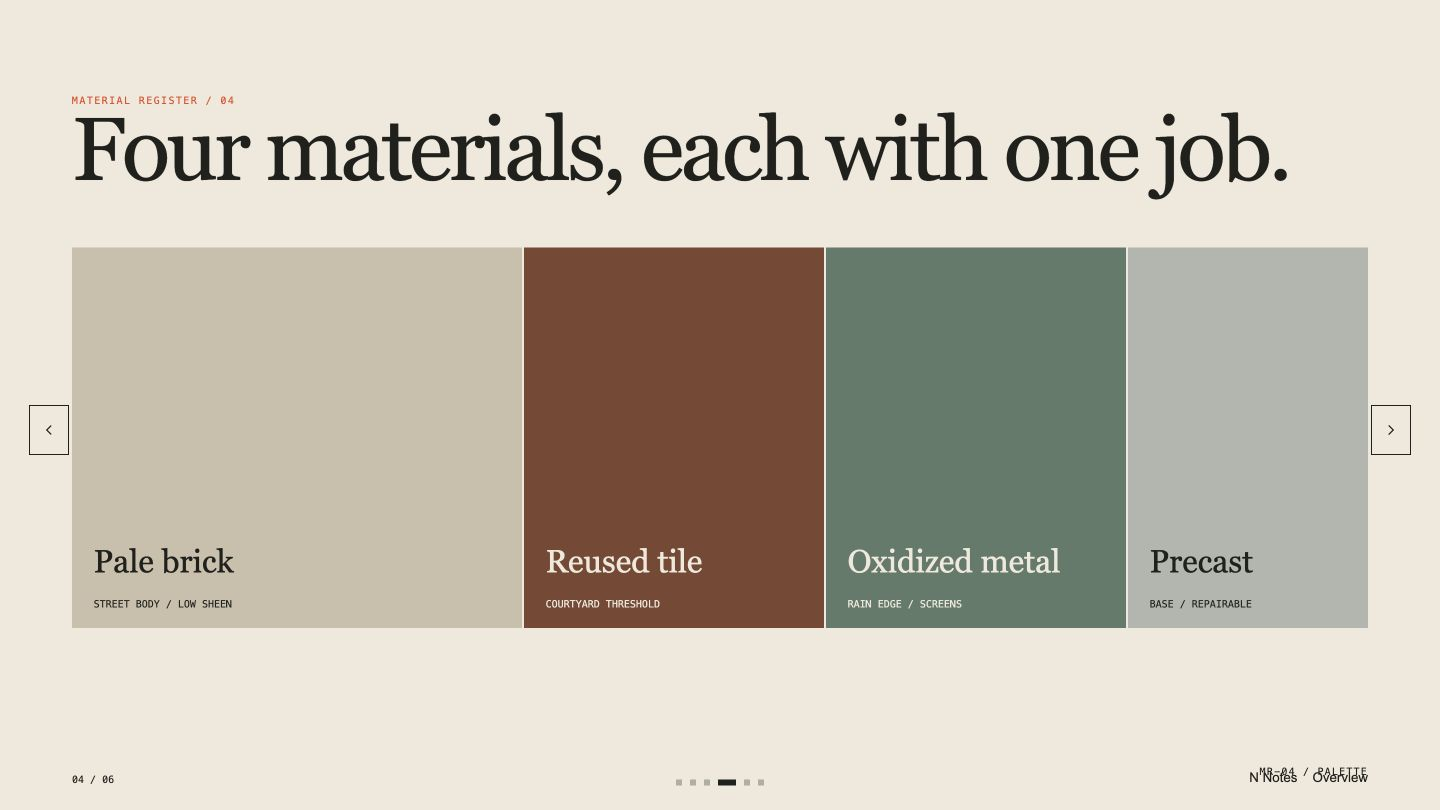
- Share your brief, phase, reviewers and the decision you need, plus the site facts, drawings and material data you have the right to use.
- Add known assumptions, revision and disclaimer text. Units, dates and revisions are made consistent before any slide is laid out.
- Open the deck and press E to rewrite text, replace a picture, reorder, duplicate or skip slides, switch between three material themes or hide the sheet codes.
- Export a PowerPoint file or a PDF from the editor, or ask your agent. Text and speaker notes stay editable; backgrounds and drawings arrive as pictures, and fonts are swapped for close system fonts.
Slides are in English unless you ask for another language. The deck is for preliminary communication and never claims code, zoning, structural or cost approval.
What you need before you start
- You bring
- Project brief, phase, review audience, and decision goal · Rights-cleared site facts, plans, sections, program, or material data · Known assumptions, revision information, and professional disclaimer
- Dependencies
- Modern browser — required · Node.js 20 or newer — required for validation · Chrome, Chromium or Edge plus Node.js 20 or newer — required only for PowerPoint export
- Last tested
- v1.0.2 — Claude Code / Claude Desktop / Cowork / Codex / ChatGPT





 +6
+6