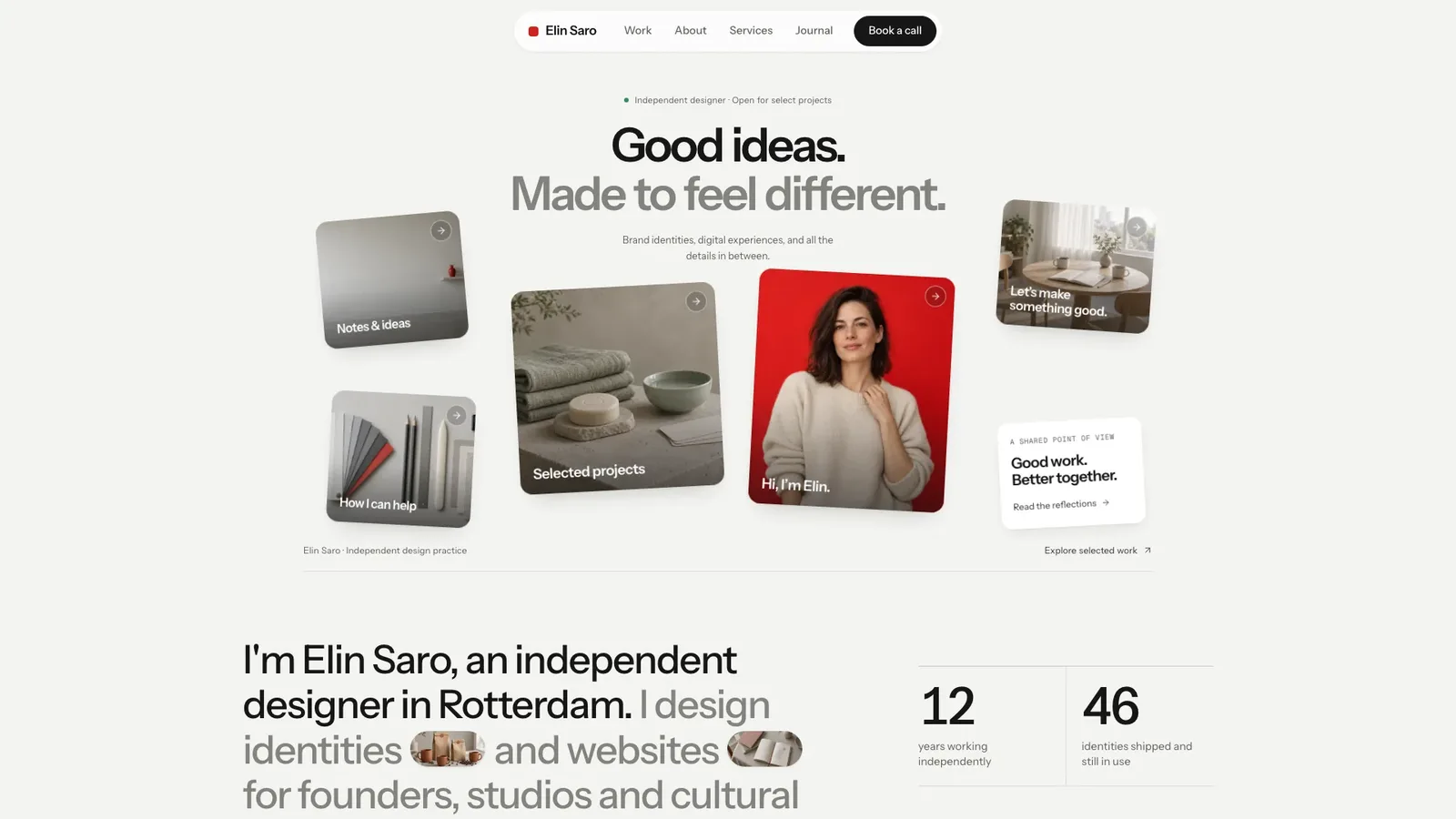
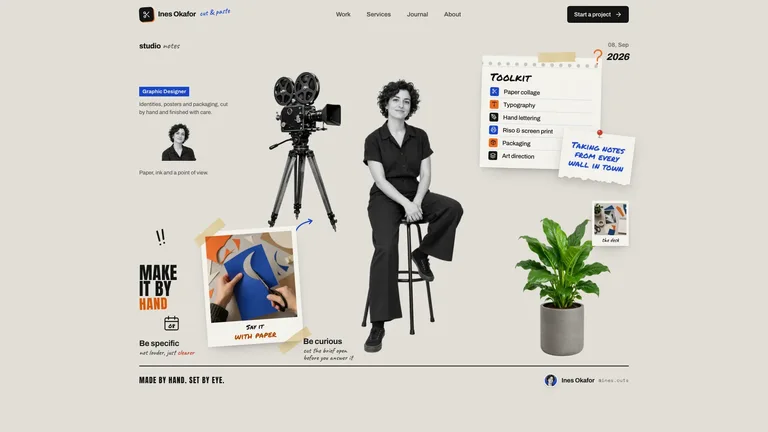
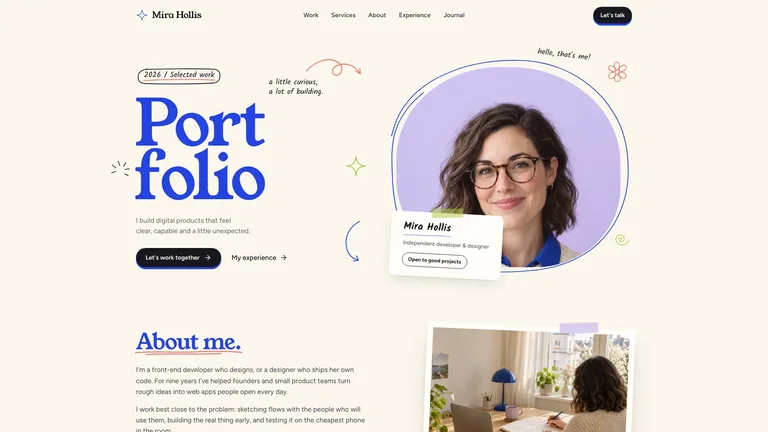
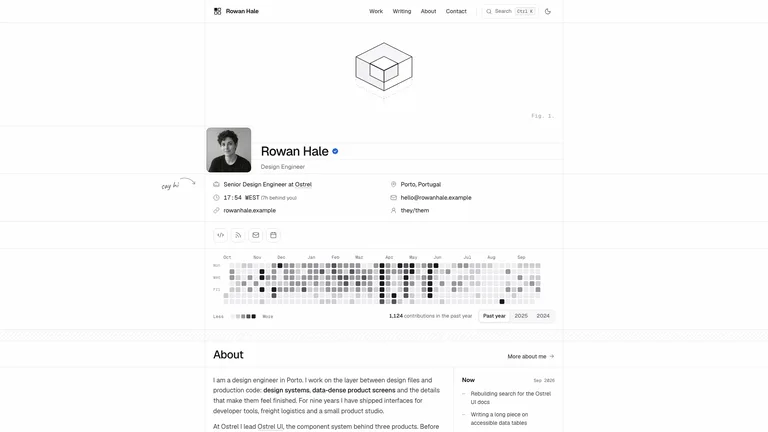
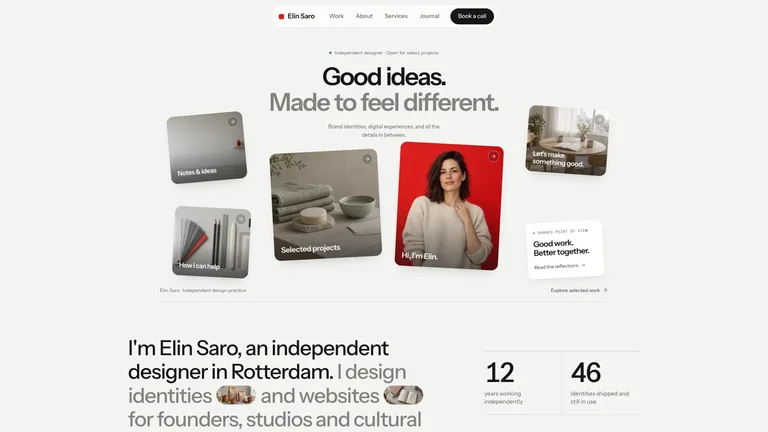
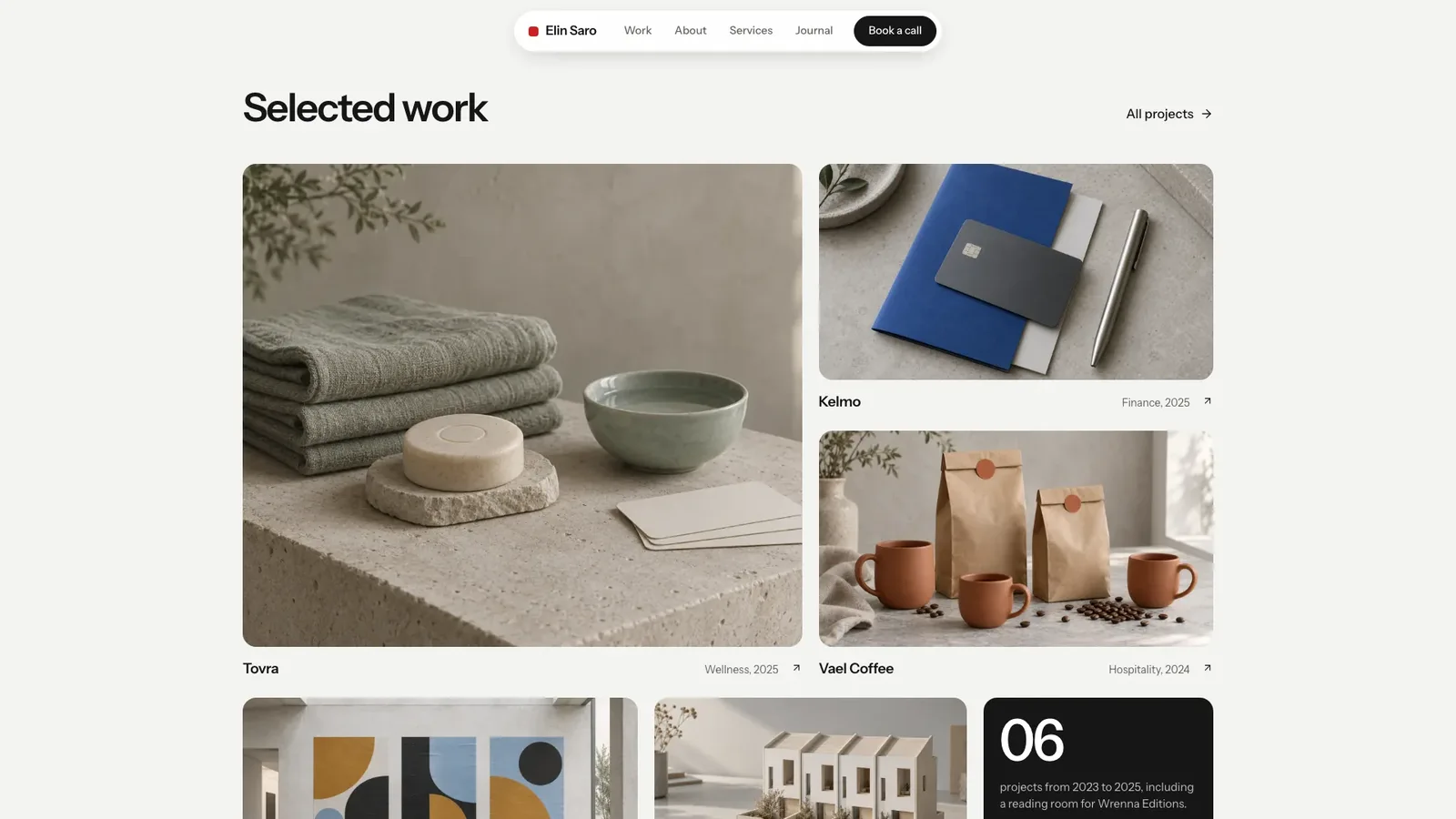
Bento Designer Portfolio builds a portfolio site for an independent designer, studio or small brand: a pale grey stage, a two-line headline with a faded second line, six floating bento cards around a red portrait tile, and quiet case-study pages. The example is the fictional Rotterdam designer Elin Saro, with 28 connected pages where every filter, form and booking step works.
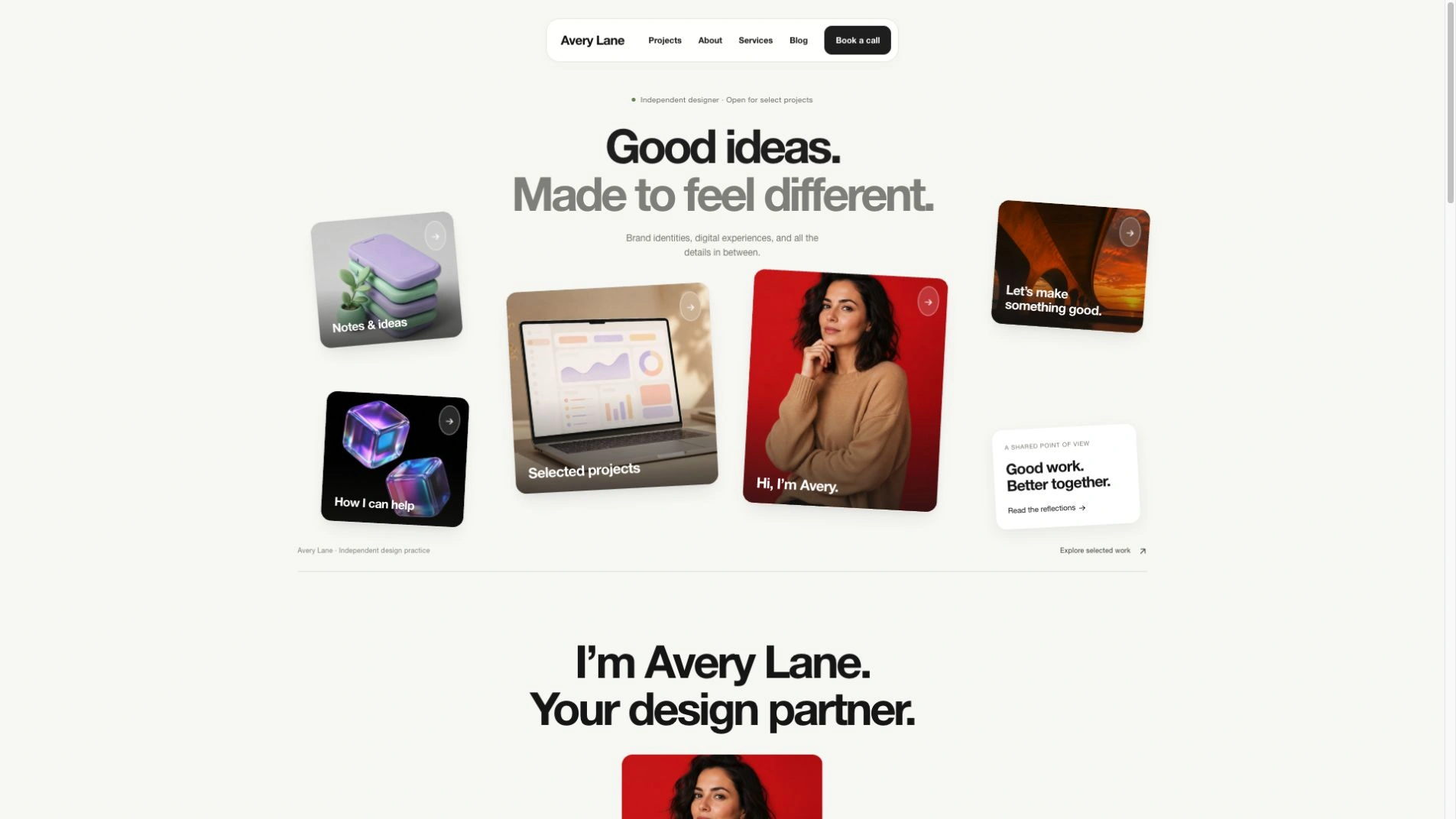
- One self-contained website file that opens in any browser and works offline, with fonts and images built in. If you already have a framework project, the design is ported into it instead.
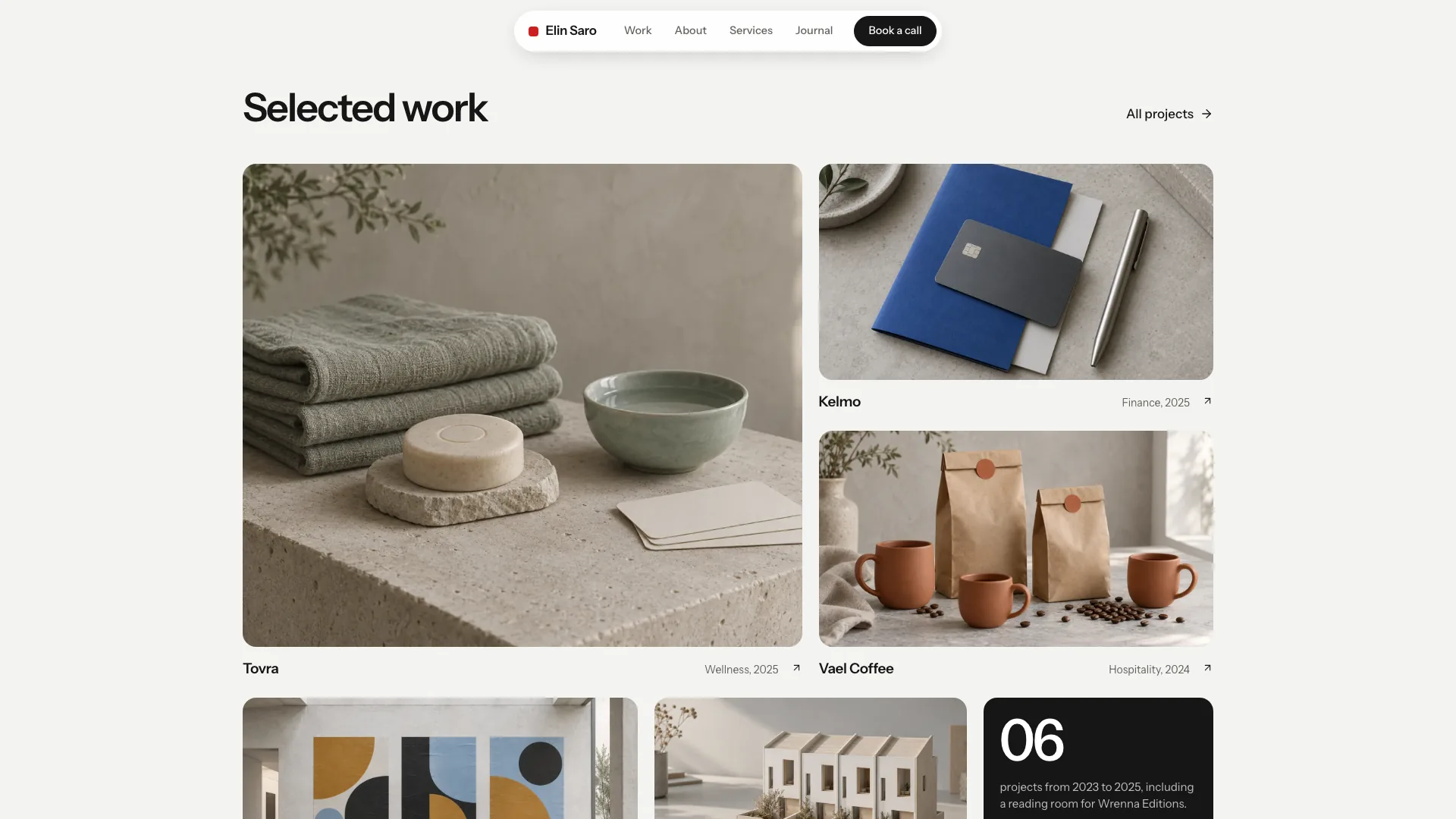
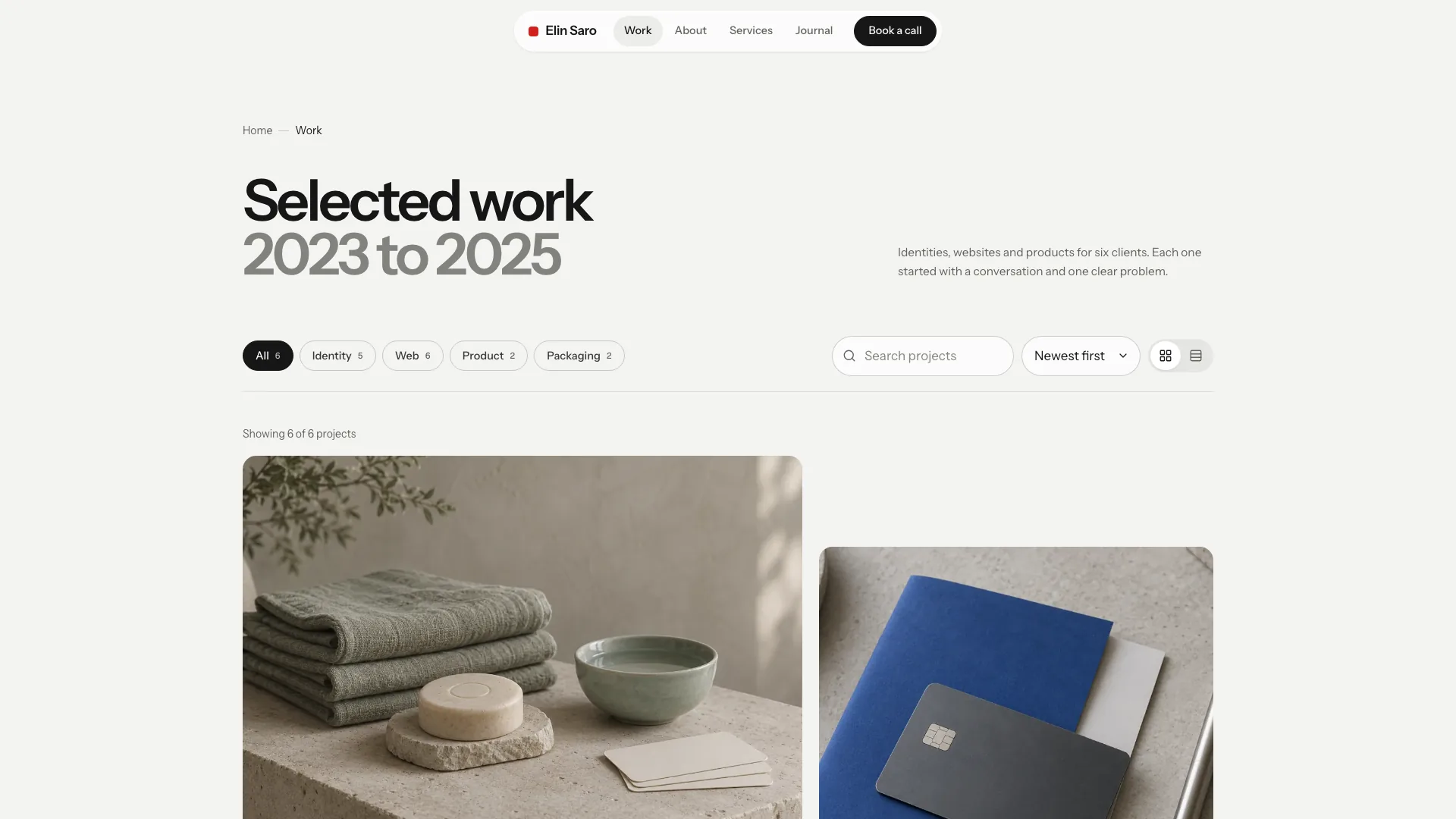
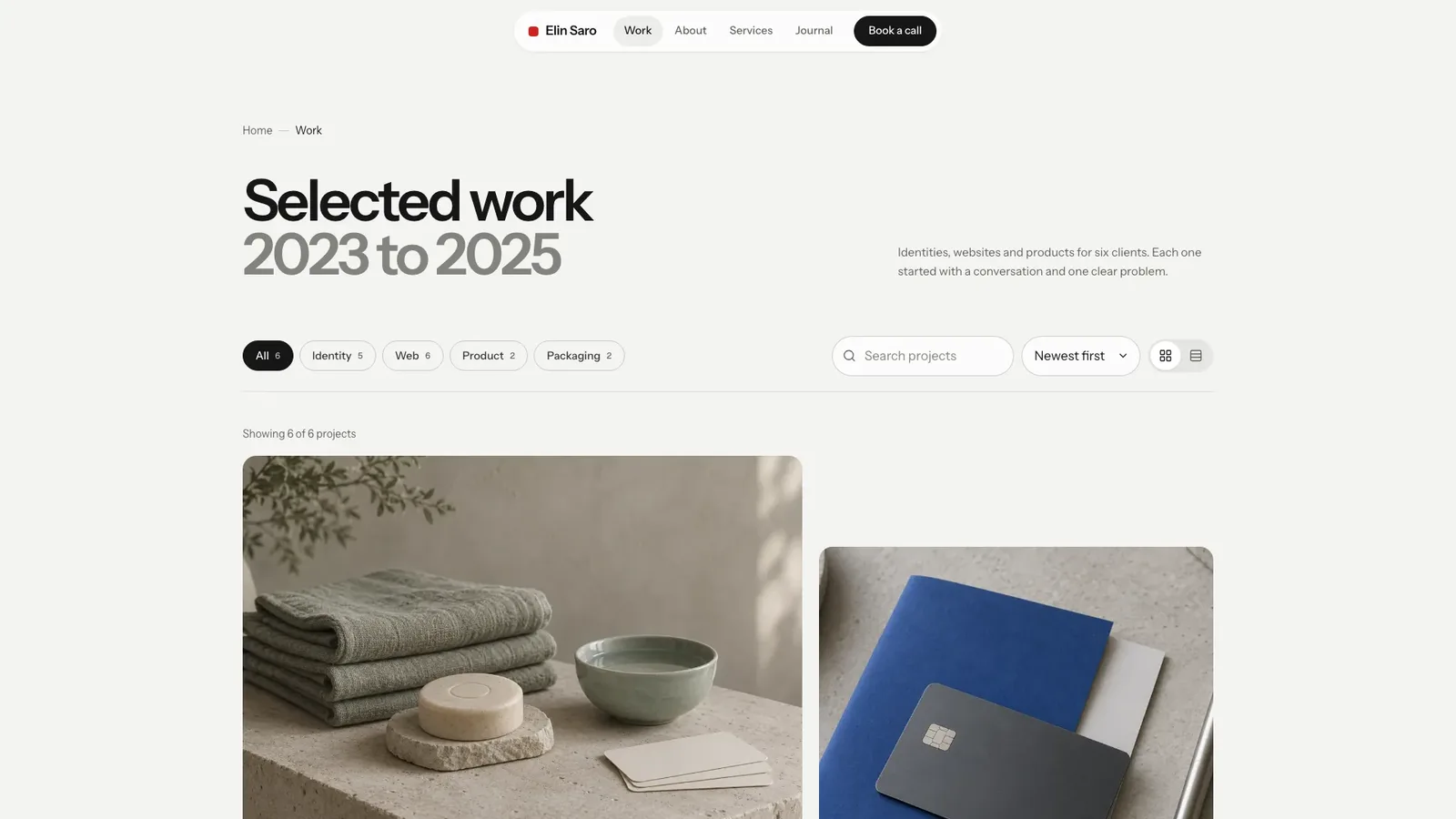
- A full portfolio: a work index, six case studies with identity boards, about, services with four detail pages and price summaries, process, reviews, a journal with four articles, booking, FAQ, newsletter, privacy, colophon and a designed not-found page.
- Working controls: category chips with counts, live search, sort, grid and list views, a booking widget with day, time and topic, and forms with validation and success states.
- One art direction for 14 images: soft north light, pale warm-grey surfaces and one red thing, with each client's identity shown as real objects rather than screens.
- Calm motion: cards settle in once, sections reveal on scroll, and reduced-motion settings make everything instant.
- Share your name or studio, what you design, your projects with clients and outcomes, services, prices and contact details. Anything missing is drafted as a plausible placeholder and listed for you to confirm.
- Send a waist-up portrait for the red tile and photos of your work, or let the agent generate project still lifes in the same soft light. Generated portraits are stand-ins until you replace them.
- Open every page on desktop and phone, try the filters, booking and forms, and ask for changes.
Type is set in Instrument Sans and Geist Mono, embedded in the file. New images come from your agent's own image tool and may carry its usage charges.
What you need before you start
- You bring
- Your name or studio, what you design and a short introduction · Projects with client, year, category and outcome, plus services, prices and contact details · A waist-up portrait and project photos, or approval to generate stand-in images
- Dependencies
- Node.js 18 or newer on your agent's machine, to run the bundled script that builds the single offline file · Internet access while the file is built, so the fonts can be downloaded once and embedded · An image tool in your agent, or your own photos, for the portrait and project images · A modern browser for previewing and reviewing every page
- Outside costs
- New project and portrait images are generated with your agent's own image tool, which may charge for usage. Without one, supply your own photos; six neutral images can stay as placeholders. Viewing the example costs nothing.
- Last tested
- v1.0.2 — Claude Code / Claude Desktop / Cowork / Codex / ChatGPT




 +6
+6