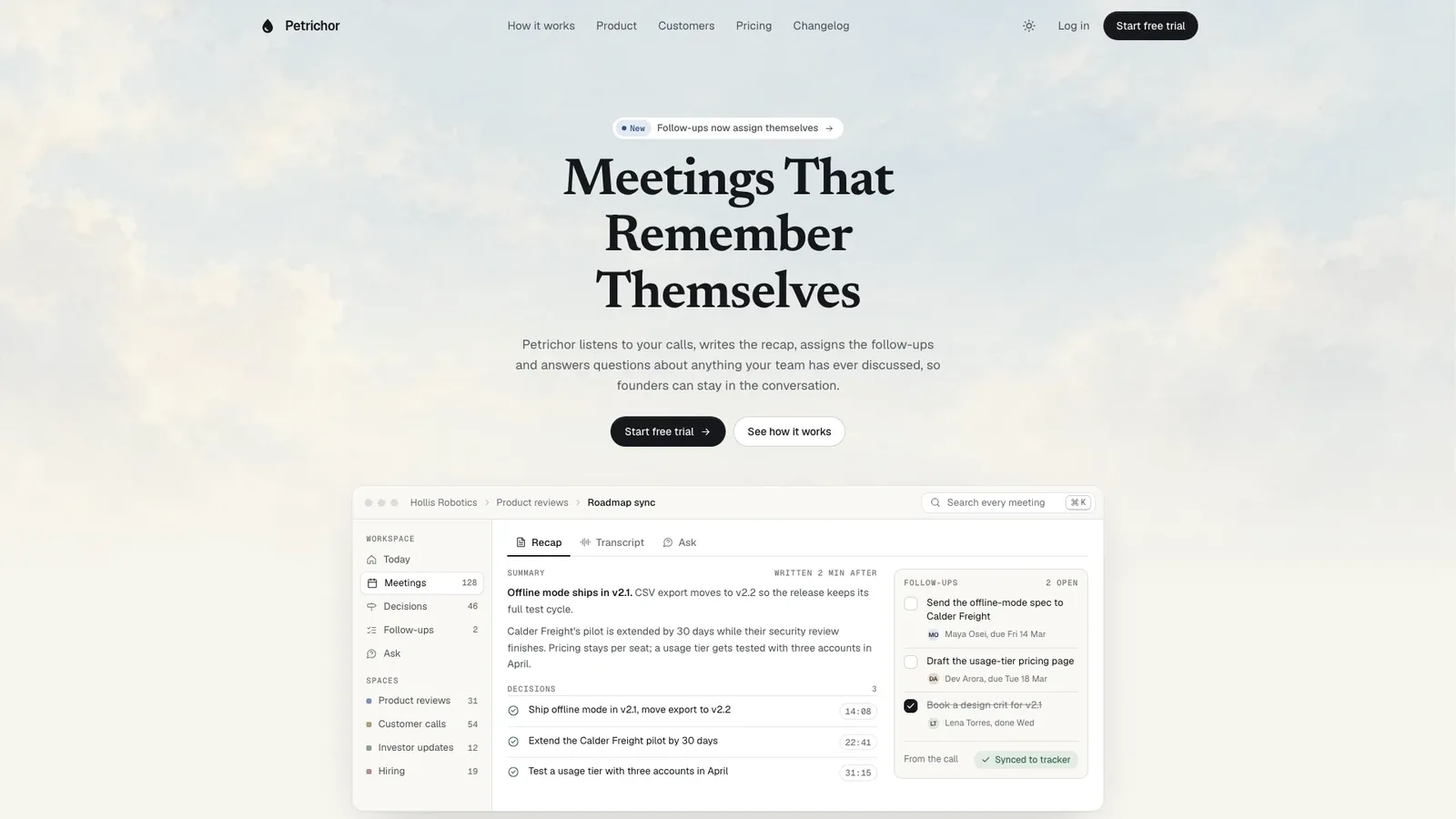
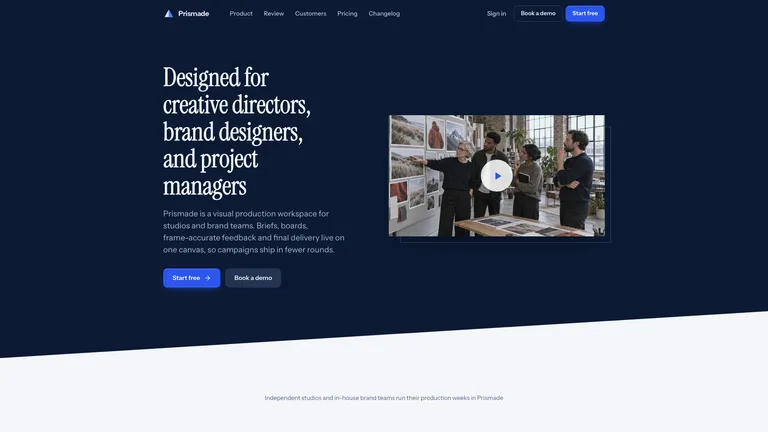
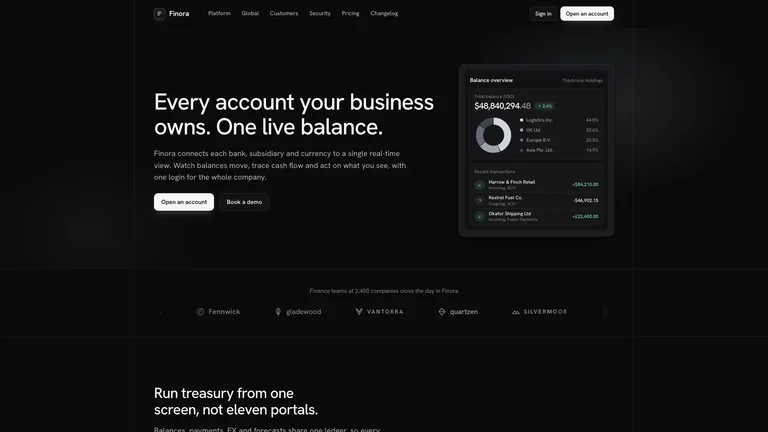
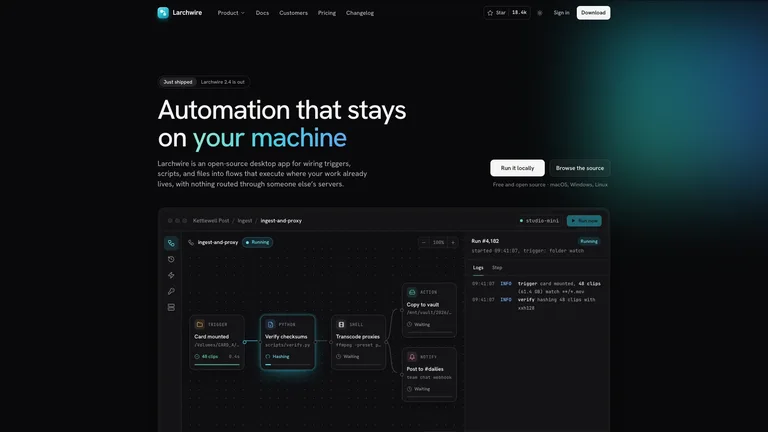
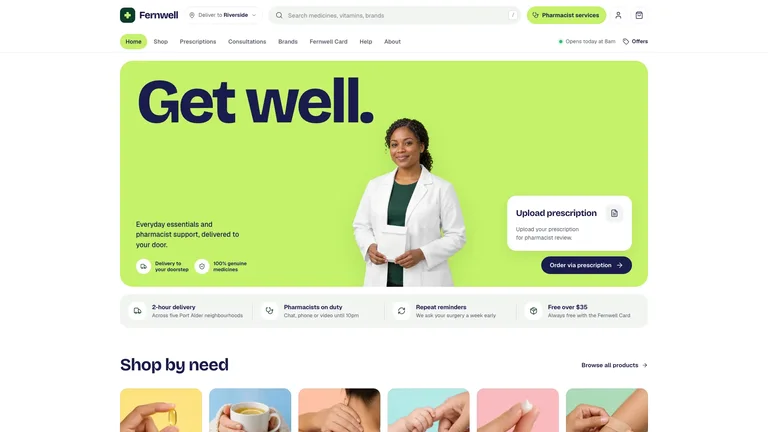
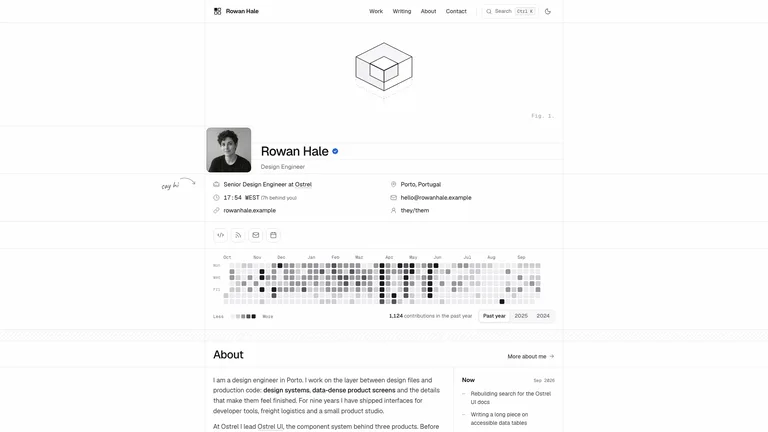
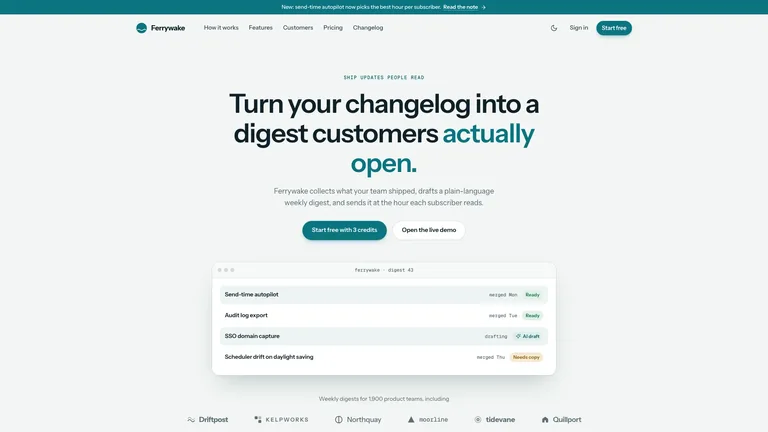
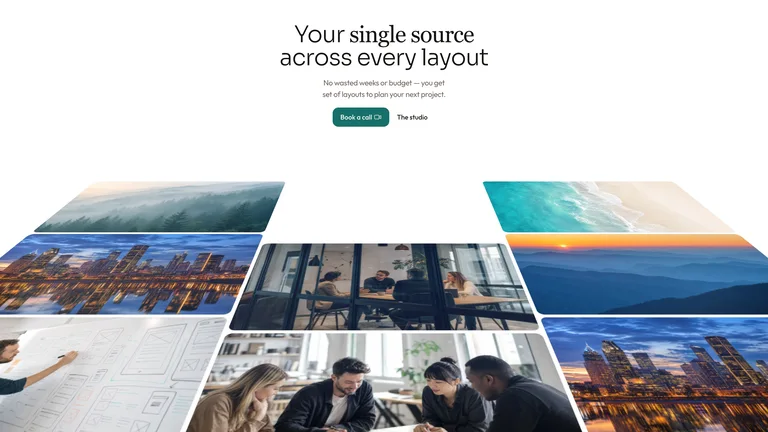
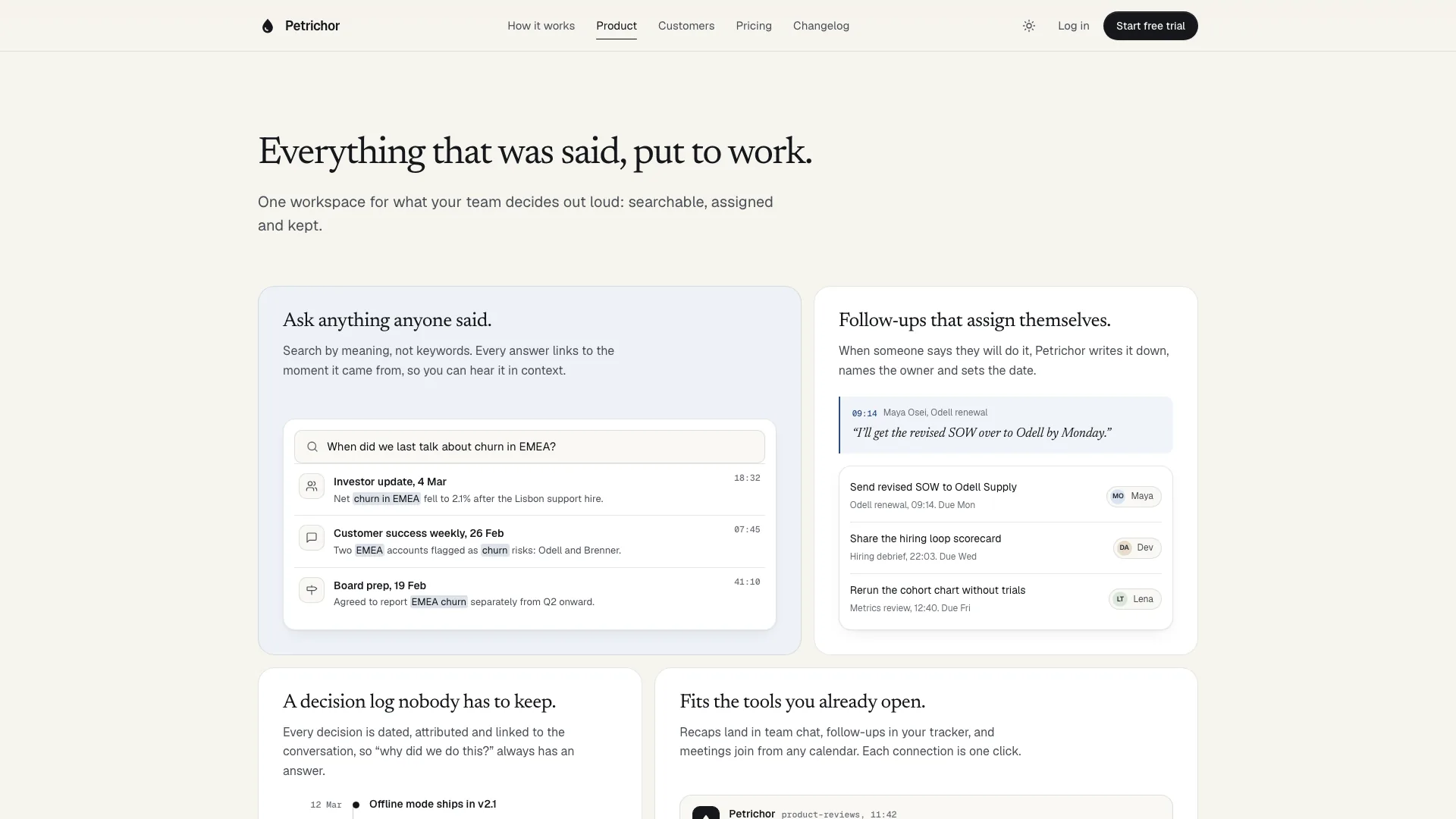
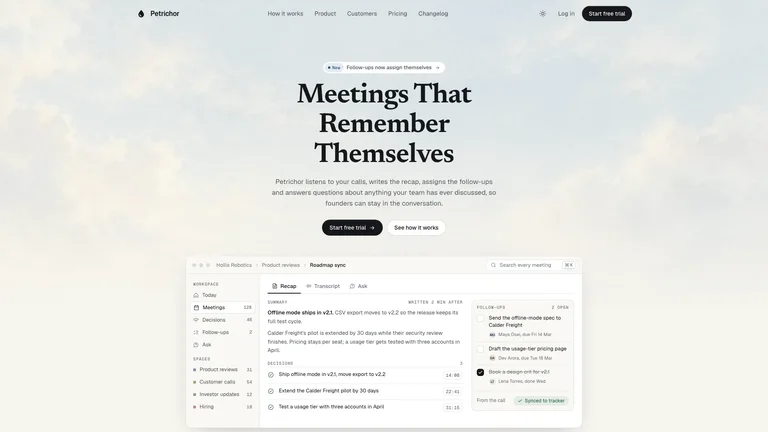
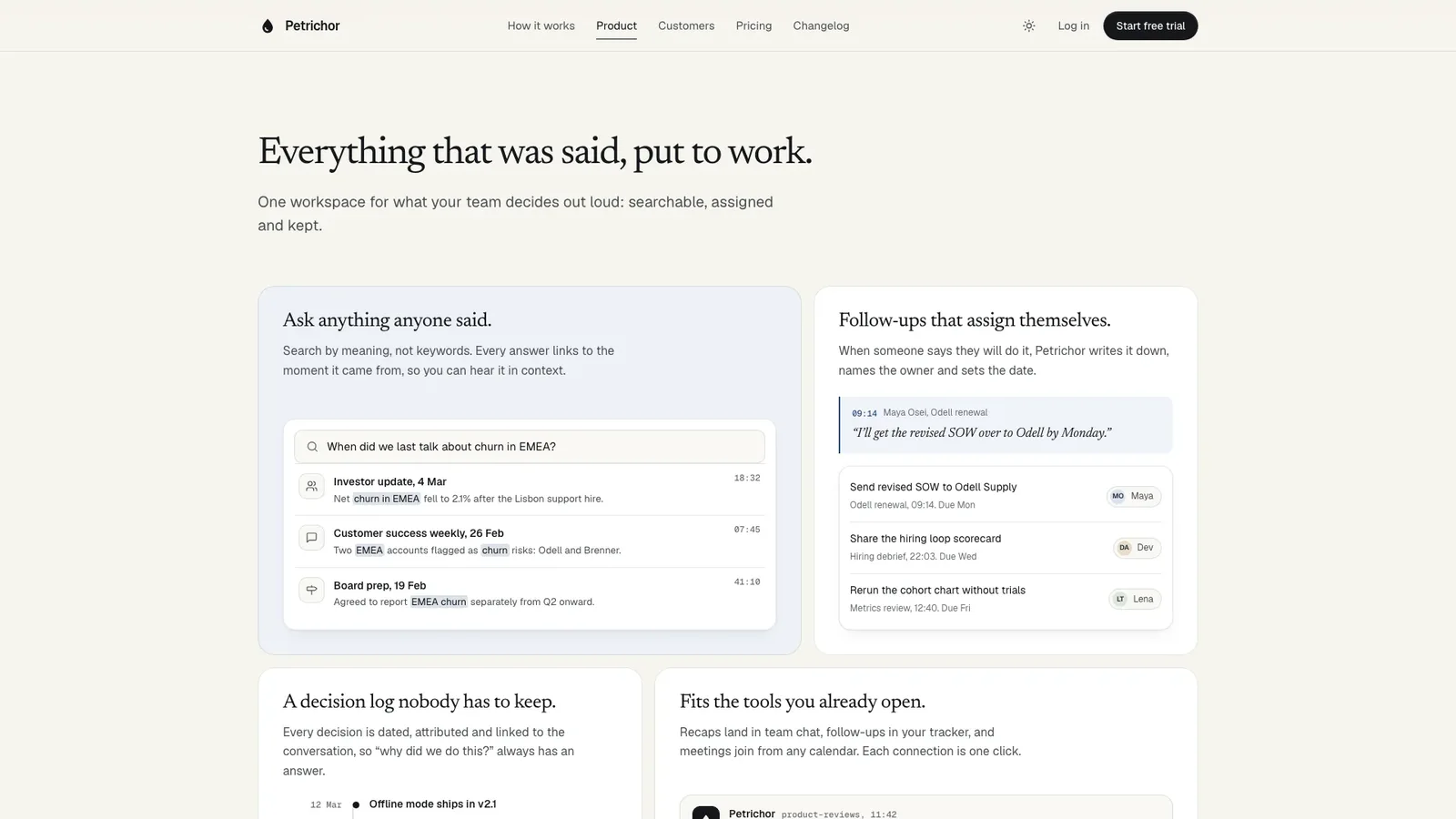
Editorial Ink Landing builds a calm, typography-led launch site for a software product: serif headlines on warm paper, a pale painted sky behind the hero and a working product window right under the headline. The example is Petrichor, a fictional meeting-memory app for founders, with a full home page and its sign-up, log-in, contact, changelog, security, careers and legal pages.
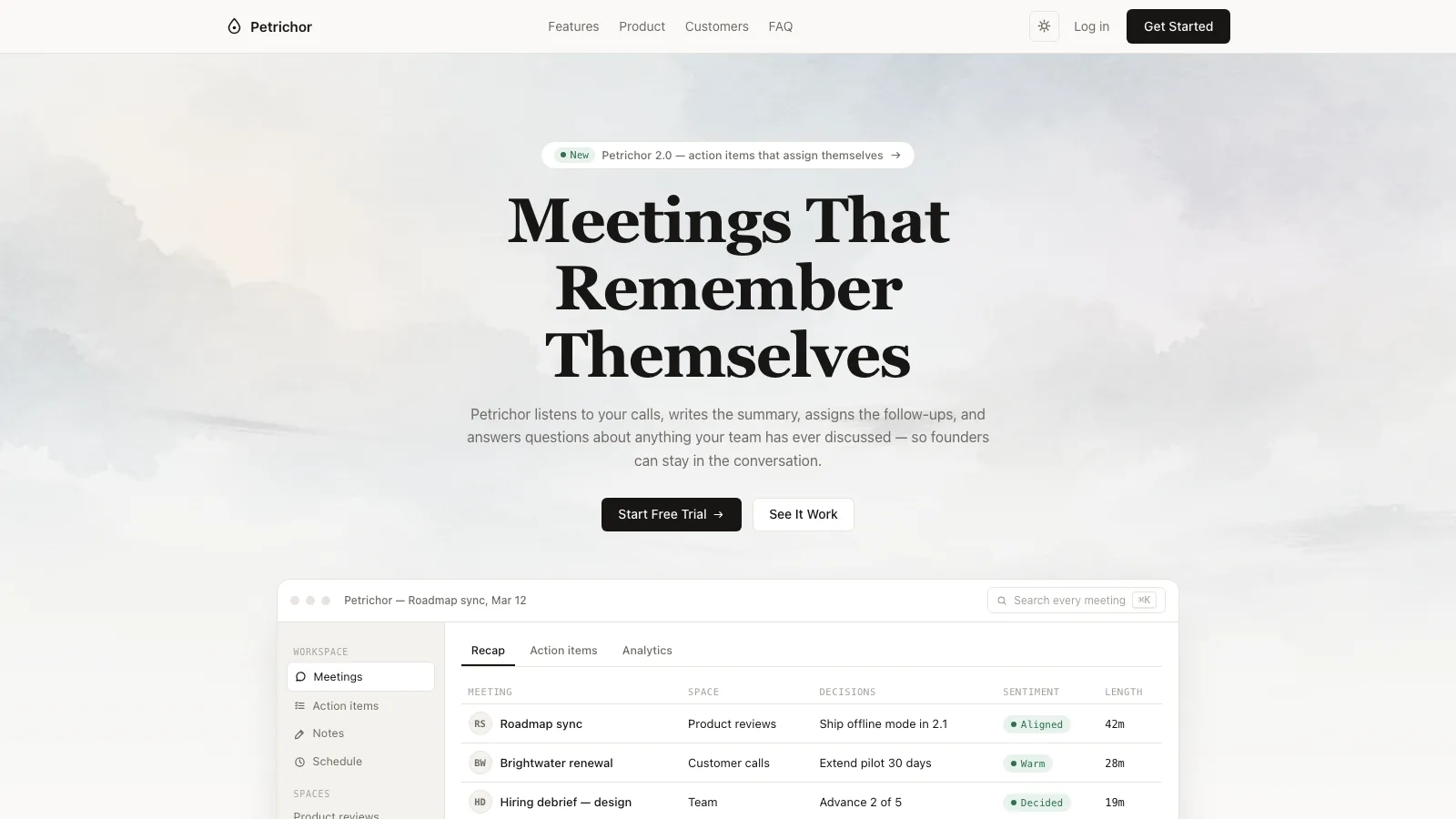
- One self-contained website file that opens in any browser and works offline, with fonts and images built in. If you already have a framework project, the design is built there in your own stack instead.
- A product window drawn in the product's own vocabulary that visitors can use: switch between Recap, Transcript and Ask, tick a follow-up, jump to a moment in the transcript, ask a question and get a cited answer.
- A home page with a manifesto beside a sumi ink study, a how-it-works method, a hairline bento of features, sourced numbers, switchable testimonials, pricing with a billing toggle and seat stepper, a FAQ and a dusk-sky closing call to action.
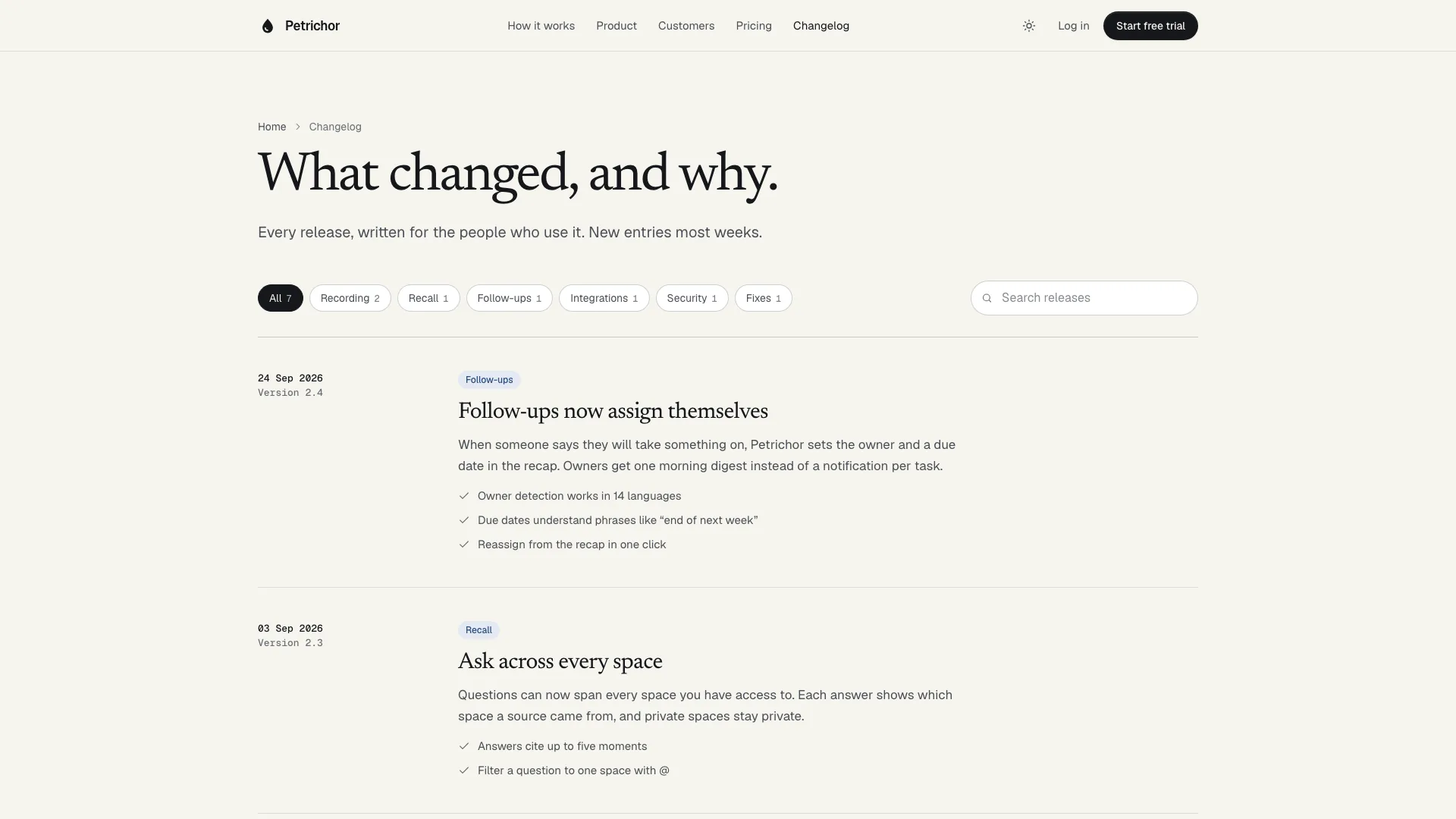
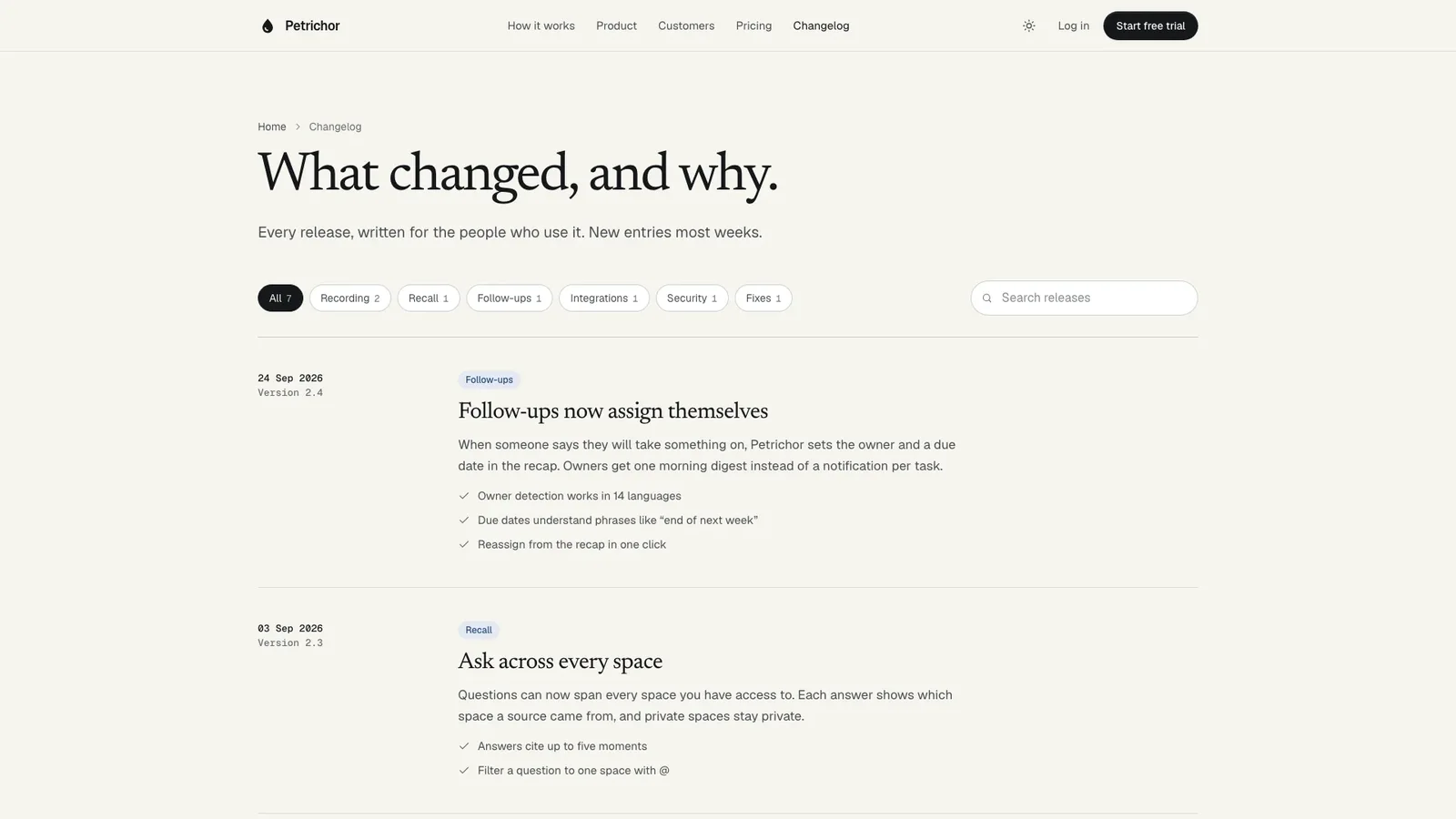
- Working companion pages: sign-up and log-in with validation, contact sales, a changelog with filters and search, security, careers, privacy, terms and a not-found page.
- Light and dark themes, both designed, and quiet one-time motion that respects reduced-motion settings.
- Share your product name, what it does and for whom, your point of view, three to six capabilities, plans with real limits, FAQ answers and any numbers or customer quotes you may use. Missing copy is drafted in the house voice and listed for you to confirm.
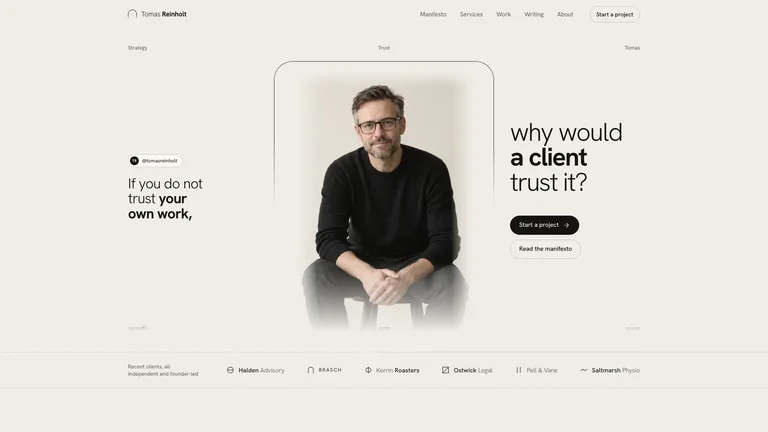
- Let the agent generate the skies, ink studies, story photo and portraits with its image tool in one rain-washed palette, or send your own photos. Without an image tool the page ships with soft painted-style backgrounds and initials instead of photos.
- Open every page in light and dark on desktop and phone, try the product window, pricing and forms, and ask for changes.
Type is set in Newsreader, Geist and Geist Mono, embedded in the file. Image generation uses your agent's own image tool and may carry its usage charges.
What you need before you start
- You bring
- Product name, what it does and for whom, and your point of view · Three to six capabilities, plans with real limits and FAQ answers · Numbers and customer quotes you may use, or permission to draft placeholders for you to confirm
- Dependencies
- Node.js 18 or newer on your agent's machine, to run the bundled script that builds the single offline file · Internet access while the file is built, so the fonts can be downloaded once and embedded · An image tool in your agent for skies, ink studies and portraits (optional; the page has a no-photo fallback)
- Outside costs
- Skies, ink studies, the story photo and portraits are generated with your agent's own image tool, which may charge for usage. Without one, the page uses soft painted-style backgrounds and initials instead of photos. Viewing the example costs nothing.
- Last tested
- v1.0.3 — Claude Code / Claude Desktop / Cowork / Codex / ChatGPT




 +6
+6