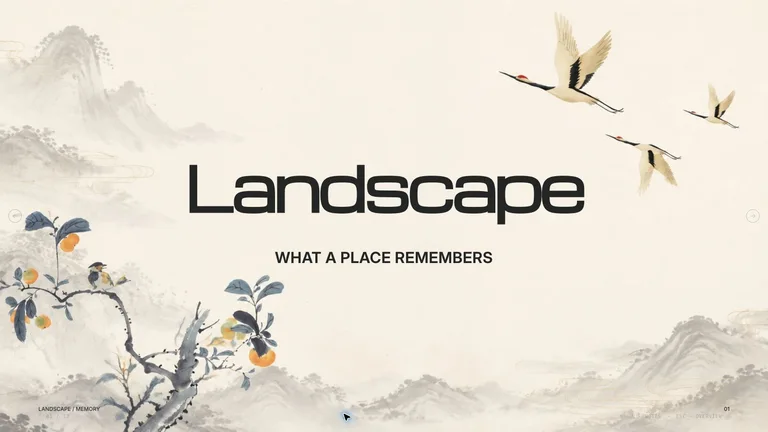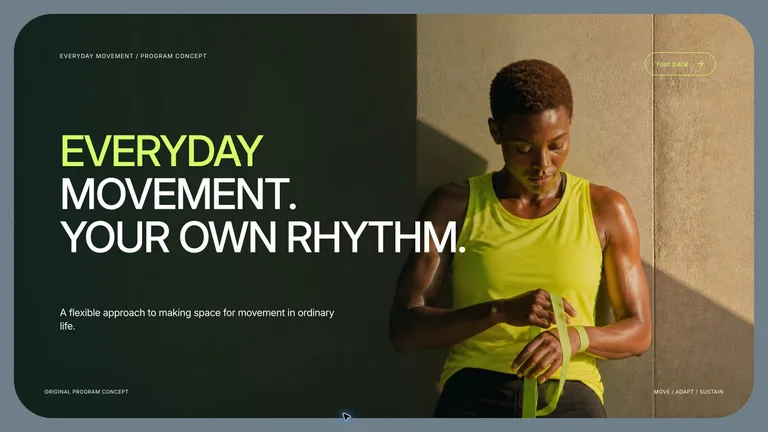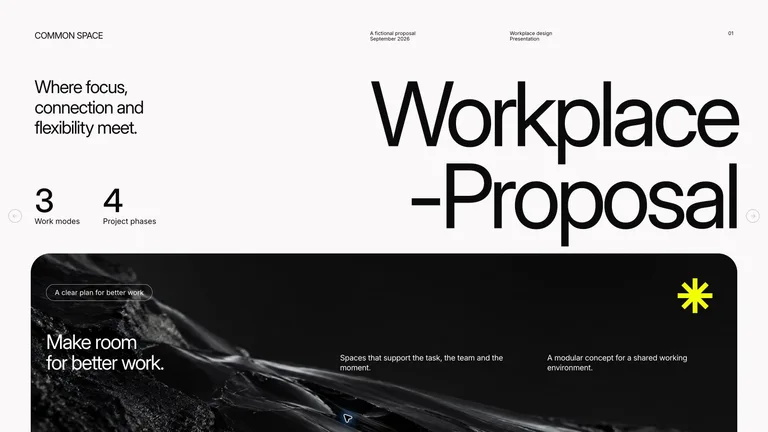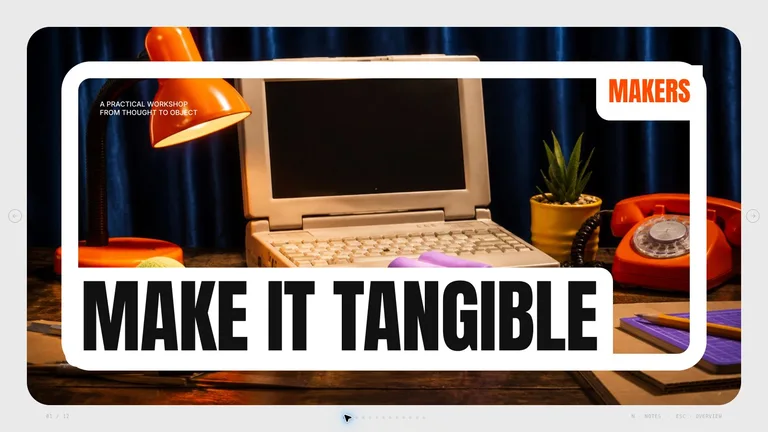



Image Narrative Deckv1.0.2
Use this Skill to create presentation.
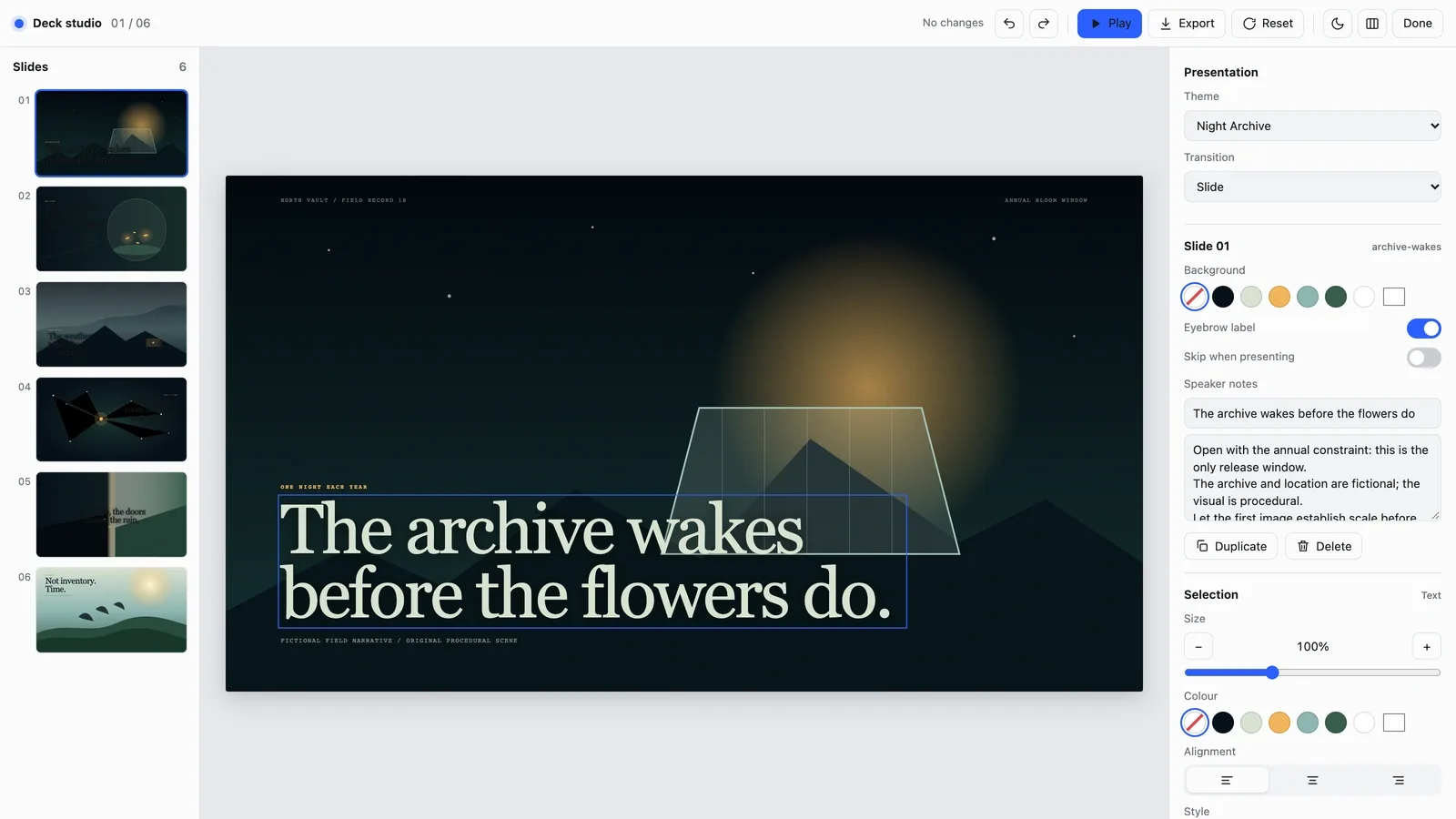
Create an image-led presentation with cinematic pacing, editable live captions, and a coherent visual world. It is suited to documentary pitches, launch stories, cultural explainers, and narrative reports that benefit from full-frame scenes and restrained copy. Every deck can be edited in the browser and exported as an editable PowerPoint file.
Picked most often by
Updated Oct 3, 2026

Preview gallery
Runs in
Generates with
Similar Skills
View all skillsWhat you get
- A cinematic deck that tells your story one full-frame scene at a time, from the opening image through the turning point to a closing call to action.
- Speaker notes on every slide, with three to five talking points that add context instead of repeating the caption.
- A deck you can edit in your browser (rewrite captions, reorder scenes, switch between three color themes, add notes) and export as an editable PowerPoint file or a PDF.
Good fit
- Documentary pitches, launch stories and cultural explainers that should feel like a film sequence rather than a document.
- Speakers who carry the story out loud and want only a short caption on screen.
- Narrative reports where the facts are confirmed and the story has a clear arc.
Not for
- Data-heavy decks where charts, tables and dense evidence are the main point.
- Stories with key facts still missing; the build pauses until you supply them.
- Pictures you don't have the rights to use; unclear image rights stop the build.
About this Skill

Turn your notes into a deck that plays like a short film: one full-frame scene and one short caption per slide, from the opening image through the turning point to a closing call to action. You carry the story out loud; the screen sets the mood.


What you get
- Full-frame scenes whose framing shifts as the story moves, from wide openings to close details and quiet pauses, with captions usually under 24 words
- Speaker notes on every slide, with three to five talking points that add context instead of repeating the caption
- A deck you can edit in your browser and export as an editable PowerPoint file with your notes, or as a PDF

How to use
- Share your topic, audience, the feeling you want to leave them with and your confirmed facts. Add photos you have the rights to, or skip them: each scene can be drawn as original artwork, with no paid image generation.
- Open the deck and press E to rewrite a caption, replace a picture, reorder, duplicate or skip scenes, or switch between three color themes.
- Export a PowerPoint file or a PDF from the editor, or ask your agent. Captions and notes stay editable; scenes arrive as pictures, and fonts are swapped for close system fonts.
Slides are in English unless you ask for another language. If key facts are missing or image rights are unclear, it pauses until you fill the gap.

What you need before you start
- You bring
- Topic, audience, and intended emotional arc · Approved source facts and required narrative beats · Optional rights-cleared visual references
- Dependencies
- Modern browser — required · Chrome, Chromium or Edge plus Node.js 20 or newer — required only for PowerPoint export
- Last tested
- v1.0.2 — Claude Code / Claude Desktop / Cowork / Codex / ChatGPT
User reviews
Loading reviews…