Inkwell Portfoliov1.0.3
Use this Skill to build website page.
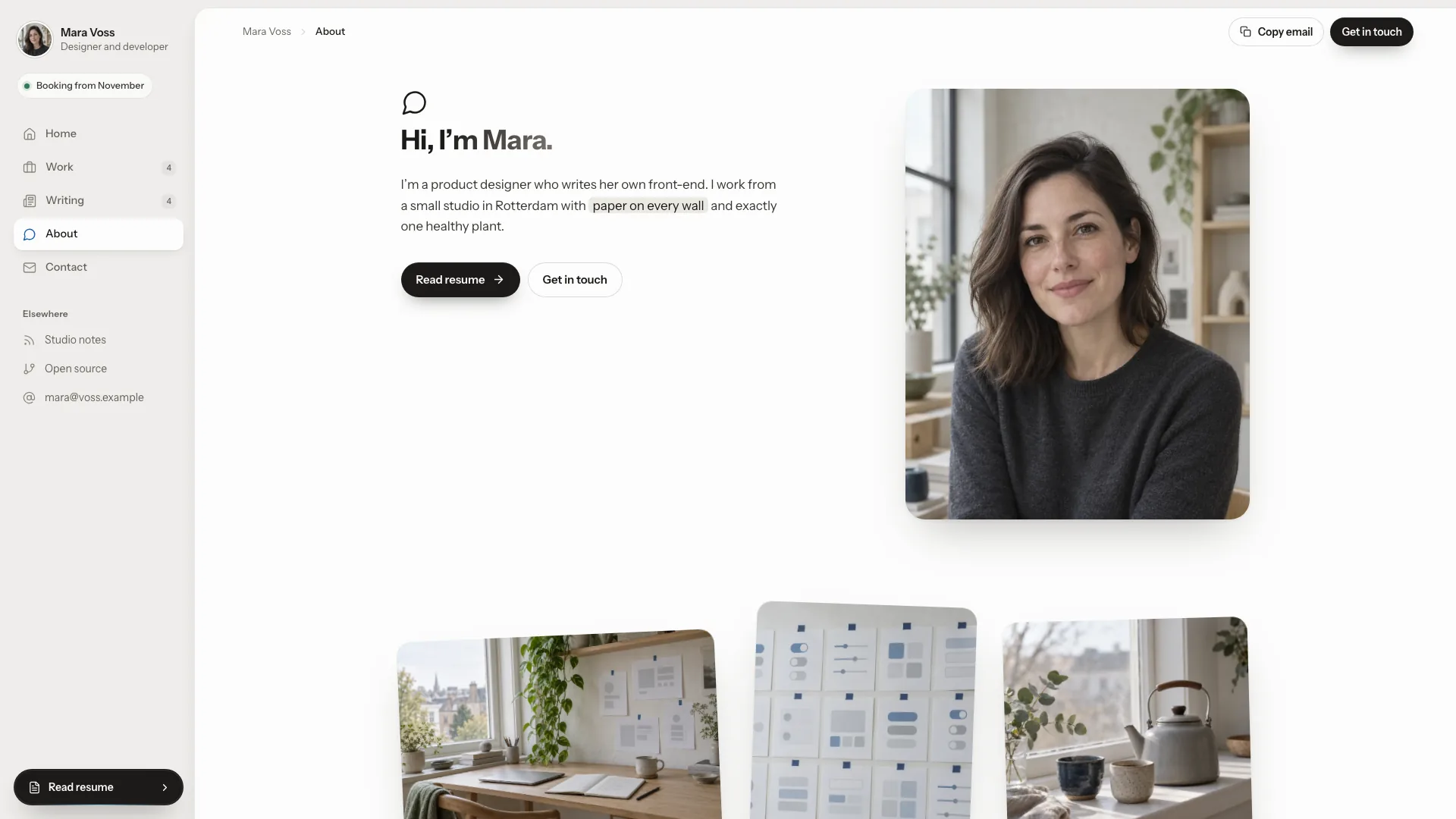
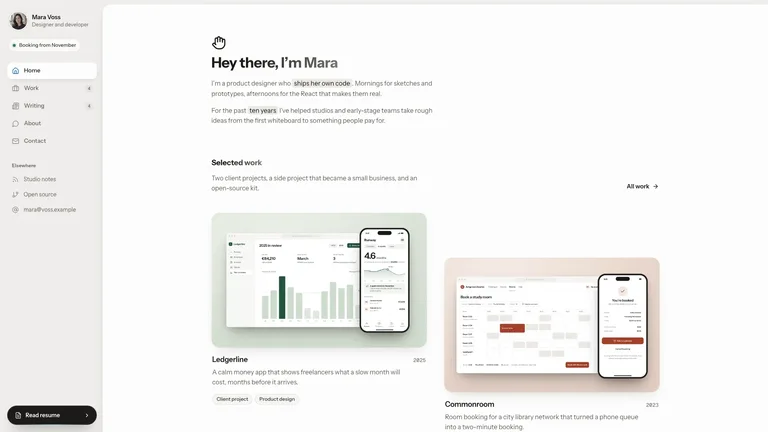
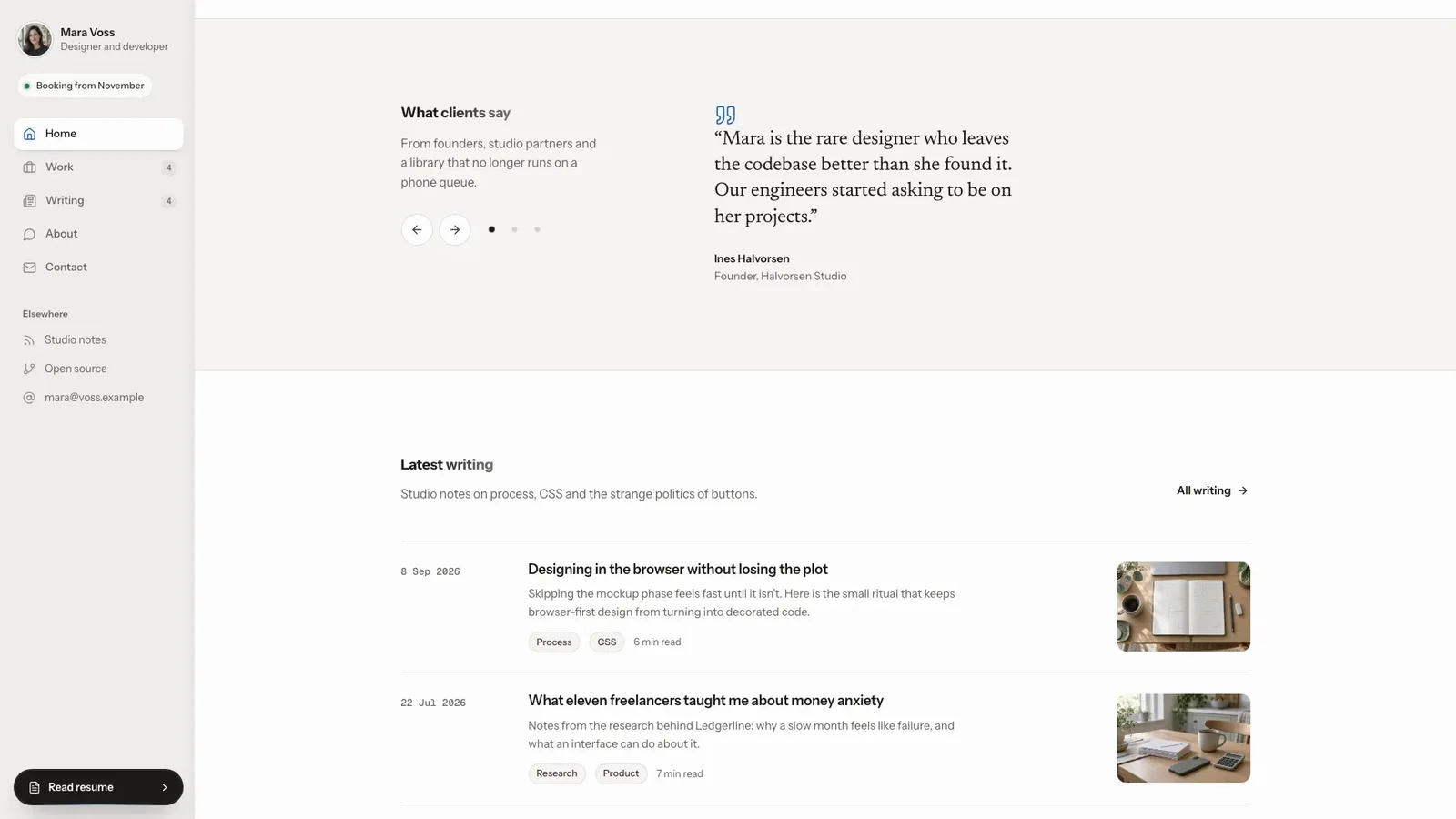
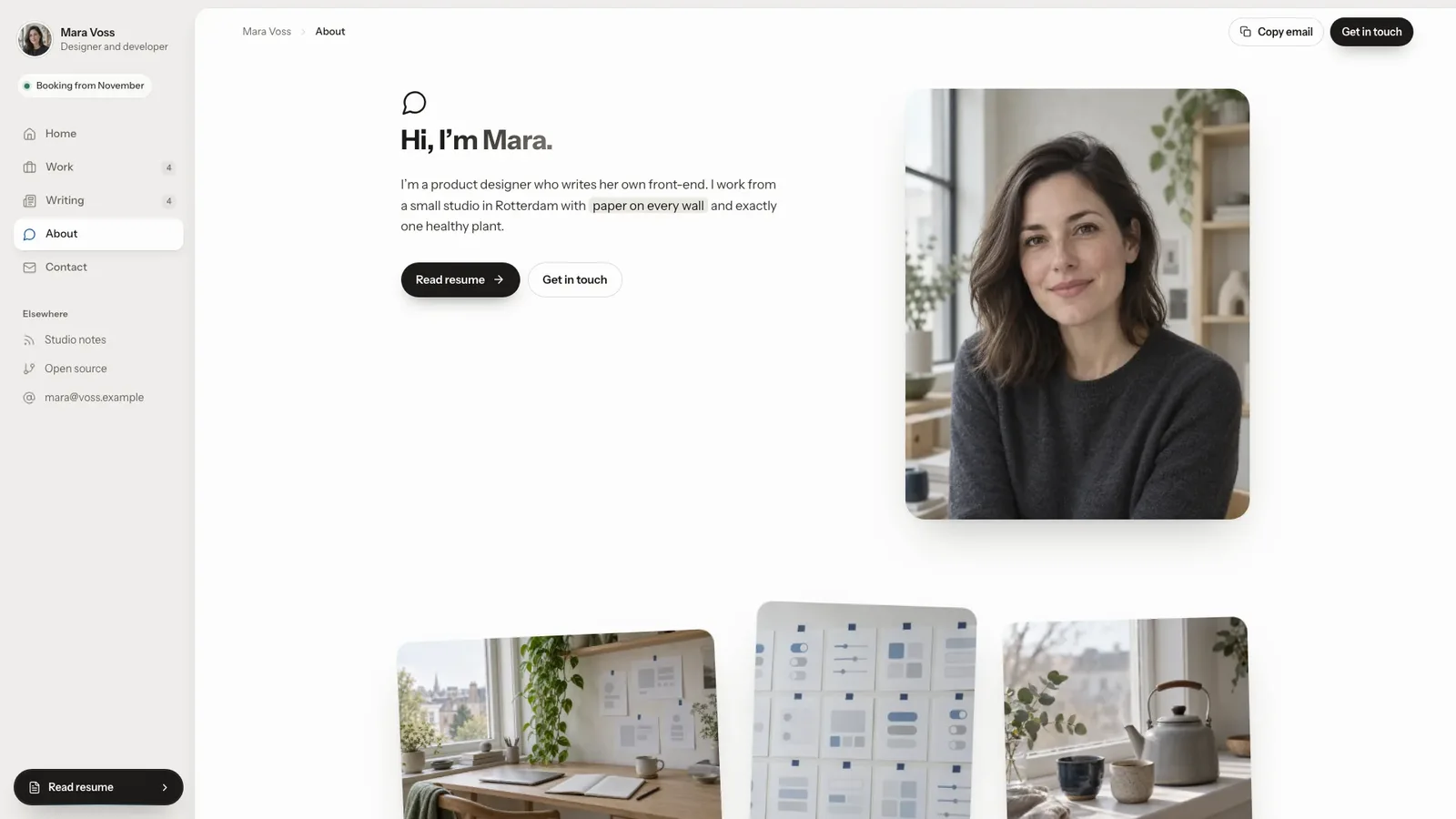
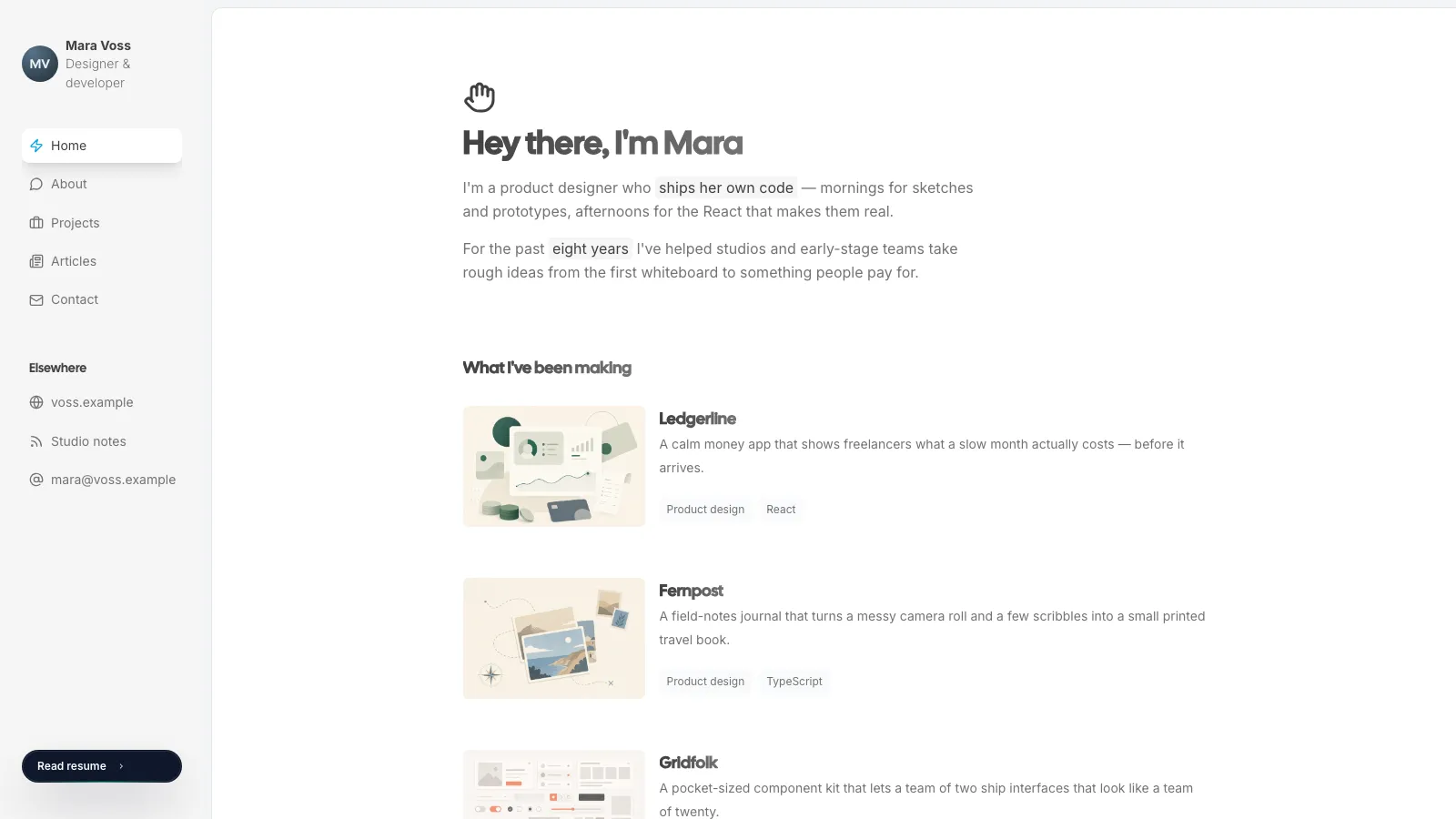
Build a complete personal portfolio in a calm editorial style: a fixed sidebar with portrait, availability and a dark Read resume pill beside a white rounded content sheet with gradient-ink headings. It includes a filterable work index, full case studies with an image switcher, a searchable writing section with article pages, about, a resume timeline, contact and a designed 404. The example is Mara Voss, a fictional product designer, and the default output is one self-contained file that works offline.
Picked most often by
Updated Oct 3, 2026
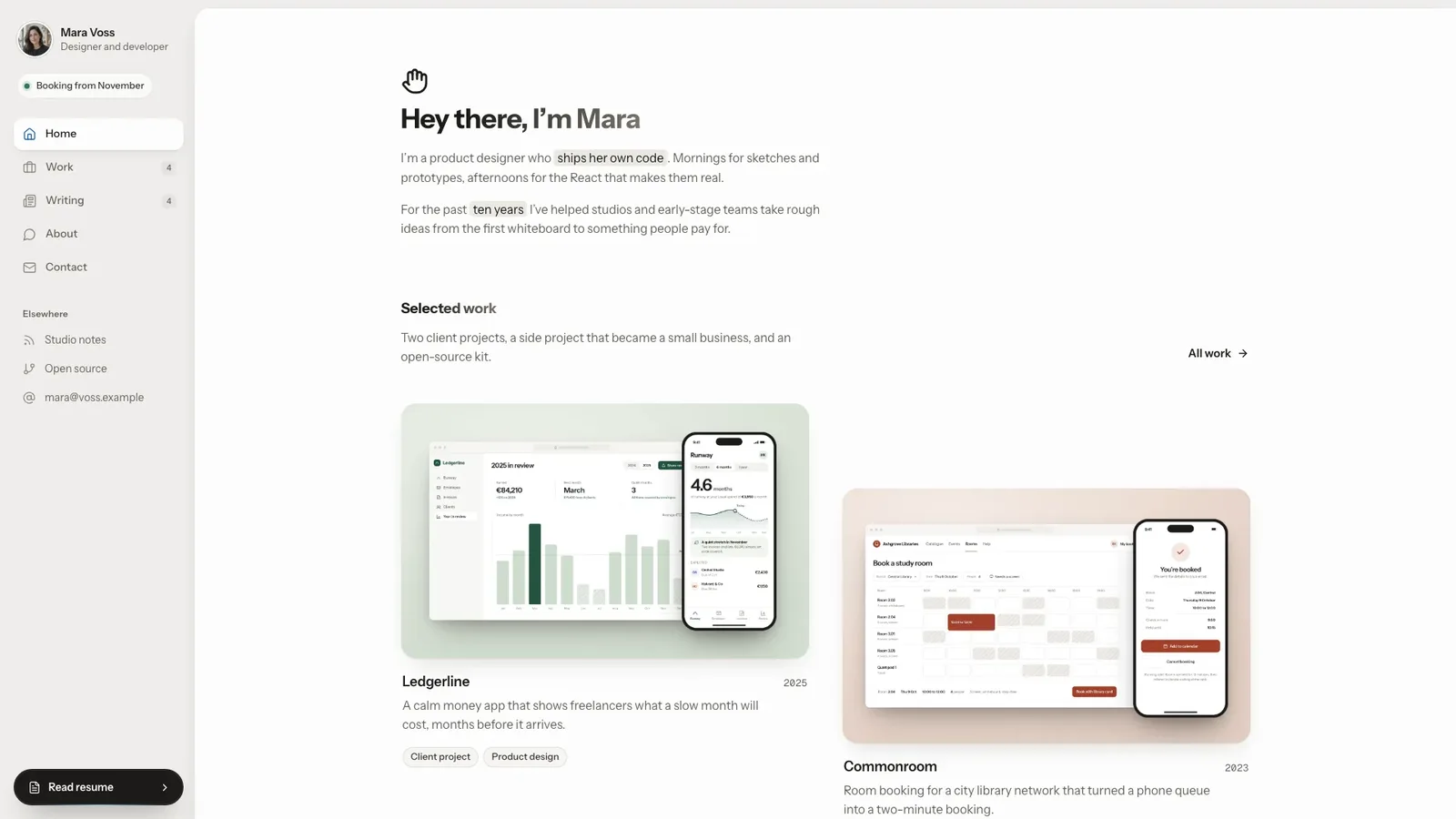
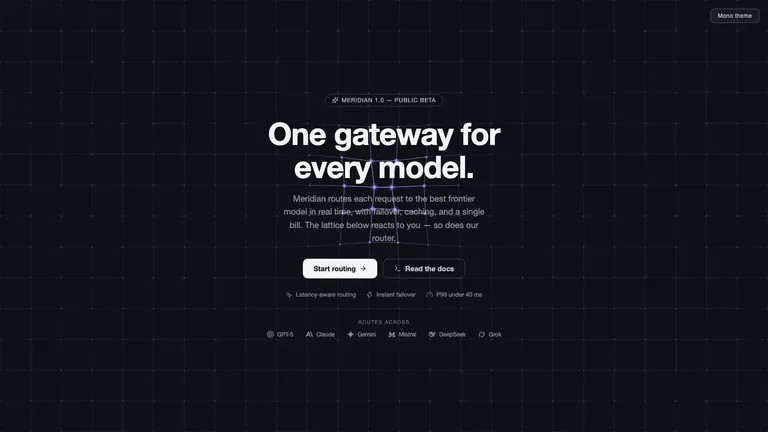
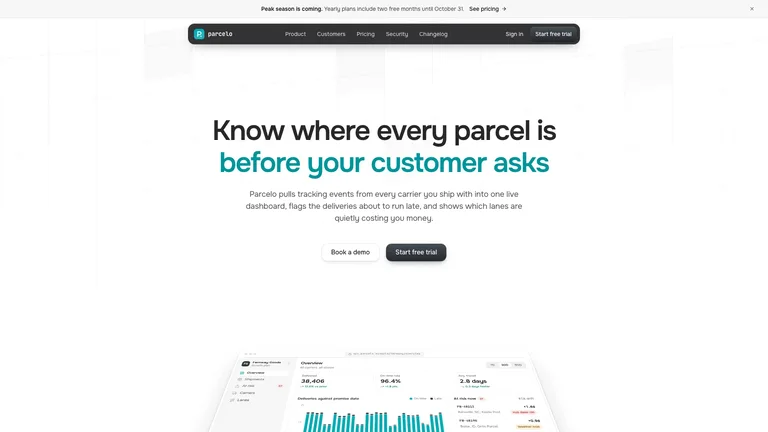
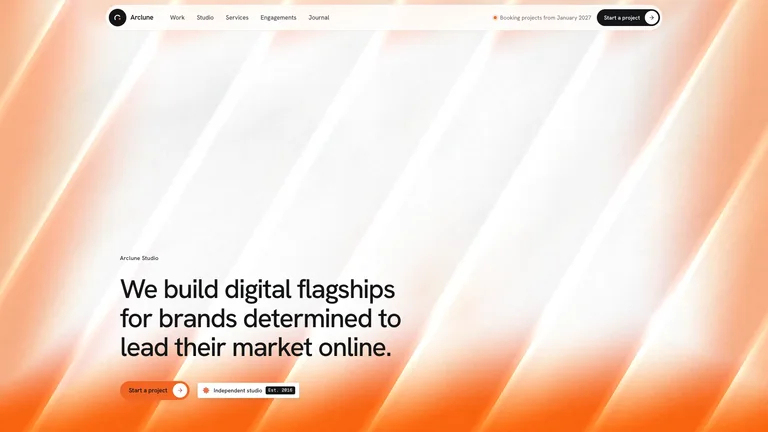
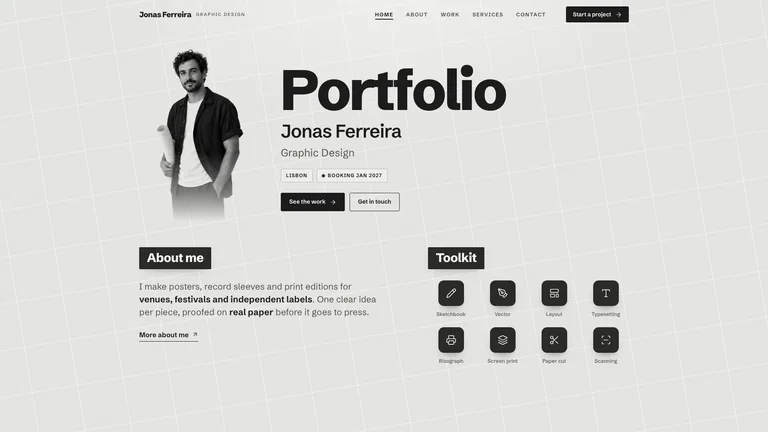
Preview gallery
Runs in
Generates with
Similar Skills
View all skillsWhat you get
- A finished 15-route example portfolio for Mara Voss: four case studies, four essays, about, resume, contact and a 404, with photographs and realistic product screens.
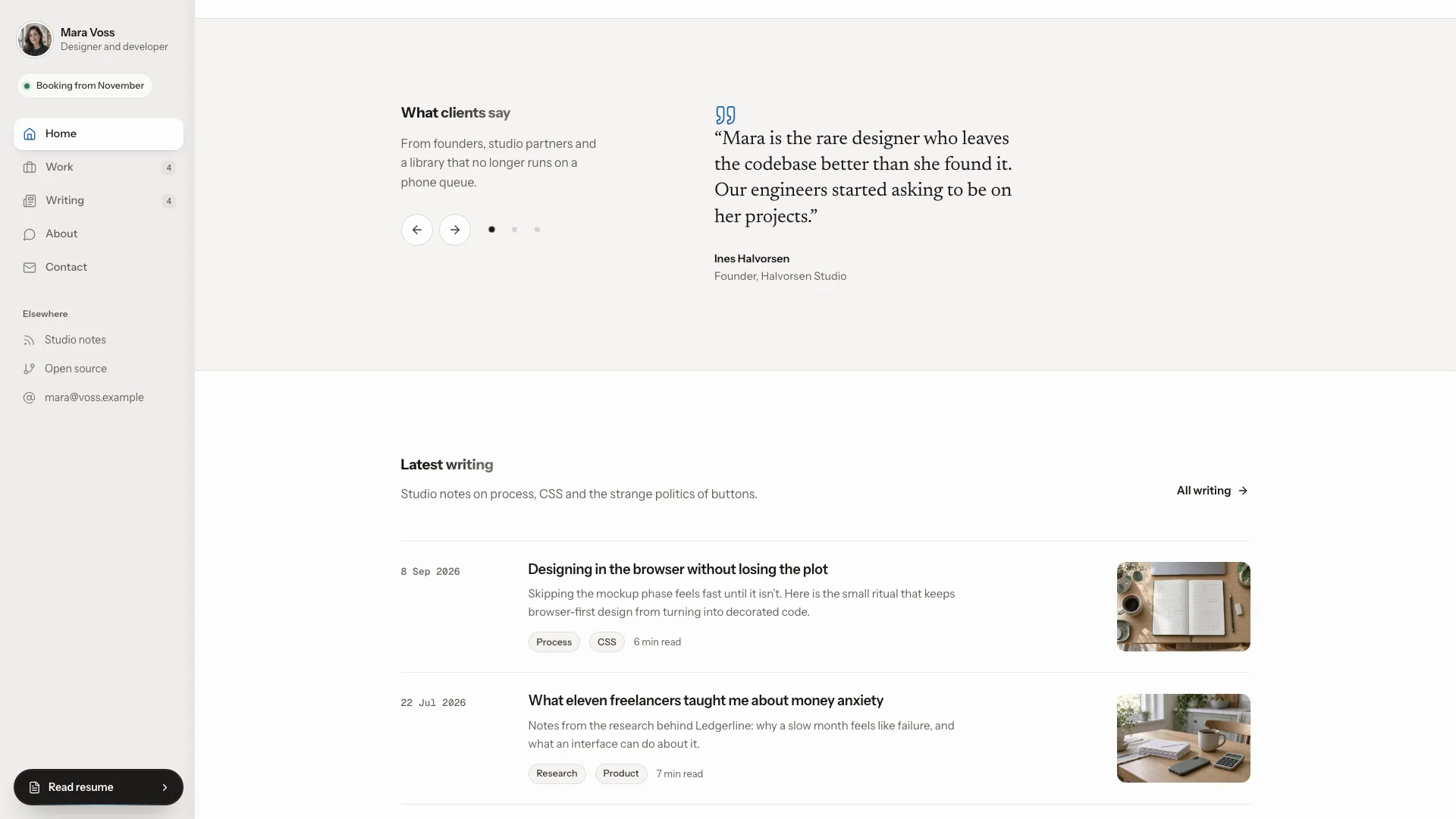
- Working details: work filters, writing search with topic chips, a case-study image switcher, quote carousel, validated contact form and a focus-trapped mobile drawer.
- Your portfolio as one offline file with Instrument Sans, Newsreader and Geist Mono embedded, plus a mockup kit for product screens and the style rules your agent follows.
Good fit
- Product designers and developers who want work, writing and a resume behind one link.
- Job seekers who need case studies that show process, outcomes and the hard decisions.
- Photographers, writers, consultants or engineers who want a calm one-person site with real inner pages.
Not for
- Loud, colourful or heavily animated brands; inkwell is quiet, light and led by typography.
- Large photo galleries: each case study carries a few chosen frames, not hundreds of images.
- Live forms: the contact form validates and confirms on the page but sends nothing until you connect a service.
About this Skill

Turn your projects, writing and work history into a calm personal site: a fixed sidebar with your portrait and a dark Read resume pill, beside a white sheet with gradient-ink headings. The example is Mara Voss, a fictional product designer in Rotterdam, with four case studies and four essays.
What you get
- Home, a filterable work index, full case studies, a searchable writing index with article pages, about, resume timeline, contact and a designed 404
- Case studies with problem, process, outcomes, the hard decision and an image switcher
- Realistic product screens for project covers, built from a mockup kit or taken from your own screenshots
- Fonts and images embedded in one file that opens offline in any browser

How to use it
- Share your name, role, projects, jobs and a few essay ideas; missing copy is drafted for you.
- Your agent builds the product screens, generates or places photos, fills every page and checks it on desktop and phone.
- Open the single file, click through the pages and ask for changes in plain words.

The contact form confirms on the page and sends nothing until you connect a service. Photos made with your agent's image tool may incur that tool's usage charges.
What you need before you start
- You bring
- Your name, role, city, availability and email · Two to four projects with the problem, process, outcomes and screenshots if you have them · Your work history and a few essay ideas
- Dependencies
- Node.js 18 or newer on your agent's machine, to run the bundled script that builds the single offline file · Internet access while the file is built, so the fonts can be downloaded once and embedded · An image generation tool in your agent for portrait, workspace and essay photos, or photos you supply
- Outside costs
- Portrait, workspace and essay photos are generated with your agent's own image tool, which may incur that tool's usage charges. Product screens are built as mockups, and your own photos and screenshots can replace any image.
- Last tested
- v1.0.3 — Claude Code / Claude Desktop / Cowork / Codex / ChatGPT
User reviews
Loading reviews…