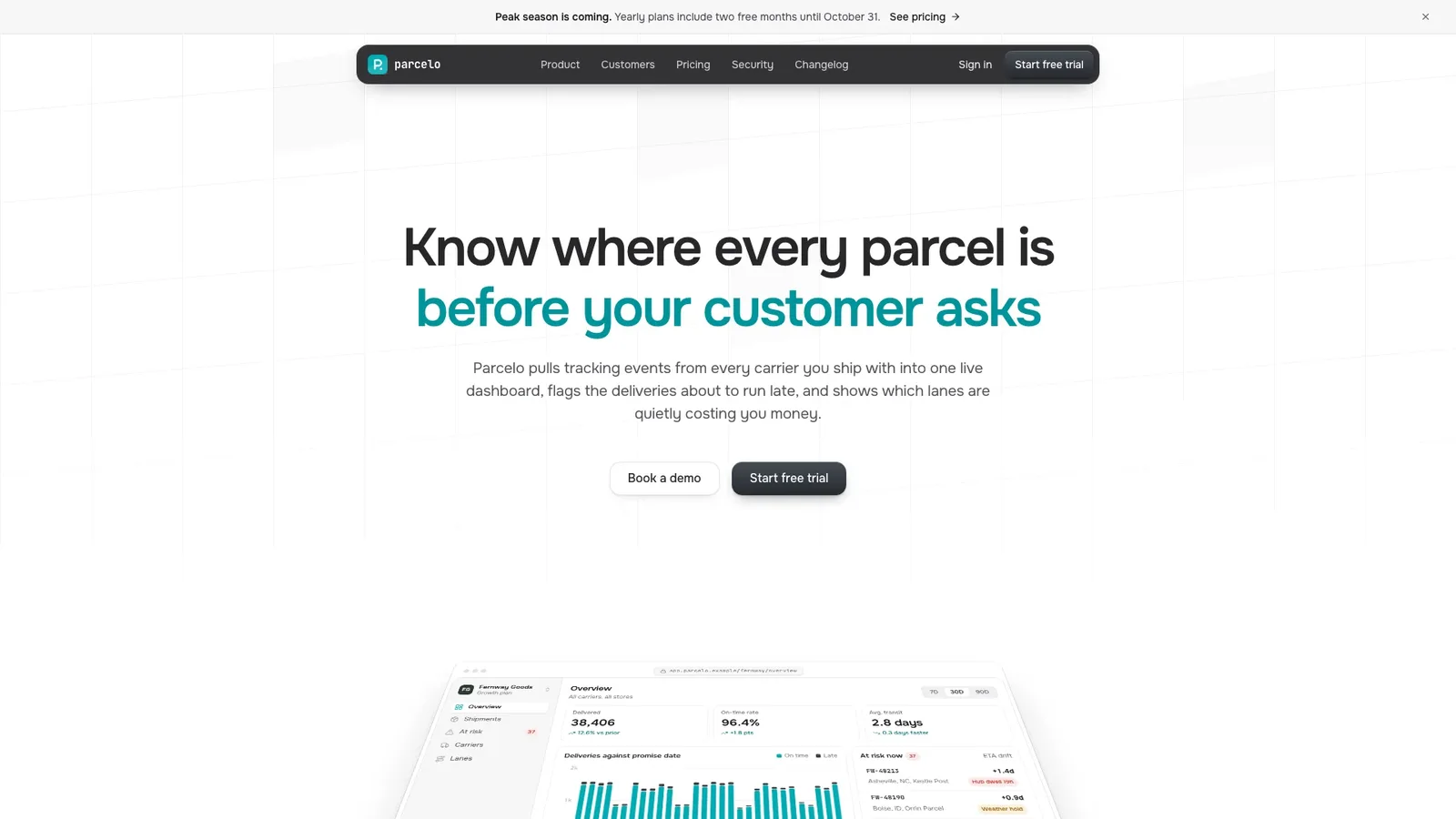
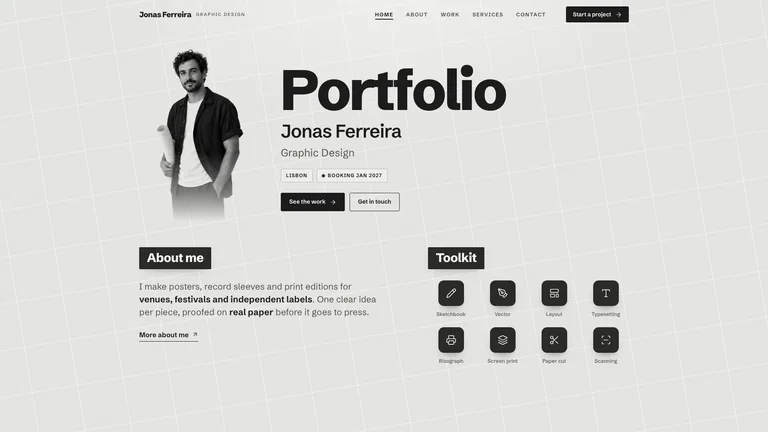
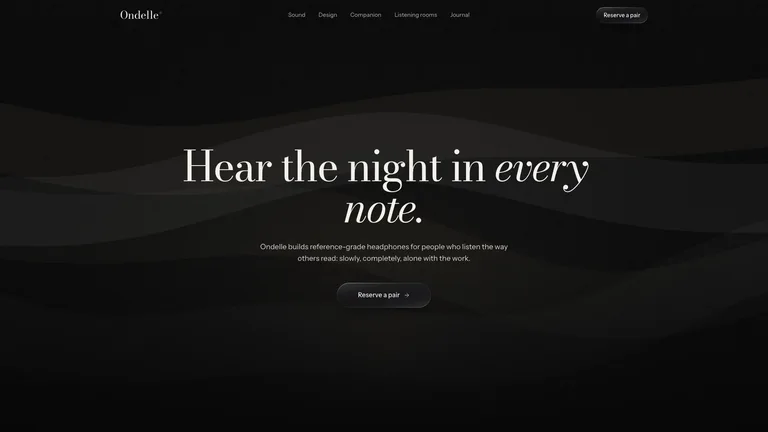
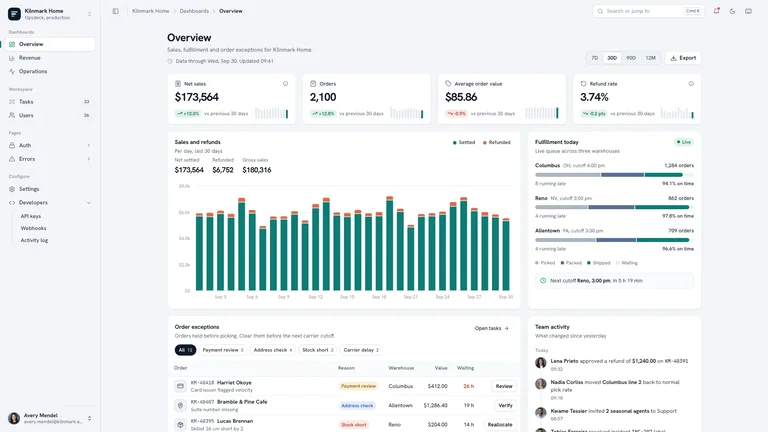
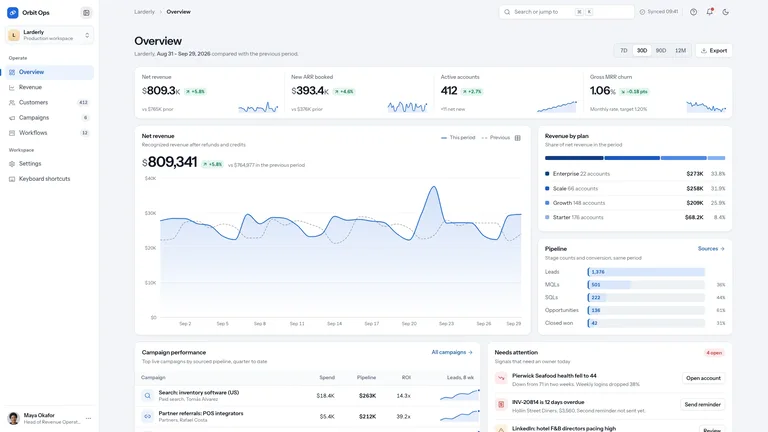
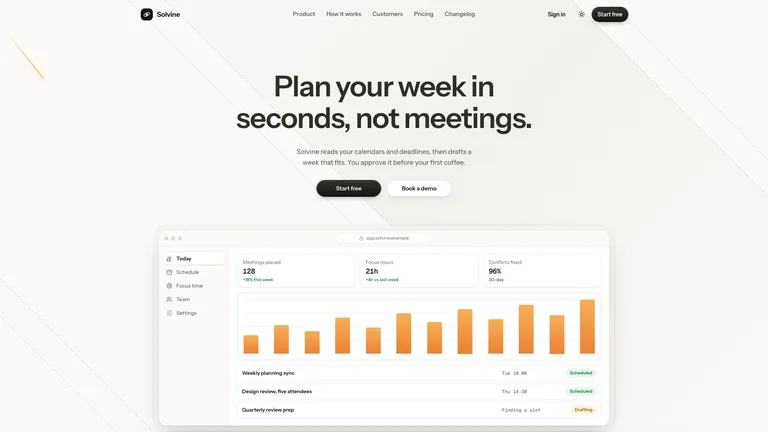
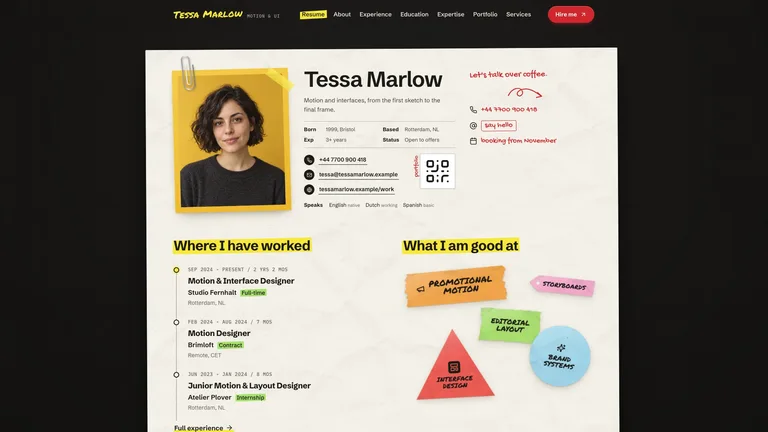
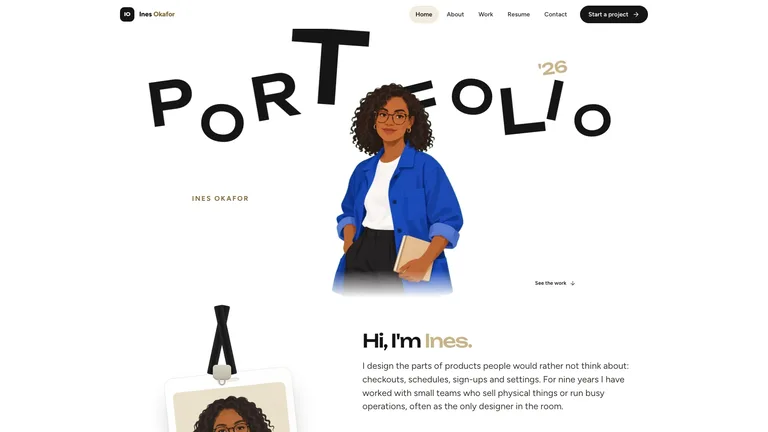
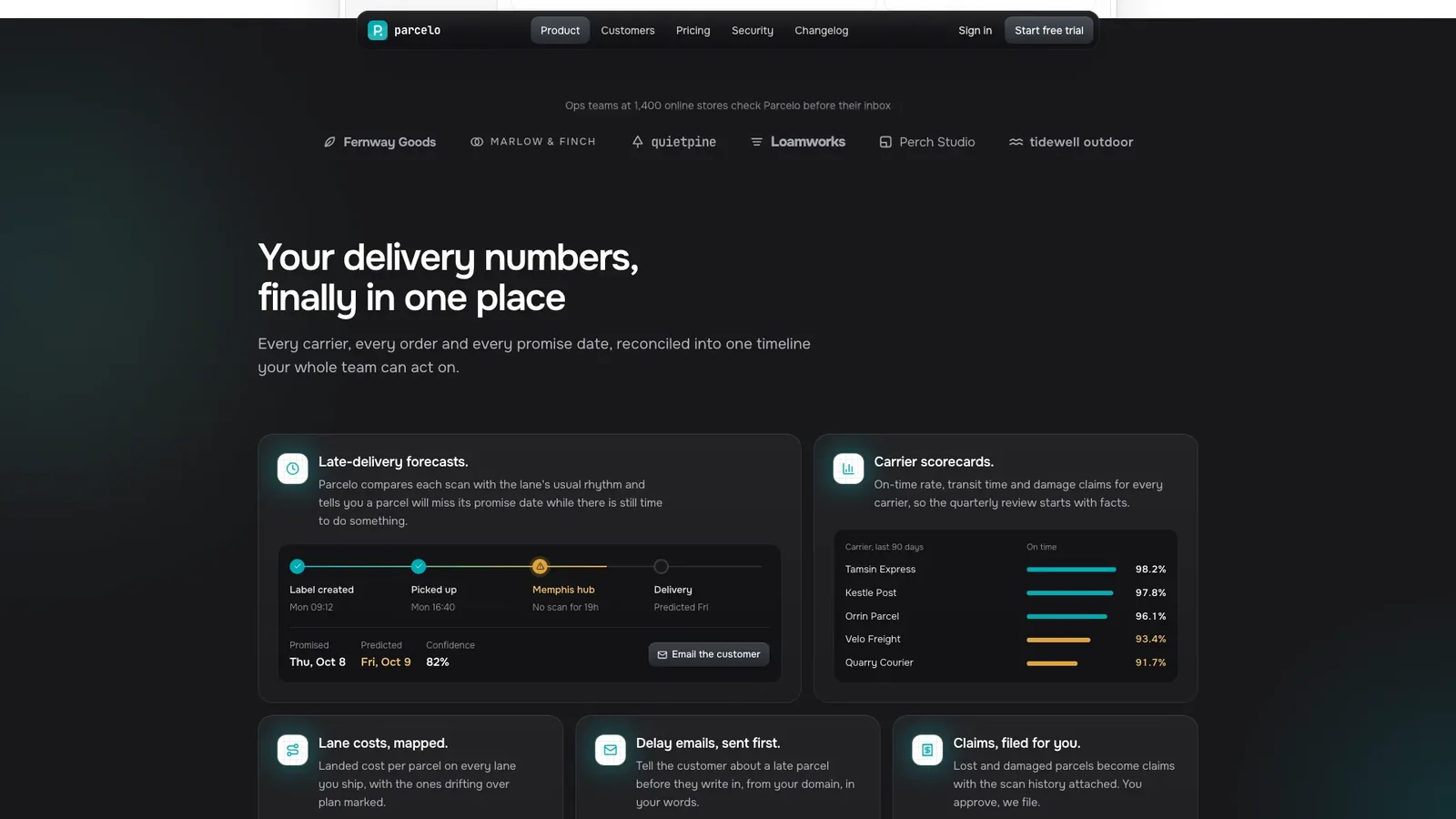
Describe your product and get back a calm, product-led SaaS site: a white page with one teal accent, a dark pill navbar and a live dashboard that leans back in perspective and springs flat as you scroll. The example is Parcelo, a fictional delivery-analytics tool that flags late parcels before customers ask.
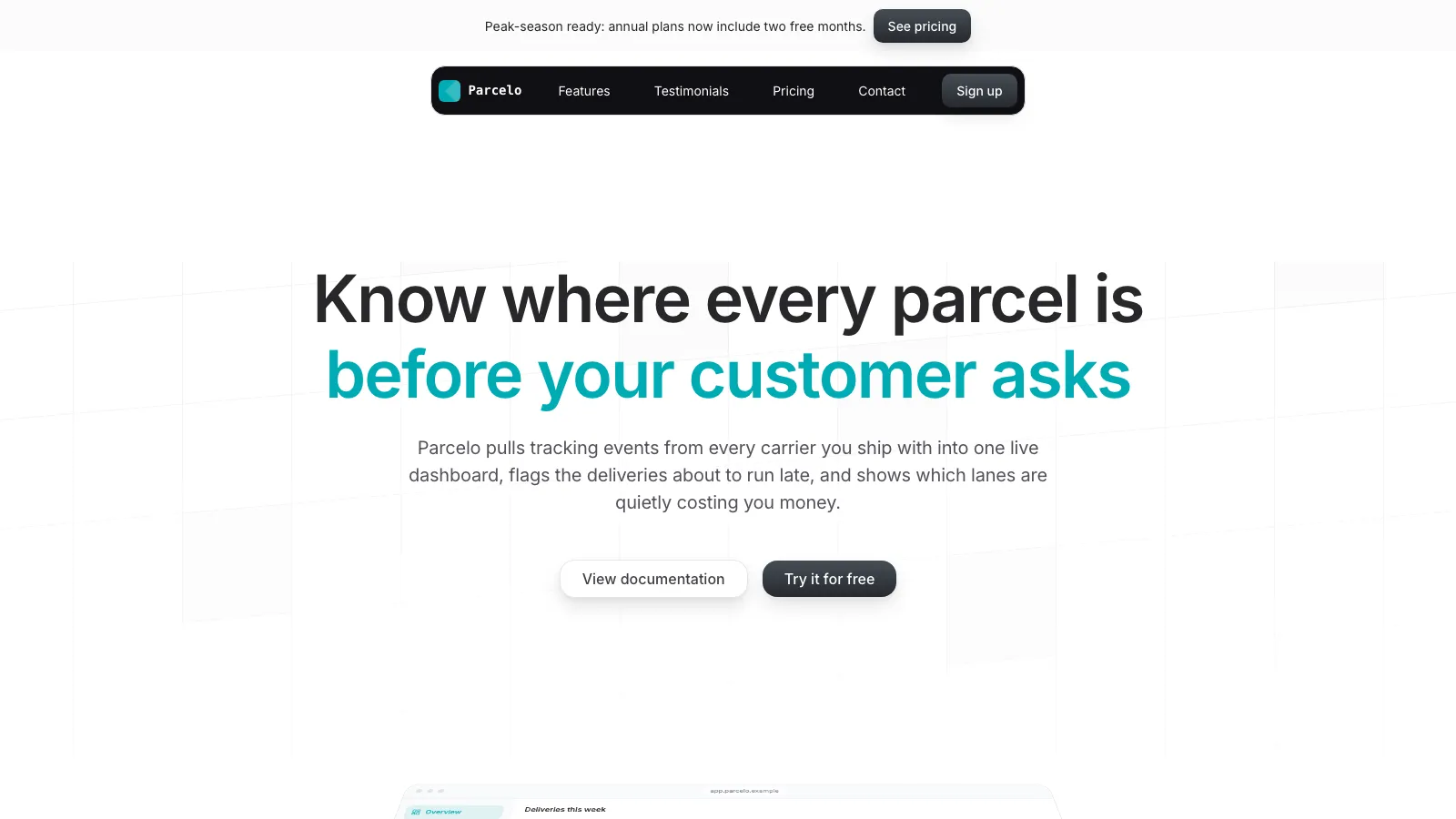
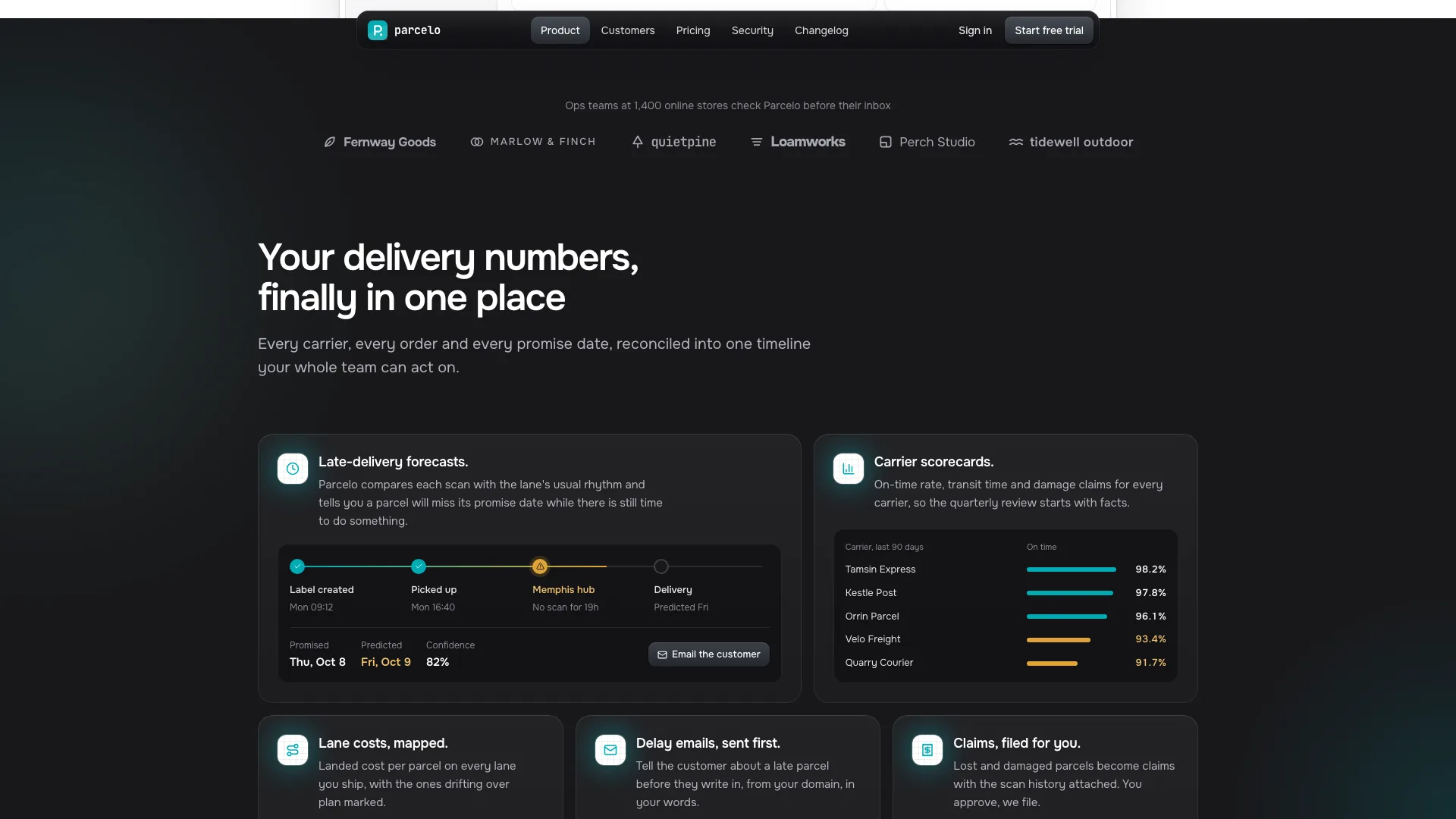
- A landing page with banner, pill navbar, hero dashboard, dark feature bento, setup steps, customer story, testimonials, pricing, security, FAQ and a dark CTA box
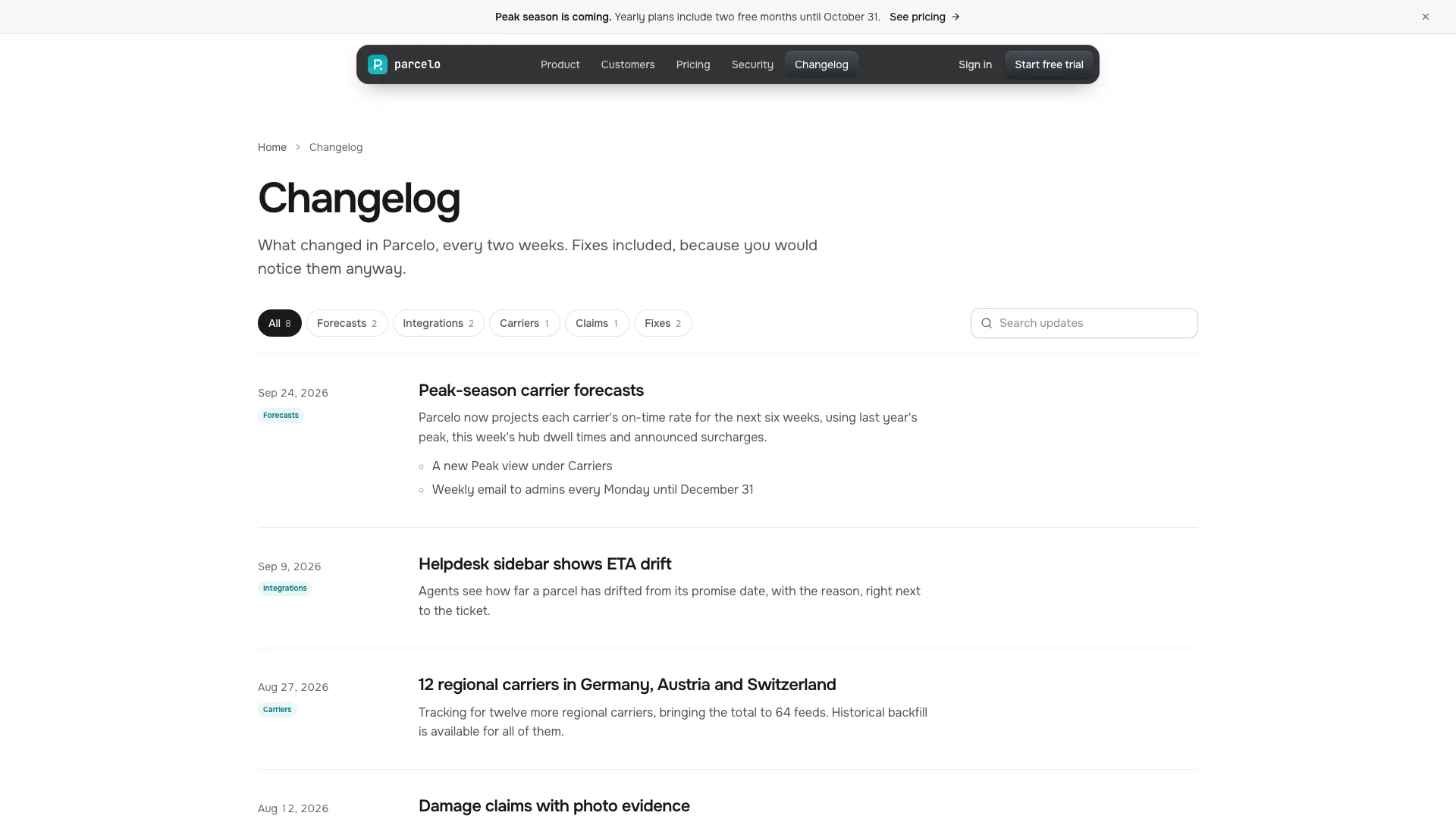
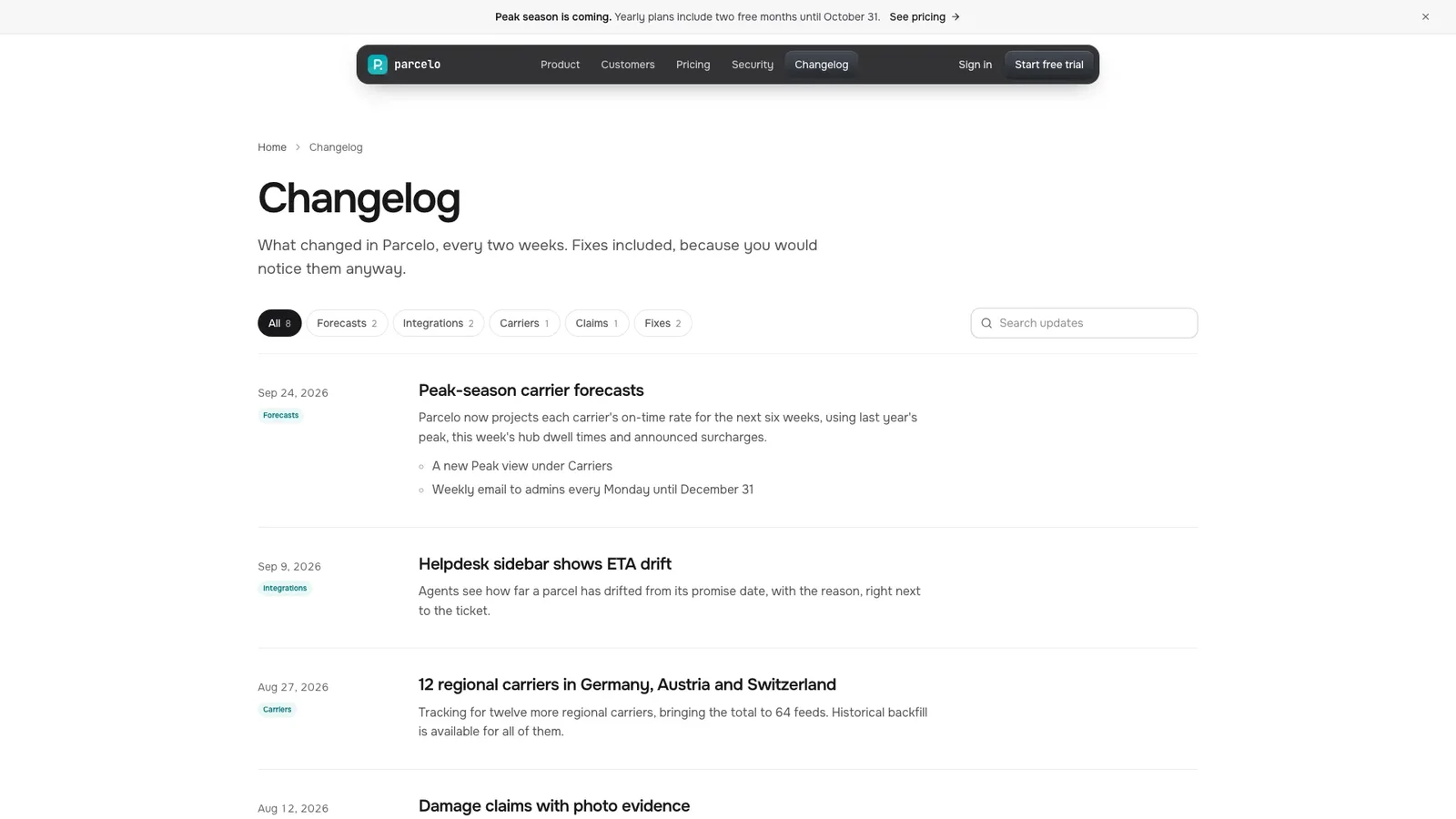
- Sign-up, sign-in, demo booking, changelog, case study, security, privacy and terms pages, plus a designed 404
- Mini product views in the bento that show your own objects instead of stock screenshots
- A monthly and yearly pricing toggle, forms with error and success states, and a changelog with filters and search
- One file with fonts and photos embedded that opens offline in any browser
- Share your product name, what it does, your features, plans and what the dashboard should show; rough notes are enough.
- Your agent renames every dashboard label to your product's objects, fills each section and page, and reviews it on desktop and phone.
- Open the single file, click through the pages and ask for changes in plain words.
Photos made with your agent's image tool may incur that tool's usage charges; without one, tinted panels and monogram avatars stand in.
What you need before you start
- You bring
- Product name, one-line promise and audience · Features, plans with monthly and yearly prices, and what the dashboard should show · Optional: a customer story, quotes, FAQ answers, security facts and changelog entries
- Dependencies
- Node.js 18 or newer on your agent's machine, to run the bundled script that builds the single offline file · Internet access while the file is built, so the fonts can be downloaded once and embedded · An image generation tool in your agent for story, team and avatar photos (optional; tinted panels and monograms are used without it)
- Outside costs
- Story, case-study, team and avatar photos are generated with your agent's own image tool when available, which may incur that tool's usage charges. Without an image source, tinted panels and monogram avatars are used instead.
- Last tested
- v1.0.3 — Claude Code / Claude Desktop / Cowork / Codex / ChatGPT





 +6
+6