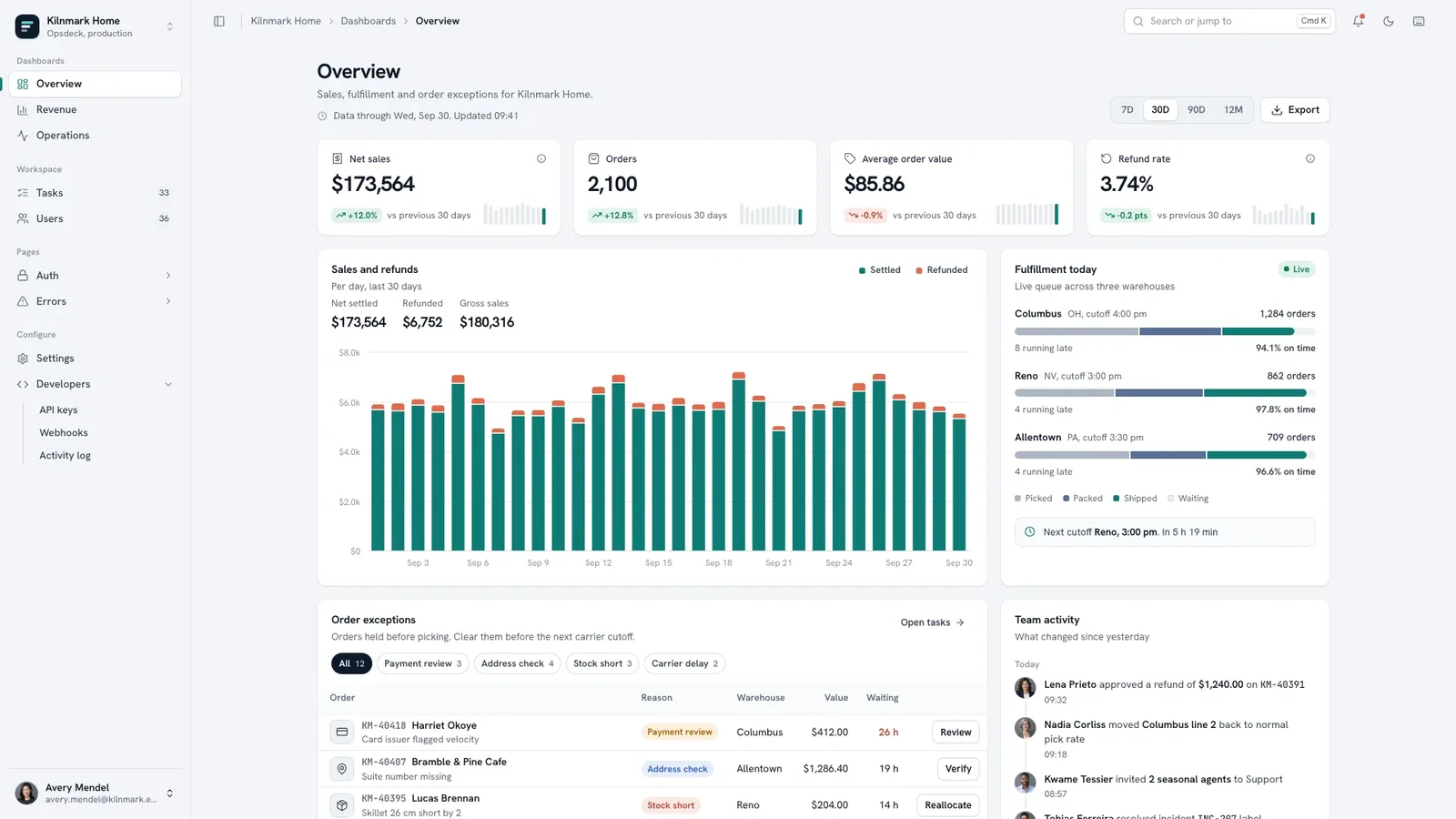
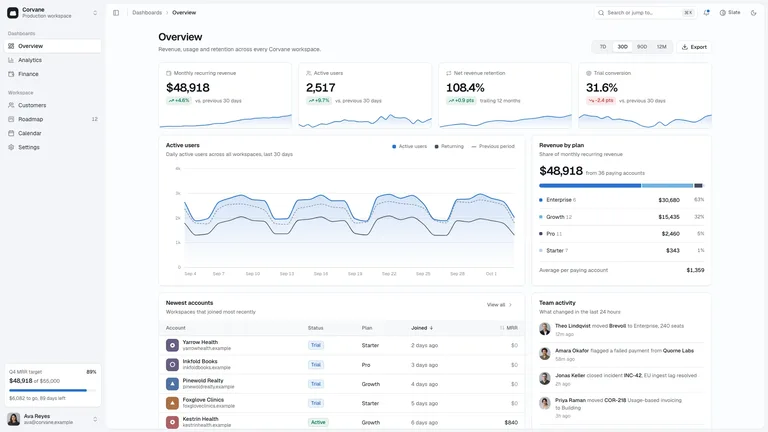
Tell it what your team operates and get back a calm, slate-toned admin console with real boards, working tables, and designed settings, developer, sign-in and error pages. It arrives as one self-contained file that opens in any browser and works offline.
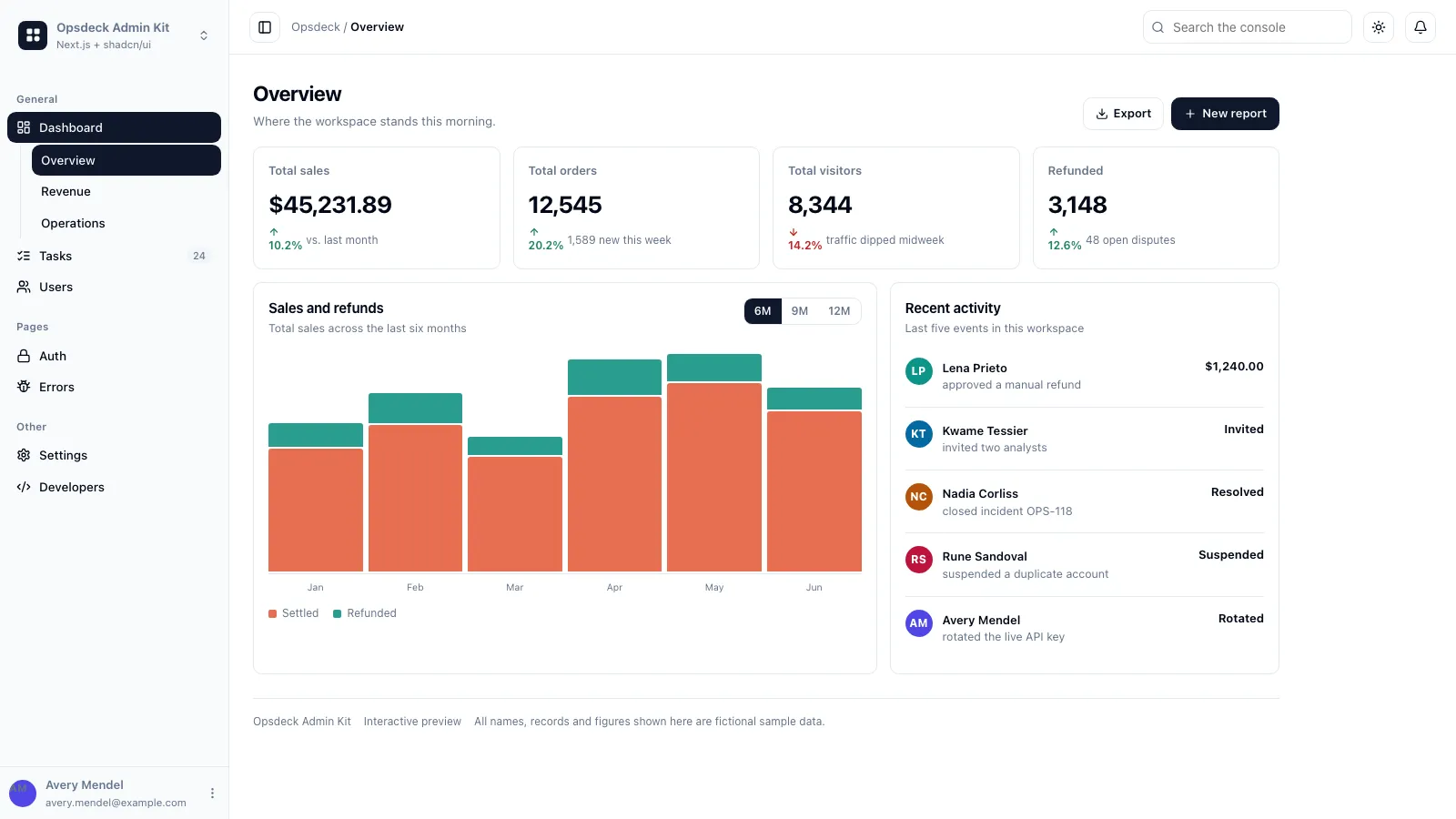
- A sidebar shell with workspace switcher, command palette, notifications and a mobile tab bar
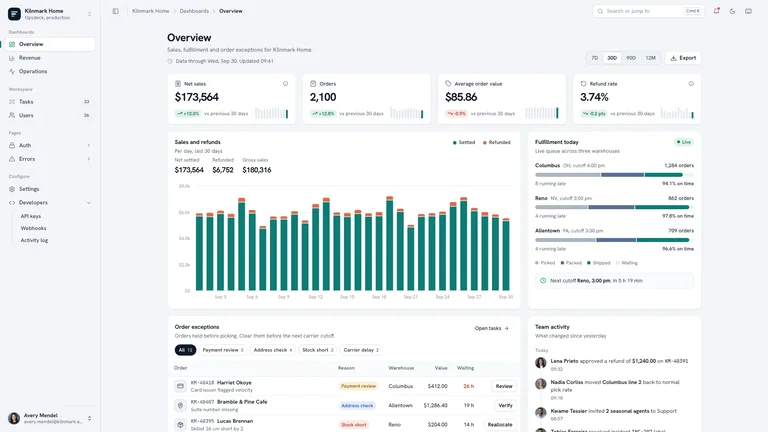
- Overview, Revenue and Operations boards whose numbers and charts update together when you switch the date range
- Tables with search, faceted filters, sorting, pagination, bulk actions with Undo and detail drawers
- Six settings sections, API keys, webhooks, an activity log, sign-in, sign-up, reset and five error pages
- Complete light and dark themes; on request, the same console built in your own stack
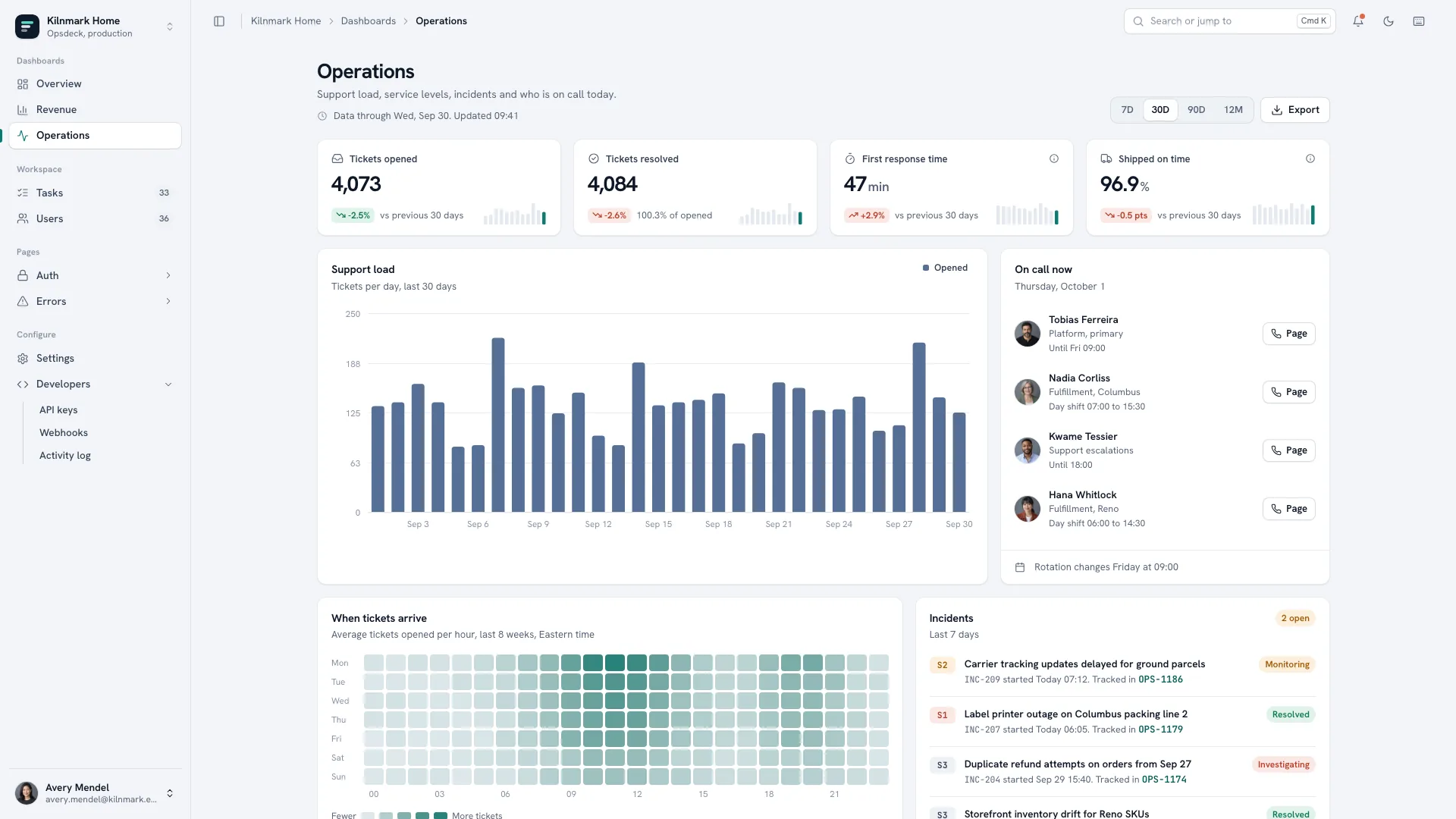
- Tell it your company, what the team operates, the four numbers each board should lead with, and the objects your tables hold
- It rebrands the shell and fills every board and table with believable data in your own nouns, IDs and currency, listing anything it drafted
- Open the finished file in your browser, walk one table end to end, and ask for new views or renamed screens in plain words
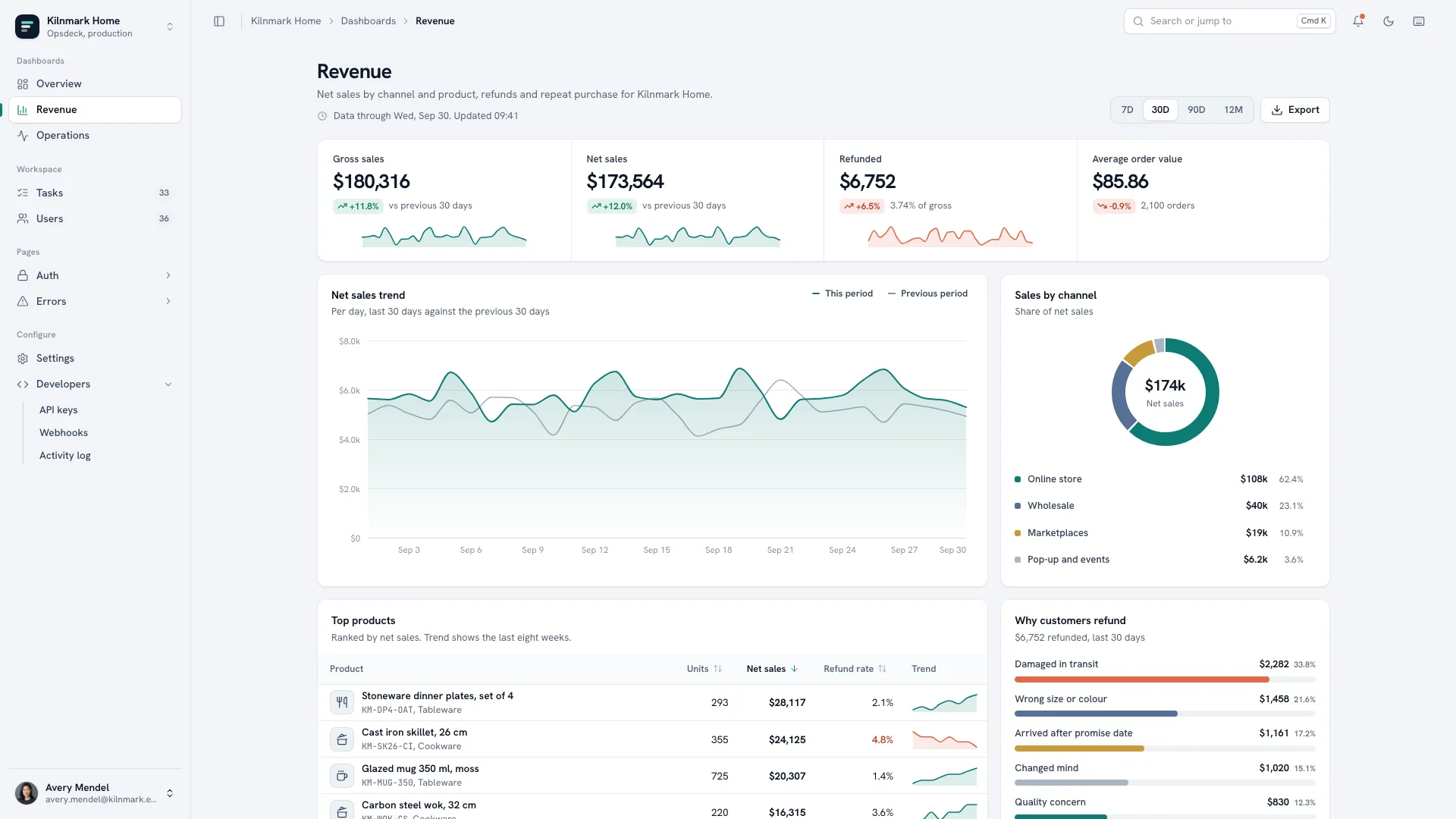
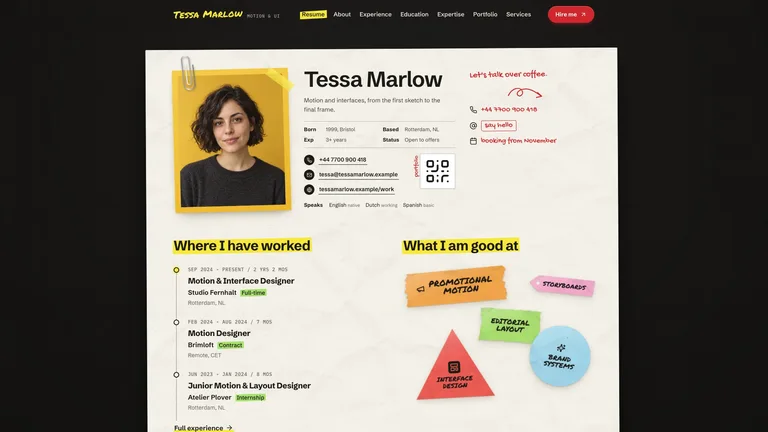
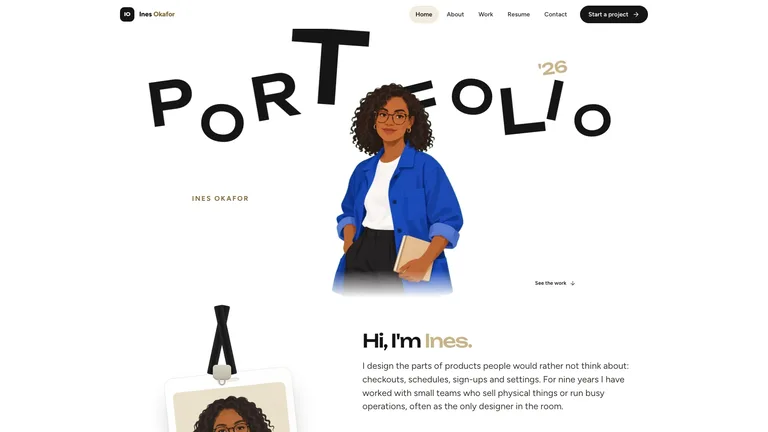
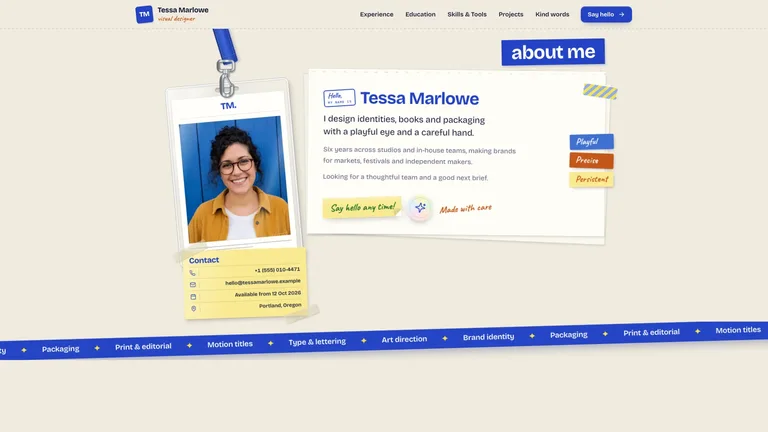
Team portraits are the only photos; a new set generated with your agent's image tool may carry that tool's usage charges, or initials are used instead.
What you need before you start
- You bring
- Company and product name, and what the team operates (orders, tickets, bookings or subscriptions) · The four headline numbers per board, the table objects with their statuses, and the teams and roles · Optional: logo, team portraits and the integrations you use
- Dependencies
- Node.js 18 or newer on your agent's machine, to run the bundled script that builds the single offline file · Internet access while the file is built, so the fonts can be downloaded once and embedded · Optional: an image generation tool in your agent for a new set of team portraits
- Outside costs
- Only team portraits are photos. A new set generated with your agent's own image tool may incur that tool's usage charges; otherwise the nine bundled fictional headshots can stand in, or everyone uses initials.
- Last tested
- v1.0.4 — Claude Code / Claude Desktop / Cowork / Codex / ChatGPT
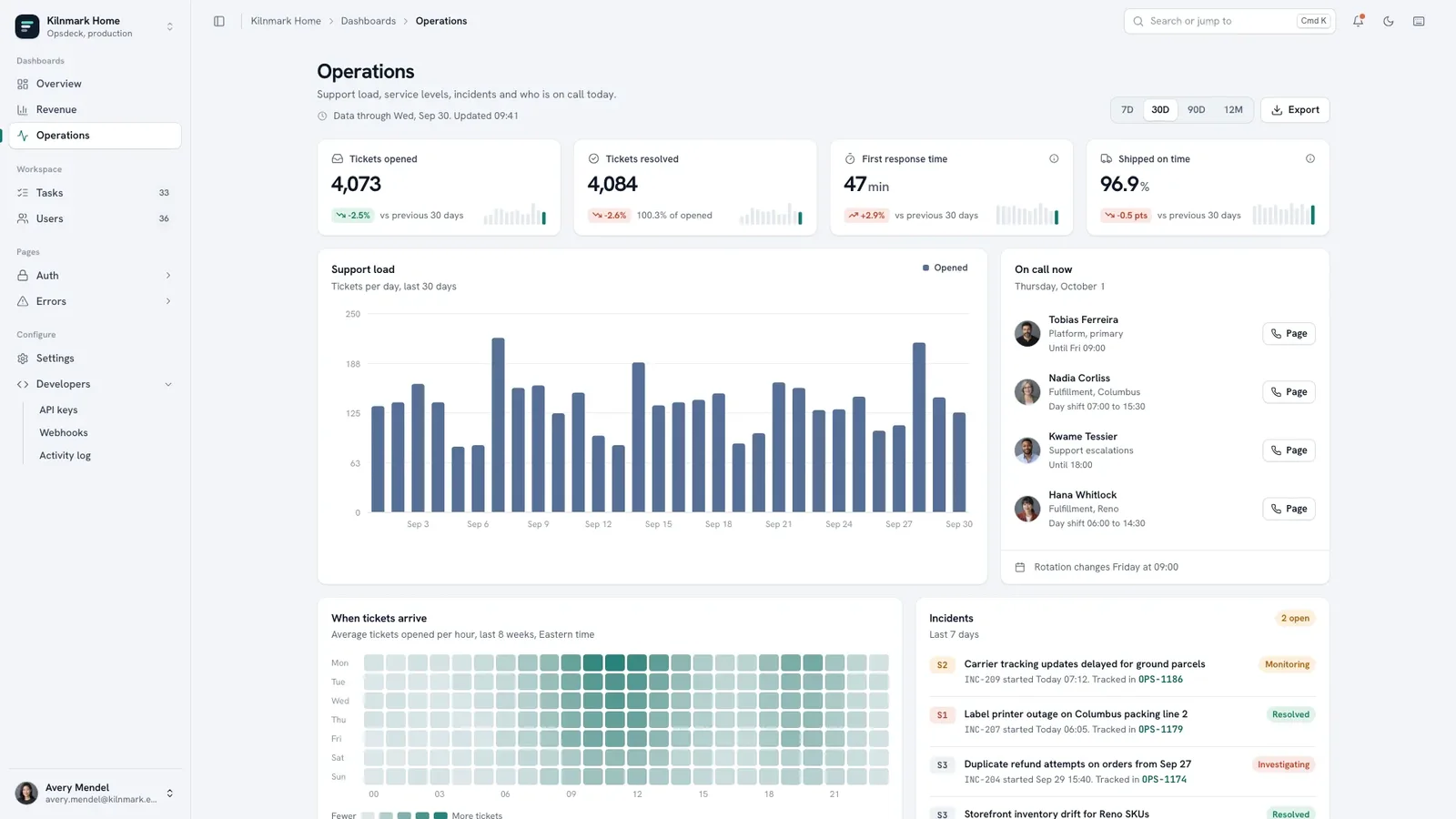
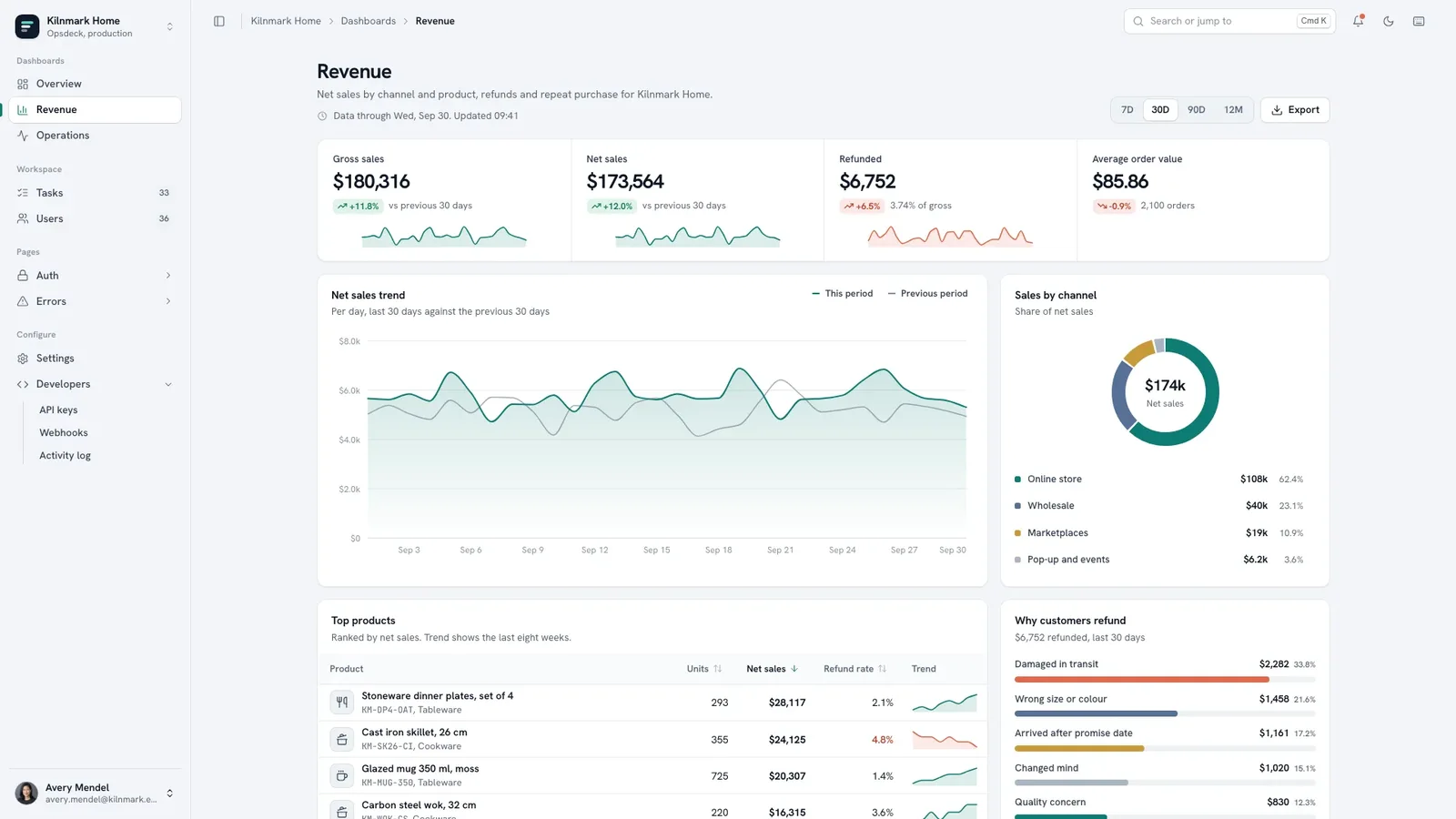


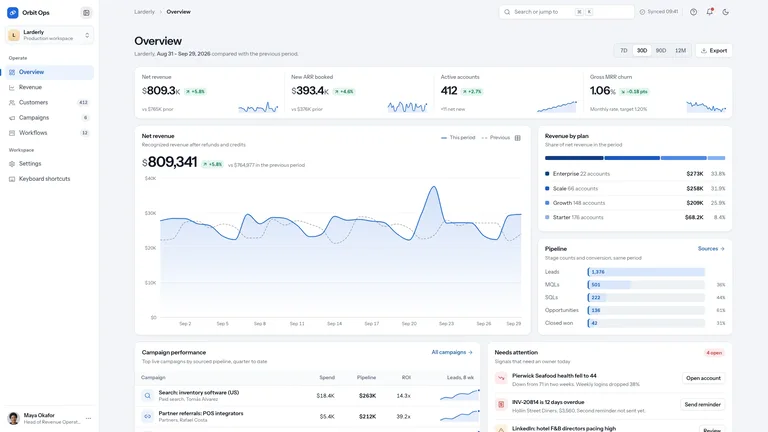


 +6
+6