Orbital Workshop Deckv1.0.2
Use this Skill to create presentation.
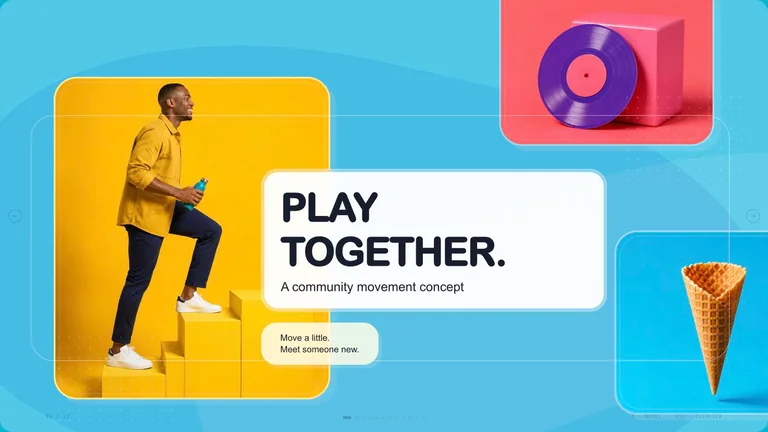
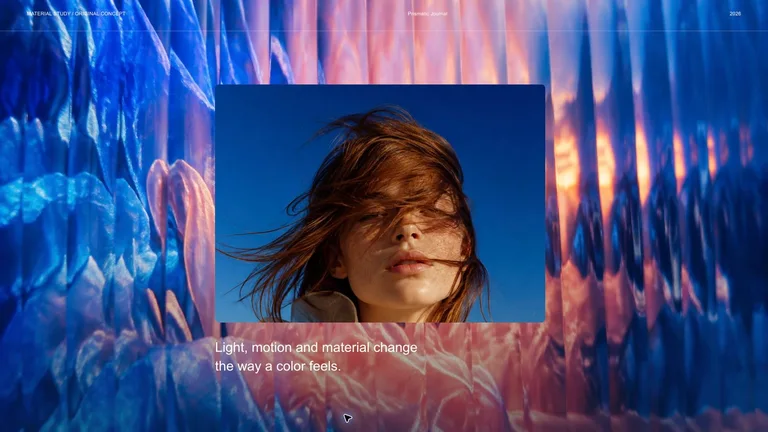
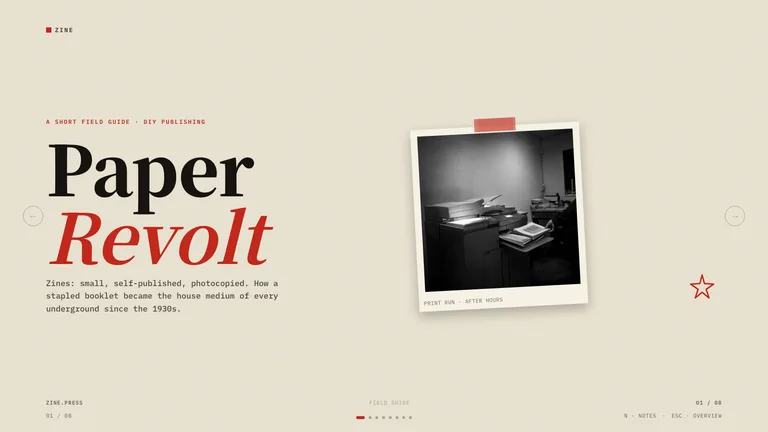
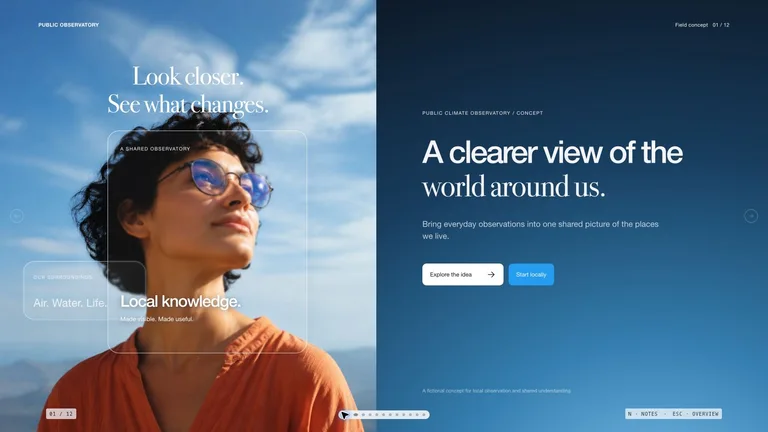
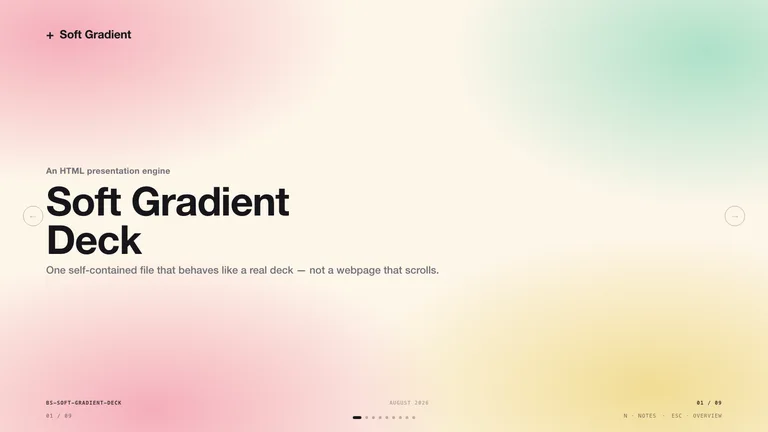
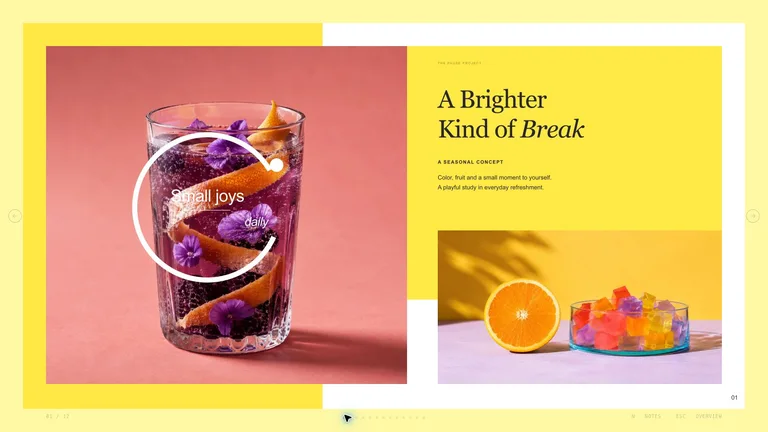
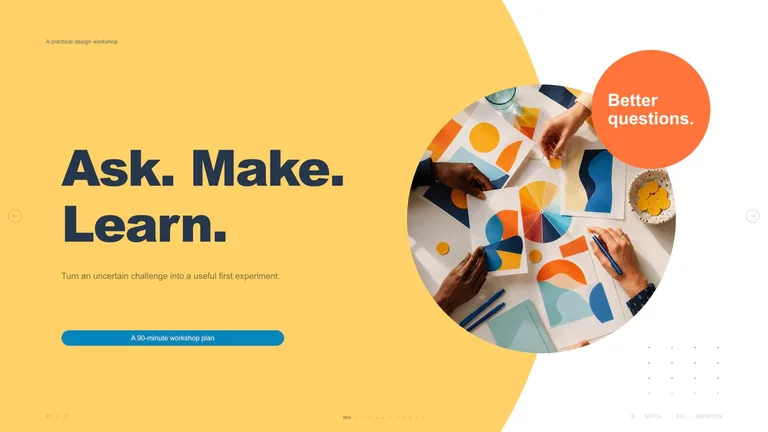
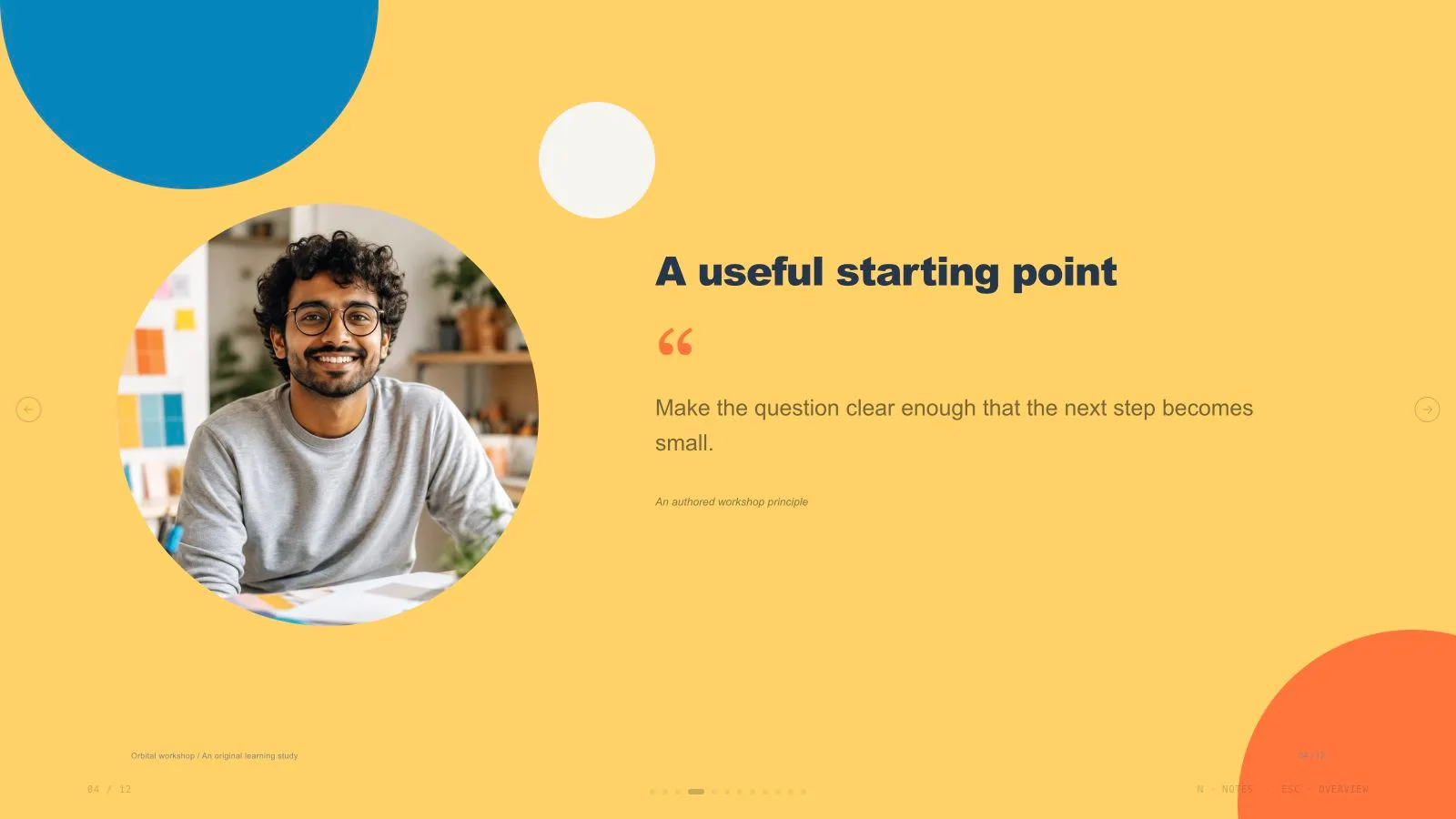
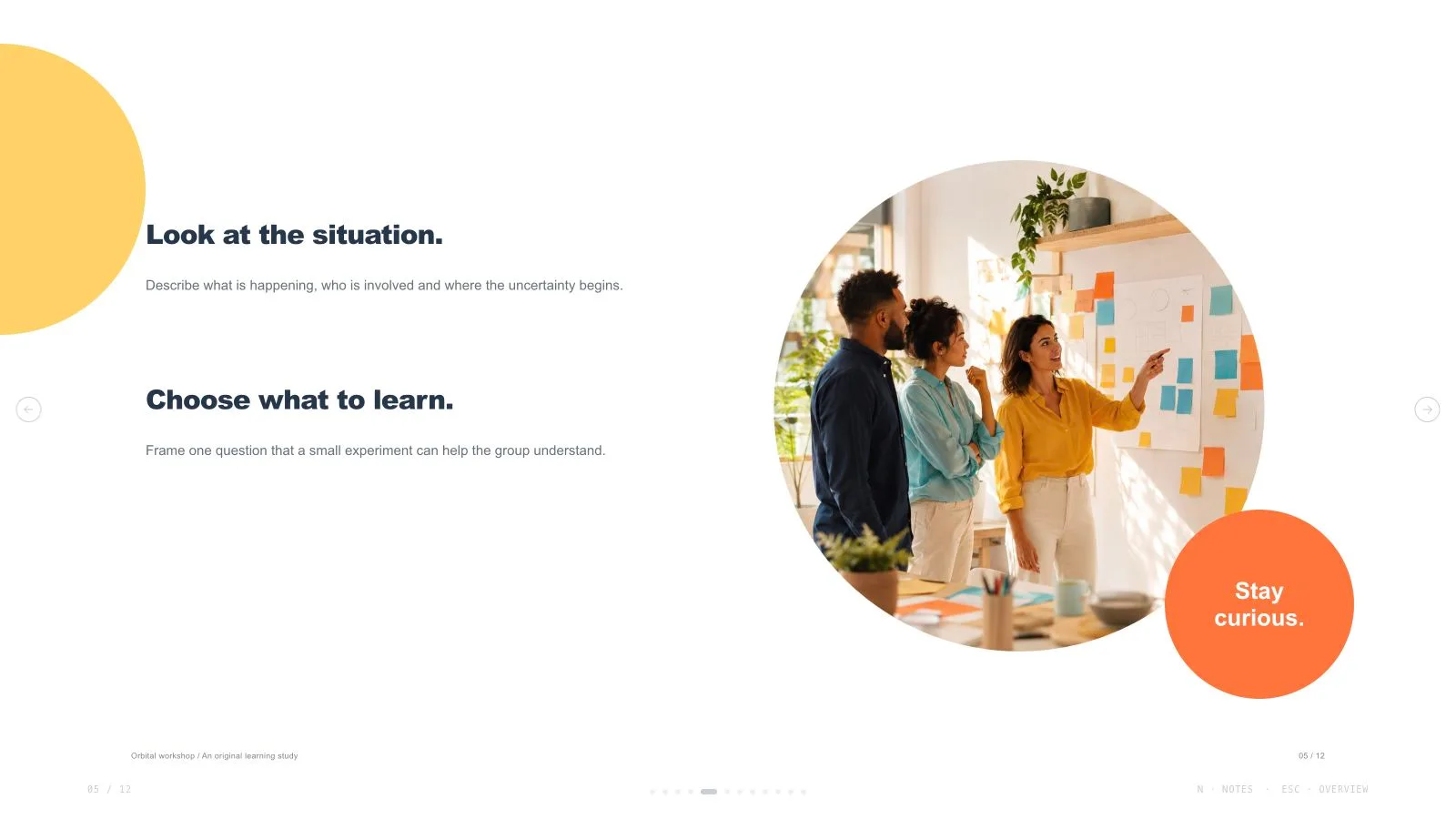
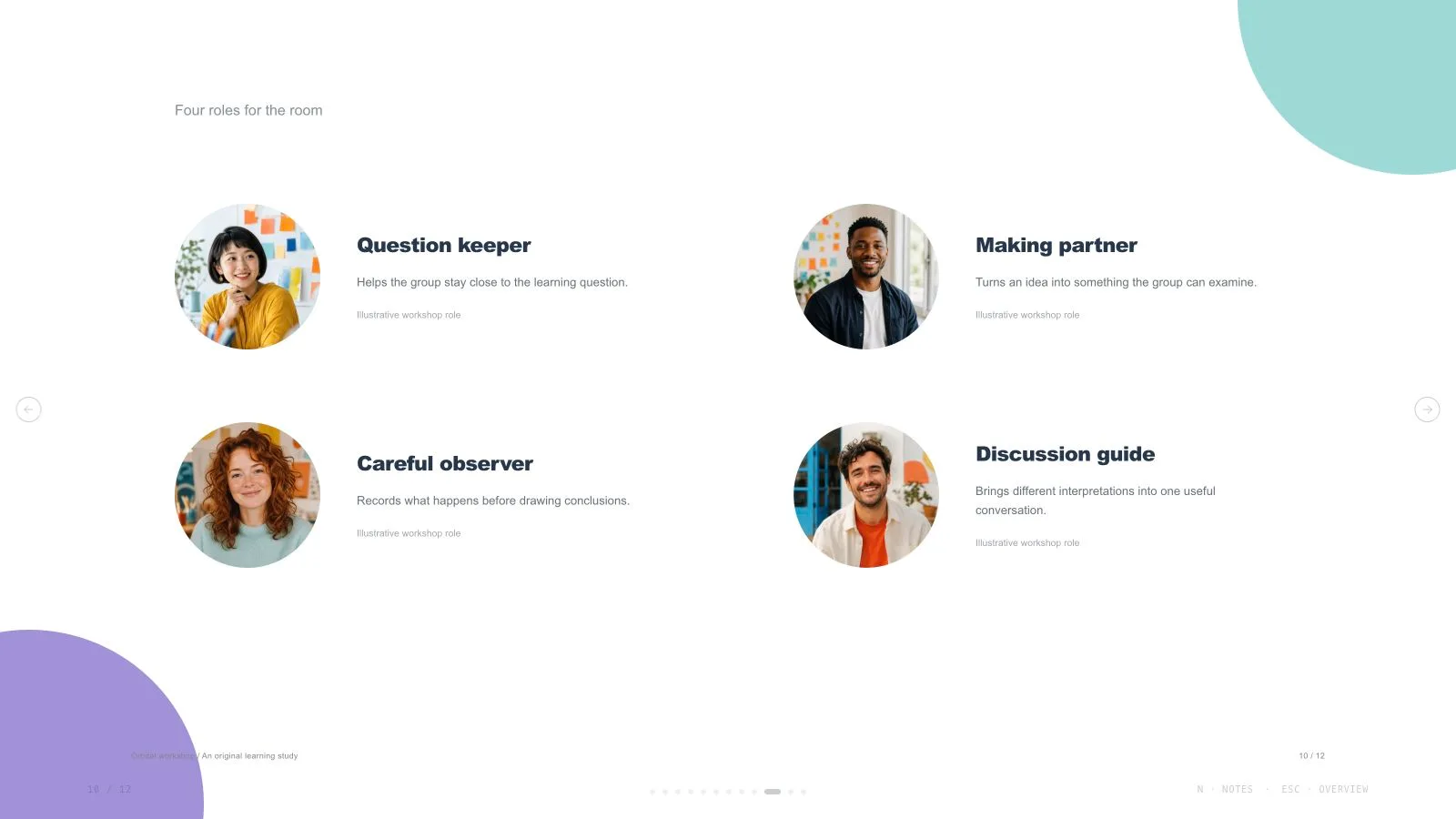
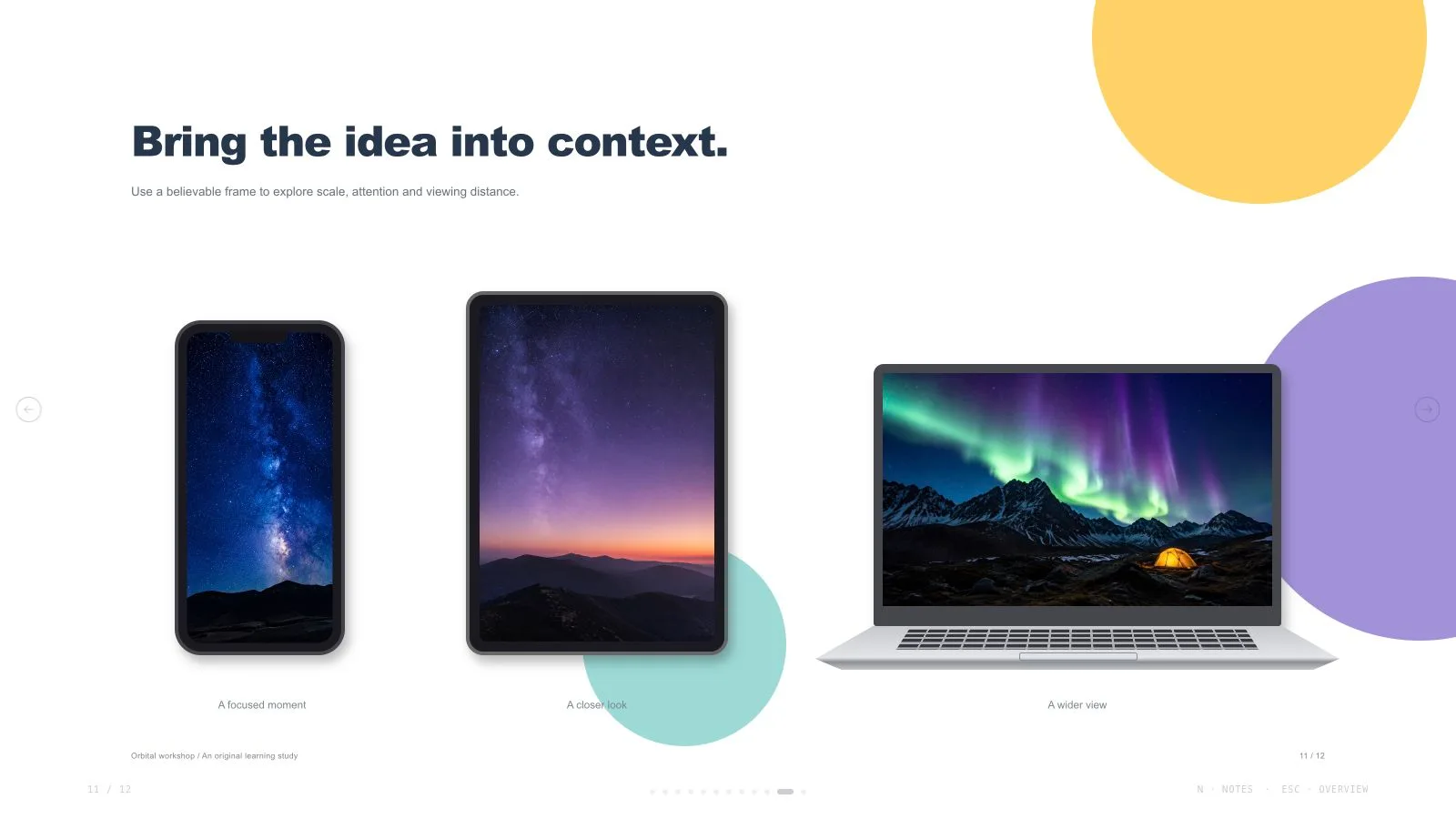
Create cheerful design-workshop presentation pages with golden circular fields, orange badges, soft aqua backgrounds, compact dark headings, circular photography, editable diagrams and varied device studies. Use this visual language to present design-methods workshops with a clear, consistent rhythm. The slide count follows your request, with artwork planned around the content of each page. Every deck can be edited in the browser and exported as an editable PowerPoint file.
Picked most often by
Updated Oct 3, 2026
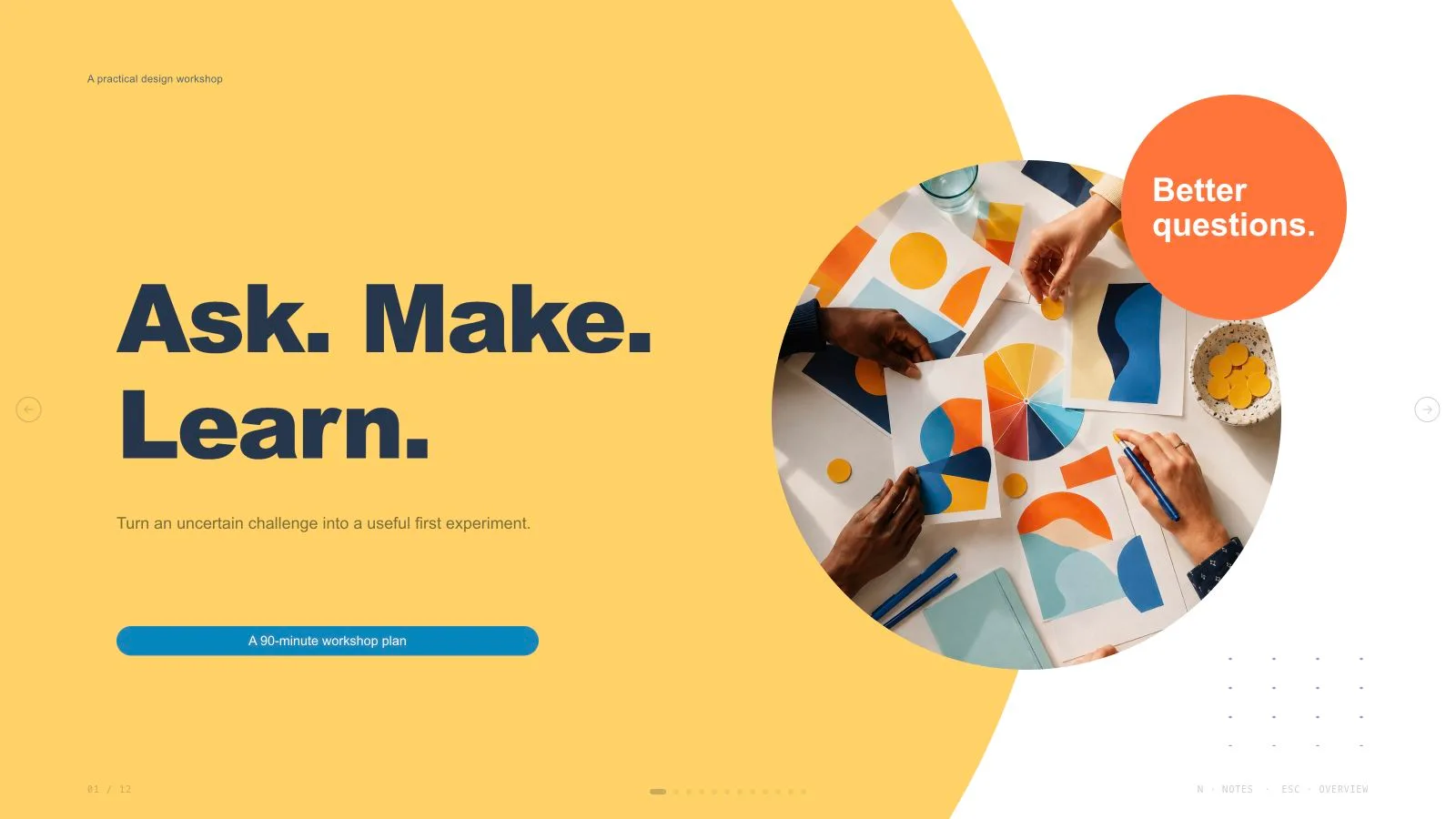
Preview gallery
Runs in
Generates with
Similar Skills
View all skillsWhat you get
- An orbital workshop presentation built around your requested slide count, with an original example to guide the visual style.
- Adaptable layouts for explanations, comparisons and a clear sequence of ideas, with original artwork chosen for the content.
- A browser presentation with page navigation, overview, speaker notes and an included print stylesheet.
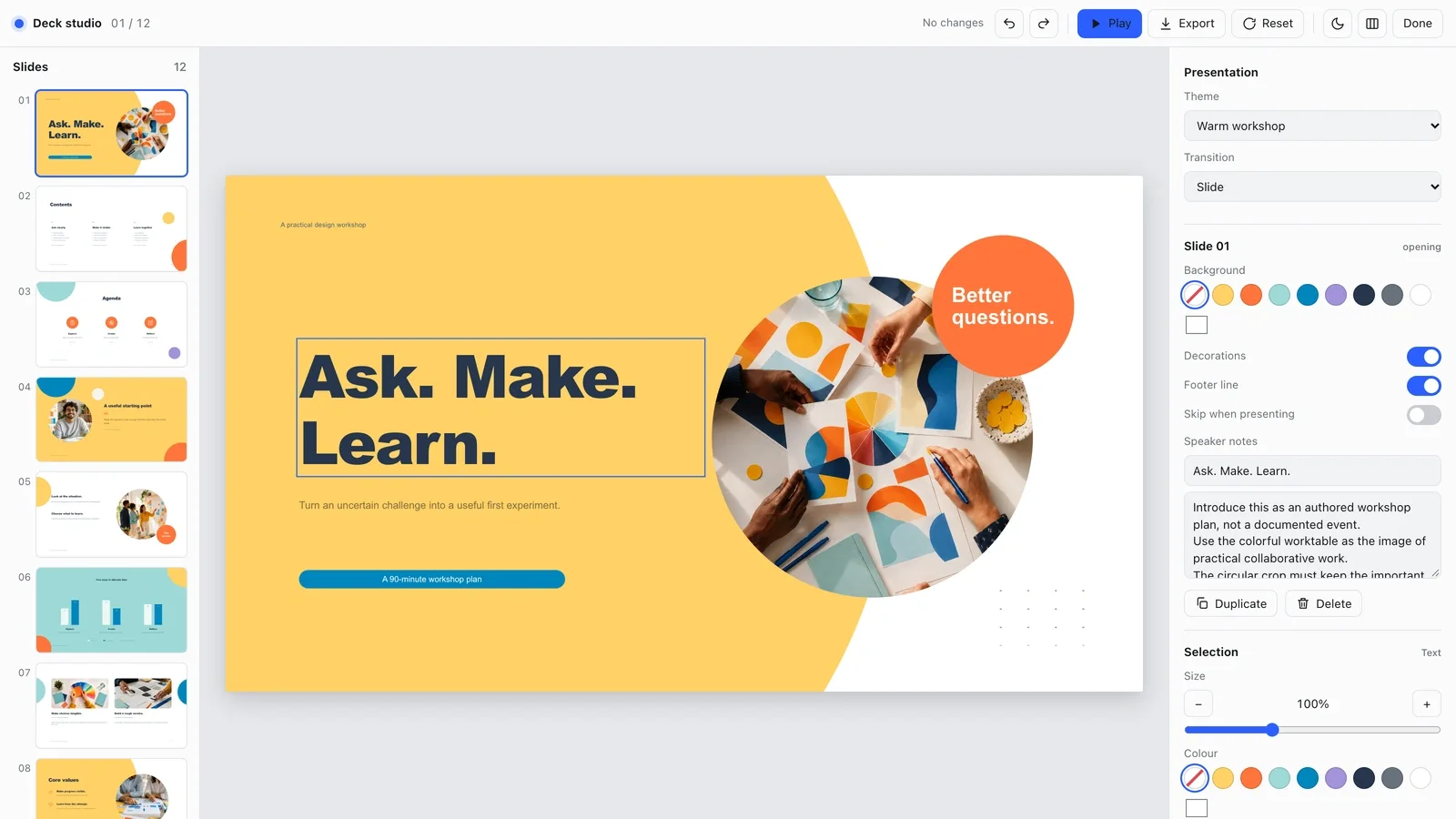
- A built-in editing studio: change text, images, slide order and themes in the browser, then export an editable PowerPoint file or a PDF.
Good fit
- Presenters working on design methods workshop.
- Teams that want a consistent visual language across several pages.
- Creators who can provide a clear message and audience.
Not for
- Reproducing a source artwork, brand identity or protected character.
- Automated research or verification of unsupported claims.
- Decks that must be native PowerPoint shapes end to end: exported text and notes stay editable, but backgrounds and decorations arrive as pictures.
About this Skill

Turn your material into a orbital workshop presentation. The pages combine warm orange and aqua with a consistent rhythm that suits design methods workshop.
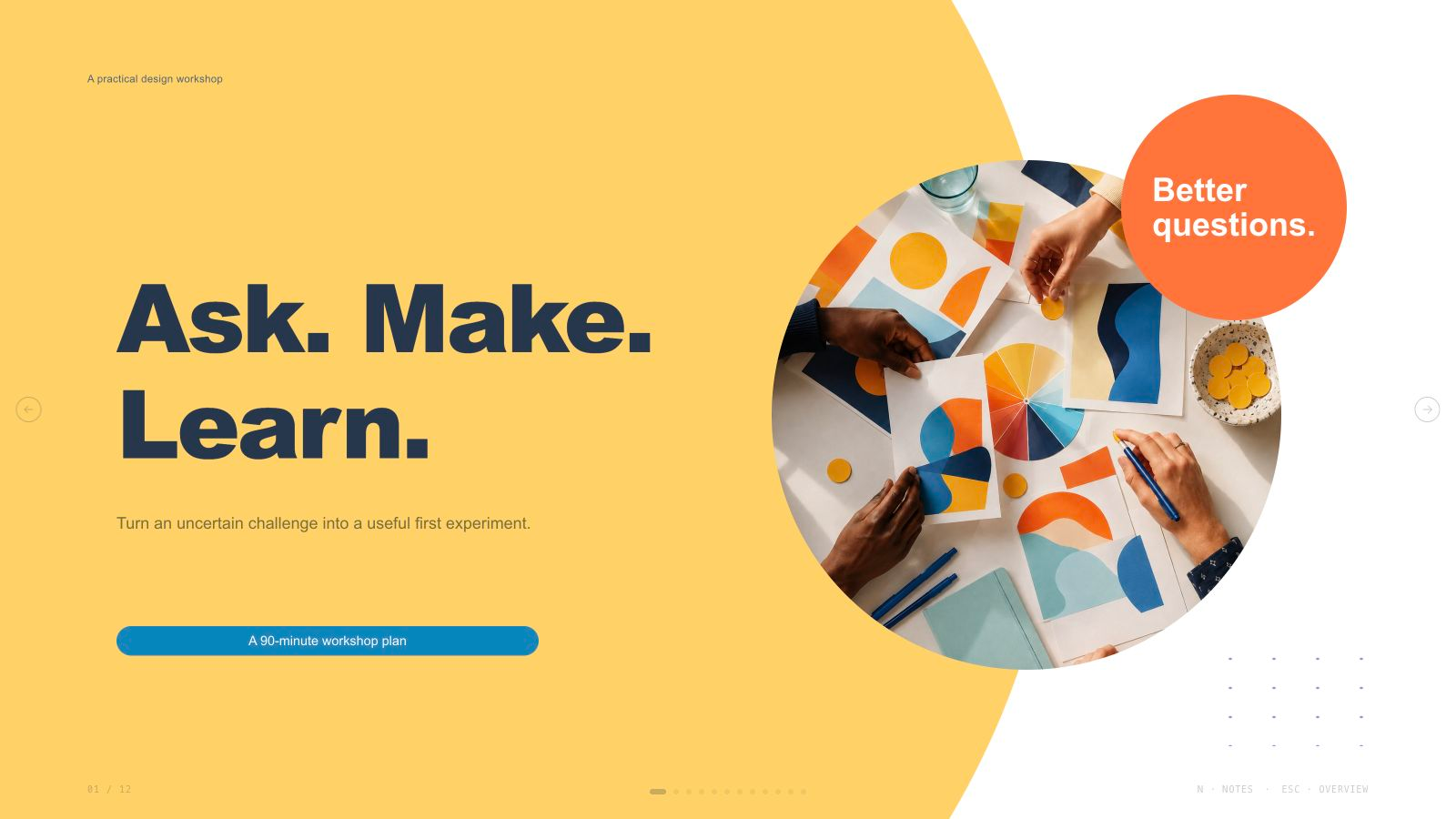
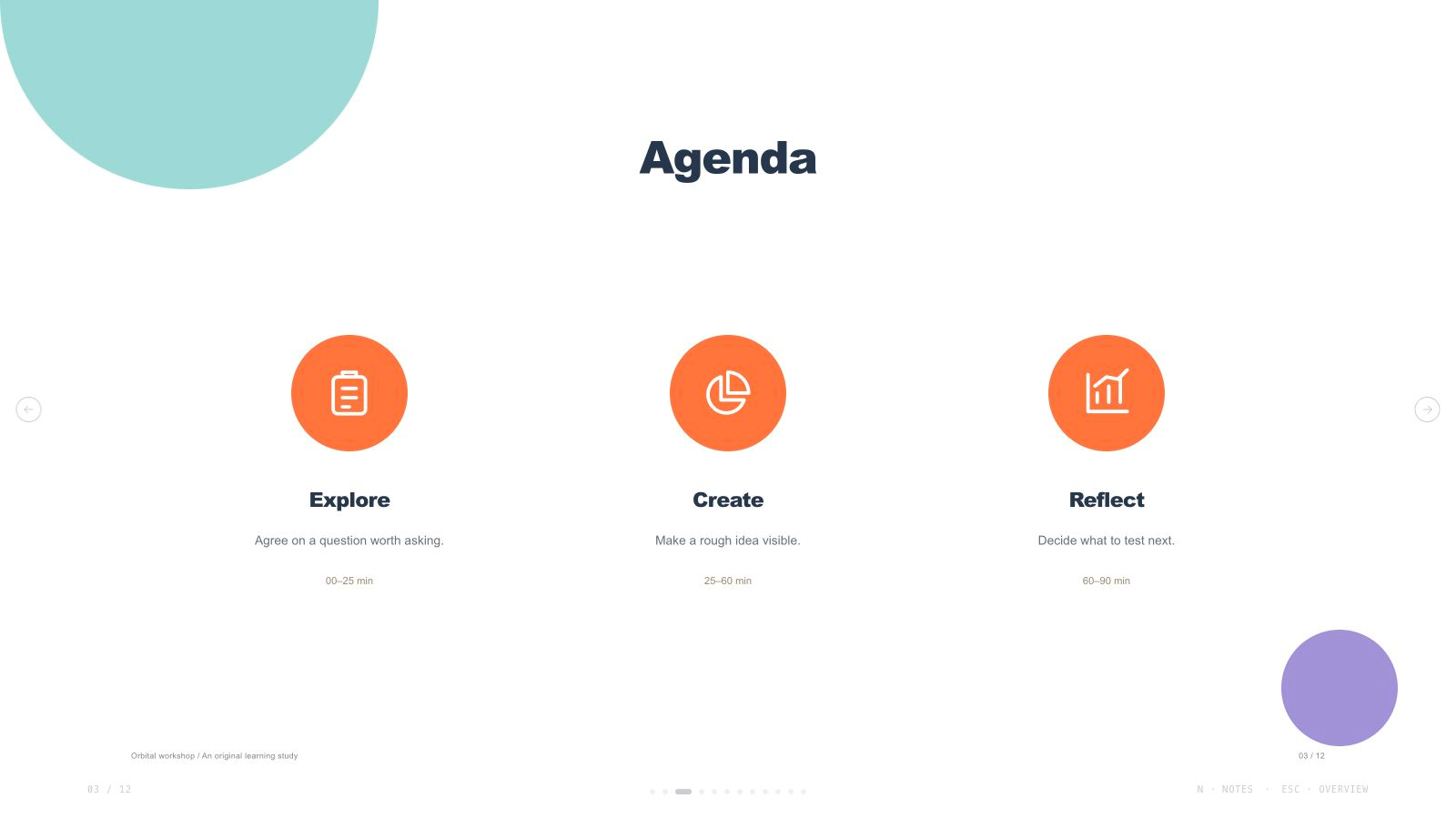
What you get
- A presentation built around your requested slide count, with an original example showing the visual style.
- Adaptable page layouts for explanations, comparisons and a clear sequence of ideas, with imagery chosen for the content.
- A presentation you can navigate in your browser, with an overview, speaker notes and an included print stylesheet.

How to use it
- Provide your topic, audience, requested slide count and the key points you want people to remember.
- Choose a named theme and review the page plan. Pages can be added, removed, reordered or expanded to match your requested count.
- Replace the example text with your own material, then review each page at presentation size.
- Add original generated artwork according to the content and composition of each page; there is no fixed image quota.
If you have not specified a slide count, a page plan is proposed from your content and presentation duration and confirmed with you. The included example does not set a default or limit for new presentations.
The included example uses a fictional scenario and newly created imagery. Keep the visual rules when changing the subject so the pages continue to feel like one presentation.
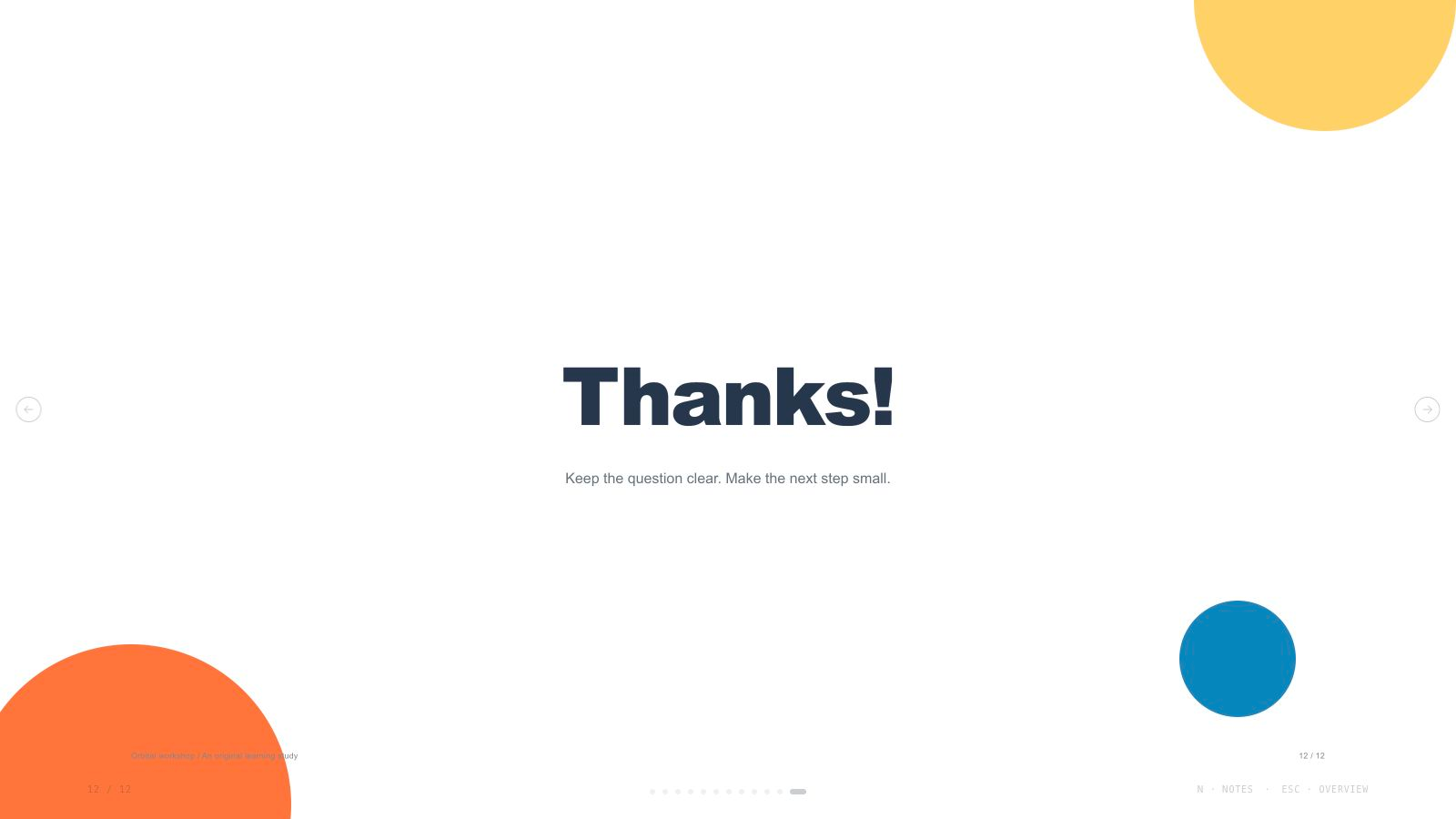
New image generation may have a separate provider cost. The included example opens without generating more images.
Edit and export
The deck opens in a built-in editing studio. Change text, swap images, reorder slides and switch themes in the browser, then export an editable PowerPoint file or a PDF. In PowerPoint, text and speaker notes stay editable; backgrounds and decorations come across as pictures.
What you need before you start
- You bring
- Presentation topic and audience · Key messages or source material · Desired slide count and language
- Dependencies
- A browser for presentation and verified print export · Node.js for local validation · A host image generation tool for fresh artwork · Chrome, Chromium or Edge plus Node.js 20 or newer — required only for PowerPoint export
- Outside costs
- Generating new artwork may incur a separate provider charge. The included original example can be viewed without image generation.
- Last tested
- v1.0.2 — Claude Code / Claude Desktop / Cowork / Codex / ChatGPT
User reviews
Loading reviews…