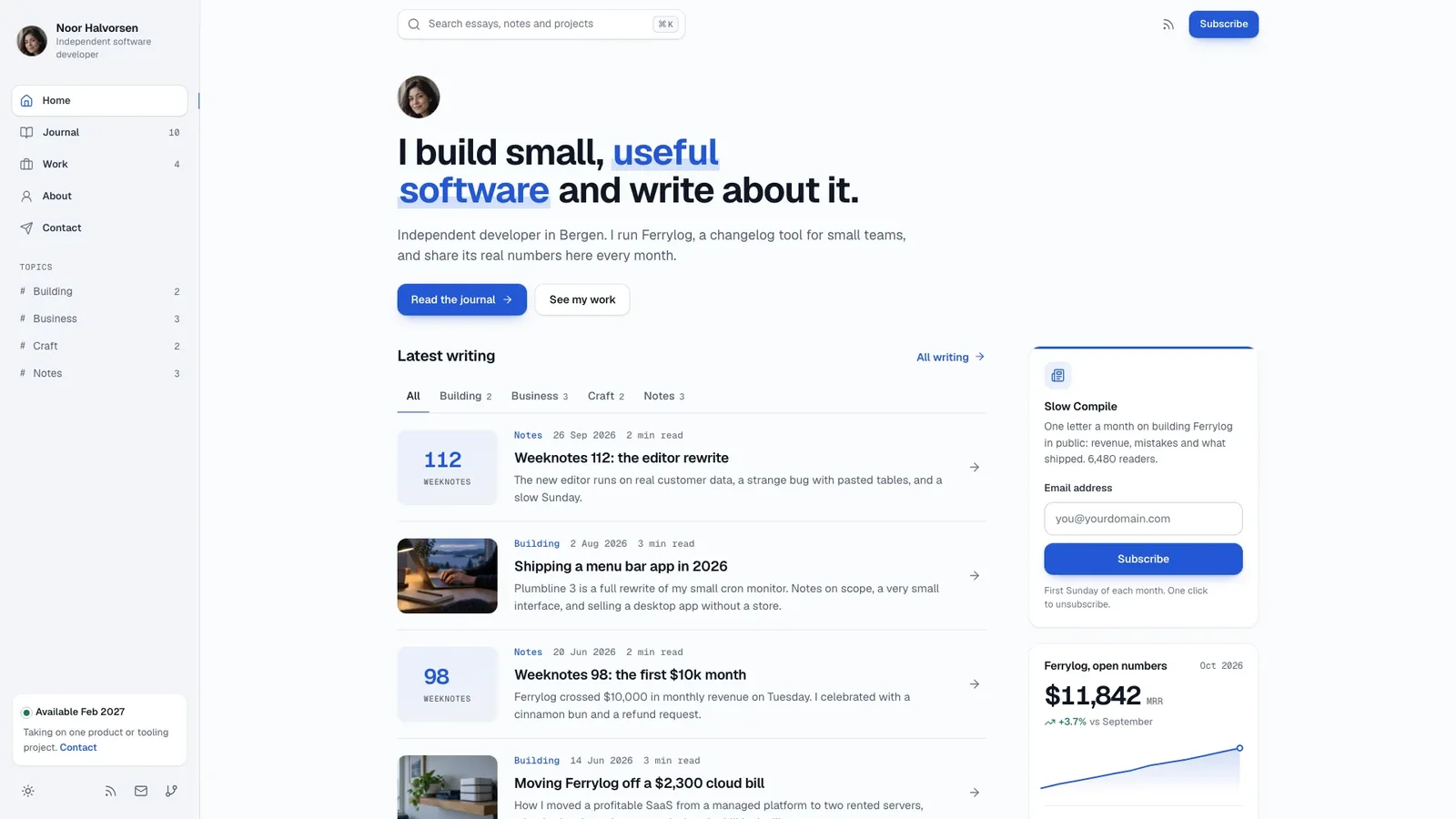
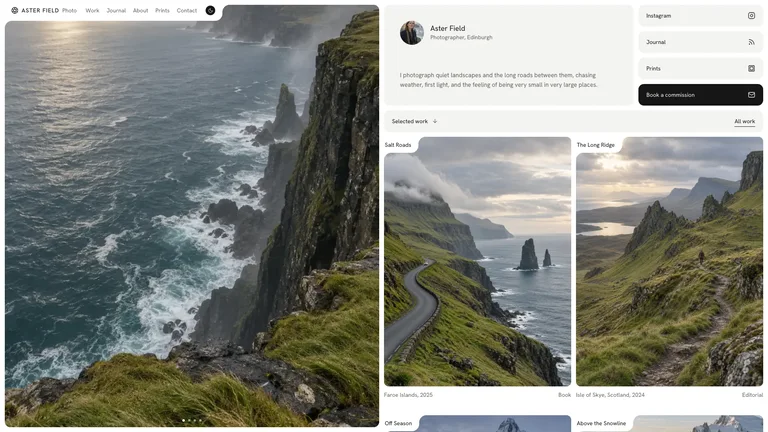
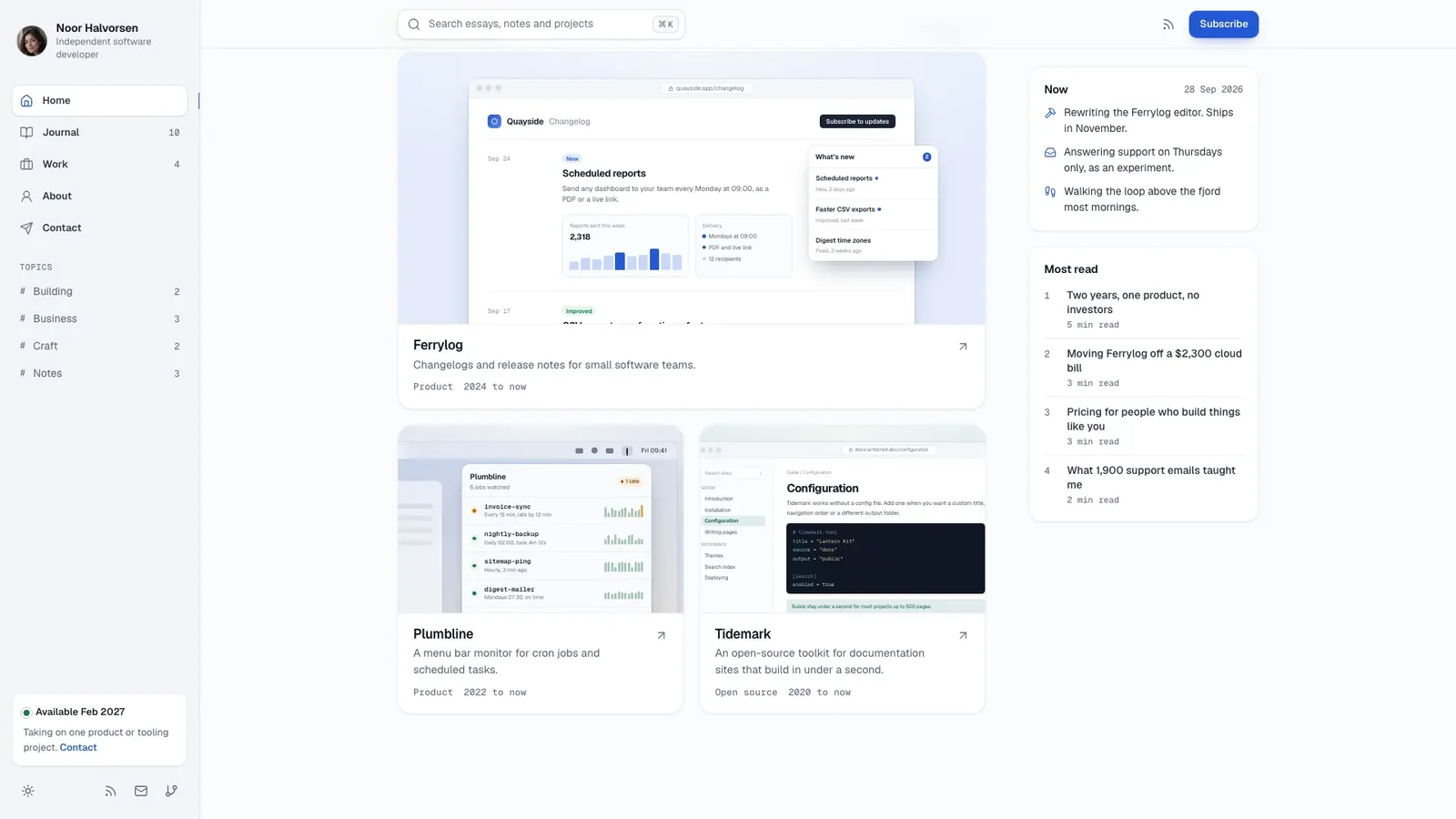
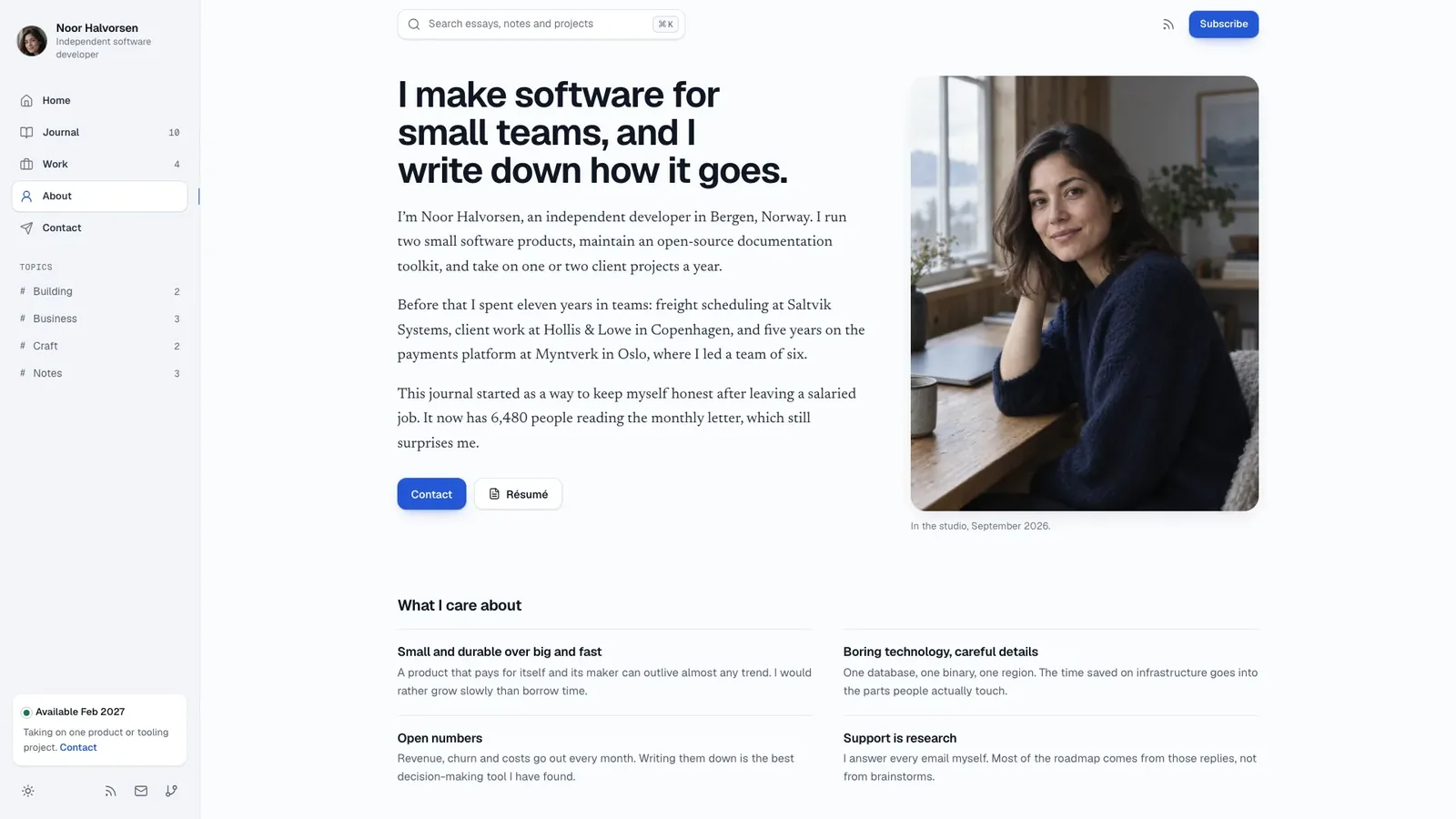
Skyline Developer Journal builds a calm, content-first personal site for an independent developer: a sticky left sidebar, one blue accent, a quiet text-led hero, long-form essays set for reading, and case studies that show each product's real interface. The example is the journal of Noor Halvorsen, a fictional independent developer in Bergen, with 24 connected pages in light and dark.
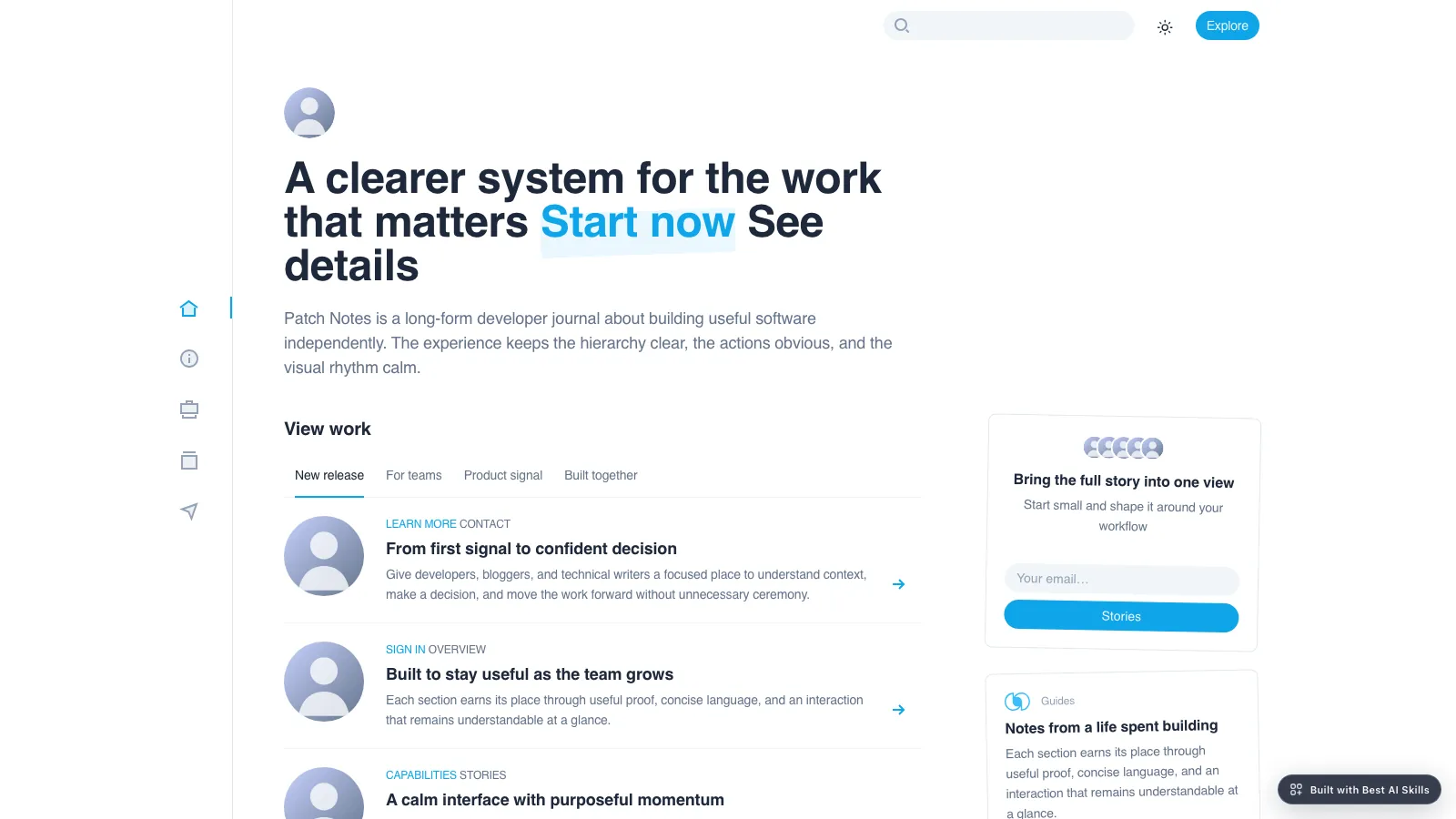
- One self-contained website file that opens in any browser and works offline, with fonts and images built in. If you already have a framework project, the design is ported into it instead.
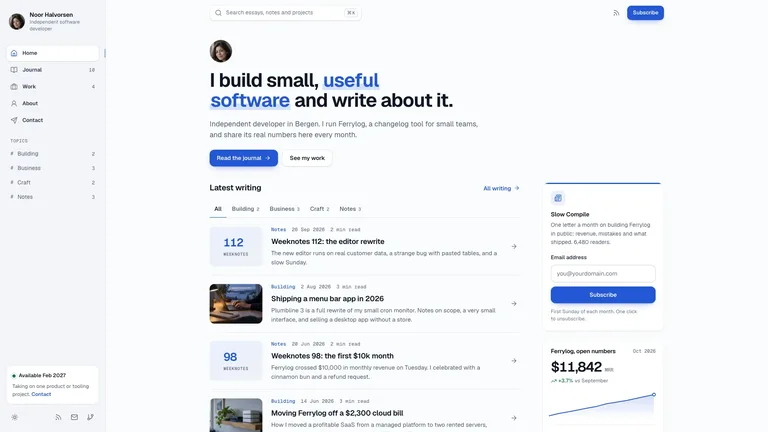
- A journal archive with search, topic chips, sort and an empty state, plus long-form articles with a table of contents, reading progress, code blocks with copy, pull quotes and an interactive revenue chart.
- A work section with case studies that show each product as a drawn interface, with metrics, process steps and a quote.
- About, a printable résumé, a contact form with validation, a newsletter page with feeds, a colophon, privacy and a not-found page.
- A command palette for search, a complete dark theme and calm motion that never moves reading text.
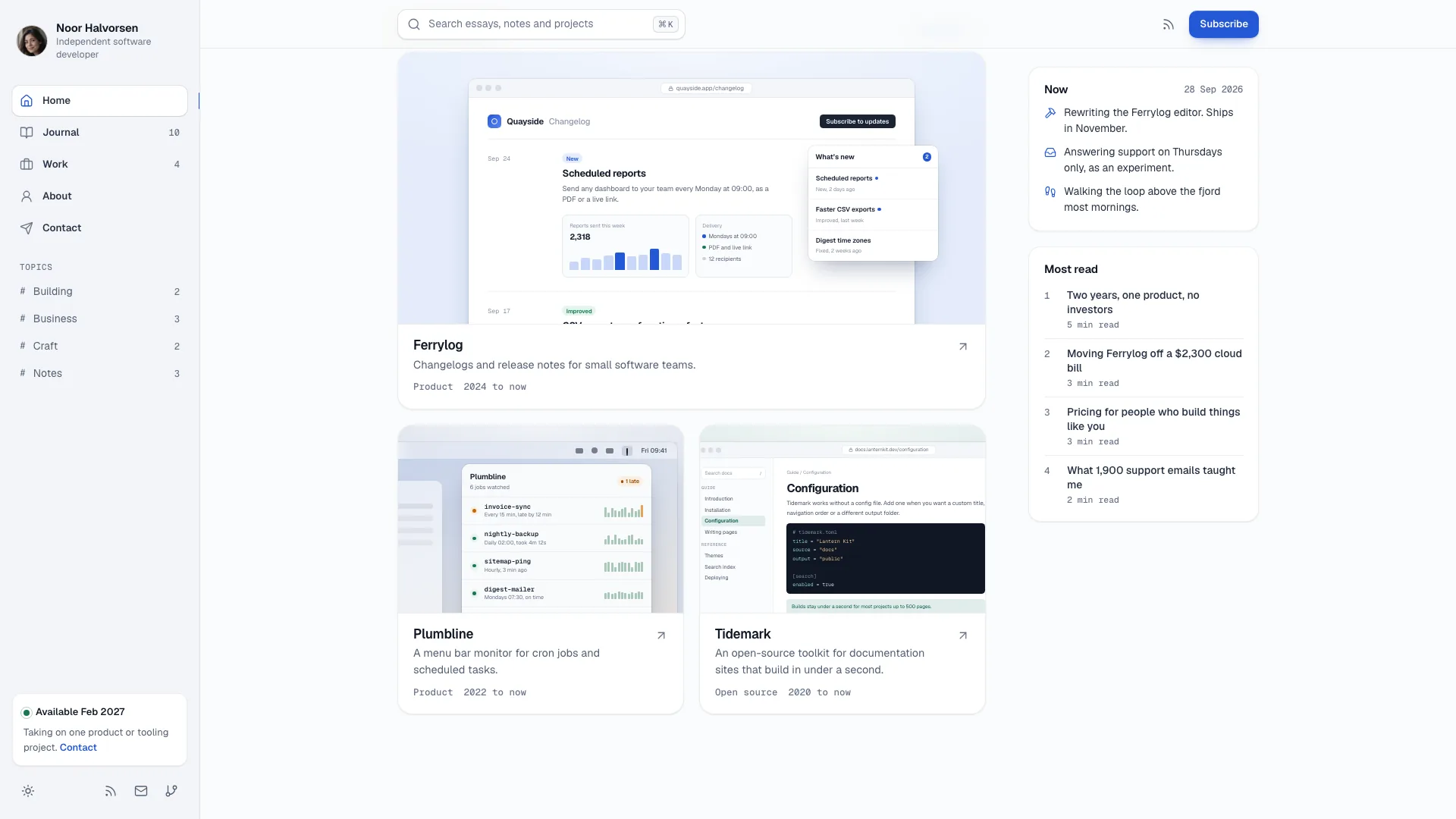
- Share your name and role, two to six projects with real outcomes, at least six posts or their topics, work history, talks, contact email and newsletter name. Missing facts are drafted as plausible placeholders and listed for you to confirm.
- Send a portrait and a photo of where you work, or let the agent generate stand-ins and one cover per essay in the same overcast light. Your products appear as drawn interfaces, never as stock laptop photos.
- Open every page on desktop and phone in light and dark, try search, filters, the article tools and the forms, and ask for changes.
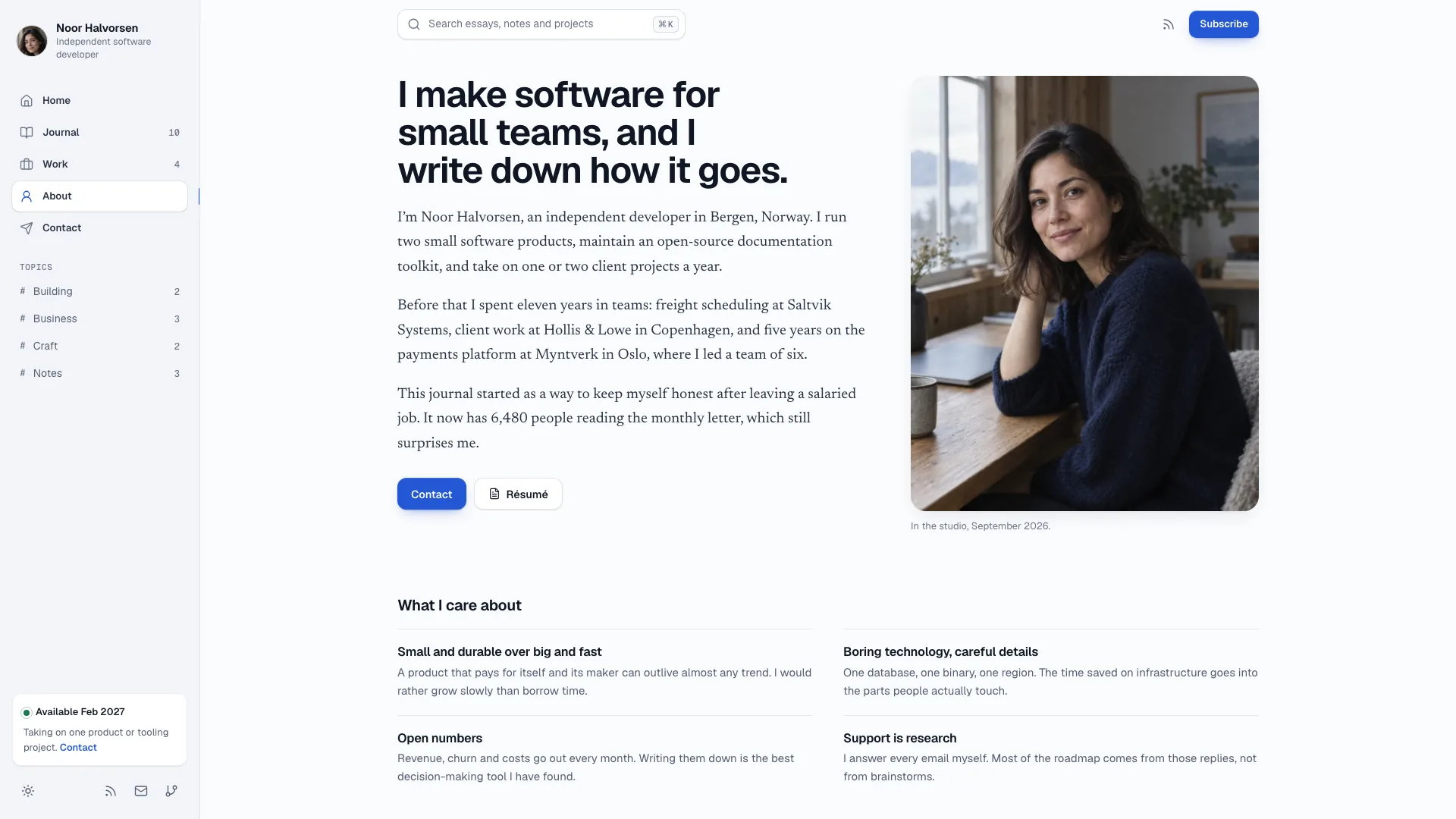
Type is set in Geist, Newsreader and Geist Mono, embedded in the file. New photos come from your agent's own image tool and may carry its usage charges.
What you need before you start
- You bring
- Your name, role and two to six projects with real outcomes · At least six posts or topics, work history, talks, contact email and newsletter name · A portrait and workplace photo, or approval to generate stand-ins
- Dependencies
- Node.js 18 or newer on your agent's machine, to run the bundled script that builds the single offline file · Internet access while the file is built, so the fonts can be downloaded once and embedded · An image tool in your agent, or your own photos, for the portrait and essay covers
- Outside costs
- Portraits, the workplace photo and essay covers are generated with your agent's own image tool, which may charge for usage. Without one, supply your own photos; six neutral covers can be reused and notes use a typographic tile. Viewing the example costs nothing.
- Last tested
- v1.0.5 — Claude Code / Claude Desktop / Cowork / Codex / ChatGPT




 +6
+6