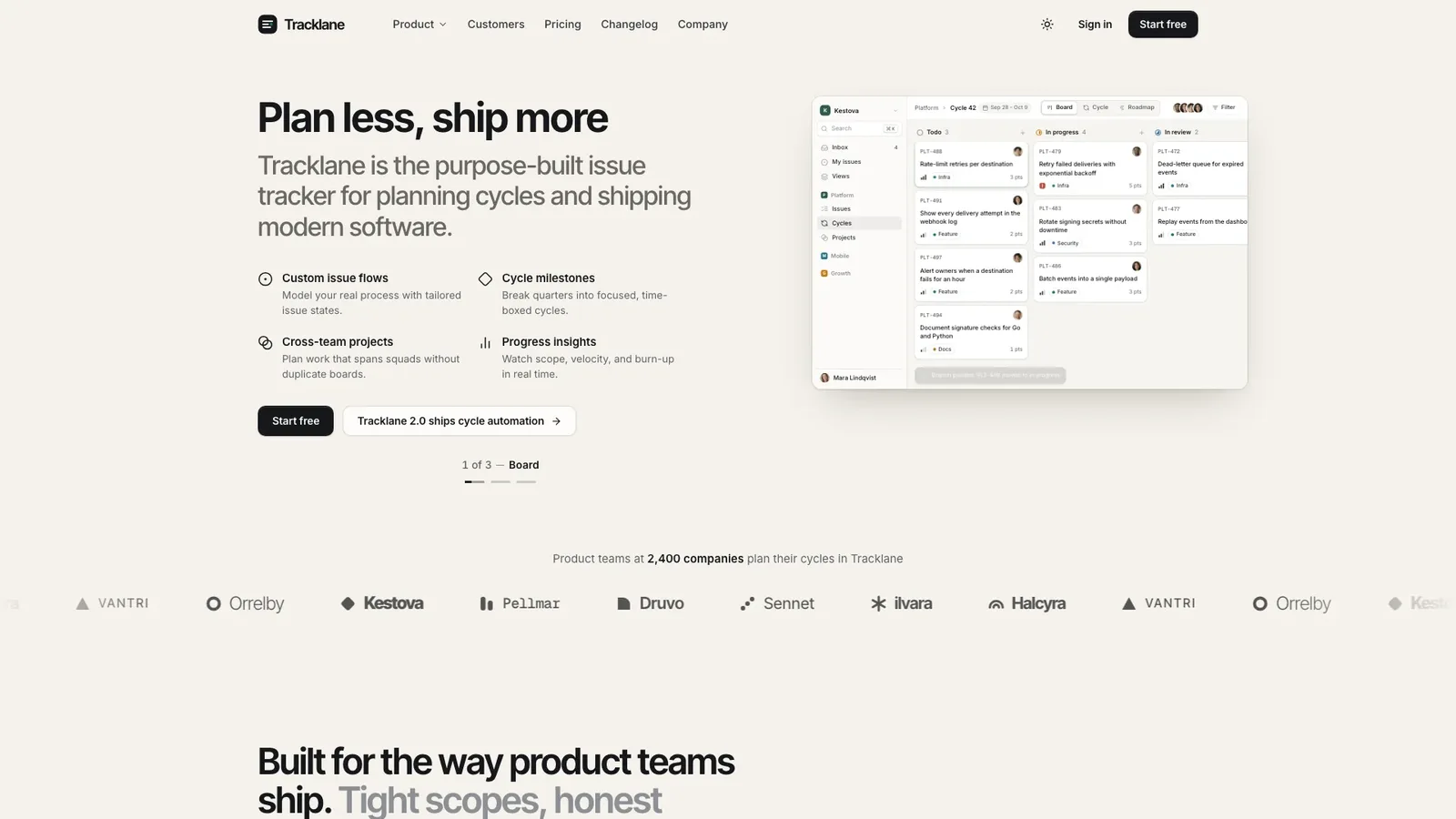
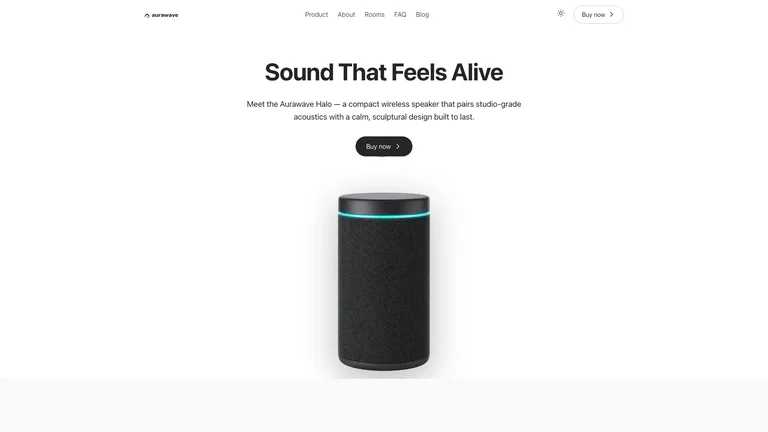
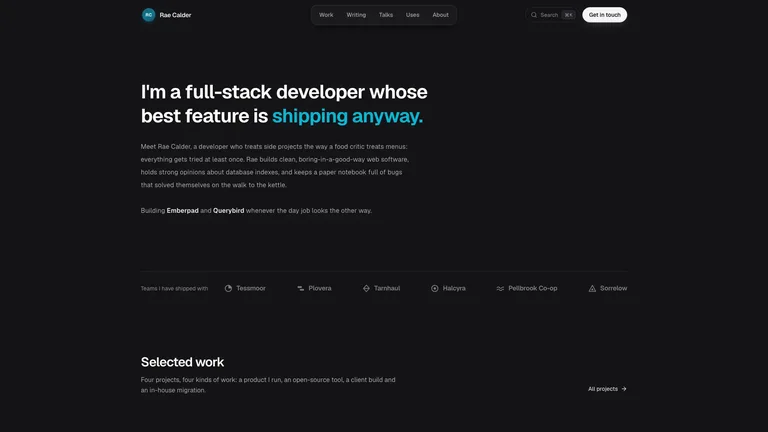
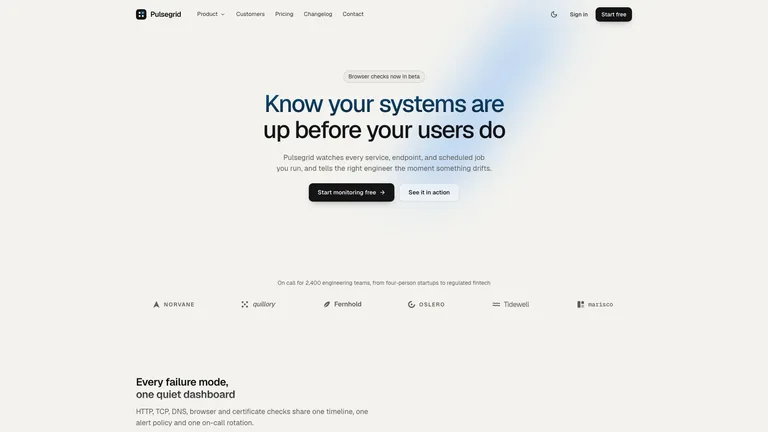
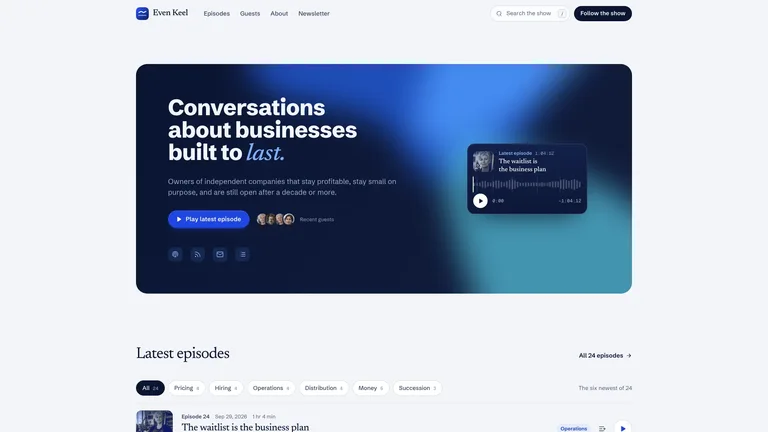
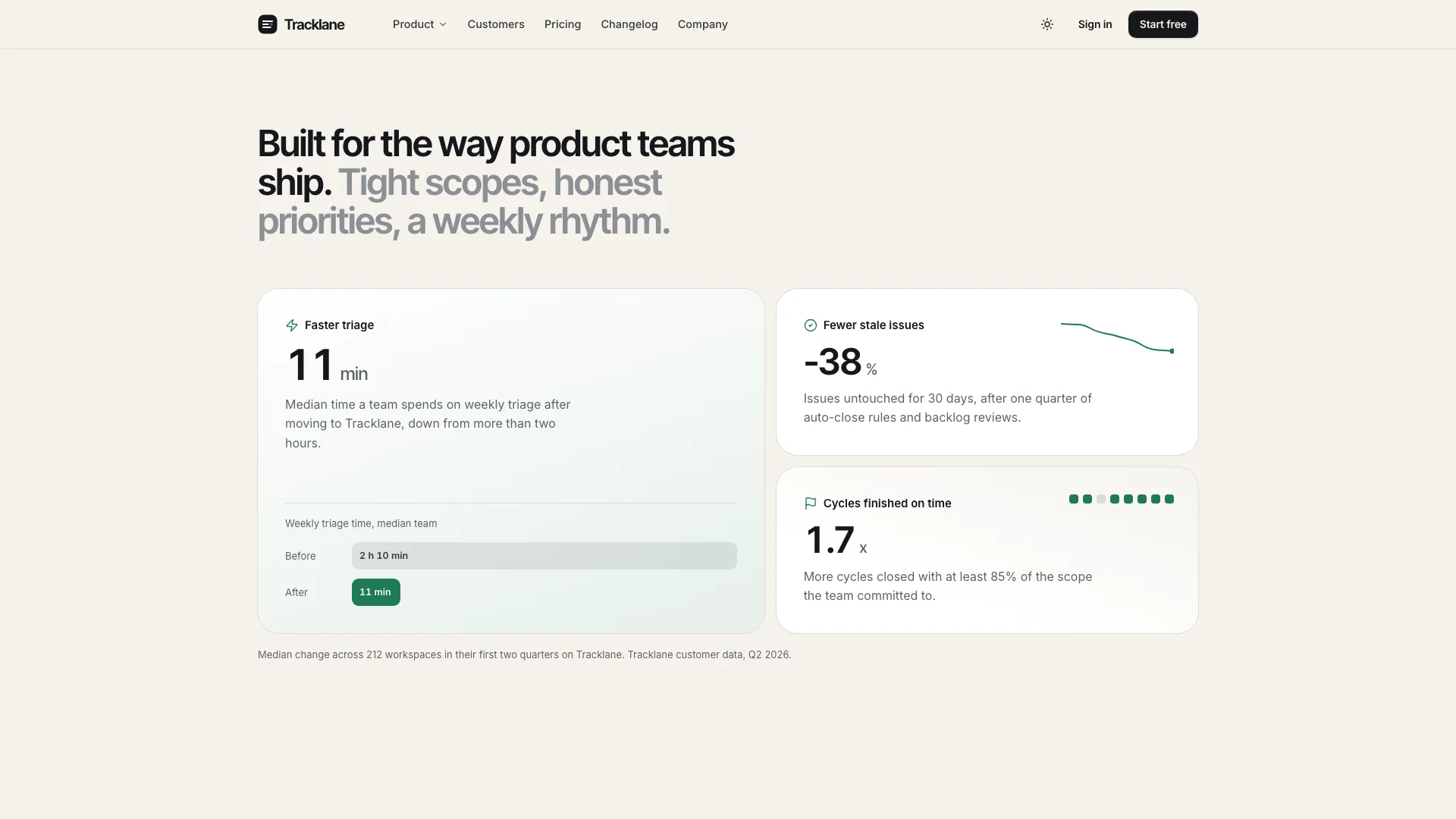
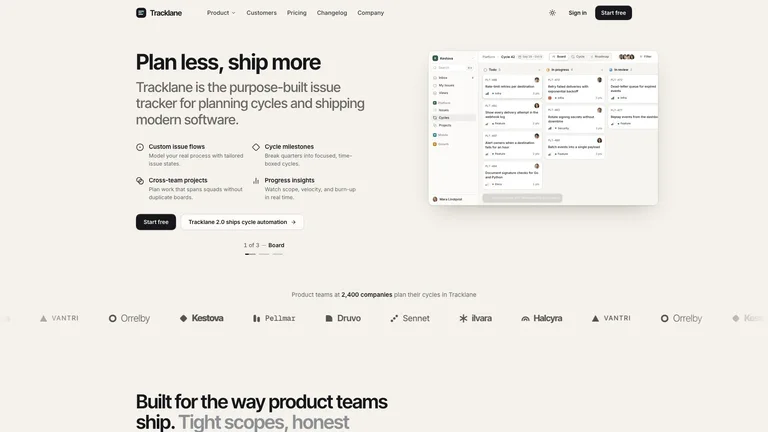
Tracklane Devtool Landing builds the marketing site of a developer tool that feels like a finished company site: a warm sand canvas with mint section bands, near-black ink, tight headlines and a quiet split hero with a live product window on the right. The example is Tracklane, a fictional issue tracker for cycle planning, with a full home page and pricing, changelog, sign-in, sign-up, demo, security, customer story, company and legal pages.
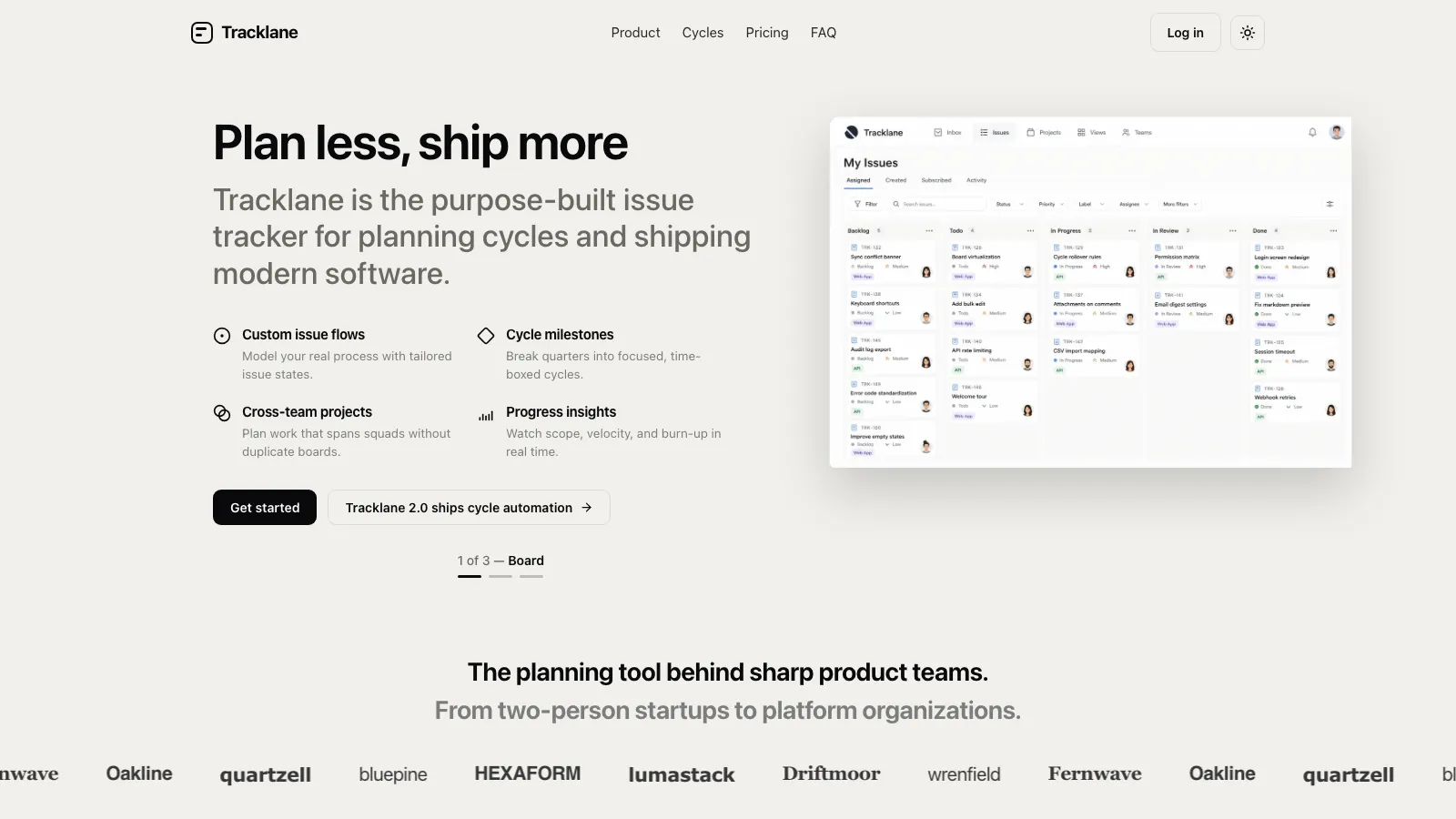
- One self-contained website file that opens in any browser and works offline, with fonts and images built in. If you already have a framework project, the same structure is ported into it instead.
- A product window drawn from your own objects, with board, burn-up and roadmap views that switch on their own once, and a card that moves when a branch is pushed.
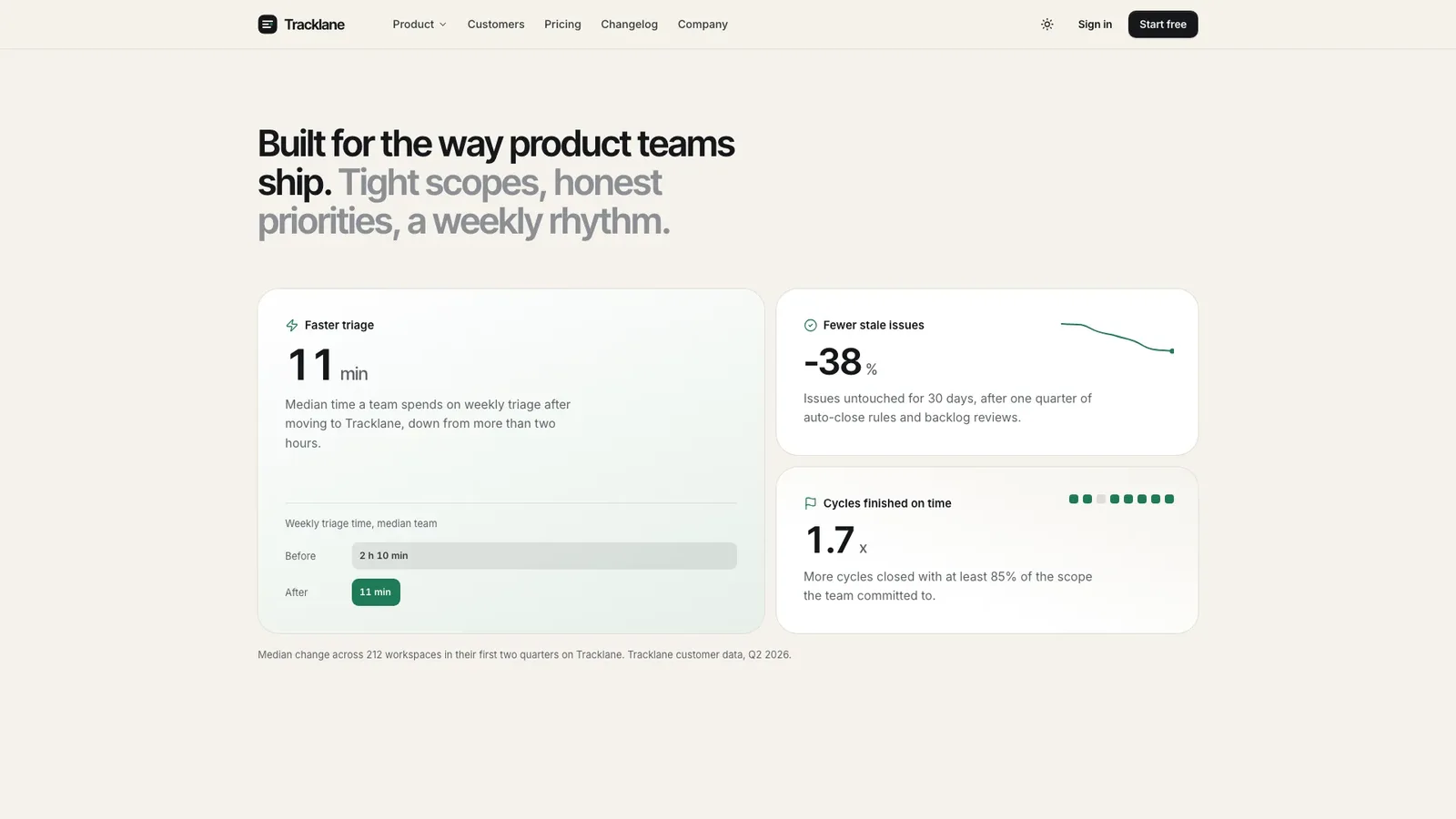
- Home sections that work: metric cards that count up, a five-tile bento with a triage queue and issue thread, cycles tabs, developer workflow tabs for command line, Git and API with copy, an evaluation path, security, quotes, pricing with a billing switch and a FAQ.
- Inner pages with a pricing comparison table, a changelog with filters and search, sign-in with single sign-on lookup, sign-up, book a demo, a customer story, company with open roles, privacy, terms and a not-found page.
- A complete dark theme and calm motion that respects reduced-motion settings.
- Share your product name and one-line promise, the work objects it manages, five capabilities, how it fits Git, the command line and the API, security facts, pricing tiers and your main call to action. Missing facts are drafted as plausible placeholders and listed for you to confirm.
- Tell the agent which three views best show your product, for example incidents, deploys or tickets instead of issues.
- Open every page in light and dark on desktop and phone, try the product window, bento, tabs and forms, and ask for changes.

Type is set in Inter Tight, Inter and Geist Mono, embedded in the file. Customer and team photos come from your agent's own image tool and may carry its usage charges; the product itself is always drawn, never a generated screenshot.
What you need before you start
- You bring
- Product name, one-line promise and the work objects it manages · Capabilities, developer workflow, security facts, pricing tiers and your main call to action · Customer quotes and metrics you may use, or permission to draft placeholders for you to confirm
- Dependencies
- Node.js 18 or newer on your agent's machine, to run the bundled script that builds the single offline file · Internet access while the file is built, so the fonts can be downloaded once and embedded · An image tool in your agent, or your own photos, for customer and team photos
- Outside costs
- Customer portraits, the story photo and the team photo are generated with your agent's own image tool, which may charge for usage. Without one, supply your own photos or drop the quote and story sections; the product window needs no images. Viewing the example costs nothing.
- Last tested
- v1.0.5 — Claude Code / Claude Desktop / Cowork / Codex / ChatGPT





 +6
+6