

Vaultic Fintech Landingv1.0.6
Use this Skill to build website page.
5.046 downloads1 likes1 saves
$4.99
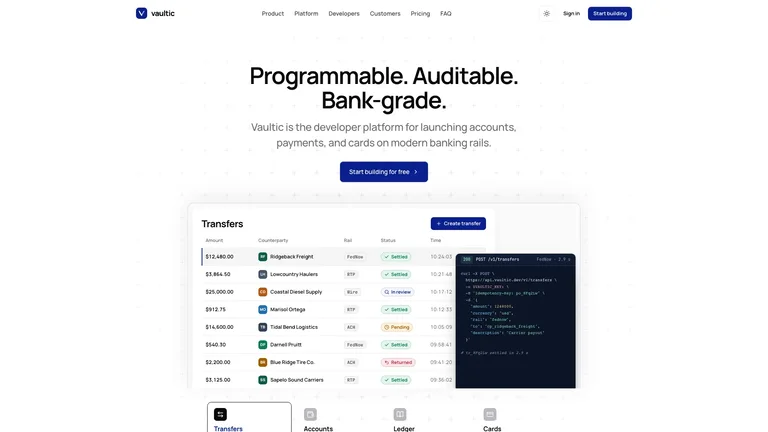
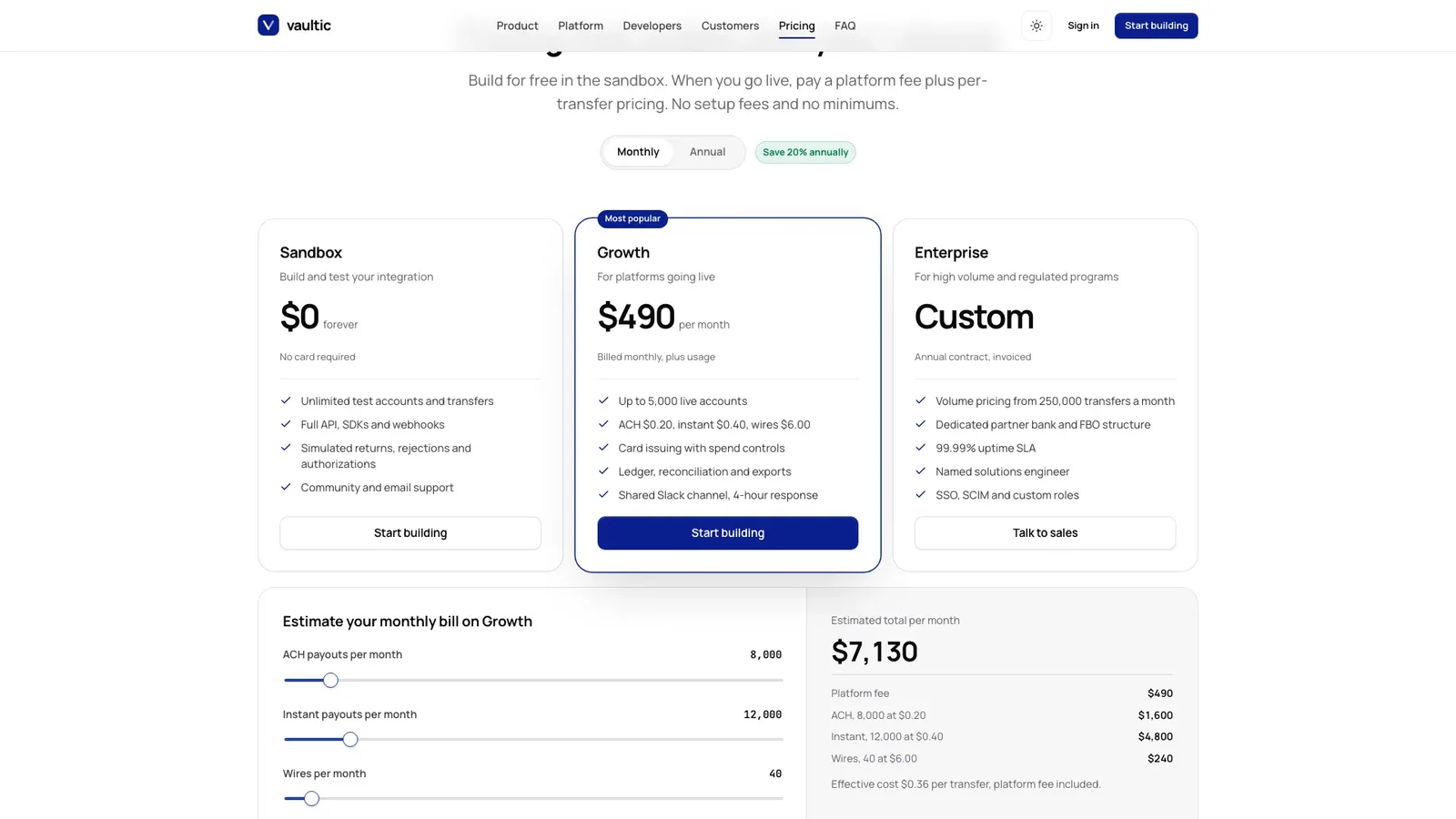
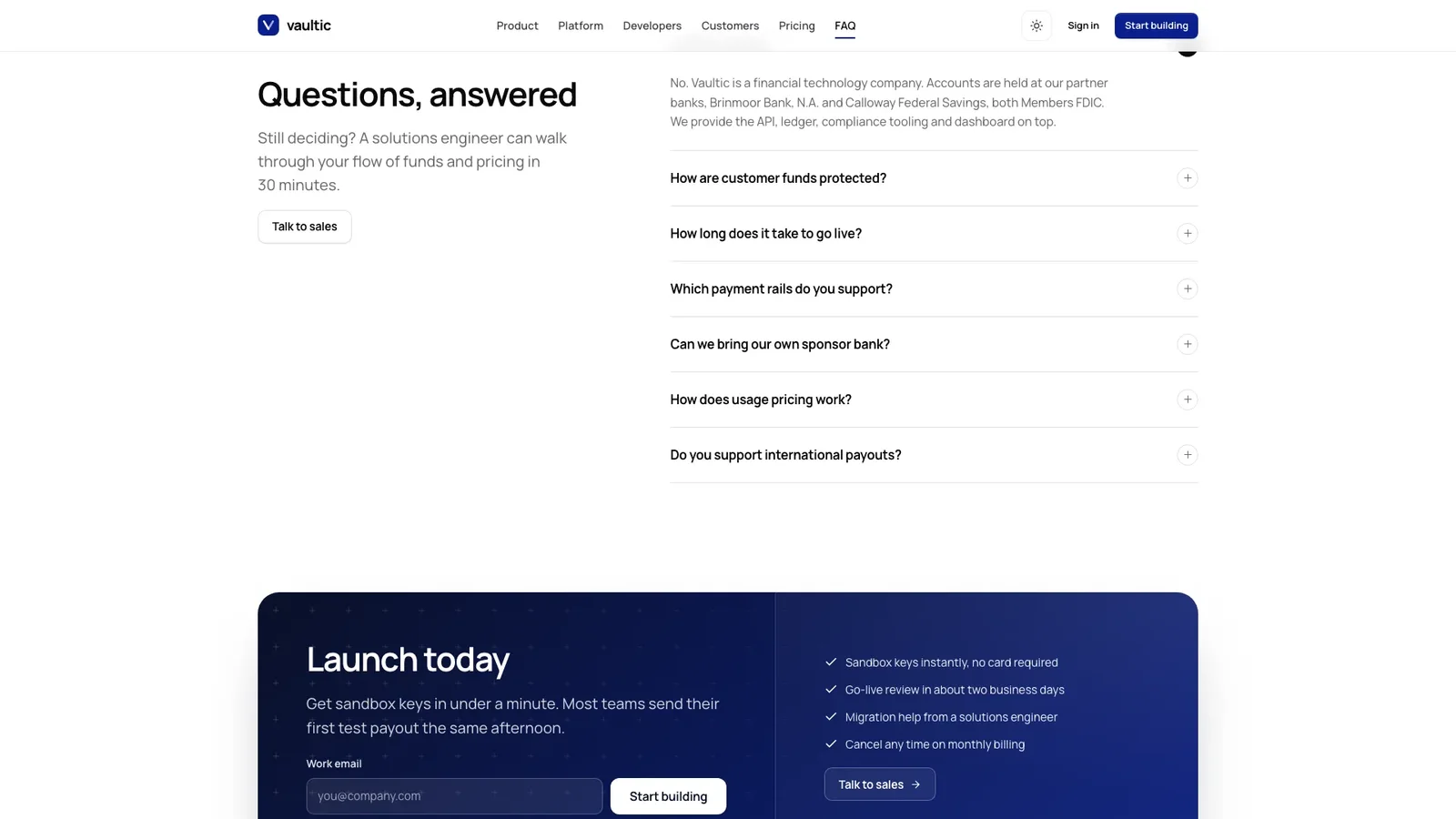
What do I get when I buy this Skill?Build a polished, light-first fintech marketing site: a calm centered hero with one deep navy button above a working product shot with four views (transfers, accounts, ledger, cards) and an overlapping code panel, on a faint plus-sign grid. It continues with a feature accordion, platform bento, payment-rails explorer, developer quickstart, customer story, security, pricing with a usage estimator, FAQ and a navy launch band, plus sign-up, sales, changelog, trust and legal pages in light and dark themes.
Picked most often by
Updated Oct 3, 2026
Preview gallery
Similar Skills
View all skills
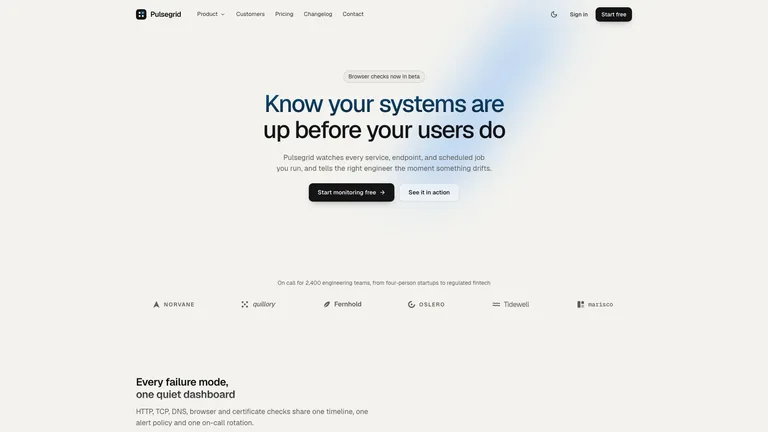
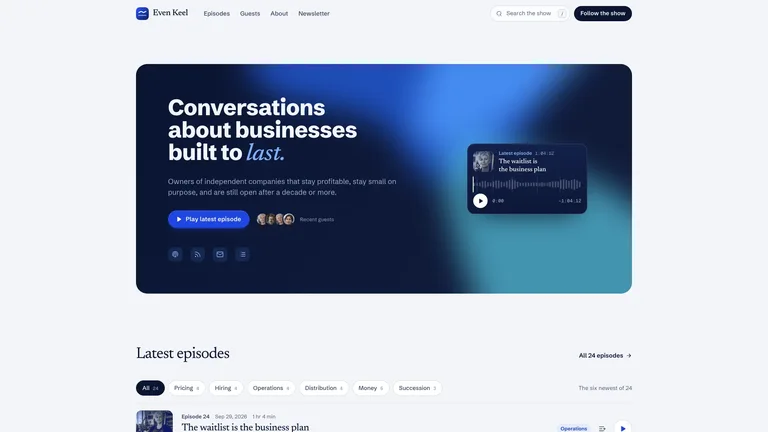
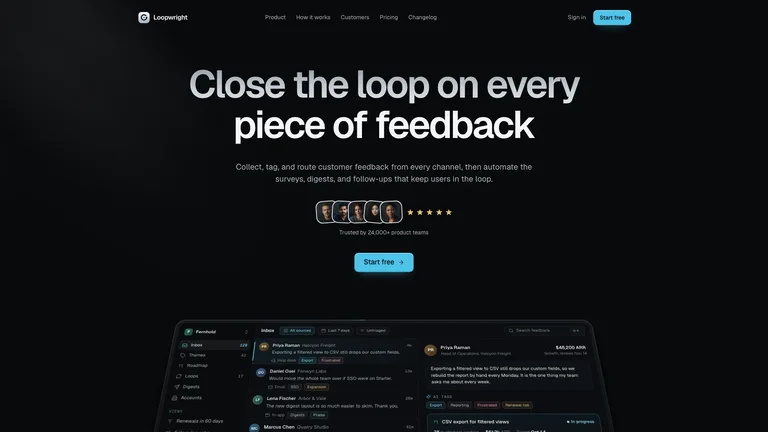
What you get
- A finished example site for Vaultic and its sample customer Haulstead: the landing page plus sign-up, sign-in, talk to sales, changelog, customer story, security, about, privacy, terms and a 404.
- Live product views instead of screenshots: create transfers, switch chart ranges, post balanced ledger entries and simulate card authorizations, with a code panel showing each API call.
- Your site as one offline file with Manrope and JetBrains Mono embedded, light and dark themes, a small set of generated photos and the style rules your agent builds from.
Good fit
- Payments, banking-as-a-service, treasury and developer-API startups that need a credible marketing site.
- Teams that want the product shown working, with pricing, security and a developer quickstart on the same page.
- Builders who want one finished file to review first, with the option to port it into their own stack.
Not for
- Moving real money: product views, sign-up and sales forms are demonstrations running on sample data.
- Brands that want violet, gradients or a glowing hero; this design keeps one deep navy accent on zinc greys.
- Teams that need a CMS-driven or multi-language site out of the box.
Product Launch & App GrowthWeb Design & Digital ExperiencesBuild Website PageBuild Landing PageScaffold Web TemplateStyle-lockedEditable OutputConversion-focusedLight FirstPlus Grid BackdropNavy AccentProduct Shot HeroZinc Neutrals
Good forLanding pages
About this Skill
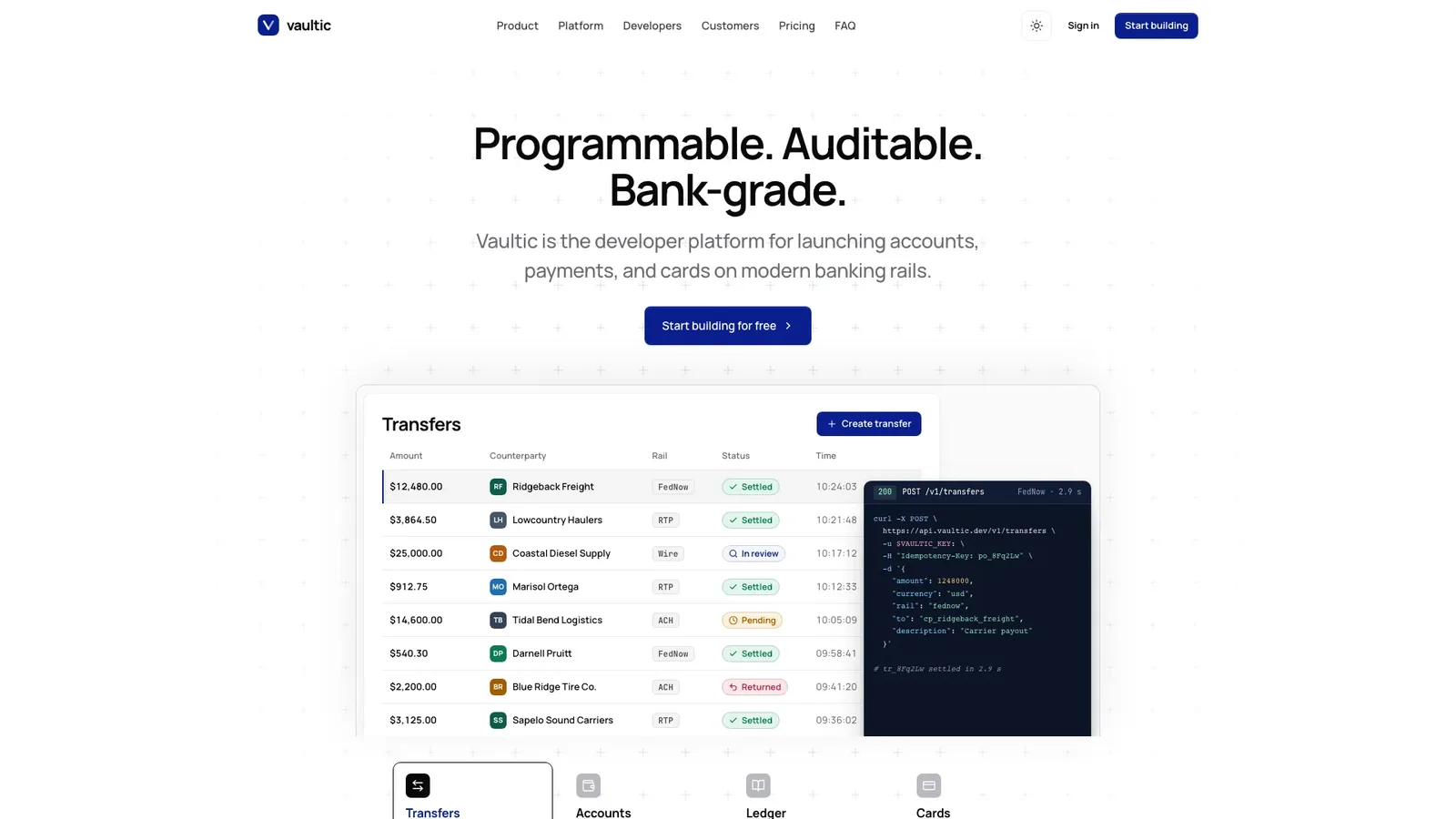
Tell your agent about your payments or banking product and get back a calm, light-first fintech site where the product does the selling: a centered three-beat headline, one navy button and a working product shot with an overlapping code panel. The example is Vaultic, a fictional banking-infrastructure platform, with Haulstead as its sample customer.
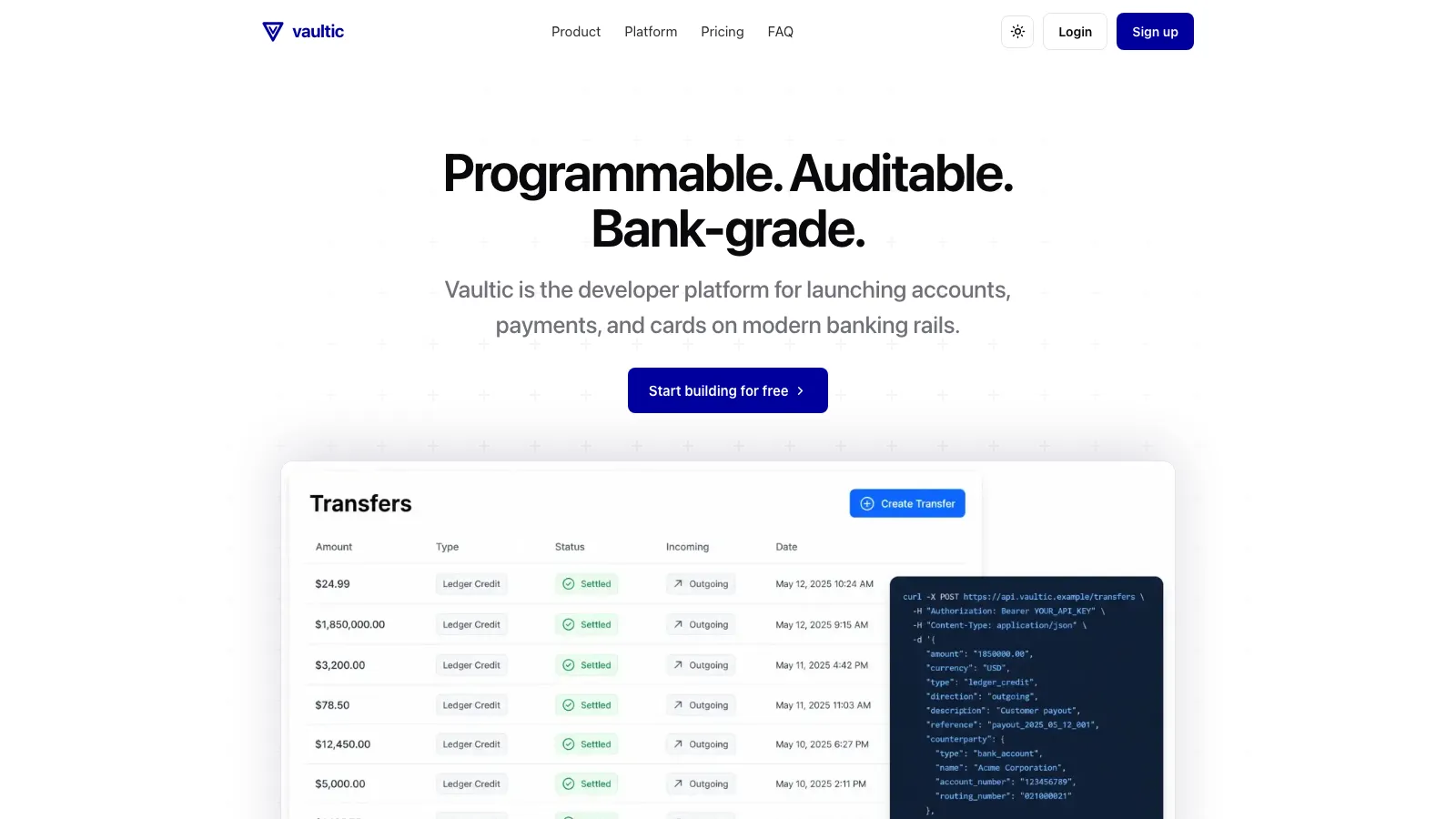
What you get
- A landing page with product tabs, customer marquee, feature accordion, platform bento, rails explorer, quickstart, customer story, security, pricing, FAQ and launch band
- Sign-up, sign-in, talk to sales, changelog, customer story, security, about, privacy and terms pages, plus a designed 404
- Product views that work: create a transfer, switch ranges, post ledger entries and simulate card authorizations
- Pricing with a billing toggle and usage estimator, full light and dark themes, and fonts and photos embedded in one file
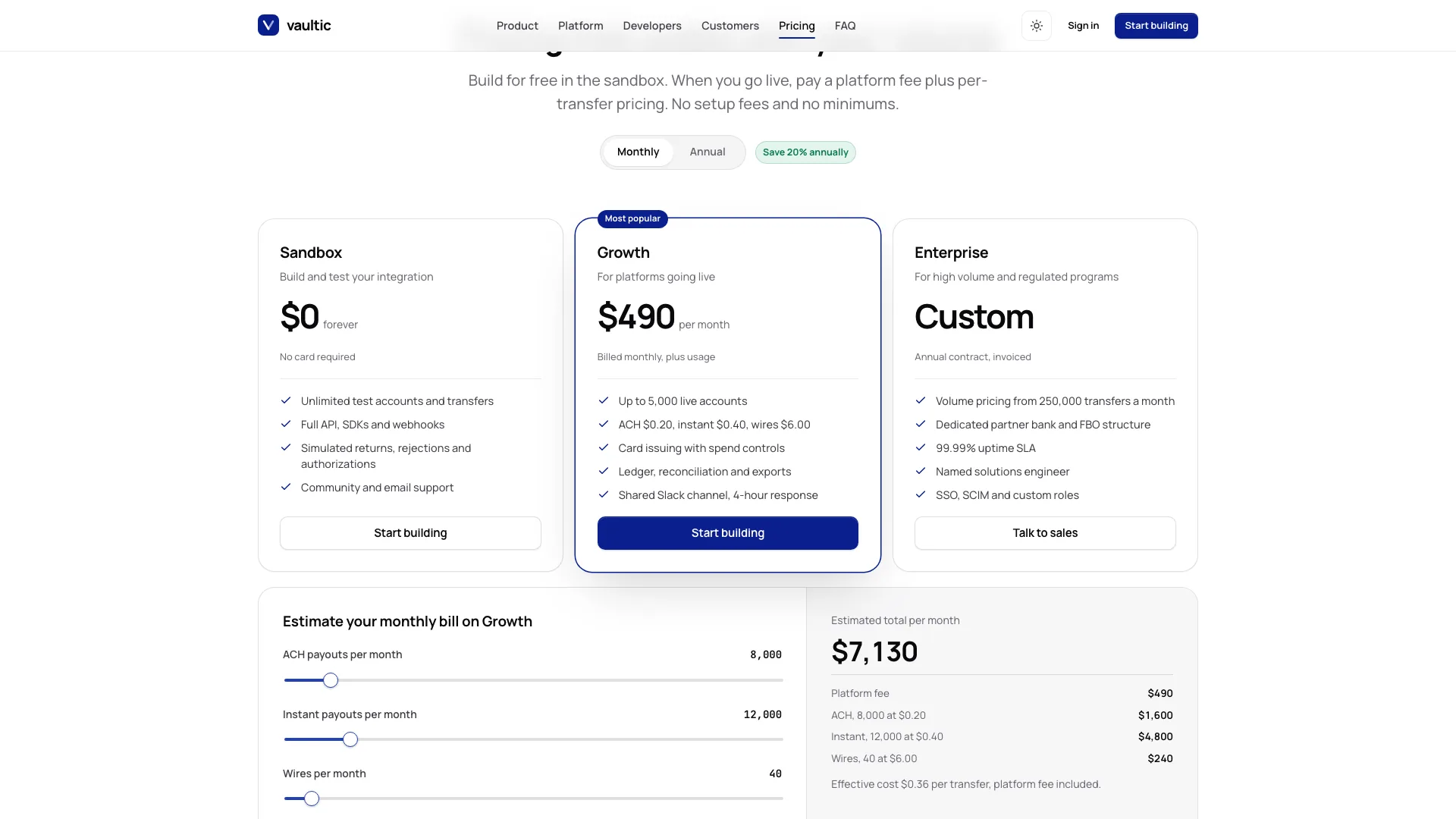
How to use it
- Share your product name, promise, the objects it manages, rails, pricing and your main call to action.
- Your agent rebuilds the product tabs around your objects, drafts and lists any missing facts, and checks both themes on desktop and phone.
- Open the single file, click through the tabs and pages, and ask for changes in plain words.
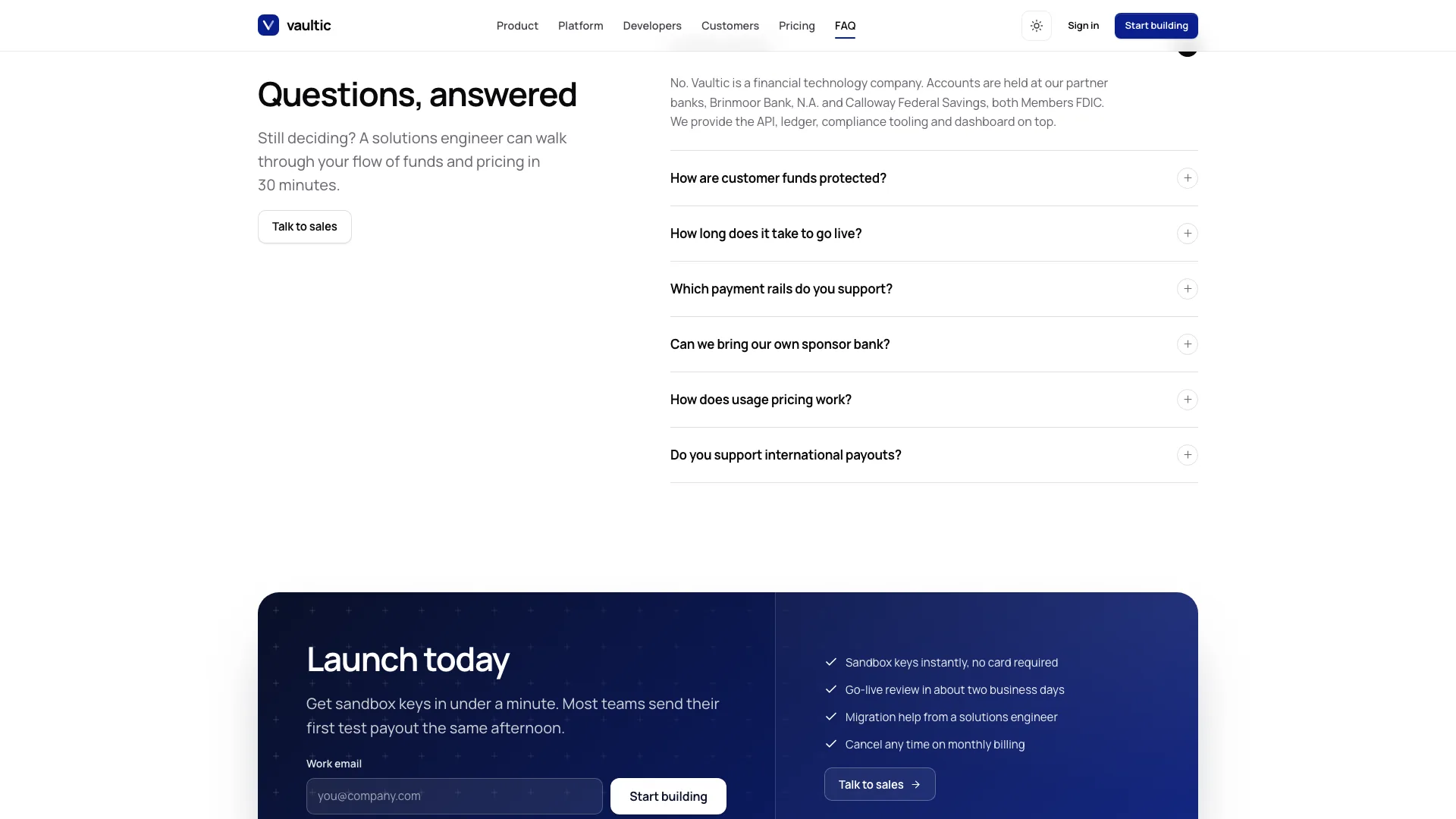
Security claims, partner banks and certifications appear only when you confirm them. Photos made with your agent's image tool may incur that tool's usage charges.
What you need before you start
- You bring
- Product name, one-line promise and who it is for · The objects it manages, supported payment rails and pricing tiers · Optional: confirmed security facts, partner banks, a customer story and the main call to action
- Dependencies
- Node.js 18 or newer on your agent's machine, to run the bundled script that builds the single offline file · Internet access while the file is built, so the fonts can be downloaded once and embedded · An image generation tool in your agent for story, portrait and team photos (optional; placeholders are kept without it)
- Outside costs
- Story, portrait and team photos are generated with your agent's own image tool, which may incur that tool's usage charges. Without one, sized placeholders mark the slots that need your photos.
- Last tested
- v1.0.6 — Claude Code / Claude Desktop / Cowork / Codex / ChatGPT
User reviews
Loading reviews…