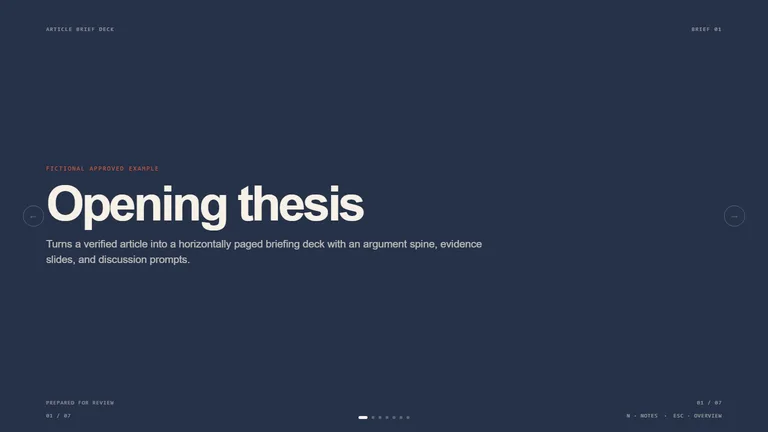
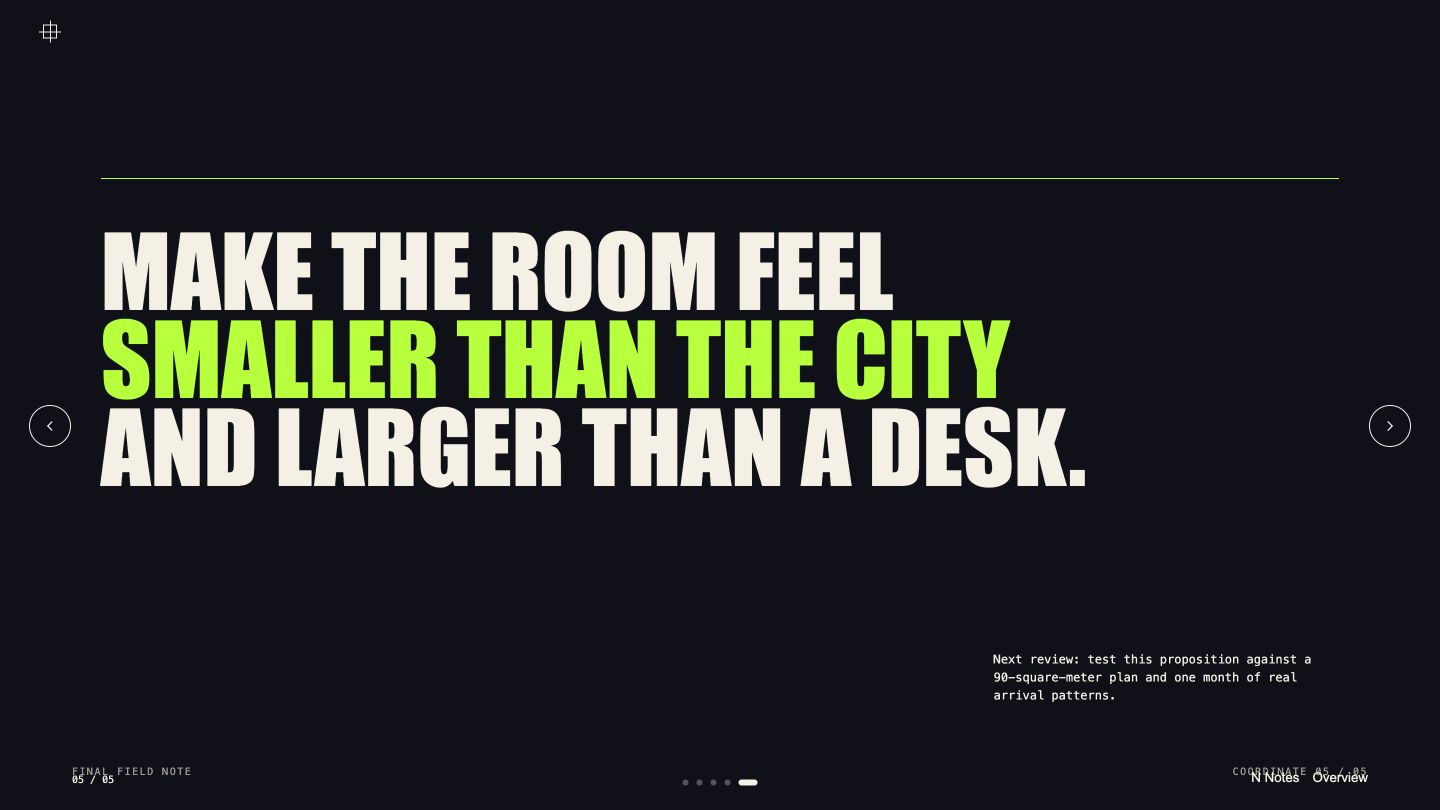
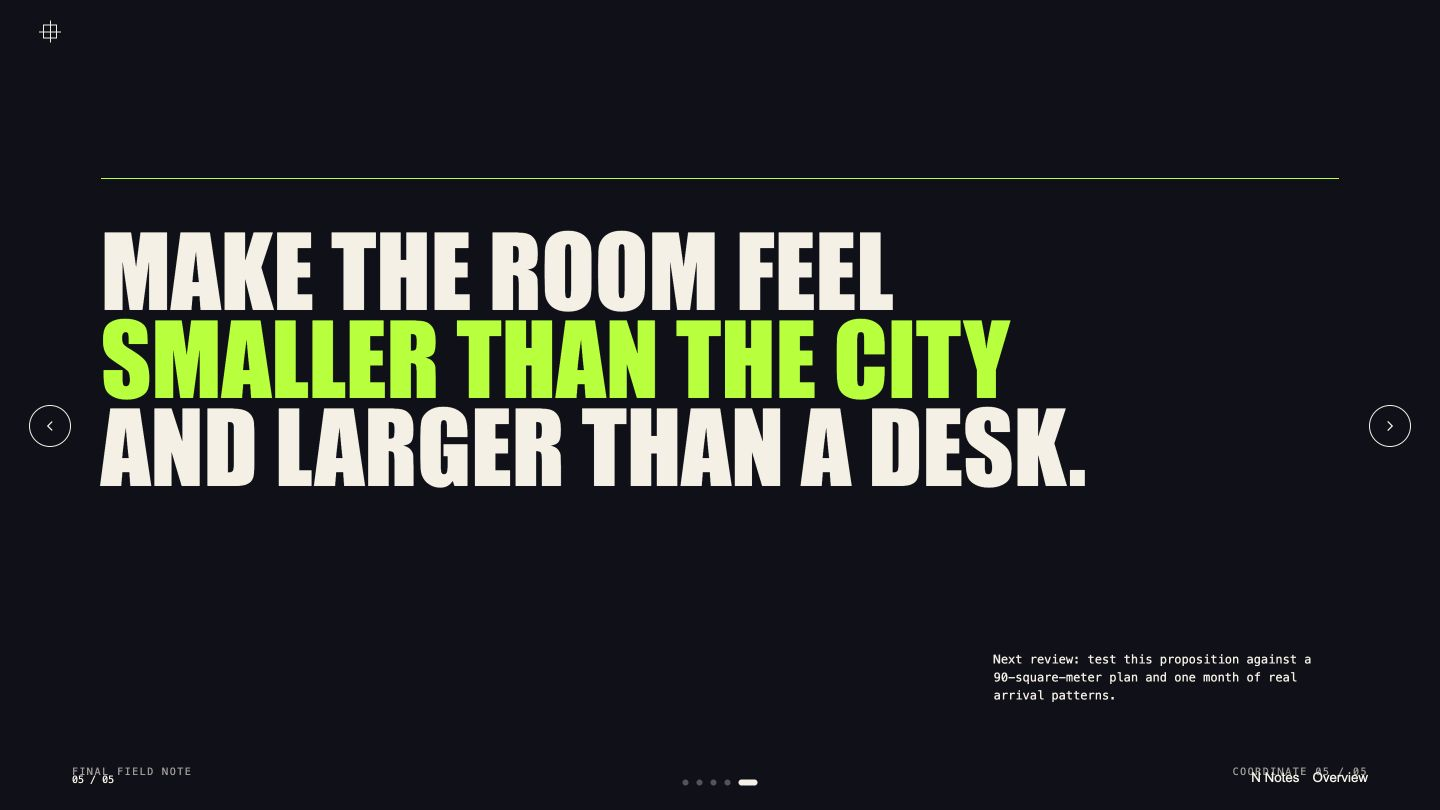
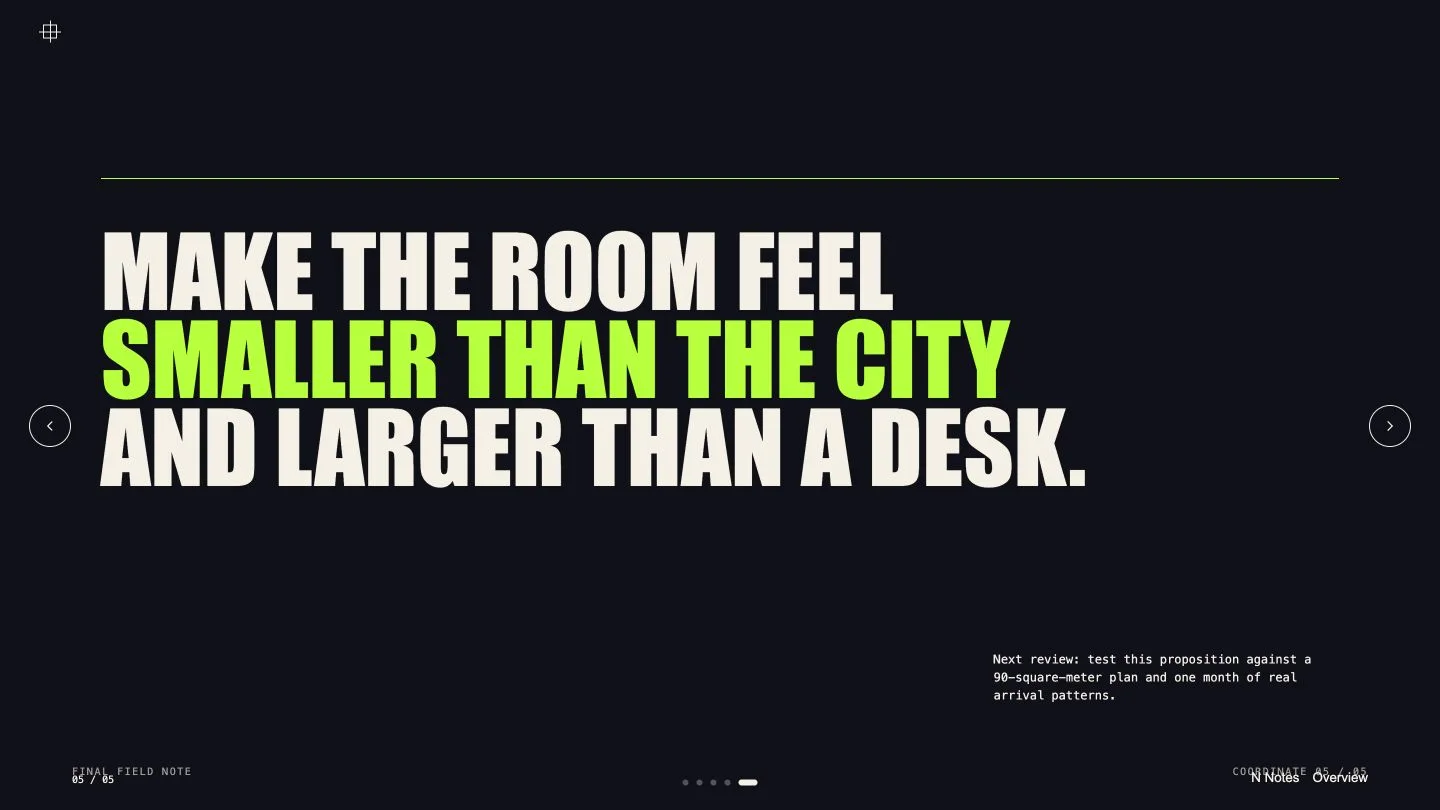
Bring rough notes and get back a deck where every slide is composed like a board pinned to a studio wall: oversized type, offset color planes and ruled lines instead of rows of identical cards. It suits concept pitches, creative direction and workshop write-ups that a room needs to react to.

- Boards with their own jobs, from a mounted cover and a signal map to a process wall, a cropped quote and a closing field note
- A full plan to approve before anything is built (title, story summary, slide order and look), then the choice to refine it or branch a second direction to compare
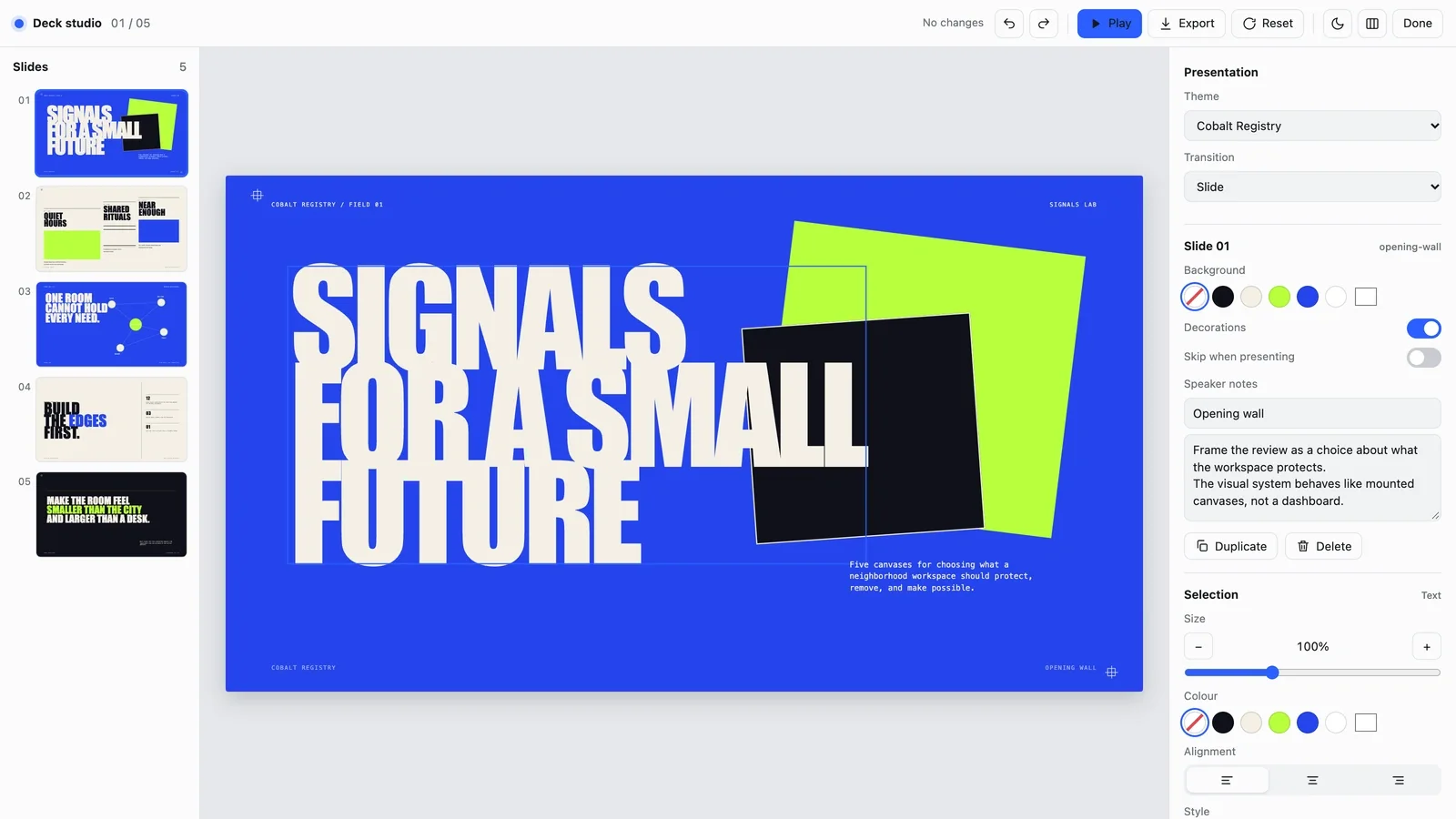
- A deck you can edit in your browser and export as an editable PowerPoint file or a PDF
- Share your notes, audience and the decision you're after. You are asked once for anything missing, with a clearly marked default if you are short on time.
- Approve the plan. Then ask it to refine that direction without touching unrelated slides, or branch a second one to compare side by side.
- Open the deck and press E to retype text, replace a picture, reorder, duplicate or skip slides, or switch between three color themes.
- Export a PowerPoint file or a PDF from the editor, or ask your agent. Text and speaker notes stay editable; backgrounds and diagrams arrive as pictures, and fonts are swapped for close system fonts.
Slides are in English unless you ask for another language.
What you need before you start
- You bring
- Purpose, audience, and desired decision · Approved content blocks or source notes · Slide count, visual direction, and navigation preferences
- Dependencies
- Modern browser — required · Node.js 20 or newer — required for validation · Chrome, Chromium or Edge plus Node.js 20 or newer — required only for PowerPoint export
- Last tested
- v1.0.2 — Claude Code / Claude Desktop / Cowork / Codex / ChatGPT




 +6
+6