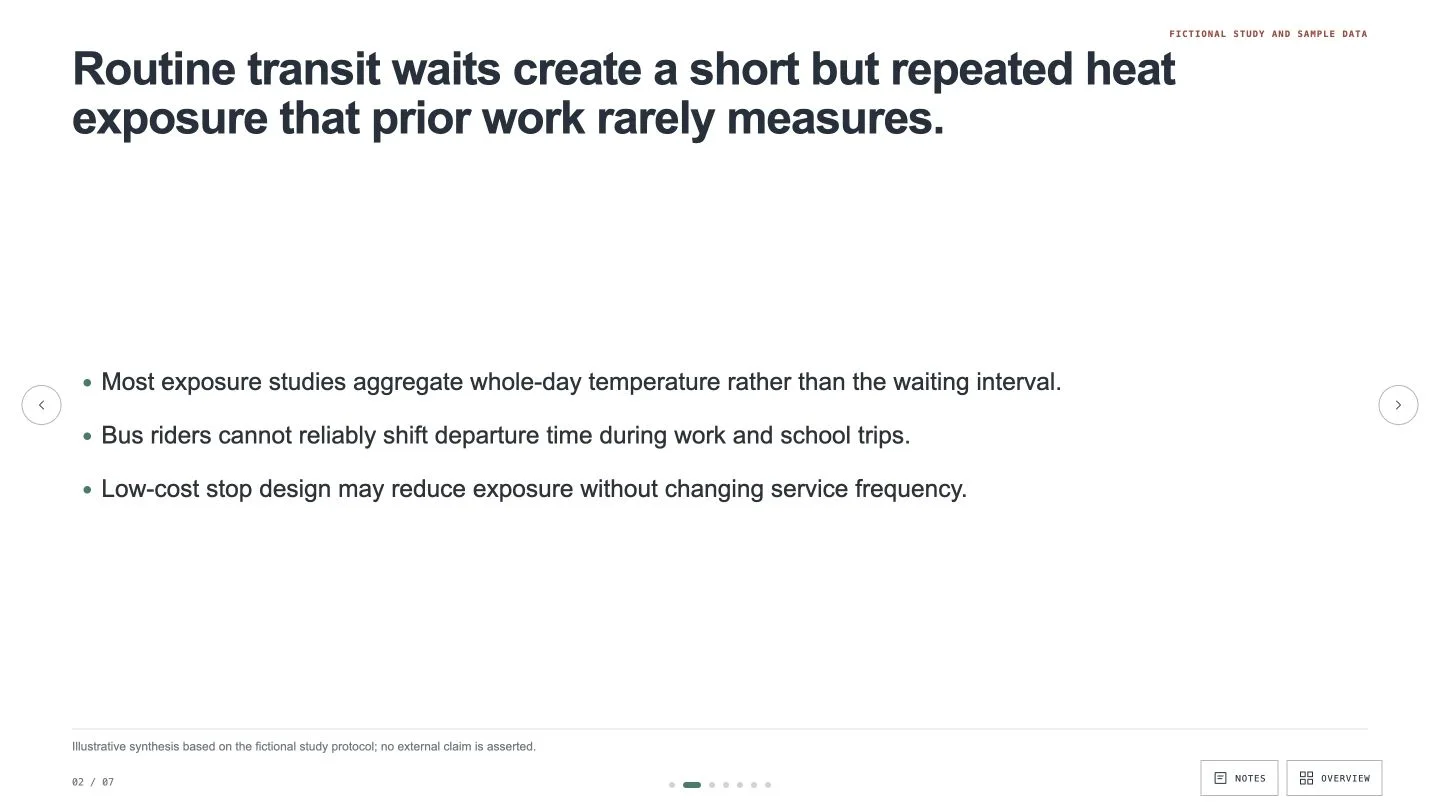
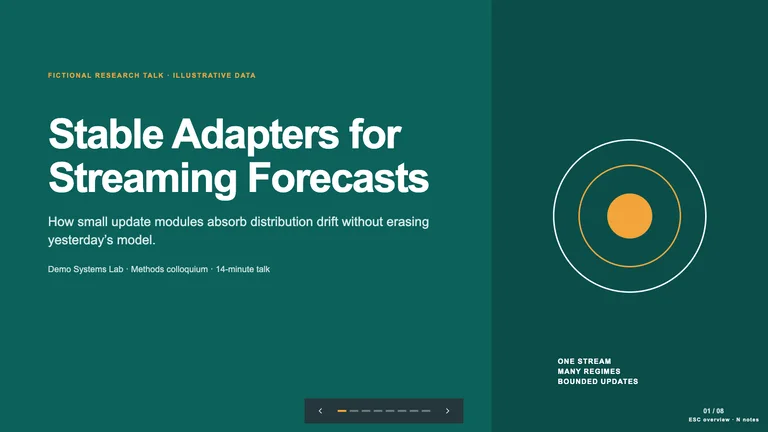
Turn your study into a research talk whose slide titles, read on their own, make the whole argument from question to conclusion. The slides stay white and uncluttered, keeping your evidence, citations and limitations in plain view.
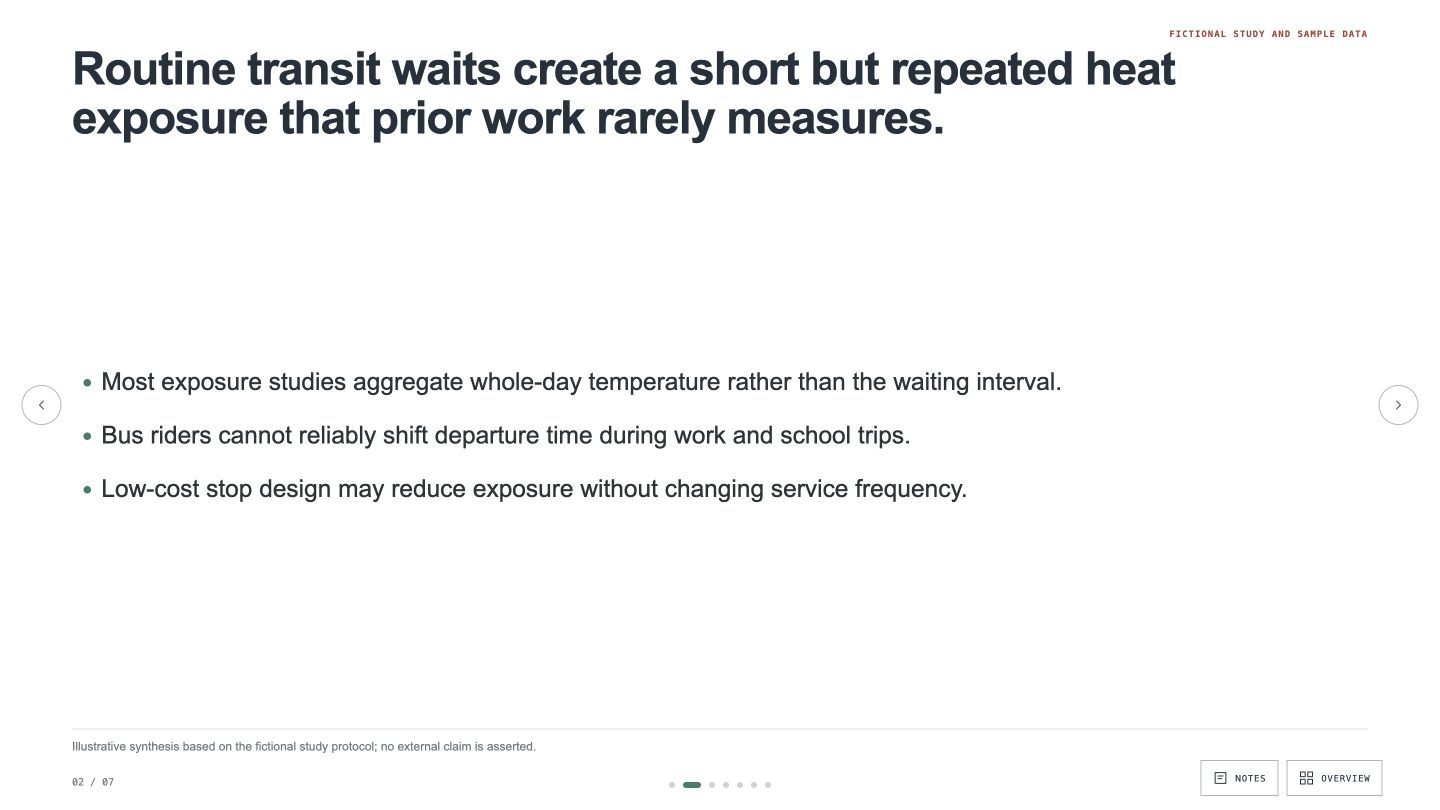
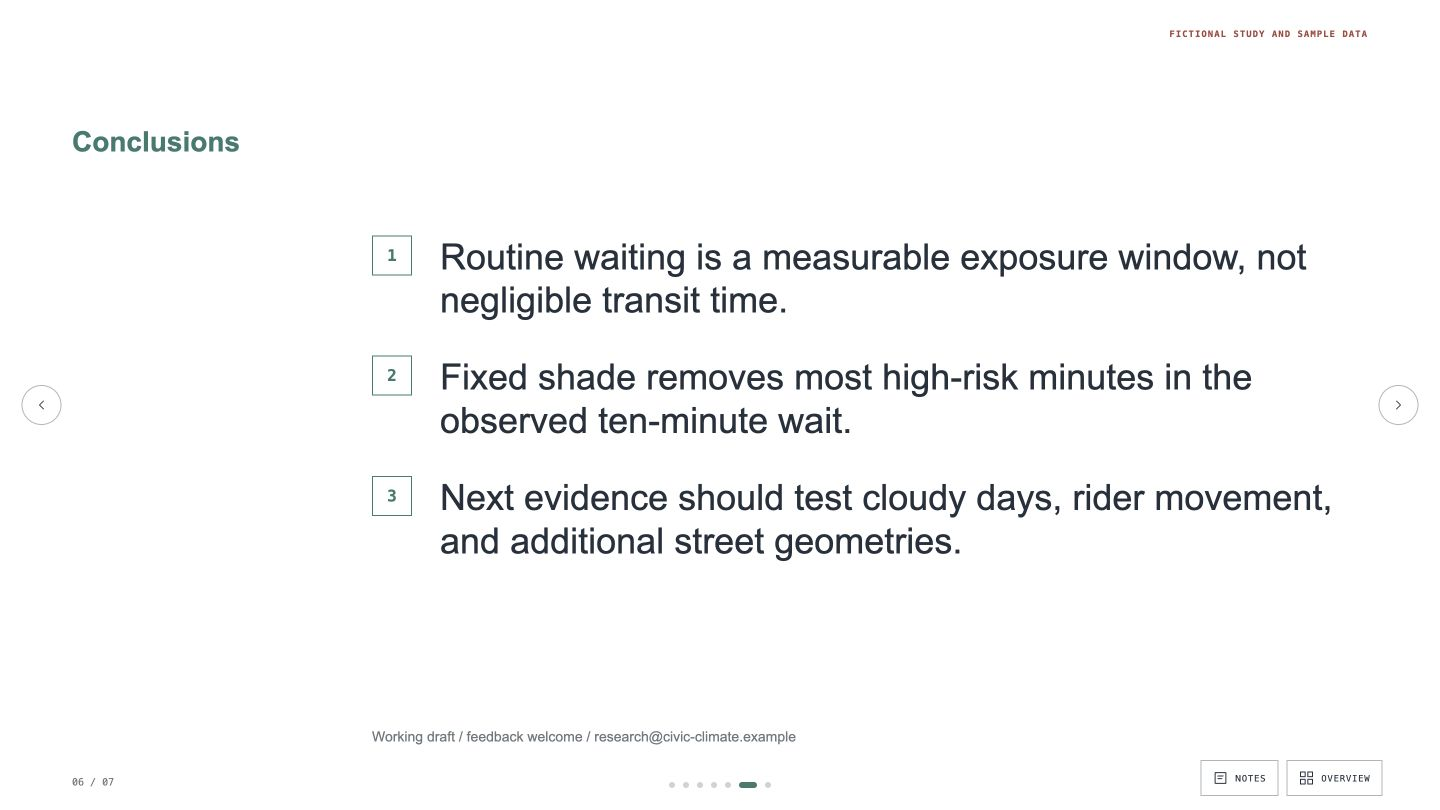
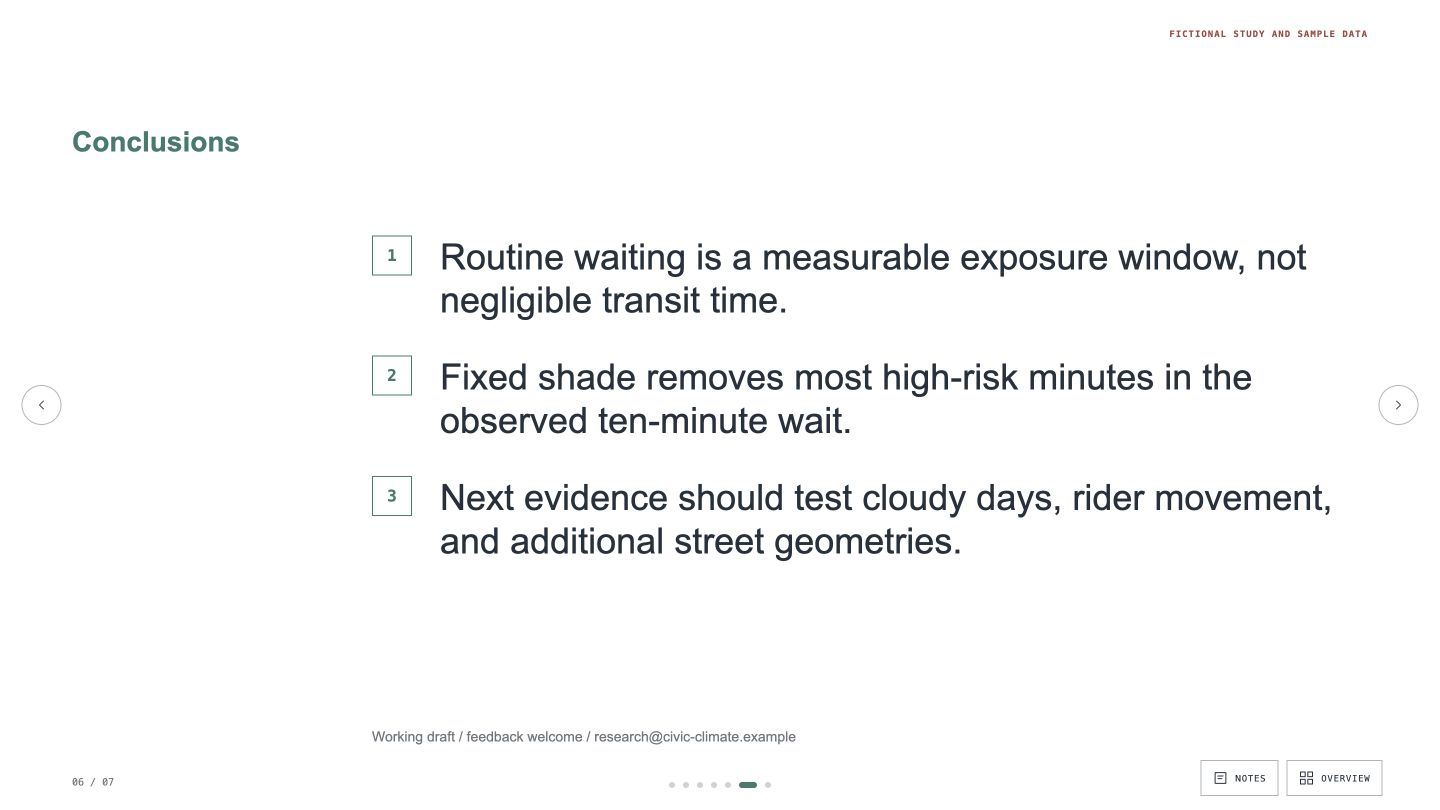
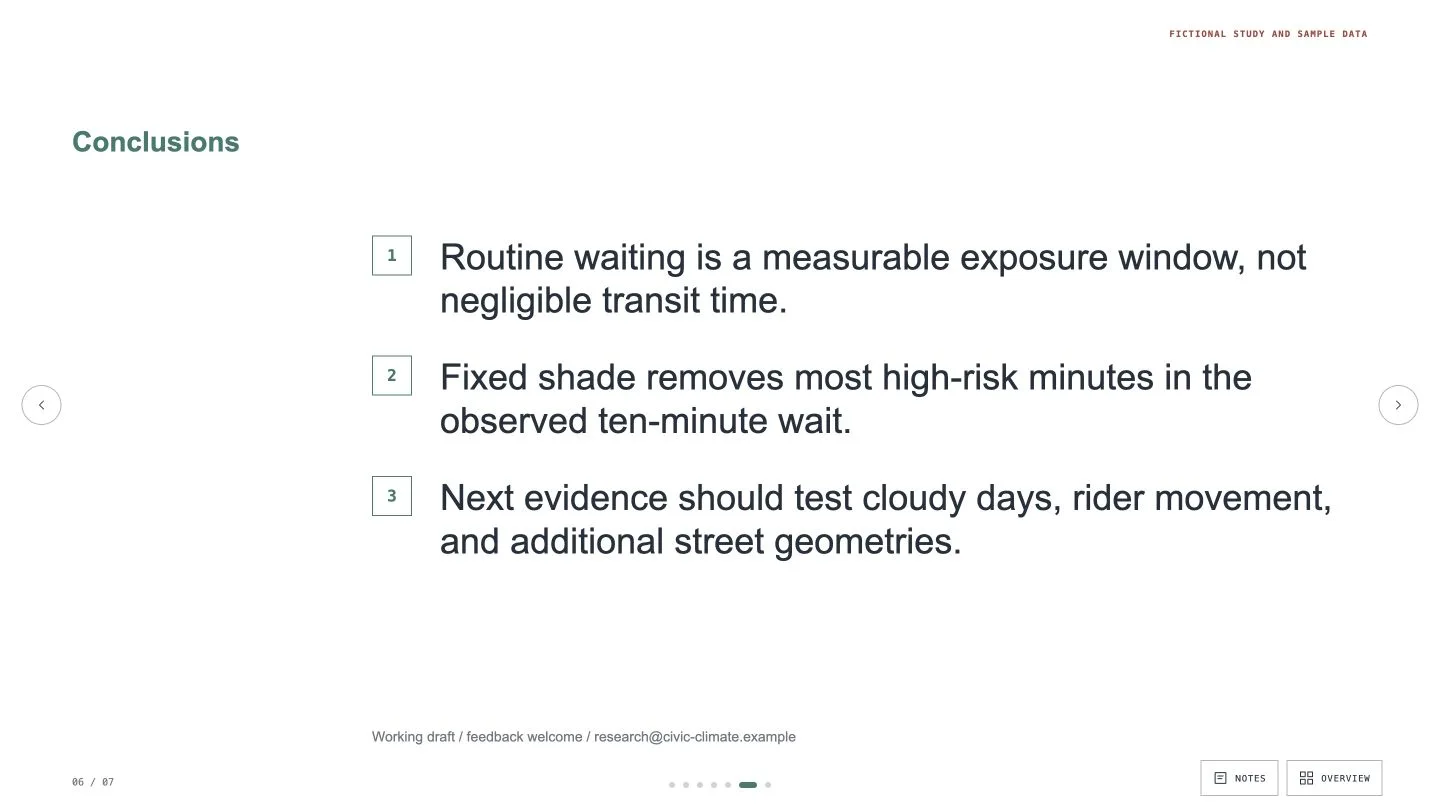
- Full-sentence titles that read as one argument and close on your conclusions, followed by references and a clearly labelled appendix
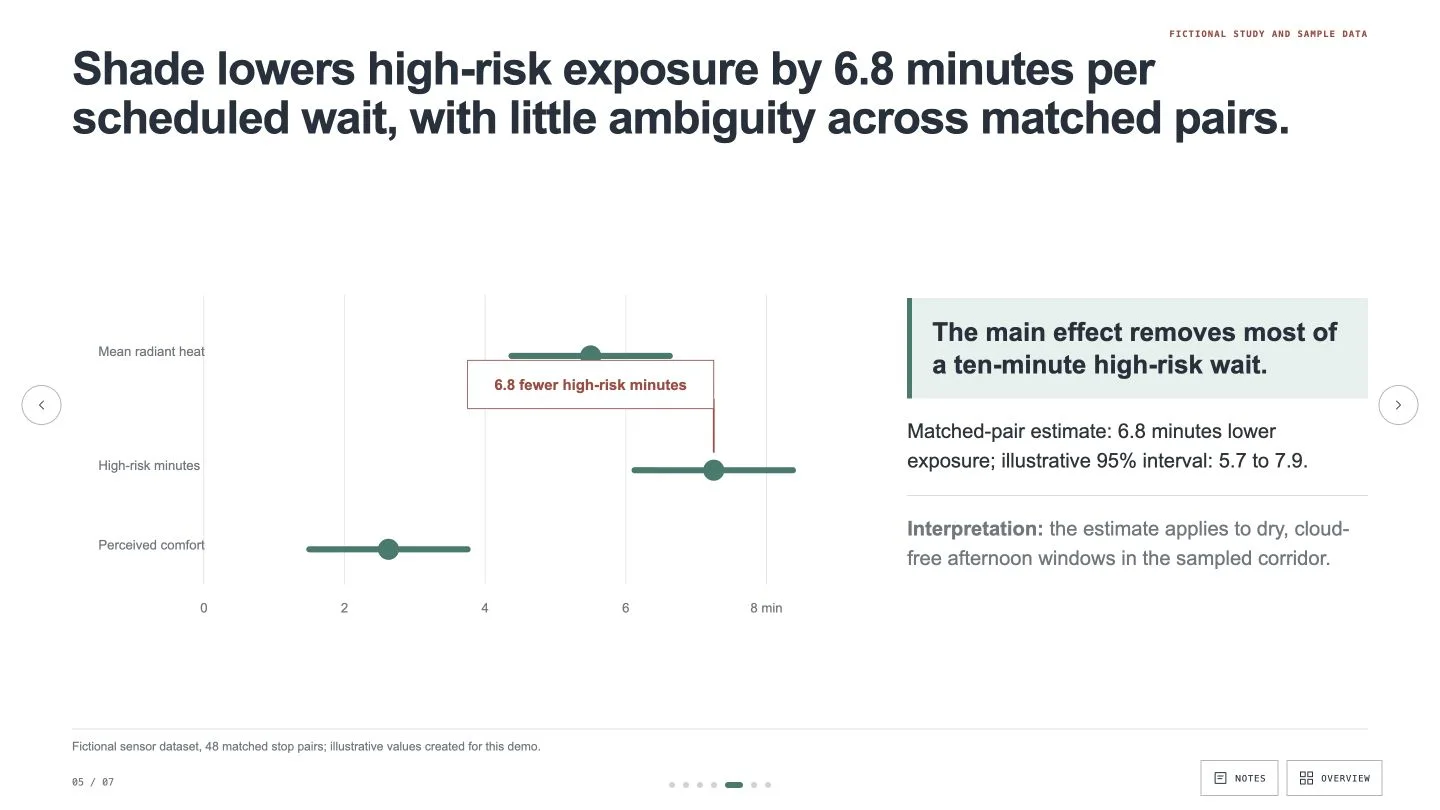
- One chart per result slide, redrawn at presentation size, with the finding marked on it and the citation on the same slide
- A deck you can edit in your browser and export as an editable PowerPoint file with your speaker notes, or as a PDF
- Share your central claim, evidence, citations, known limitations and talk length. It plans at most one slide per minute so you finish a minute or two early, with method detail moved to the appendix.
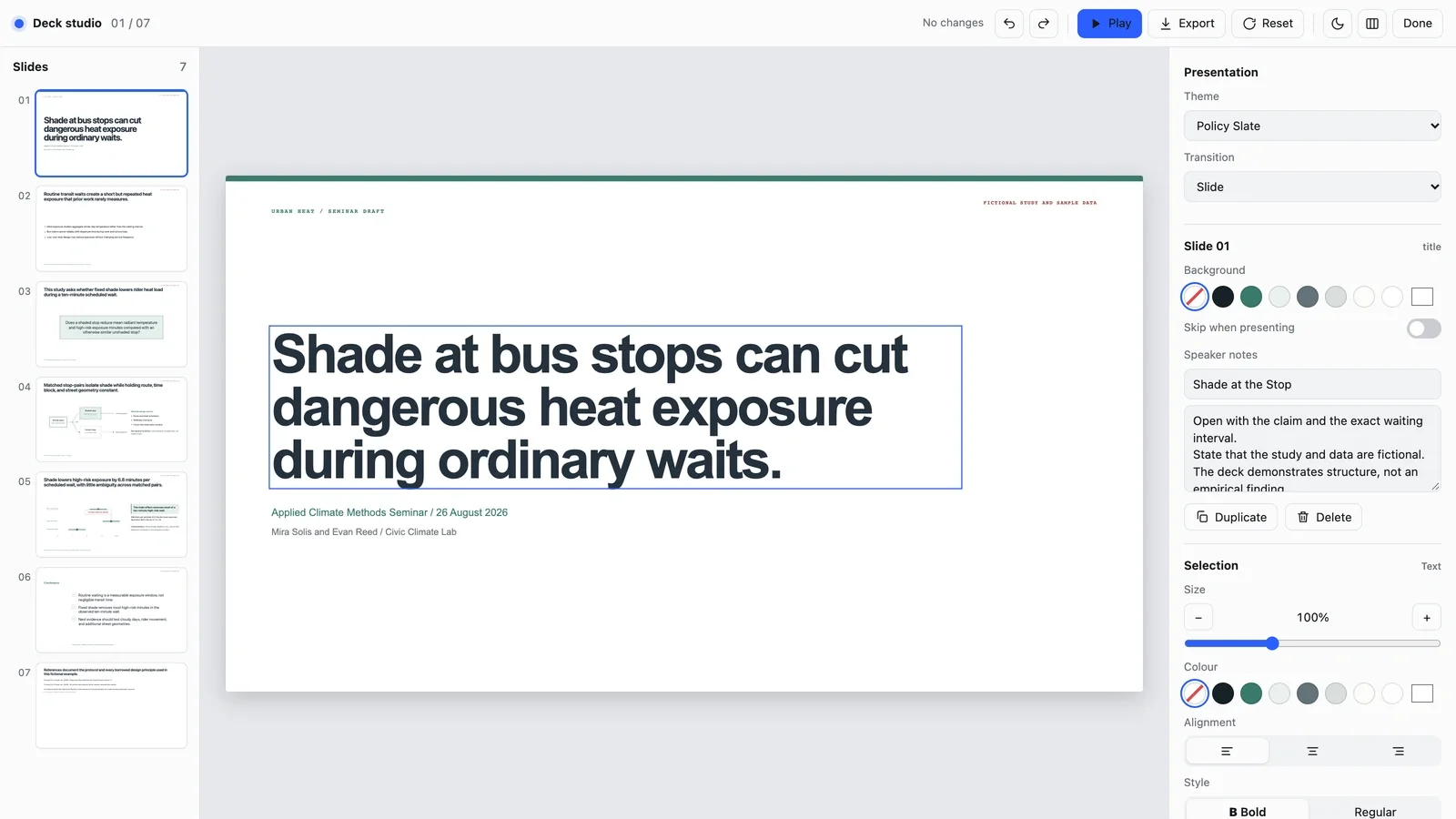
- Open the deck and press E to edit in place: rewrite a title, replace a picture, reorder, duplicate or skip slides, or switch between three themes.
- Export a PowerPoint file or a PDF from the editor, or ask your agent. Text and speaker notes stay editable in PowerPoint; backgrounds and charts arrive as pictures, and fonts are swapped for close system fonts.
Slides are in English unless you ask for another language. If a finding or citation can't be verified, it stops rather than filling the gap.
What you need before you start
- You bring
- Central claim and audience expertise · Evidence, citations, methods, and known limitations · Talk length, venue constraints, and likely appendix questions
- Dependencies
- Modern browser — required · Chrome, Chromium or Edge plus Node.js 20 or newer — required only for PowerPoint export
- Last tested
- v1.0.2 — Claude Code / Claude Desktop / Cowork / Codex / ChatGPT




 +6
+6