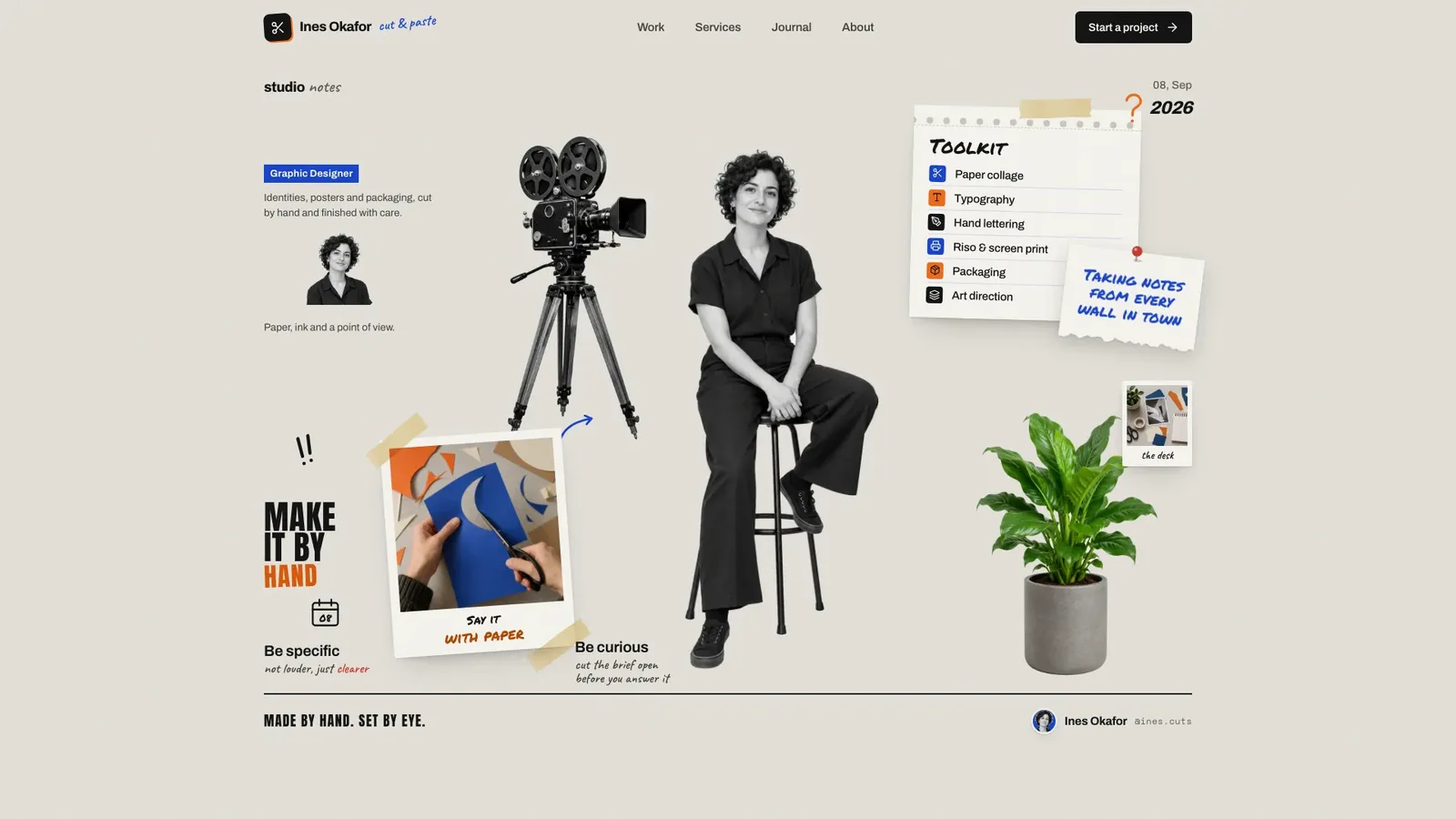
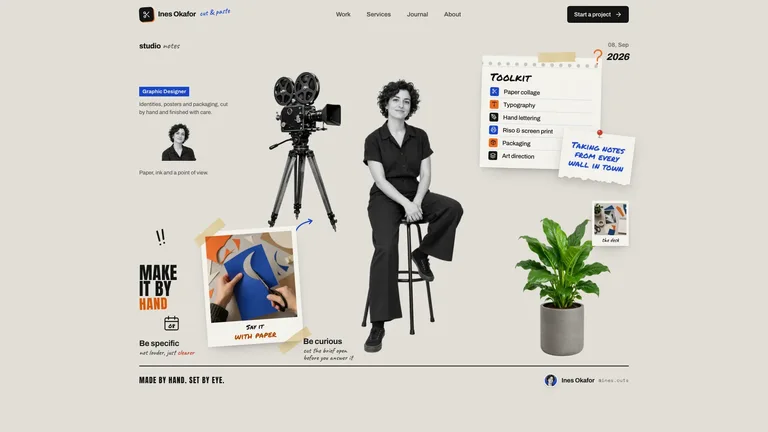
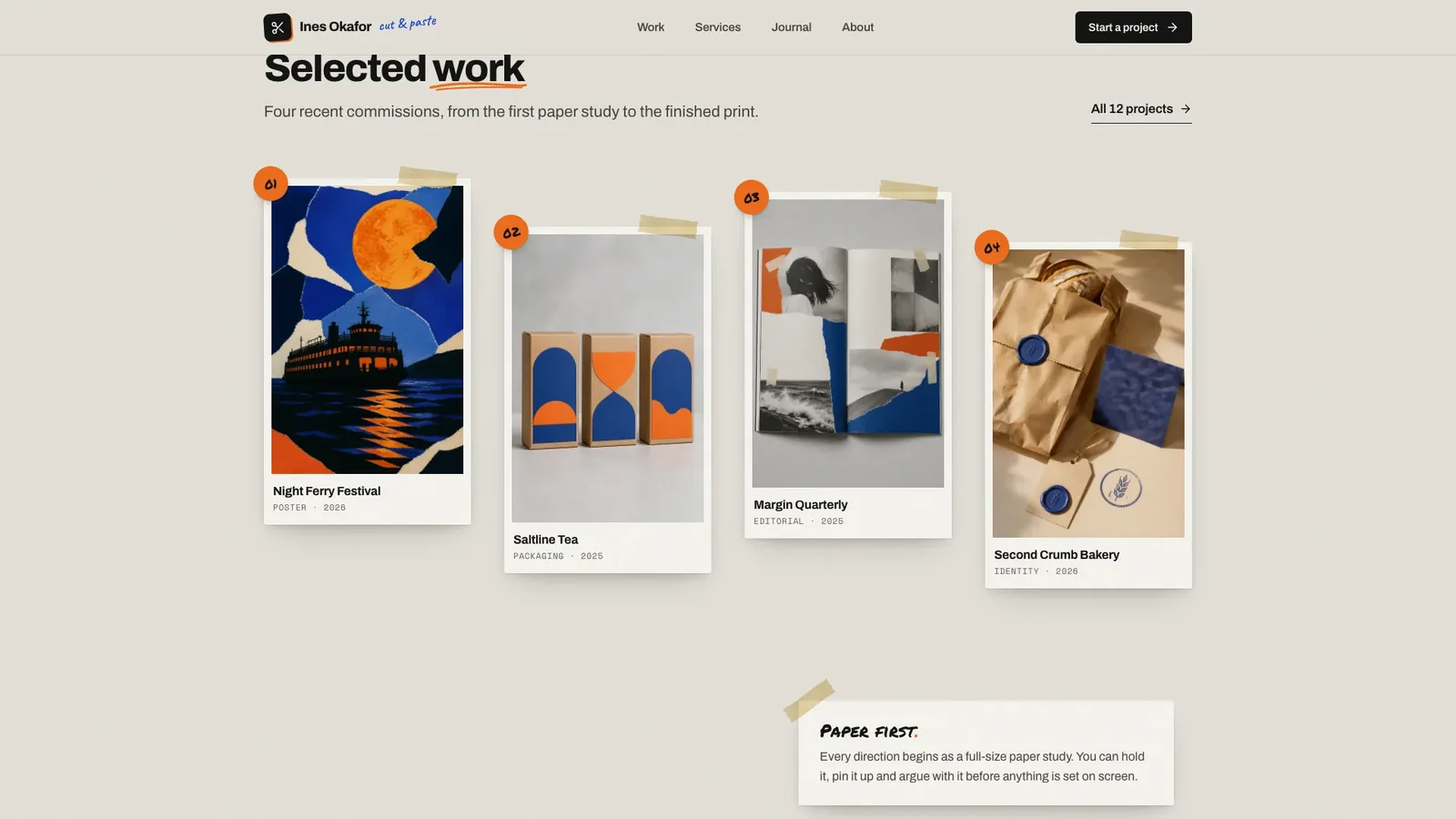
Collage Creative Portfolio builds a designer portfolio that looks like a studio wall: warm grey paper with grain, cobalt and orange as the only inks, masking tape, torn notes, instant photos and marker stickers around a cut-out portrait. The example is the fictional Porto graphic designer and paper collagist Ines Okafor, with 15 connected pages that all work.
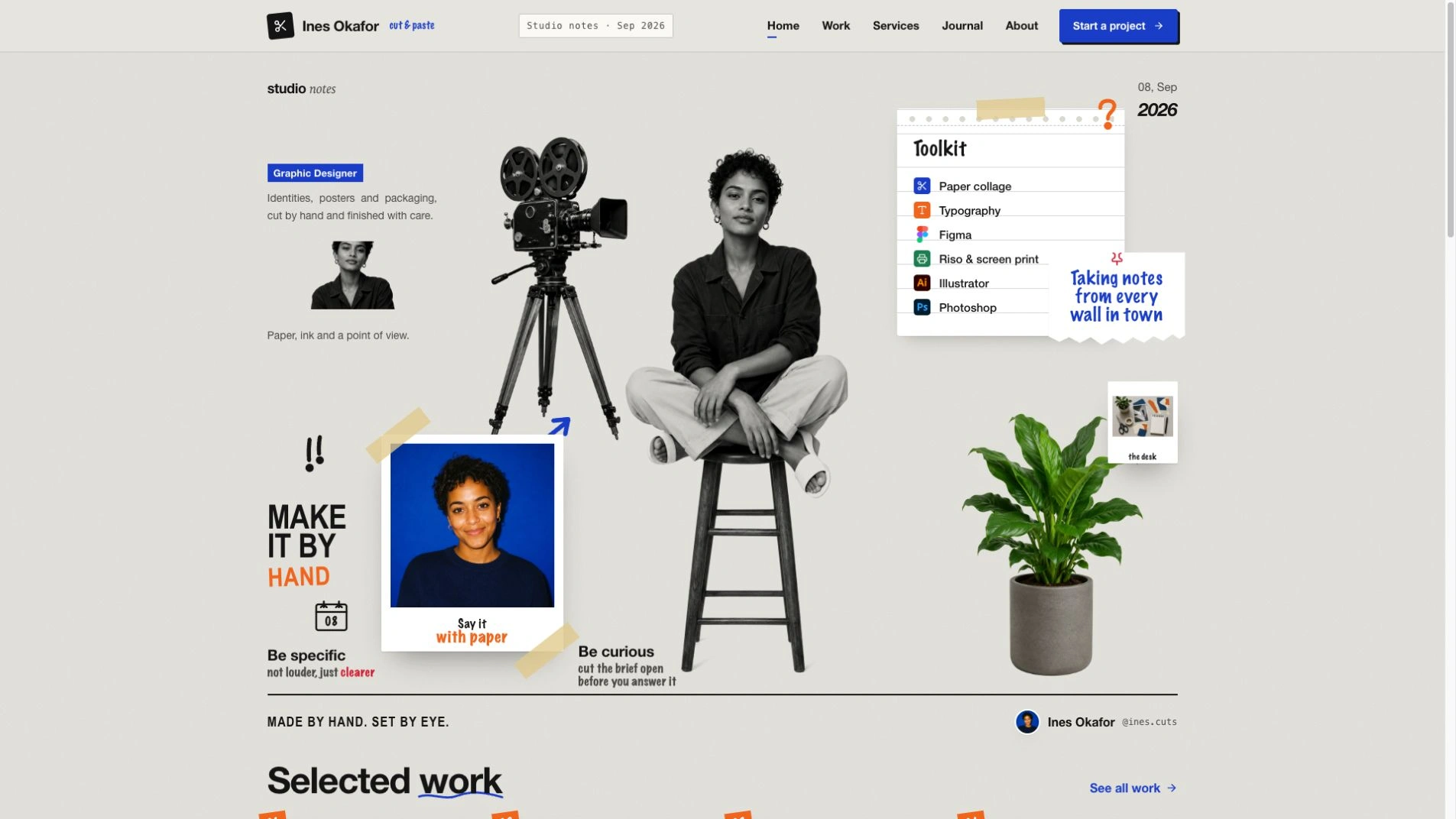
- One self-contained website file that opens in any browser and works offline, with fonts and images built in. If you already have a framework project, the design is ported into it instead.
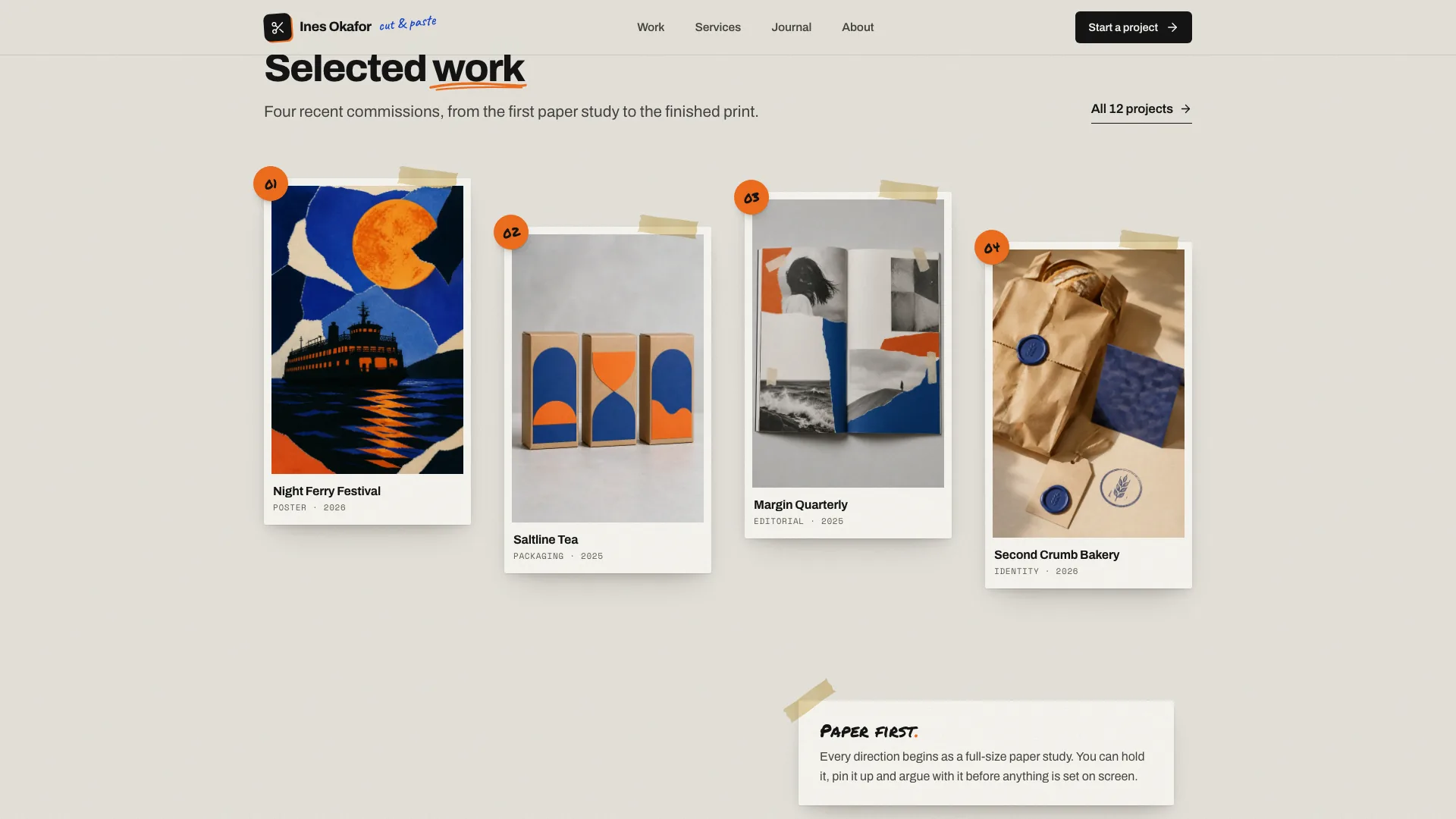
- A complete portfolio: work index with filters, search, sort and an expandable archive, four case studies with gallery, process notes and ink swatches, services, a journal with three notes, about, contact, privacy and a designed not-found page.
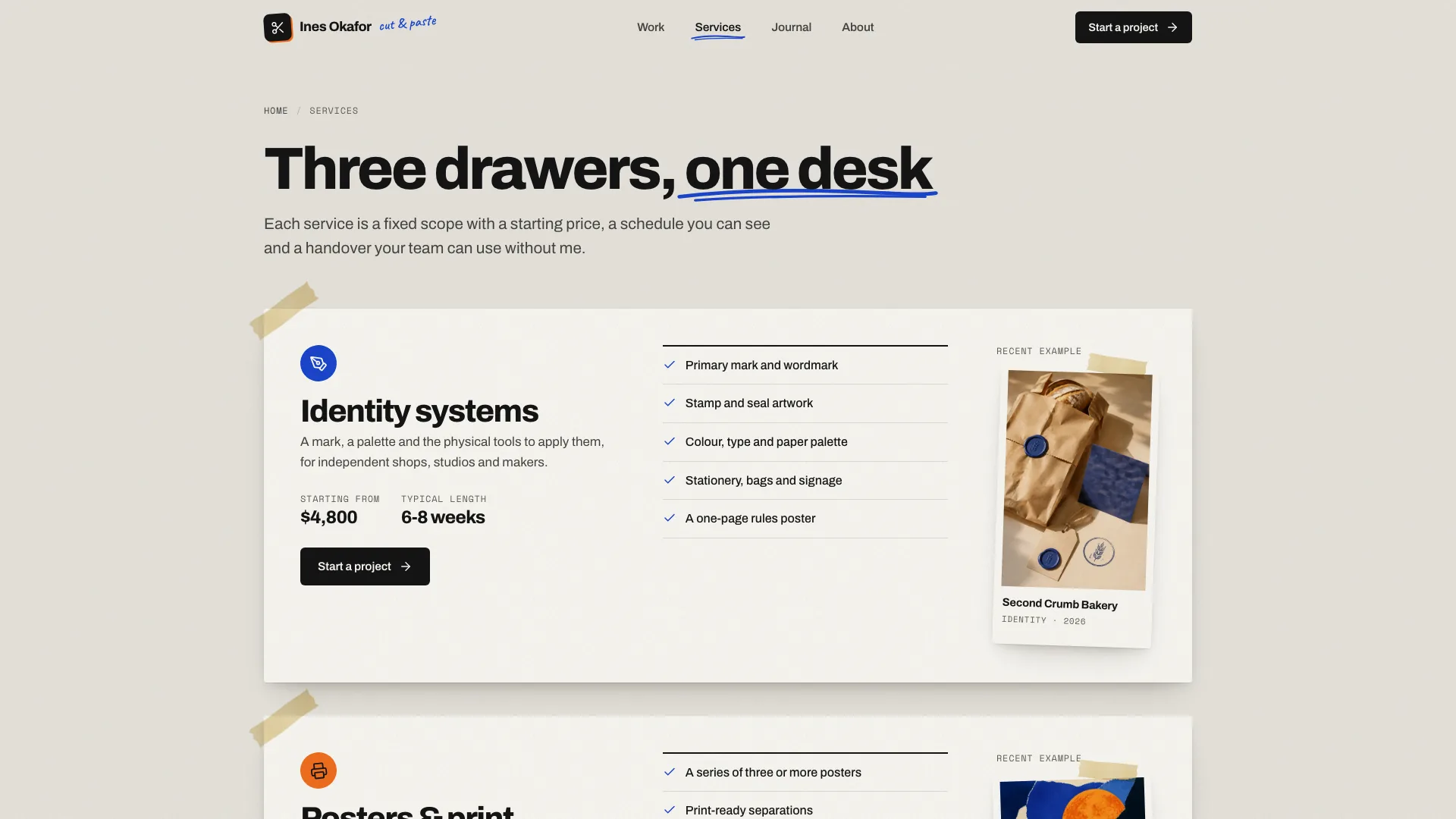
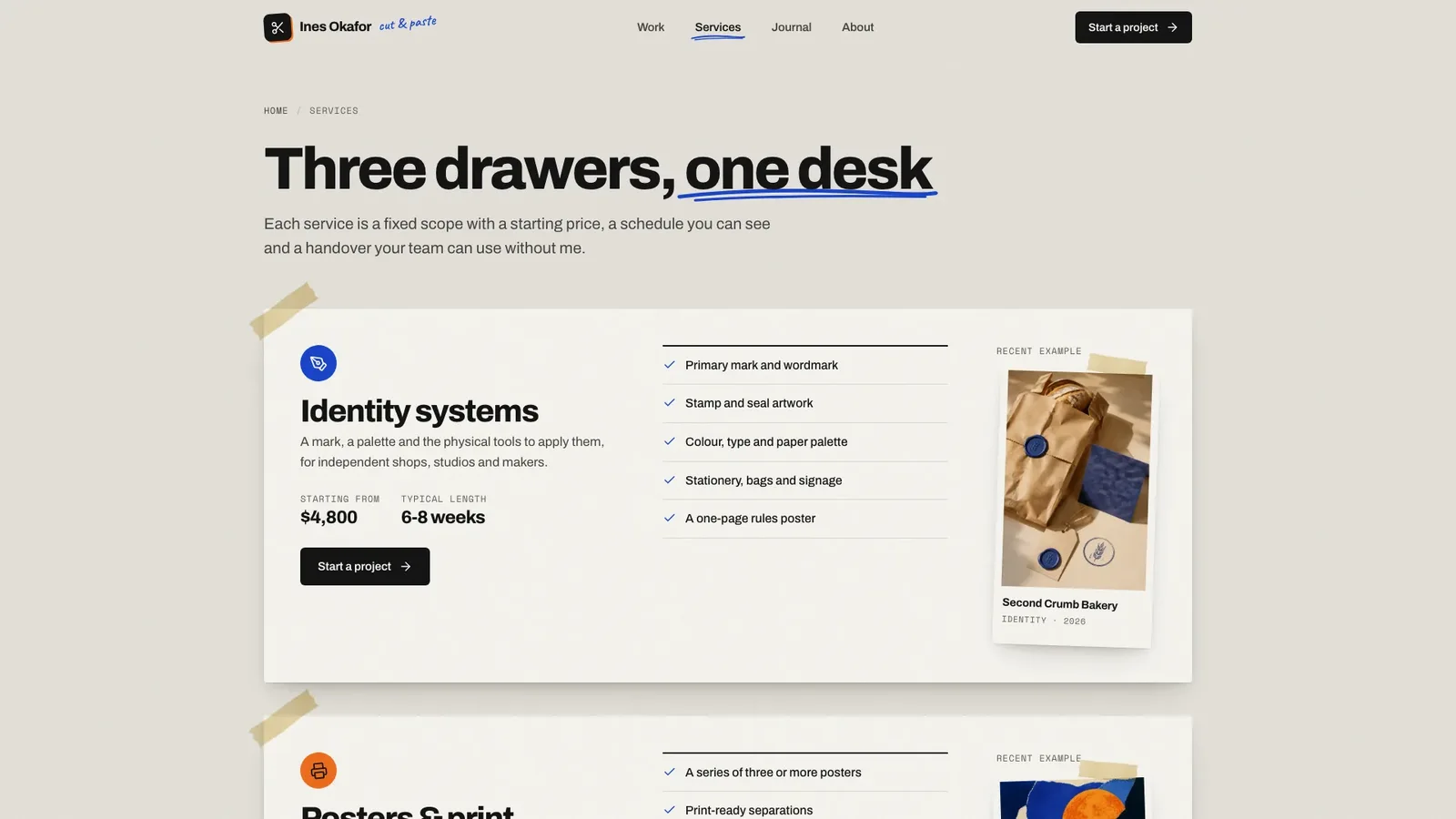
- Services shown as fixed-scope sheets with starting prices, a week-by-week tape schedule in tabs and a FAQ accordion.
- A validated contact brief with inline errors and a success note, newsletter sign-up and copy-to-clipboard for email and handle.
- Paper pieces that settle once onto the wall and straighten on hover, with reduced-motion settings respected.
- Share your name, discipline, a short bio, case studies with clients and outcomes, services with starting prices and your contact details. Anything missing is drafted as a plausible placeholder and listed for you to confirm.
- Send a full-length photo on a plain background for the hero cut-out, plus project photos, or let the agent generate stand-ins in the same soft daylight style.
- Open every page on desktop and phone, try the filters, tabs and contact form, and ask for changes.
Type is set in Archivo, Anton, Permanent Marker, Caveat and Space Mono, embedded in the file. New images come from your agent's own image tool and may carry its usage charges.
What you need before you start
- You bring
- Your name, discipline and a short bio · Case studies with client, year and outcome, plus services with starting prices and contact details · A full-length photo on a plain background and project photos, or approval to generate stand-ins
- Dependencies
- Node.js 18 or newer on your agent's machine, to run the bundled script that builds the single offline file · Internet access while the file is built, so the fonts can be downloaded once and embedded · An image tool in your agent, or your own photos, for case-study and portrait images · Python 3 with Pillow, NumPy and SciPy for the bundled cut-out tool
- Outside costs
- New case-study and portrait images are generated with your agent's own image tool, which may charge for usage. Without one, supply your own photos; the neutral camera, plant, tape and desk images can stay. Viewing the example costs nothing.
- Last tested
- v1.0.2 — Claude Code / Claude Desktop / Cowork / Codex / ChatGPT




 +6
+6