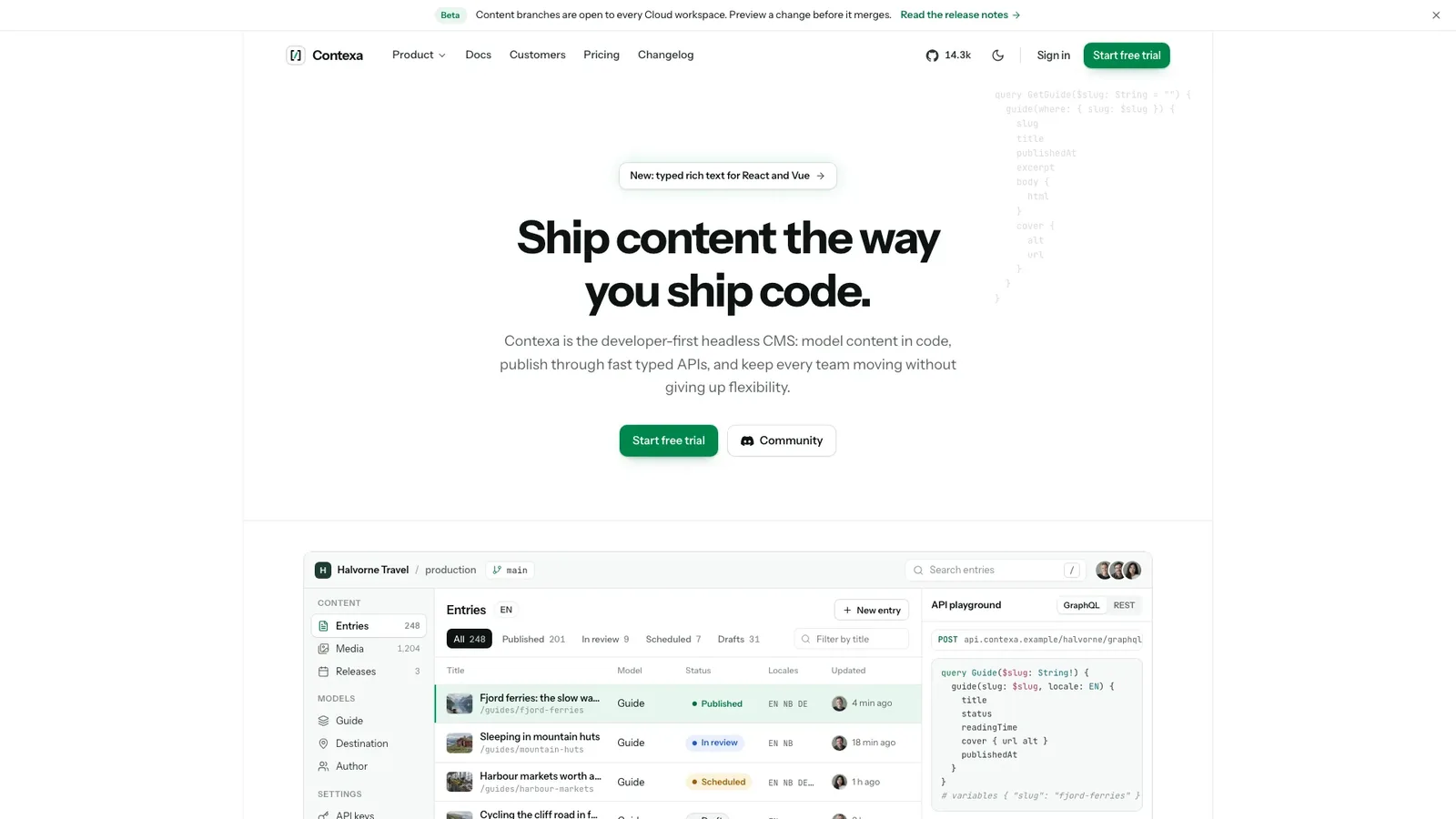
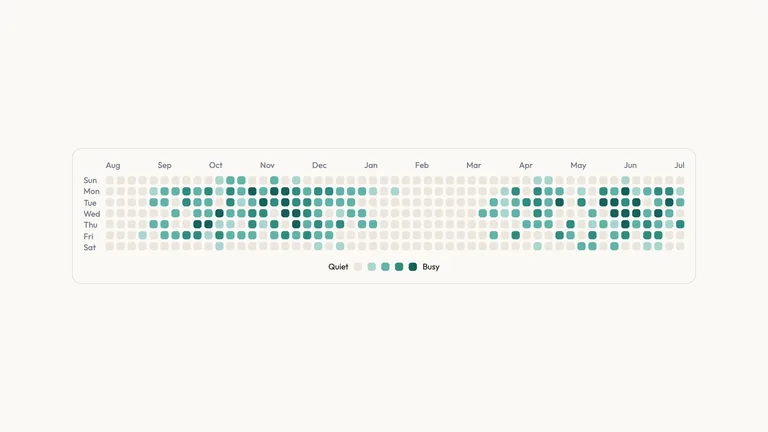
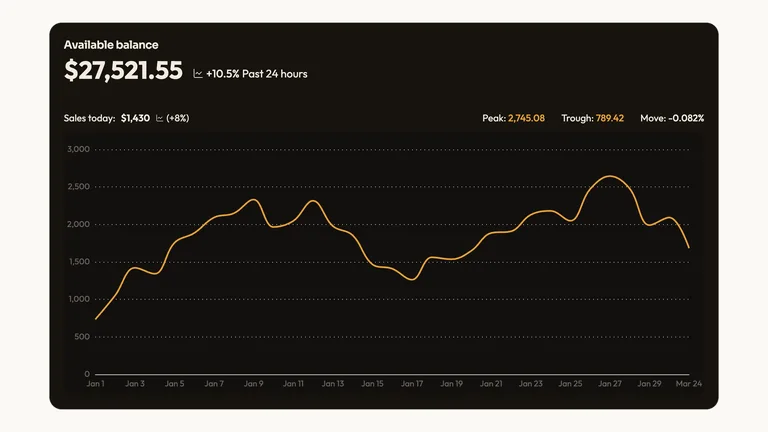
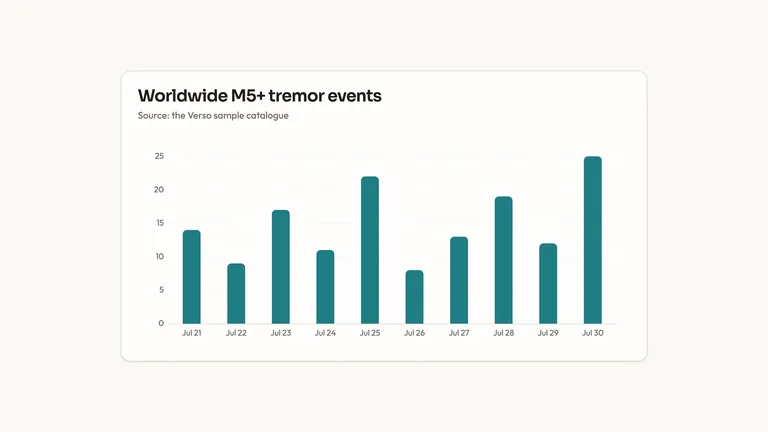
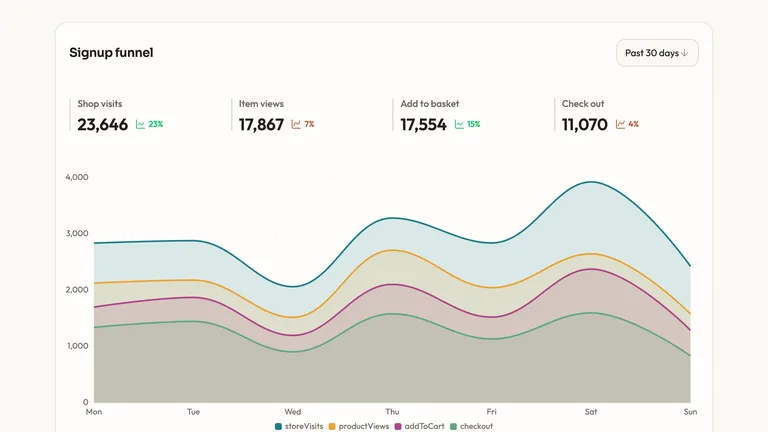
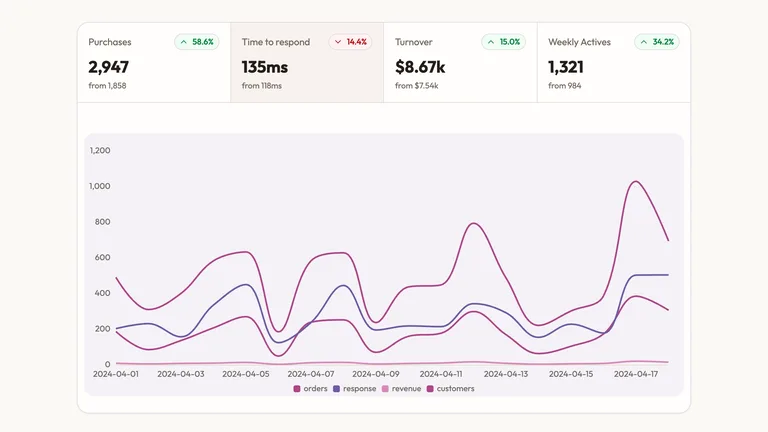
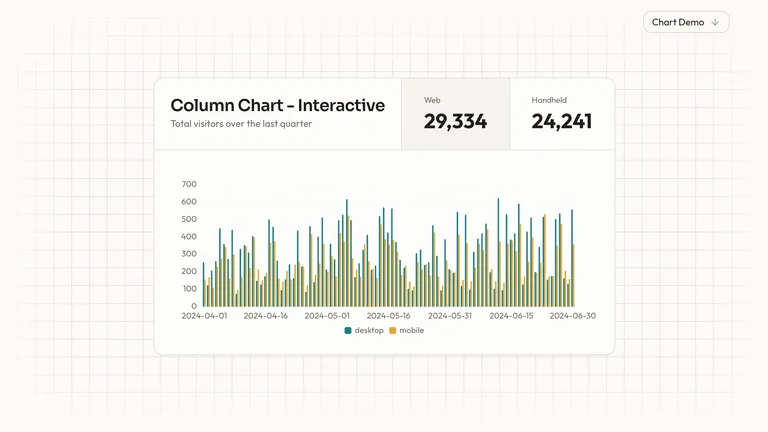
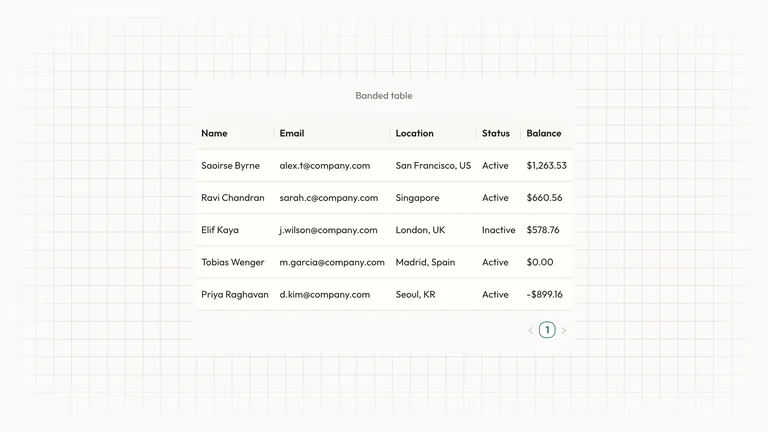
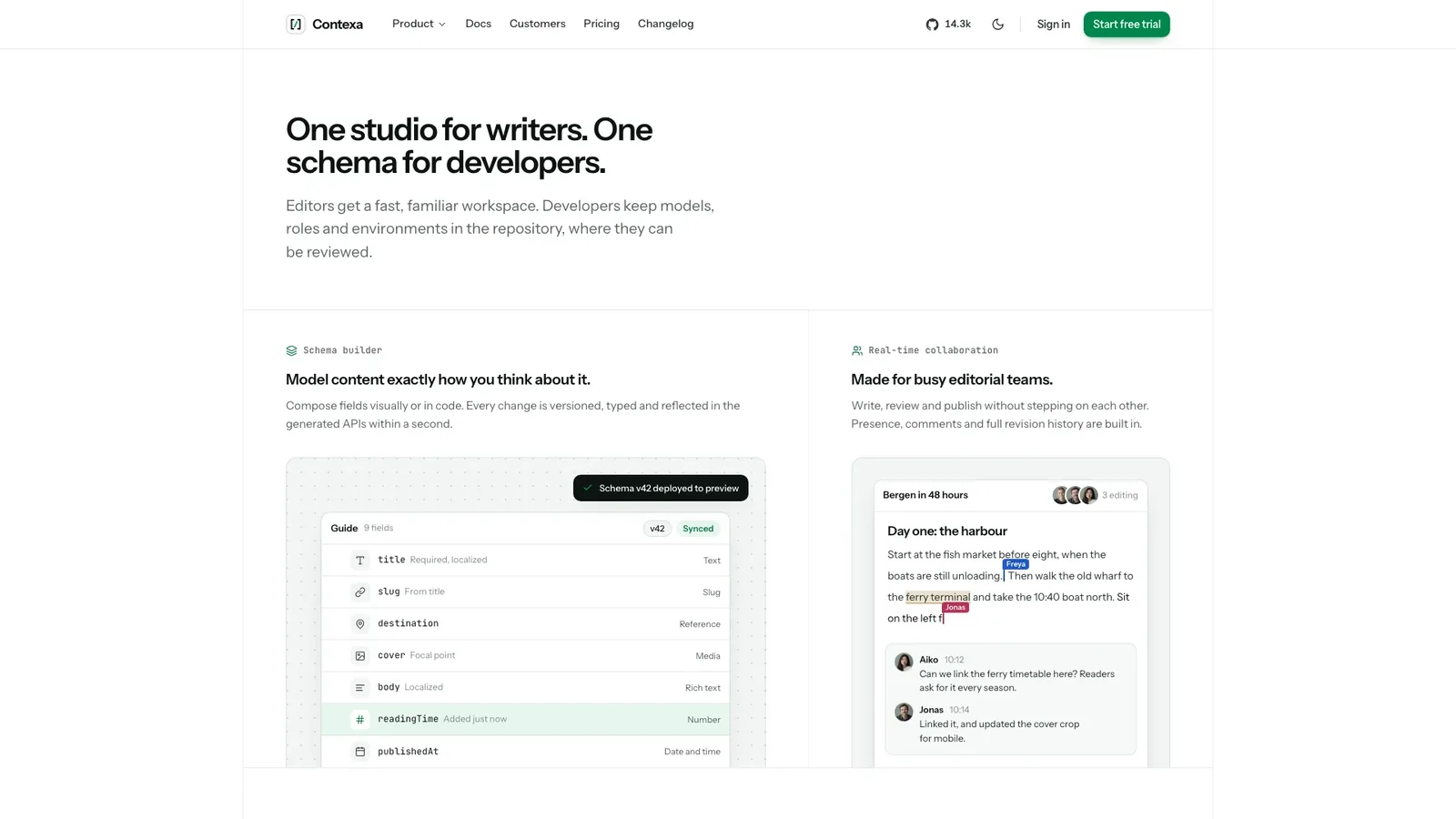
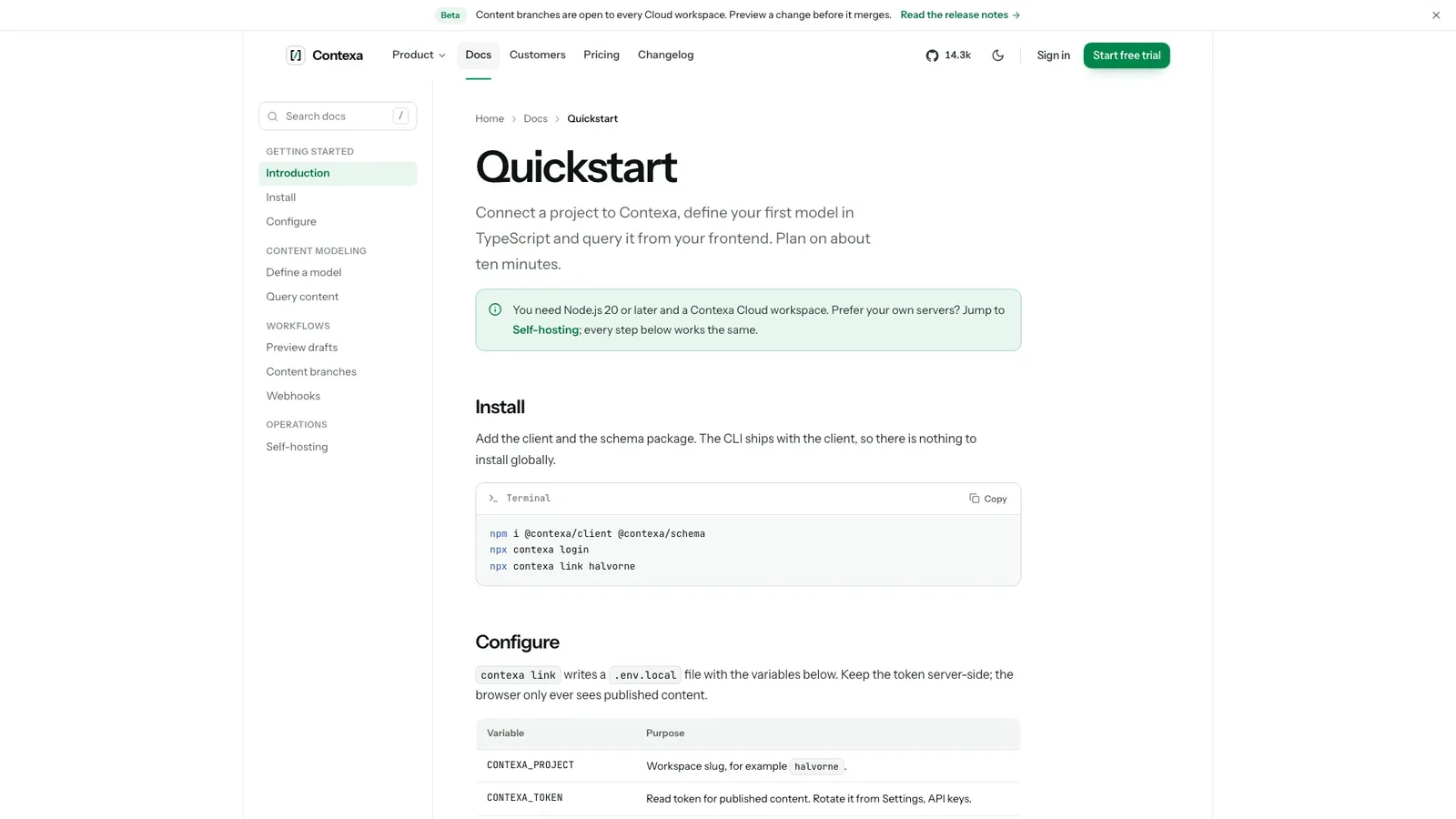
Contexa CMS Landing builds a marketing site for a developer product that explains itself through working UI. It is light-first and near-neutral with one green accent, set inside a thin bordered grid with tight display type and monospace detail. The example is Contexa, a fictional headless CMS, shown with its customer workspace Halvorne Travel.
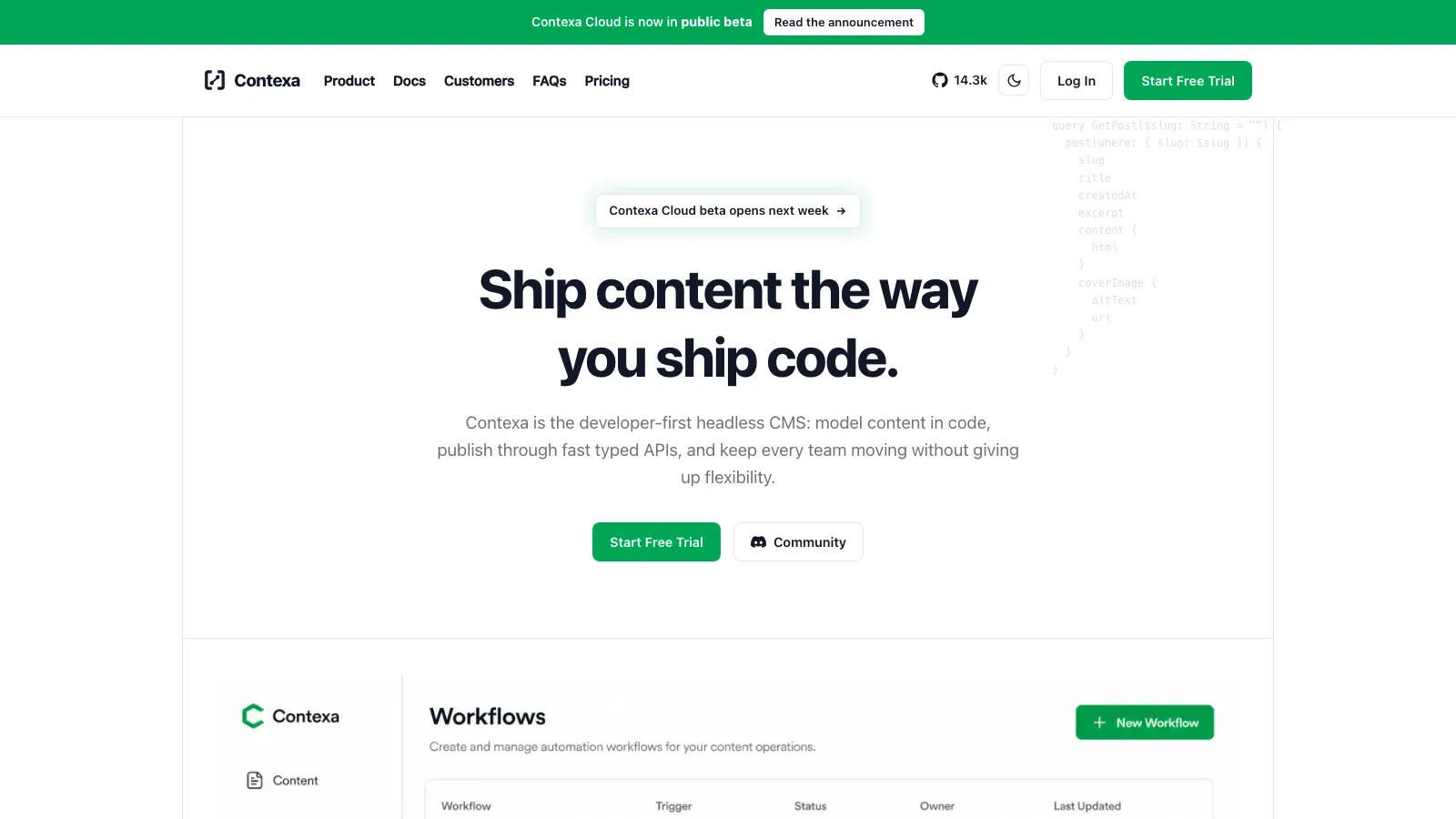
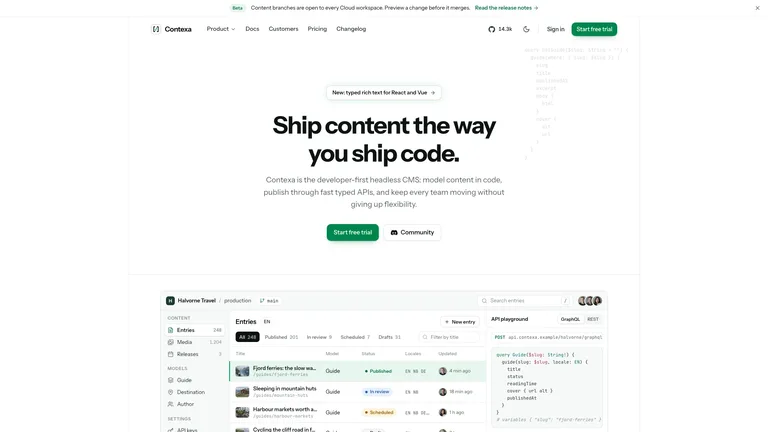
- A clickable content studio in the hero: entries with status pills, filter chips, search with an empty state, and a request and response panel
- Landing sections in varied layouts: feature bento, a model-to-studio sync demo, framework quickstart tabs, content branches with a merge flow, security and status, a customer story, pricing with a billing toggle, FAQ and sign-up
- Inner pages: docs with search, changelog and roadmap, sign-up, sign-in, contact sales, customer story, status, privacy, terms and a not-found page
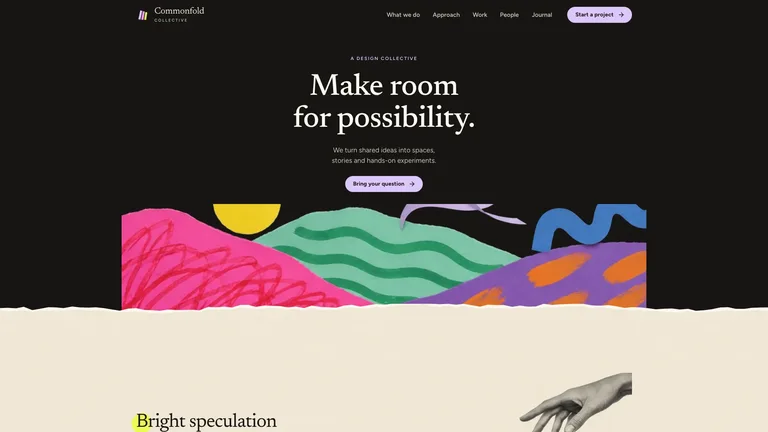
- Light and dark themes, an inverted footer under a giant faded wordmark, and one file that opens in any browser and works offline
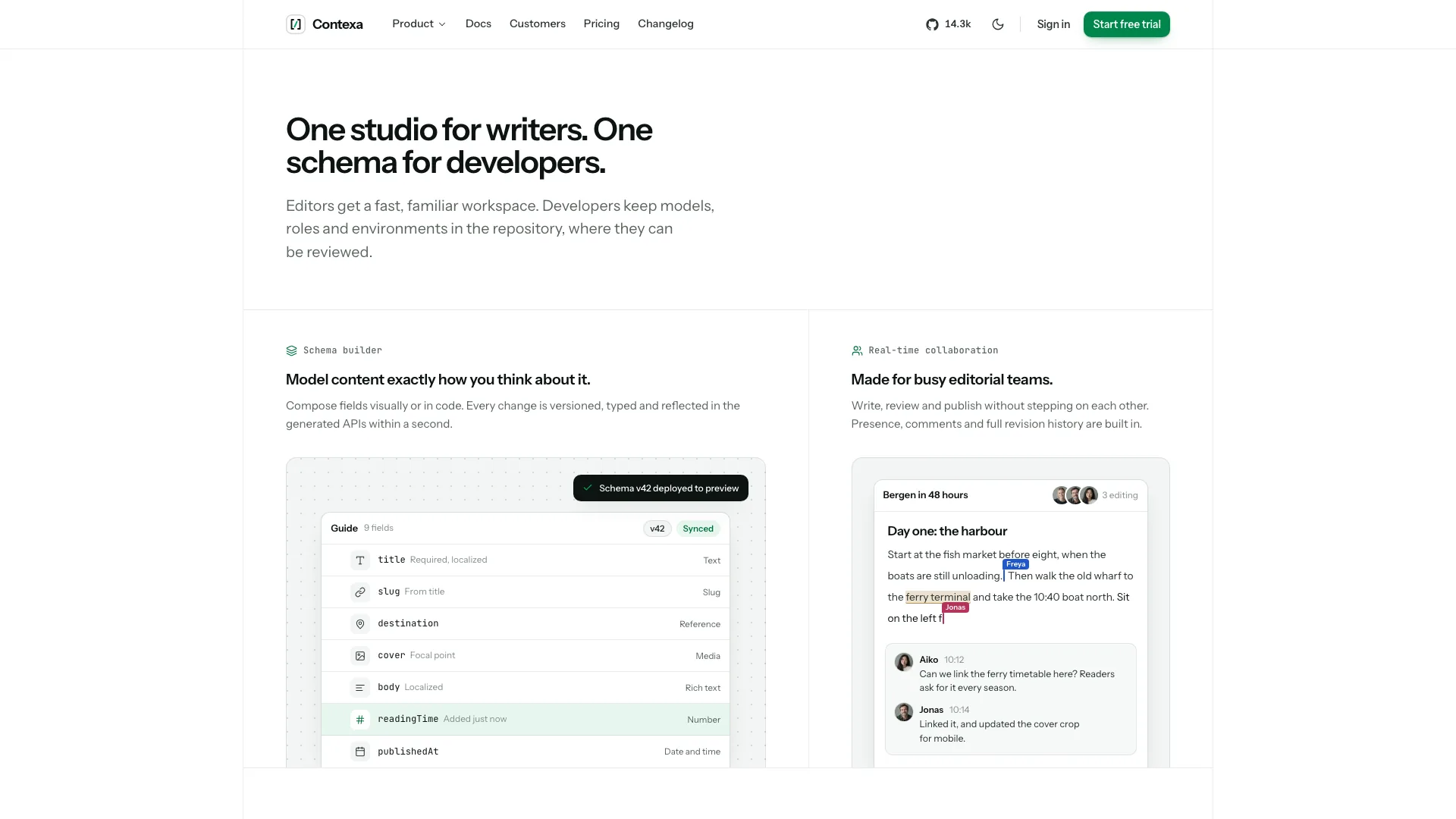
- Share your product name, one-line promise, core objects, supported frameworks and plans; anything missing is drafted and listed for you.
- Your agent rebuilds the studio around your product's objects, rewrites every section and page, and generates matching photos.
- Open the file, switch between light and dark, click through every tab, form and page, and ask for changes in plain words.
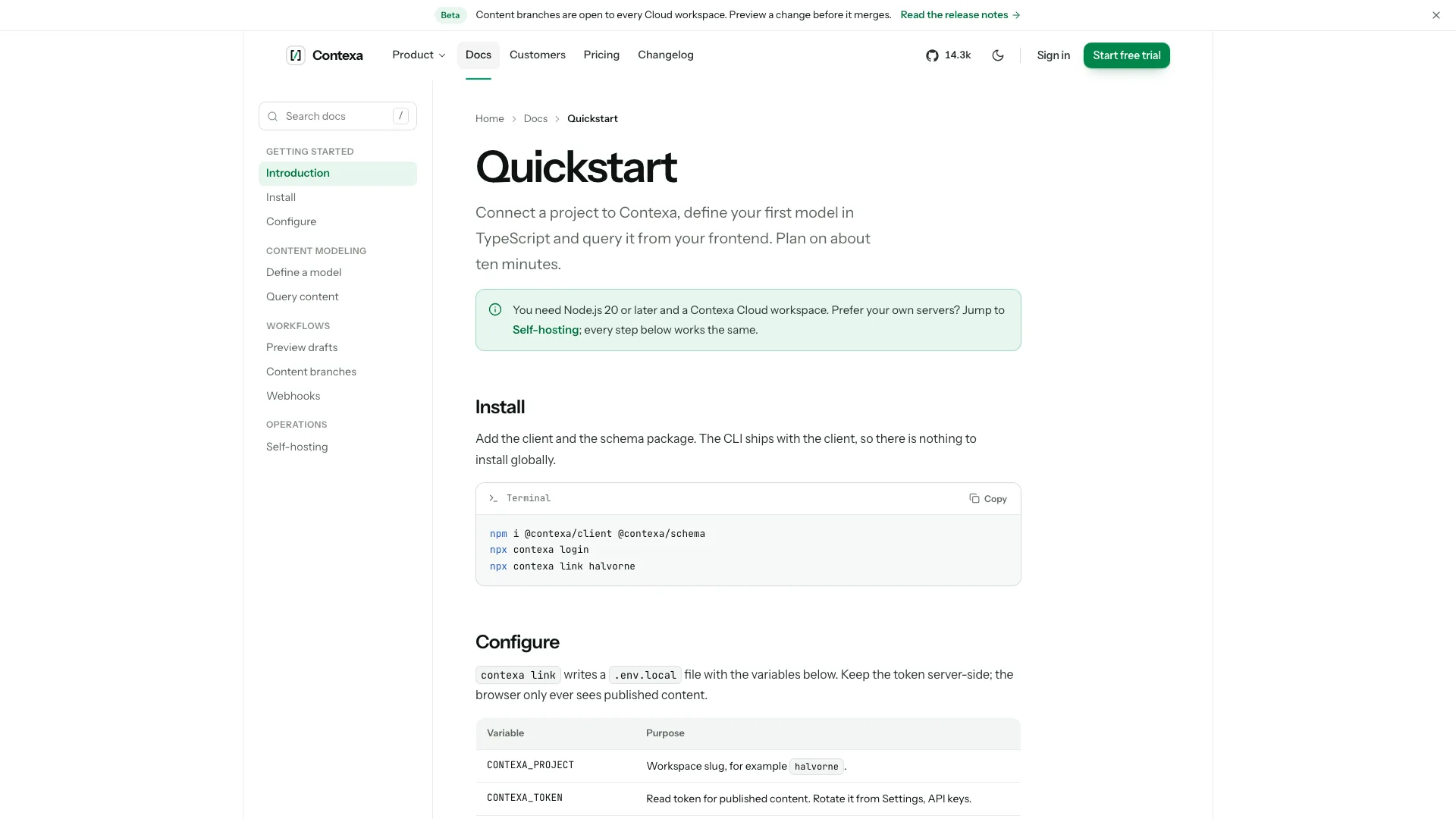
Photos come from your agent's image tool when one is available, which may carry that tool's usage charges. Every customer, person and number in the example is fictional and is replaced with your facts or clearly listed placeholders.
What you need before you start
- You bring
- Product name, one-line promise and its core objects (entries, requests, jobs or deployments) · Supported frameworks or SDKs, the install command, and plan names and prices · Security facts, customers and quotes you can confirm (optional; gaps become listed placeholders)
- Dependencies
- Node.js 18 or newer on your agent's machine, to run the bundled script that builds the single offline file · Internet access while the file is built, so the fonts can be downloaded once and embedded · An image tool in your agent for the editorial photos (optional; without it you supply photos or get labelled slots)
- Outside costs
- Photos for the customer story, media library and avatars are generated with your agent's own image tool when one is available, which may incur that tool's usage charges. Without one, the agent uses your photos or leaves clearly labelled slots. Nothing else uses a paid service.
- Last tested
- v1.0.6 — Claude Code / Claude Desktop / Cowork / Codex / ChatGPT




 +6
+6