Editorial Studio SaaSv1.0.6
Use this Skill to build website page.
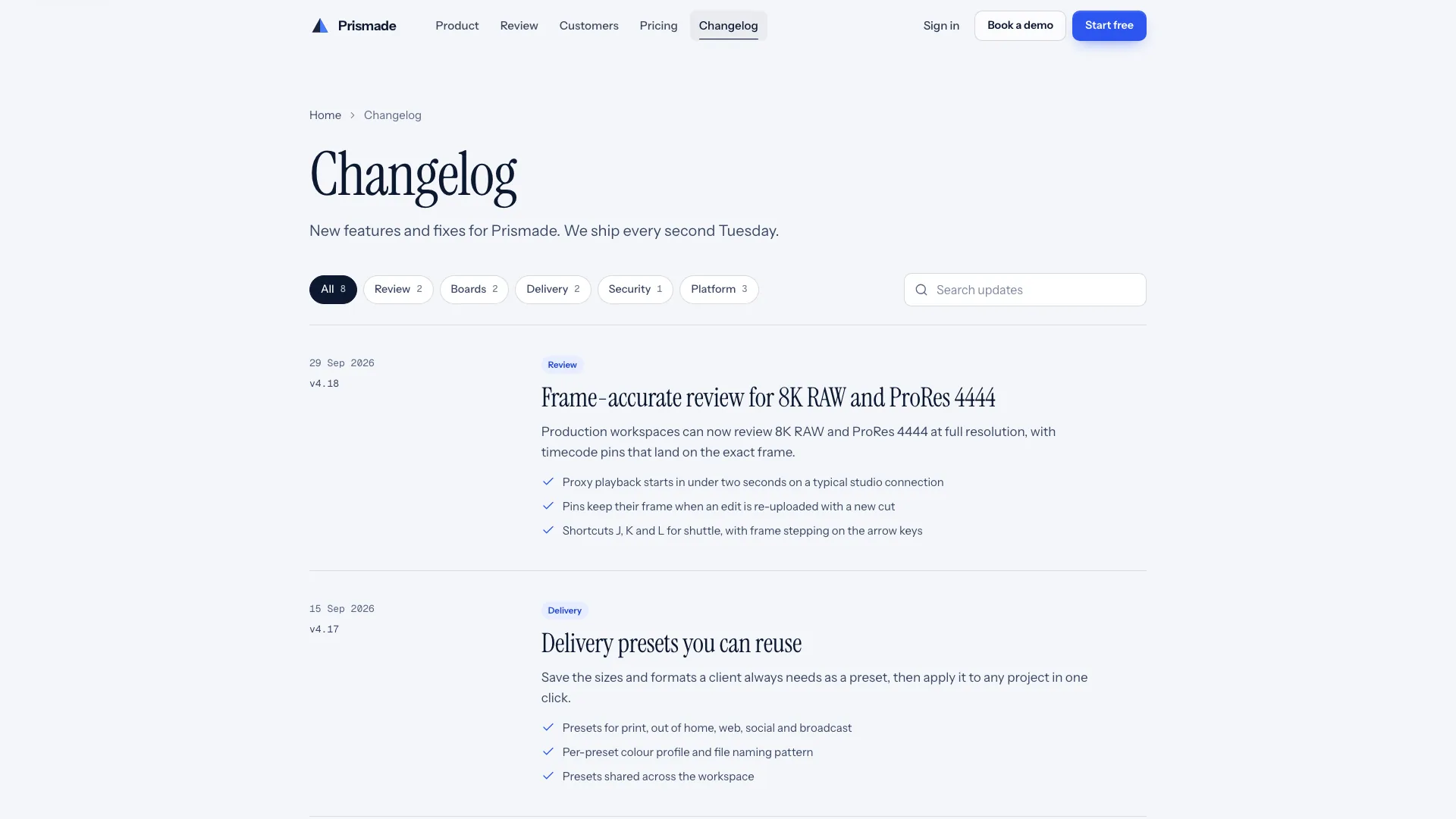
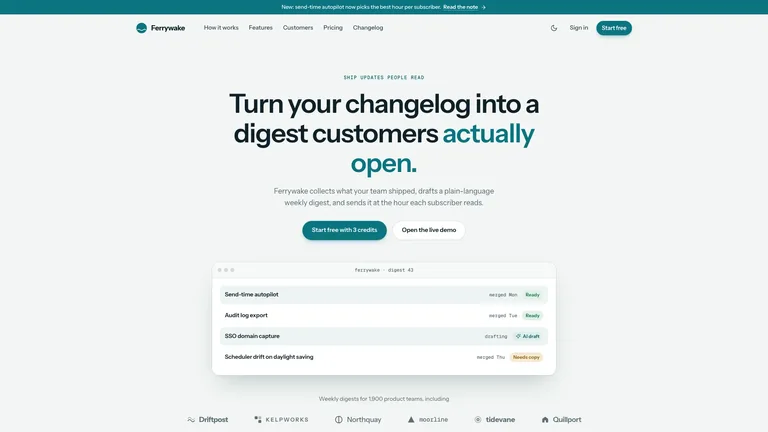
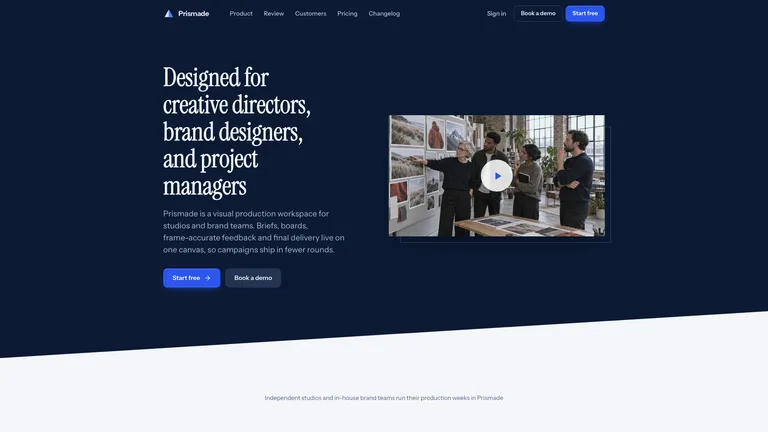
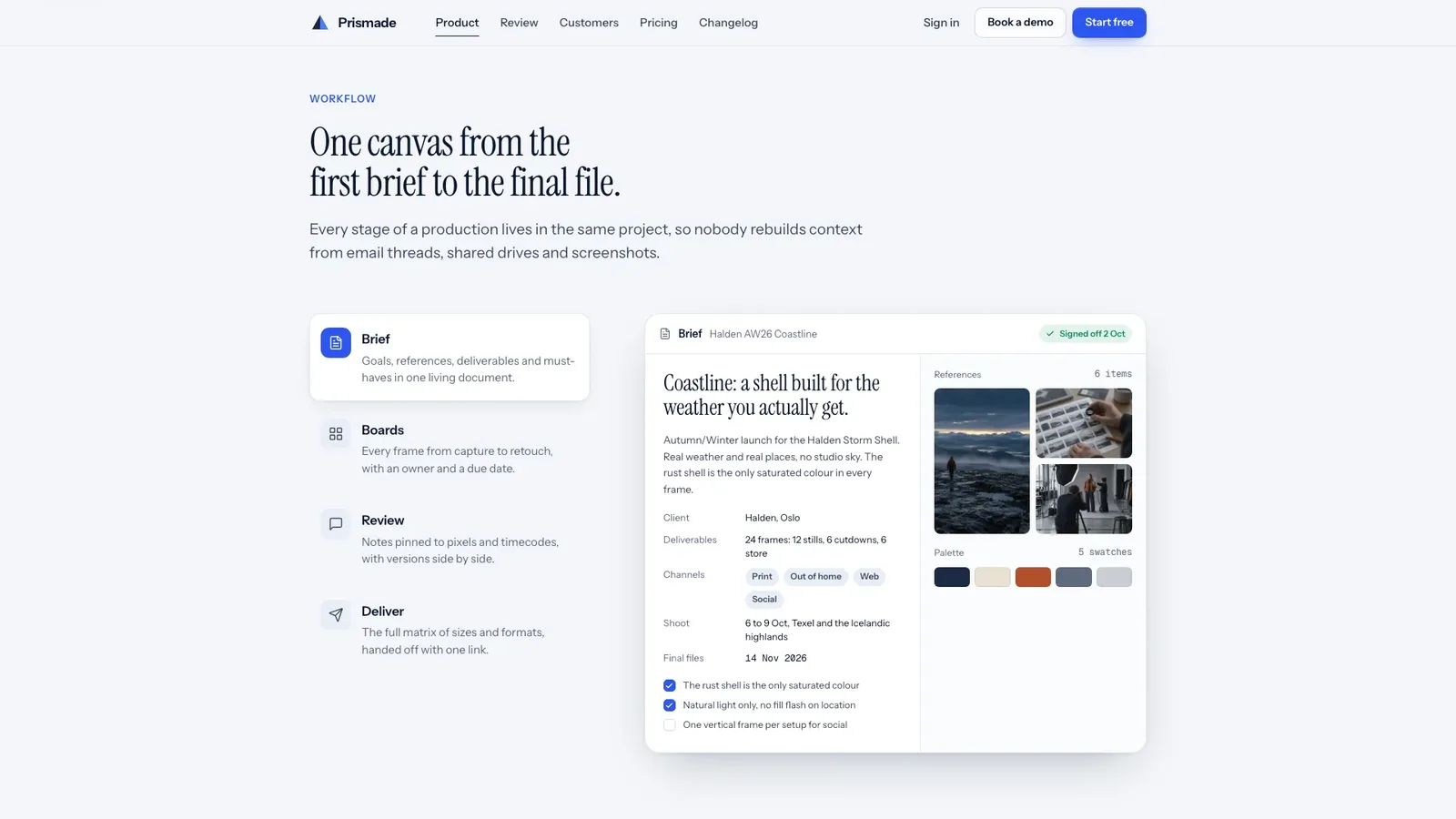
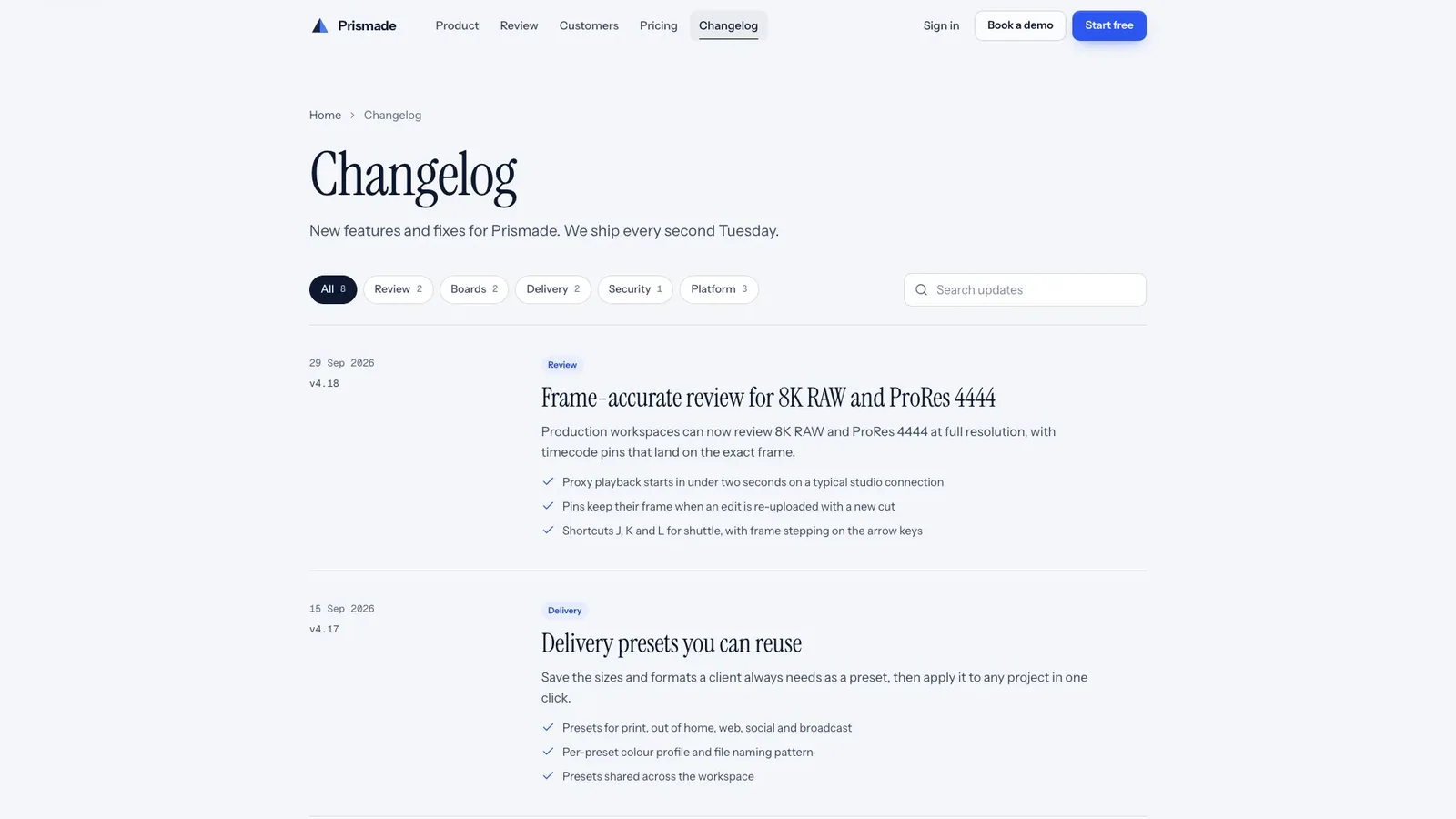
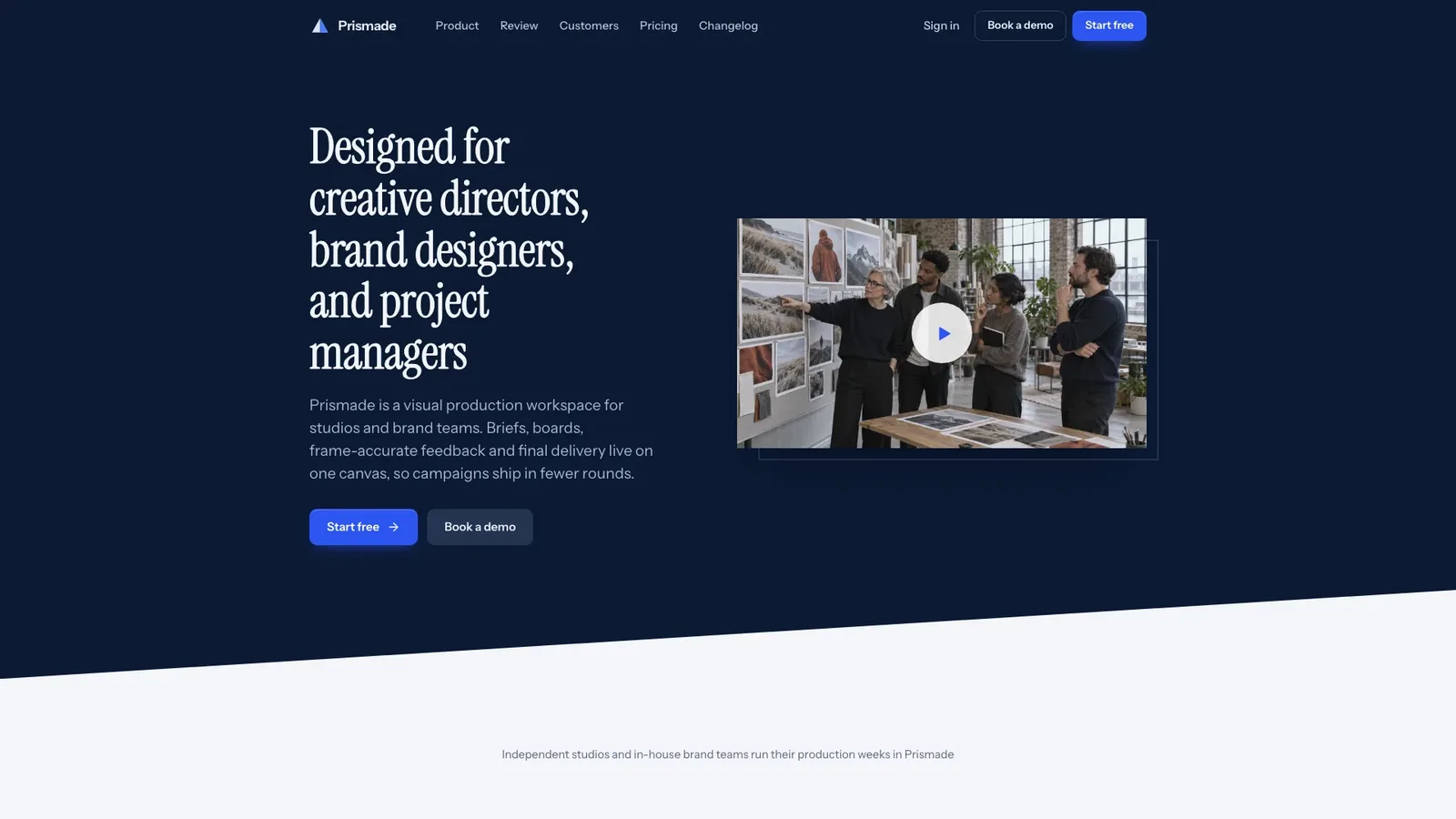
Build an editorial marketing site for creative production software: a restrained deep-navy split hero with a serif headline and a documentary studio photo whose play button opens a working review room. One cobalt accent, slanted section edges and product screens carry the story through workflow tabs, version compare, a capabilities bento, a customer story, phone approval, security, pricing and FAQ, with inner pages for the story, pricing, changelog, sign-in, trial, demo booking and legal. It arrives as one self-contained file that works offline.
Picked most often by
Updated Oct 3, 2026
Preview gallery
Runs in
Generates with
Similar Skills
View all skillsWhat you get
- A split deep-navy hero with a serif headline and a documentary photo whose play button opens a review room that plays one approval cycle
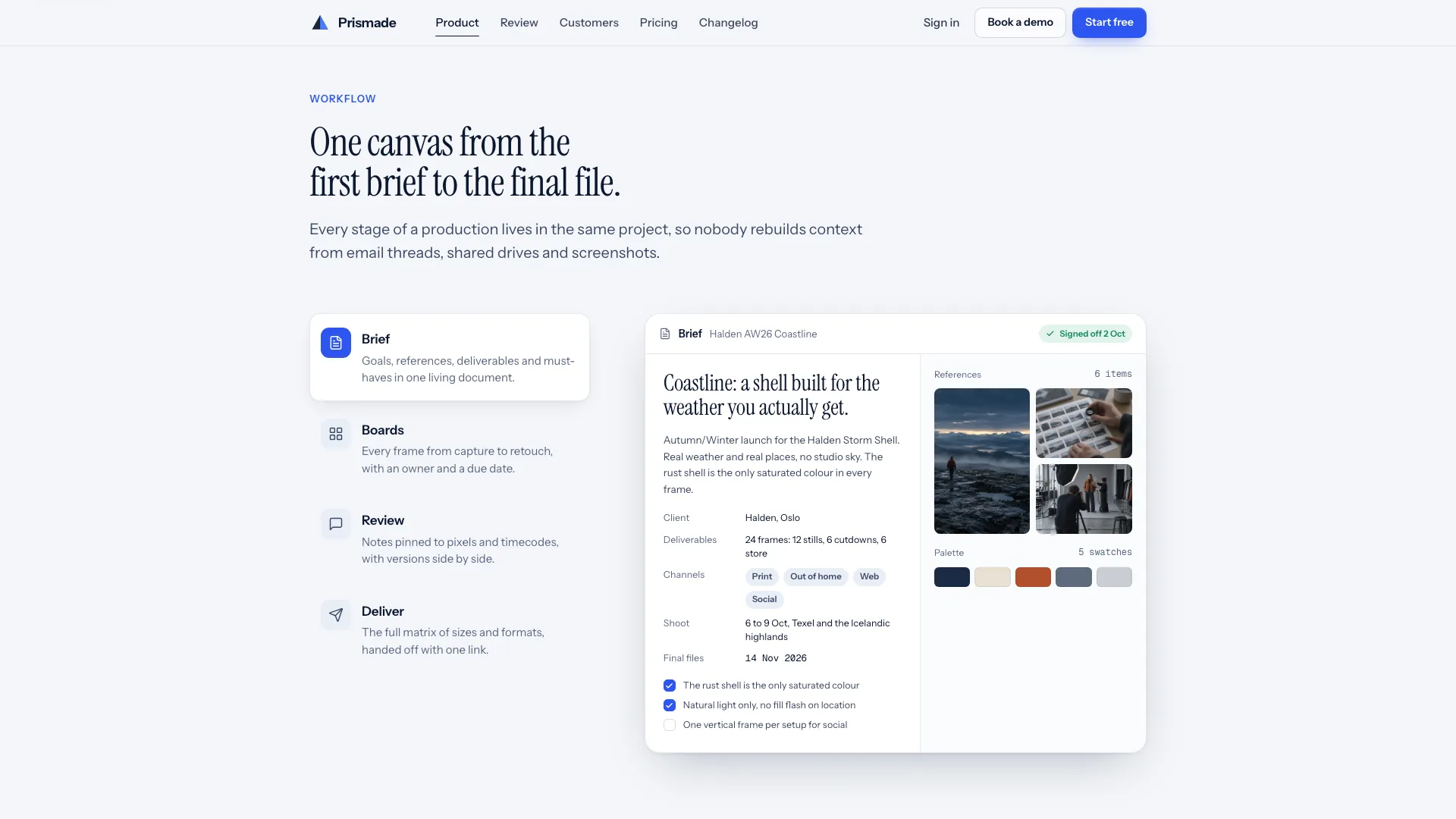
- Home sections in varied layouts: workflow tabs, version compare slider, capabilities bento, customer story with stats, phone approval, security, pricing and FAQ
- Inner pages for the customer story, pricing, changelog, sign-in, trial, demo booking and legal, with one photographic world, in one offline file
Good fit
- Creative software for studios and brand teams, such as review, approval, asset or production tools, that wants an image-led editorial look
- Teams that need a full launch site with pricing, a changelog and working trial and demo forms, not just a landing page
- Products that move work through stages like brief, review, approval and delivery, which the page can show step by step
Not for
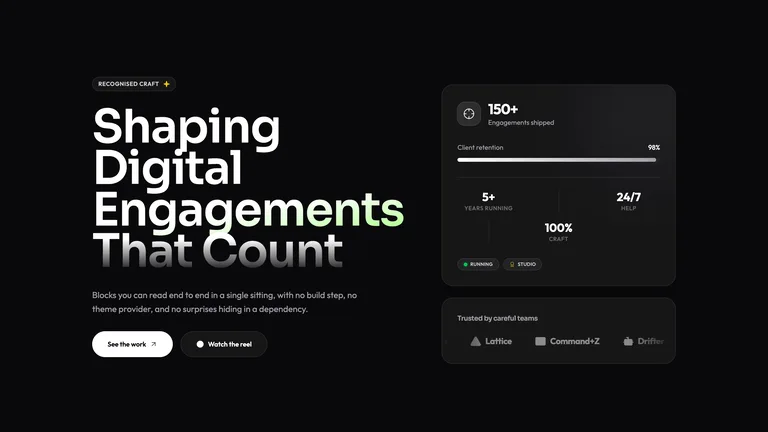
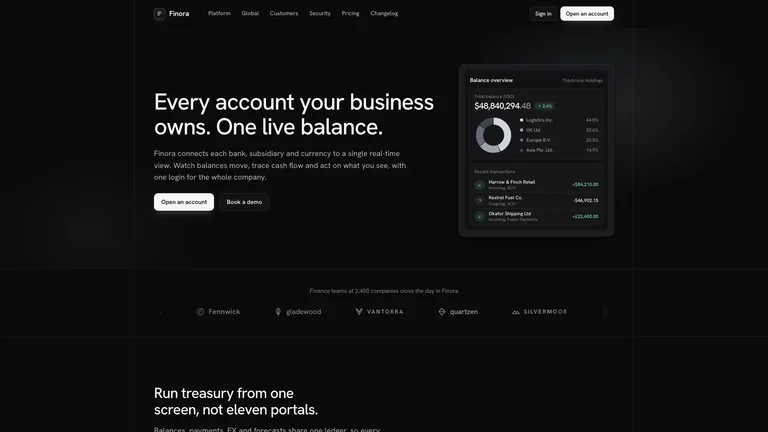
- Brands that want a dark site or a dark mode: the page is light with three deliberate deep-navy bands
- Products with no visual or document workflow to show: the review room with frames, pins and approvals is the centrepiece
- Live accounts, billing or bookings: sign-in, trial, demo booking and email forms validate and confirm on the page only
About this Skill

Editorial Studio SaaS builds an image-led marketing site for creative production software, where the product tells the story. A restrained deep-navy hero, a serif headline, one cobalt accent and slanted section edges set the tone, and a review room with frames, pins, comments and approvals carries through the page. The example is Prismade, a fictional production workspace used by a studio called Oddfield.

What you get
- A split hero whose play button opens the review room, which plays one approval cycle and offers Replay
- Home sections in varied compositions: workflow tabs, version compare with pinned notes, a capabilities bento, a navy customer story band with count-up stats, phone approval, testimonials, security, pricing with a billing toggle and seat stepper, and FAQ
- Inner pages: customer story, pricing detail, changelog, sign-in, trial sign-up, demo booking with a slot picker, privacy, terms and a not-found page
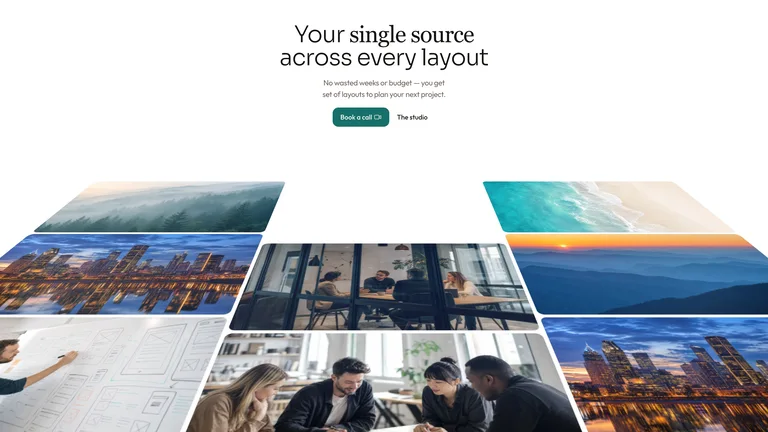
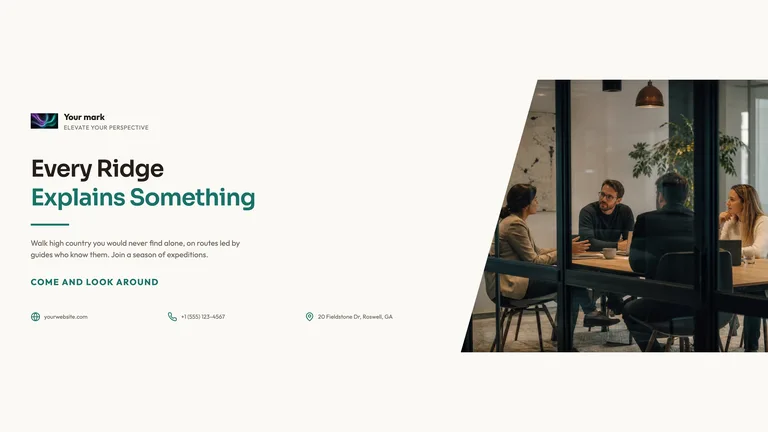
- One photographic world across the product, story and portraits, embedded with the fonts in one file that opens in any browser and works offline

How to use it
- Share your product name, audience, one-line promise, real features and proof, plans and the one main call to action.
- Your agent maps the workflow stages to your product, plans and generates the photos, and builds every section and page with your copy.
- Open the file, play the review room, click every tab and form, and ask for changes in plain words.

Photos come from your agent's image tool, which may carry that tool's usage charges, or from your own library. Proof you do not supply is labelled as placeholder copy for you to replace.
What you need before you start
- You bring
- Product name, audience, one-line promise and the main call to action · Real features, workflow stages, plans and prices · Customer proof and your own photos (optional; missing proof is labelled as placeholder)
- Dependencies
- Node.js 18 or newer on your agent's machine, to run the bundled script that builds the single offline file · Internet access while the file is built, so the fonts can be downloaded once and embedded · An image tool in your agent for the campaign, team and portrait photos (optional if you supply your own photos)
- Outside costs
- The agent generates the site's photos with its own image tool, which may incur that tool's usage charges. You can supply your own photos instead. Nothing else uses a paid service.
- Last tested
- v1.0.6 — Claude Code / Claude Desktop / Cowork / Codex / ChatGPT
User reviews
Loading reviews…