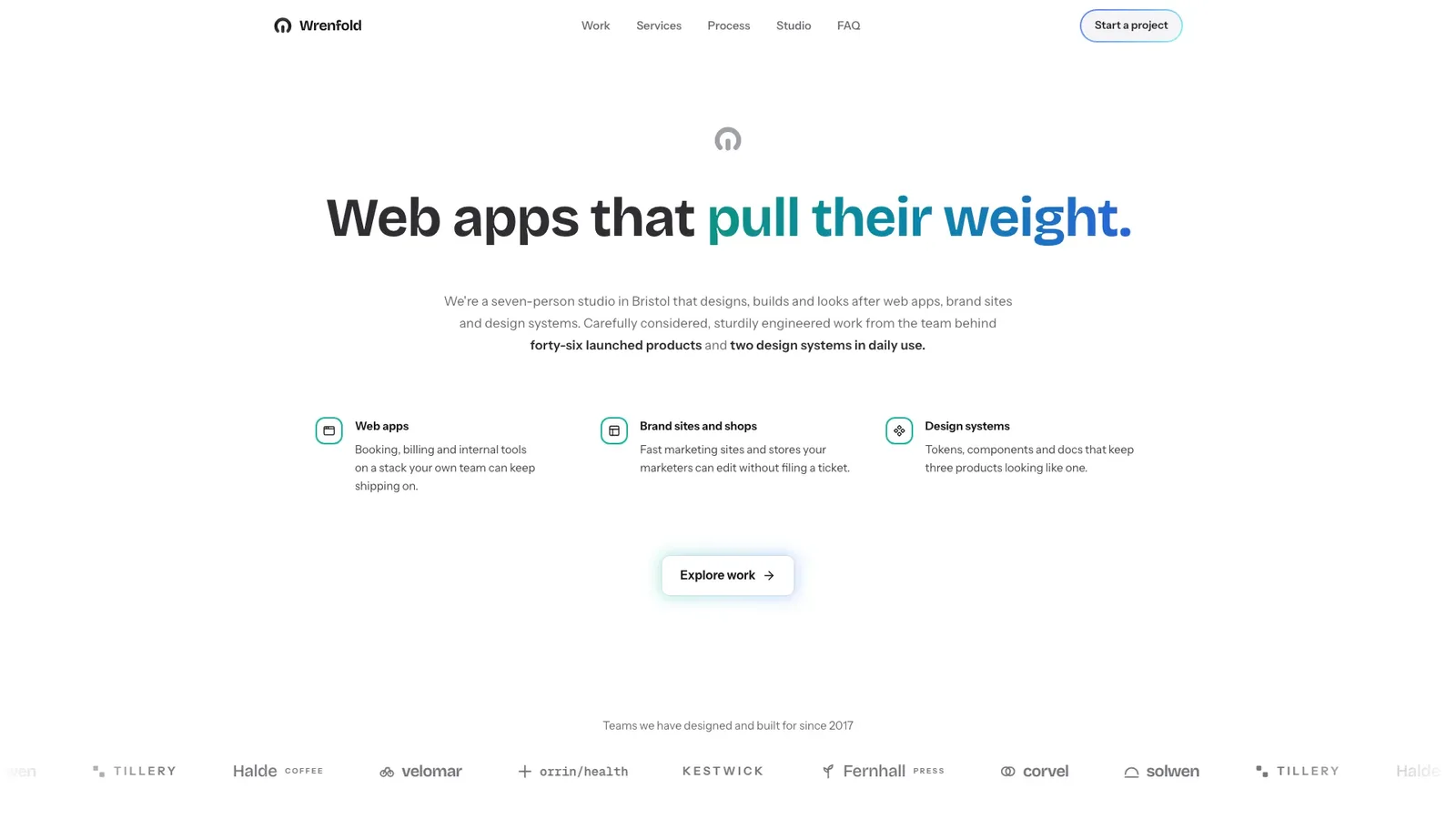
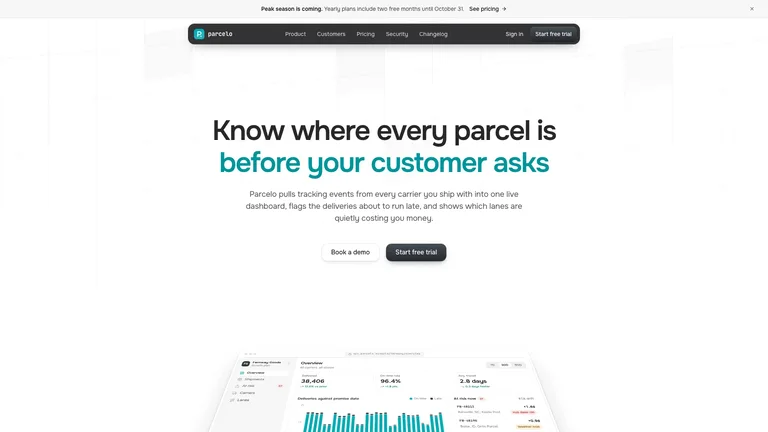
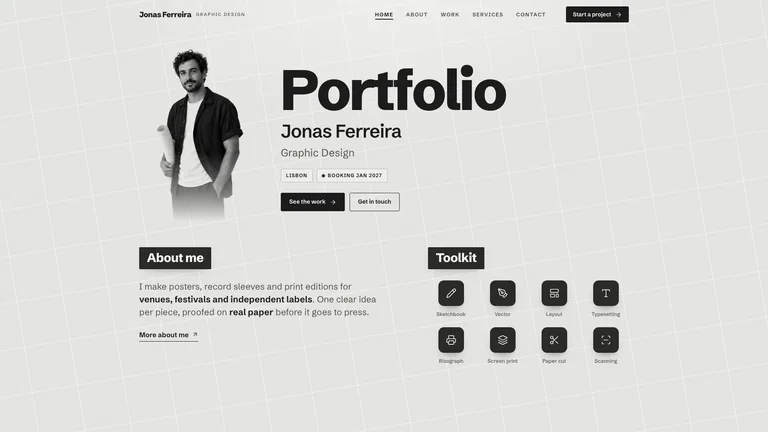
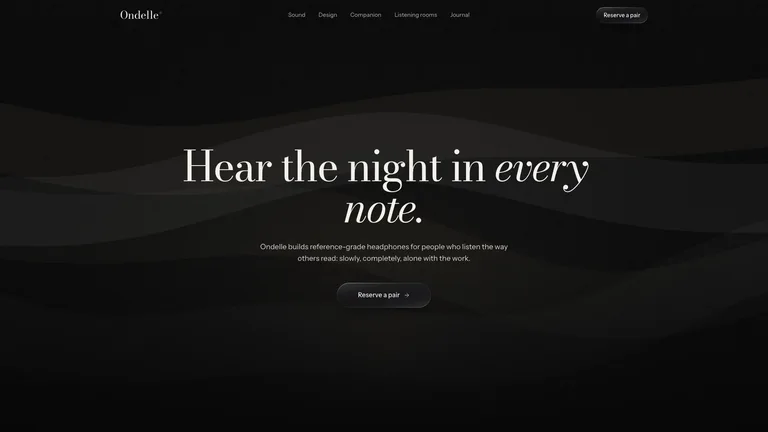
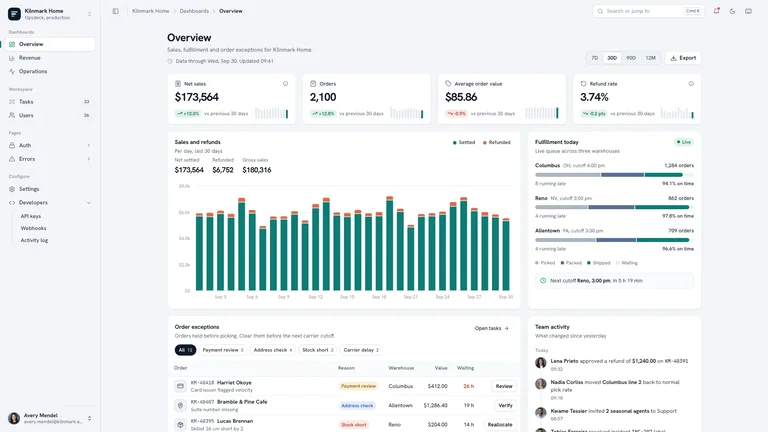
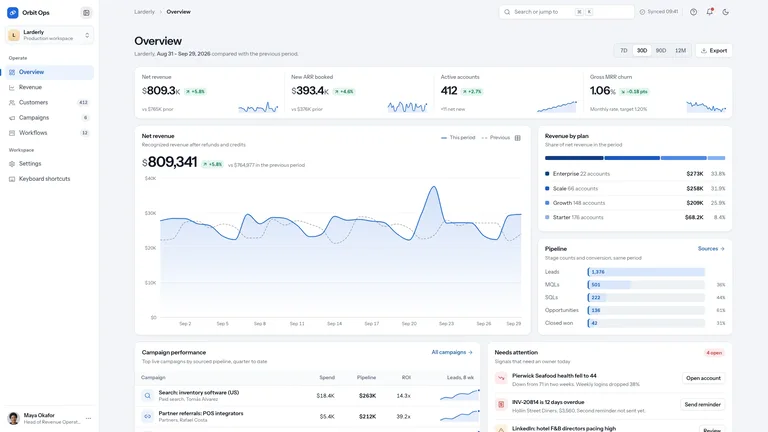
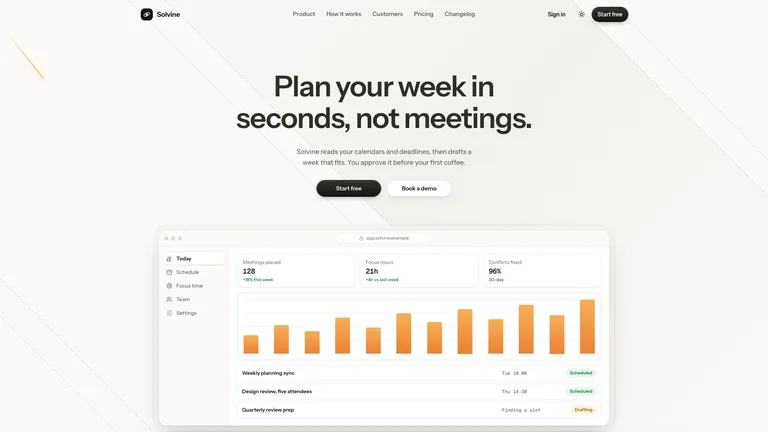
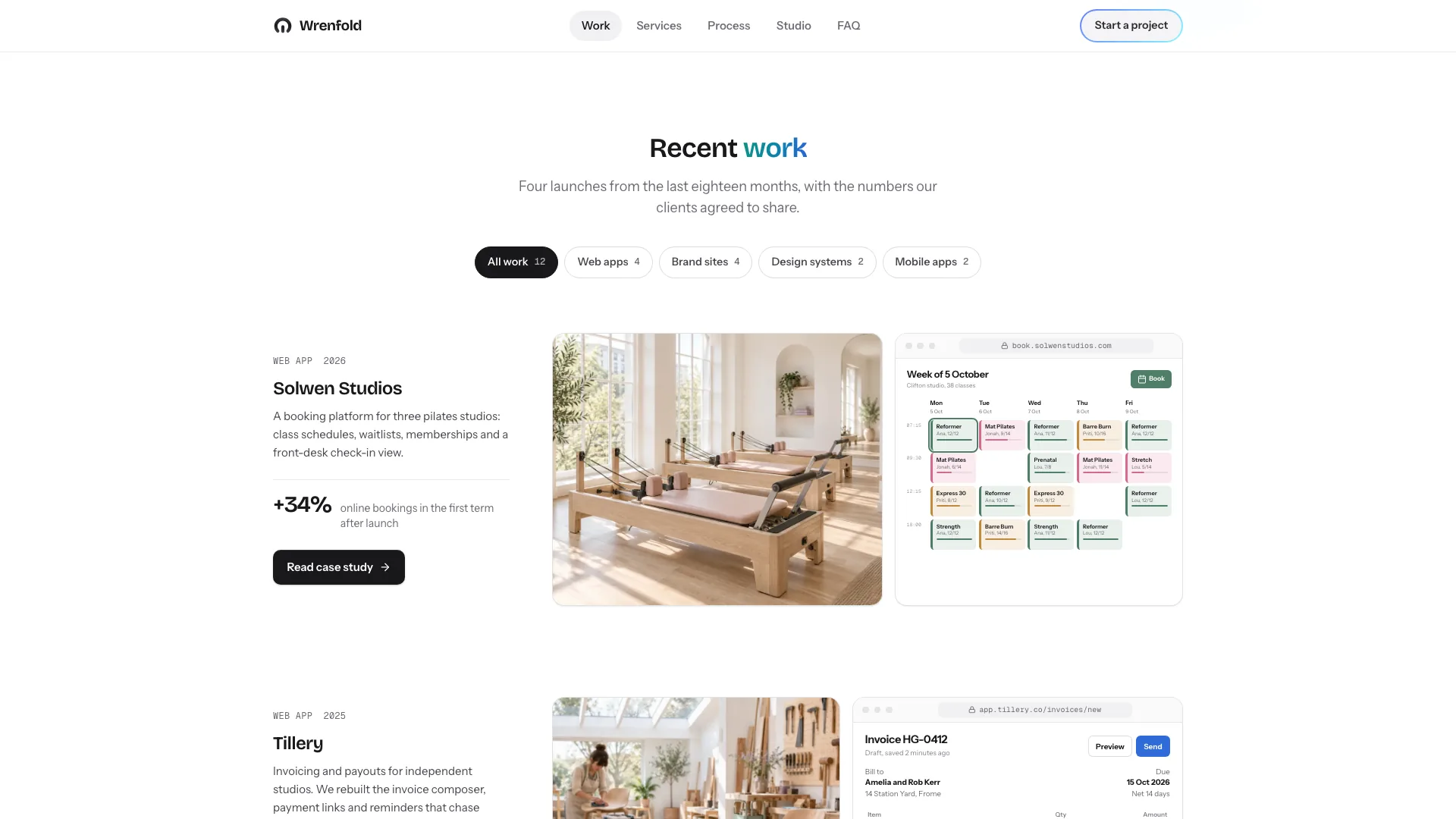
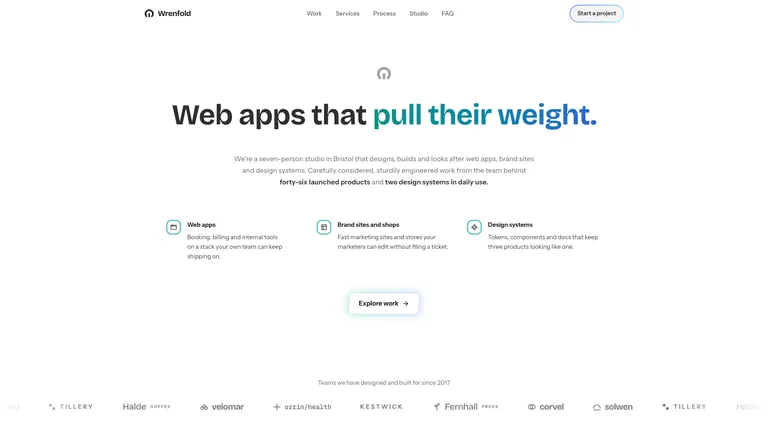
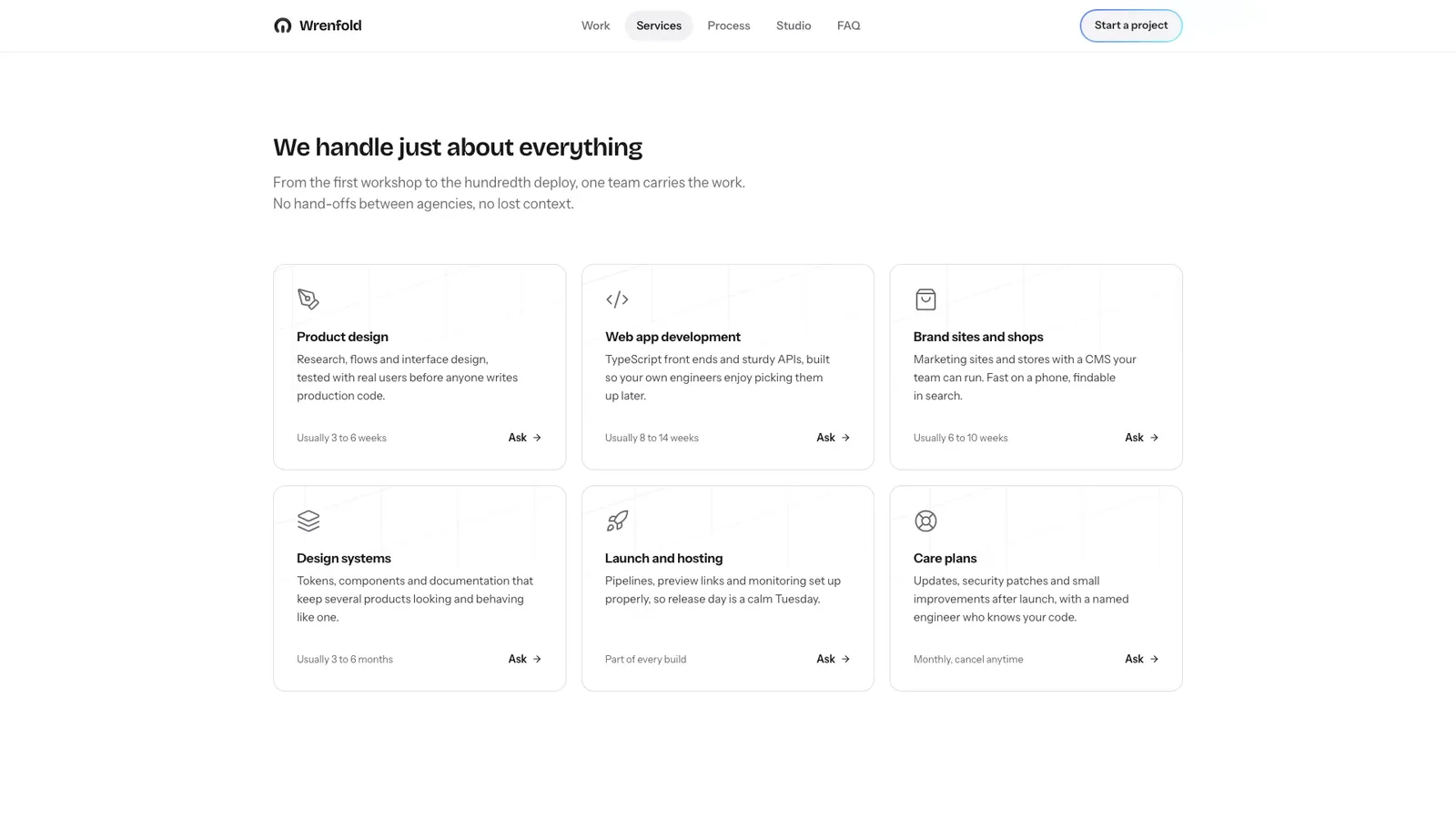
Tell it your studio's name, a few projects and what you sell, and it returns a bright agency page: white ground, one teal-to-blue gradient on the headline words that matter, and your work shown as a photo of each client's world beside a browser window of the product you built. It arrives as one self-contained file that opens in any browser and works offline.
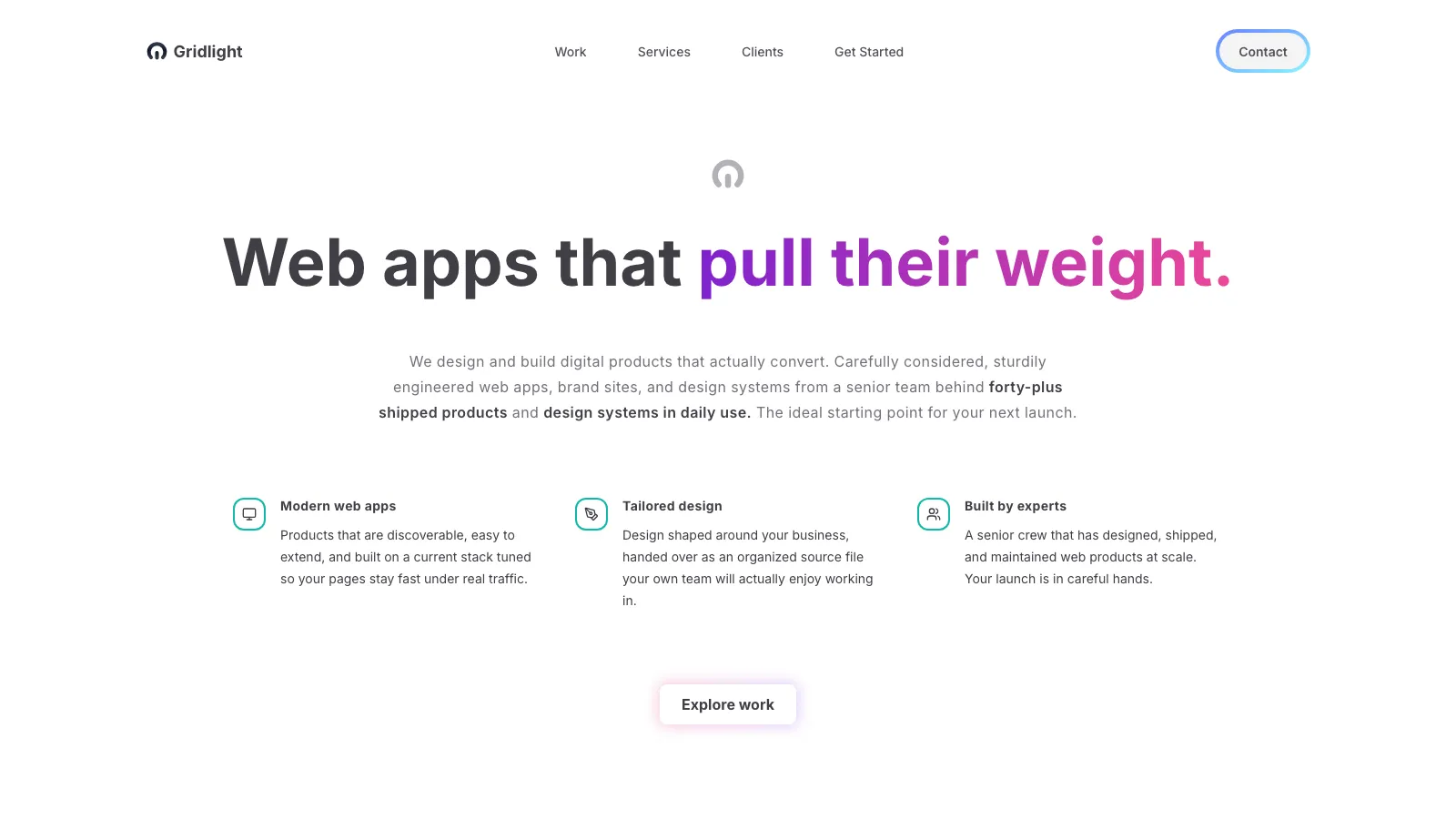
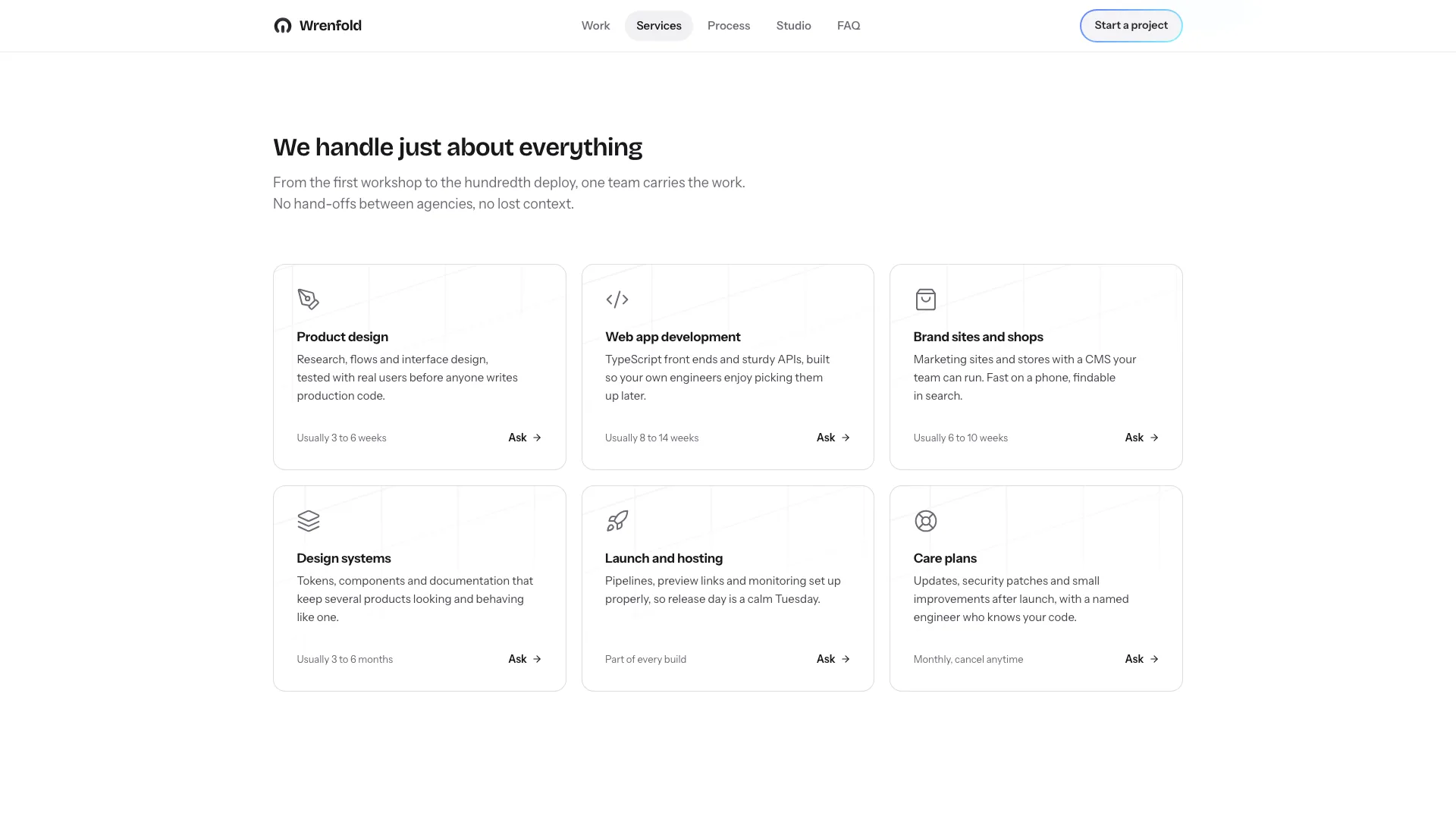
- A full one-pager: hero, client quotes, Recent Work with filters and an archive, services, process, engagement prices, team, FAQ and a dark contact panel
- Case studies that open in place with the brief, what was built, three stats and a client quote
- An enquiry form that validates, shows a loading state and confirms with a summary, plus a newsletter and a copy-email button
- Bricolage Grotesque, Instrument Sans and Geist Mono embedded, with calm reveals and a mint wash that follows the cursor across the services cards
- Inside your own codebase, the same page built as components in your stack
- Give it your studio name, a one-line promise, two to four projects with an outcome each, and your services; rough notes are enough
- Attach client photos and portraits if you have them; otherwise they are generated, and each project window is rebuilt from your project's data
- Open the finished file in your browser and ask for copy, project or pricing changes in plain words
Generated photos use your agent's image tool and may carry that tool's usage charges. Fonts and images are embedded, so the finished file makes no network requests.
What you need before you start
- You bring
- Studio name, one-line promise and three capabilities · 2-4 showcase projects with an outcome number, plus six services and your process or prices · Optional: testimonials, client photos, a team photo and contact details
- Dependencies
- Node.js 18 or newer on your agent's machine, to run the bundled script that builds the single offline file · Internet access while the file is built, so the fonts can be downloaded once and embedded · Optional: an image generation tool in your agent for client, portrait, team and process photos
- Outside costs
- Client-world photos, portraits, the team photo and the process detail are generated with your agent's own image tool when you do not supply them, which may incur that tool's usage charges. Testimonials without a portrait fall back to monograms.
- Last tested
- v1.0.3 — Claude Code / Claude Desktop / Cowork / Codex / ChatGPT




 +6
+6