Molten Glass Landingv1.0.3
Use this Skill to build website page.
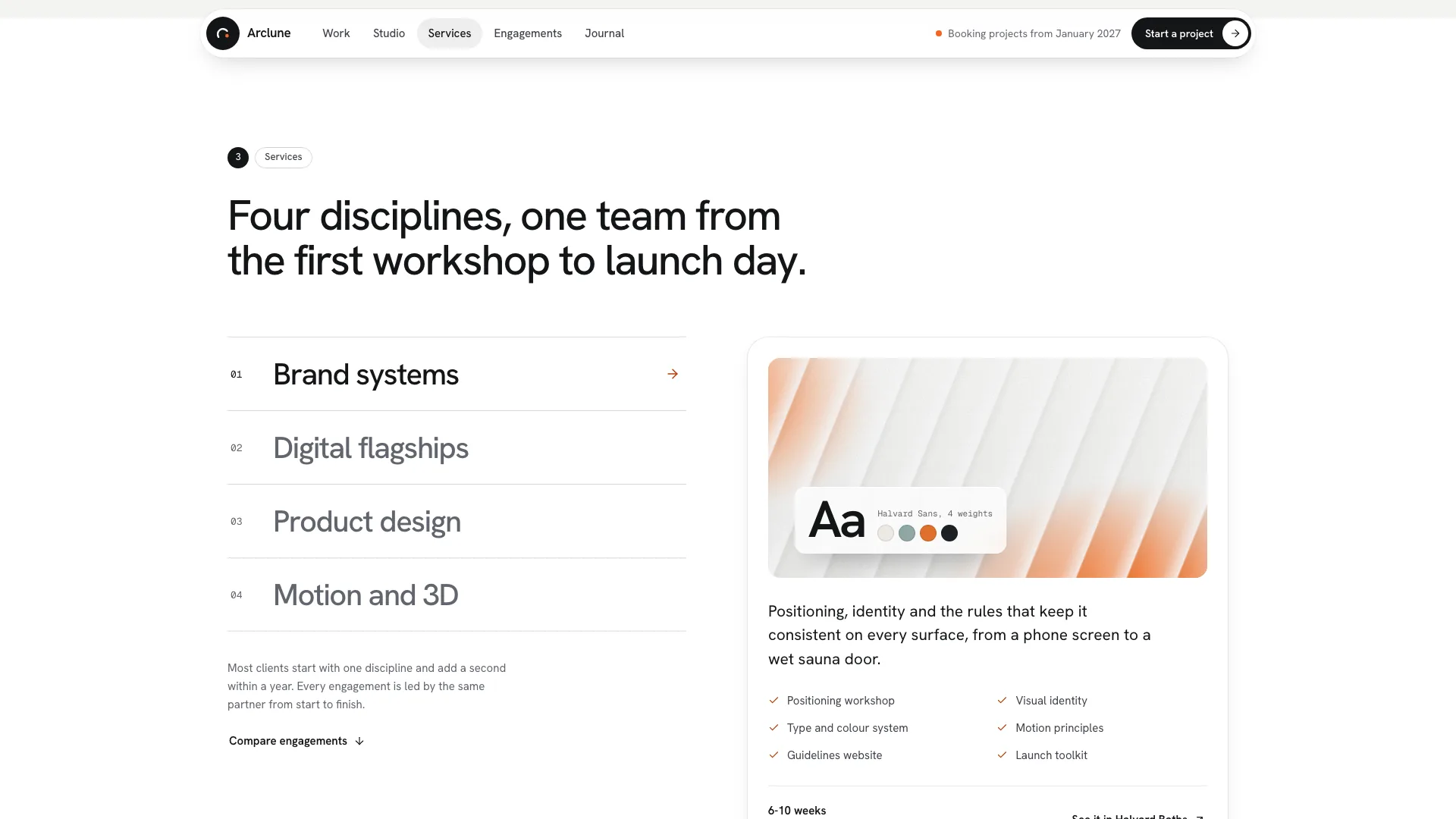
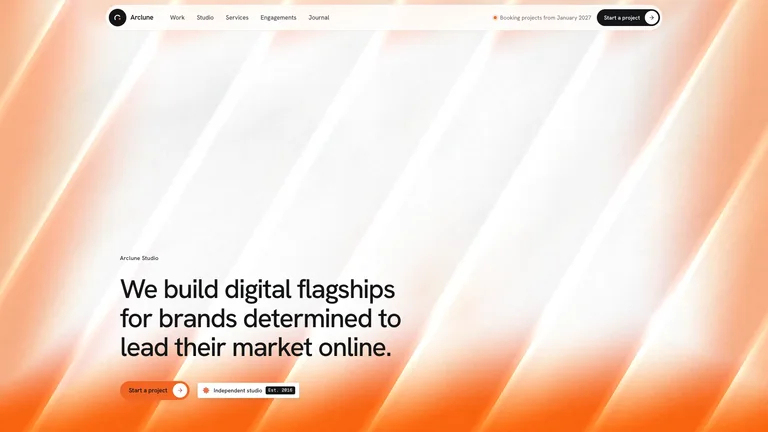
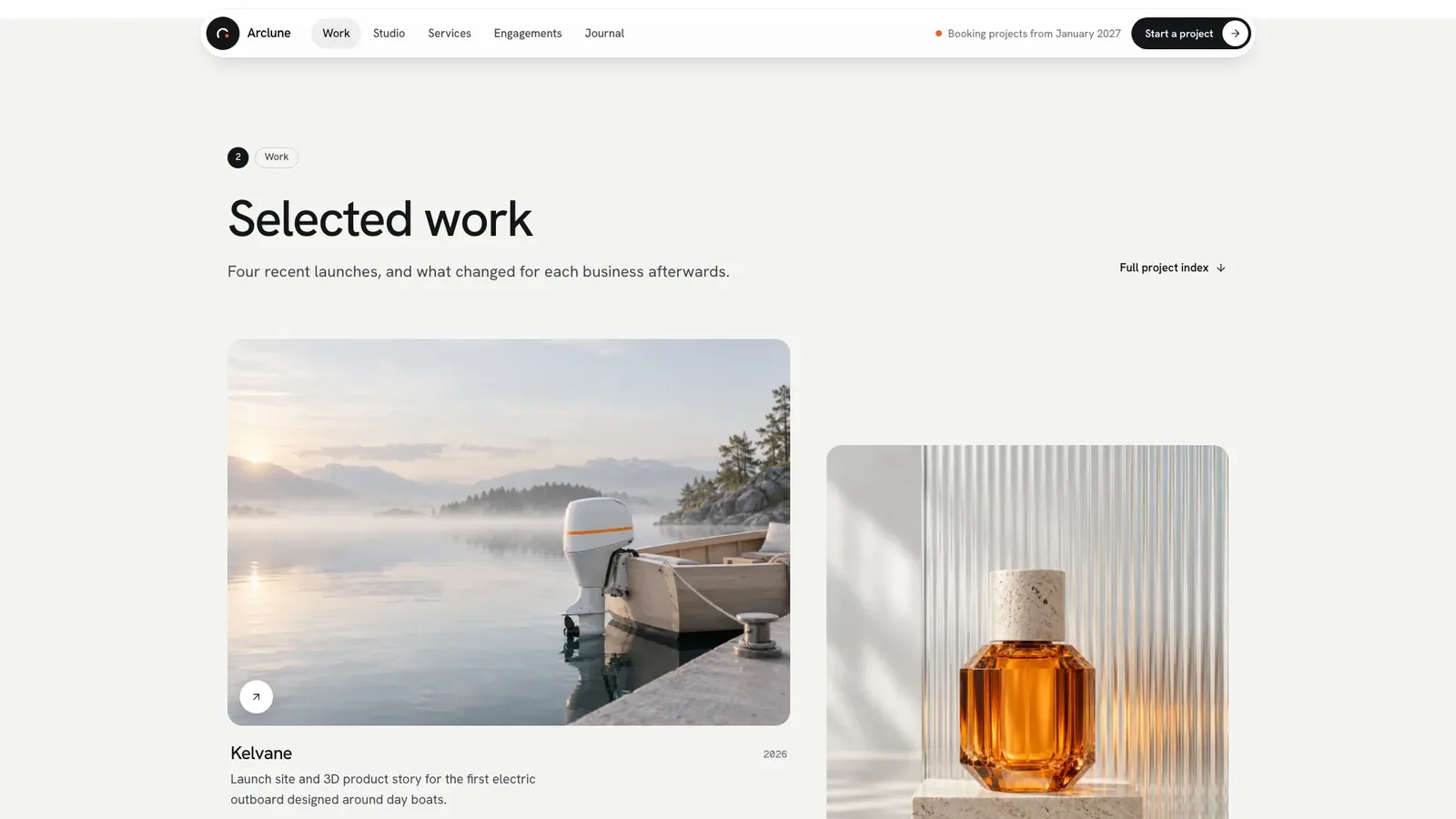
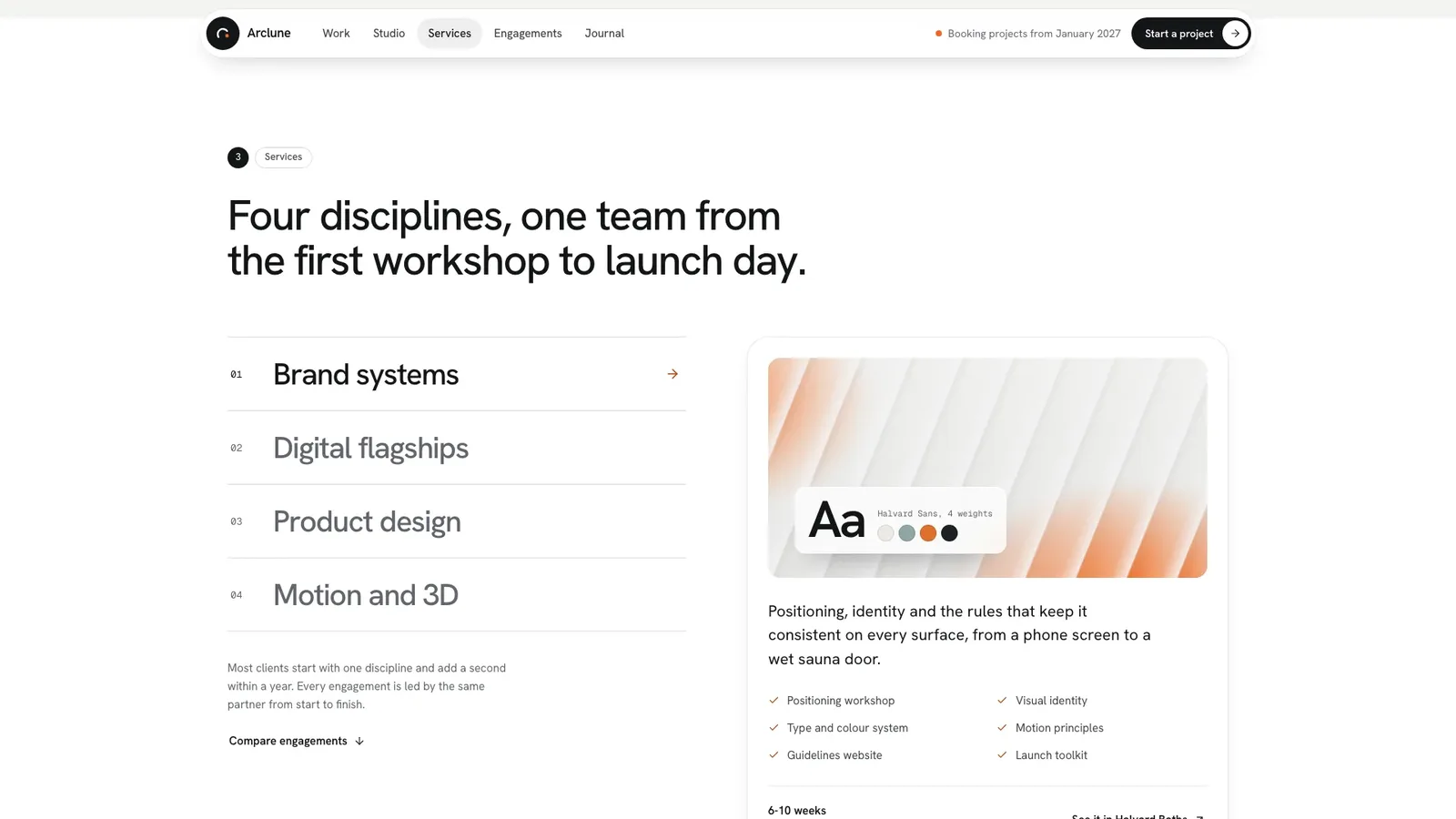
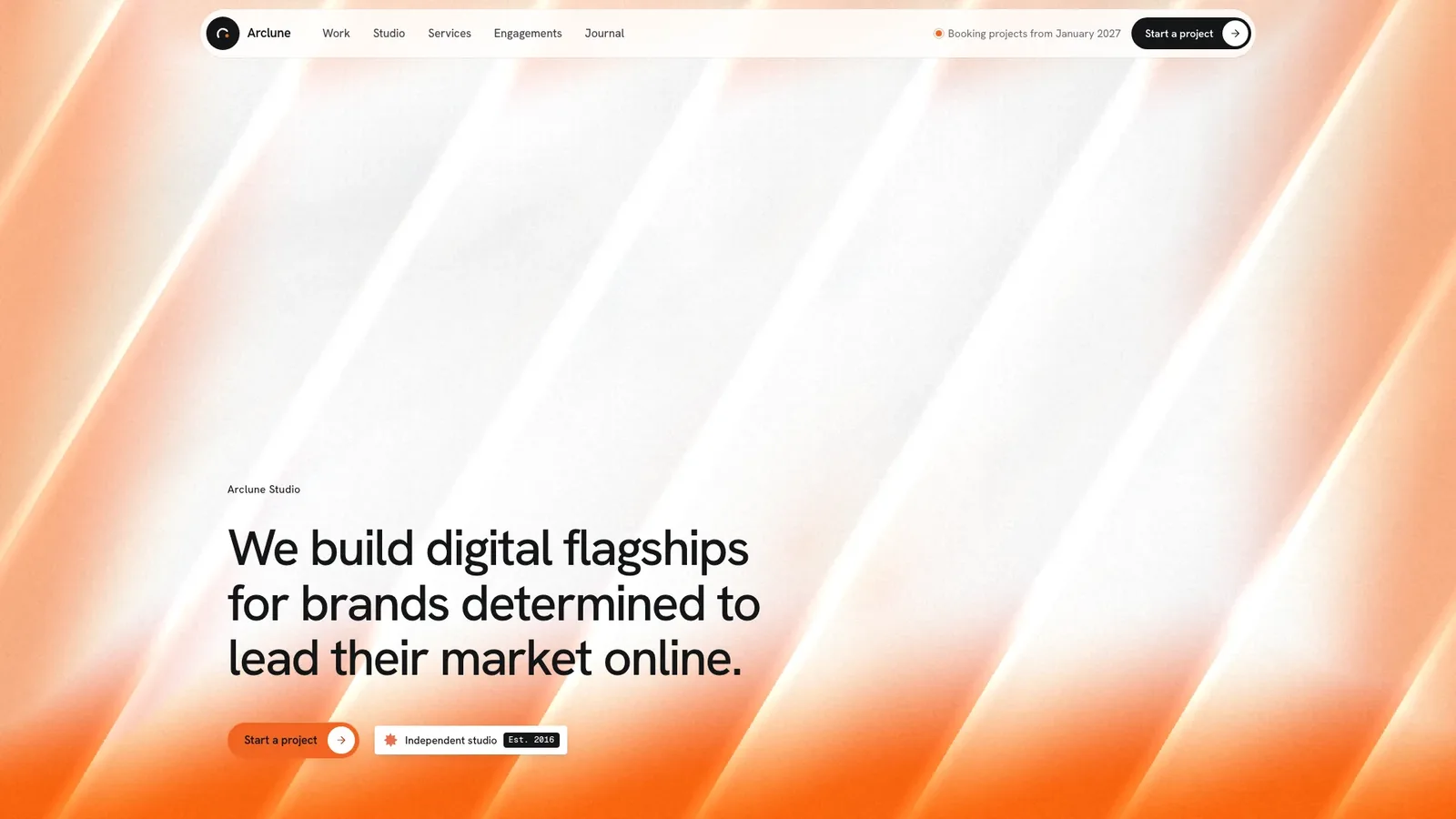
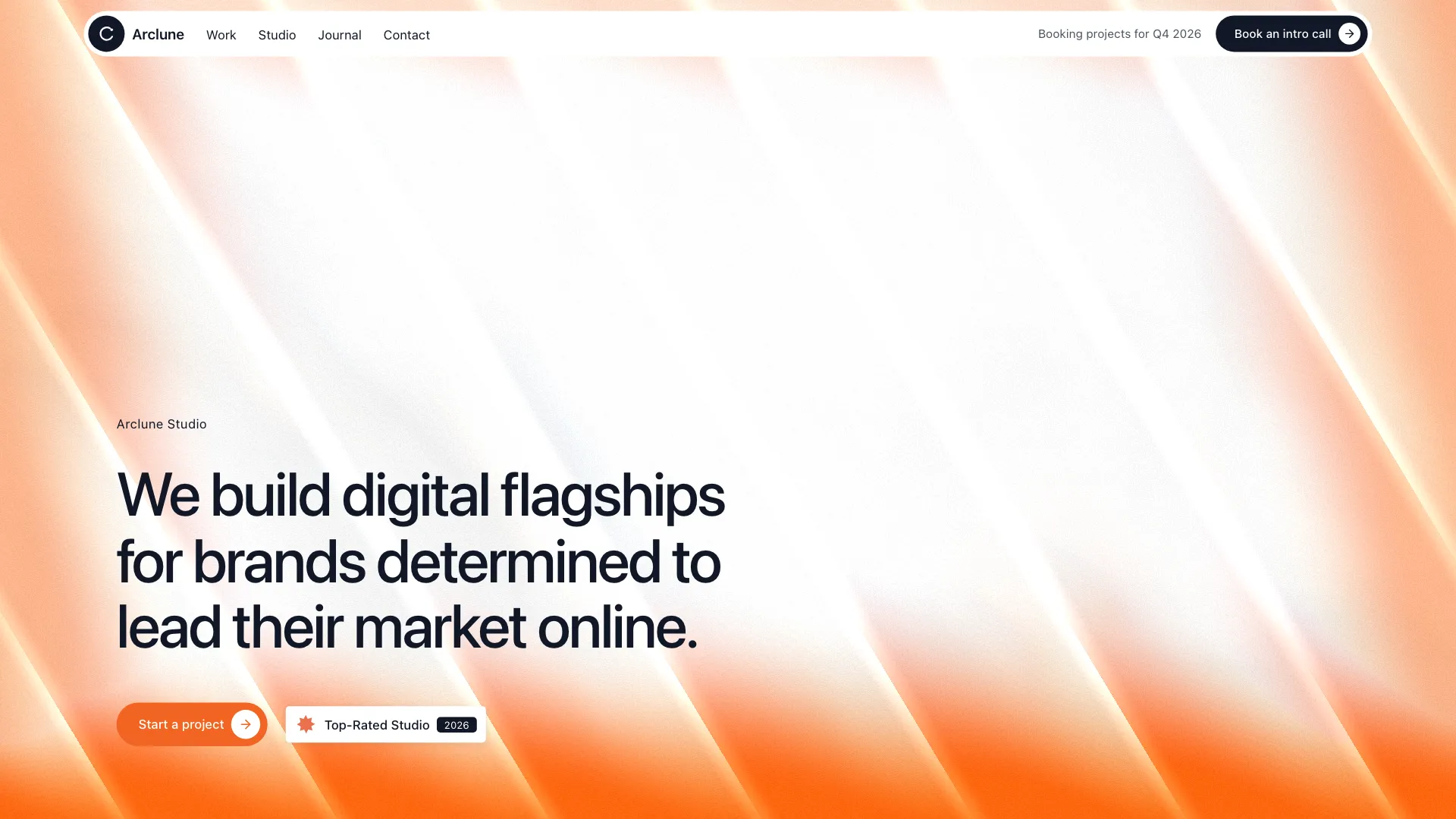
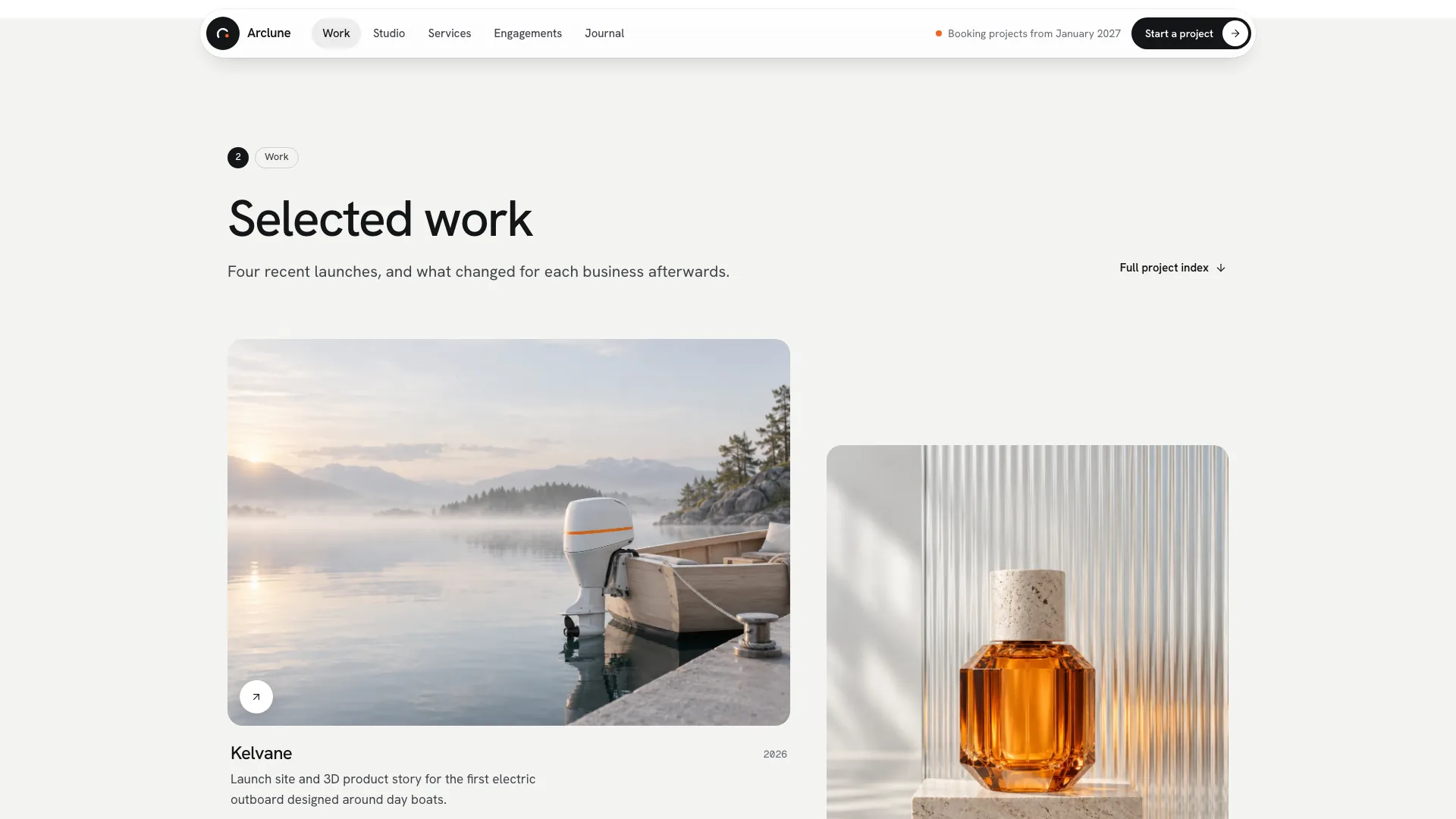
Build a studio website with a first screen that moves: live fluted glass where hot orange light presses in from the edges behind a calm, bottom-pinned statement headline. Pill navigation, numbered sections, selected work with case-study pages, services, engagements with a currency switch, testimonials, team, journal articles, FAQ and a validated project brief lead to one near-black footer with a giant wordmark. It arrives as one self-contained file that opens in any browser, works offline and still looks finished where the animation cannot run.
Picked most often by
Updated Oct 3, 2026
Preview gallery
Runs in
Generates with
Similar Skills
View all skillsWhat you get
- A live fluted-glass hero with orange heat at the edges, film grain and a three-line statement, plus a finished still fallback and a calm reduced-motion mode
- A full studio site: studio, selected work and a searchable project index, services tabs, process, engagements, testimonials, team, journal, FAQ and a project brief form
- Case-study pages, journal articles, privacy, terms and a not-found page, with web fonts and role-planned photos, all in one offline file
Good fit
- Design, branding and engineering studios that want a premium, alive first screen without losing readability
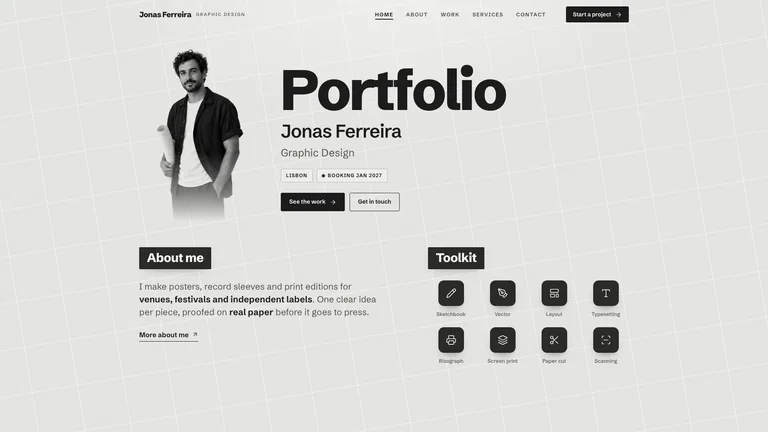
- Freelancers and small agencies launching a portfolio with real case studies, clear engagement prices and a brief form
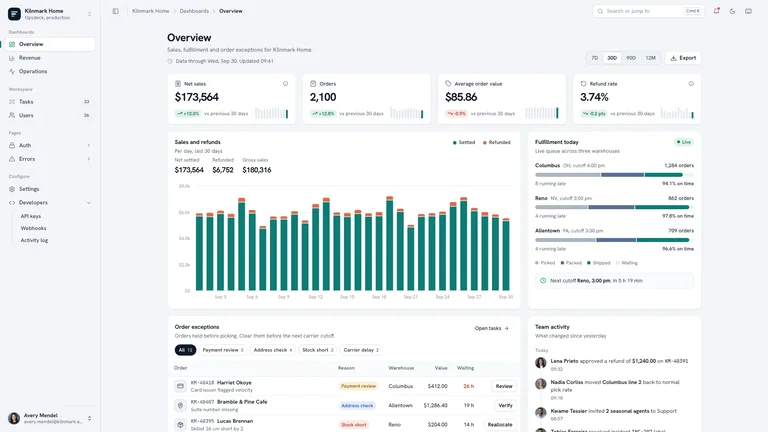
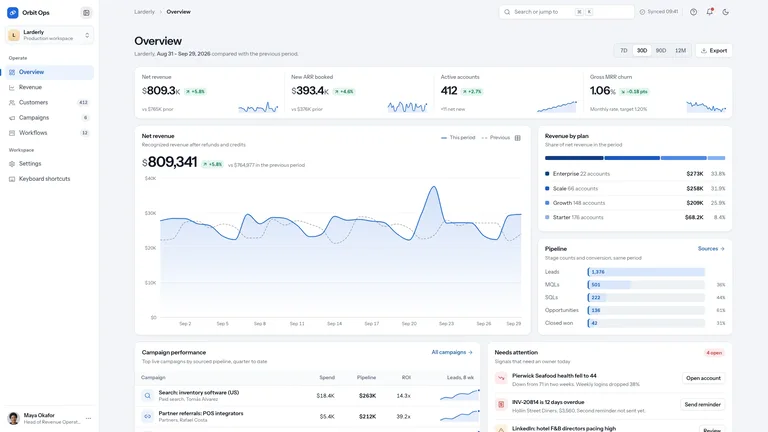
- Product teams that want a bright, glassy launch site and can map work, services and engagements to customers, features and plans
Not for
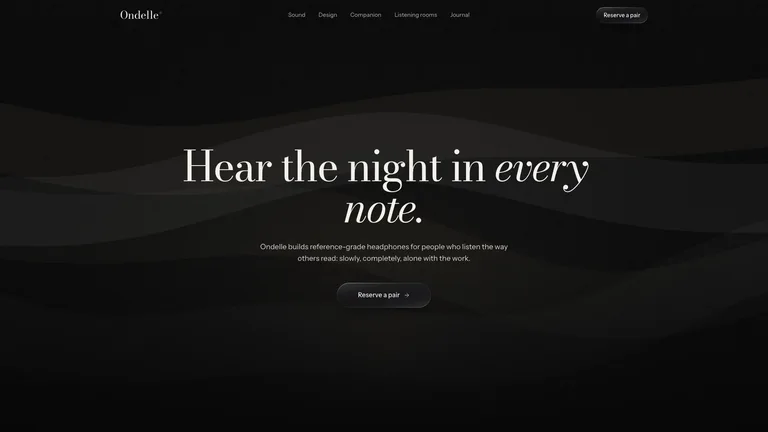
- Dark, moody brands: the page stays bright paper-grey with exactly one dark surface, the footer
- Sites that need a CMS or dozens of pages: case studies and journal posts live as static data in the page
- Pages that must work with scripting switched off: text and layout still show, but the glass animation, menus and forms need it
About this Skill

Molten Glass Landing builds a studio website whose first screen is alive: bright paper-grey light seen through fluted glass, with hot orange heat pressing in from the edges. Below it sits a calm editorial site with numbered sections, real case-study pages and a working project brief. The example is Arclune, a fictional design and engineering studio.
What you get
- A live glass hero with a finished gradient fallback, a still frame for reduced motion, and buttons whose labels roll on hover
- Home sections: studio with count-up stats, selected work and a searchable project index, services tabs, process, engagements with a currency switch, testimonials, team and open roles, journal, FAQ and a project brief
- Case-study pages with results and credits, journal articles, privacy, terms and a not-found page
- One near-black footer with a giant wordmark, and one file that opens in any browser and works offline

How to use it
- Share your studio name, a one-sentence positioning statement and at least two flagship projects with a measurable result each.
- Your agent fills every section and case study, plans and generates the photos, and drafts anything missing for you to confirm.
- Open the file, click through every case study, tab and form, and ask for changes in plain words.

Photos come from your agent's image tool, which may carry that tool's usage charges, or from your own library. In an existing framework project, the agent builds the same design as components in your stack.
What you need before you start
- You bring
- Studio or brand name and a one-sentence positioning statement · At least two flagship projects, each with a one-line measurable result · Disciplines, engagement terms or prices, team leads and contact details (optional; gaps are drafted for you to confirm)
- Dependencies
- Node.js 18 or newer on your agent's machine, to run the bundled script that builds the single offline file · Internet access while the file is built, so the fonts can be downloaded once and embedded · An image tool in your agent for the studio, project and team photos (optional; the page reads correctly with placeholders or your own photos)
- Outside costs
- Studio, project and team photos are generated with your agent's own image tool when you want new ones, which may incur that tool's usage charges. You can supply your own photos or keep placeholders instead. Nothing else uses a paid service.
- Last tested
- v1.0.3 — Claude Code / Claude Desktop / Cowork / Codex / ChatGPT
User reviews
Loading reviews…