One-command install
Run npx skillry-cli@latest install <skill> --agent cursor and the Skill lands in ~/.agents/skills/.
Cursor is an AI code editor with its own agent, on your machine and in Cursor's Cloud Agents. Install a Skill into Cursor with one command, then ask it for a finished deck, web page, video or image.















A Skill is a folder with a SKILL.md file. Cursor reads it and knows how to do that kind of job.
Run npx skillry-cli@latest install <skill> --agent cursor and the Skill lands in ~/.agents/skills/.
Say what you want. Cursor loads the matching Skill when the task fits, or you can name it.
Decks export to PPTX, sites open as HTML, videos render as finished cuts and images keep one fixed style.
Each role page picks the Skills that fit that job best.
Three steps in Claude Code, Codex or Cursor. No design app needed.
Copy the install prompt into your agent, or run the command below. The Skill lands in your agent's skills folder.
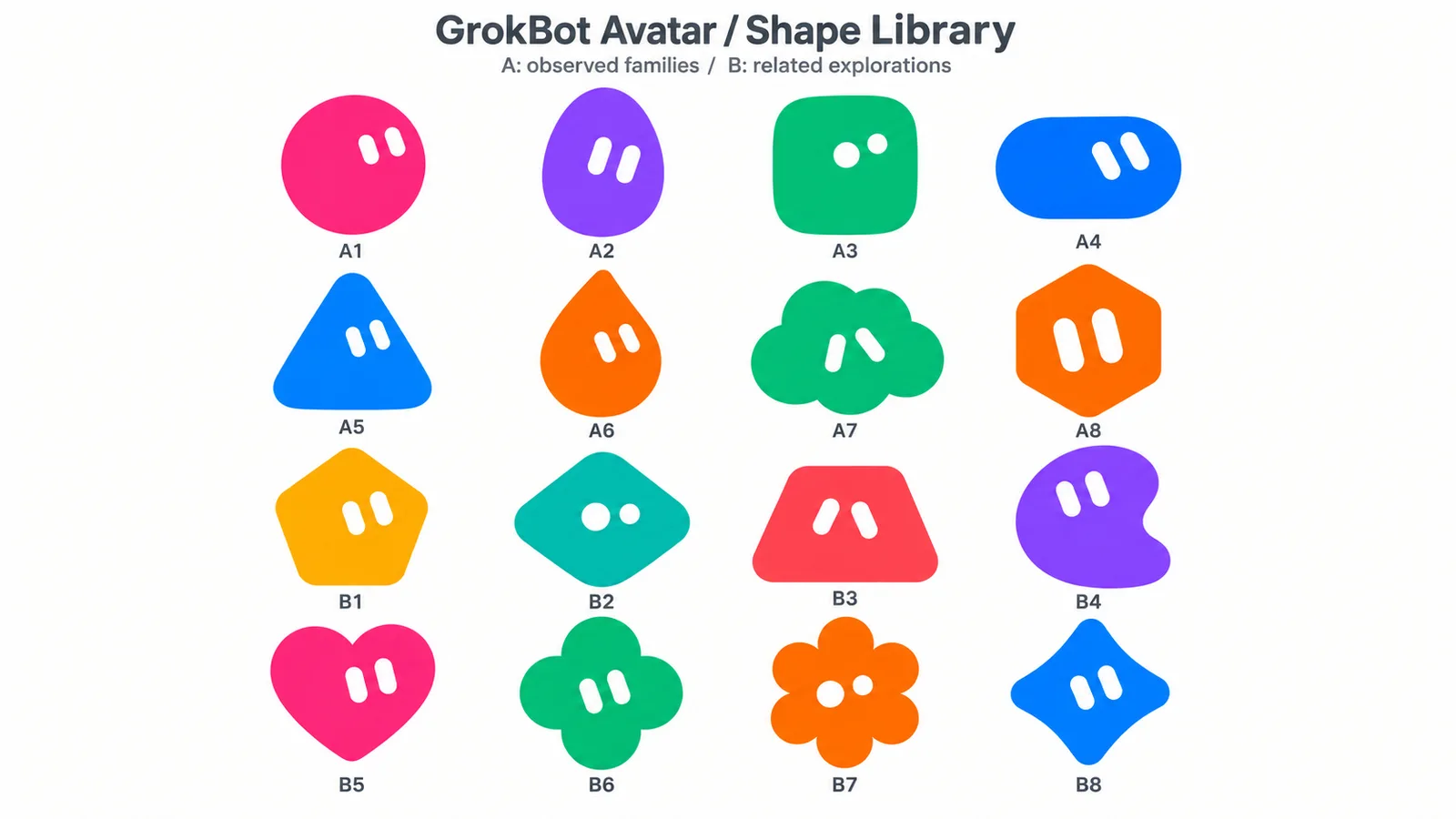
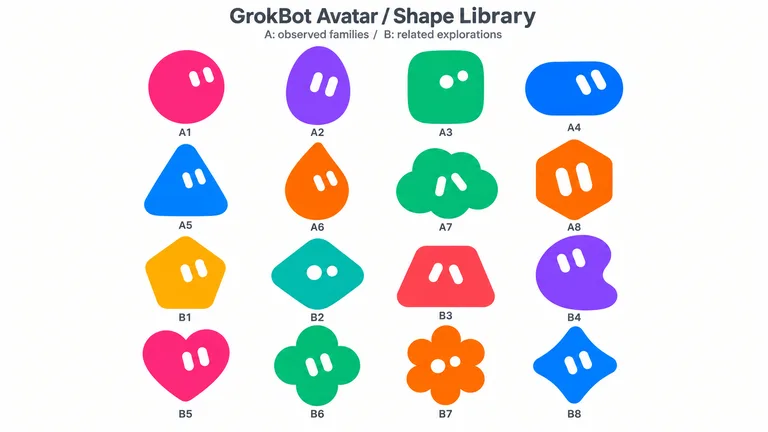
npx skillry-cli@latest install bs-grokbot-avatar --agent cursorType a slash and the Skill name, then say what you want in plain words.
/bs-grokbot-avatar Turn this product brief into a 10-slide launch deckOpen the file it made, ask for changes in the same chat, then publish or hand it off.
image.png| Aspect | A plain prompt | A Skill |
|---|---|---|
| Starting point | A blank prompt on every run | A tested layout and checklist |
| Style | Changes from run to run | One style you can repeat |
| Consistency | Each asset looks different | Every asset follows one system |
| Output | Whatever the model writes | A checked file in the expected format |
Install any Skill on this page and every new one we add. Cancel anytime.
Cancel anytime
$9.99 / month
Full Premium access, billed monthly.
Save 34% a year
Most popular$79 / year
Full Premium access for a lower annual price.
Pay once · Founding price
Founding offer$169 one-time
Founding price — increases as the library grows.
Cancel anytime. Payments are non-refundable.
Paste the install prompt from any Skill page into Cursor, or run npx skillry-cli@latest install <skill> --agent cursor yourself. The Skill lands in ~/.agents/skills/.
Only Skills in ~/.cursor/skills/ sync to Cloud Agents, and only with Sync Skills for Cloud Agents turned on. A Skill in ~/.agents/skills/ works on your machine but stays local.
Yes. Skillry Skills follow the open SKILL.md format, so one Skill works in Claude Code, Codex, Cursor, Gemini CLI, OpenCode and Antigravity. Only the install folder changes.
Yes. Some Skills are free to install with a Skillry account; the rest come with a Skillry plan.
Websites, slides, videos and images, all in one place.
Browse all Skills