Create black and white portraits from your photo
Start from one clear photo. The Skill locks the face first, then changes the setting, light and crop to a calm monochrome studio half portrait for profiles and posts.


 and 30+ other agents
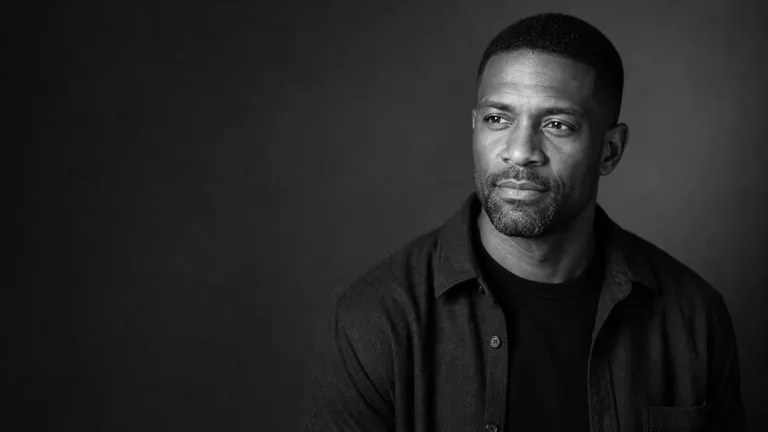
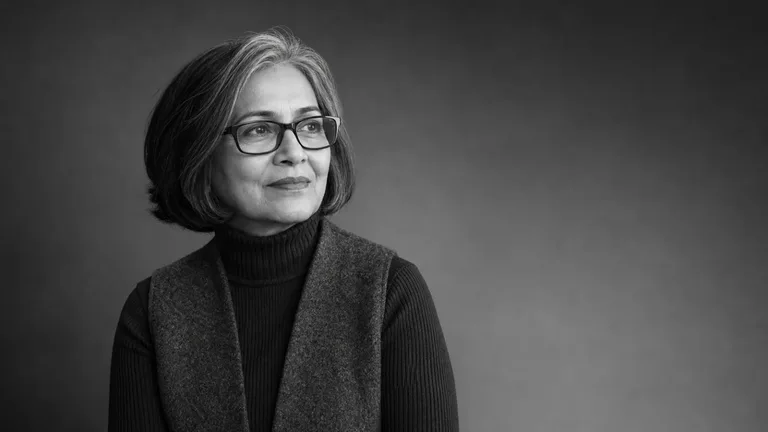
Black and white portrait examples
Real output from Monochrome Studio Portrait: soft one-direction light, film grain and deliberate negative space.
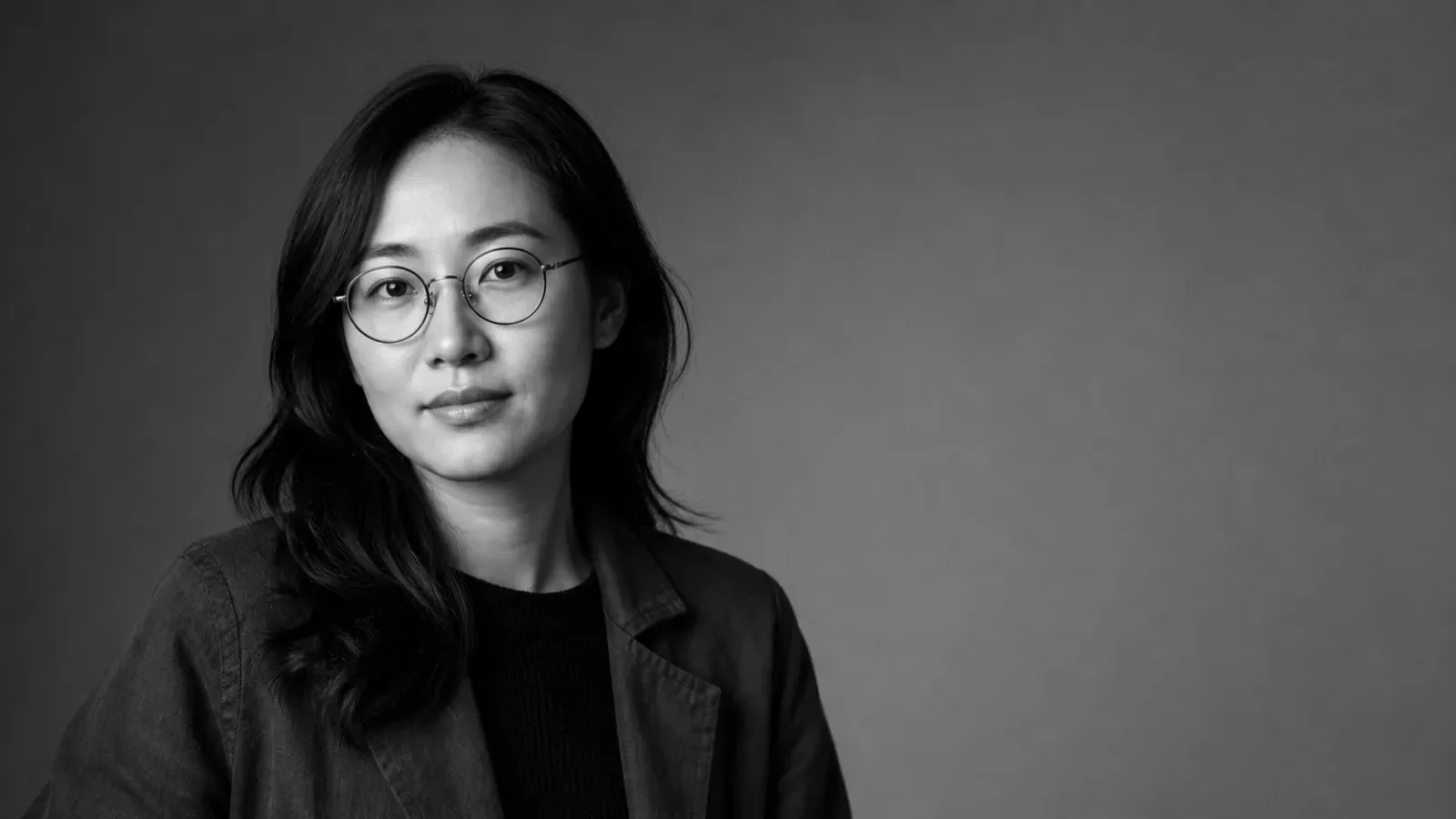
Monochrome Studio Portrait
Transform an authorized portrait into a refined black-and-white studio half portrait with soft directional light, natural texture, subtle grain, and deliberate negative space. It gives editors and personal brands a calm, distinctive image for profiles and social use while preserving the subject's identity and glasses on a best-effort basis.
You bring
- One clear photo of a person whose image you are authorized to edit
- Intended use or aspect ratio when different from the 16:9 editorial default
You get
- A finished black-and-white half portrait with a soft studio gradient, one-direction lighting, subtle film grain, and deliberate negative space
- A face-first edit recipe that locks visible facial anchors before changing the setting, wardrobe, crop, and photographic finish
- Dedicated eyeglasses checks covering frame shape, bridge, temples, fit, scale, and readable eyes
Runs on
FAL account and FAL_KEY - required when the host has no native image-editing tool · Node.js 20 or newer - required for the bundled FAL helper · FAL GPT Image usage charges apply to each submitted edit task; native host generation may have separate plan limits.
Compare the source photo and studio treatment
The edit keeps who the person is and changes how the photo was taken. Facial anchors and glasses are locked before anything else moves, and a side-by-side check closes the job.
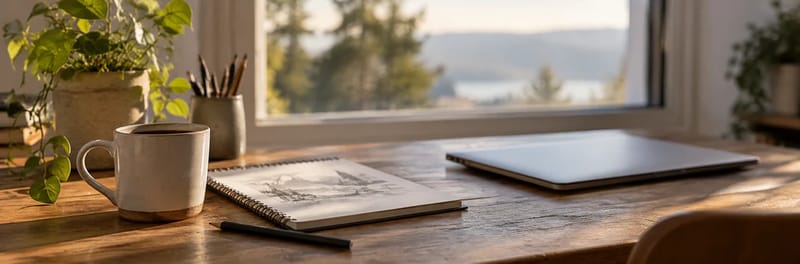
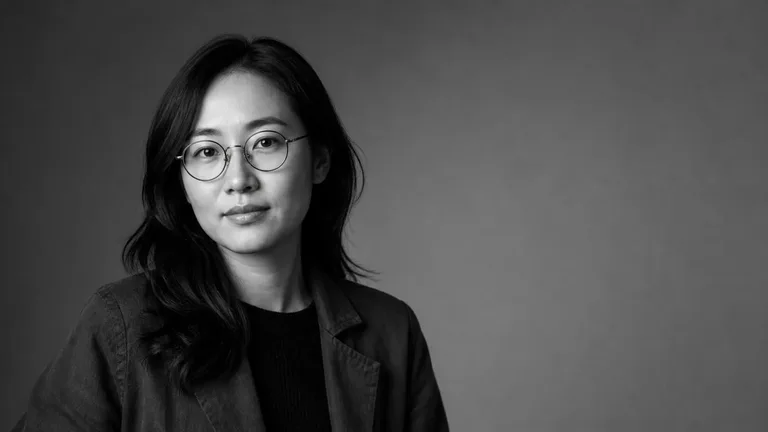 Black and white portrait
Nina Park
Founder at Brightloop · Building simple tools for small teams
Austin, Texas
- Input
- One clear photo of someone you may edit
- Output
- A black and white half portrait, 16:9 by default
- Light
- Soft studio gradient, one-direction lighting
- Finish
- Natural skin texture and subtle film grain
- Glasses
- Frame, bridge, fit and readable eyes checked
- Running cost
- Free Skill; FAL charges only on the FAL path
Review identity, lighting and composition
A portrait has to still look like the person. The Skill ends with a side-by-side review.
 1
1Install the Skill
Paste the install prompt into your agent.
 2
2Add your photo
Share one clear photo and say where the portrait will be used.
 3
3Compare side by side
Check identity, eyes, glasses and grain against the original.
Why not just ask your AI for a black and white portrait?
Asking directly gets you a result. A Skill adds the parts that make it reliable and repeatable.
Black and white portrait FAQ
What this Skill does not do
- It does not make passport or ID photos.
- It does not edit photos of people without their permission.
- It does not guarantee pixel-perfect identity after large pose or age changes.
Is this a LinkedIn headshot generator?
It makes a black and white half portrait with editorial negative space, which many people use as a profile picture. It is not tuned for standard corporate headshot framing.
Is the Skill free?
Yes. Monochrome Studio Portrait is free to install. If your agent has no built-in image editing, it uses your FAL account, which bills each edit.
Will it keep my glasses?
It runs dedicated checks on frame shape, bridge, temples, fit and readable eyes, on a best-effort basis.
Can I choose a different aspect ratio?
Yes. The default is 16:9 for editorial use; say the ratio you need when you share the photo.
More jobs for content creators
Each job has its own Skills, real examples and FAQ.
 MascotsAn original character for your brand
 Portfolio sitesA personal site with real case studies
 Blog cover imagesA lead image that carries the argument
 OG imagesLink previews for every page you share