Skillry Pick
Anthropic Report Illustration Stylev1.0.3
Use this Skill to create article illustrations.
5.08 downloads0 likes0 saves
$4.99
What do I get when I buy this Skill?Turn articles and research reports into bold editorial illustrations with a vintage print feel. Express the main idea through colour-block collage, single objects or abstract geometric prints for report covers, article headers and visual series.
Picked most often by
Updated Nov 5, 2026
Preview gallery
Runs in


Install guides
Generates with
GPT Image (OpenAI) Nano Banana / Gemini Image (Google)Host Agent LLM
Similar Skills
View all skills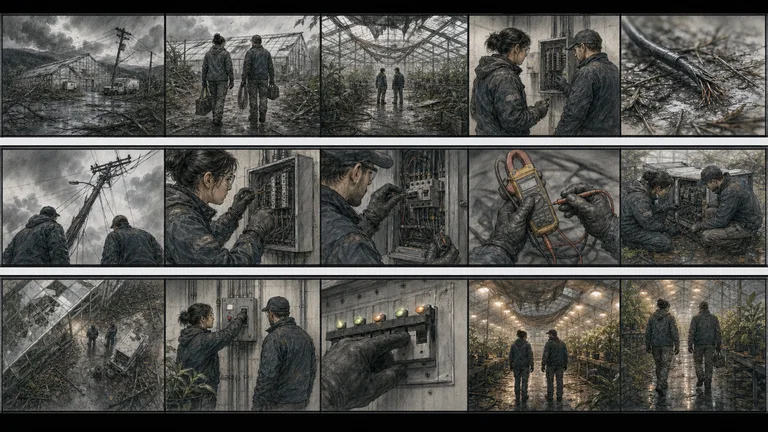
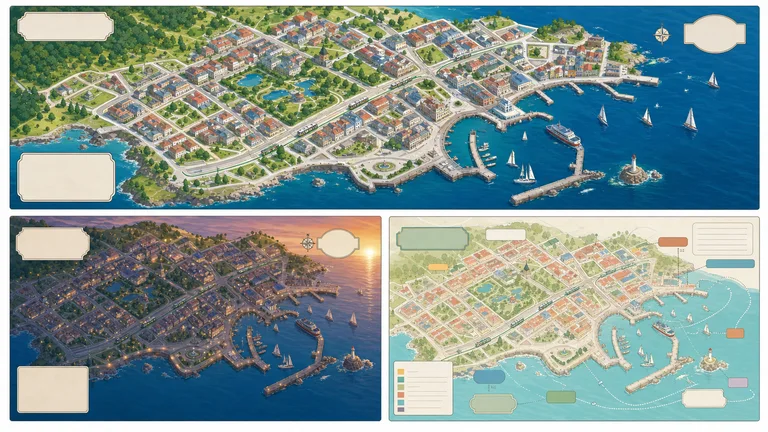
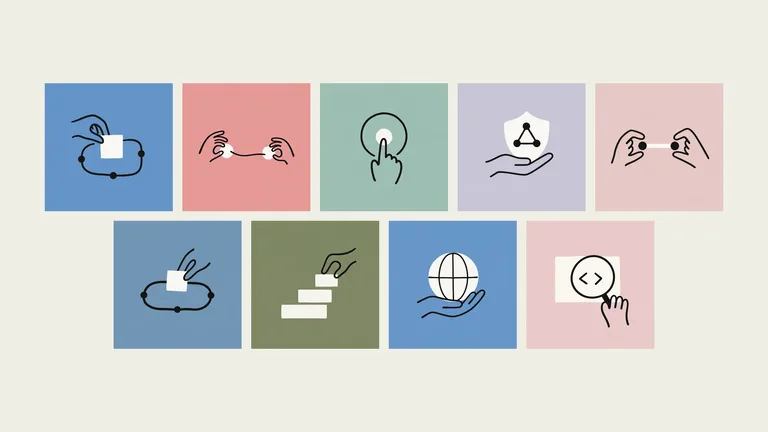
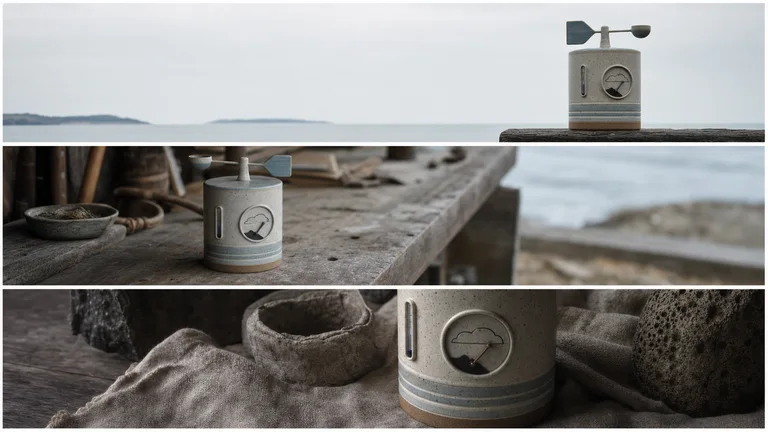
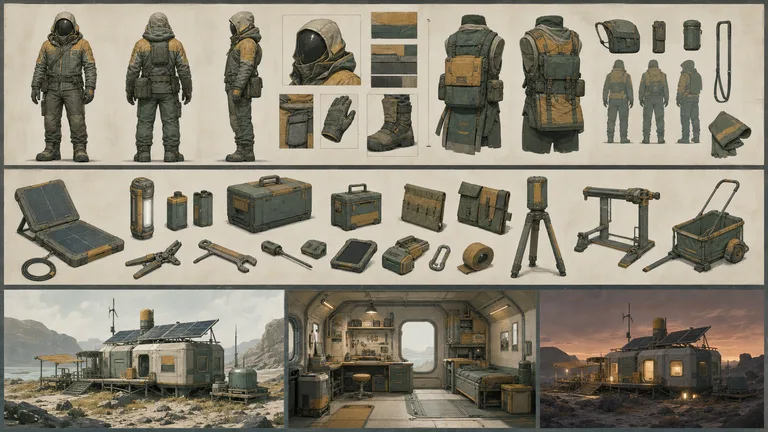
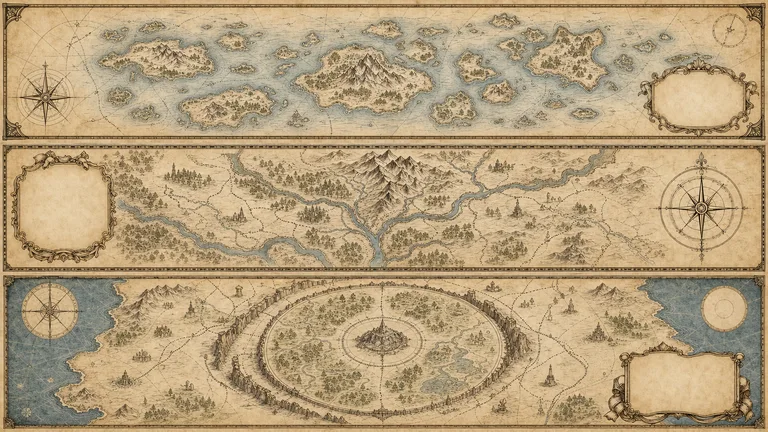
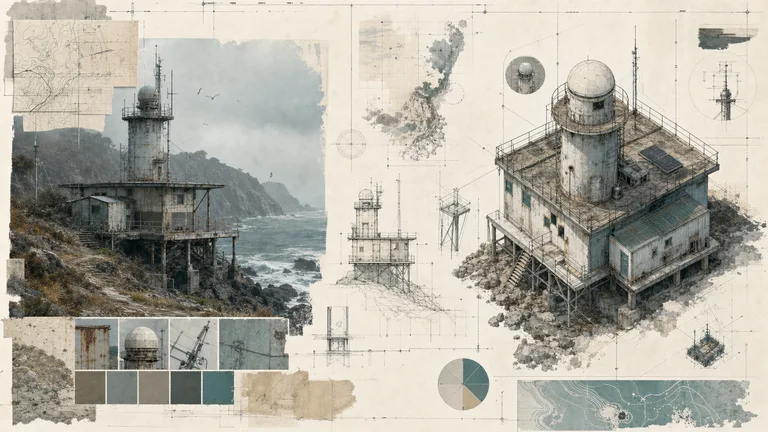
What you get
- Editorial illustrations in three distinct looks: colour-block collage with found imagery, single objects on one flat colour field, and abstract geometric prints
- Bright screen-print palettes by default, with muted archival palettes mixed in for contrast, so a series never turns grey or faded
- A short note for every image on the metaphor it uses, plus a full prompt record to reproduce it or extend it into a matching series
Good fit
- Research teams and technical bloggers who need a recognizable header style for every post
- Newsletters and publications that want distinctive cover art instead of stock photos or screenshots
- Anyone turning one article into a header, a cover and a social card that look like a set
Not for
- Photorealistic scenes, product shots, or portraits of real people
- Charts, diagrams, or infographics with labels, since the style never contains text
- Unlimited generation without a Codex image allowance or a funded FAL fallback account
Content Creation & PublishingSocial Media Content & CampaignsResearch & Technical CommunicationCreate Article IllustrationsCreate Social Card SetsCreate Covers & ThumbnailsLogic-firstStyle-lockedSeries-consistentRetro EditorialArchival CollageFlat Color BlockingSingle FieldTechnical LineworkGeometric Abstract
About this Skill
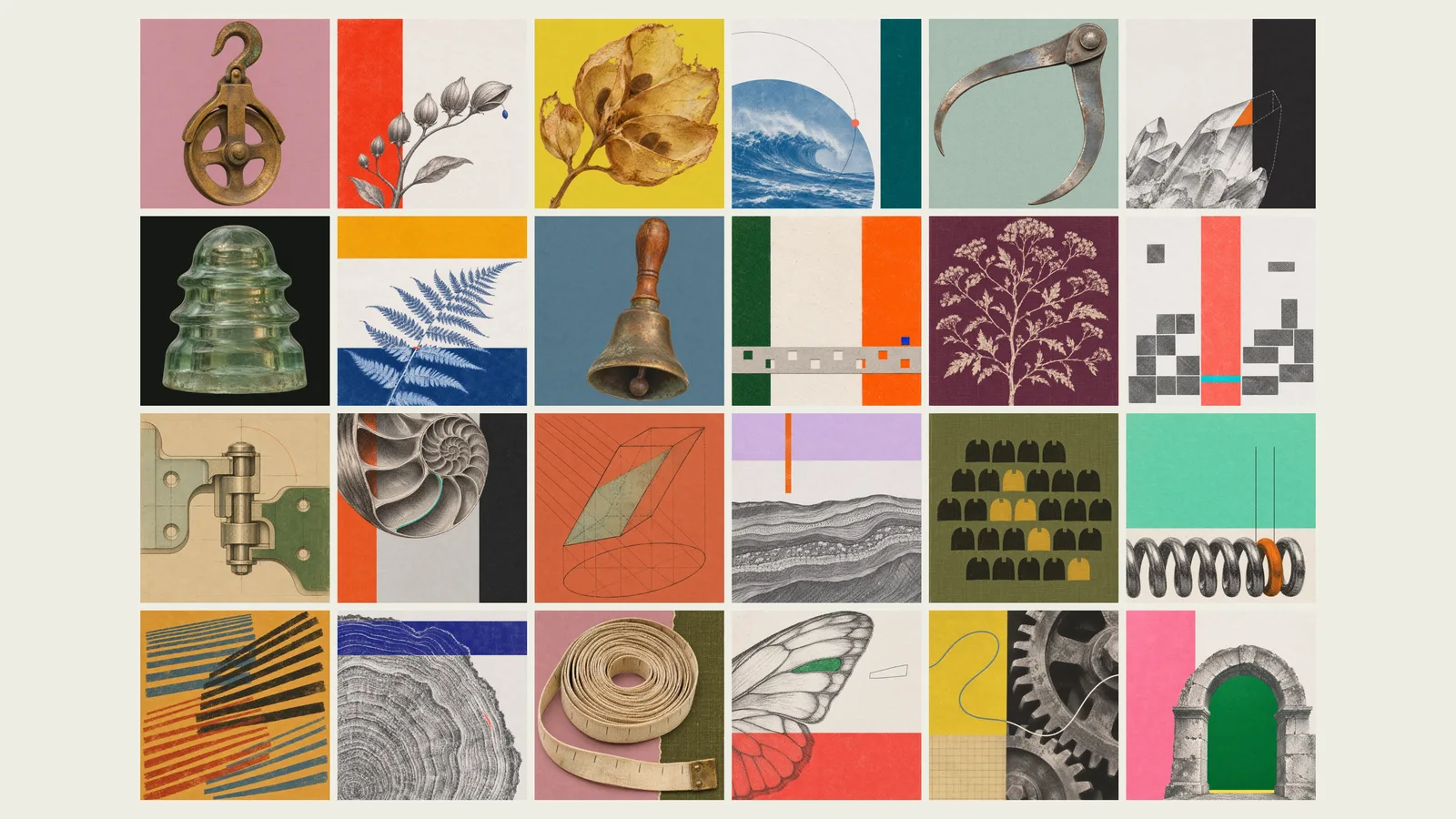
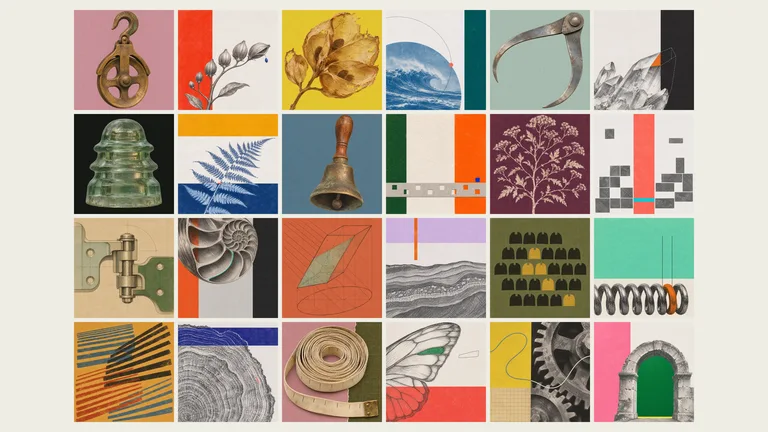
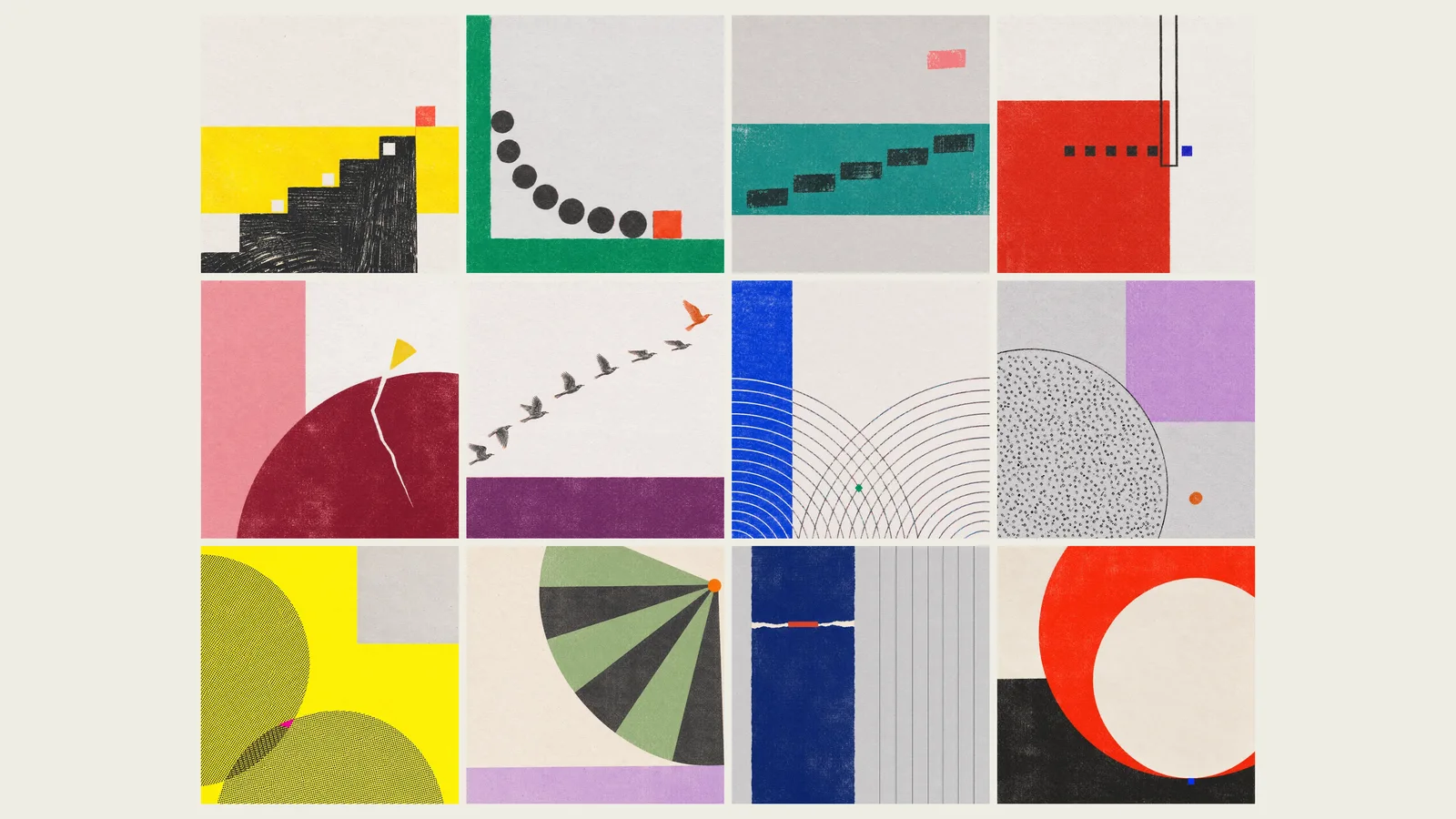
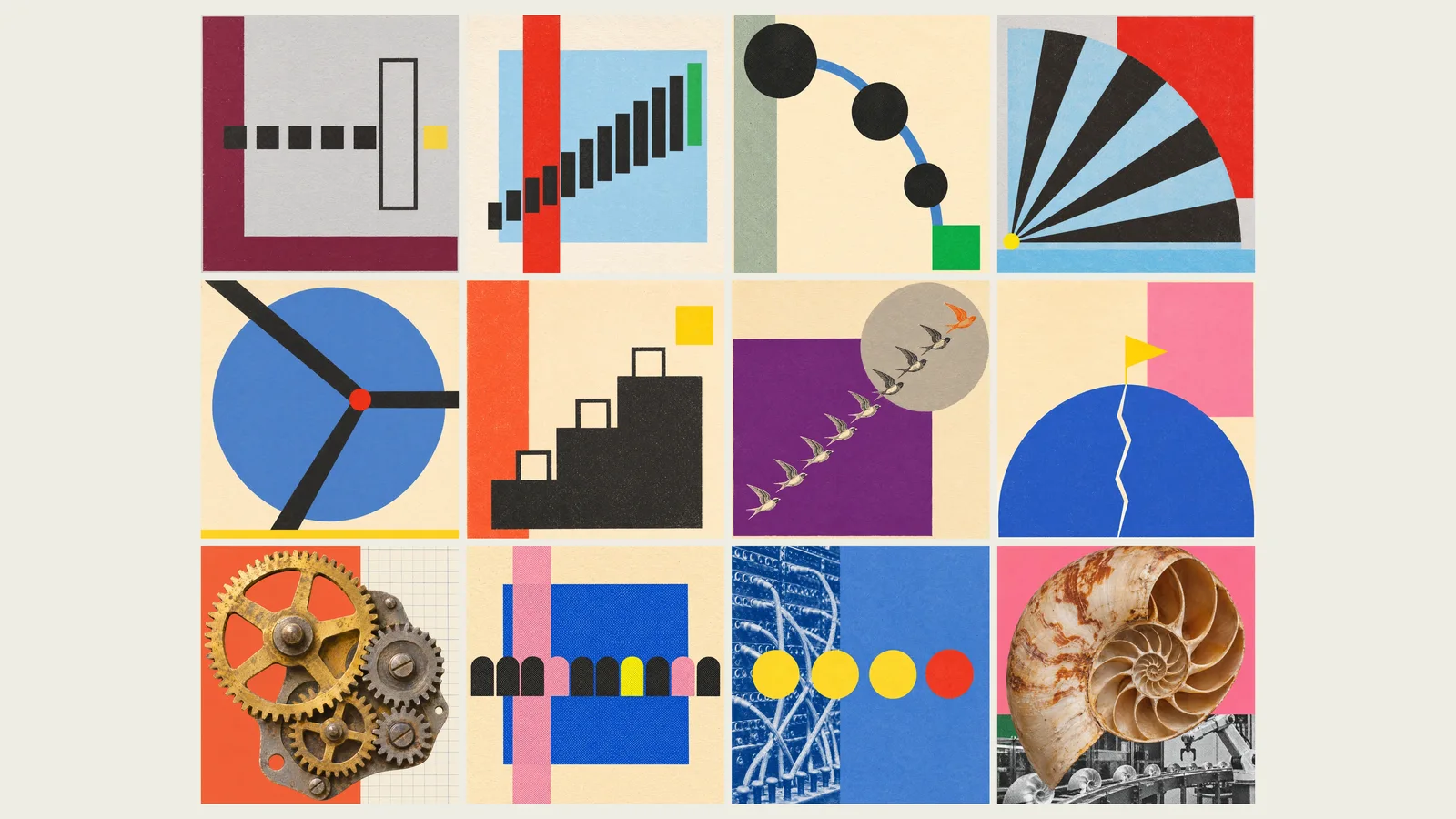
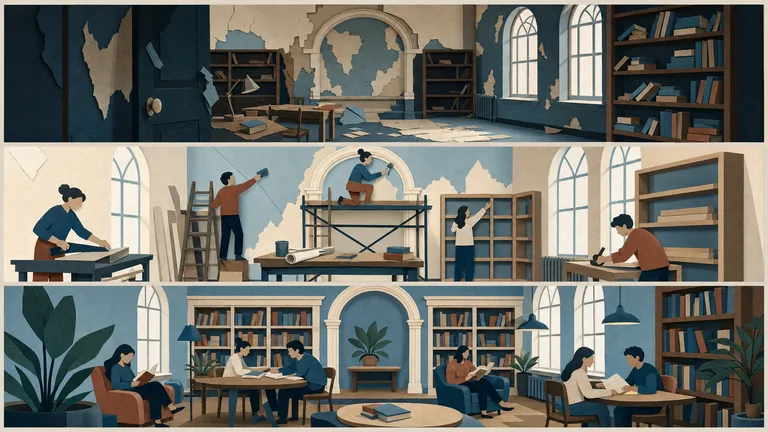
Make a varied illustration series for a report or article in three looks: colour-block collage with found imagery, single objects on a flat colour field, and abstract geometric prints. The first preview shows 24 examples together; the second and third show 12 each. Every original is square.
Bright screen-print colours lead the series, with muted archival palettes mixed in for contrast.
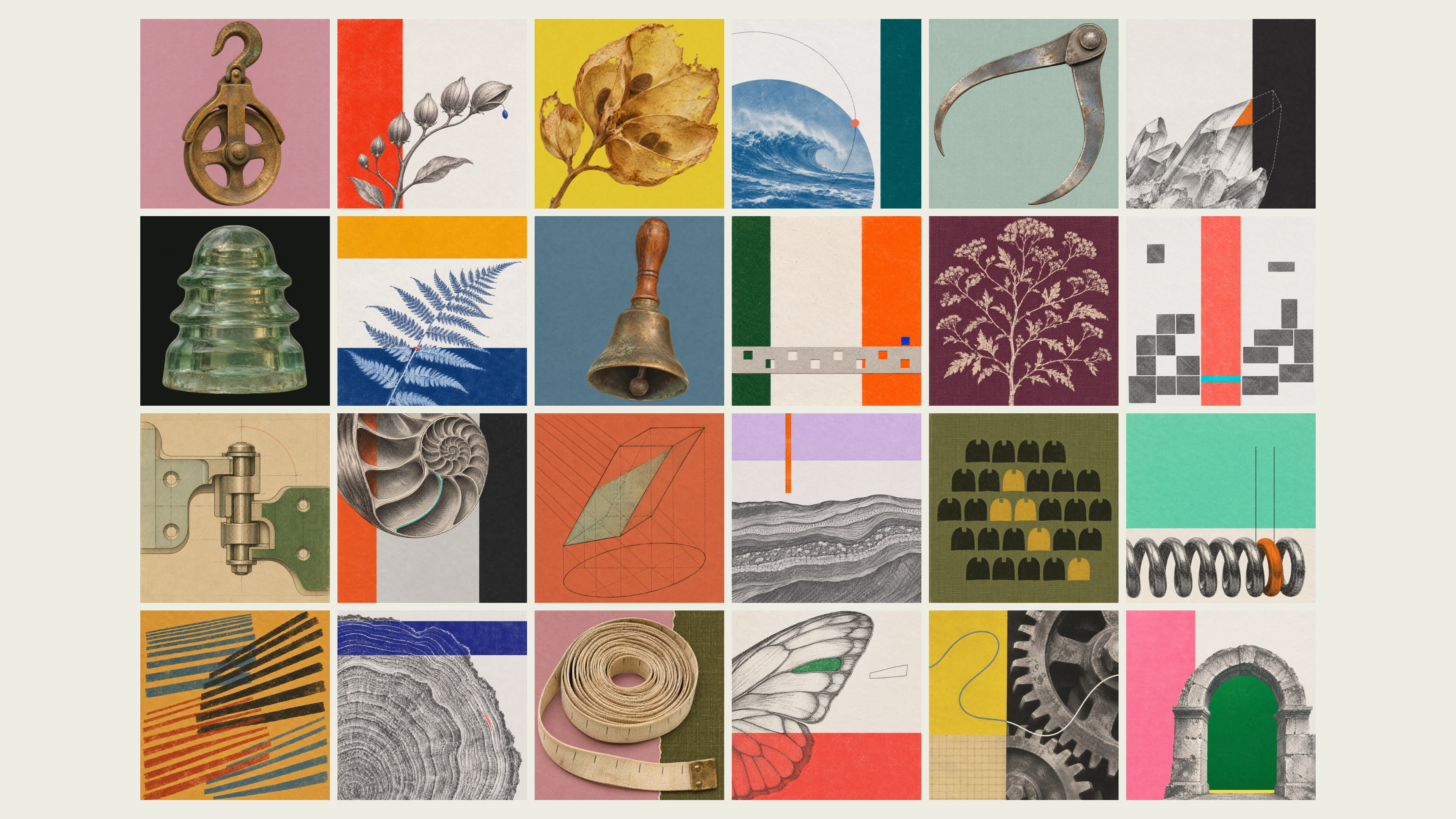
What you get
- Colour-block collage, single-object studies and abstract geometric prints in one consistent series
- Large objects that keep their natural photographic colour and patina, alongside engraving and duotone alternatives
- A recorded prompt and settings for every image, so you can extend the idea into a matching set
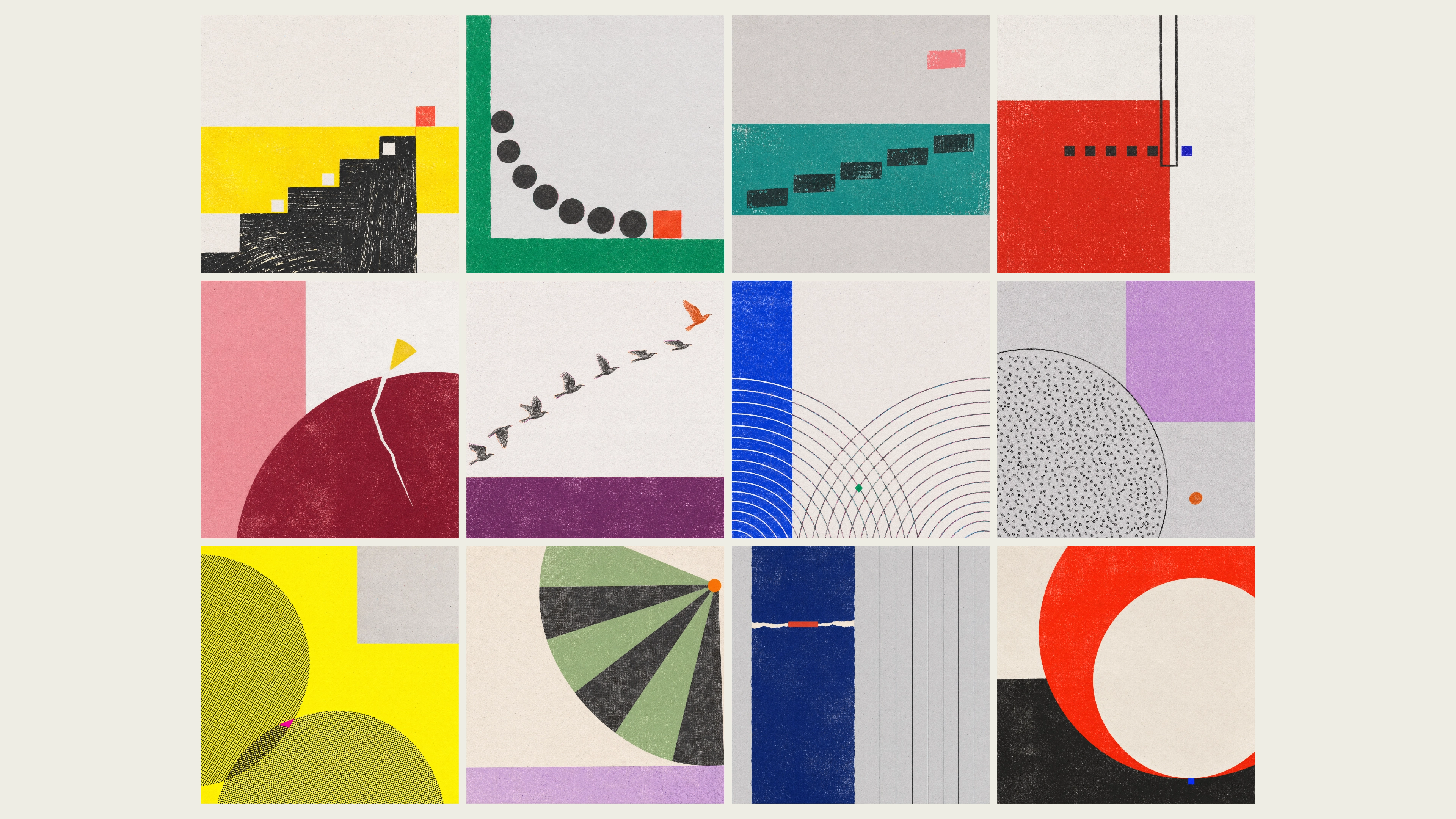
How to use it
- Paste the title, abstract or article.
- Choose the aspect ratio and how many images you want.
- Keep the default mix, or ask for one look only (collage, single objects or abstract geometric) and for bright or muted colours.
- Ask for new variations at any time; each request can start from fresh combinations.
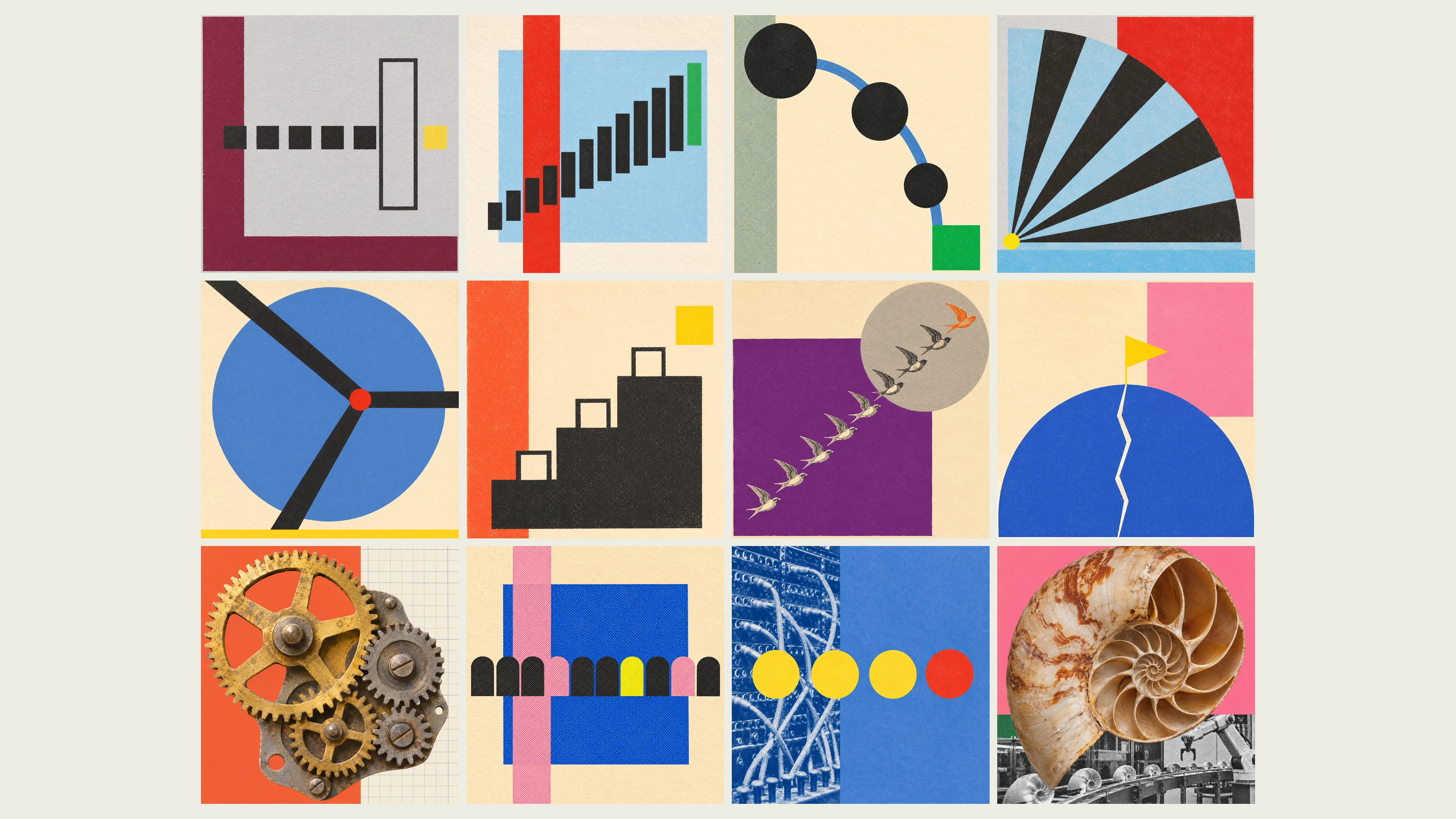
The Skill prefers Codex image generation in the current session or a signed-in local Codex CLI. Only when neither is available does it use FAL with your FAL_KEY, billed per image. Paid batches need your approval before submission.
What you need before you start
- You bring
- The title, abstract, or text of the article the illustration is for — required · Aspect ratio and how many variations you want — optional
- Dependencies
- Codex built-in image generation or a signed-in local Codex CLI (default); otherwise FAL_KEY for GPT Image 2 or Nano Banana Pro — one route required · Python 3.9 or newer with Pillow and NumPy — required
- Outside costs
- Codex image generation uses your existing account allowance. Only when neither the host tool nor local Codex is available does the Skill use FAL_KEY for paid FAL requests. Paid batches need approval unless already authorized. Codex failures stop without switching providers; failed or uncertain submissions are never automatically resubmitted.
- Last tested
- v1.0.3 — Claude Code / Claude Desktop / Cowork / Codex / ChatGPT
User reviews
Loading reviews…