CreatorMotion · Title Scene Takeover


 +6
+6
Install one of these Skills, then ask your agent for a video like this one.
The author shared part of the prompt.
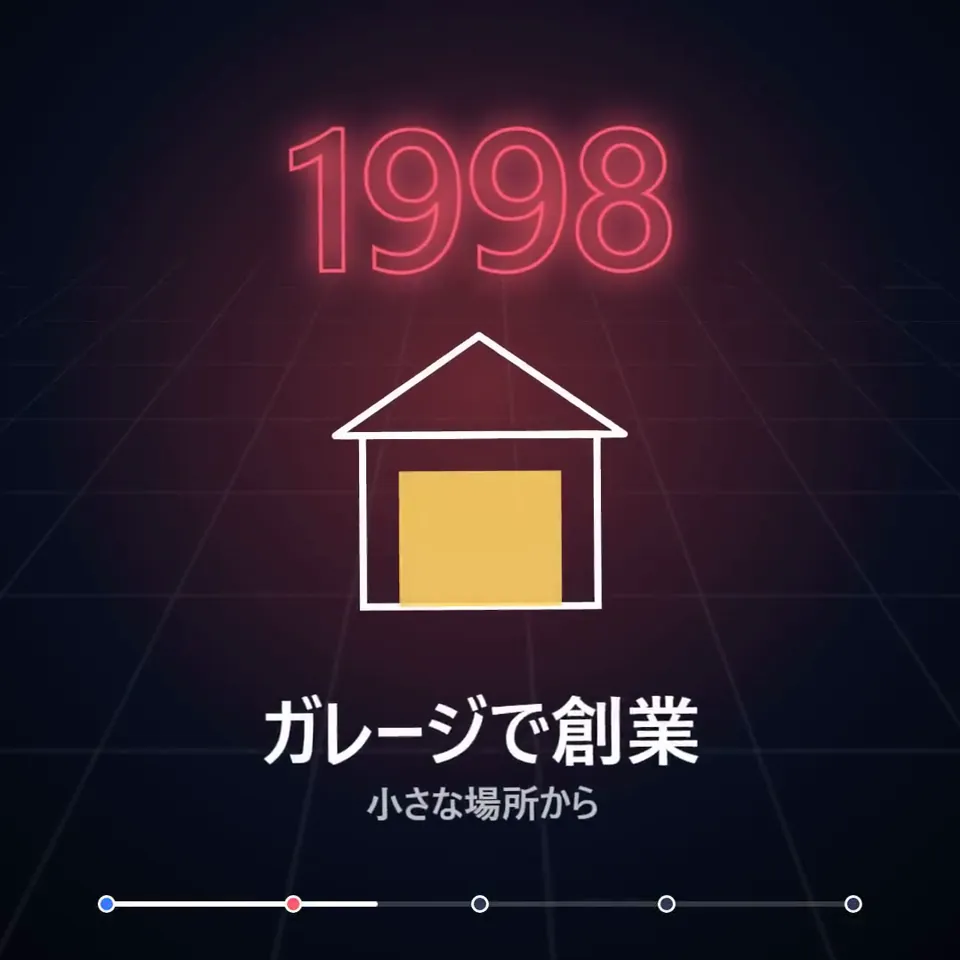
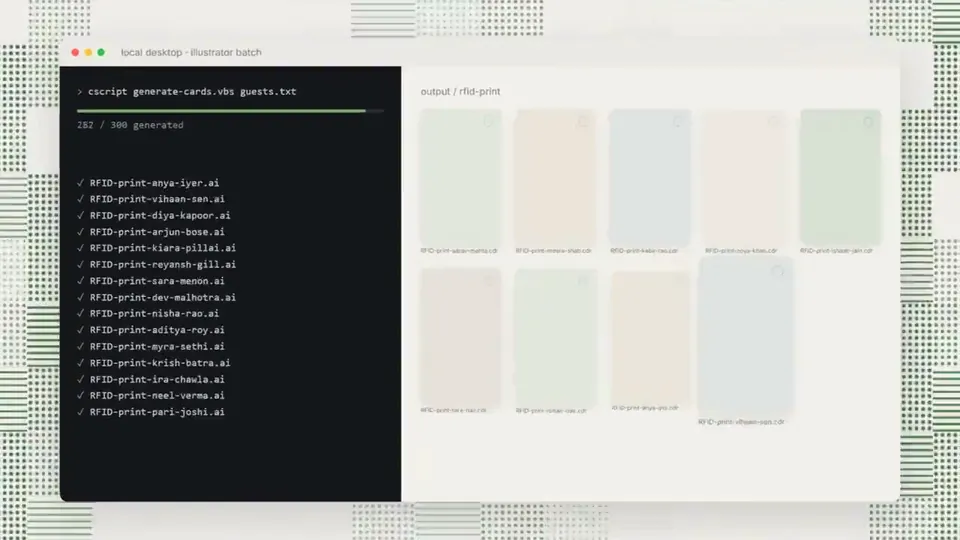
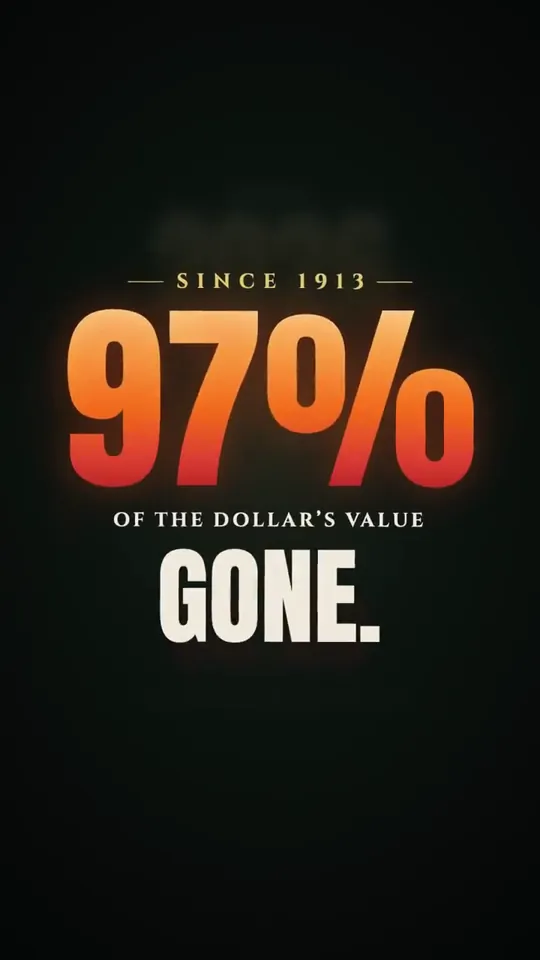
I used Opus 5.5 to generate 50 podcast animations for extremely hard to visualize concepts like Jev for Legal.  Absolutely blown away.

We're about to see an explosion of visual podcasts, this entire medium is about to shift

Sharing my prompt below.

【作者补充制作说明】
Go through the entire [episode] cut and add full-screen animations and graphics wherever they help. Be aggressive and over-inclusive: 35–50 moments, at least 2 per chapter. The goal is to fill empty talking-head time, explain ideas, and create visual hooks.

Style. Pick an aesthetic that's genuinely interesting and very, very cool, built in JavaScript with HyperFrames and assembled in Tesseract. Inspiration (all JS, no image assets):

https://x.com/Voxyz_ai/status/2102531681450119426: paper, typewriter-tape labels, hand-drawn marks
https://x.com/donaldjewkes/status/2102801274173587569: halftone, manga and pixel print, kinetic data type

Stay inside the LegalQuants brand (read brands/legalquants/): charcoal, white and black only, Arial, and the supplied lockup top-right, static. Write a shared style bible and a component kit first, so every animation looks like the same show.

Moments I definitely want:

[LIST]

Rules

Whenever anything goes full-screen (animation, screen share or still), one of us is in a corner picture-in-picture, bottom-right, following whoever is talking.
No punch-ins or zooming on the cameras. Keep each speaker relatively centered.
Copy must be verbatim or faithful to what's said. Never invent facts, numbers or quotes.
Sync each animation's beats to the spoken words.
Keep each graphic inside one uncut stretch of audio, and leave a few seconds of faces between graphics.

Process

An Opus 5.5 agent at extra-high effort finds every timestamp where an animation could fill space and hook the viewer, with a concept for each.
Opus 5.5 at medium effort builds each animation.
Opus 5.5 at extra-high effort judges each one once on brand consistency with the others, visual interest, relevance to the narrative and creative judgment.
Only cues the judge considers egregiously bad go back for a fix. No blanket redo loops.
Assemble the full cut with PiP baked into every full-screen visual, and give me a folder of the individual animations.
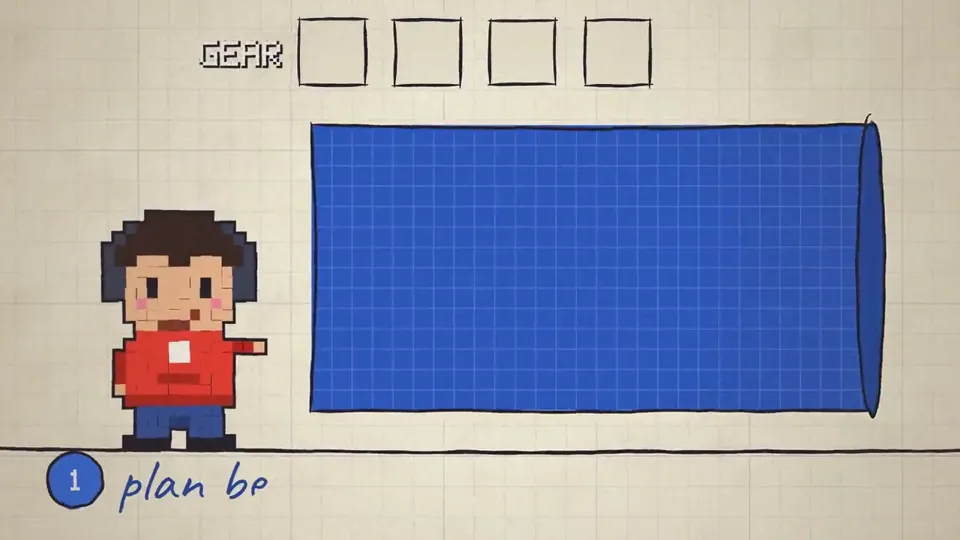 Explainers0:43Opus 5.5 is an absolute BEAST in creating videos.
I am extremely shocked because my previous attempts with GPT-6 Astra and Grok 4.6 were quite underwhelming, far from production ready video.
The leap here is gigantic.
This is a ZERO shot video.
【作者补充制作说明】
Why Opus 5.5 is so impressive is because it's is not a video generation model. It uses pure code to generate the sound effects, the music. All of the animations are done with CSS/HTML/JS, it doesn't use any video or image assets.
This is extremely useful for creating detailed explainer videos where you need very fine control over the inf…
Explainers0:43Opus 5.5 is an absolute BEAST in creating videos.
I am extremely shocked because my previous attempts with GPT-6 Astra and Grok 4.6 were quite underwhelming, far from production ready video.
The leap here is gigantic.
This is a ZERO shot video.
【作者补充制作说明】
Why Opus 5.5 is so impressive is because it's is not a video generation model. It uses pure code to generate the sound effects, the music. All of the animations are done with CSS/HTML/JS, it doesn't use any video or image assets.
This is extremely useful for creating detailed explainer videos where you need very fine control over the inf…