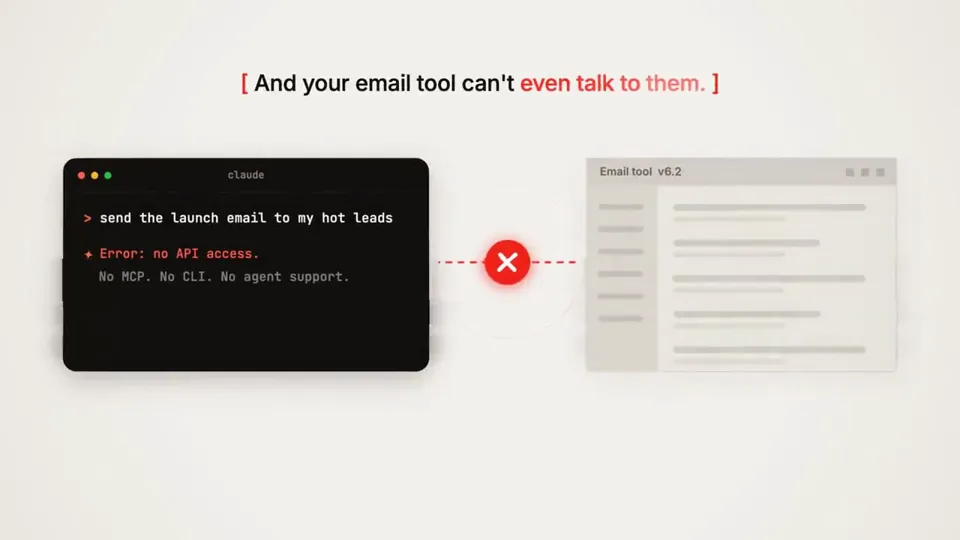
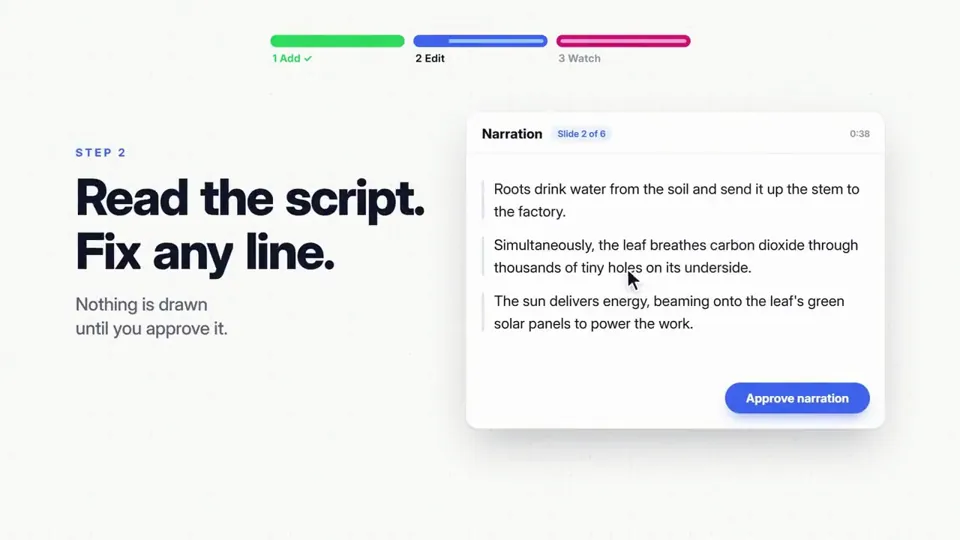
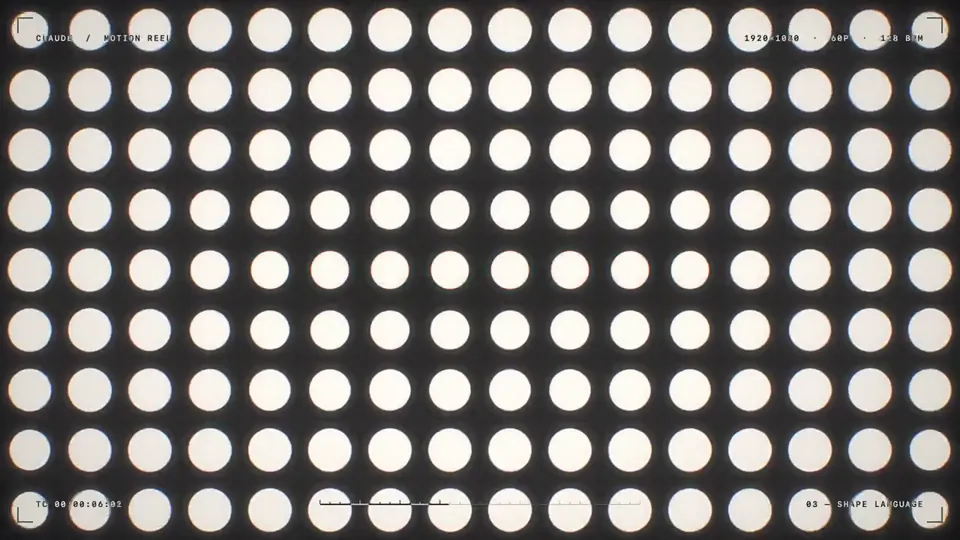
 Motion graphics0:15make a dynamic 15-second motion graphics video that shows what an incredible motion designer you are, like it's your showreel for a résumé. go all out.
@kennGLSLCanvas
<inputs>
Ask me for: 8 to 12 UI states I want the shape to become (e.g. button, loader, player, slider, toggle, tabs, chart, command palette, toast), pure black and white or one accent color, and a royalty-free song around 120 BPM (e.g. Mixkit, free for commercial use).
</inputs>

<direction>
Dribbble-level UI motion. One shape, never cut: every state is the same element morphing its size, radius and color while its content swaps with a short blur. A cursor drives every change with real clicks and drags. Light warm-gray canvas, black and white components, one clean UI font (Geist). Springs everywhere, a tiny overshoot at most. The camera zooms so each state fills the frame. The last frame is the first frame, so it loops.
Banned: bouncy easing, particle bursts, glows, gradients on UI chrome, mismatched icon strokes, dead time, anything that looks like a template.
</direction>

<structure>
120 BPM, 7 bars, something happens on every beat.
Button → loader → check → dynamic island → music player with a play/pause morph → scrub the progress bar → it becomes a volume slider that stretches when dragged past max → a toggle flips on the beat → the knob becomes a liquid tab indicator → the tabs open into a chart that draws itself, with a tooltip on hover → it collapses into ⌘K → type to filter → enter → toast → back to the button.
</structure>

<build>
1. One HTML file, square 1440x1440. Every style is computed from time inside seek(t): no CSS transitions, no timers, no state carried between frames.
2. Springs are closed-form step responses. A value that changes target many times is the sum of one spring per change, so it stays a pure function of time.
3. The tab indicator's two edges ride different springs, so the leading edge stretches ahead of the trailing one. Same trick for the toggle knob.
4. Drags are direct manipulation: while the cursor is held, the value is computed from its position. On release it springs back from wherever it was.
5. Analyze the song with numpy for the beat grid and start on a downbeat. Place every UI sound by its measured peak.
6. Render with Playwright: 4 subframes per frame, blended with ffmpeg tmix for motion blur at 60fps.
7. Render one frame per beat before the full render. Fix anything off the grid, cramped or hard to read.
</build>

<gotchas>
Never put will-change on anything the camera scales or the text renders blurry. Text that swaps inside a morphing container needs its own enter and exit timing or it overlaps. Make the last frame identical to the first, cursor position and speed included, or the loop stutters.
</gotchas>

<start>
Ask me for the inputs, then show me the state list on the beat grid before you write any code.
</start>
 Motion graphics5:06I've included an MP4 file and an original link to a video that is called "Claude Pop." It's a pop song that is about increasing rate of progress and the experience of the singularity approaching.
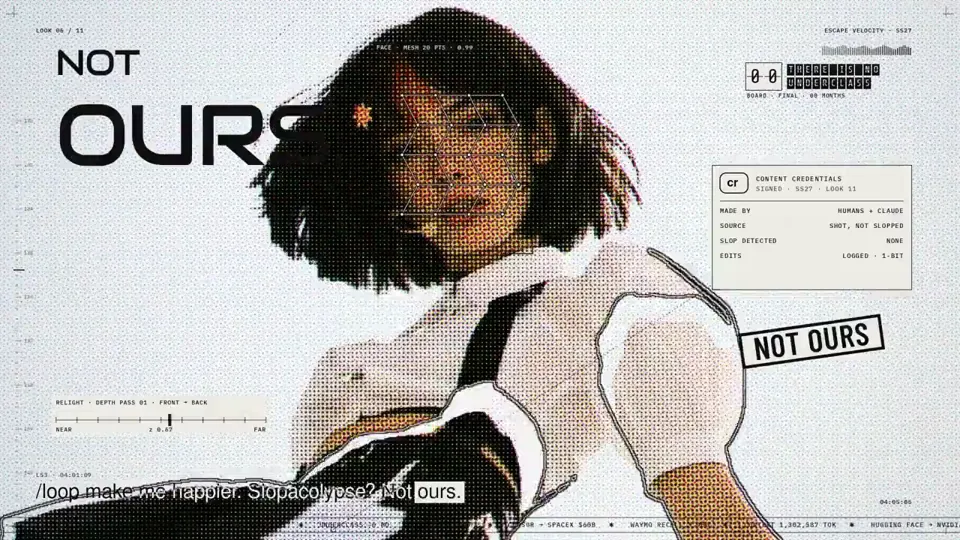
I want you to independently do an end-to-end complete pass on making an updated version of this video. Use the exact same audio track and think and feel very deeply about what is the best way to visually represent all of the lyrics on screen. You do not need to anchor to the current style, you can do truly anything that you think might best let you visually express yourself, including abstract motion…
Motion graphics5:06I've included an MP4 file and an original link to a video that is called "Claude Pop." It's a pop song that is about increasing rate of progress and the experience of the singularity approaching.
I want you to independently do an end-to-end complete pass on making an updated version of this video. Use the exact same audio track and think and feel very deeply about what is the best way to visually represent all of the lyrics on screen. You do not need to anchor to the current style, you can do truly anything that you think might best let you visually express yourself, including abstract motion…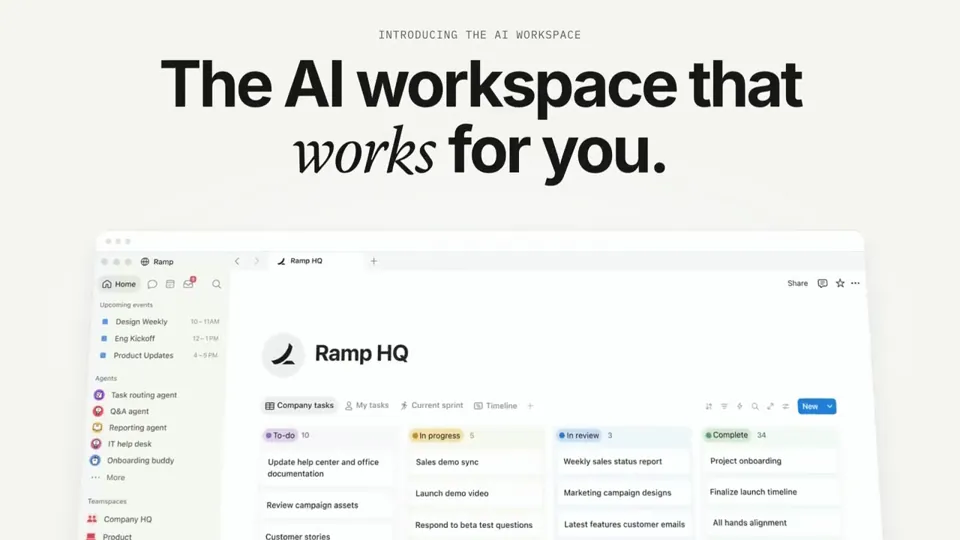 Motion graphics0:46I want you to create a highly professional SaaS product launch video. Go and find some SaaS, preferably just one that people know, so it's easier to identify with it. Pick that, and then make sure to get actual assets and images and all of that stuff from the internet. Turn it into these typical, very professionally edited, motion-graphics-styled product launch videos that you see people making on Twitter when they launch new SaaS products (which are showing off the features, the benefits, and all of these things).
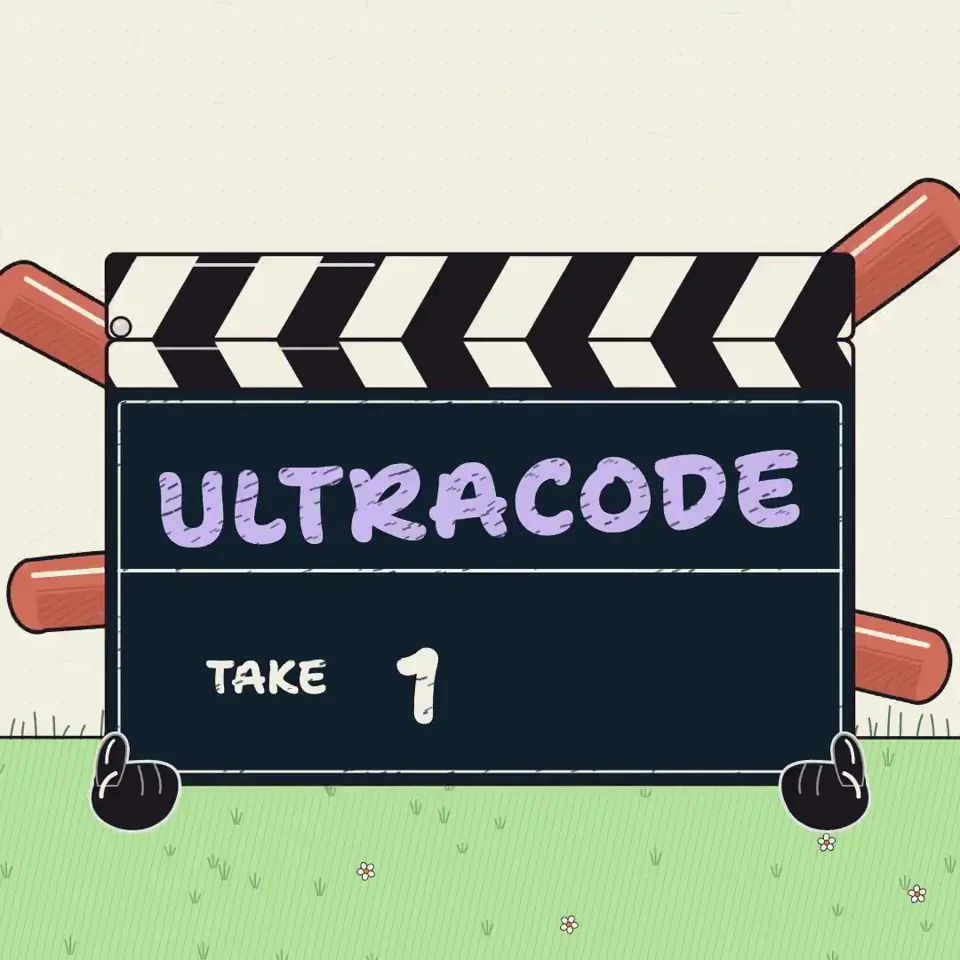 Motion graphics0:29I want to try something different here. You should act as a world-class animator and create an animation to go along with an X post that talks about how Ultra Code and Claude Code are now much more relevant due to the efficiency of Opus 5.5. You can use it without annihilating your usage limits
the style of the video here
/Users/danielmcateer/Downloads/jvnZ3SyyxxajVatp.mp4
What I had in mind was start with Claude Code in the terminal from the first attached video, with me navigating to the 'ultracode' reasoning effort, then exploding into a scene where the Claude icon characters similar…
Motion graphics0:29I want to try something different here. You should act as a world-class animator and create an animation to go along with an X post that talks about how Ultra Code and Claude Code are now much more relevant due to the efficiency of Opus 5.5. You can use it without annihilating your usage limits
the style of the video here
/Users/danielmcateer/Downloads/jvnZ3SyyxxajVatp.mp4
What I had in mind was start with Claude Code in the terminal from the first attached video, with me navigating to the 'ultracode' reasoning effort, then exploding into a scene where the Claude icon characters similar…